View Categories

How to propose a Care Review change on Cloud

This guide shows you how to propose a Care Review change in Care Control Cloud, whether you’re updating a care review, making an amendment to a care plan review, or adjusting information that needs to be refreshed.

Proposing a change is useful because it allows you to highlight anything that may affect the person’s wellbeing, such as new risks, changes in needs, updates from professional visits, or improvements in their abilities. It helps ensure the care plan remains accurate, person-centred, and aligned with the most up-to-date information. By following the steps in this guide, you can easily open the review, record the changes that need to be made, and submit them for approval so the care plan stays current and reliable.

Interactive Guide

Text based guide

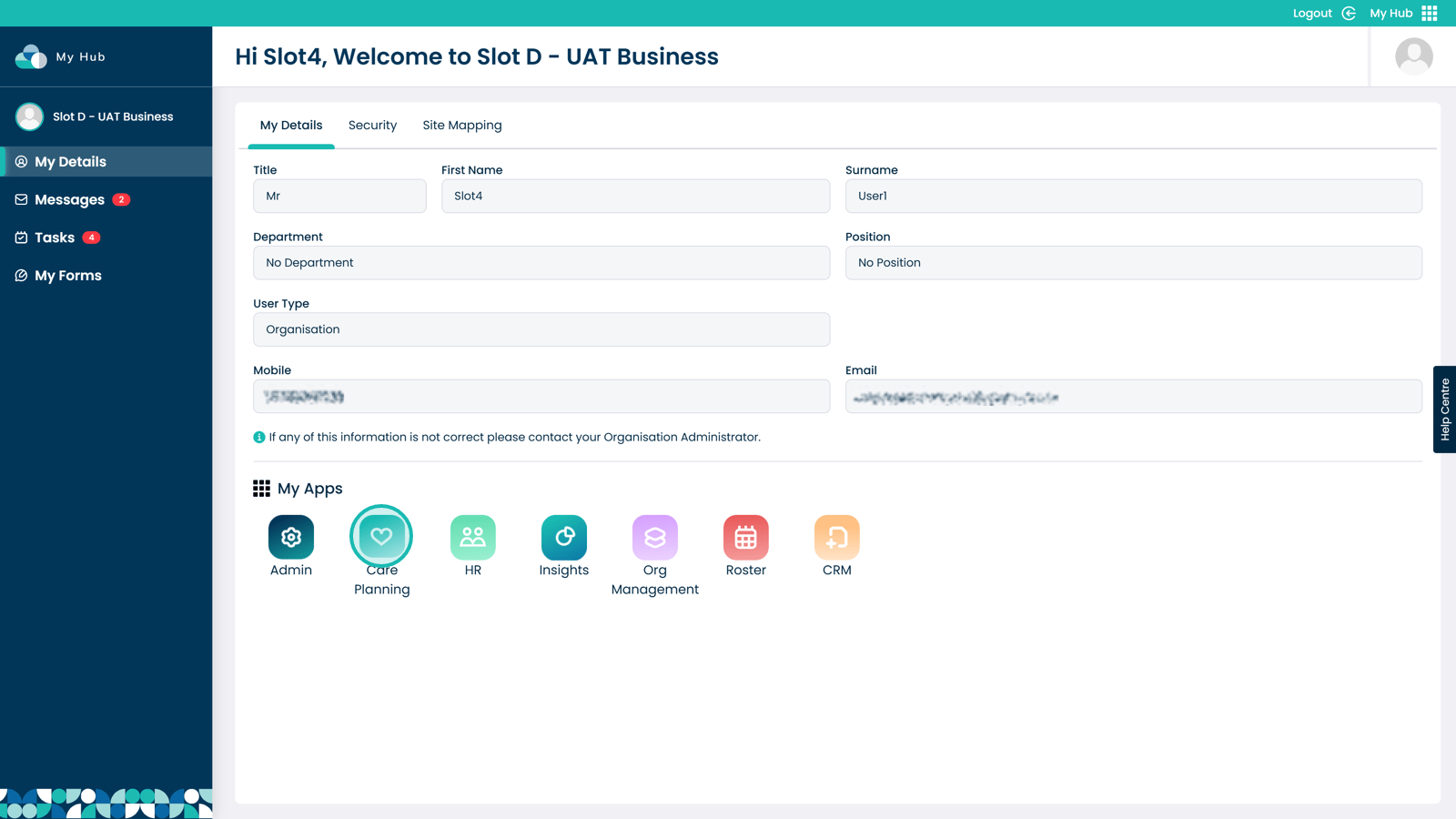
Open the Care Planning App
 

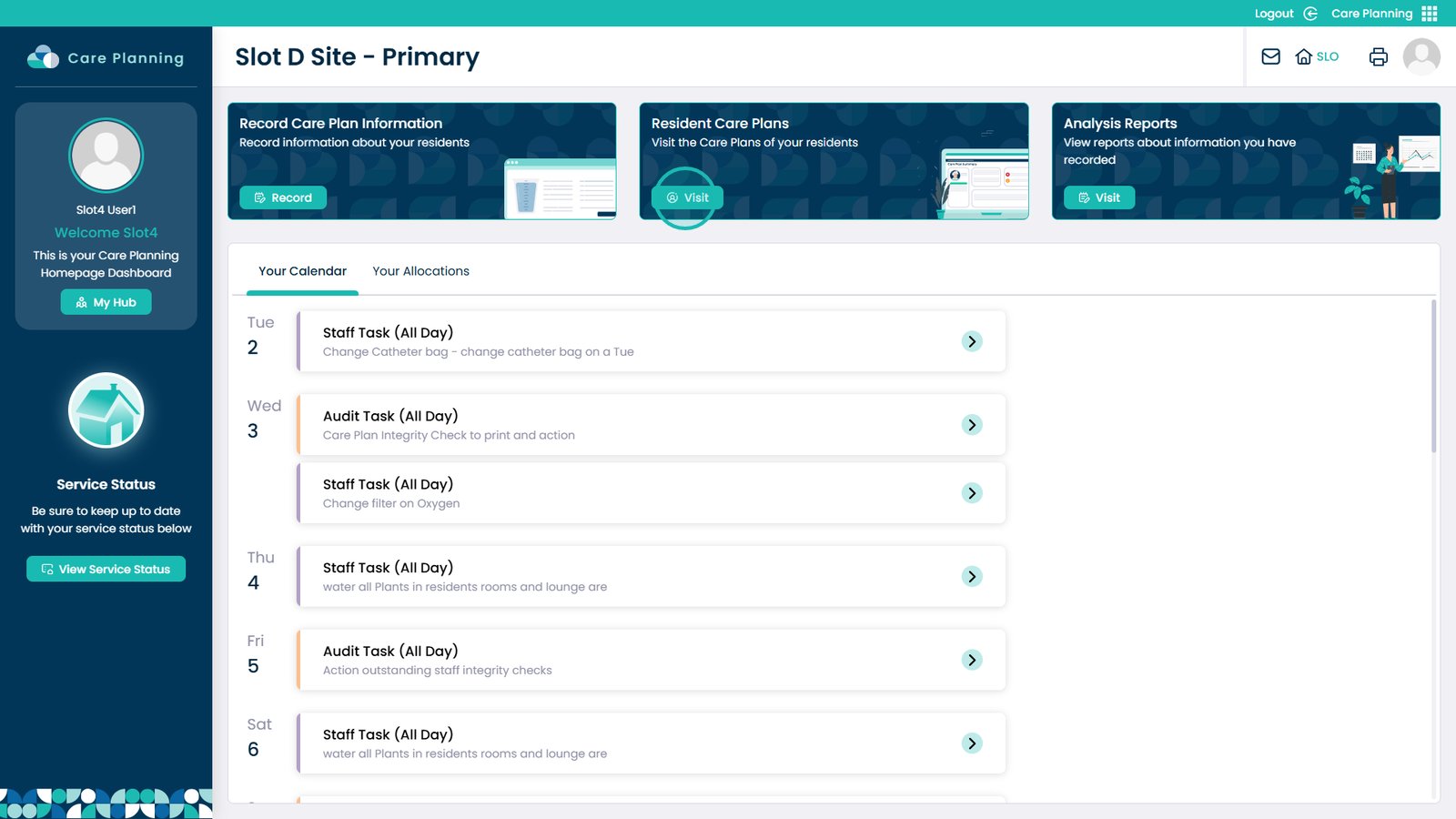
Select Visit under Resident Care Plans
 

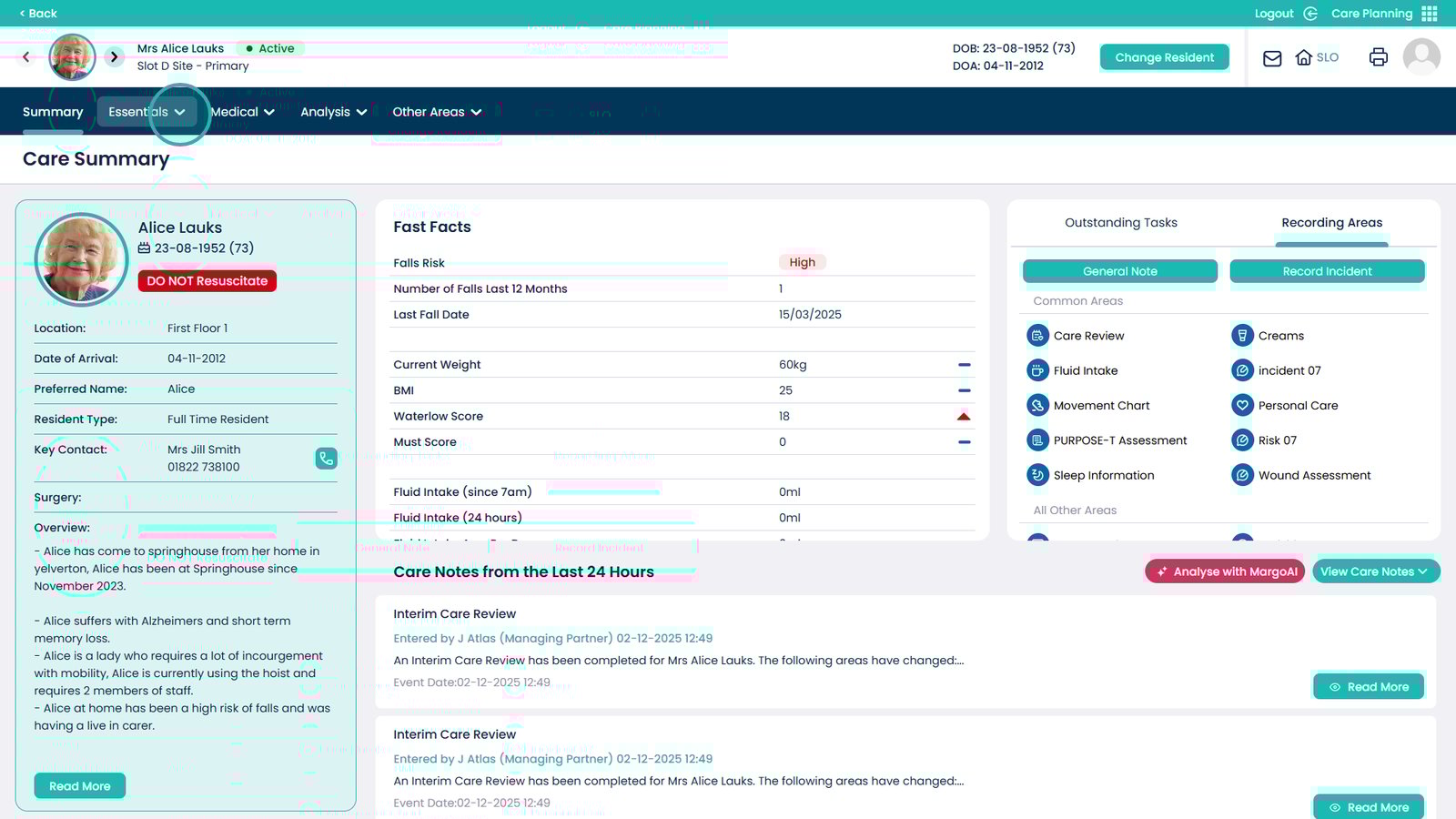
On your selected Service User, open the Essentials dropdown menu
 

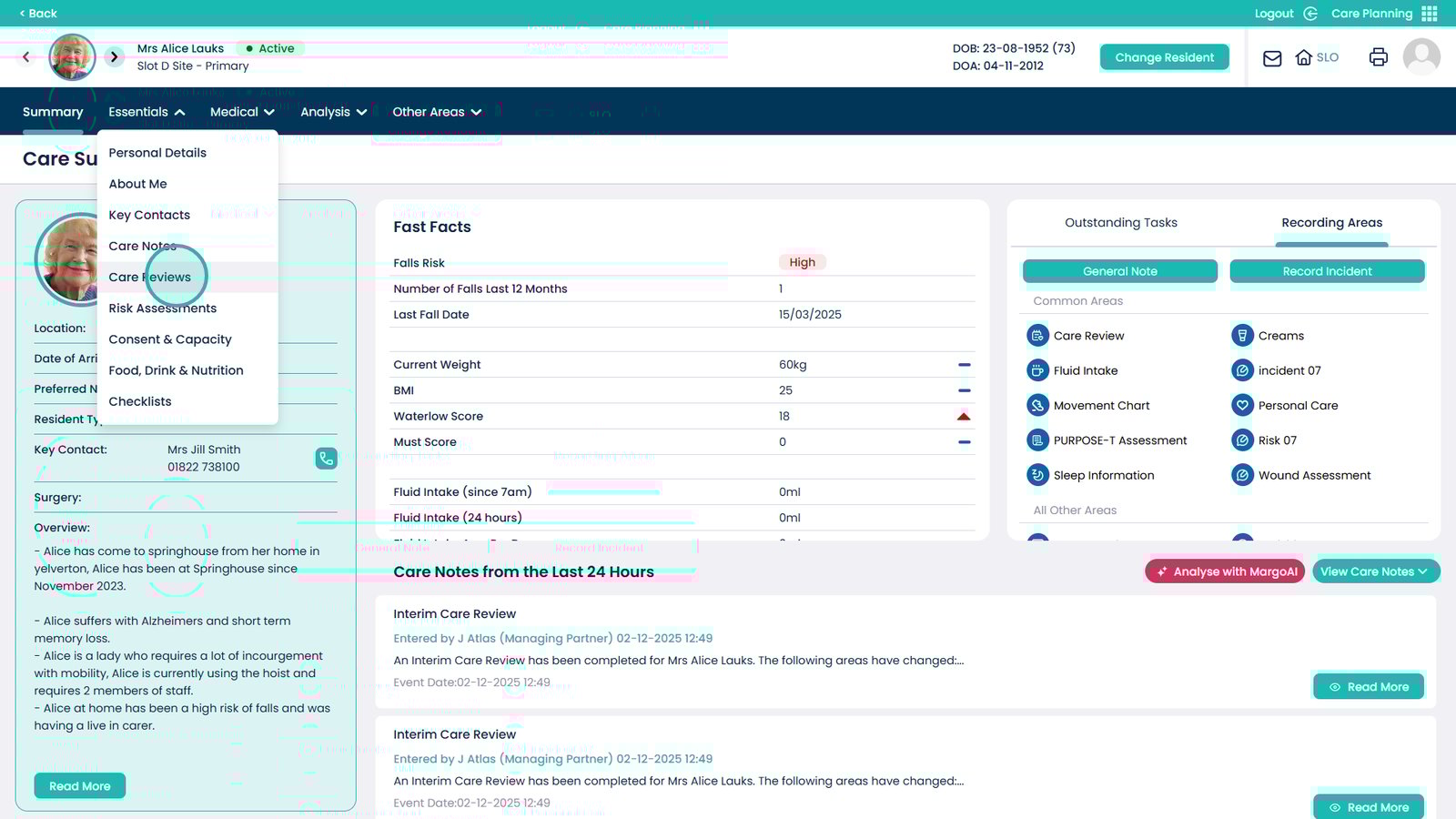
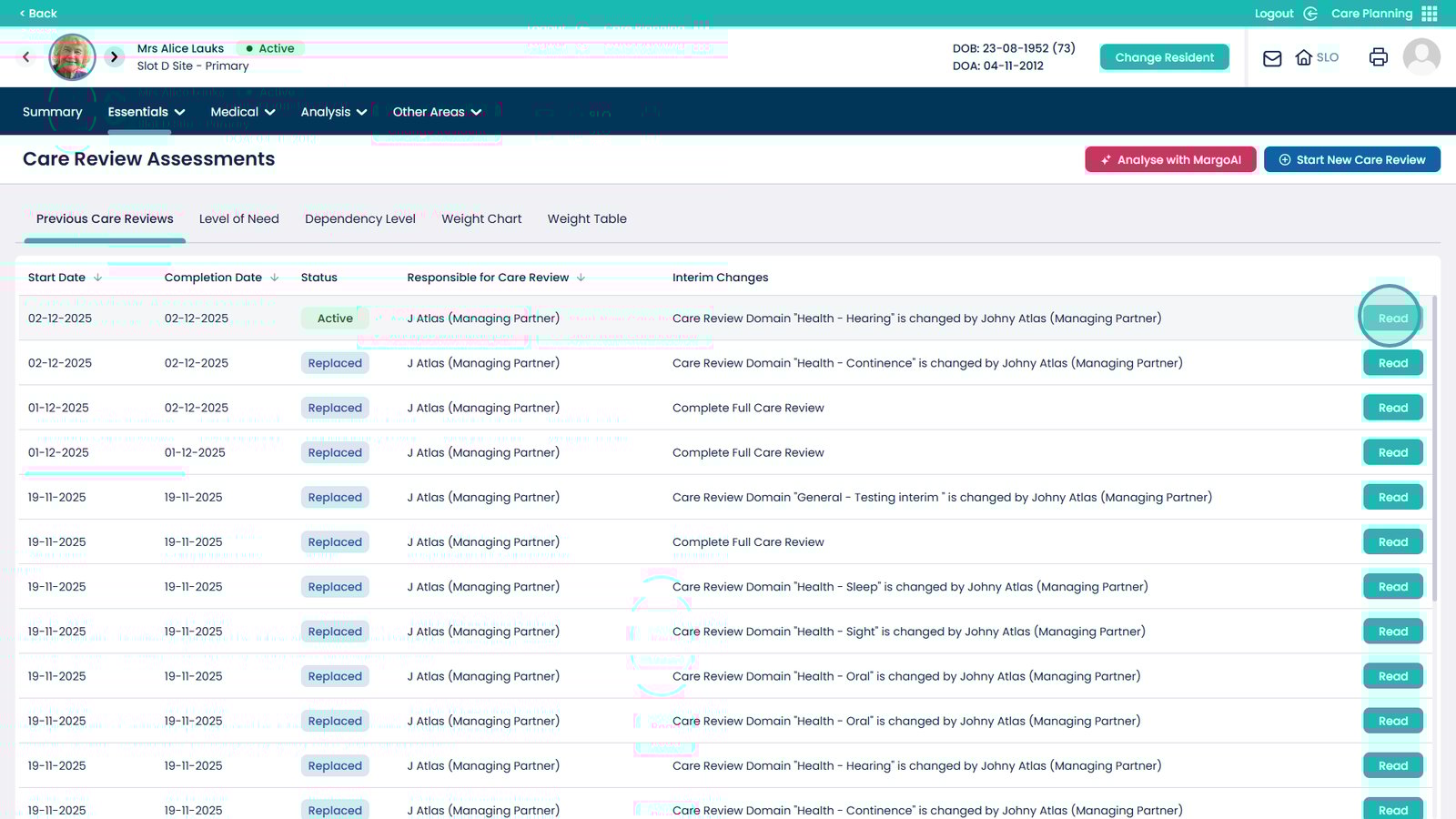
Click to open the Care Reviews
 

On the latest Care Review, select Read
 

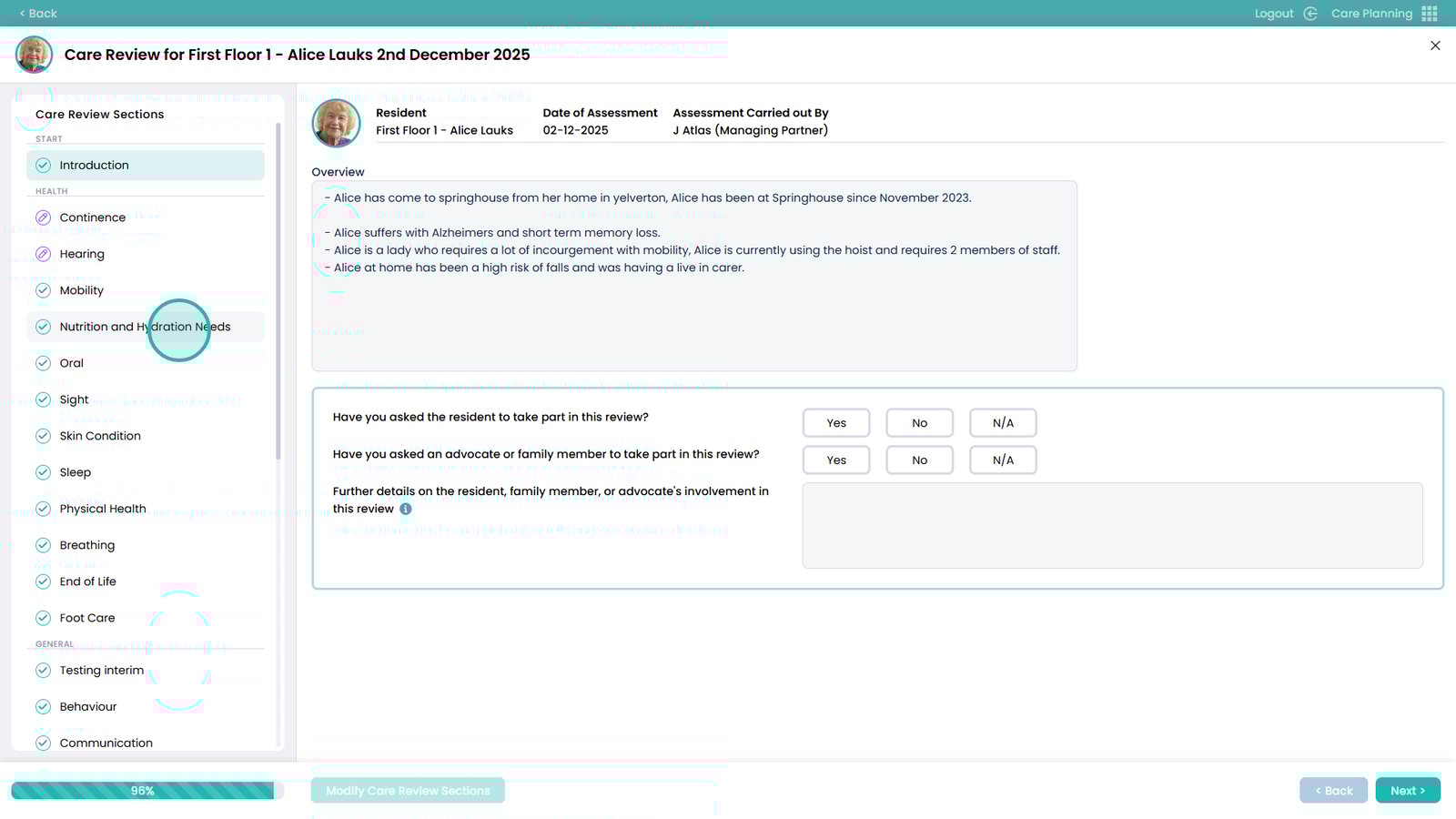
Choose the section you wish to propose a change for from the left hand side
 

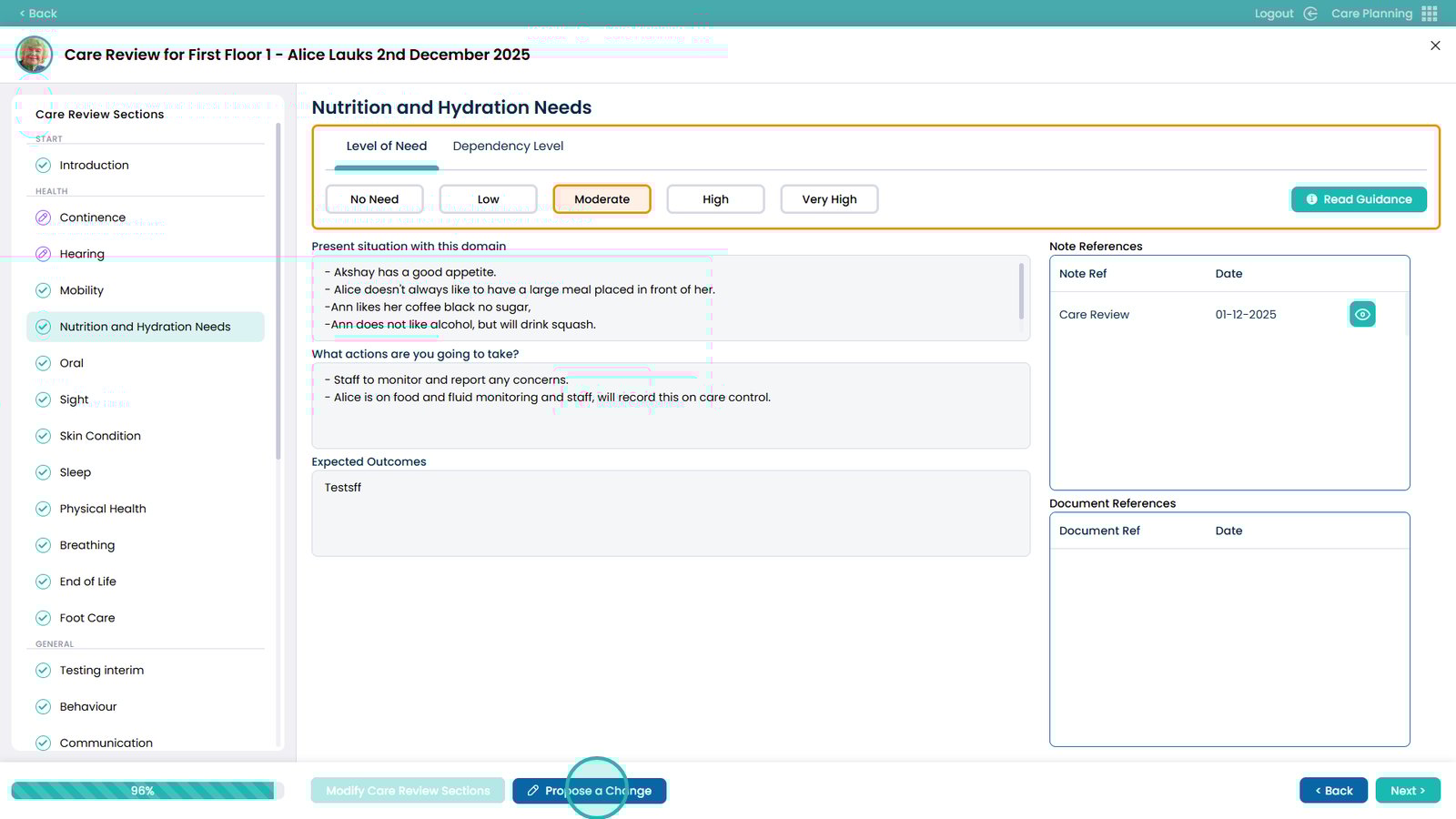
Click Propose a Change
 

Modify the area(s) you wish to propose a change for. You can also add Note References and Document references if required
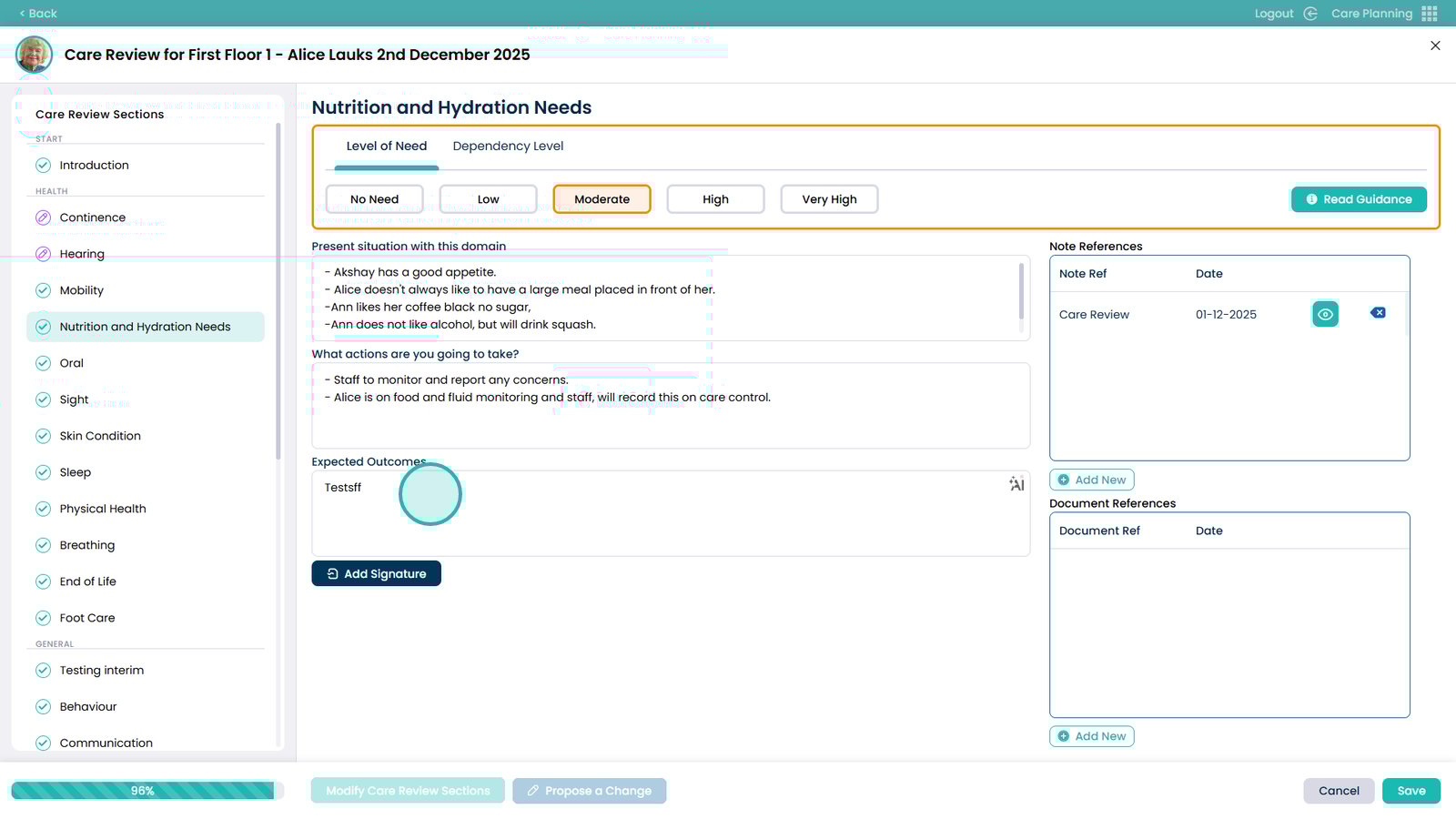
 

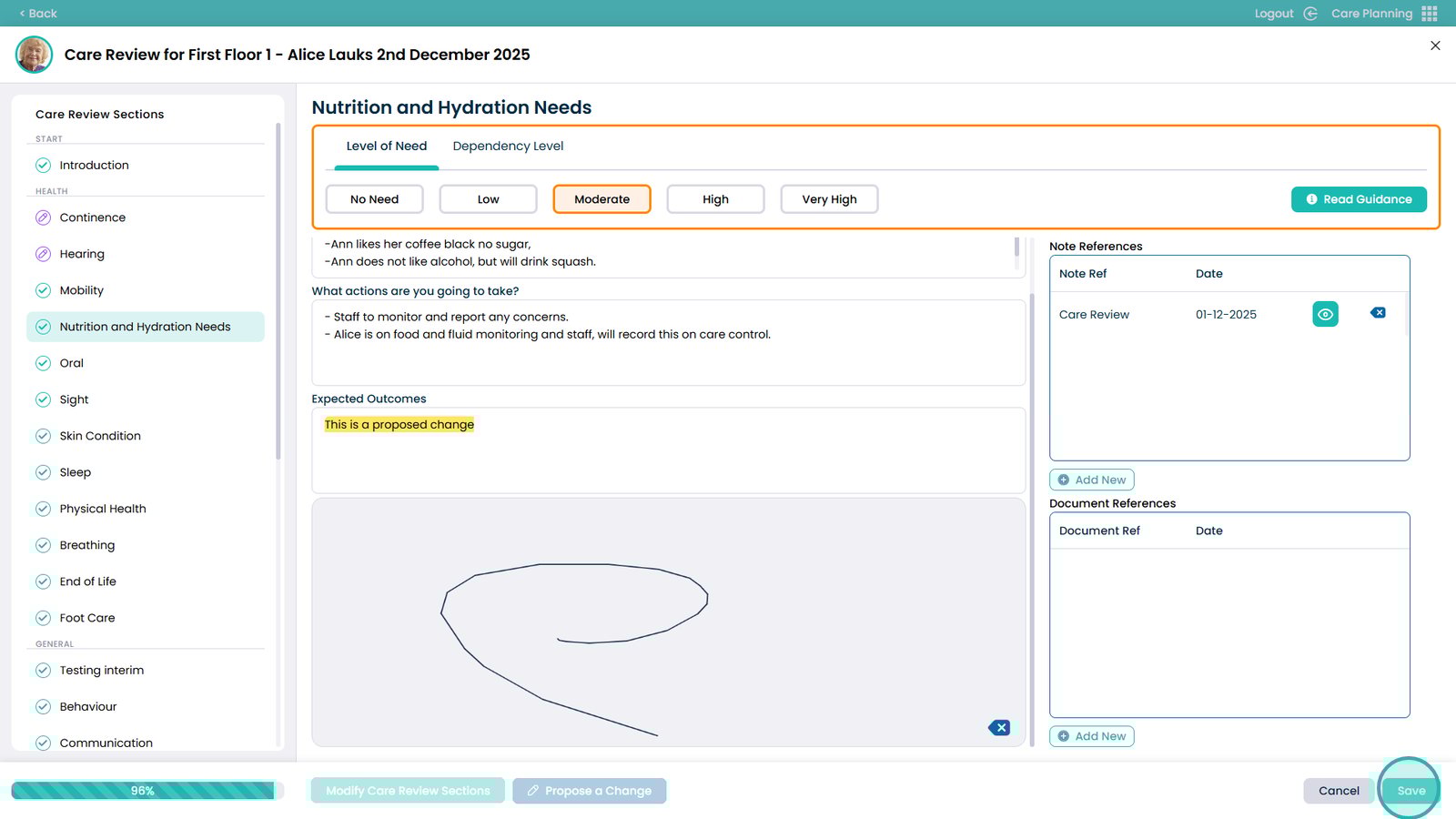
Changes made will be highlighted
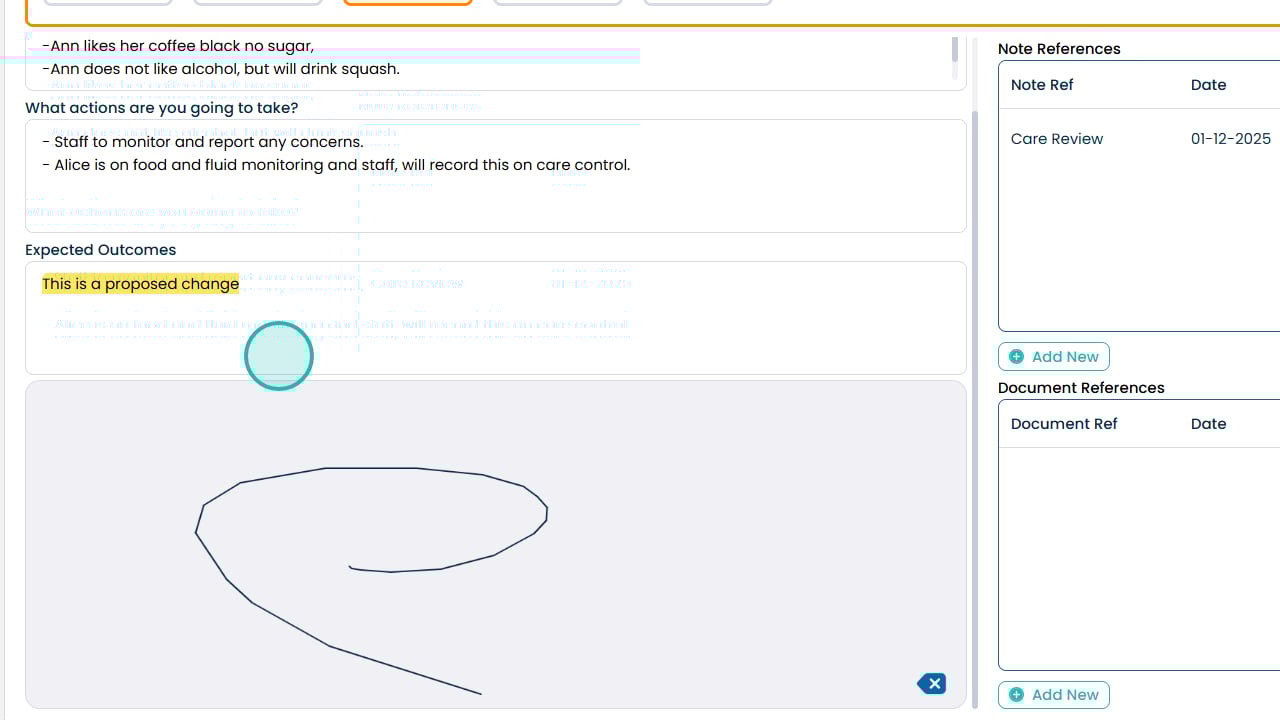
 

Click Save when done
 

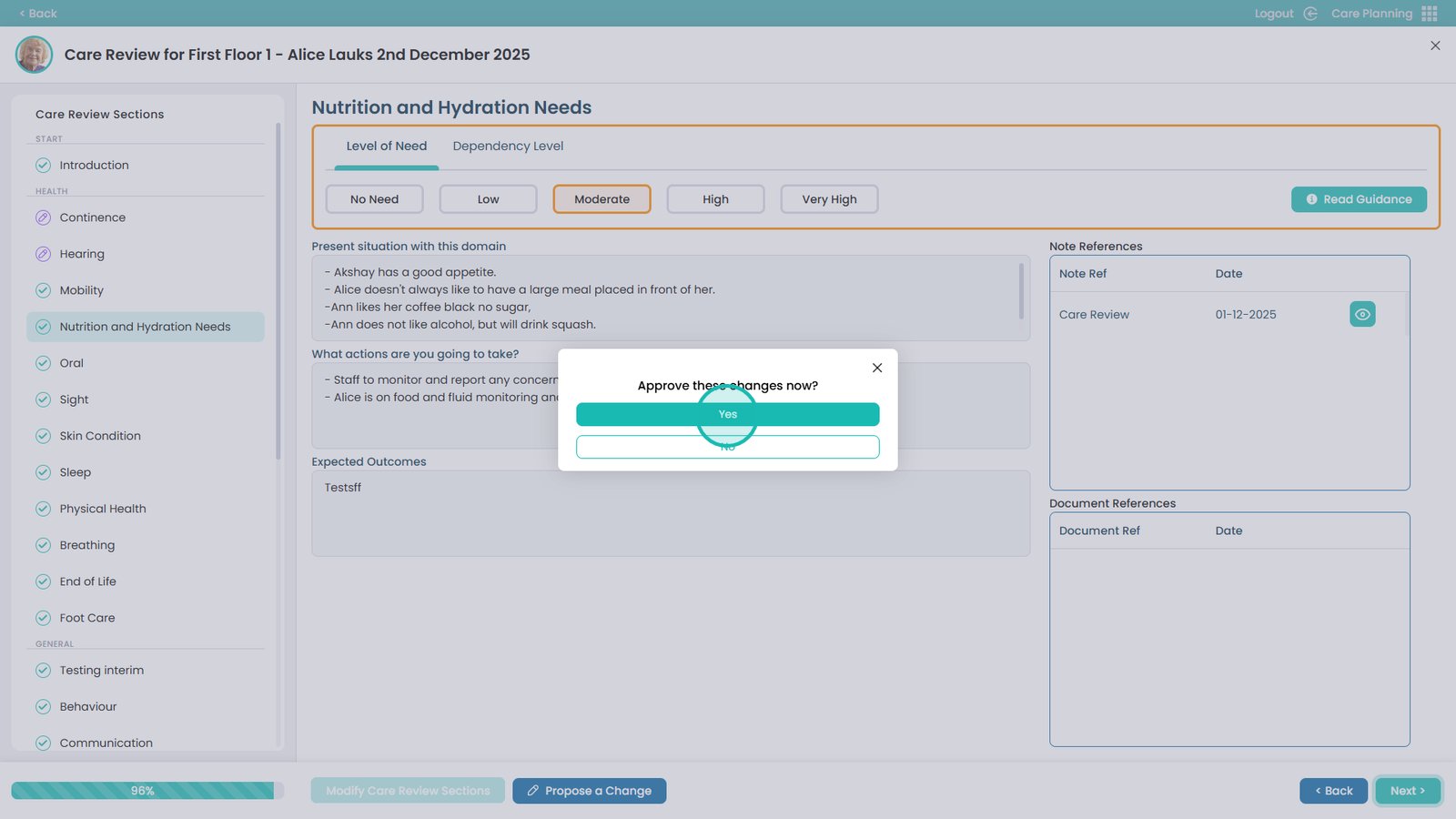
If you have the correct permissions, you can approve the changes straight away. Otherwise, they will be sent for review
 

Was it helpful ?
Table of Contents
↑ Top