Bring your payroll up to date, join our Cloud Payroll webinar
This guide will cover how to navigate around the Administration application on the new Care Control Cloud platform.
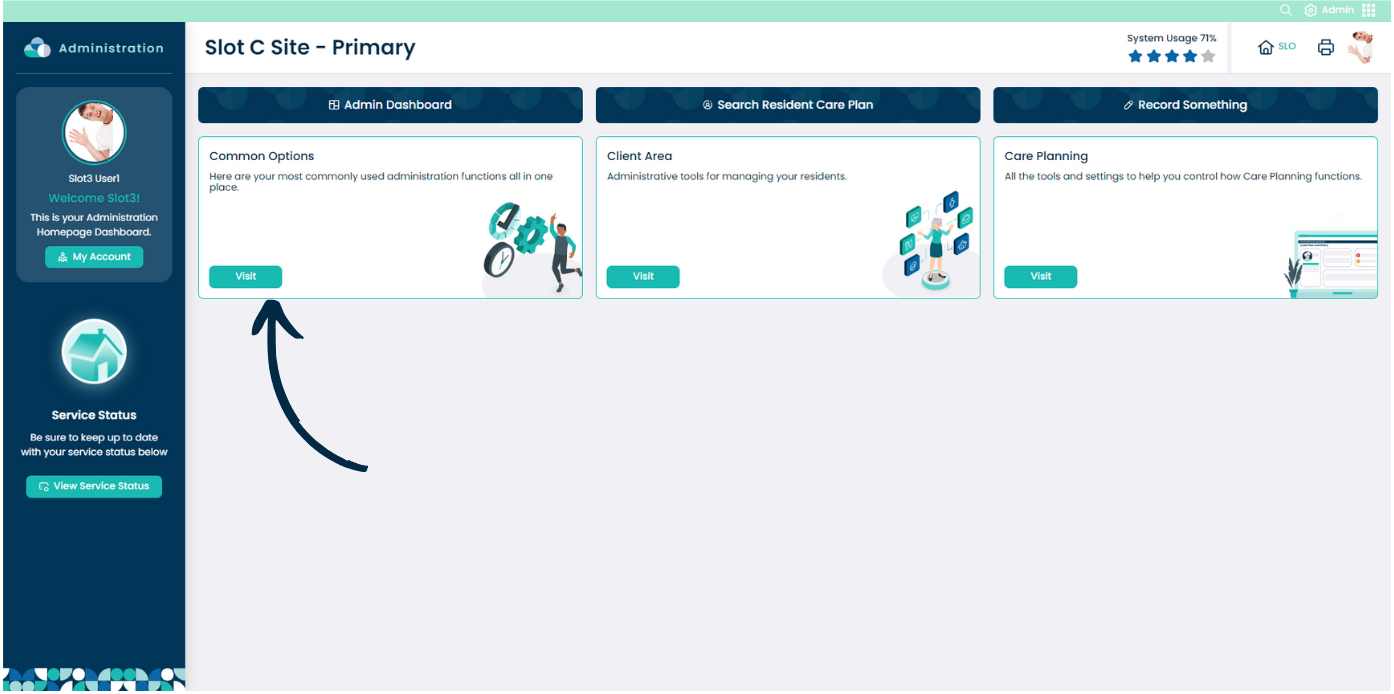
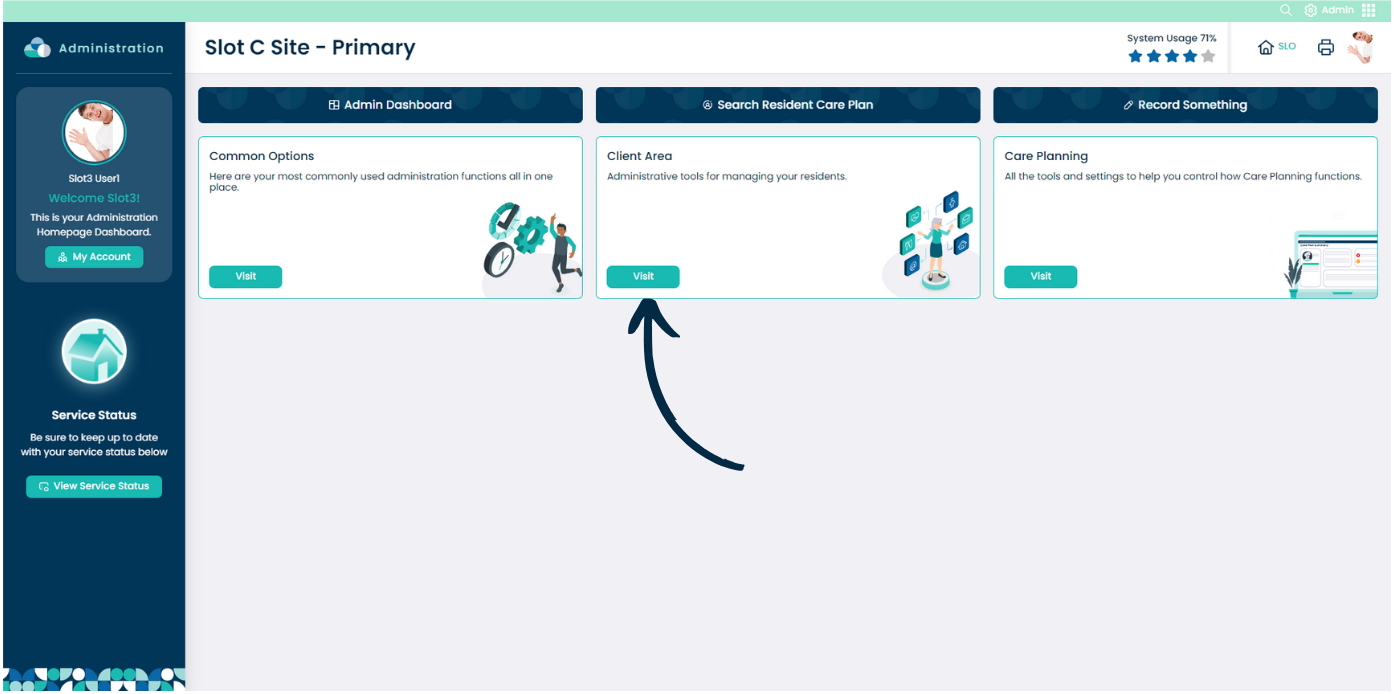
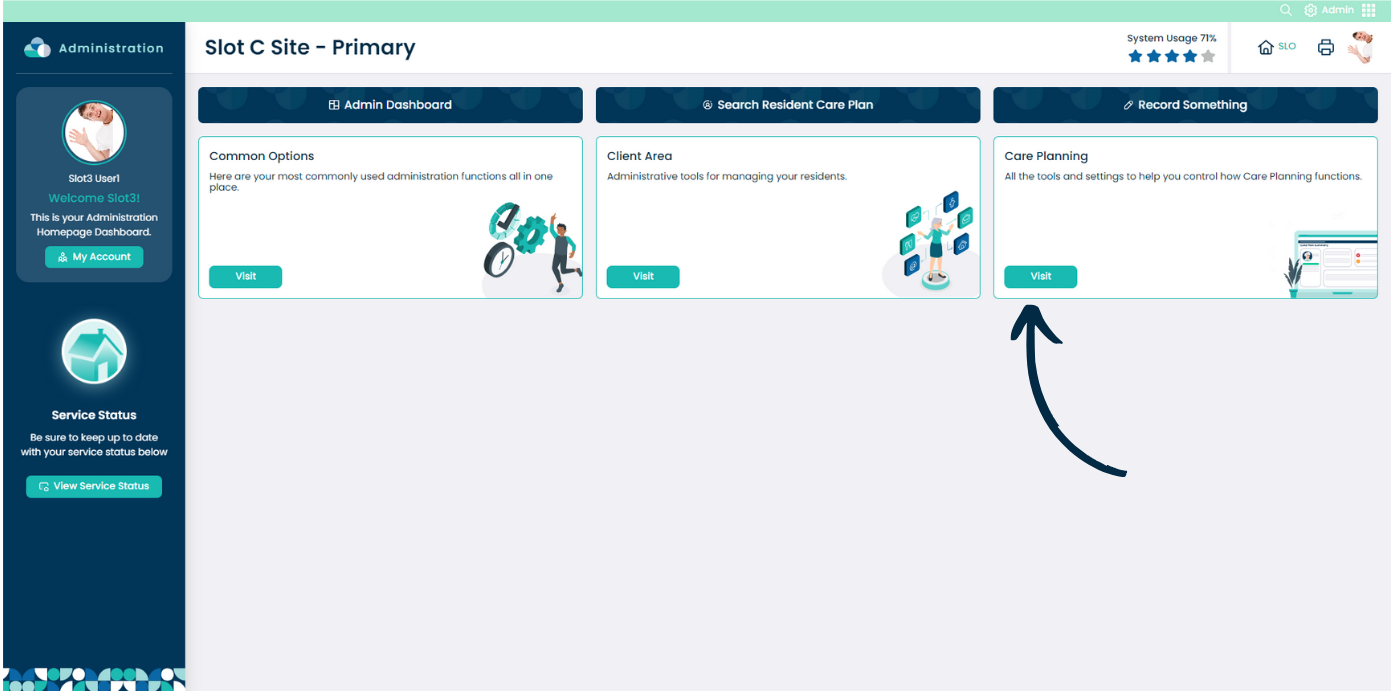
The Admin home screen is broken down into 3 main areas:
Common Options, Client Area and Care Planning.
The Common Options section contains the most commonly used administrative functions.
The Client Area contains administrative tools related to managing your service users.
The Care Planning section contains tools and functions to help control and manage care related tasks.