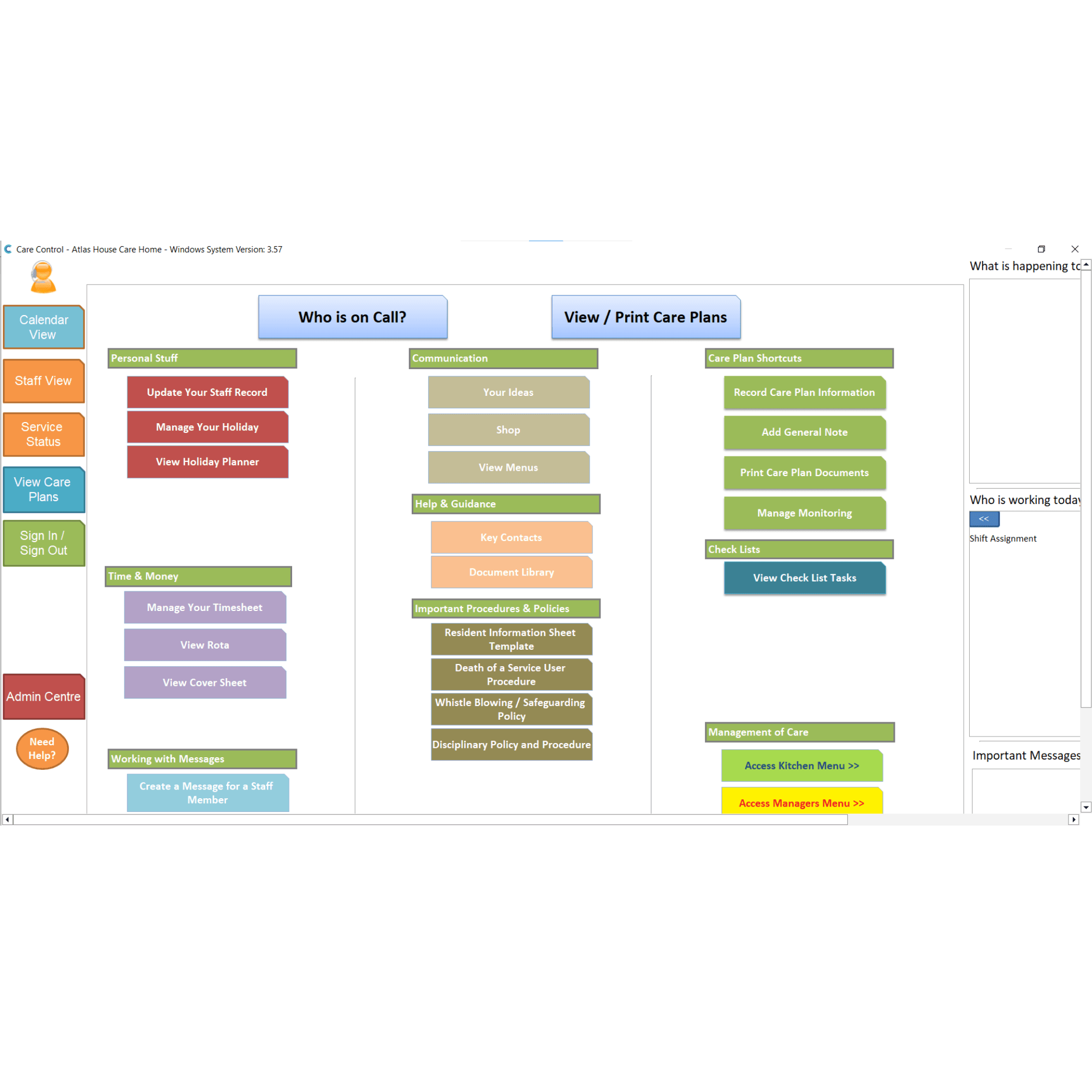
This guide will cover how to switch Care Control Windows from admin mode to staff mode. This will be useful for PC’s which need to be accessed by all staff, and not just admin users.
1
In the Administration of Care Control Windows, navigate to the System Settings, which can be found under the Advanced Stuff tab.
2
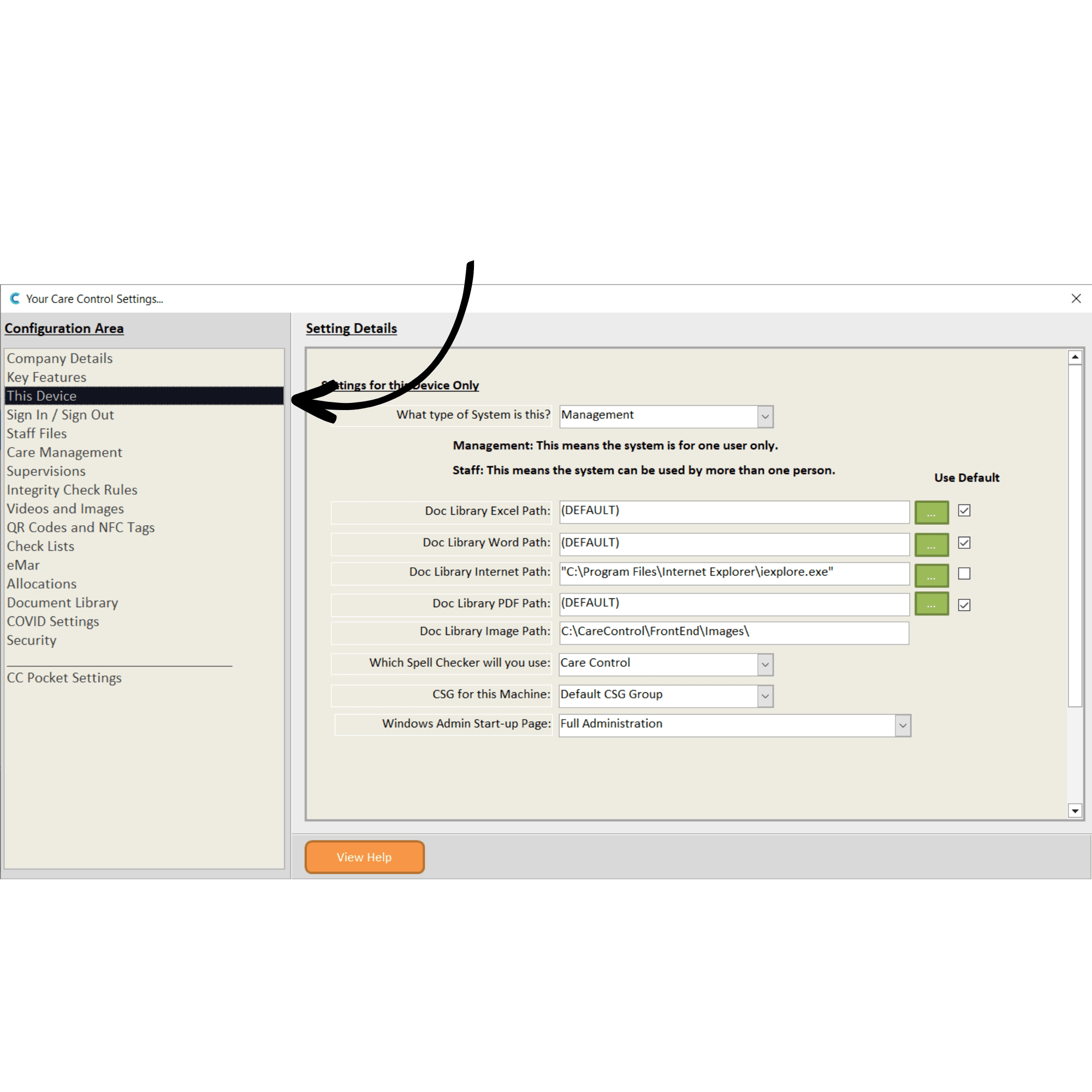
Here, select This Device from the menu on the left-hand side of the window. The top setting, labelled ‘What type of system is this?’ decides on whether CC Windows starts in staff or admin mode.
3
Change this to Staff and Save Changes.
4
When you next open Care Control Windows, it will open in staff mode.