Bring your payroll up to date, join our Cloud Payroll webinar
This guide will cover how to cancel a holiday booking for a staff member via Care Control Windows.
In the Administration of Care Control Windows, select View Staff Member Holiday, which can be found under the Time & Attendance tab.
A list of staff members will display, select the member you wish to cancel a holiday booking for.
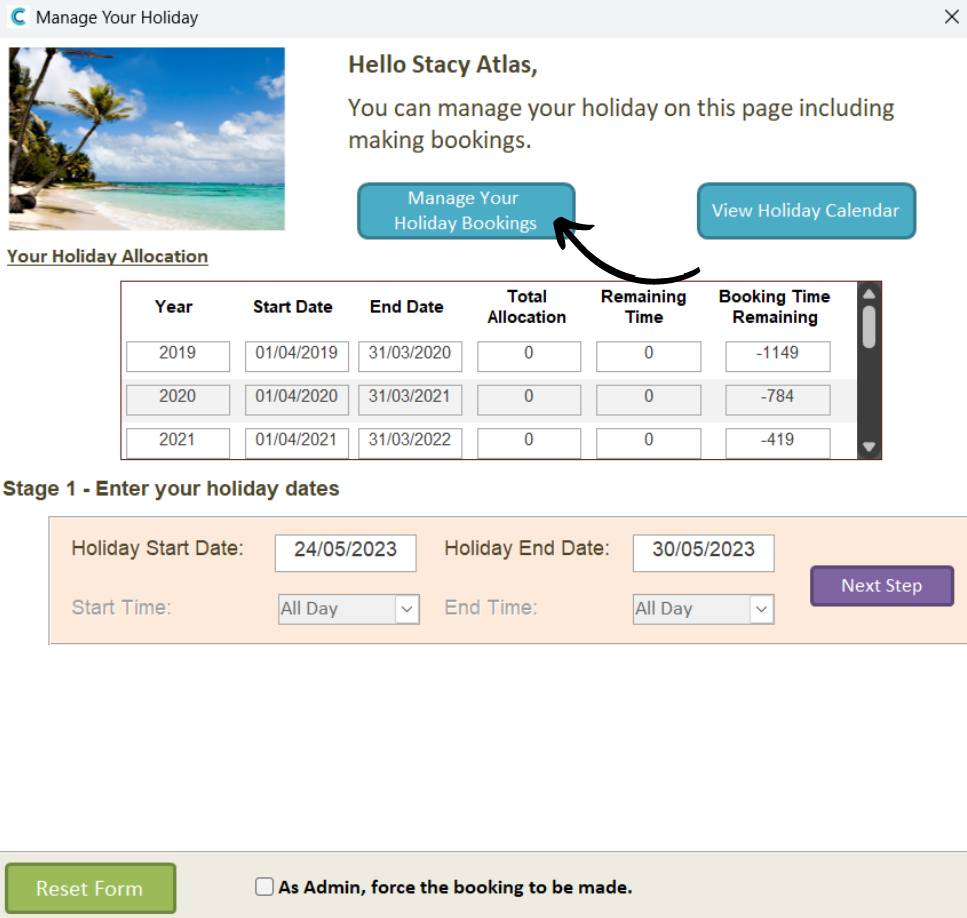
Select Manage Your Holiday Bookings.
Booked holiday will appear on the right-hand side of the window. Simply click on the one you wish to cancel and press Cancel Booking.
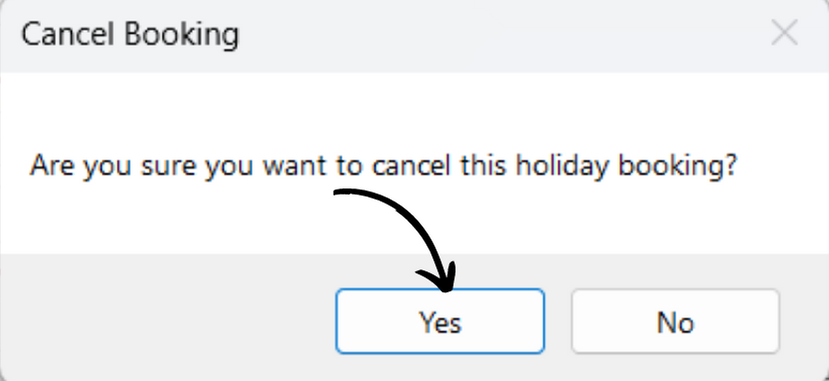
You will be prompted to confirm the cancellation, press Yes.