Find out more about Cloud, click here to sign up
This guide will cover how to assign a Group to a Screen on the Screens Controller application.
After signing into CC Screens Controller, select Screen Management.
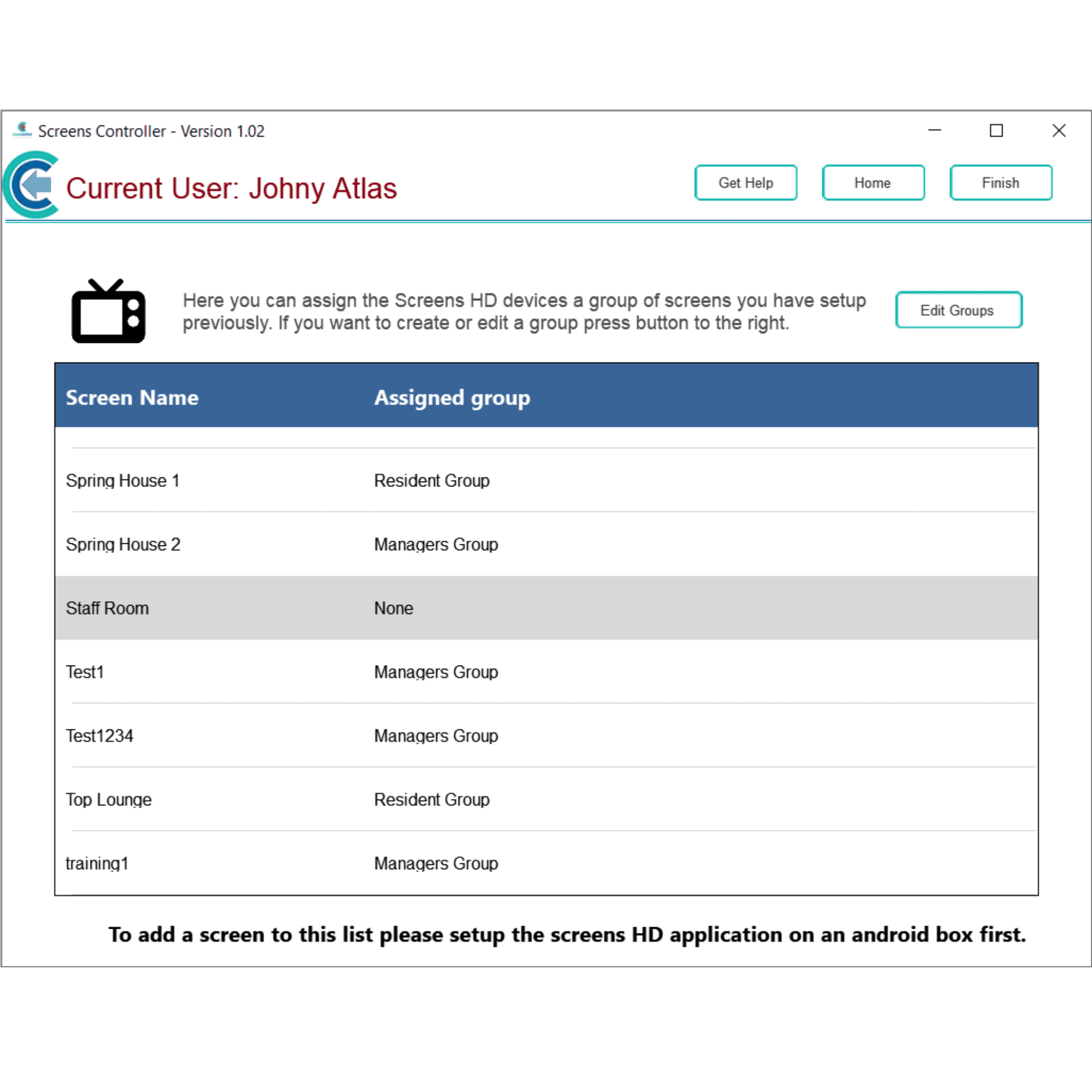
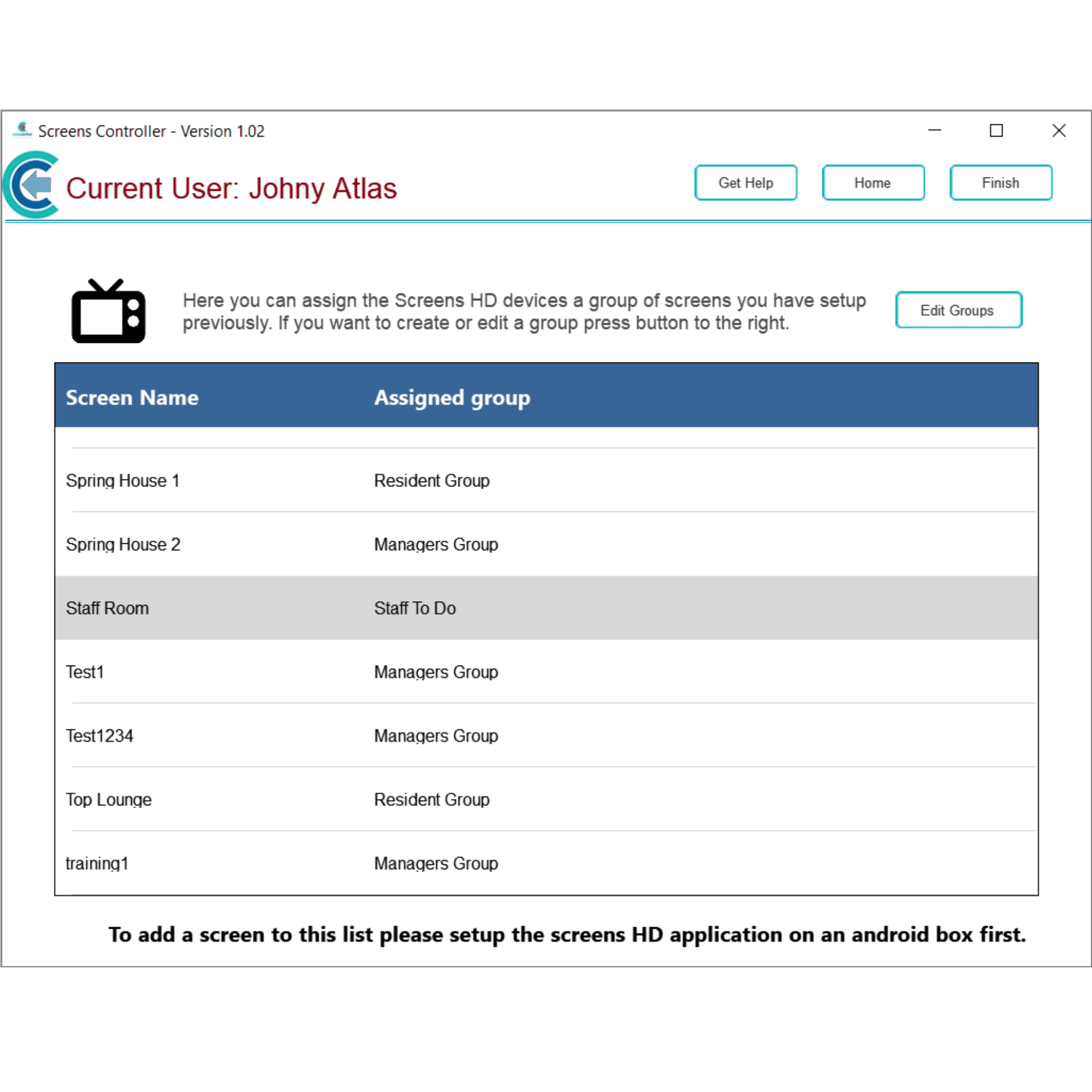
Here, a list of your active screen devices, and their assigned groups, is shown. Find your new screen device in the list and select it.
A new window will open. Here, select a Group to assign to the screen device. Then, press Save.
The screen device will now have a group associated with it.