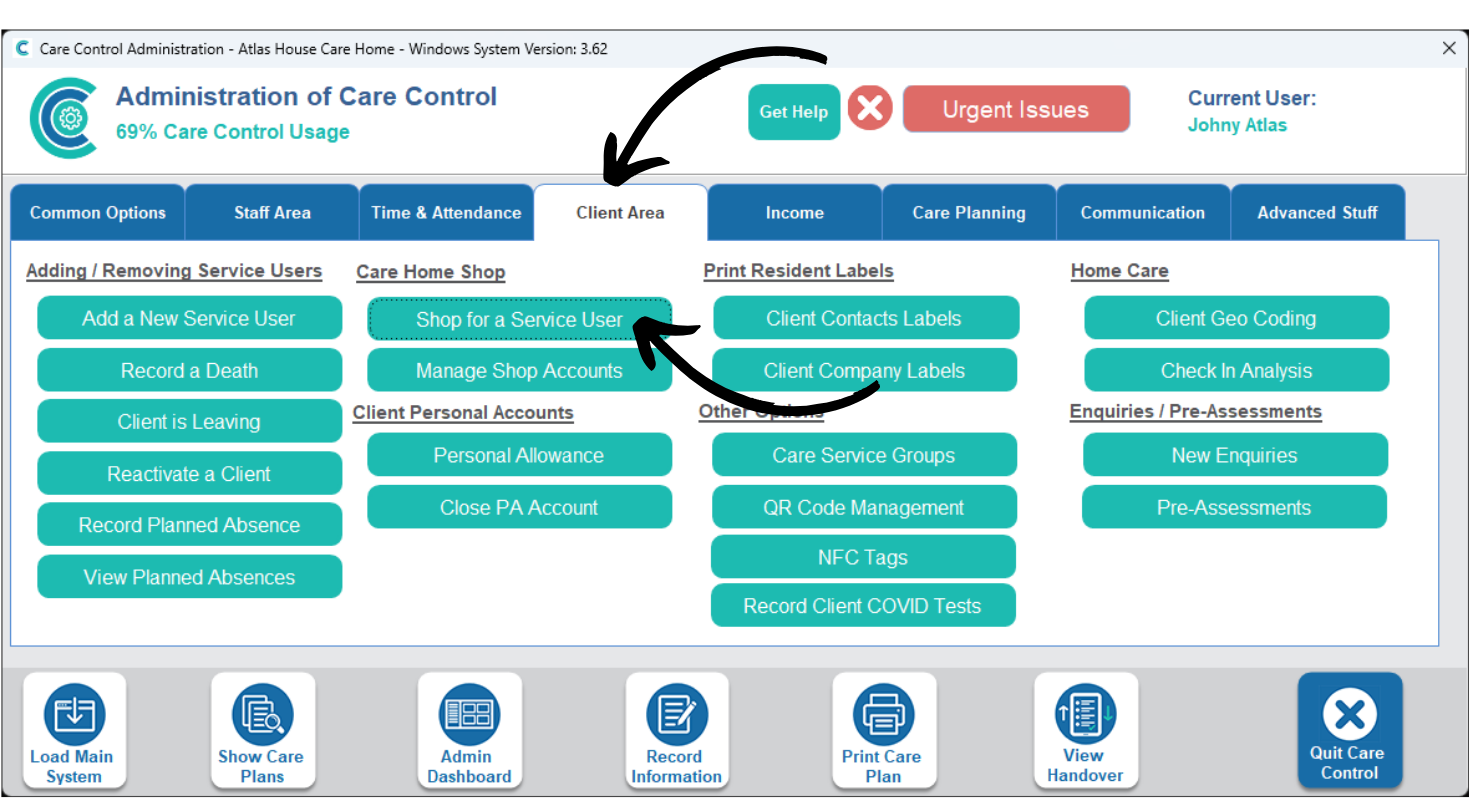
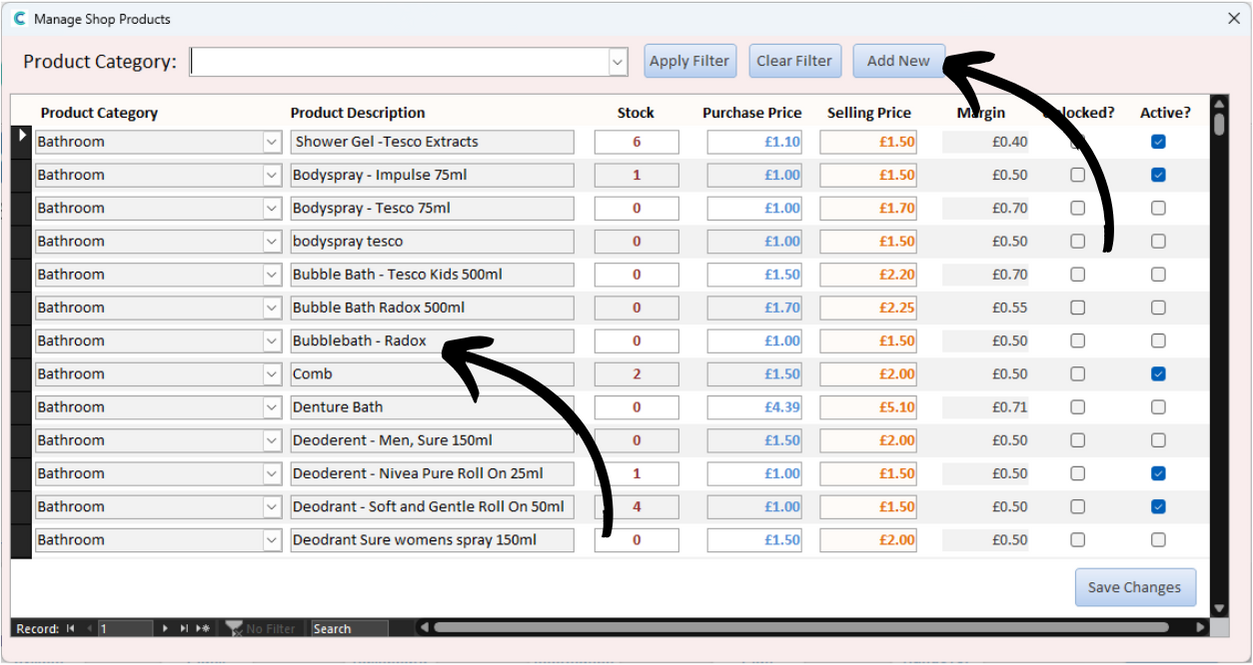
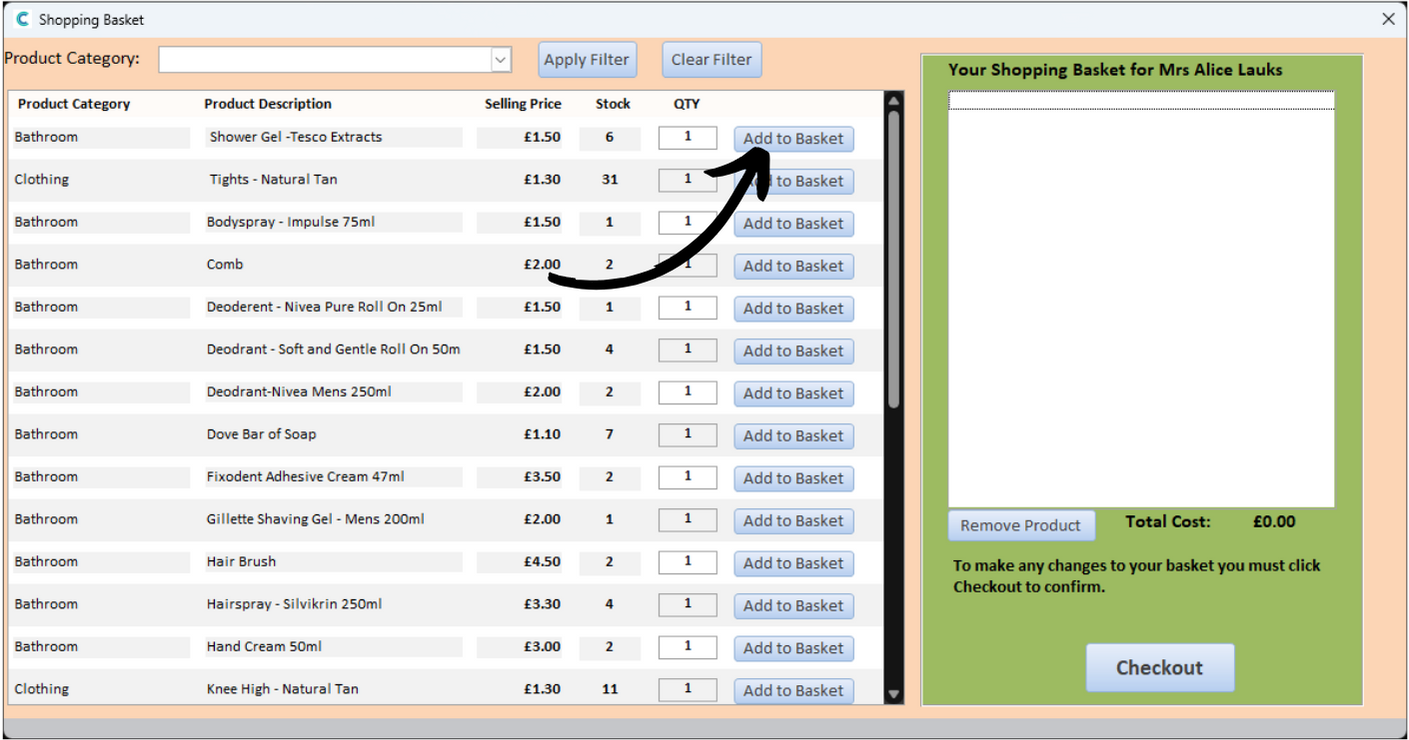
The shop products window will open. Here, a list of items currently for sale will be displayed. They are broken down into category, description, stock level, purchase & selling price, profit margin and whether the item is unlocked & active.
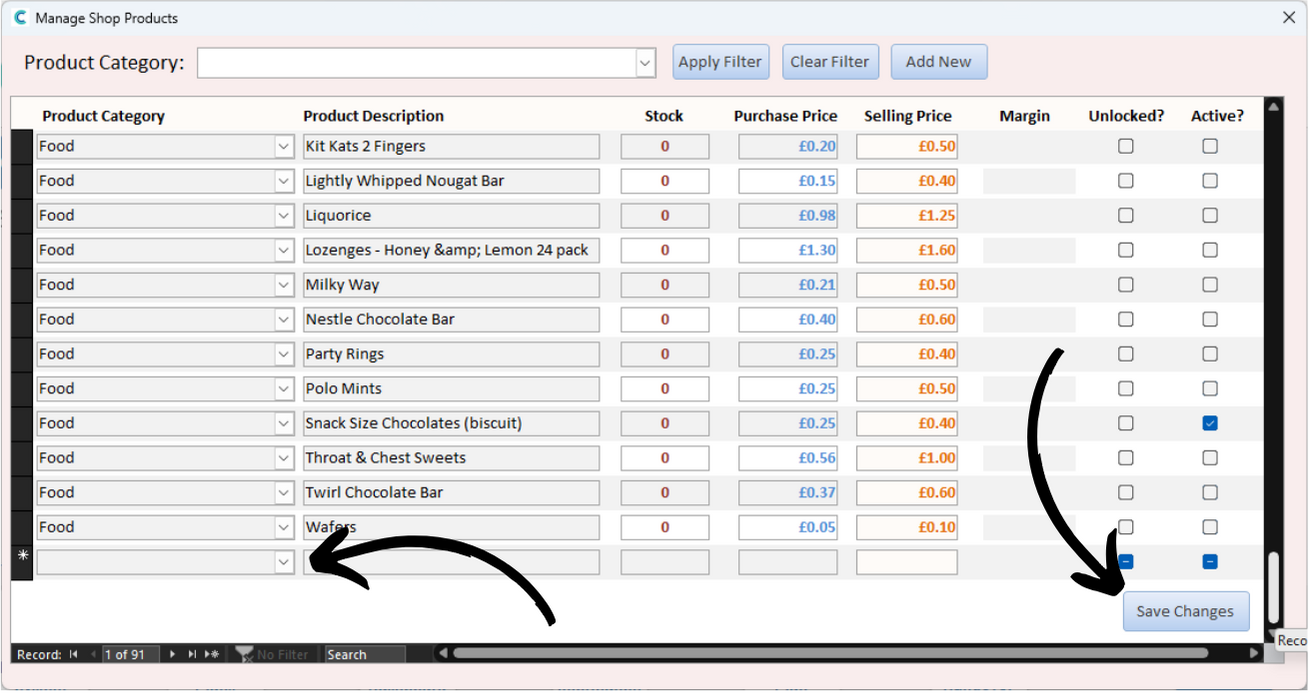
We can add a new Product Category by pressing Add New at the top of the window.