Find out more about Cloud, click here to sign up
This guide will cover how to add a new service user on Care Control Mobile. This requires access to the Managers Menu.
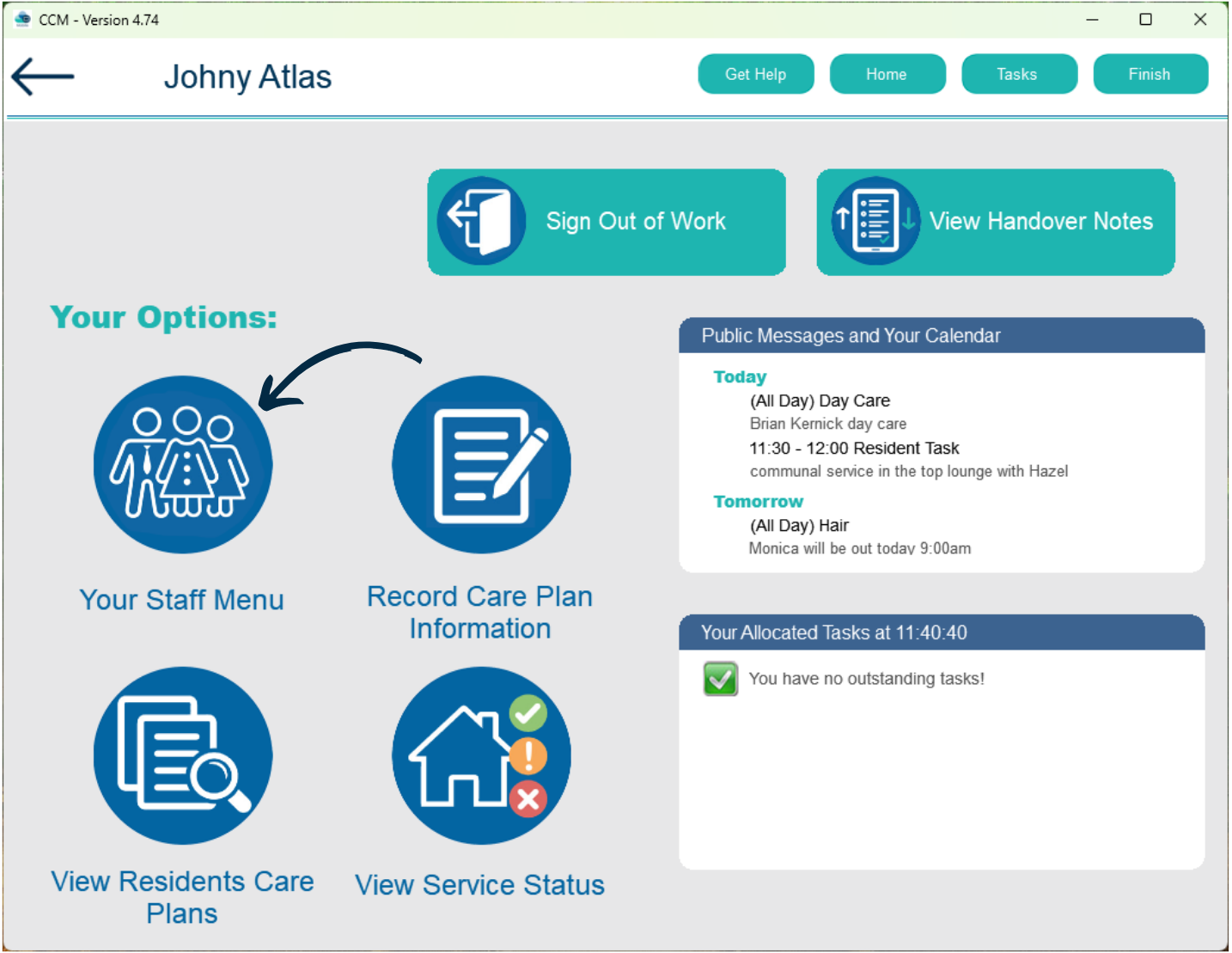
From the Care Control Mobile home screen, select Your Staff Menu.
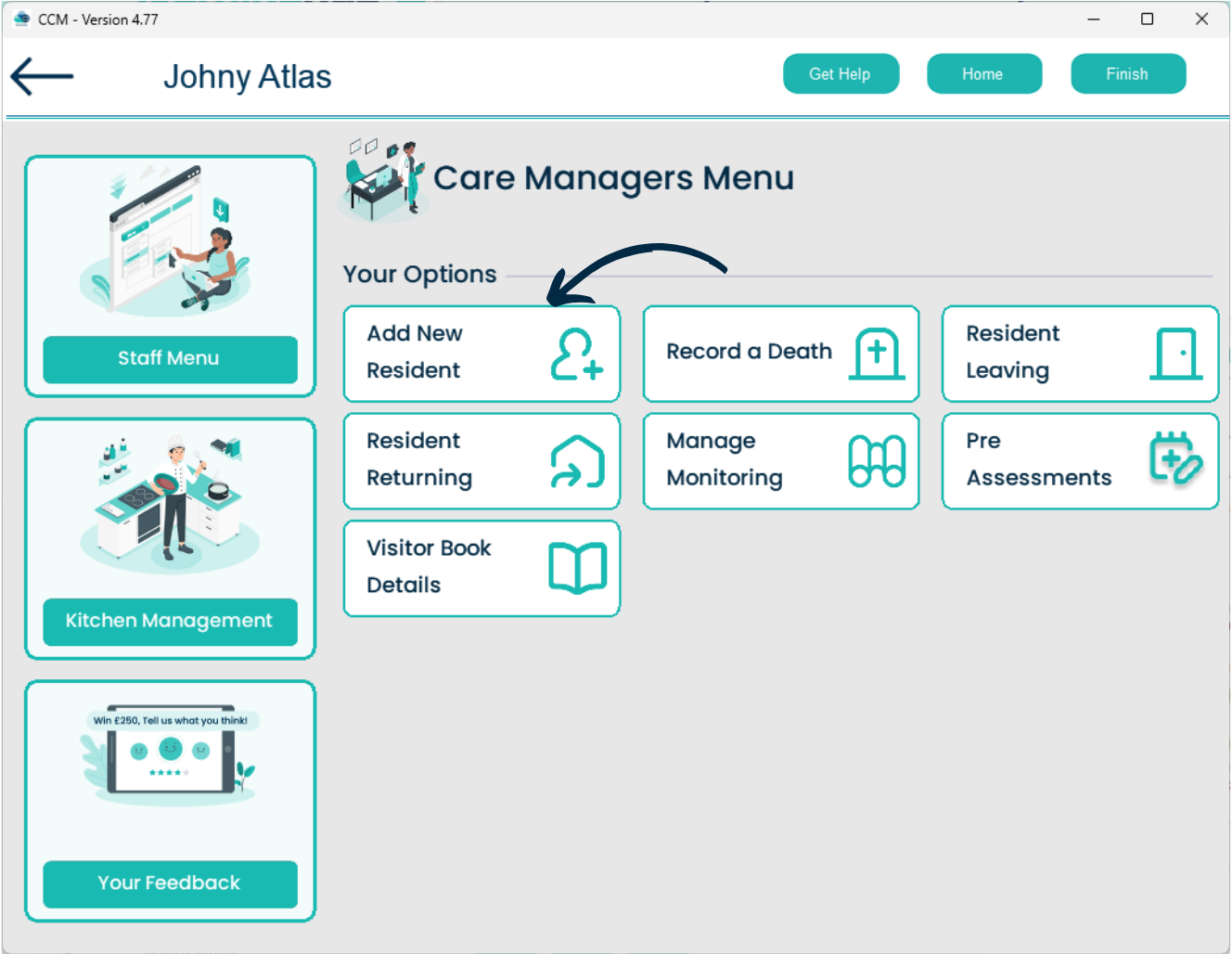
Here, select Care Management.
Next, select Add New Resident.
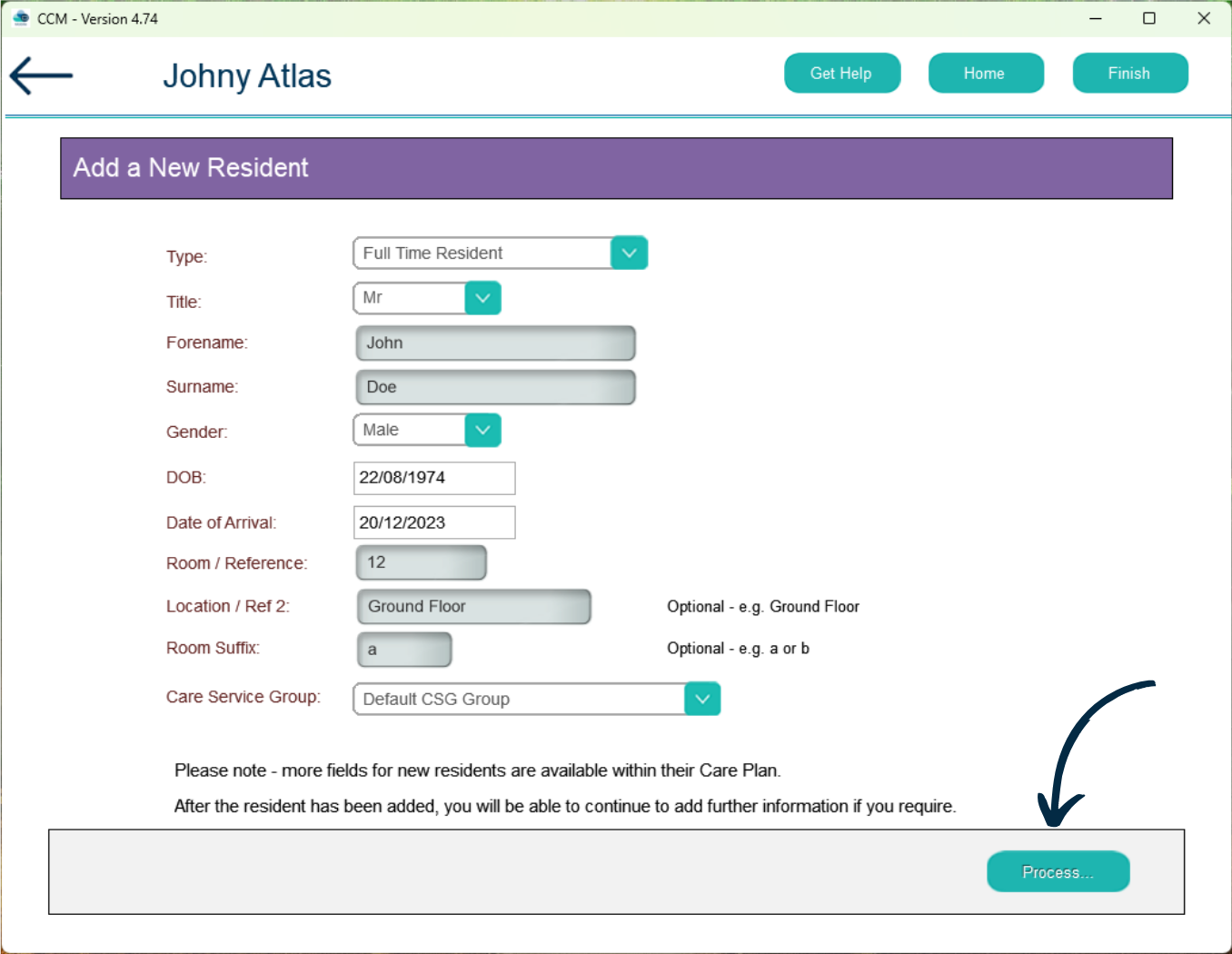
A blank form will appear, select a service user Type from the drop down and continue to complete the form.
After doing so, press Process.
You will receive a confirmation message. Press Yes.