Need support? Raise a support ticket with our Customer Contact Form. Once submitted, your request goes straight to our support team and we’ll contact you using the details you provide. Where can you find the form? Click the navigation bar below where you see the ‘Customer Contact Form’ option. 👇
View Categories
Install Windows via InTune
This guide will cover how to install Care Control Windows via Microsoft InTune
1
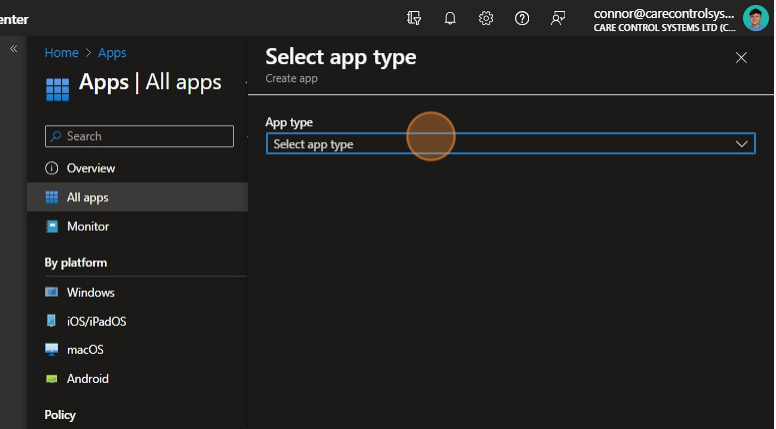
Click “Select app type“.
2
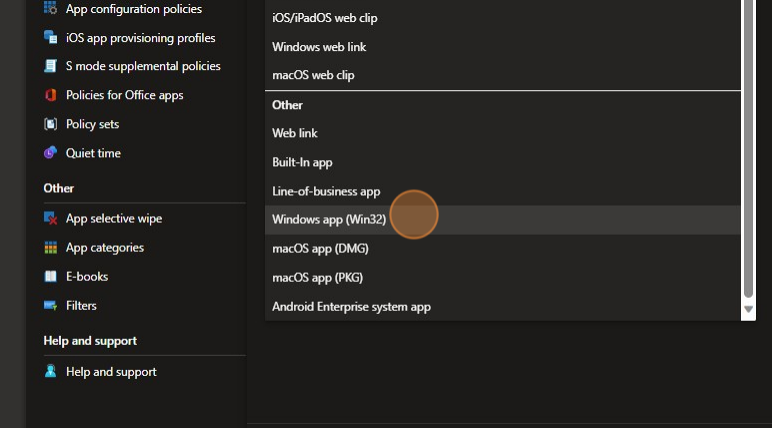
Click Here.
3
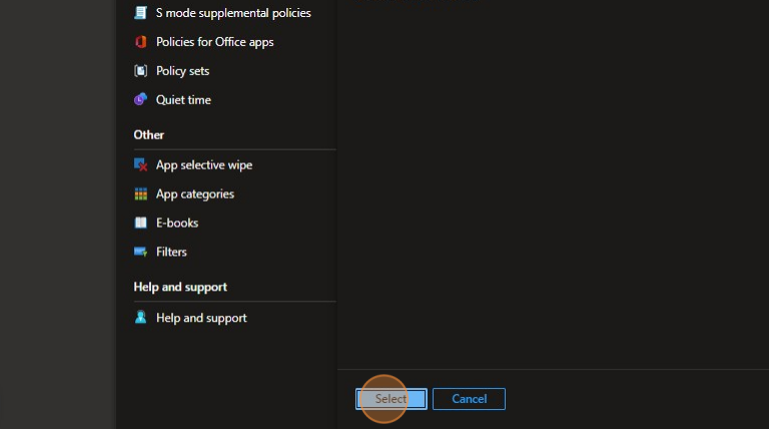
Click “Select“
4
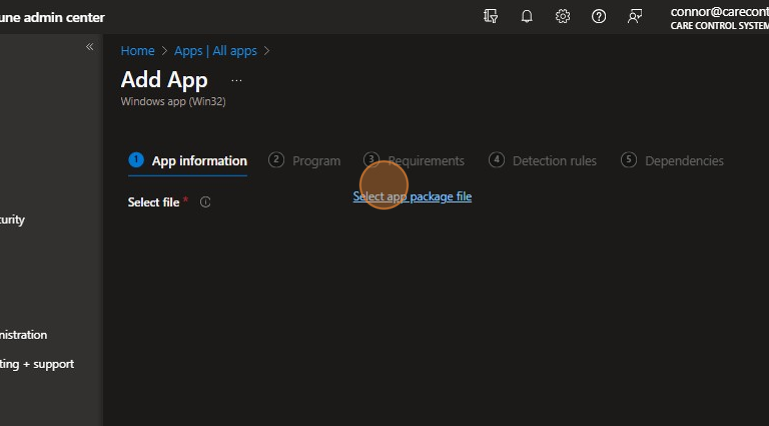
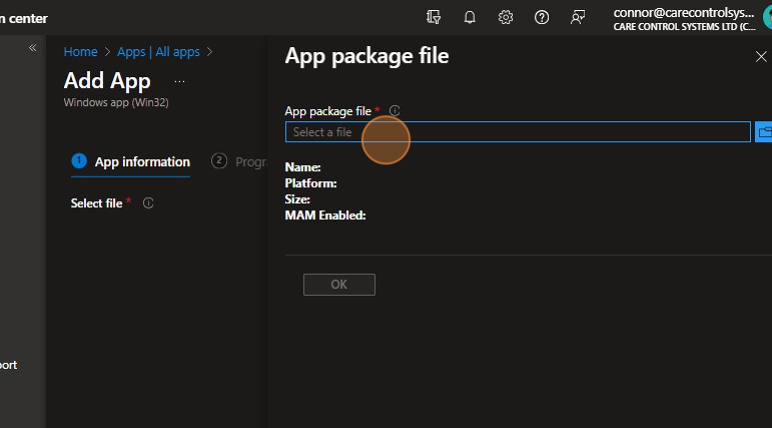
Click “Select app package file“
5
Click the “Select a file” field.
6
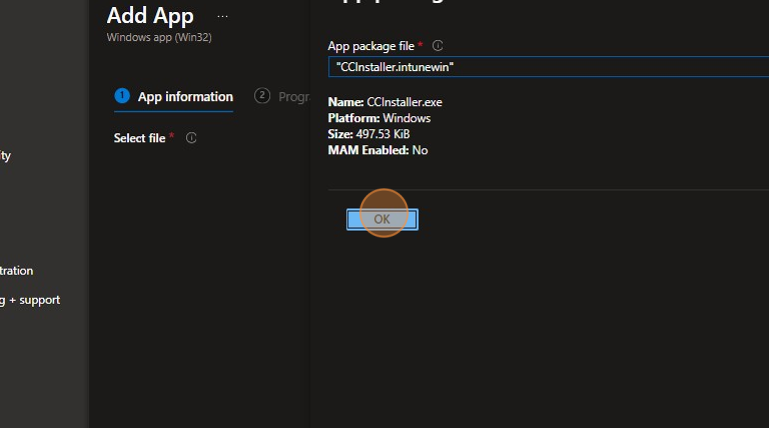
Click “OK“
7
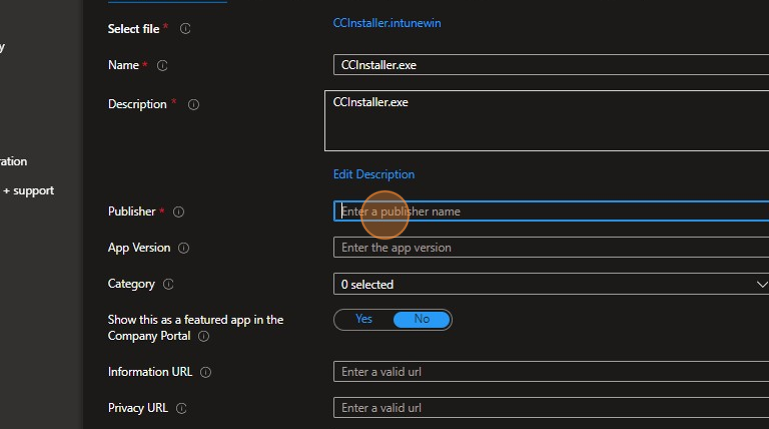
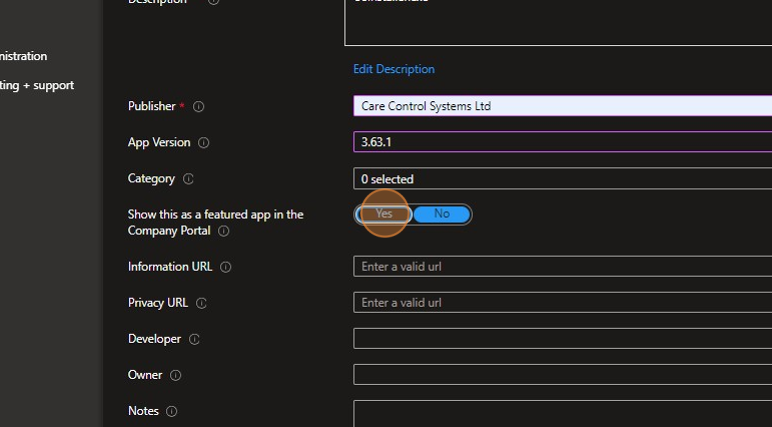
Type in the Name of the app and then enter the publisher.
8
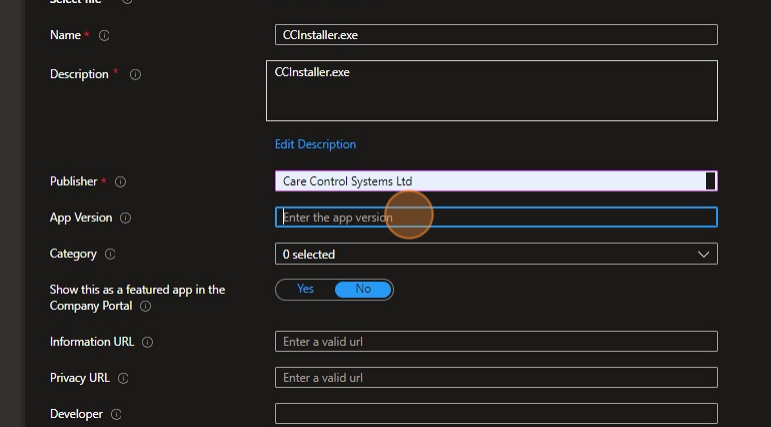
Click the “App Version” field and enter this detail.
9
Click “Yes“.
10
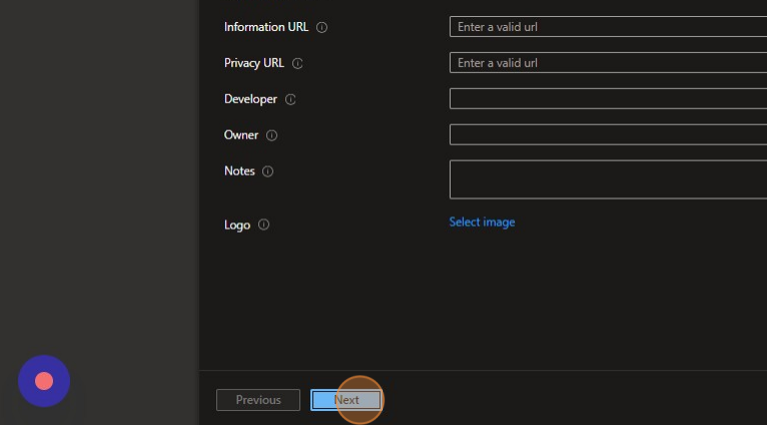
Click here.
11
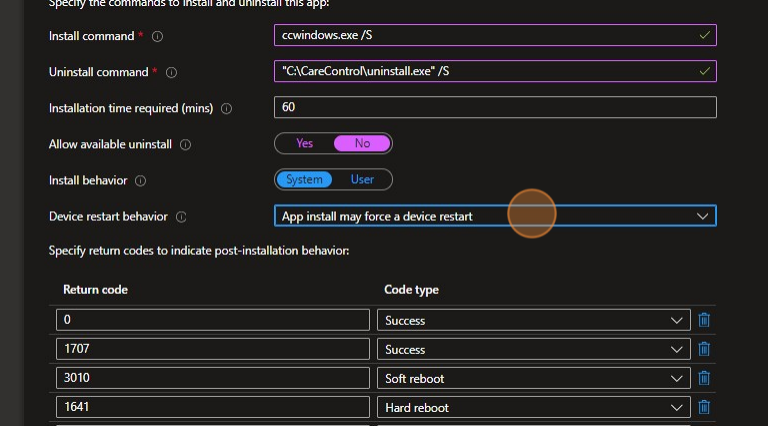
Enter the below commands and behaviours, device restart behaviour is up to you.
12
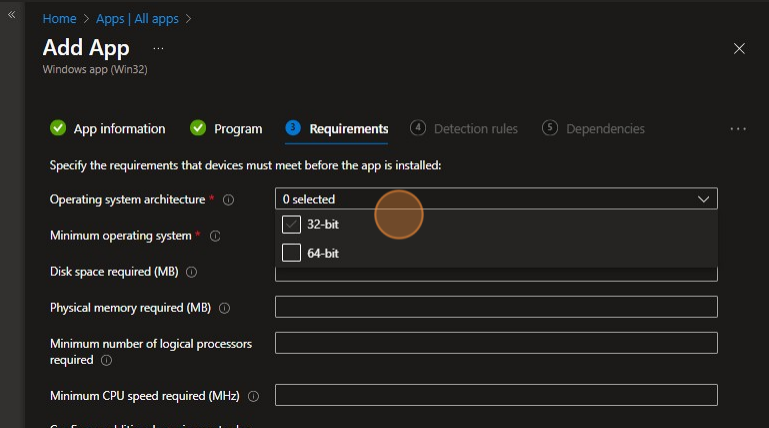
Click here.
13
Click here.
14
Click here.
15
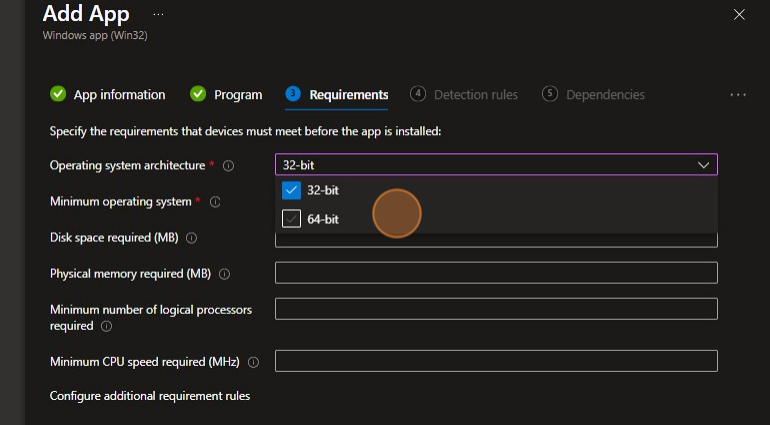
Click “Select one“.
16
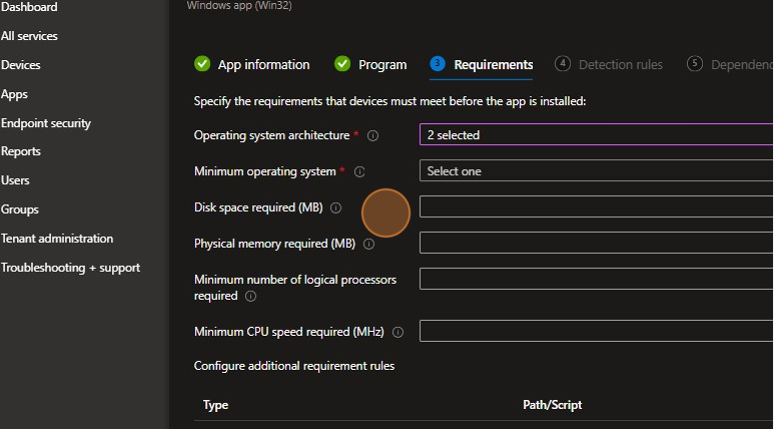
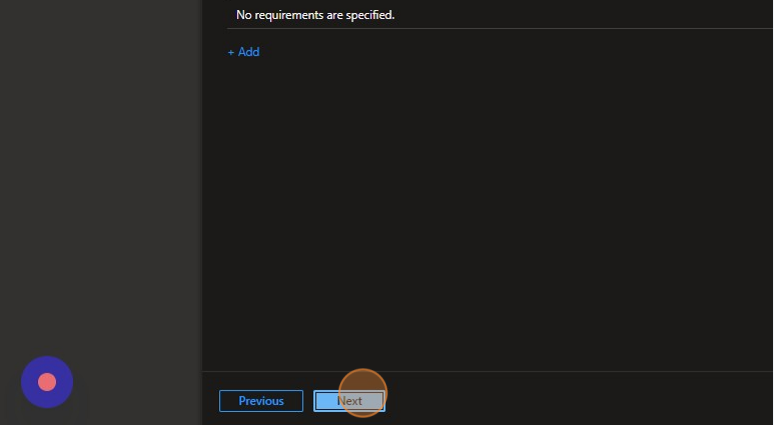
Click here.
17
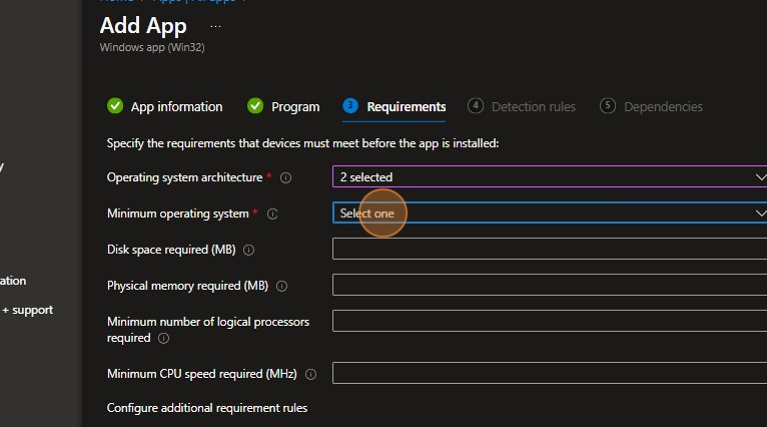
Click here.
18
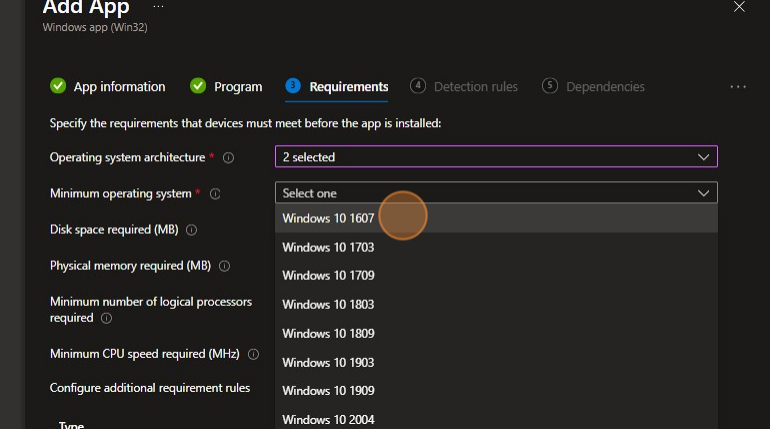
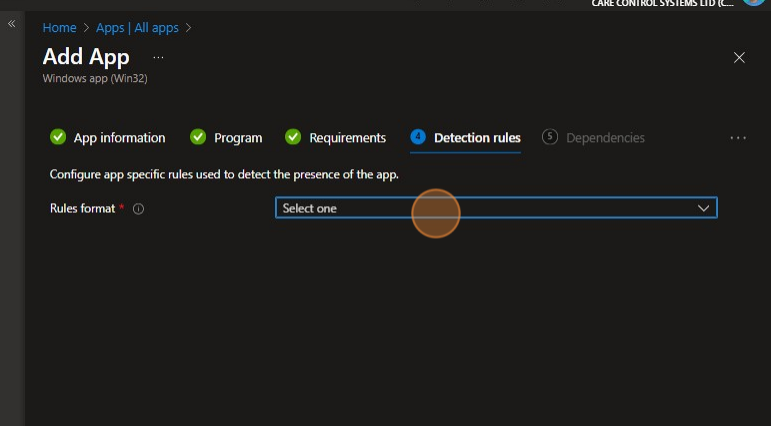
Click “Select one“.
19
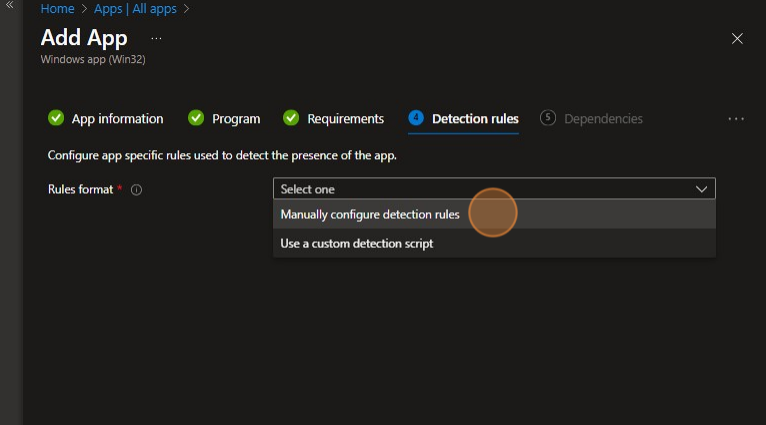
Click here.
20
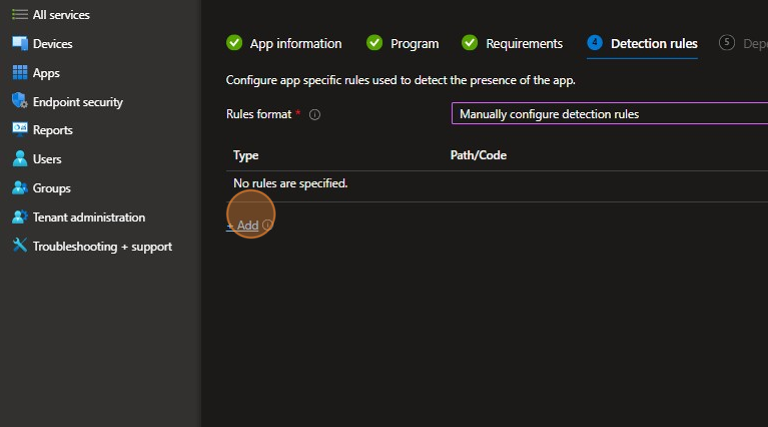
Click “+ Add“.
21
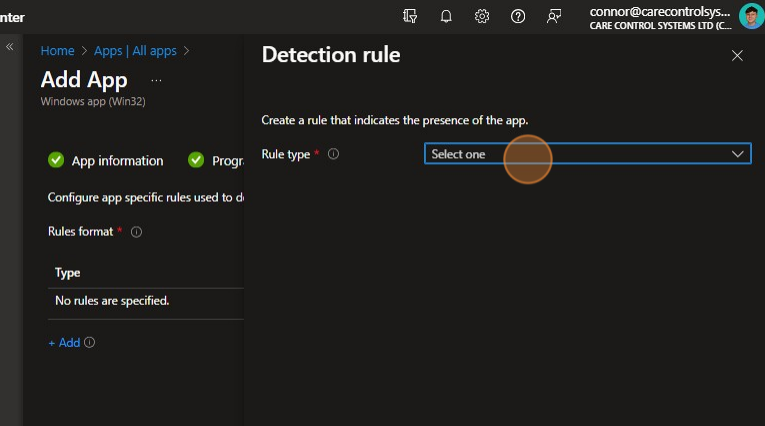
Click “Select one“.
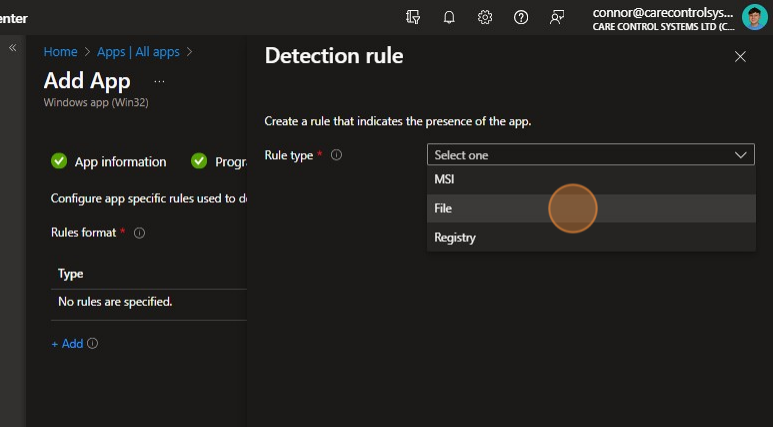
22
Click here.
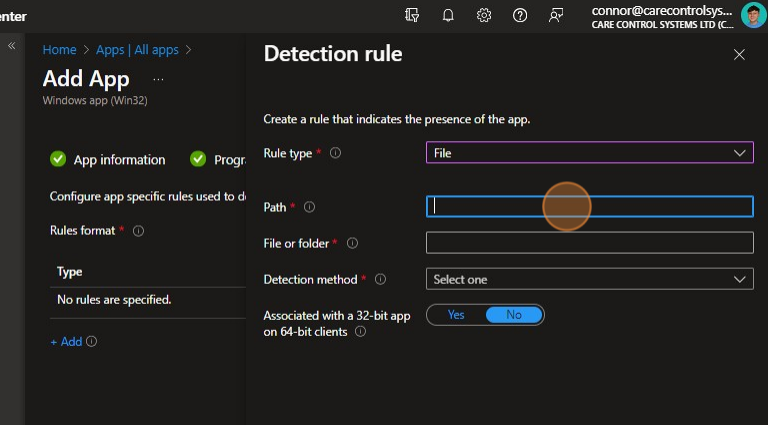
23
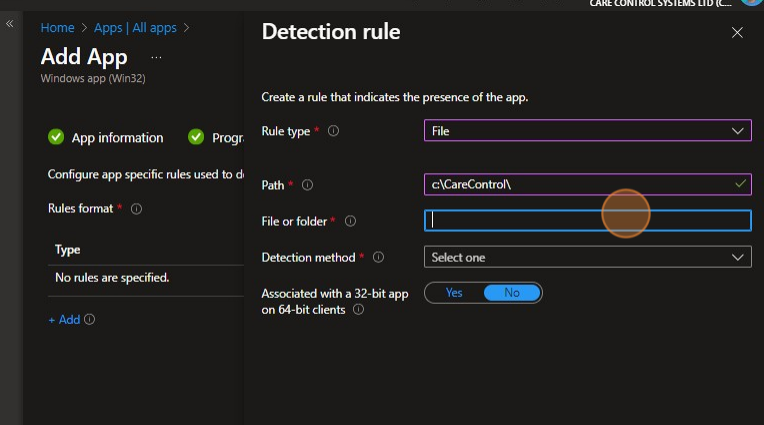
Click the “Path” field.
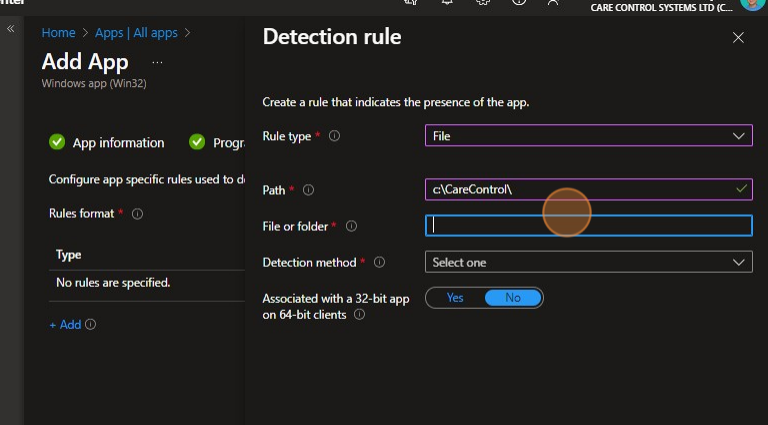
24
Click the “File or folder” field.
25
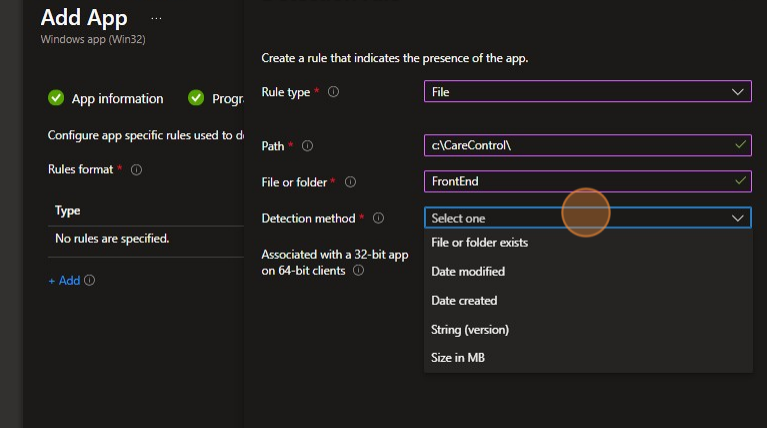
Click the “File or folder” field.
26
Click “Select one“.
27
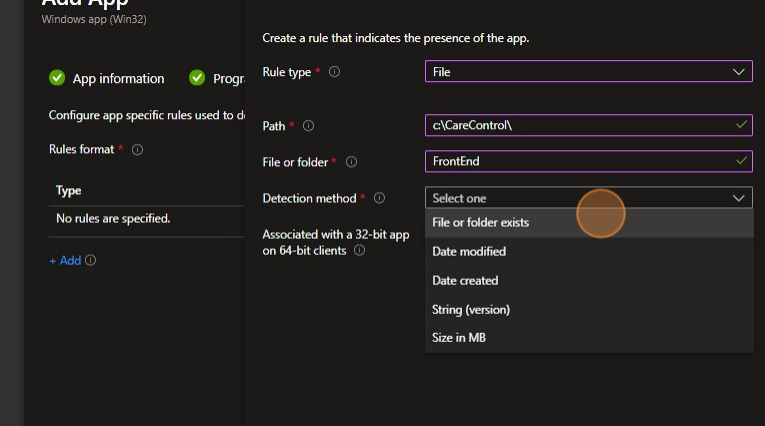
Click here.
28
Click “OK“.
29
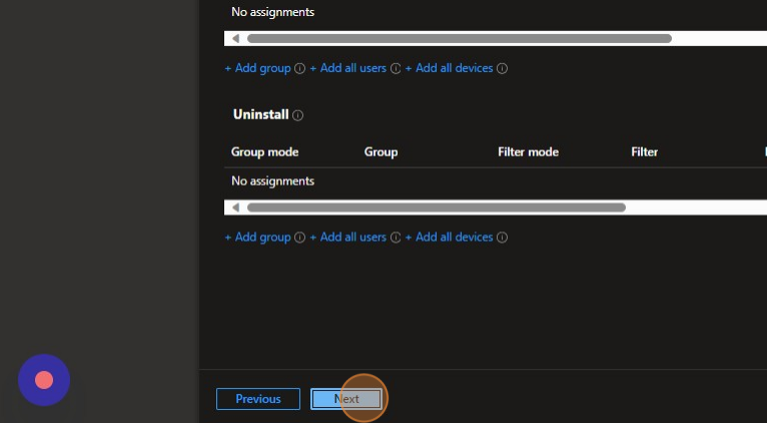
Select the groups that require the software and press next and then confirm the app download.