👀 Come and see Care Control Intelligence in action!
This guide will cover how to get Care Control Pocket back online when presented with an error message in Offline Mode.
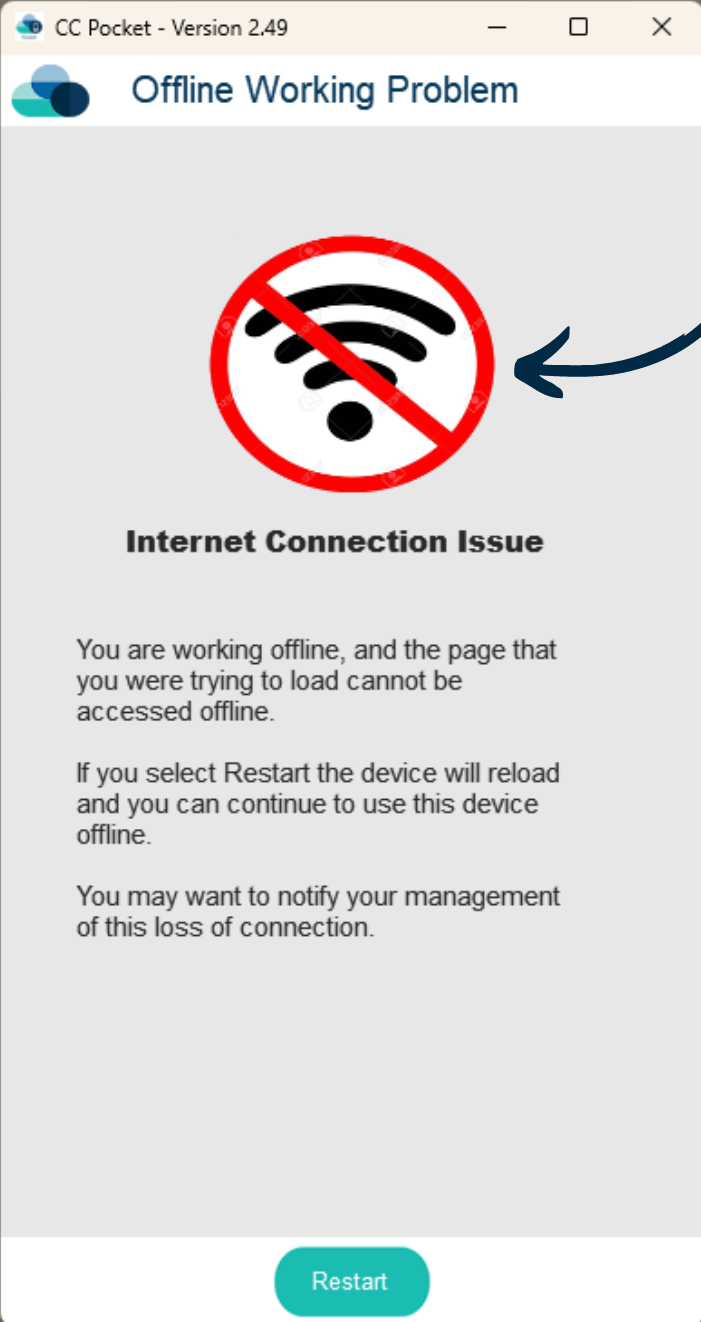
If presented with this error when opening Care Control Pocket in Offline Mode, simply TAP the error icon 10 times.
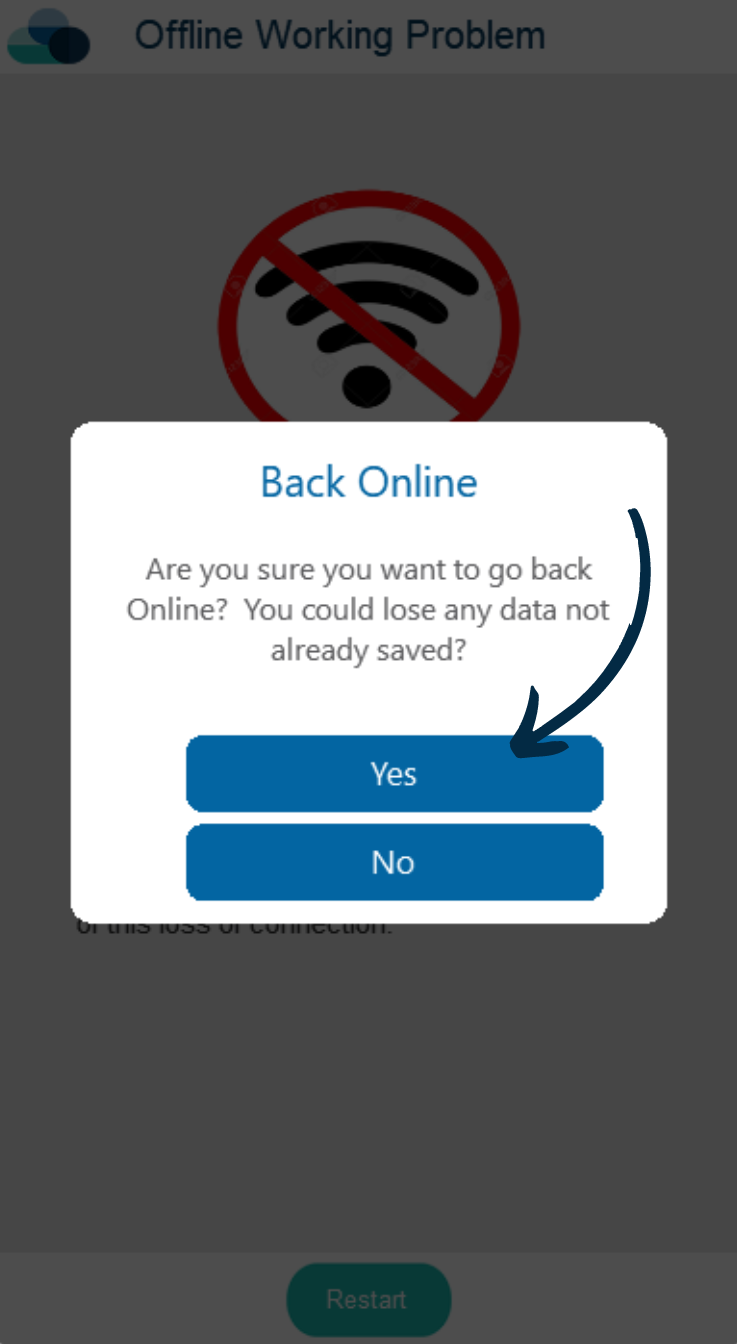
This will bring up a prompt to return back to Online mode.
Press Yes.
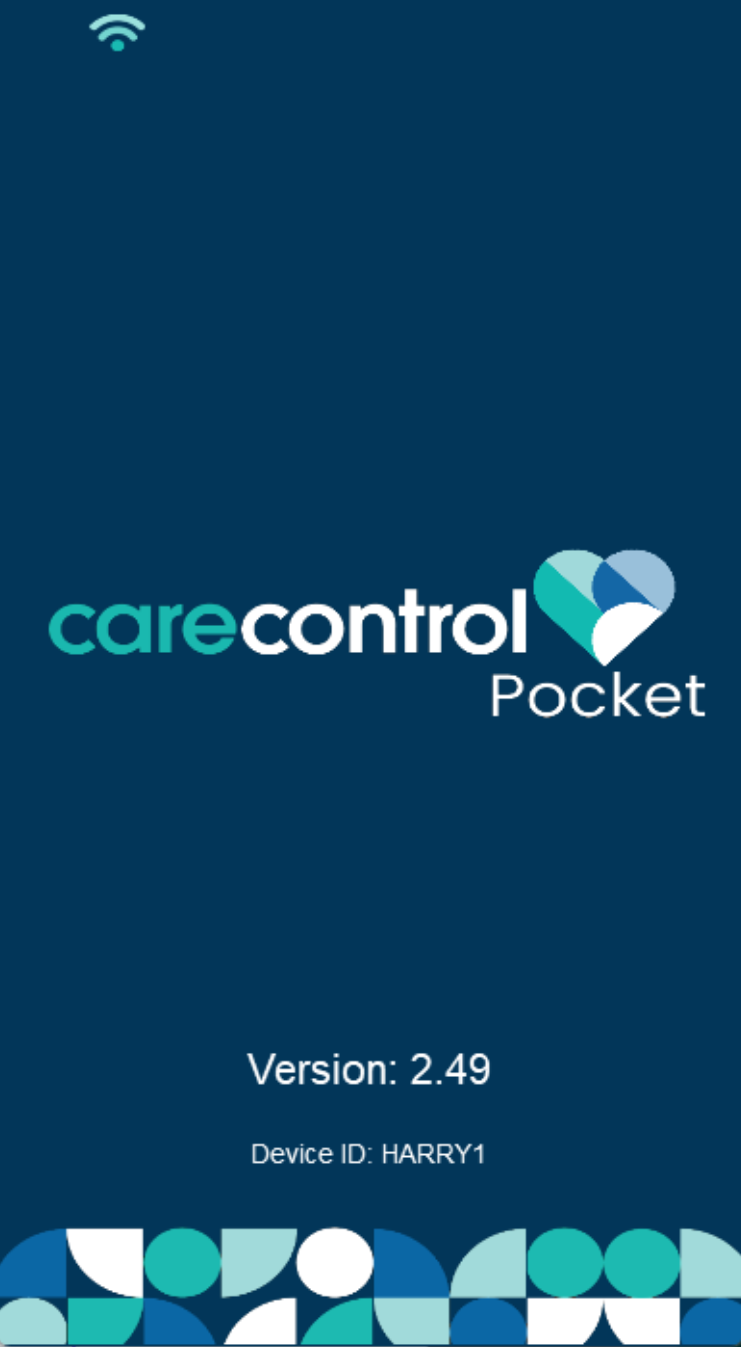
Pocket will restart in Online Mode.
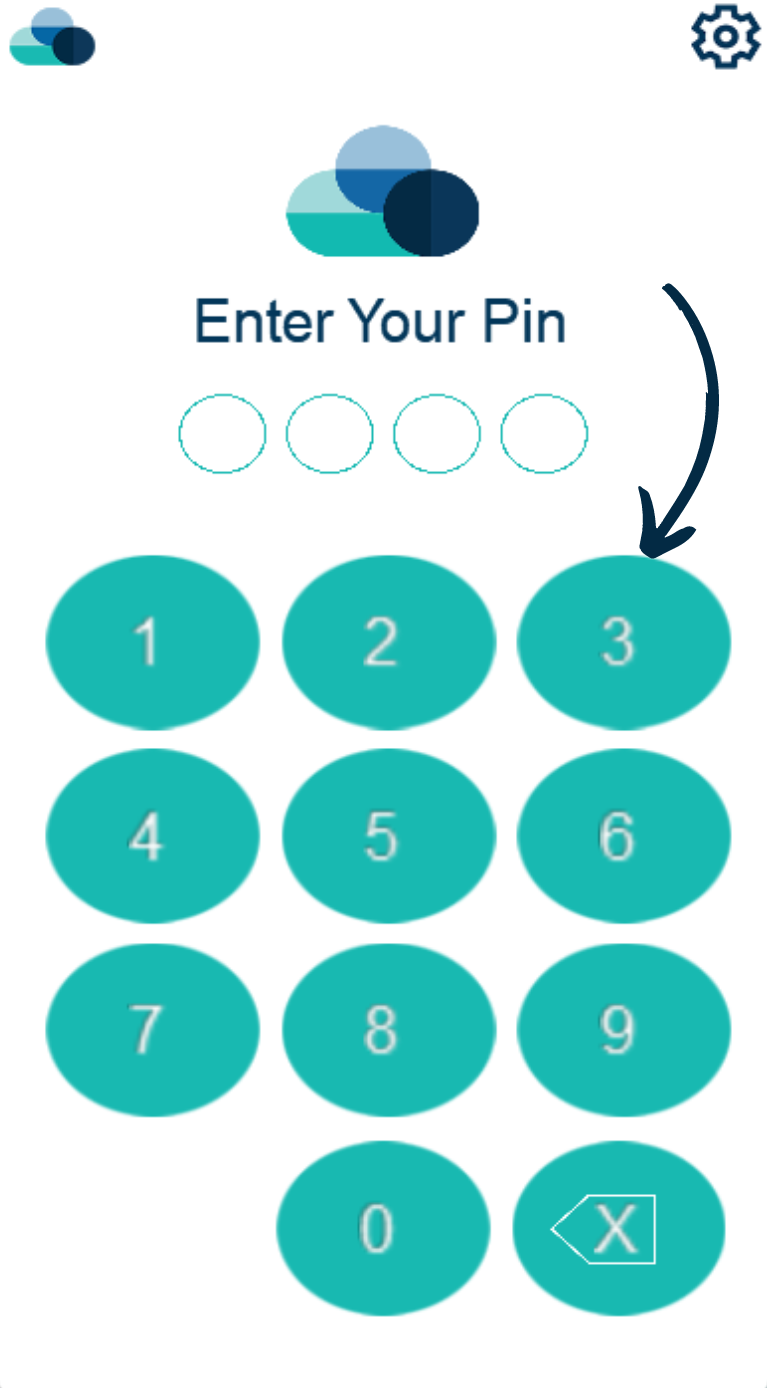
Simply enter your PIN number and continue to log back into the appication.