If you experience any issues with the system, or require support from our Customer Service team, please let us know by submitting our Customer Contact Form and we’ll be happy to help. Click here to access the form.
View Categories
Medical Visits on Cloud
This guide will cover how to record a service user Medical Visit on Care Control Cloud.
1
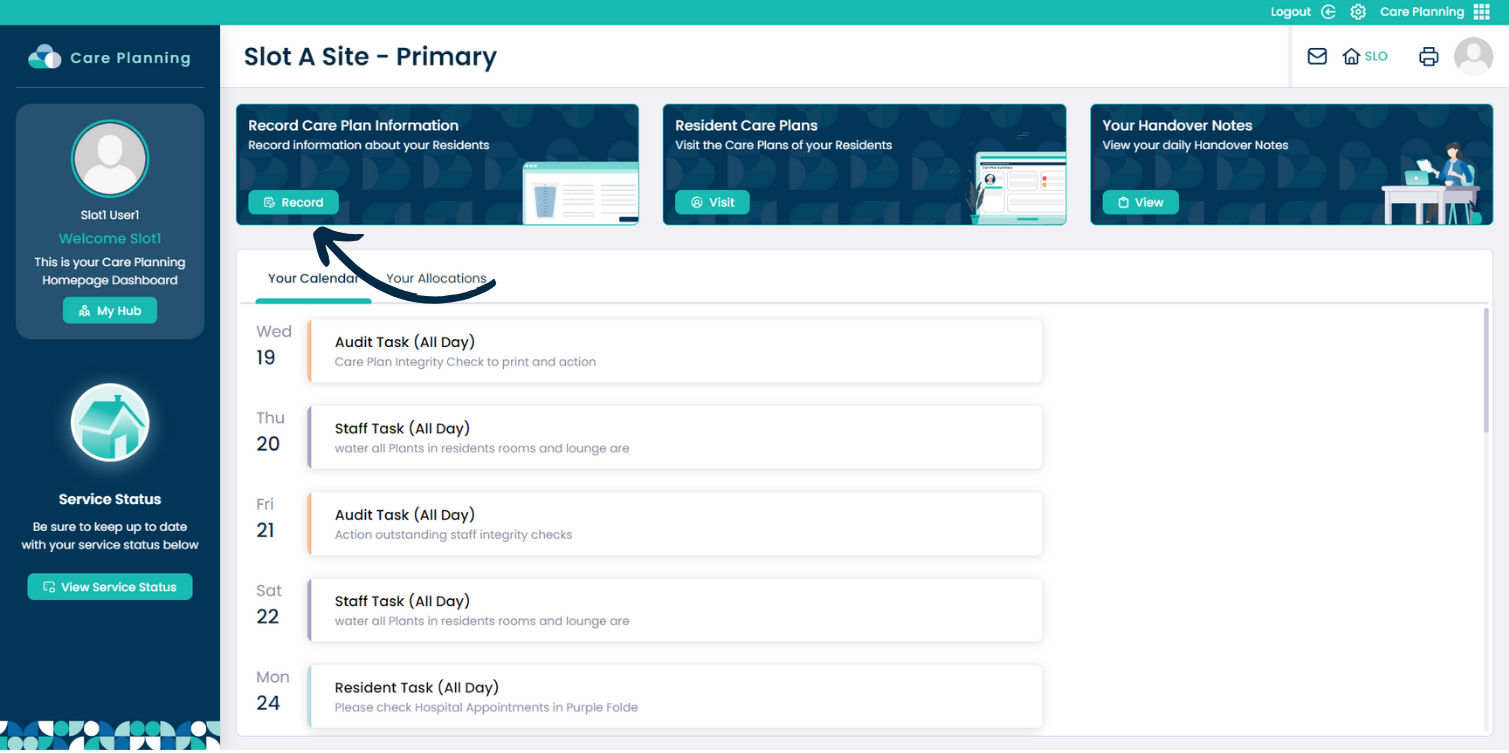
From within the Care Planning application on Care Control Cloud, navigate to the Record Care Plan Information tool.
2
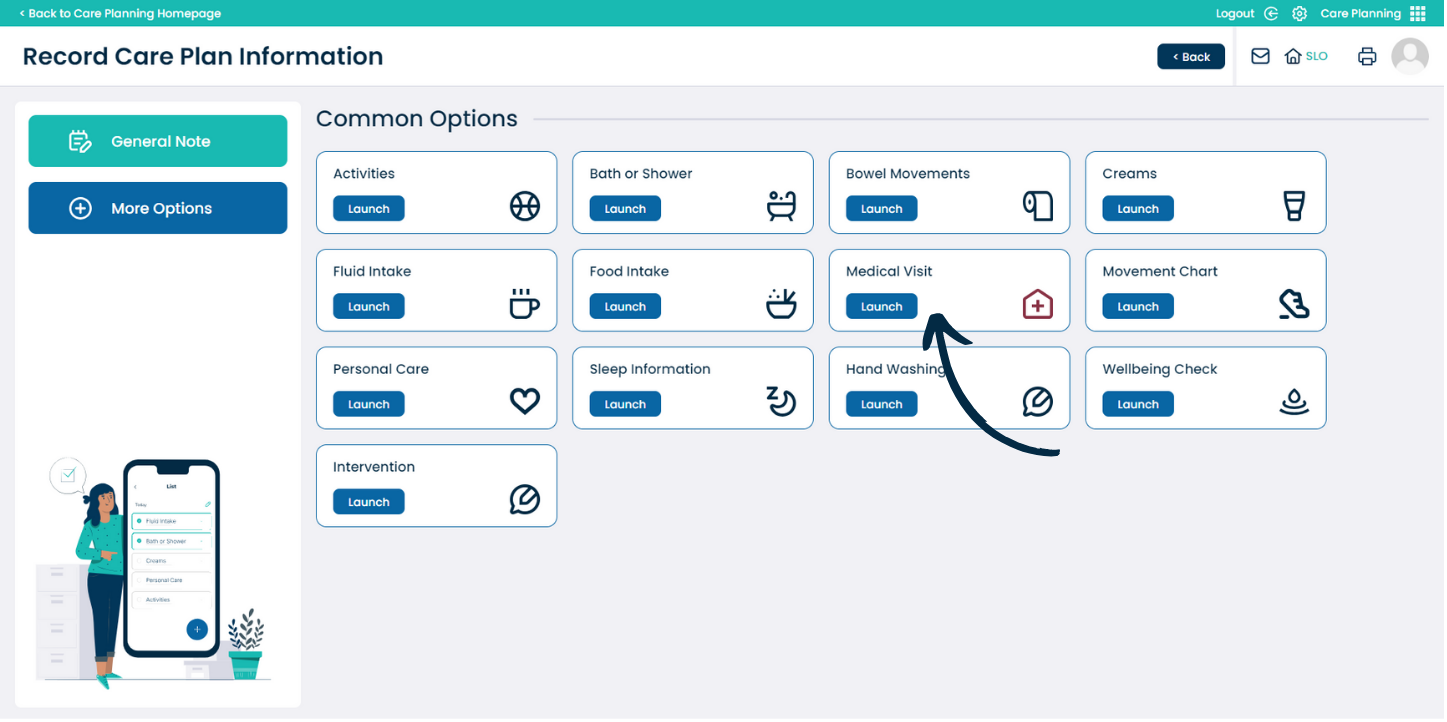
Select Medical Visits from the Common Recording Options.
3
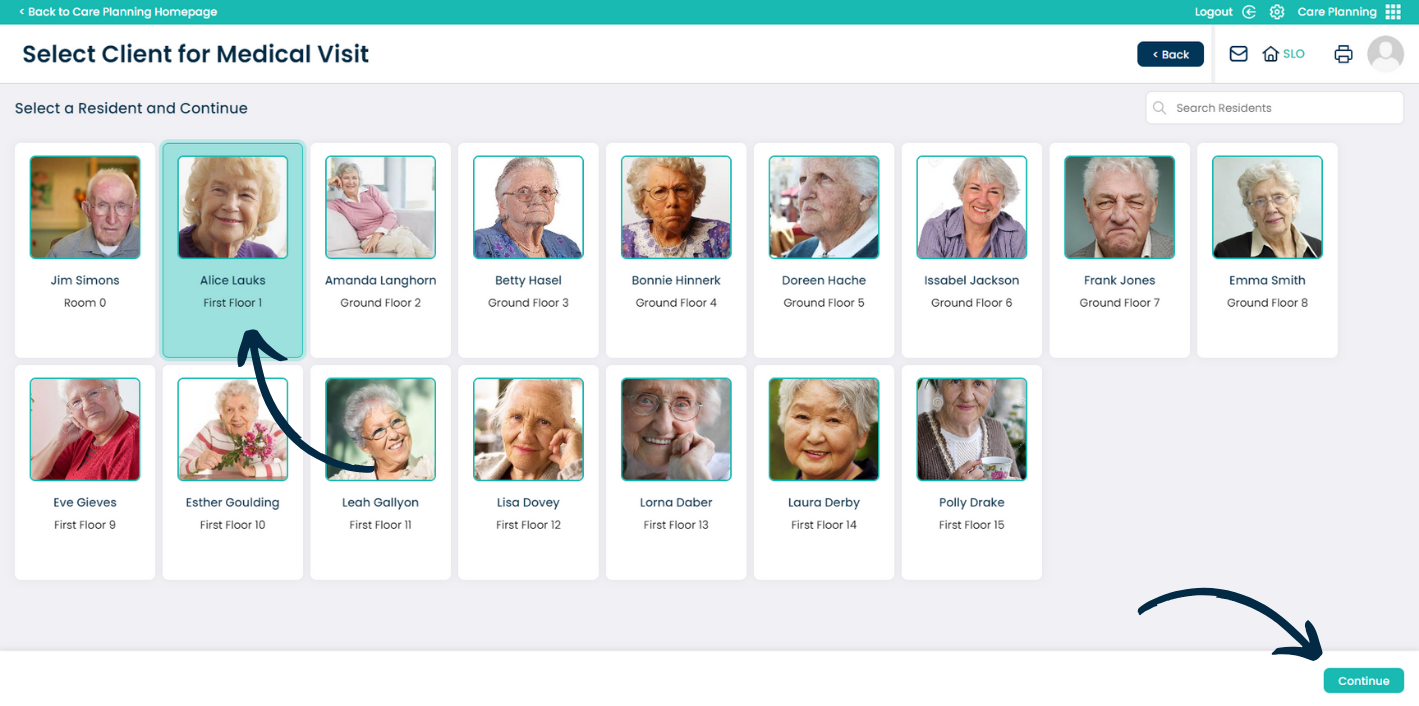
Next, choose a service user and press Continue.
4
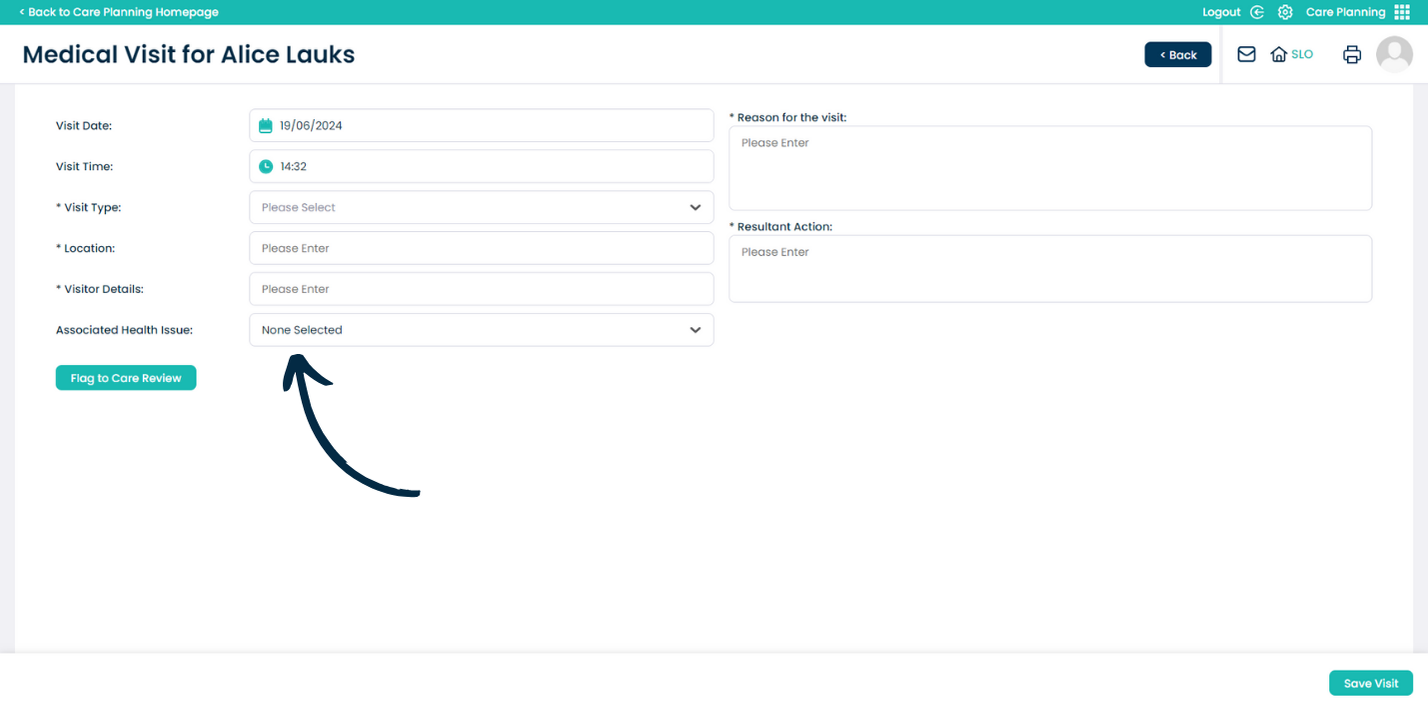
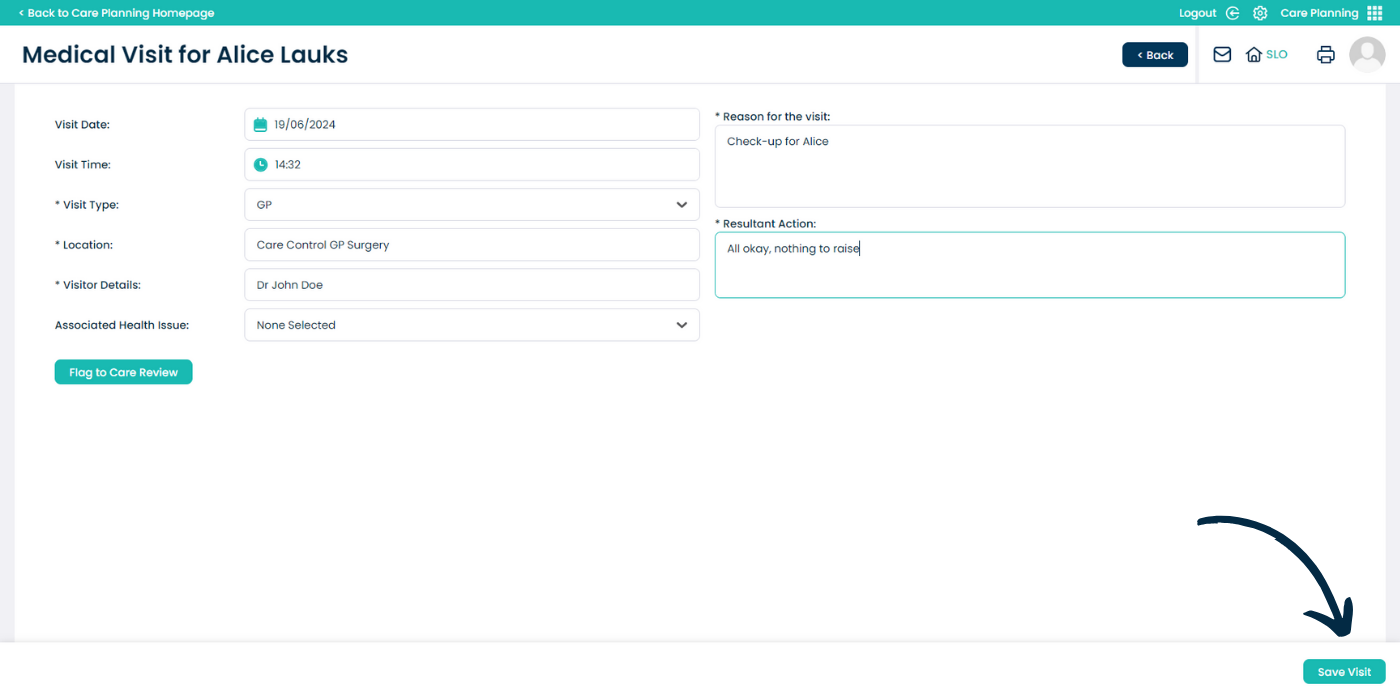
A blank Medical Visit form will open. Continue to complete sections as required.