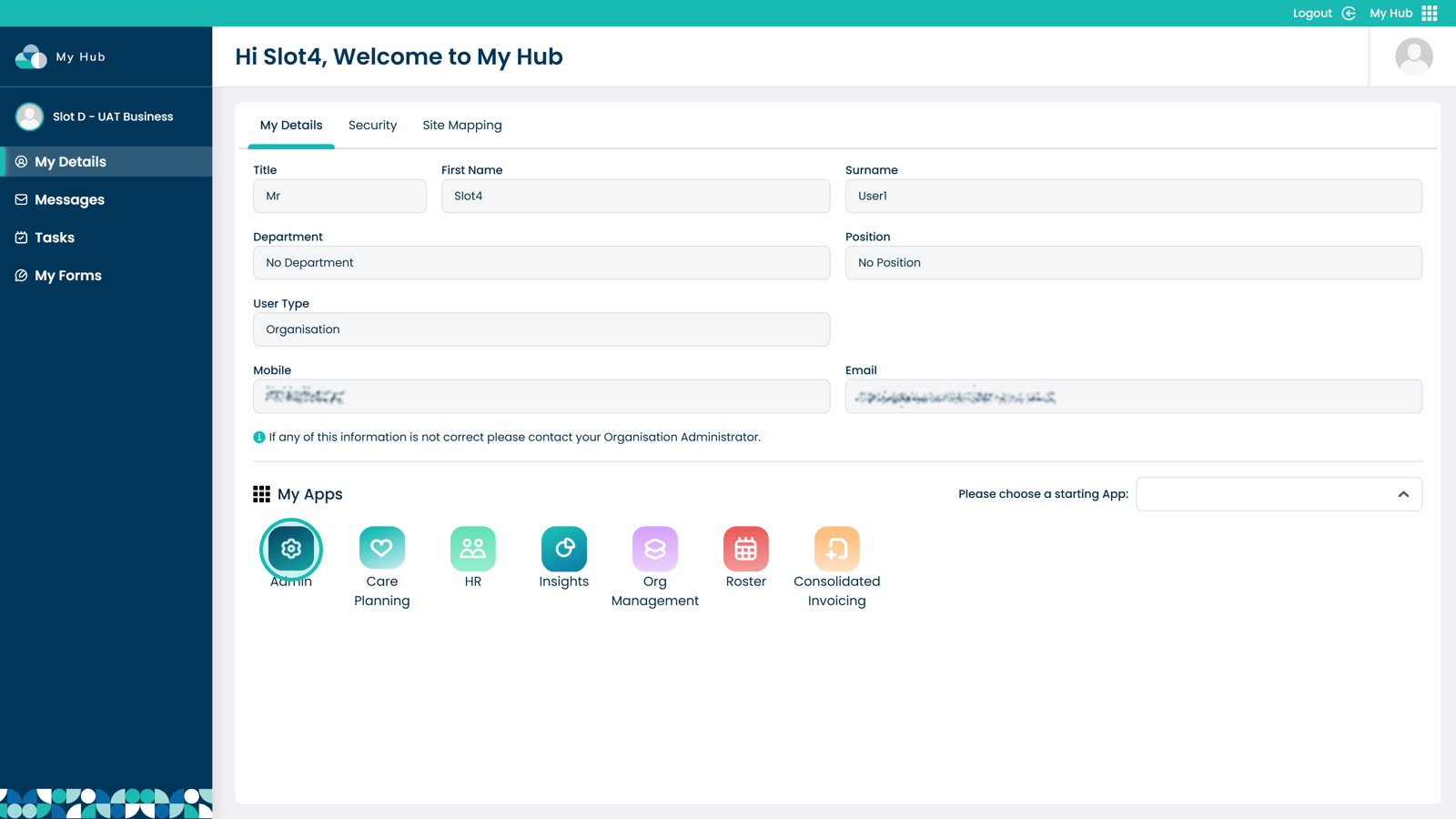
Enter the Admin app
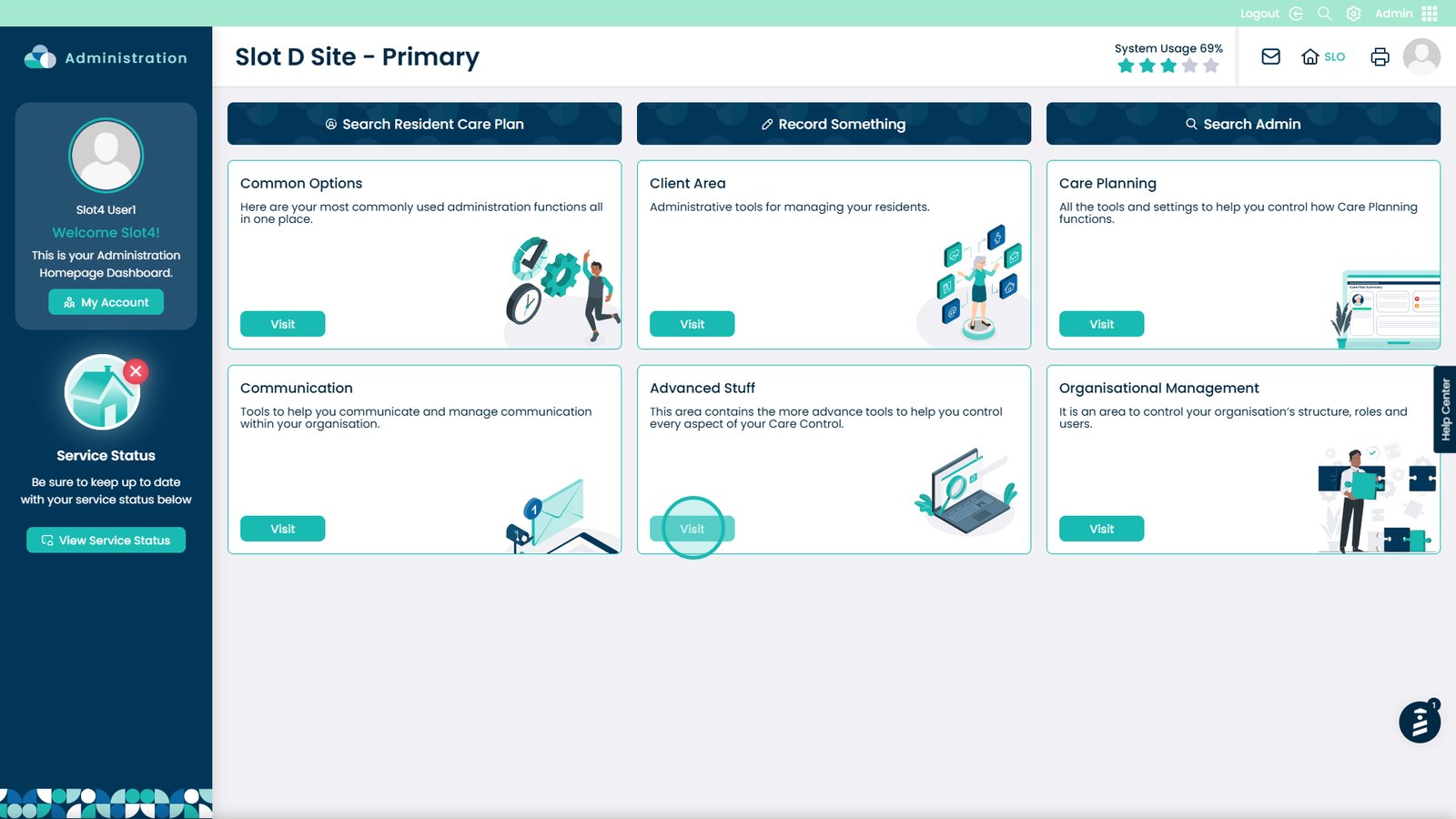
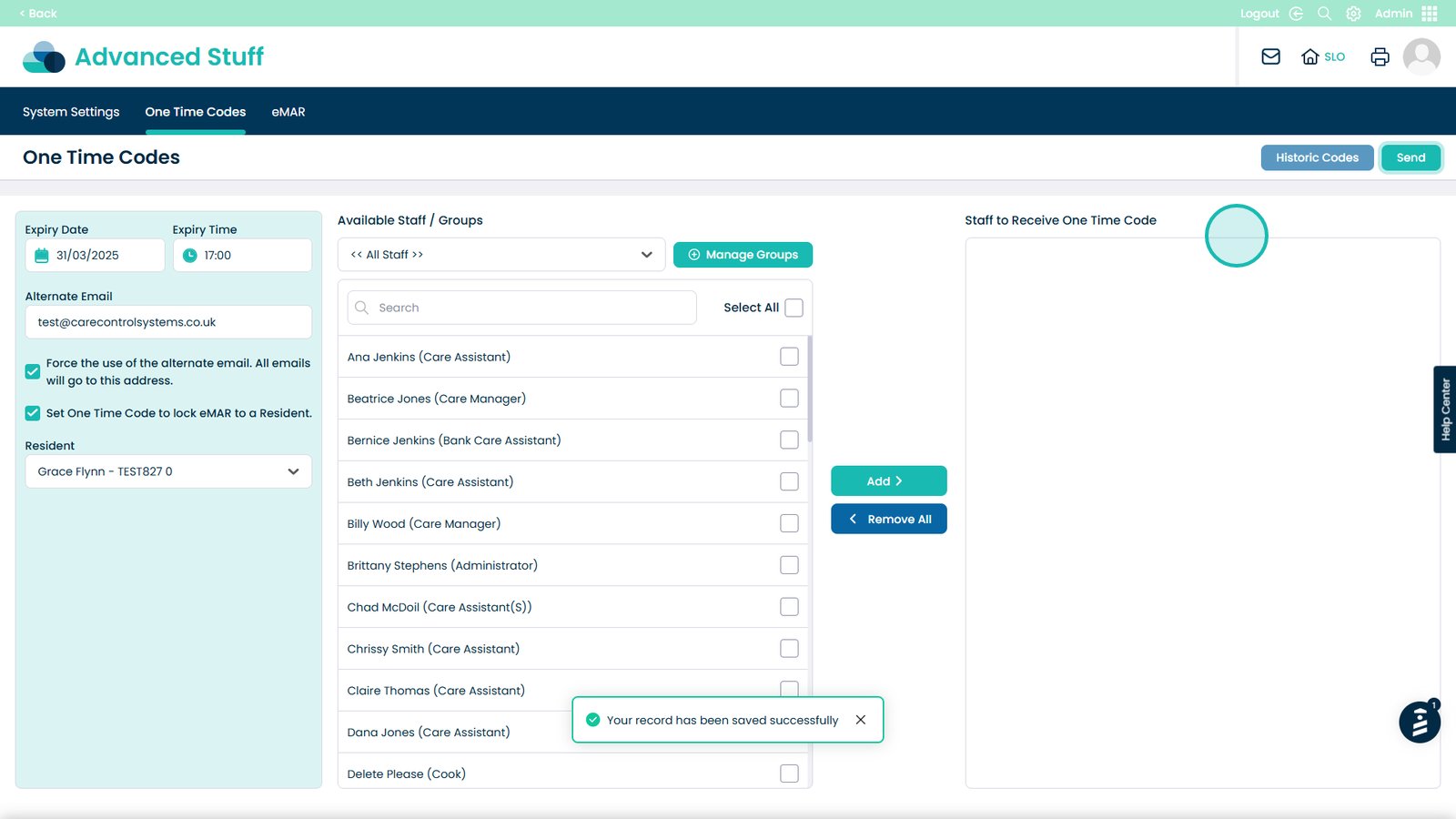
Visit the Advanced Stuff area
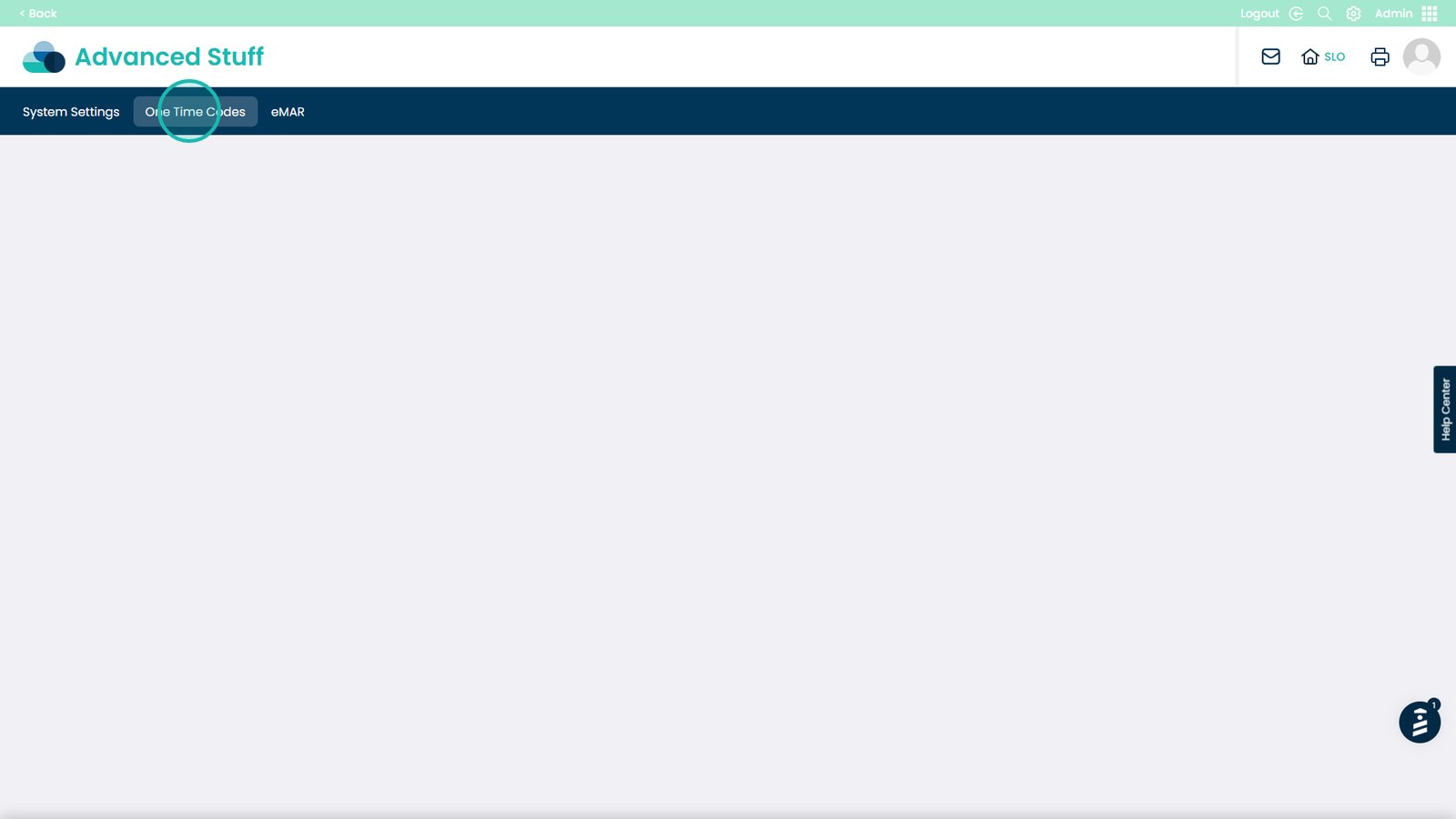
Select the One Time Codes option
Enter the expiry date for the code
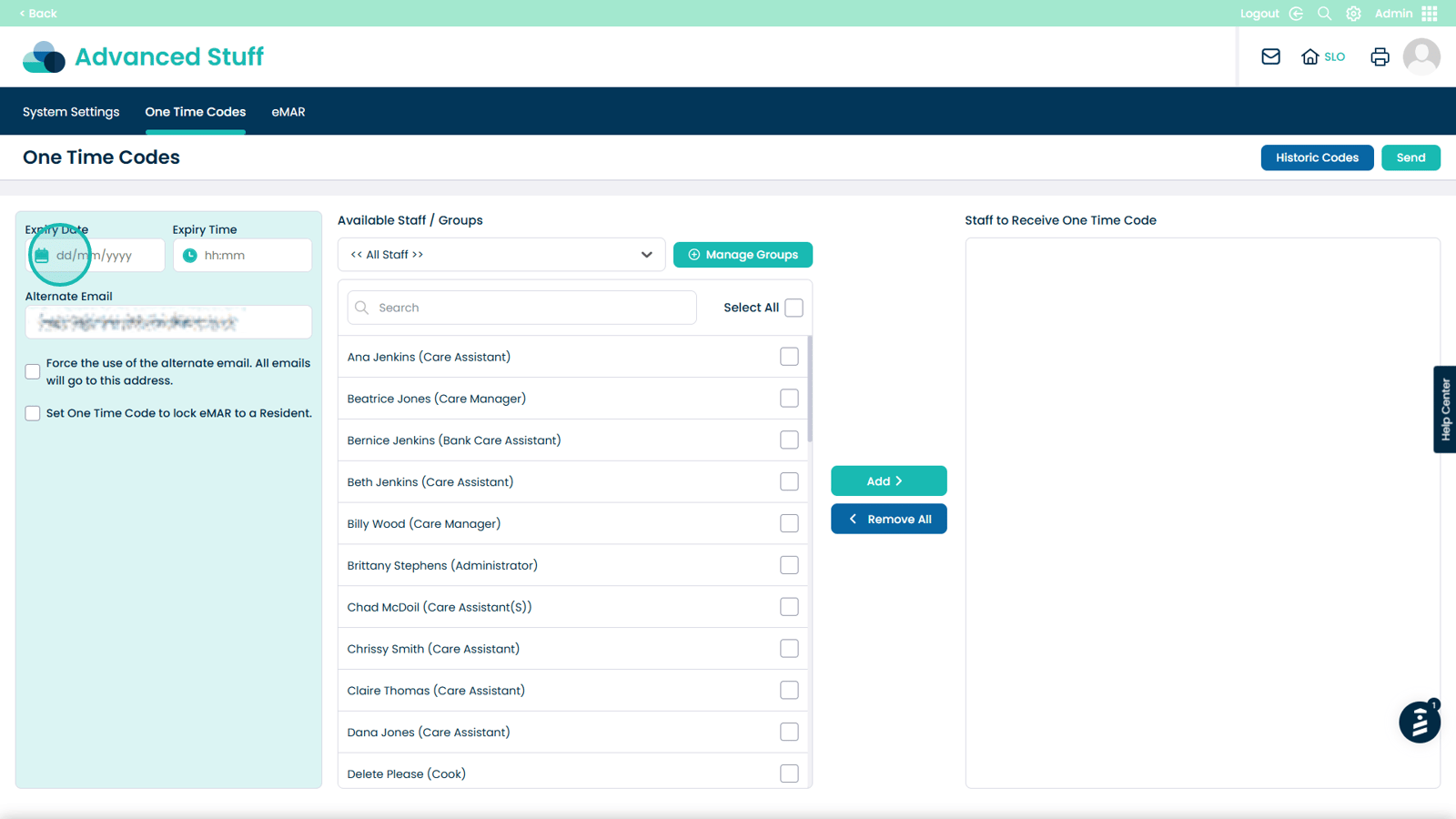
Enter the expiry time for the code
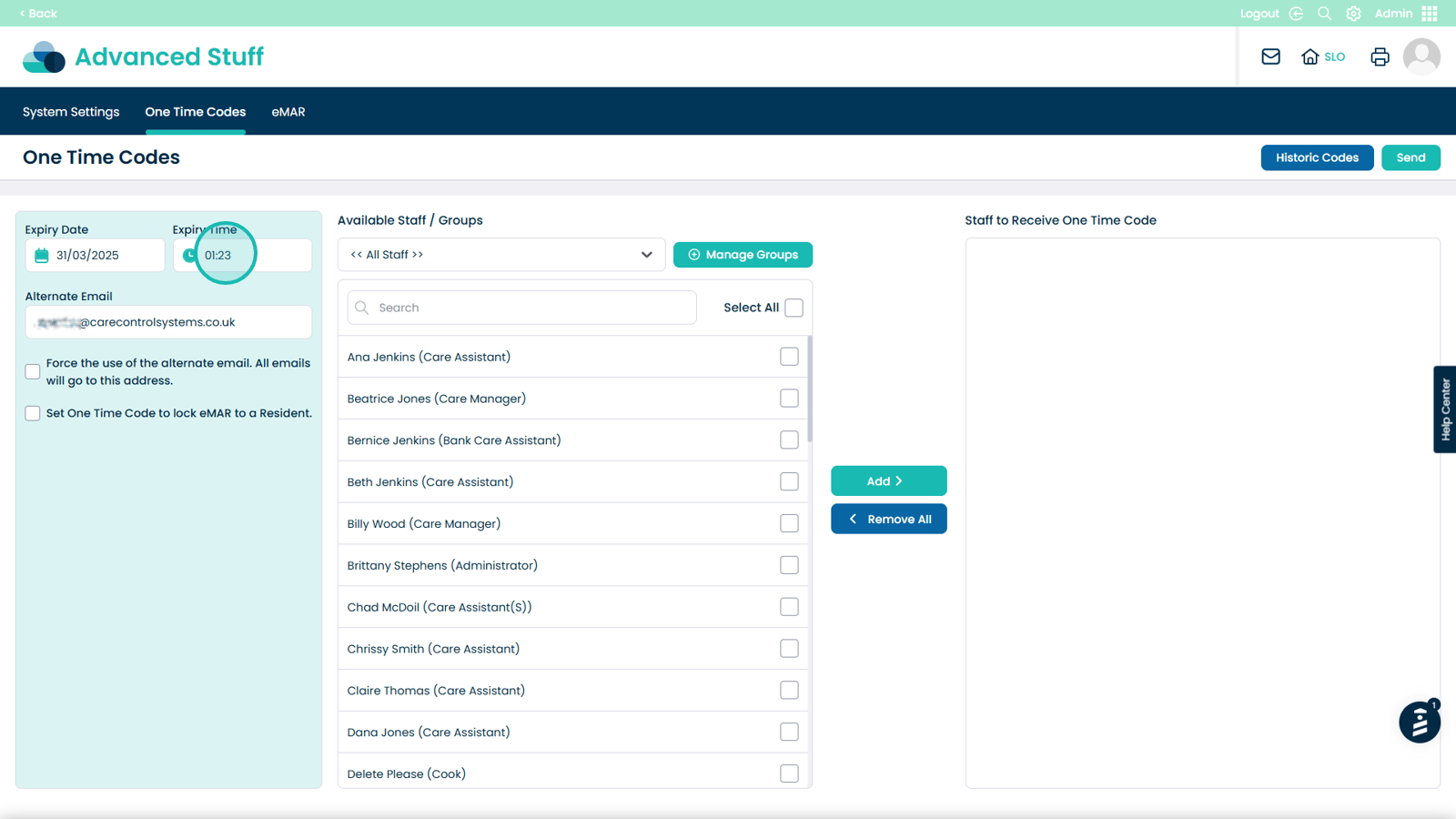
Select an alternate email address
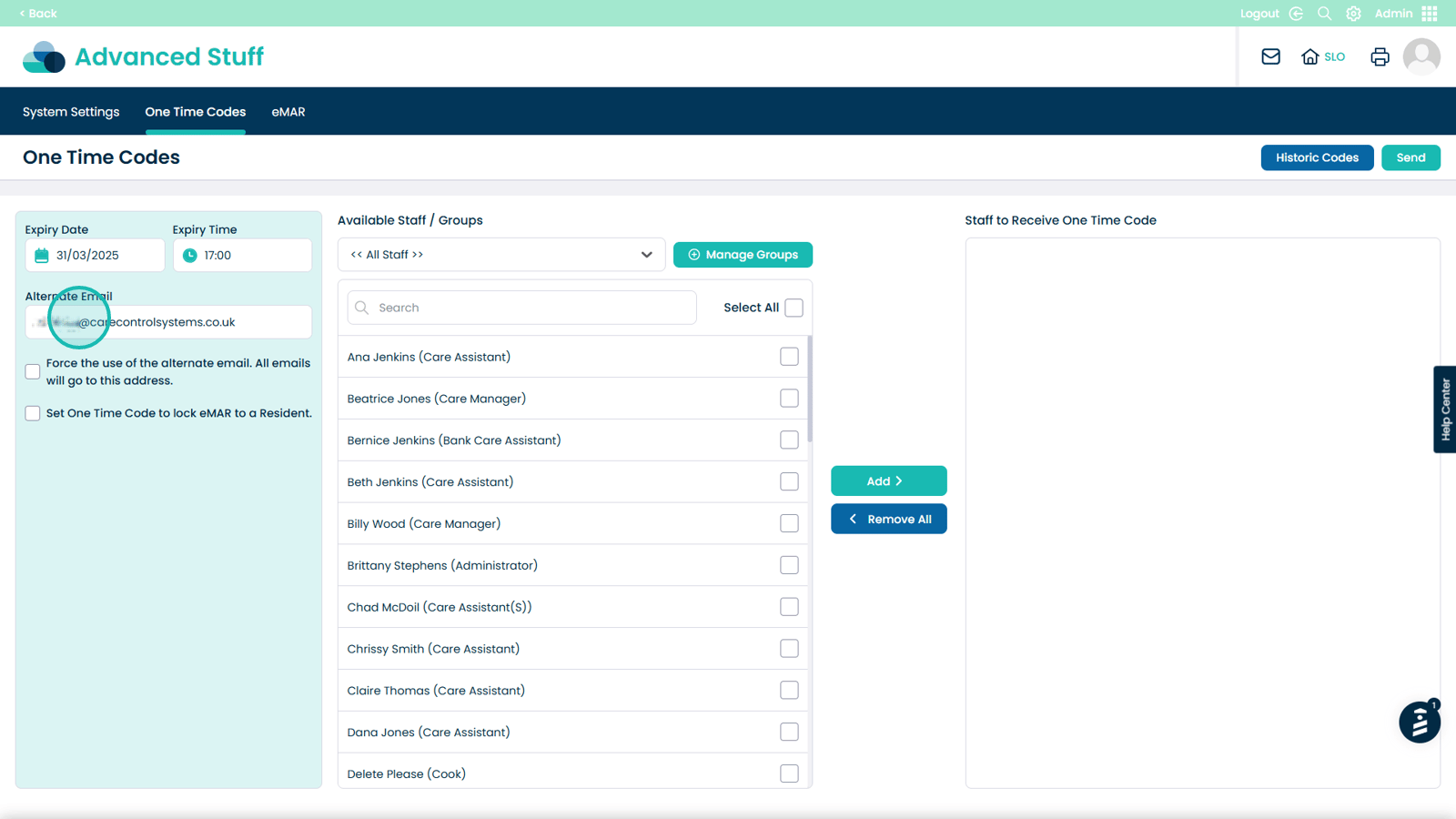
Force the use of the alternate email (optional)
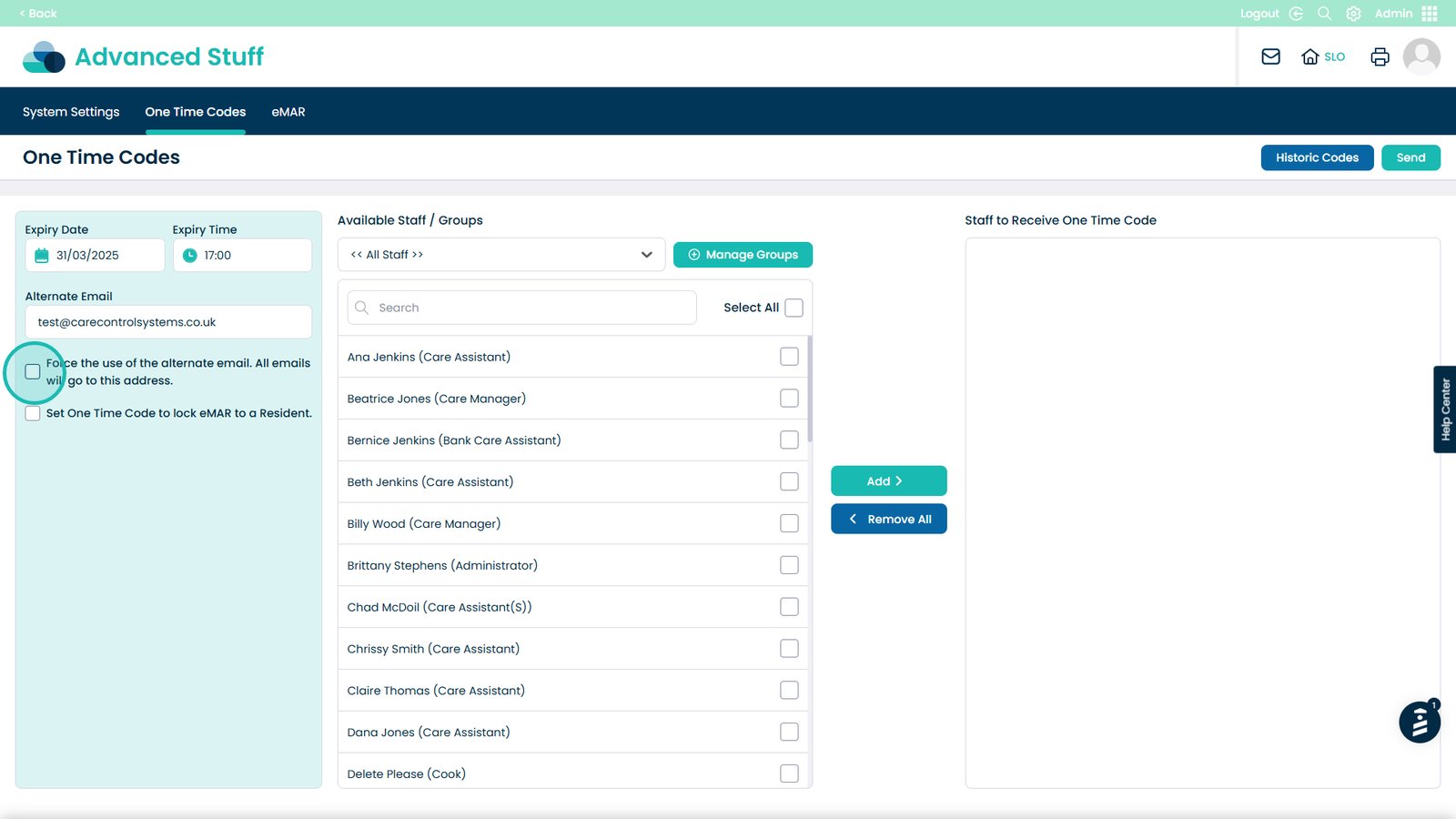
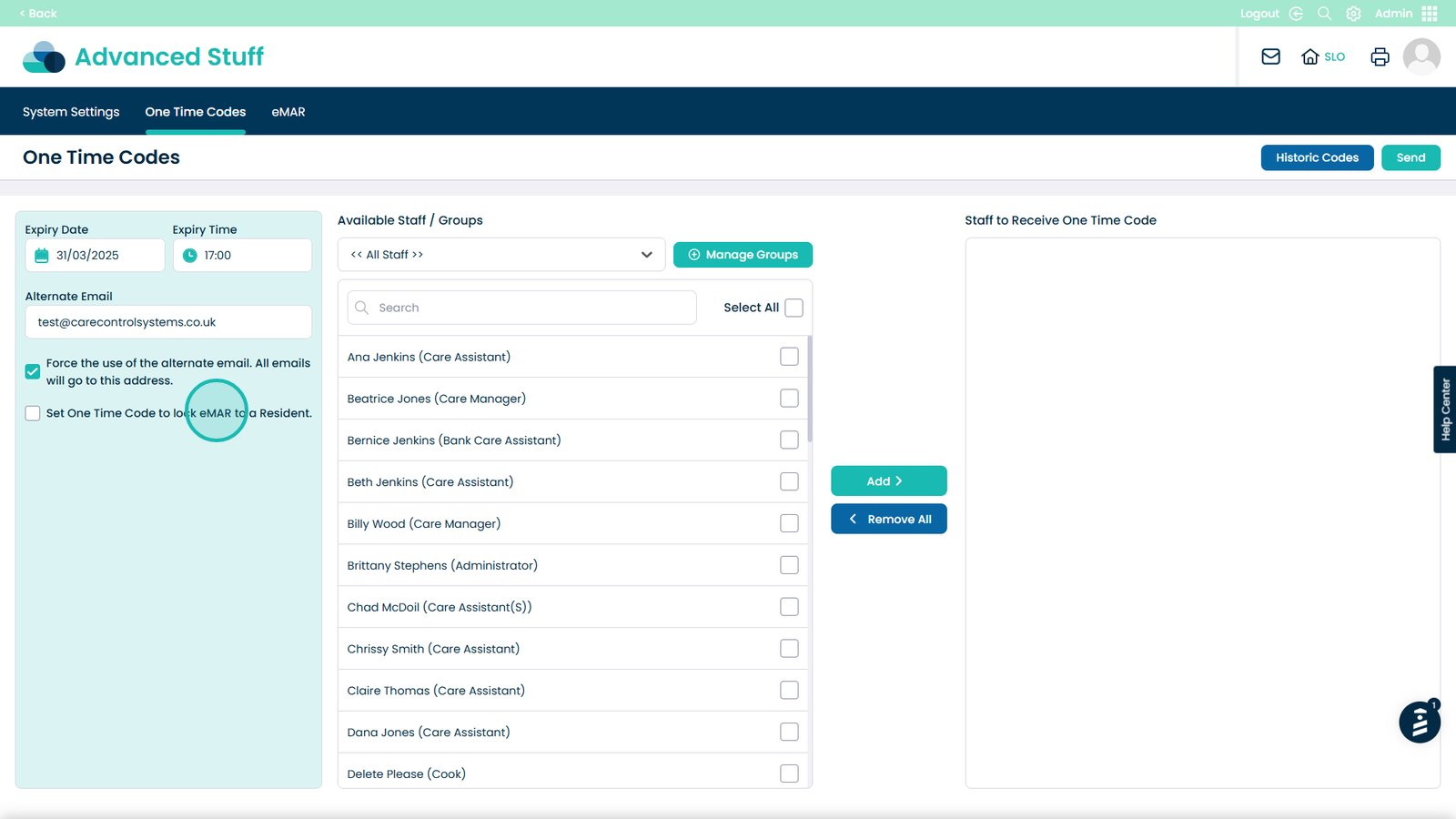
Lock the One Time Code to a specific resident (optional)
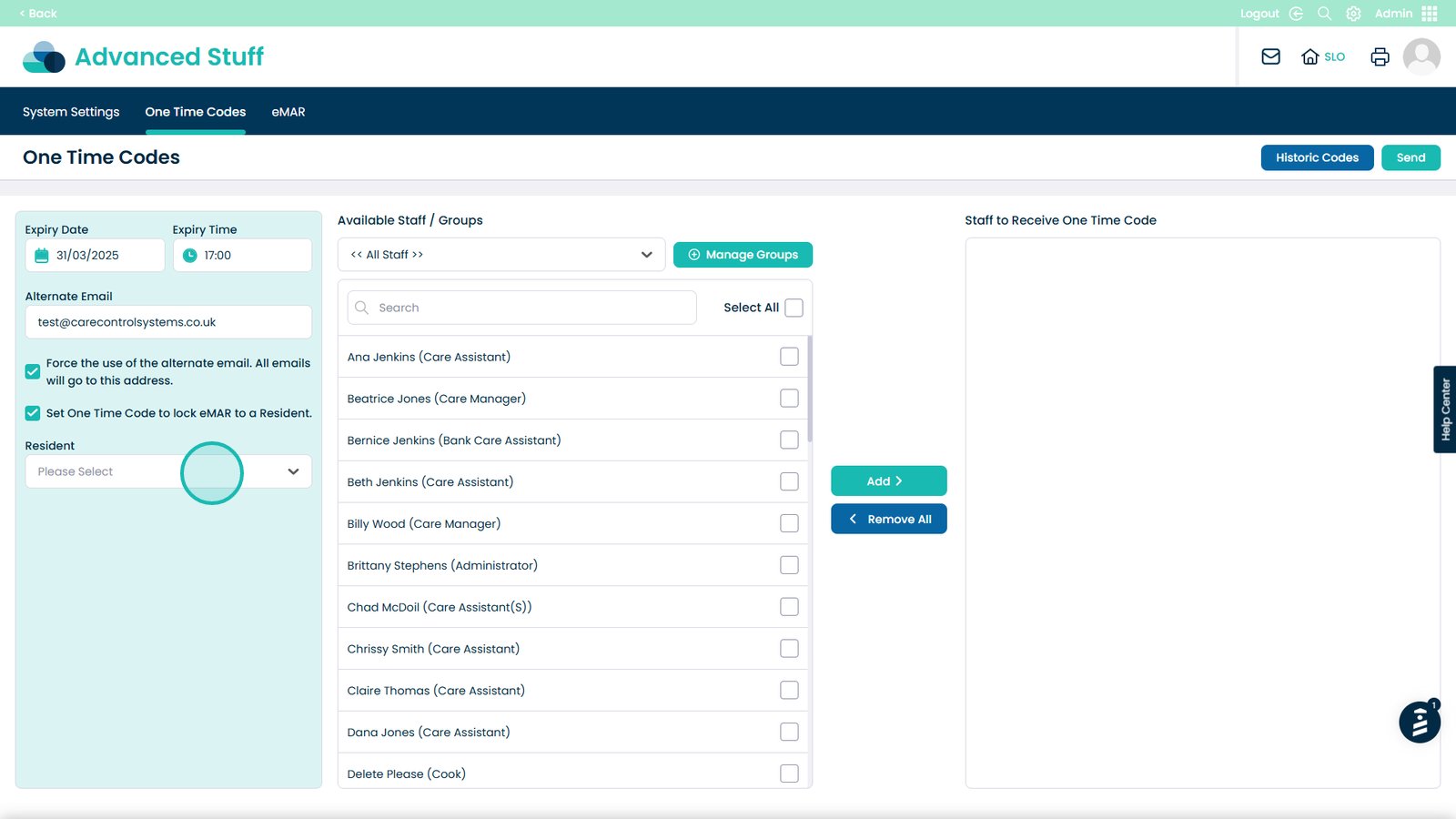
Select the resident from the dropdown
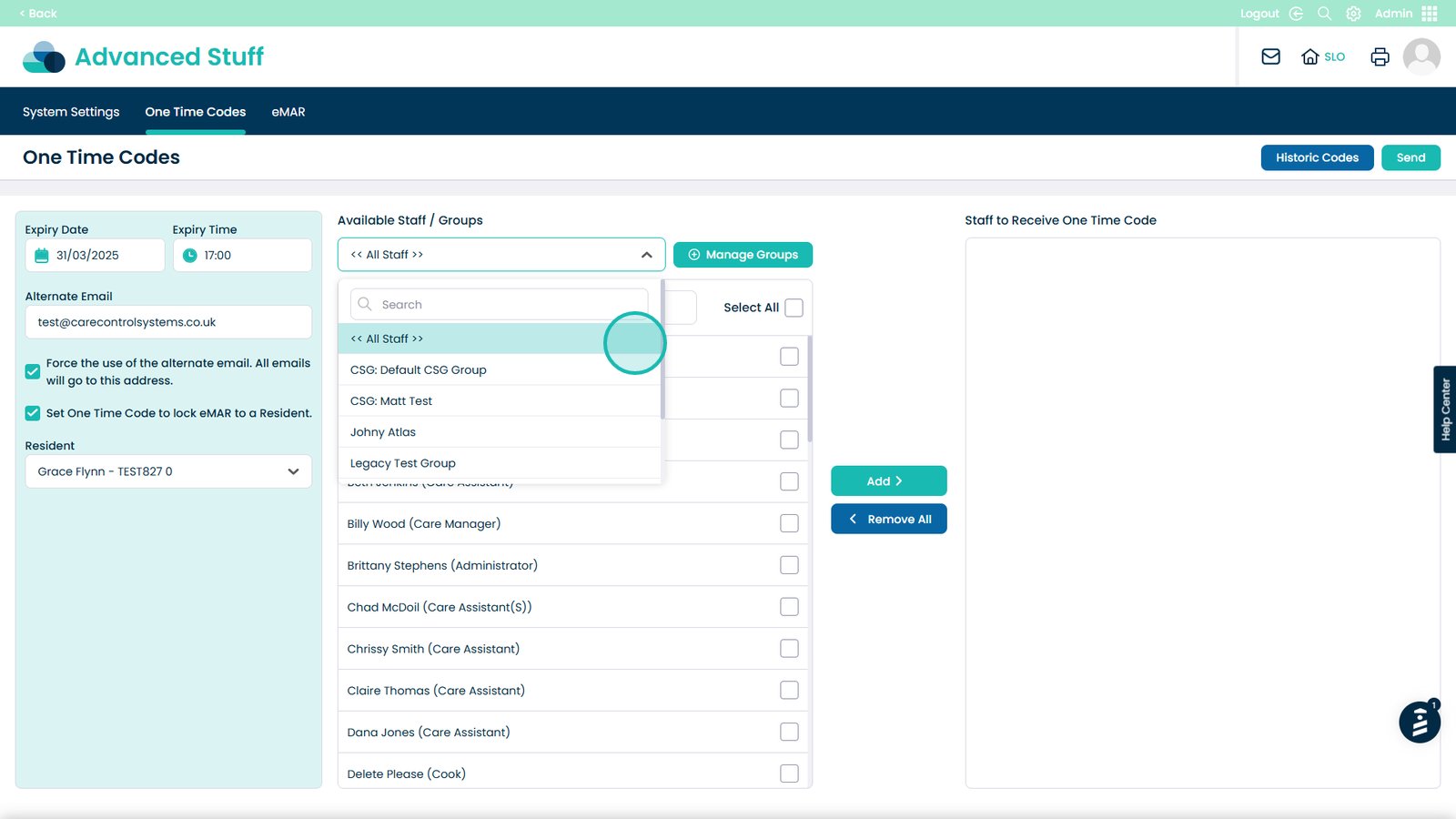
Select staff members or a Care Service Group
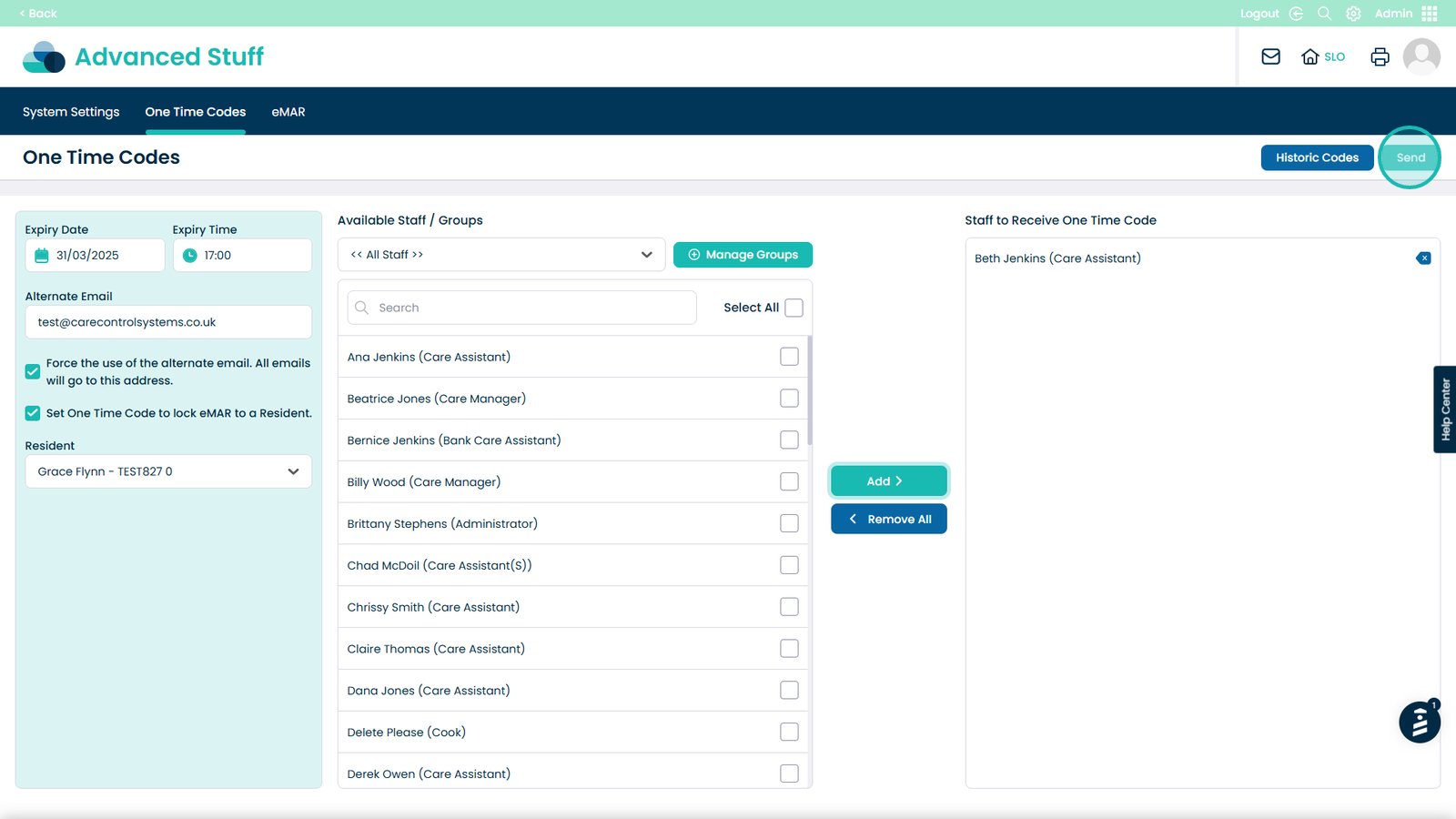
Select Add, then Send
View historic One Time Codes
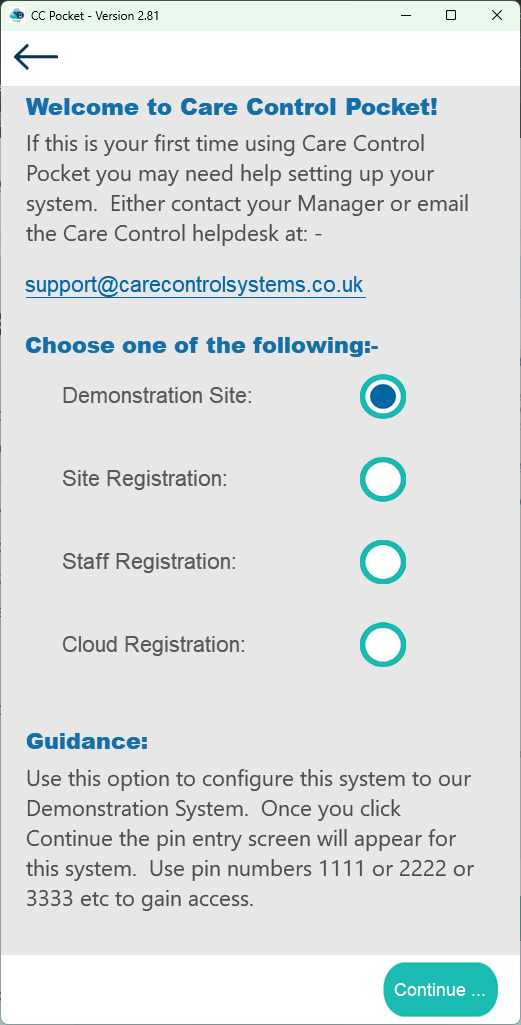
Choose Staff Registration
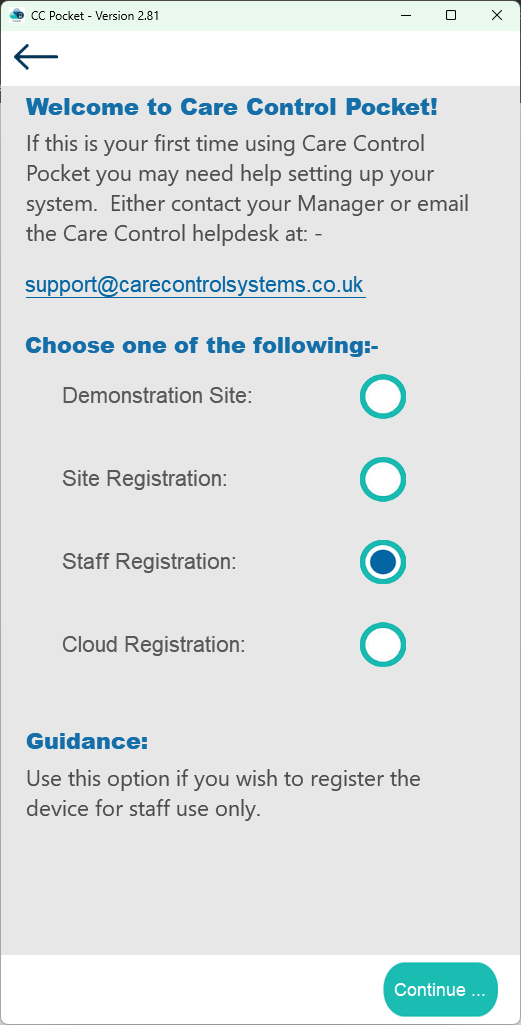
Choose Continue
Enter the Pocket Code provided by your manager

Enter your first name
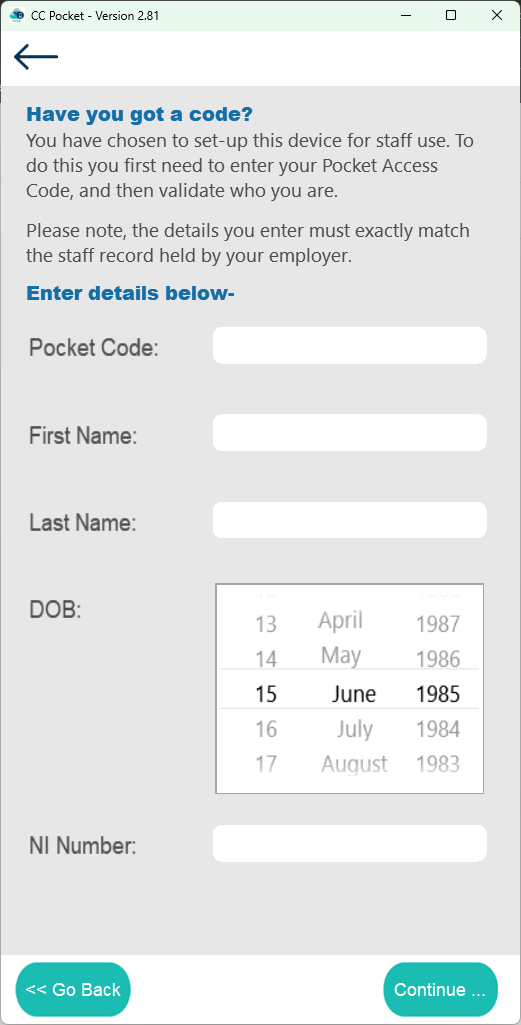
Enter your last name
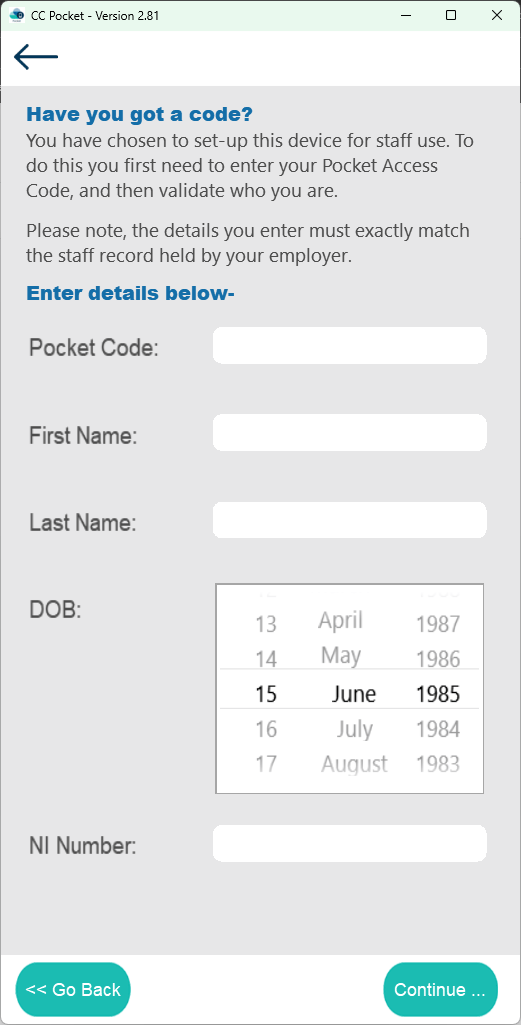
Select your date of birth using the dials
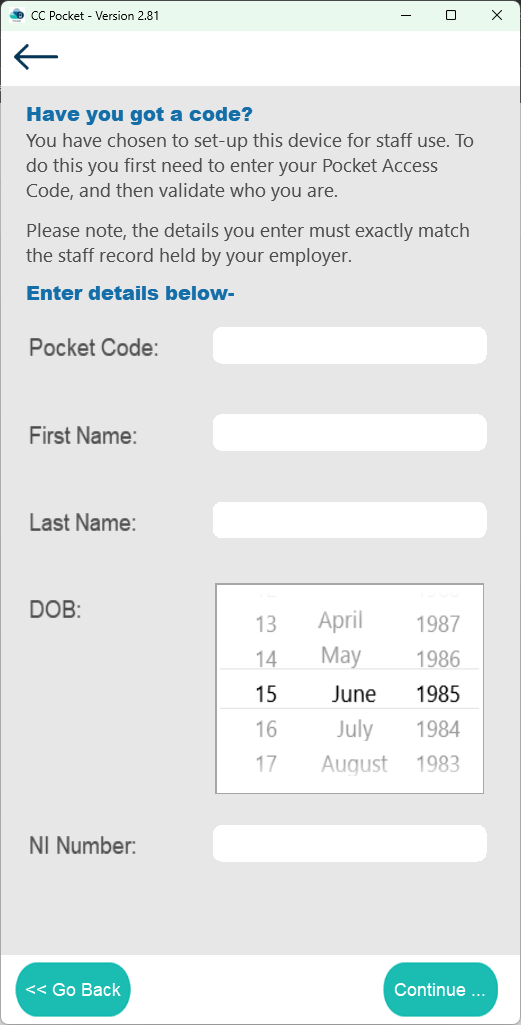
Enter your National Insurance number
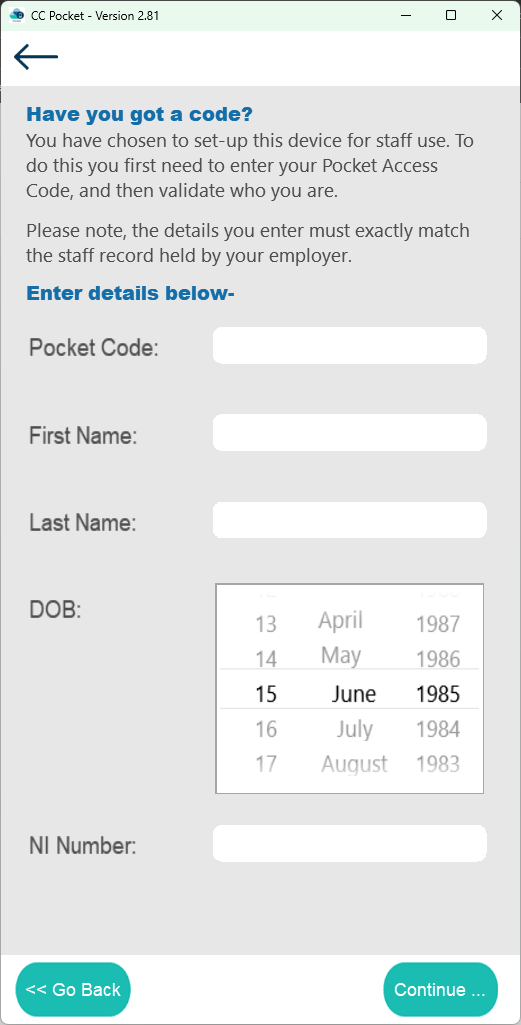
Click Continue
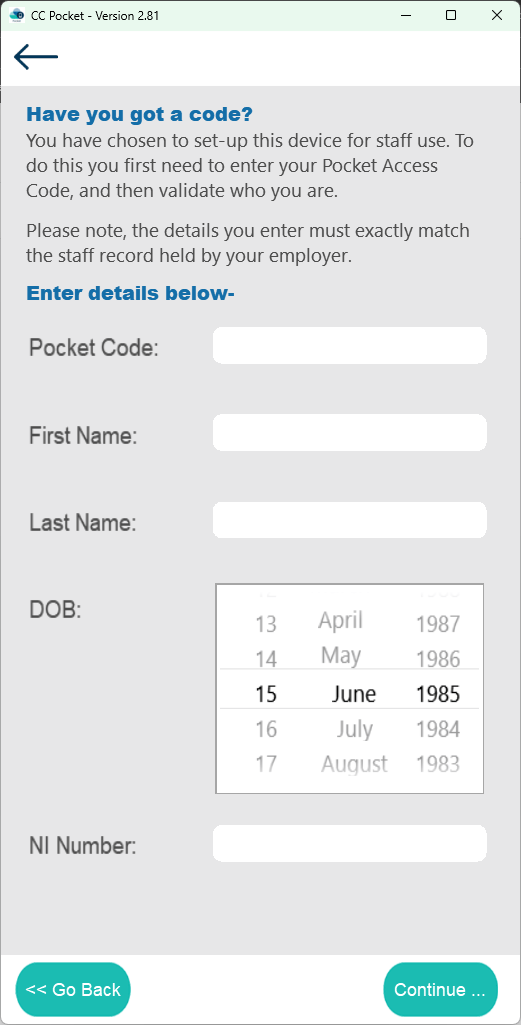
Select Continue
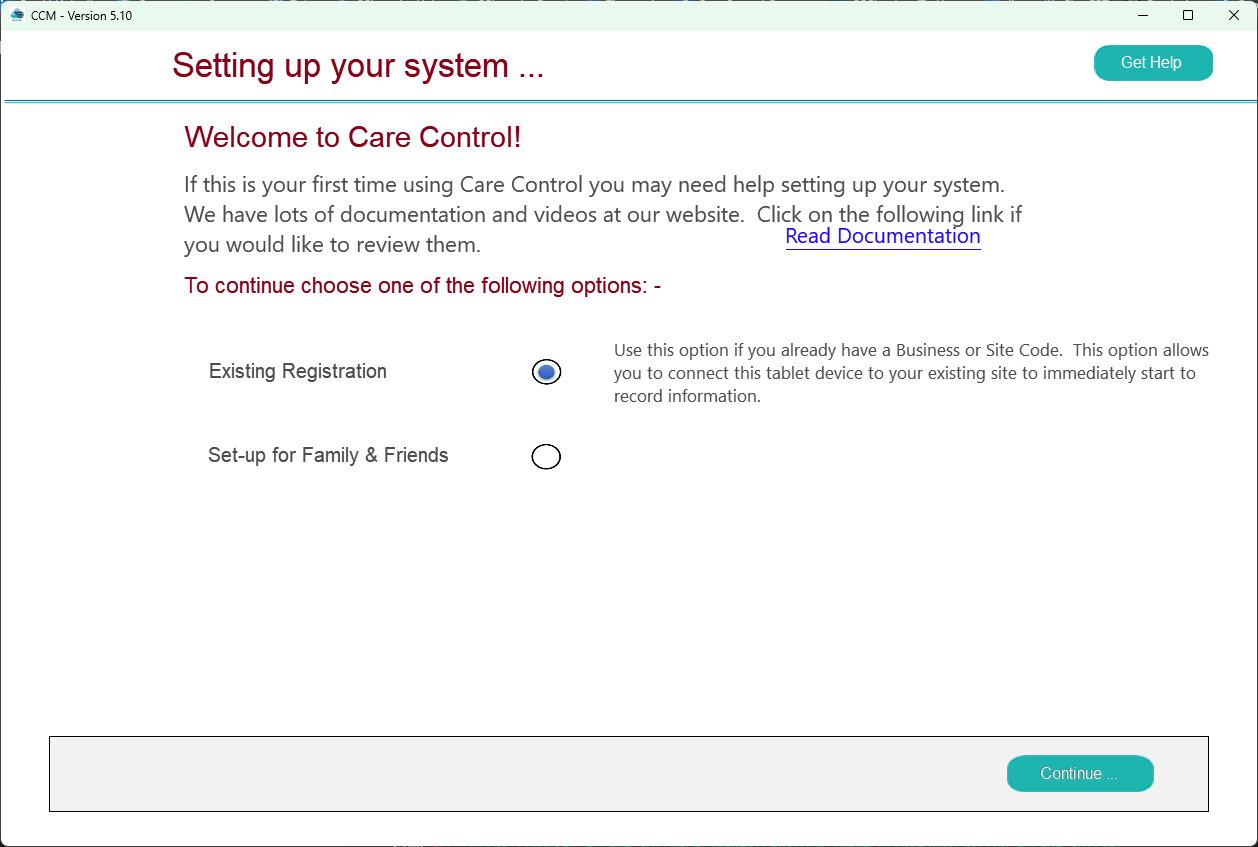
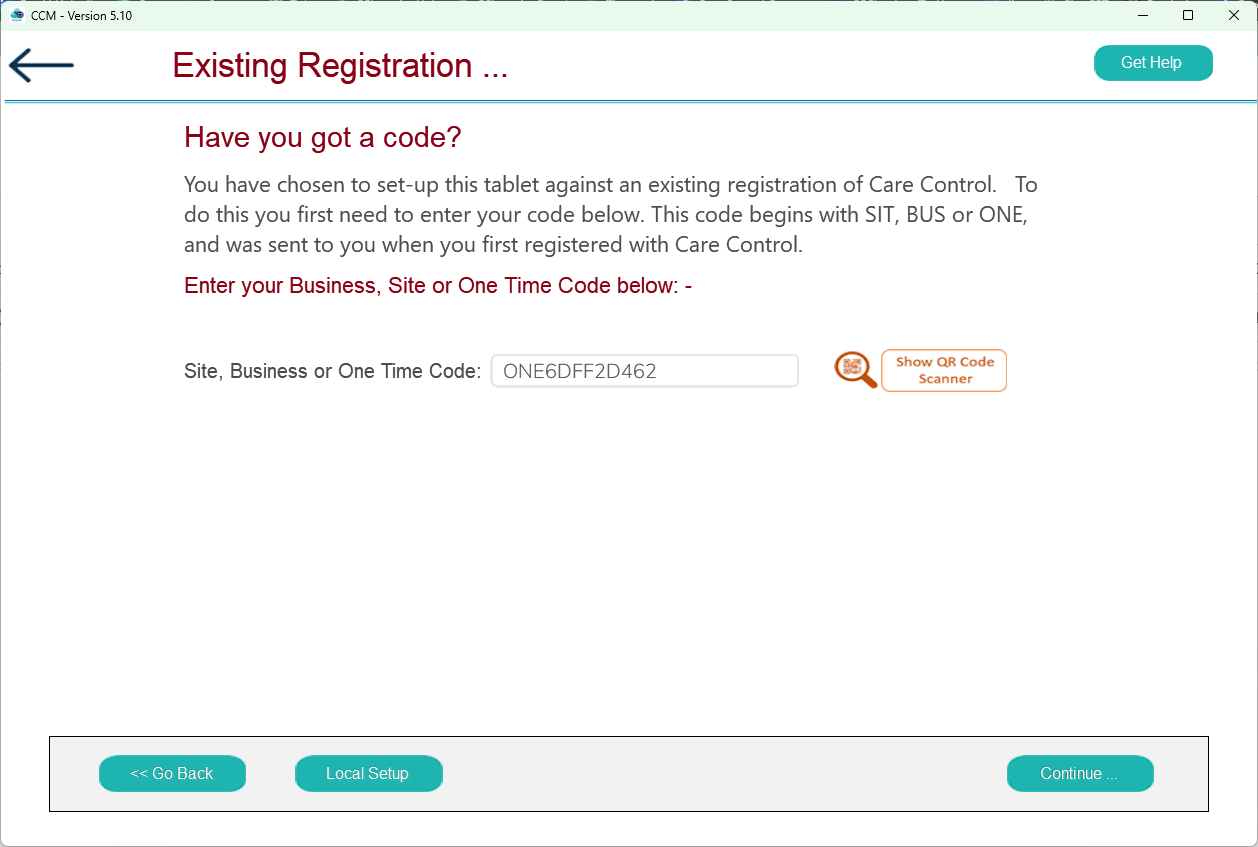
Enter the One Time Code
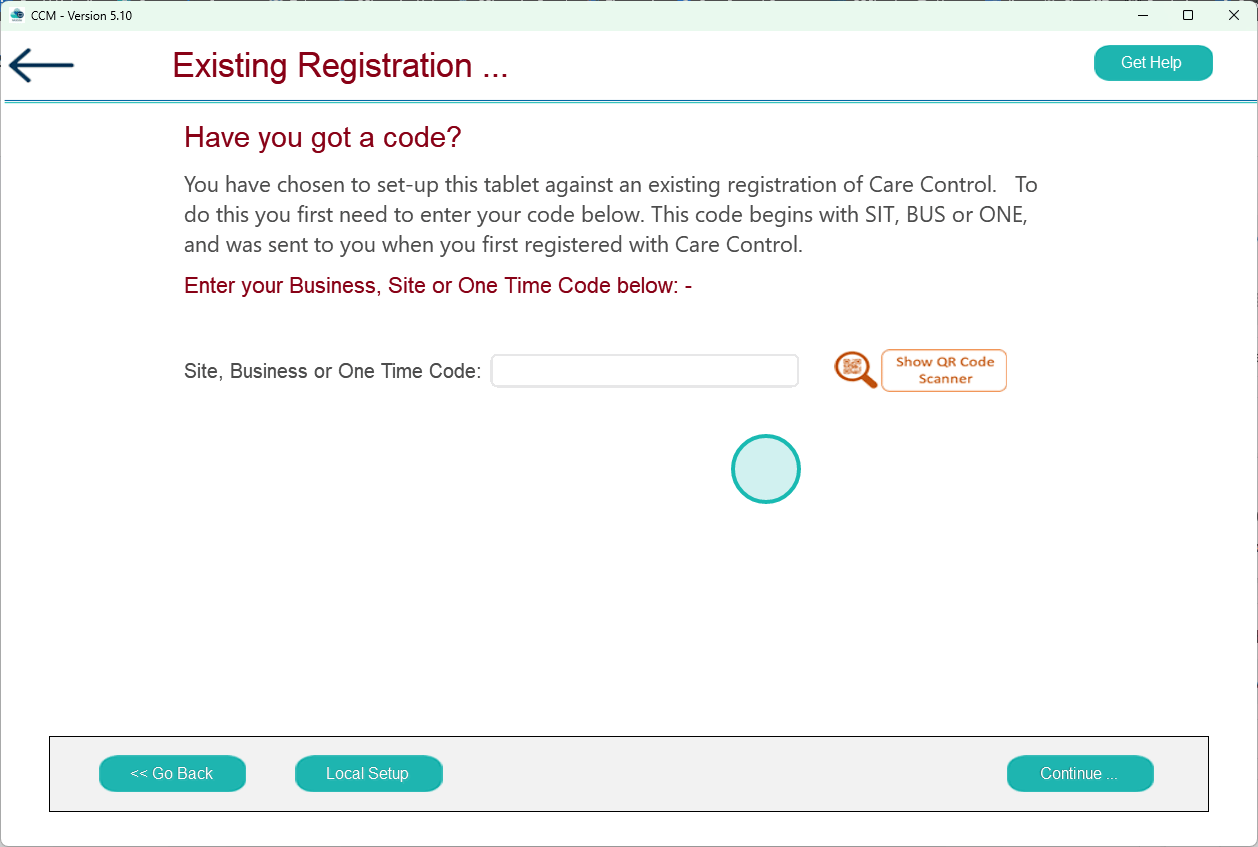
Click Continue
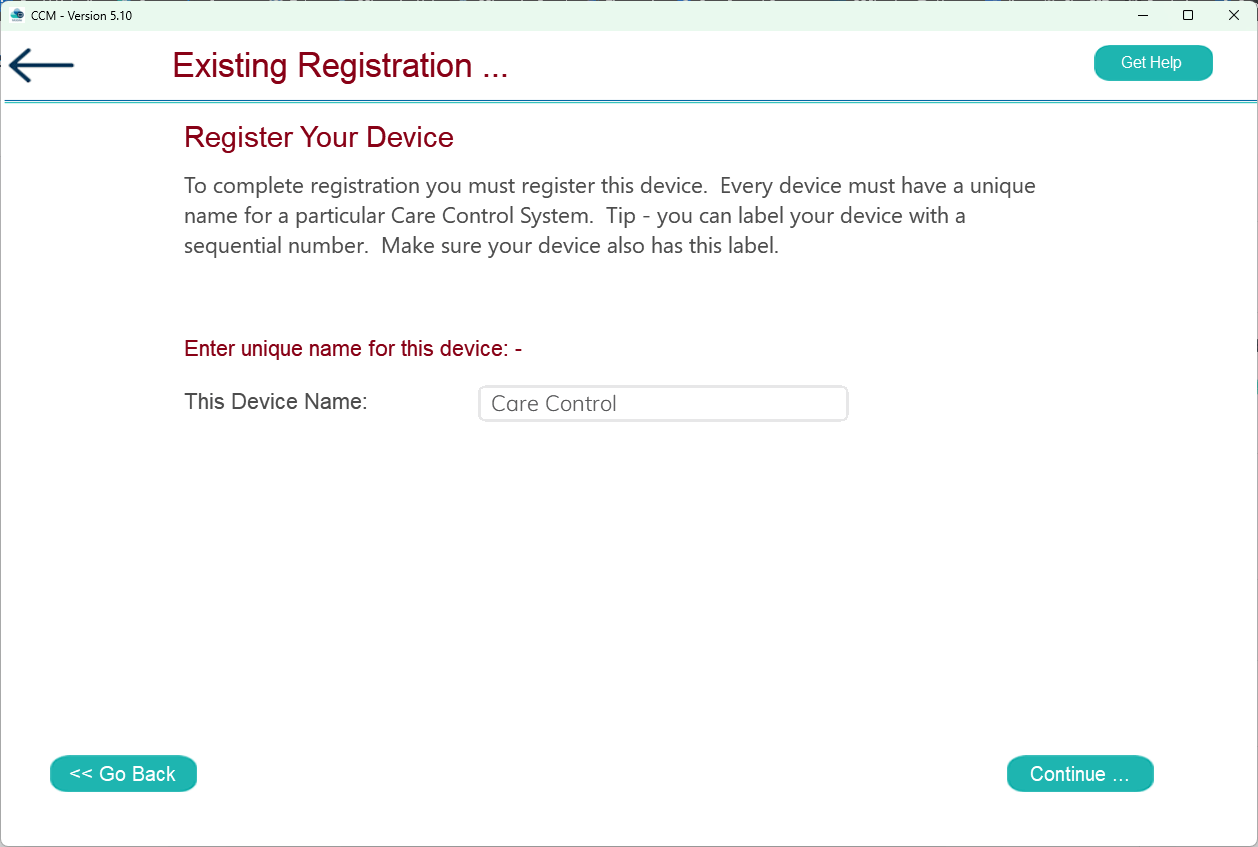
Enter a name for this device

Click Continue
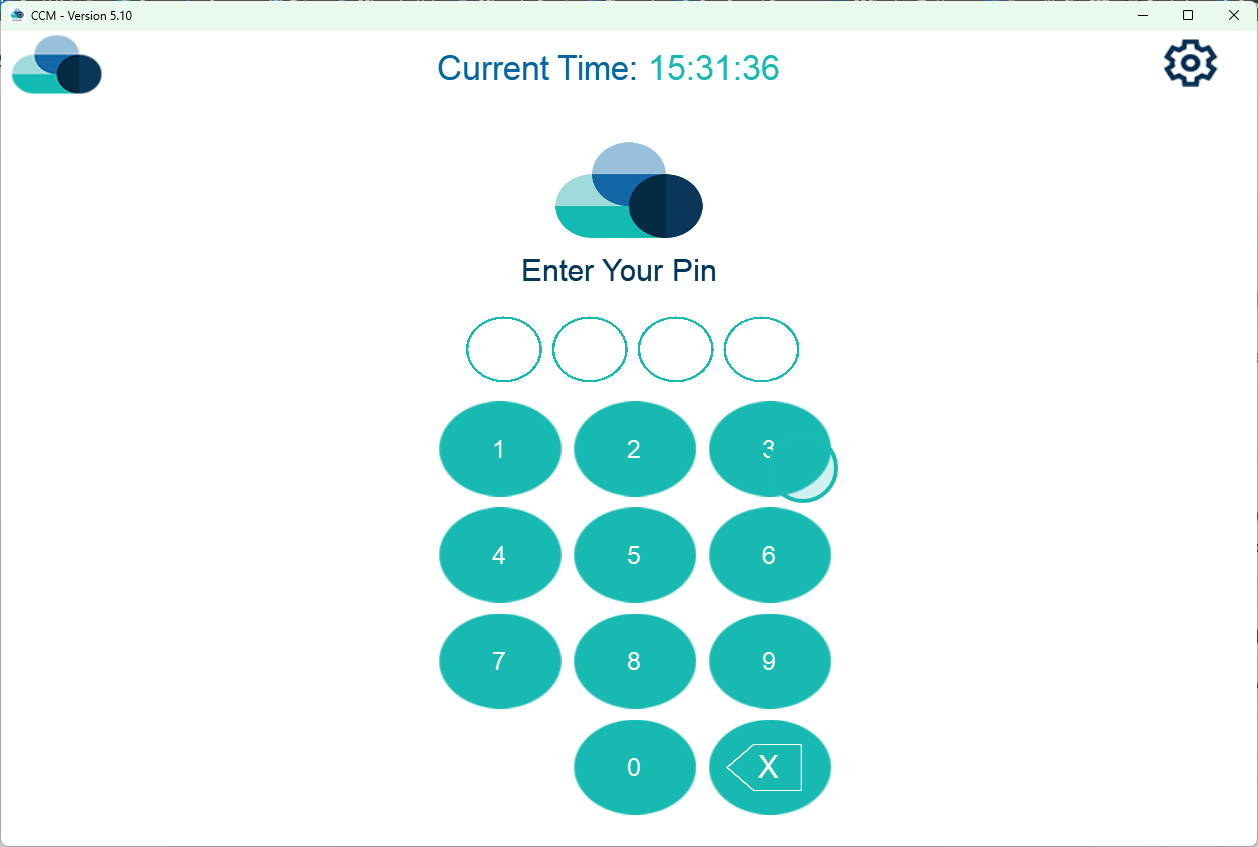
Sign in using your PIN