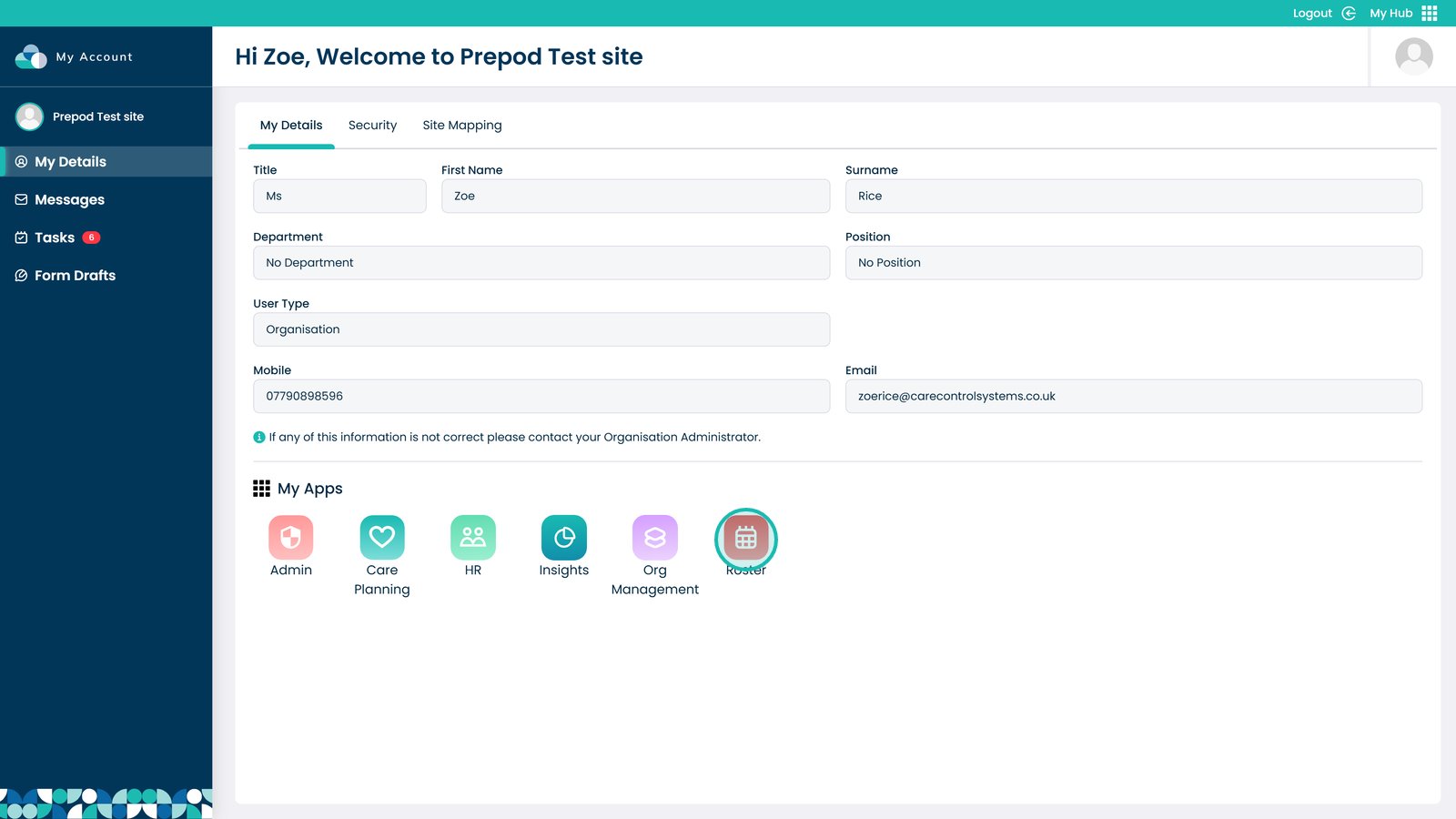
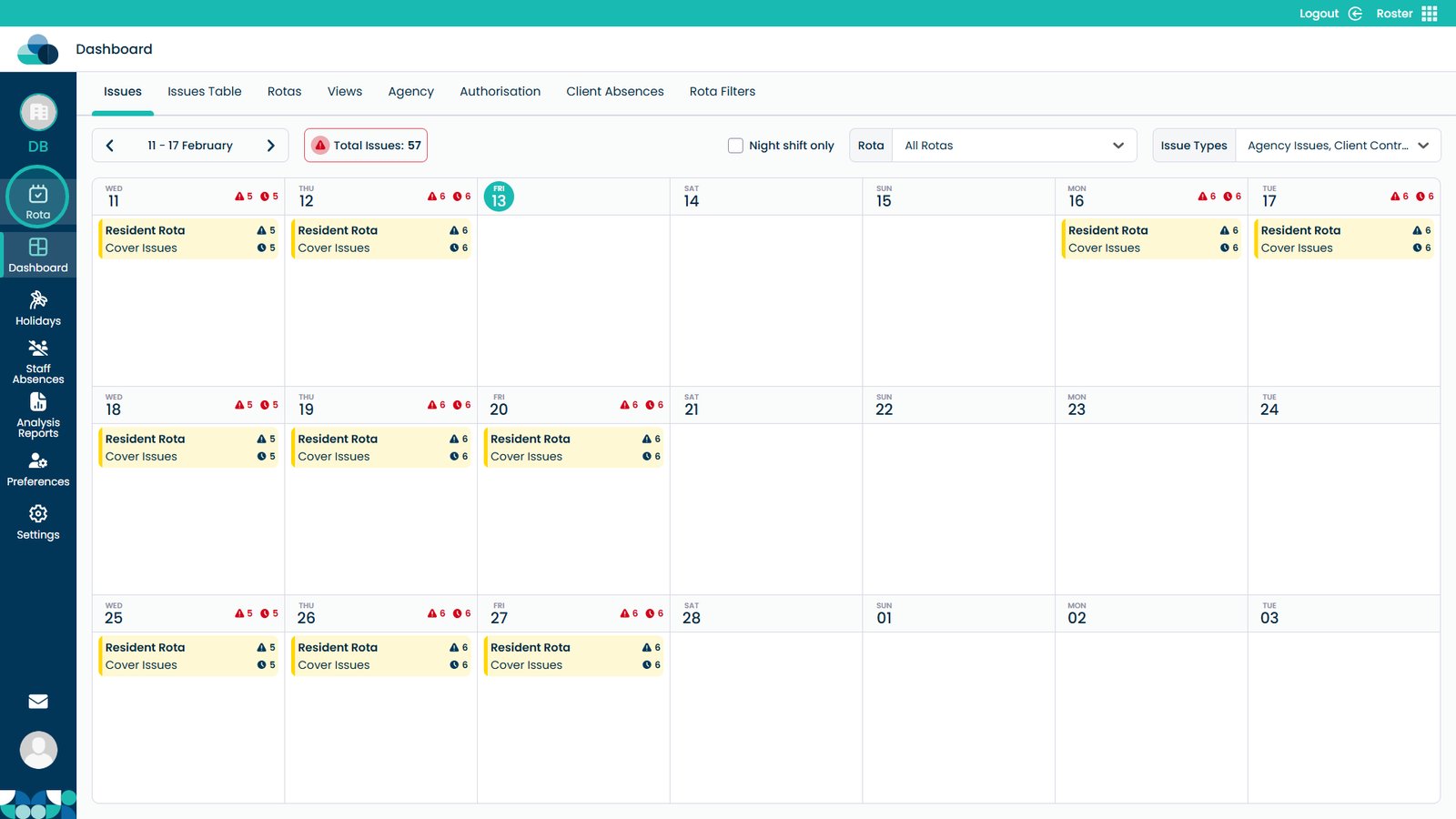
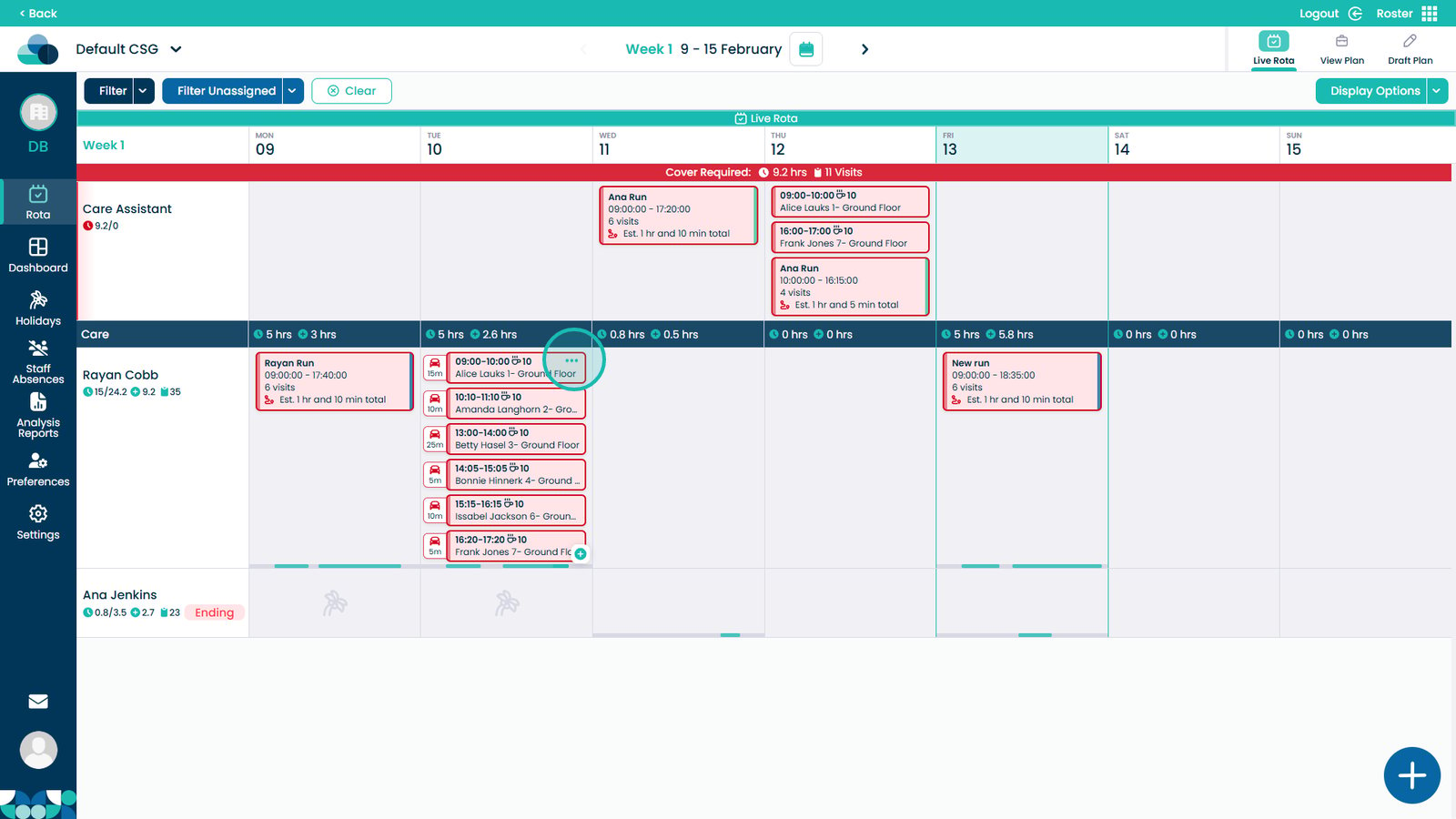
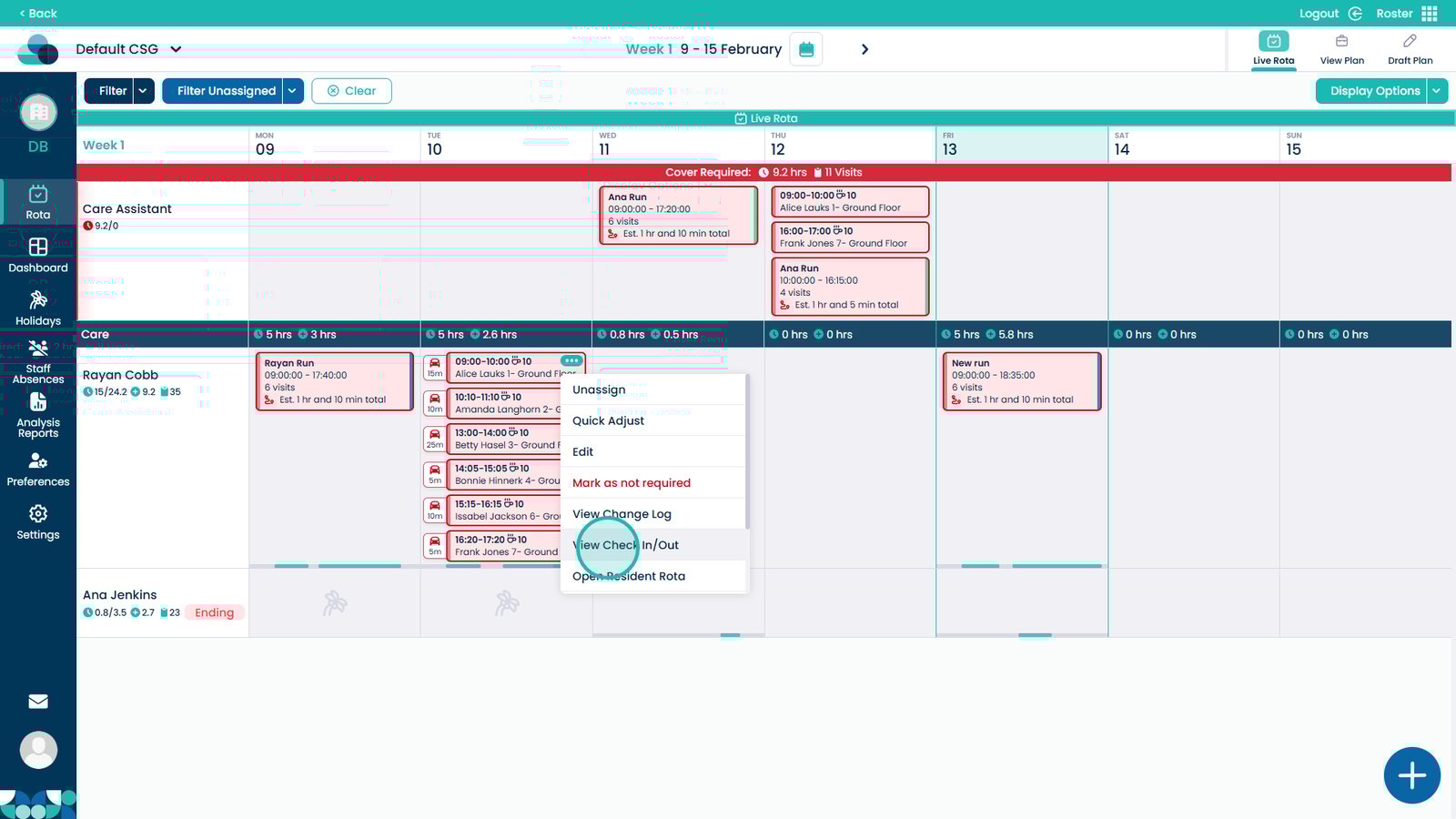
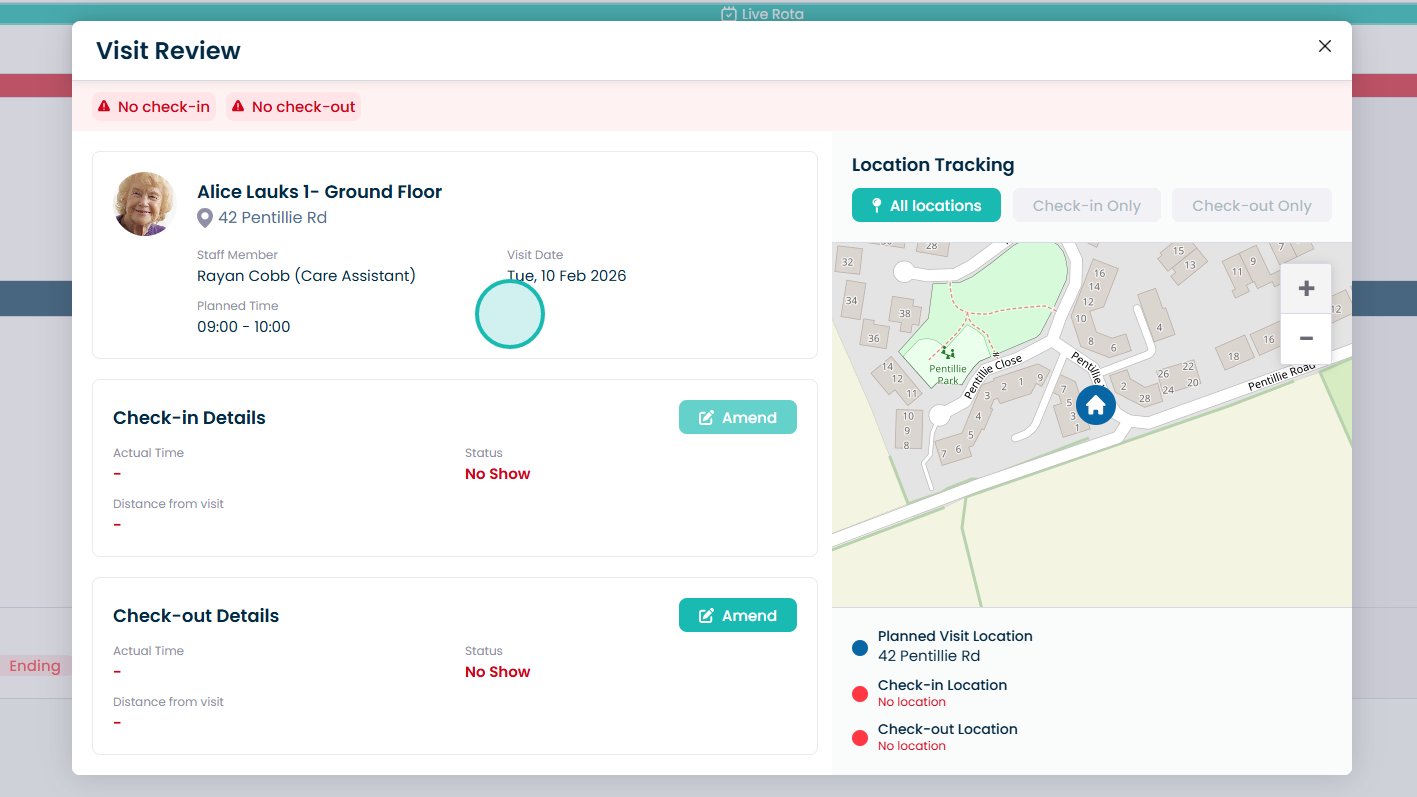
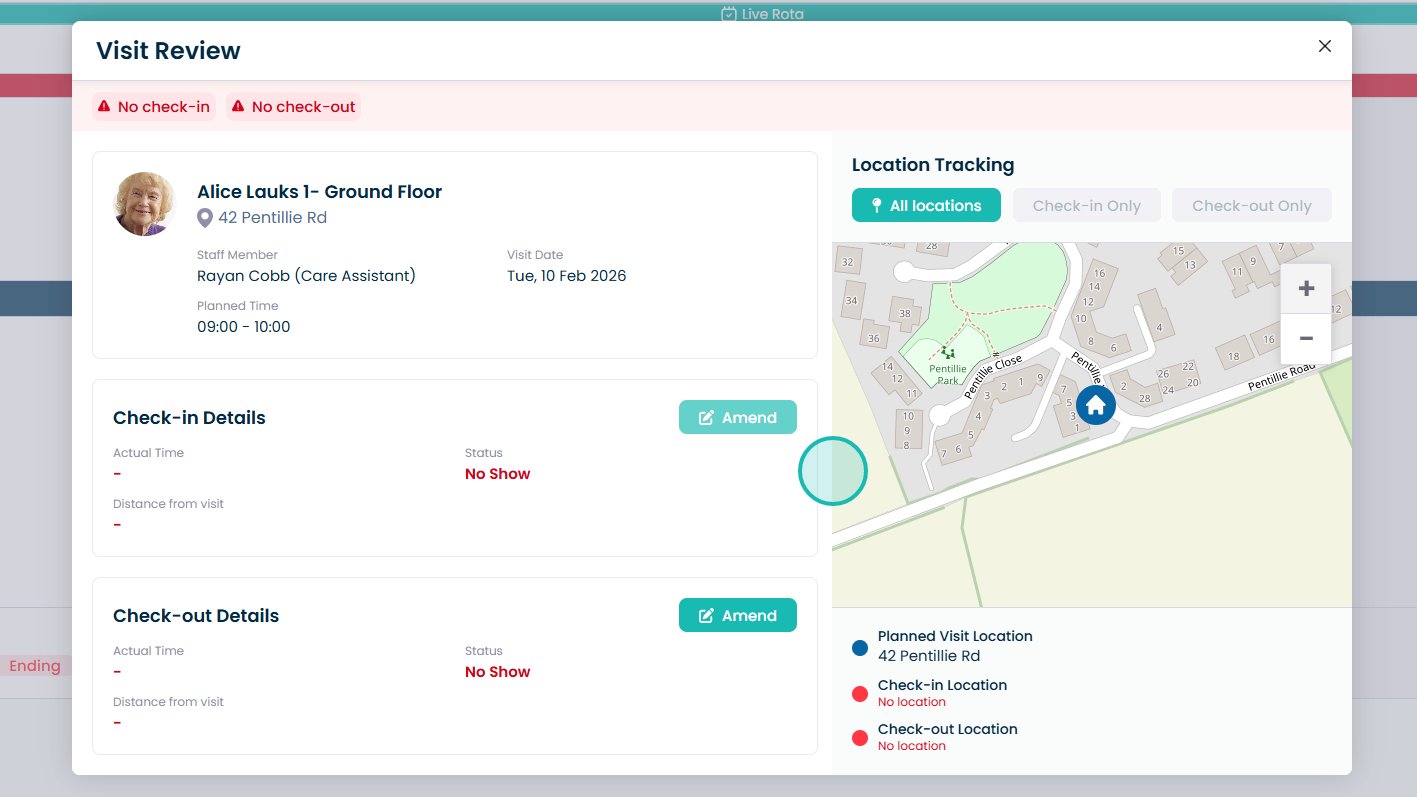
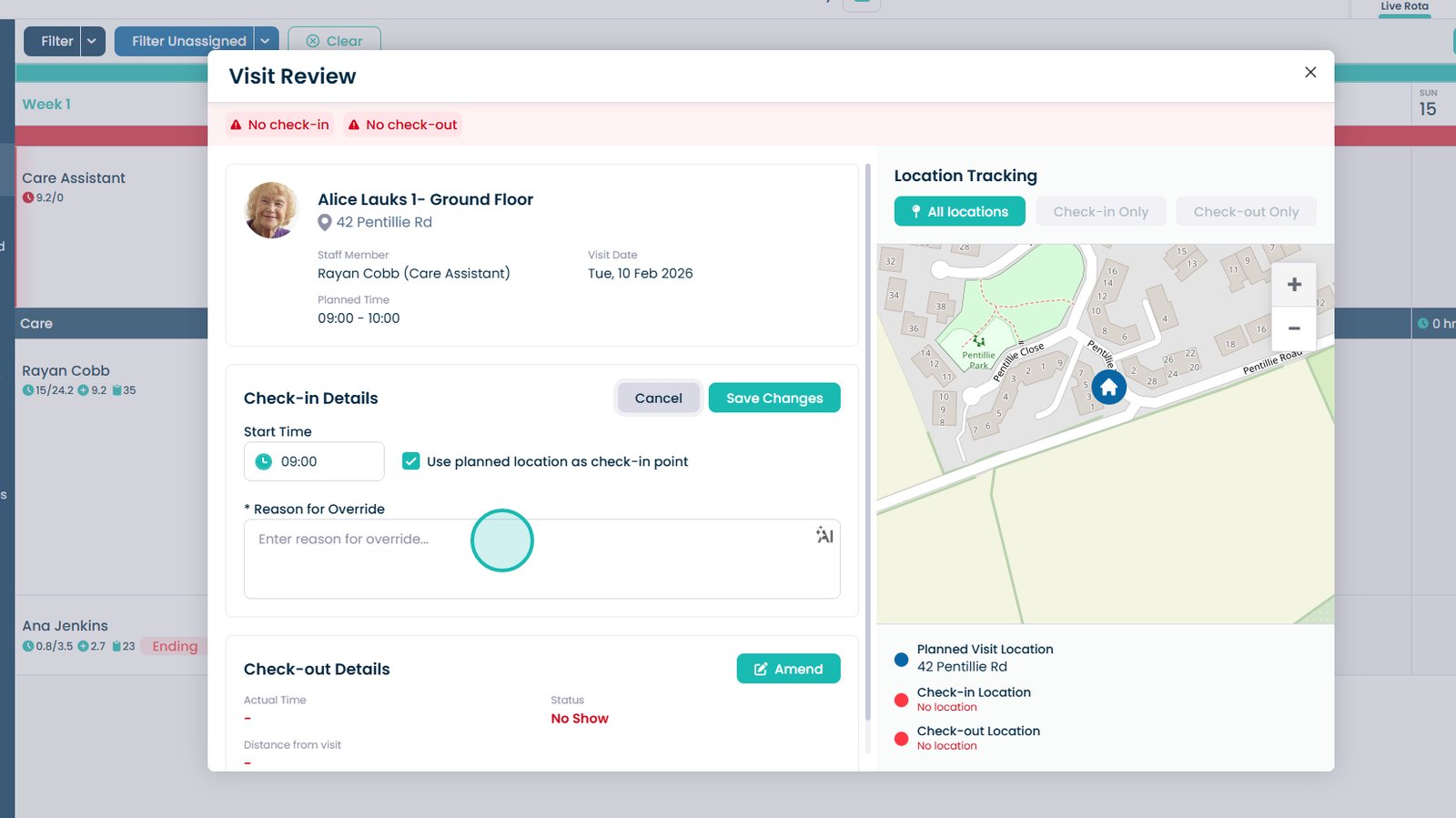
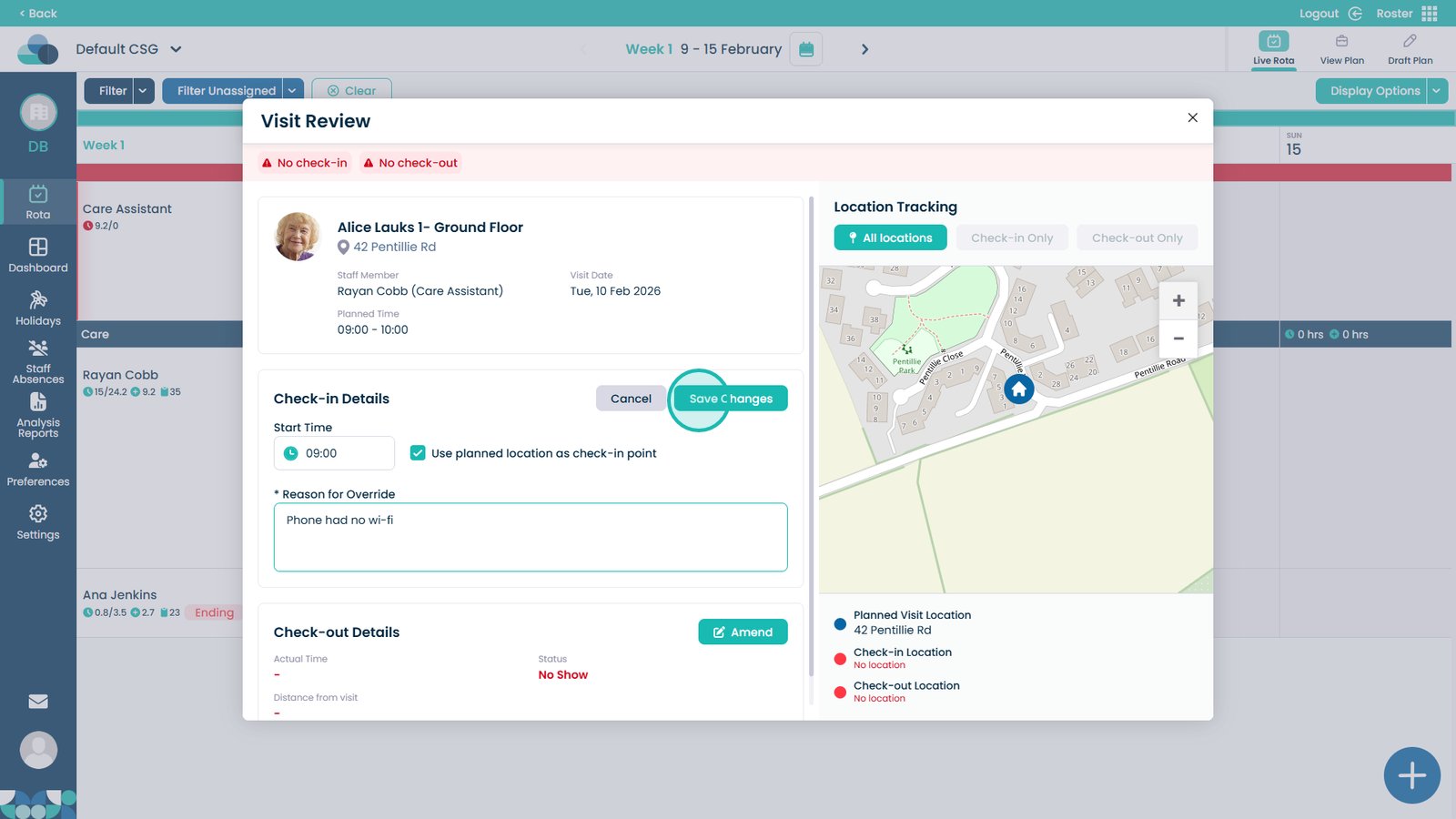
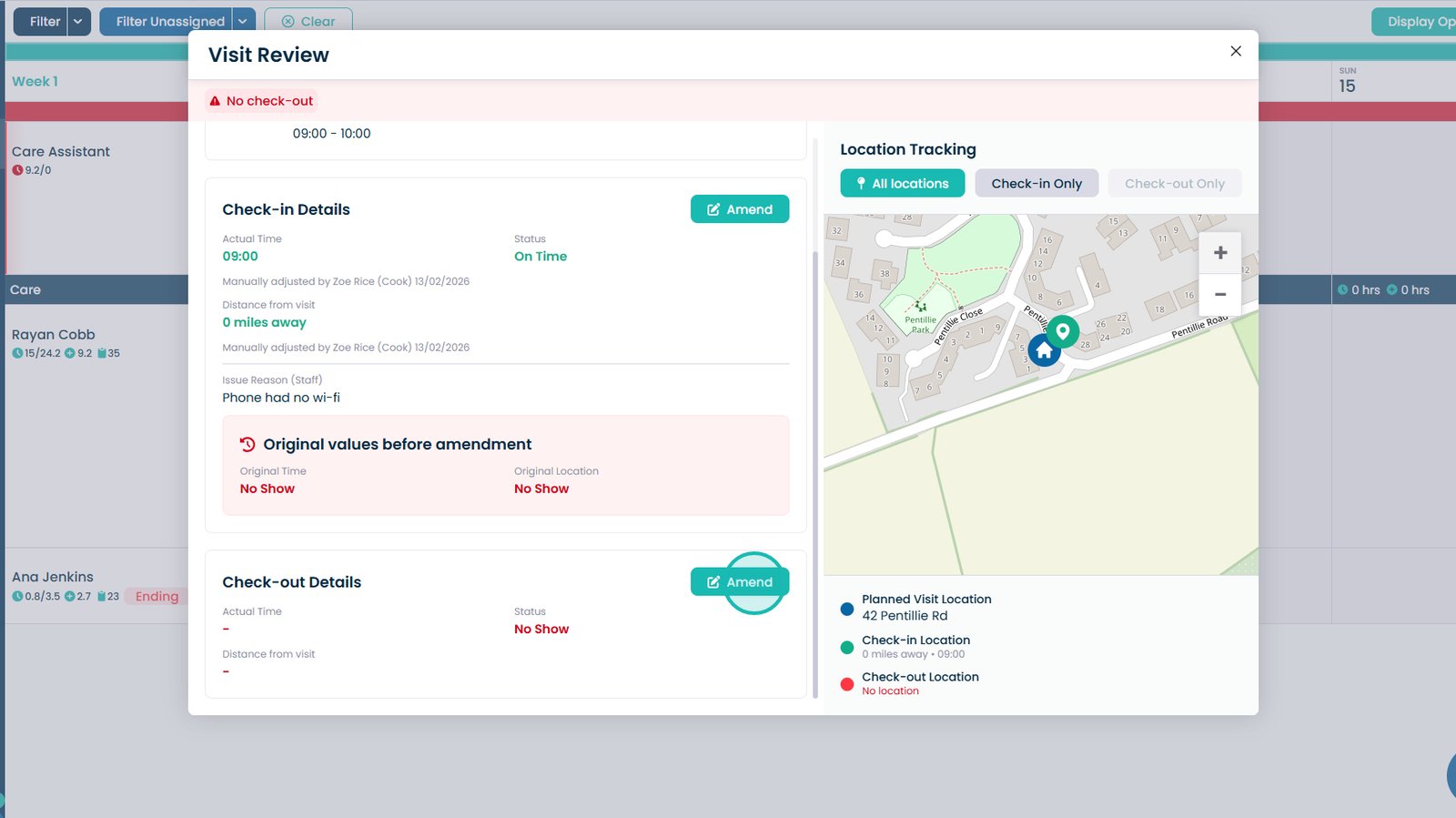
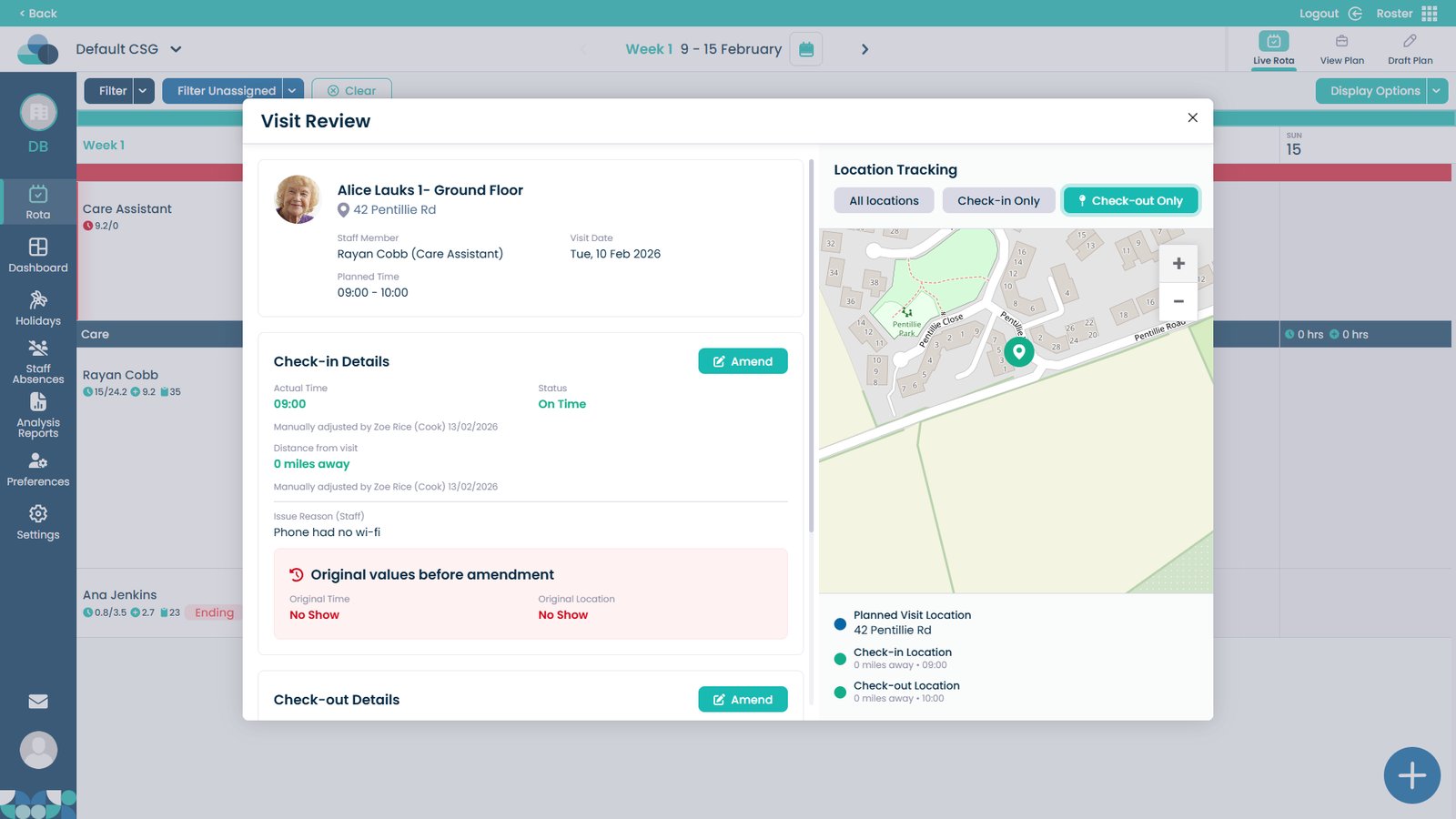
This guide explains how to view and amend Check-In and Check-Out details within the Cloud Roster system. It allows authorised users to review visit attendance records and make adjustments where necessary.
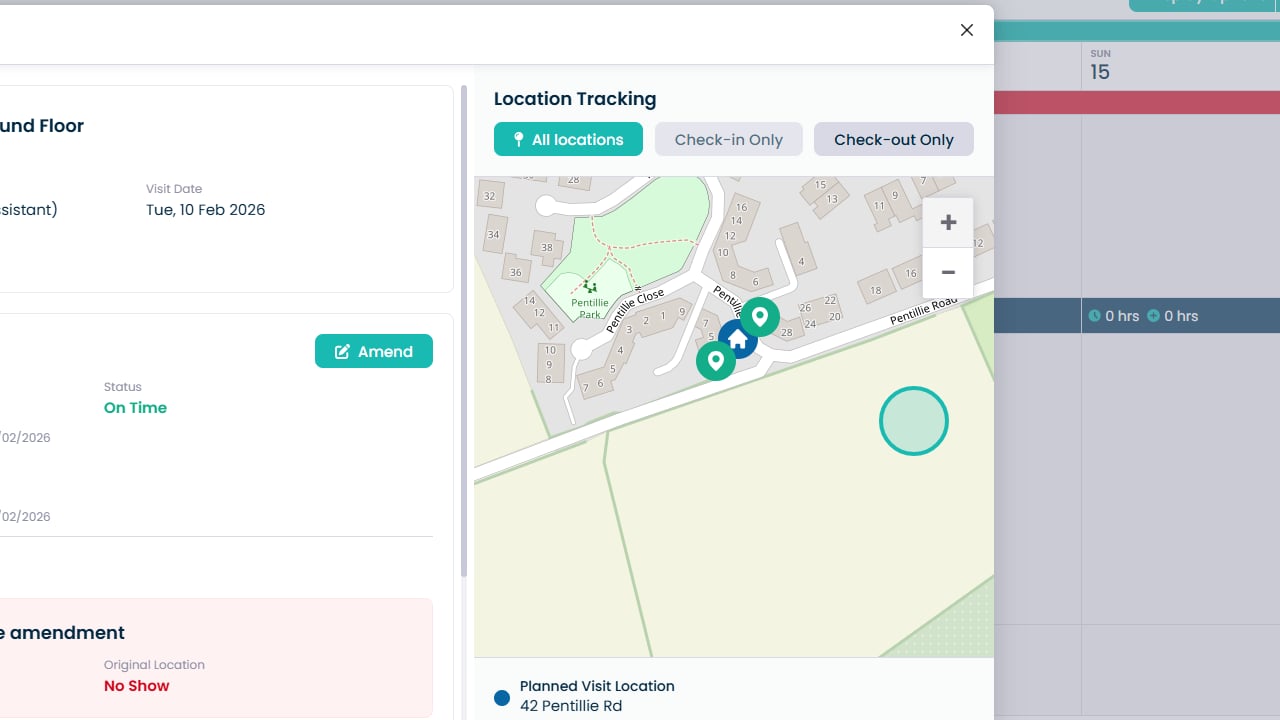
You can update recorded times, provide a reason for the amendment, and review the exact Check-In and Check-Out locations using the integrated map view. This ensures accurate record-keeping, supports compliance and auditing requirements, and helps maintain a clear and reliable history of visit activity.