View Categories

How to Change Settings in Gateway

Learn how to access the Admin area within Care Control Gateway. This guide explains how to authenticate with your PIN and admin password, manage device settings, and review audit logs for troubleshooting and activity tracking.
Takes 3 minutes
For: Managers
Updated: 6th Aug 2026

Introduction

The Admin area provides access to device-specific settings within Care Control Gateway. From here, authorised users can change the operating mode, configure the default home page, reset the device if required, and review audit logs.

In this guide, you'll learn how to:

  • Access the Admin area.
  • Authenticate using your PIN and admin password.
  • Manage device settings.
  • Review audit logs to monitor device activity.

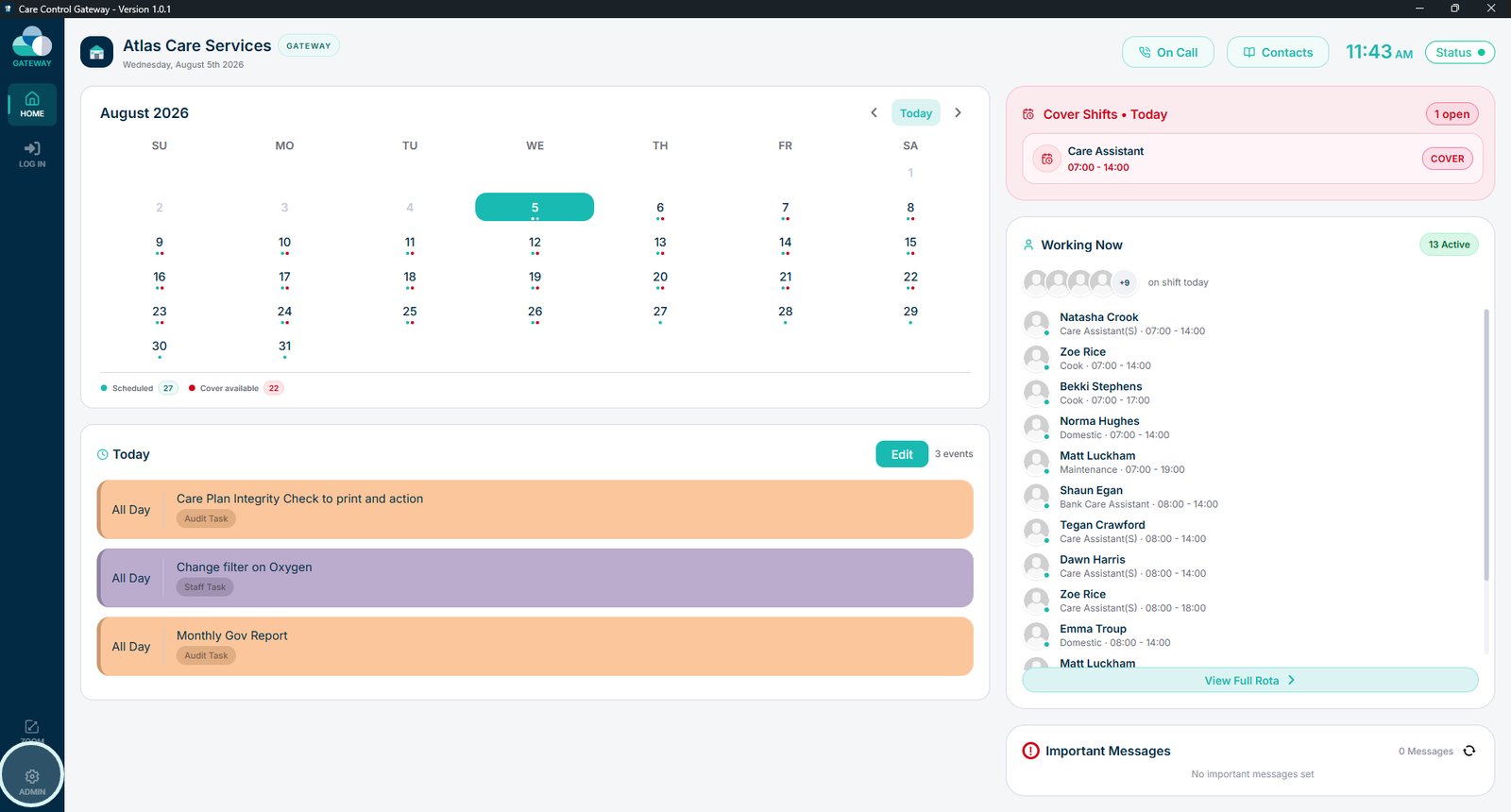
Select Admin to access the device settings.

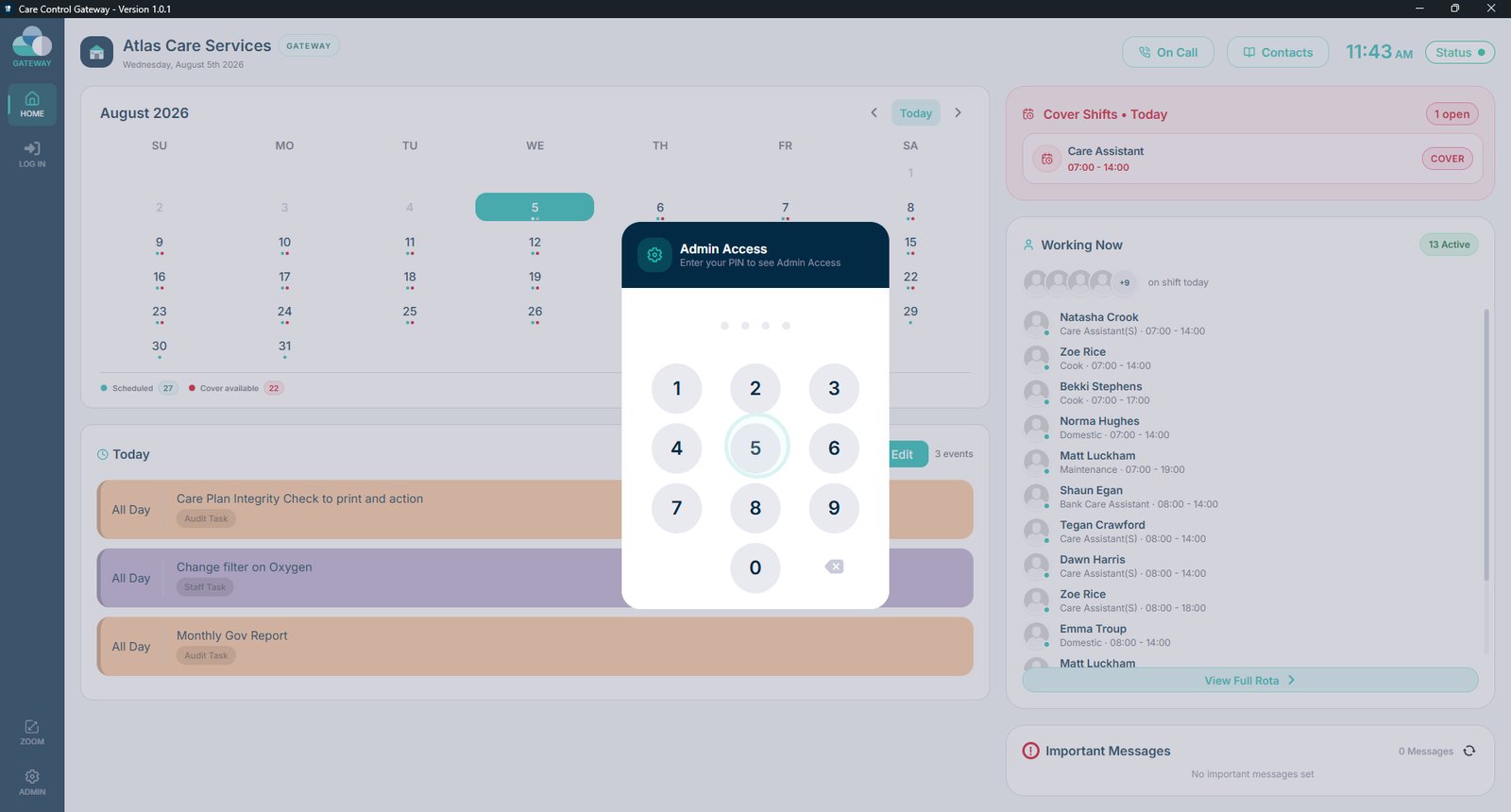
Enter your PIN.

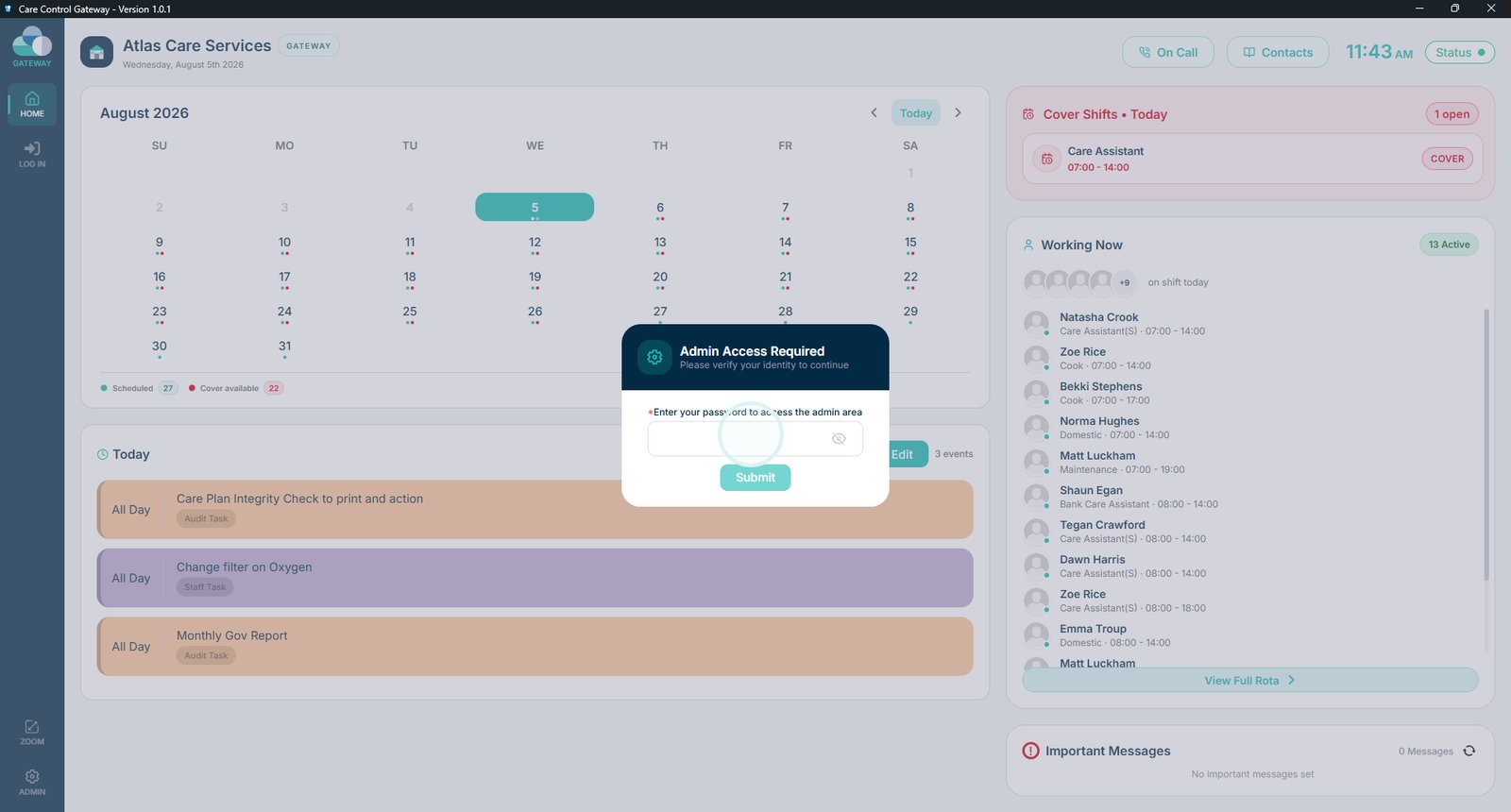
Enter the admin password and select Submit.

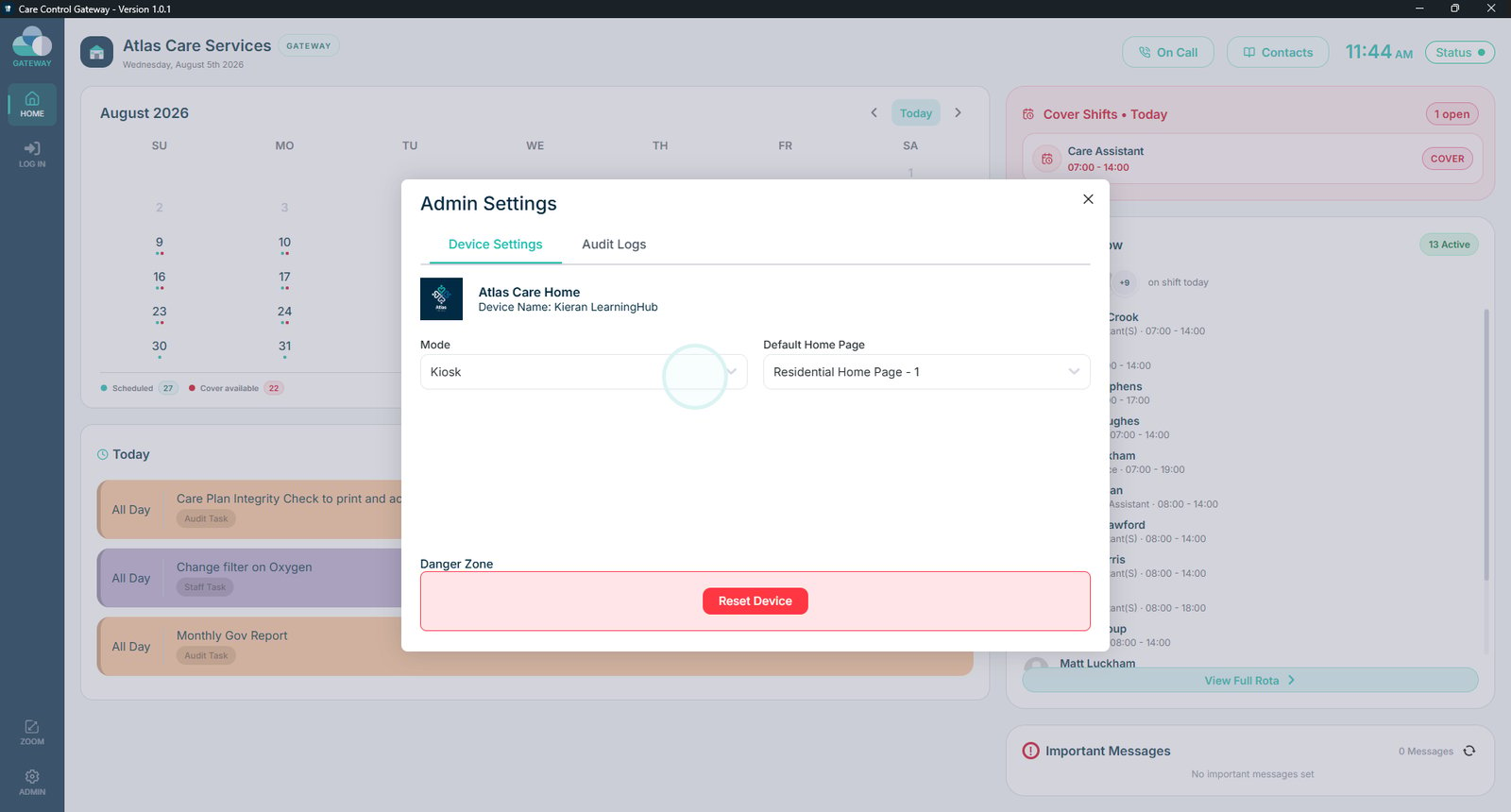
From here you can switch device modes, choose the default home page, or reset the device if required.

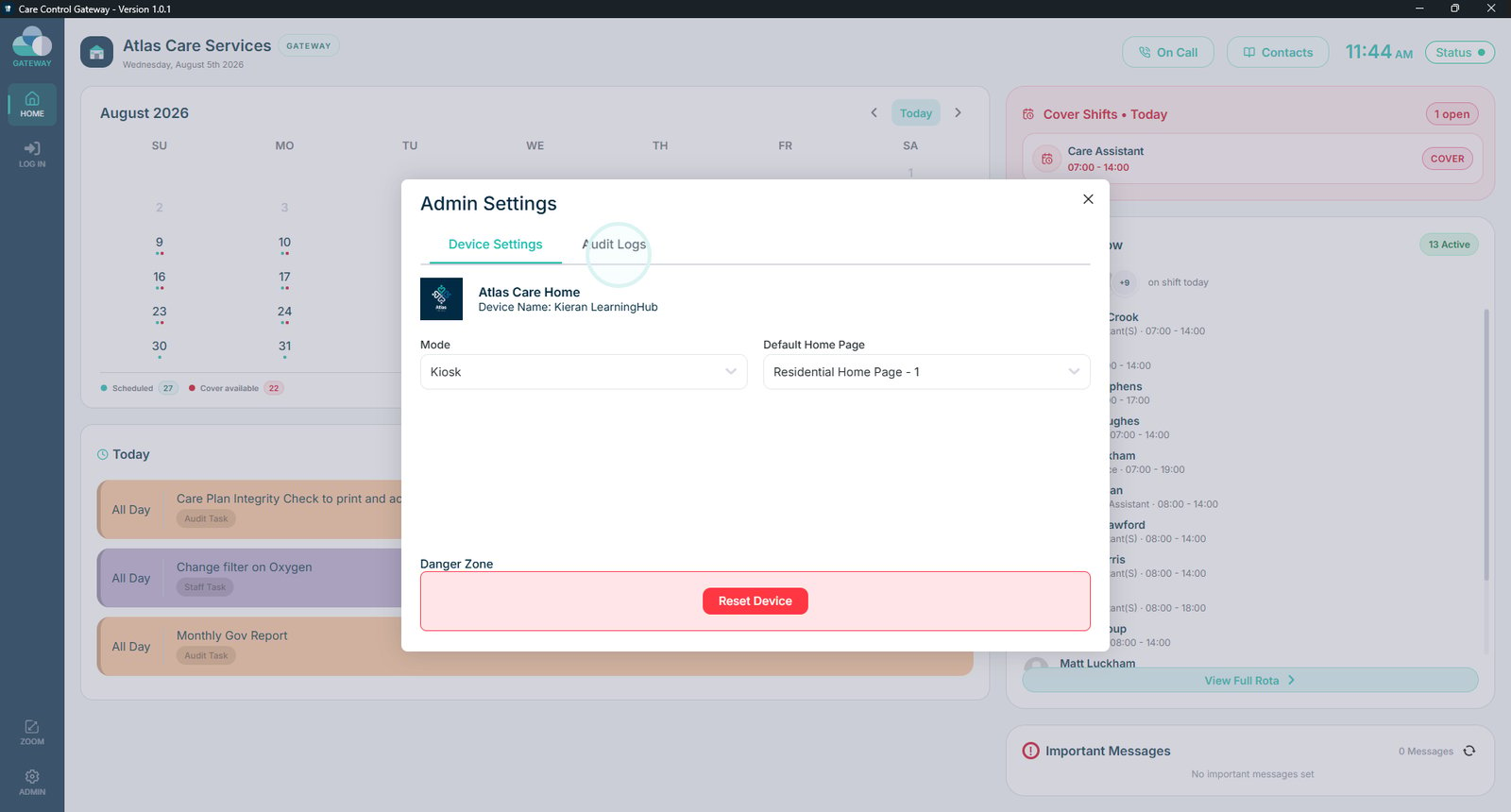
Open the Audit Logs to review staff logins, logouts, and other device activity.

Top tip

The Audit Logs are useful for troubleshooting, as they record device activity including staff logins, logouts, and other important events.

Was this guide helpful?

Need more help?

Can't find what you're looking for? Our support team is here to help.

Contact Support

Or call us on

On this page