You could win a £250 Amazon gift card! All you need to do is spare us 3 minutes of your time. Click here to find out more!
This guide will cover how to add a new service user on Care Control Mobile. This requires access to the Managers Menu.
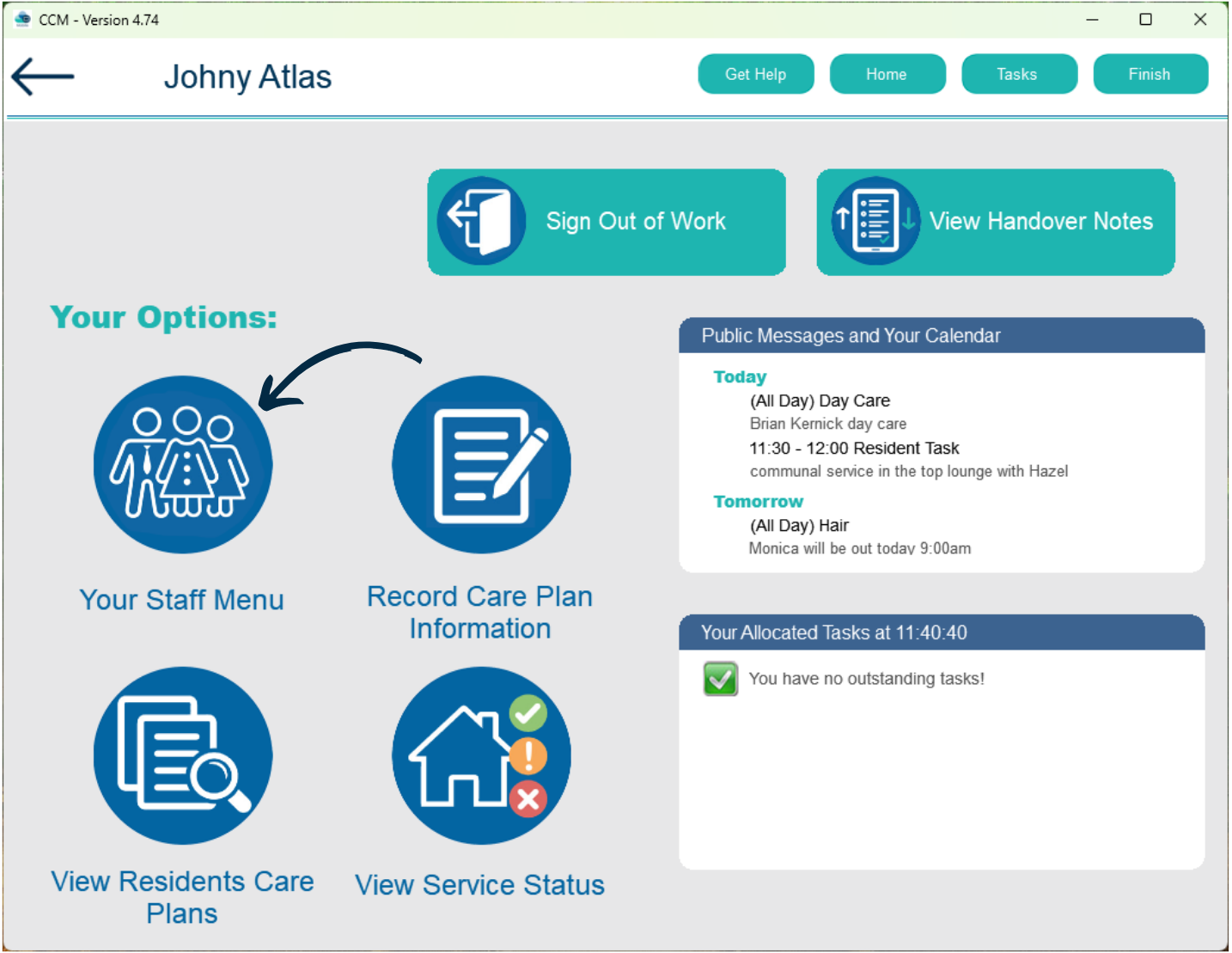
From the Care Control Mobile home screen, select Your Staff Menu.
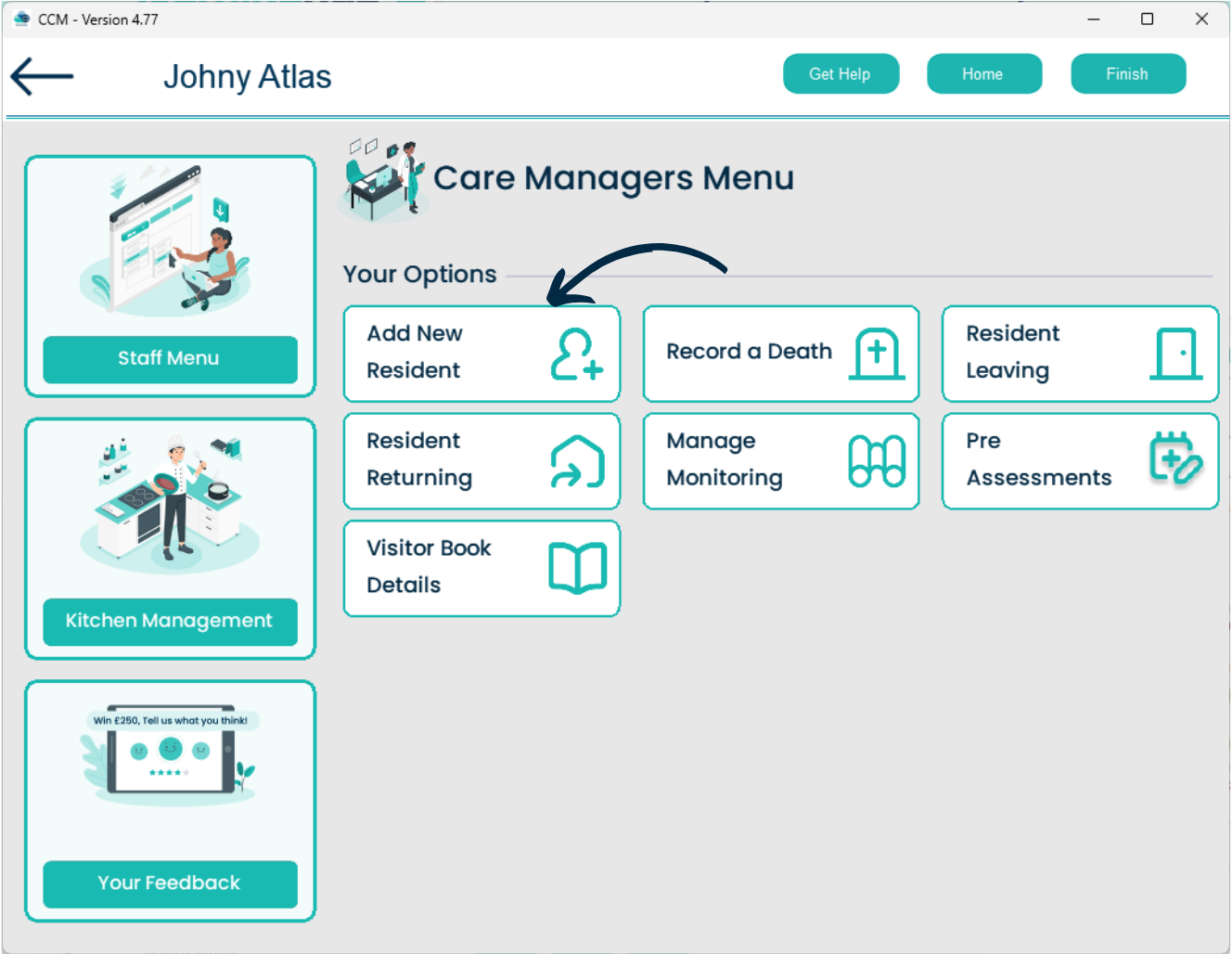
Here, select Care Management.
Next, select Add New Resident.
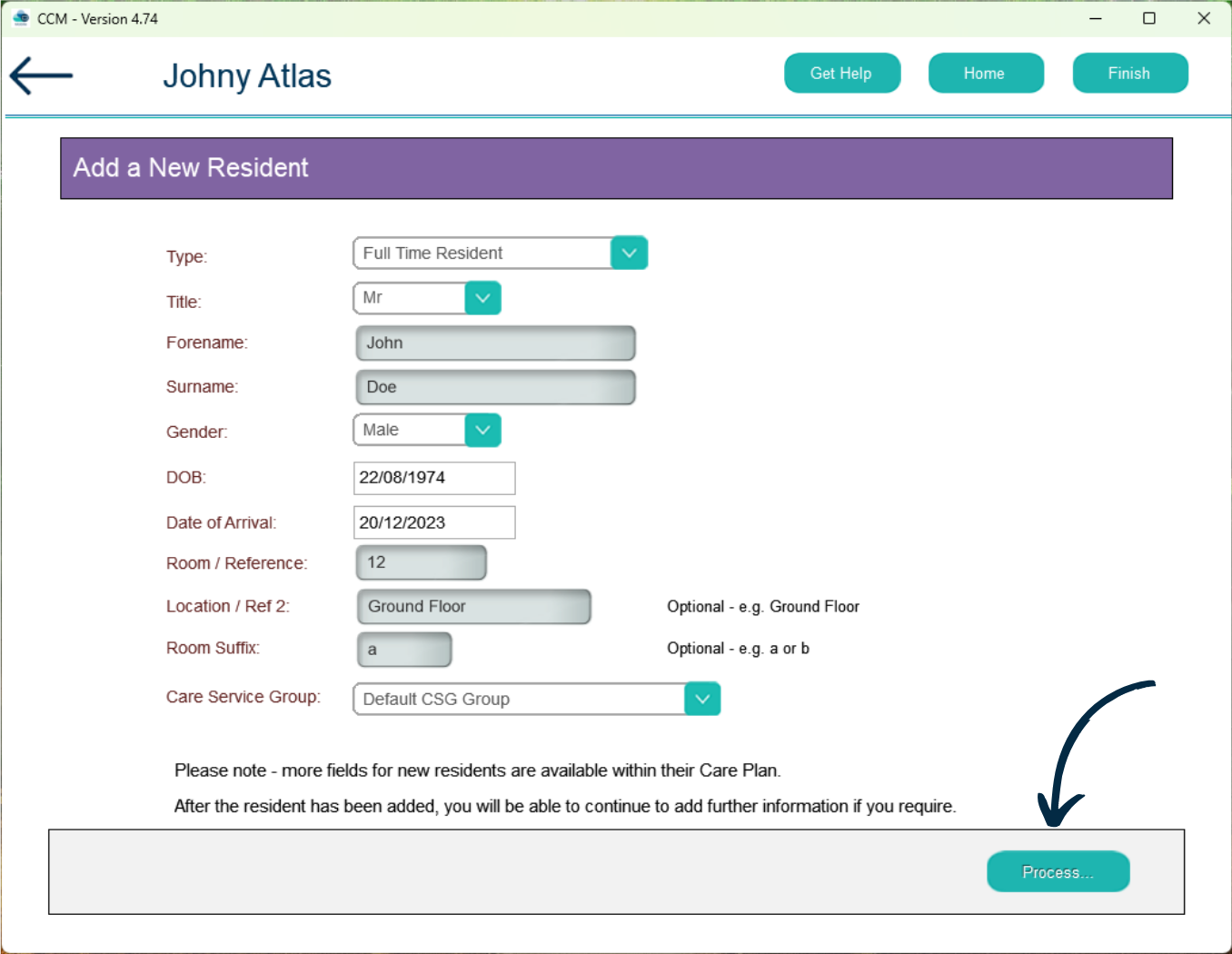
A blank form will appear, select a service user Type from the drop down and continue to complete the form.
After doing so, press Process.
You will receive a confirmation message. Press Yes.