You could win a £250 Amazon gift card! All you need to do is spare us 3 minutes of your time. Click here to find out more!
In the Administration of Care Control Windows, open the eMAR tool, which can be found under the Advanced Stuff tab.
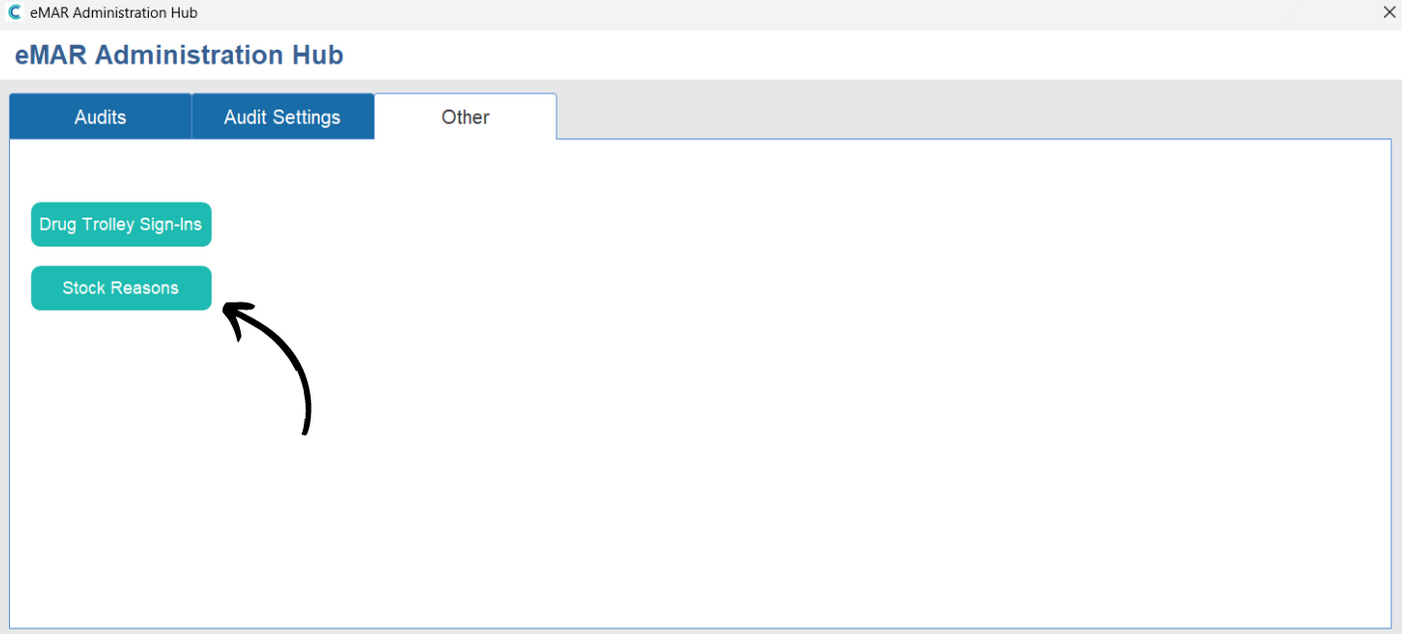
A new window will open. Here, open the Other tab and select Stock Reasons.
A list of the current stock adjustment reasons will be displayed. Press Add Reason.
Enter the name of the new reason and press Add.