This guide will cover how to record Air Mattress Setting changes for a service user on Care Control Cloud.
1
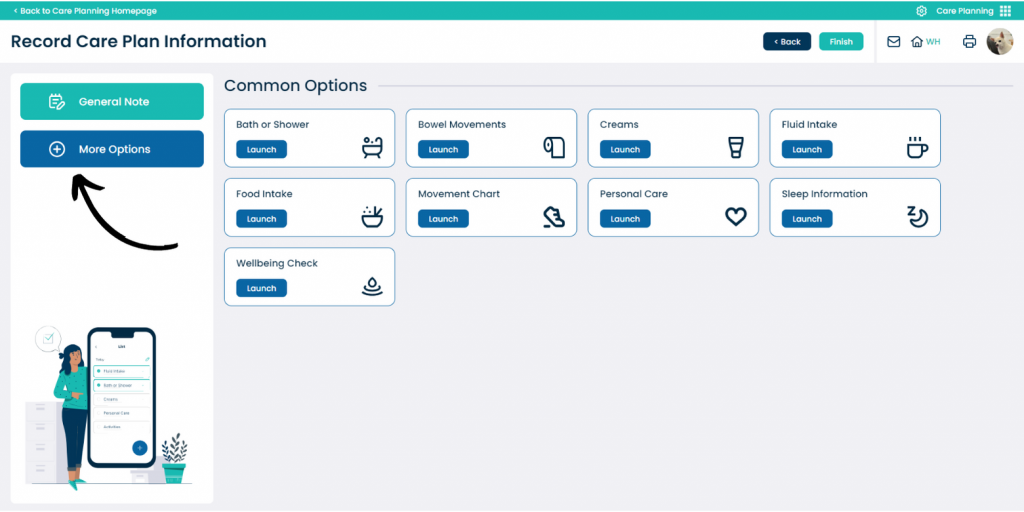
In the Care Planning application on Care Control Cloud, select Record Care Plan Information.
2
A list of common recording options will be displayed. Here, press More Options.
3
A list of all recording options will be displayed. Here, select Air Mattress Settings.
4
Select the service user you wish to record for and press Continue.
5
The monitoring form will open. First, select the Air Mattress Type and enter the Weight of the service user. Then, select the Mattress Setting and enter a Comment if necessary.