This guide will show how to view checklists which are assigned to a service user via their Care Plan within Care Control Cloud. Currently, this area of the Care Plan isread only.
1
From the Care Plan Summary screen, open the Essentials menu.
2
Select Checklists from the drop-down – list.
3
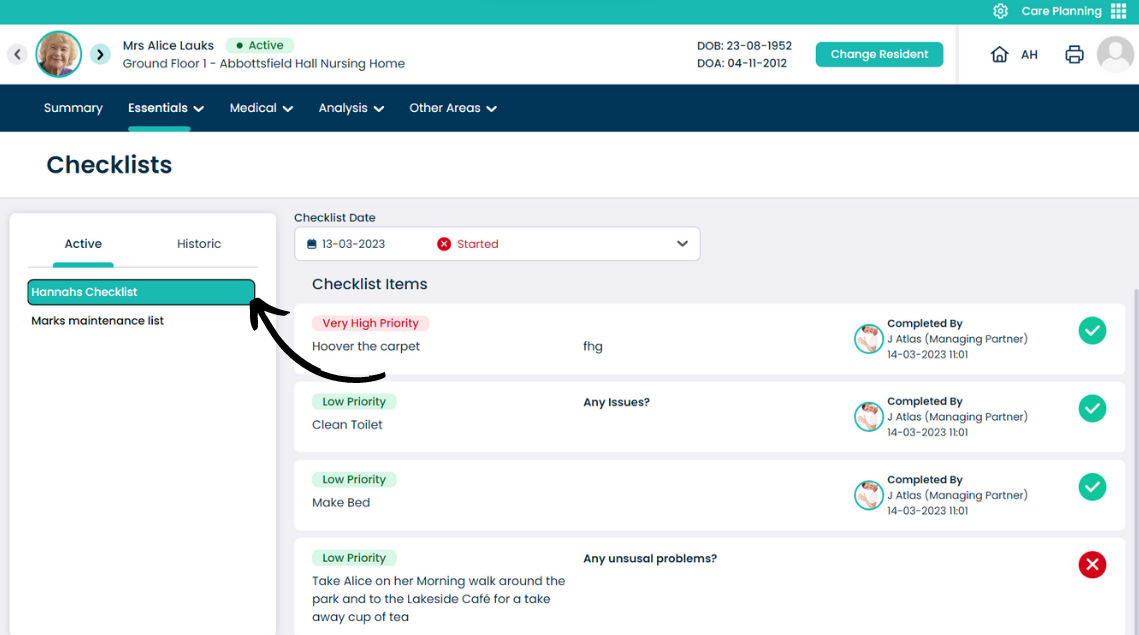
Checklists which have been assigned to the service user will appear on the left-hand side of the page, under the Active tab.
On the right hand side, the allocated tasks are displayed as well as their current completion status.