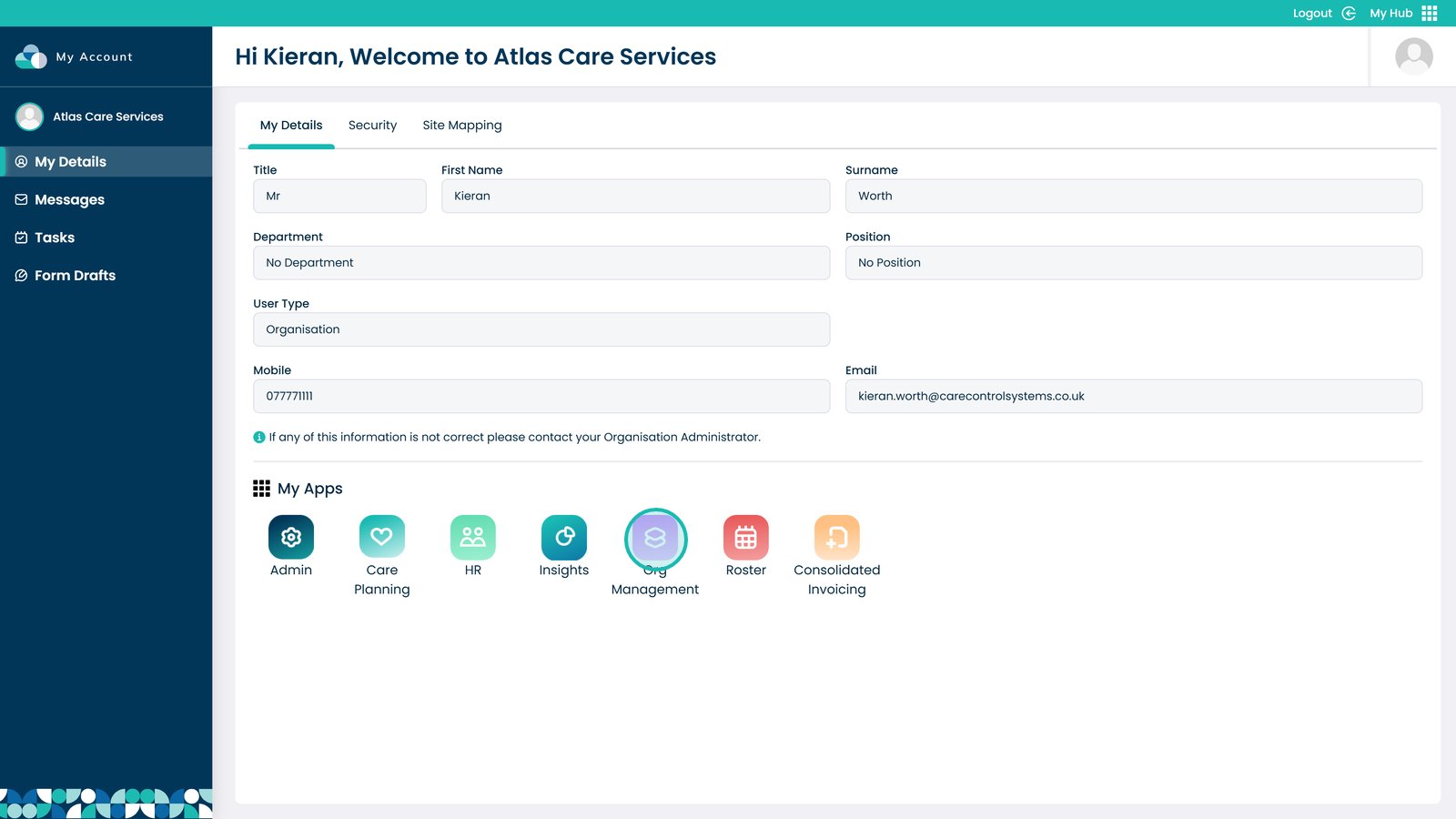
Enter the Org Management app
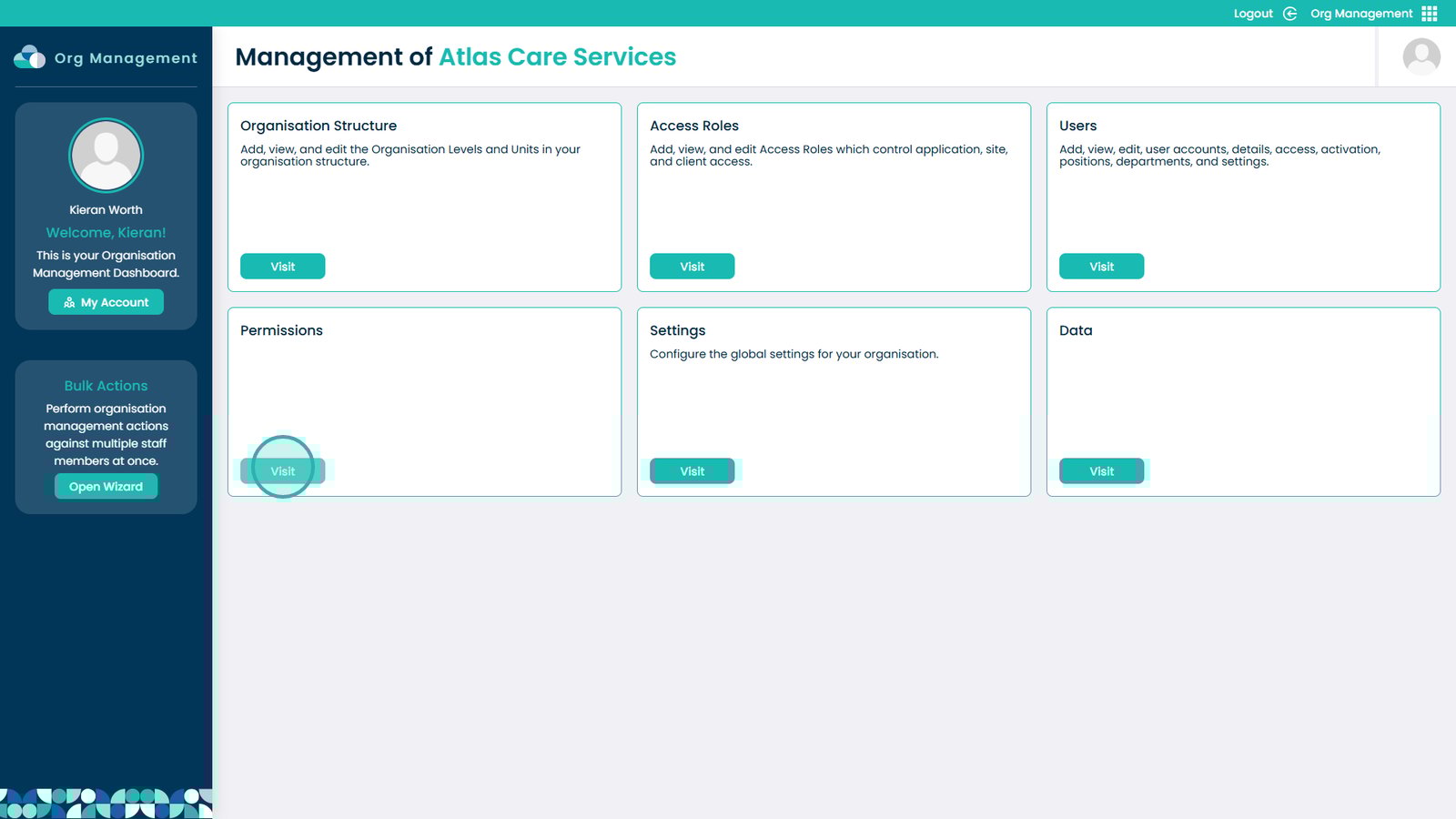
Click Visit under Permissions
Select the app to modify permissions for
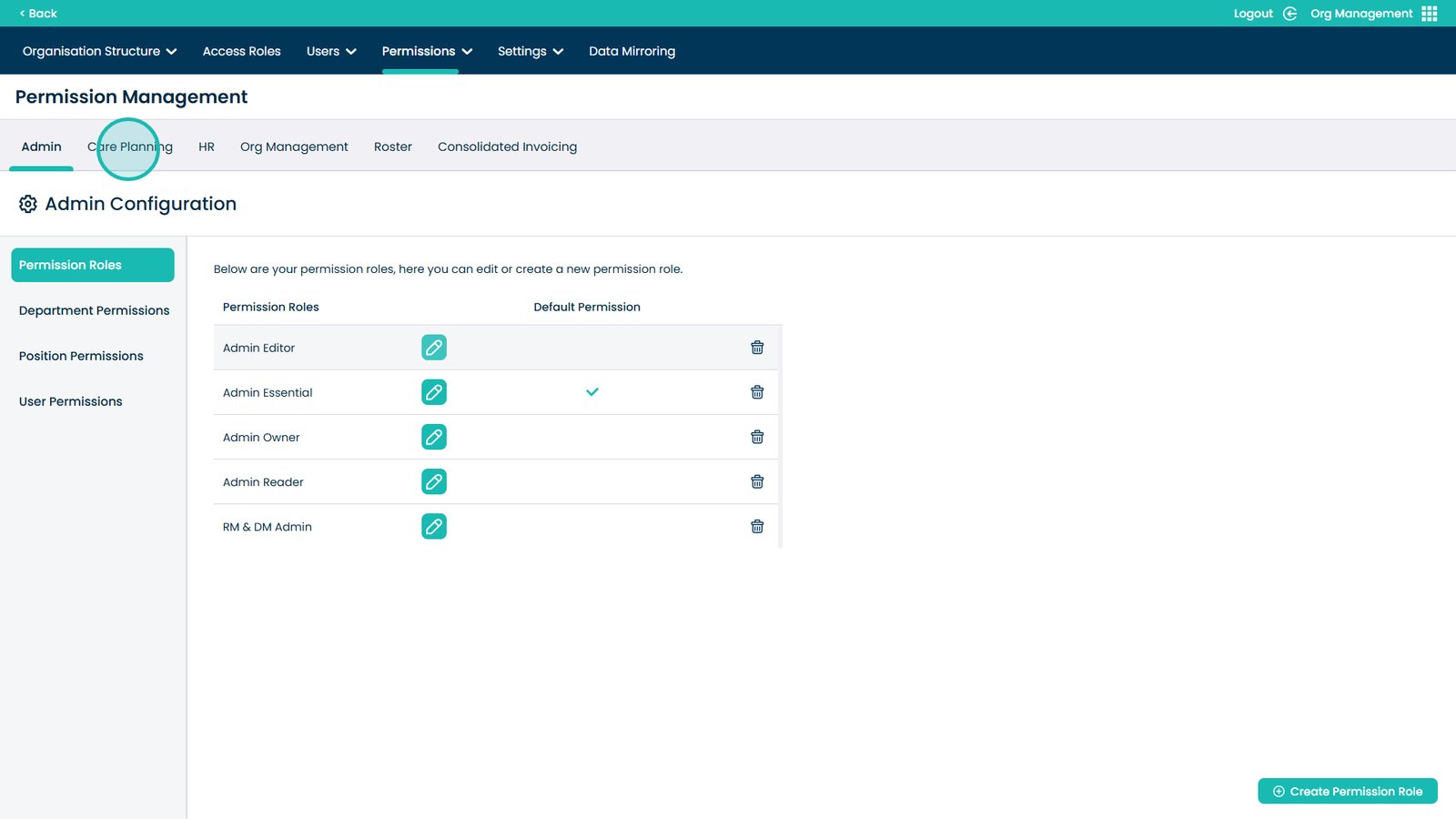
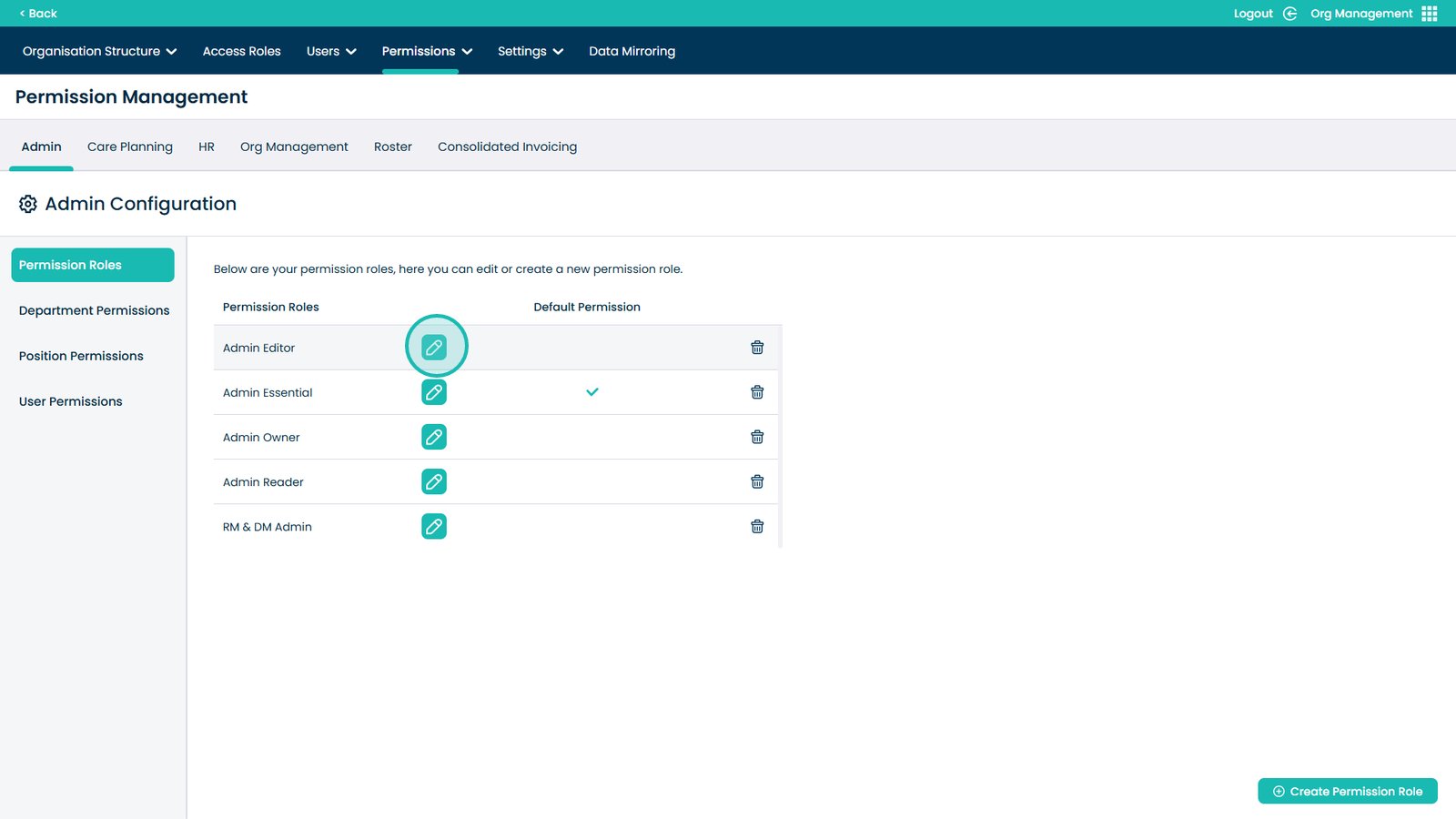
Edit permissions using the pencil icon
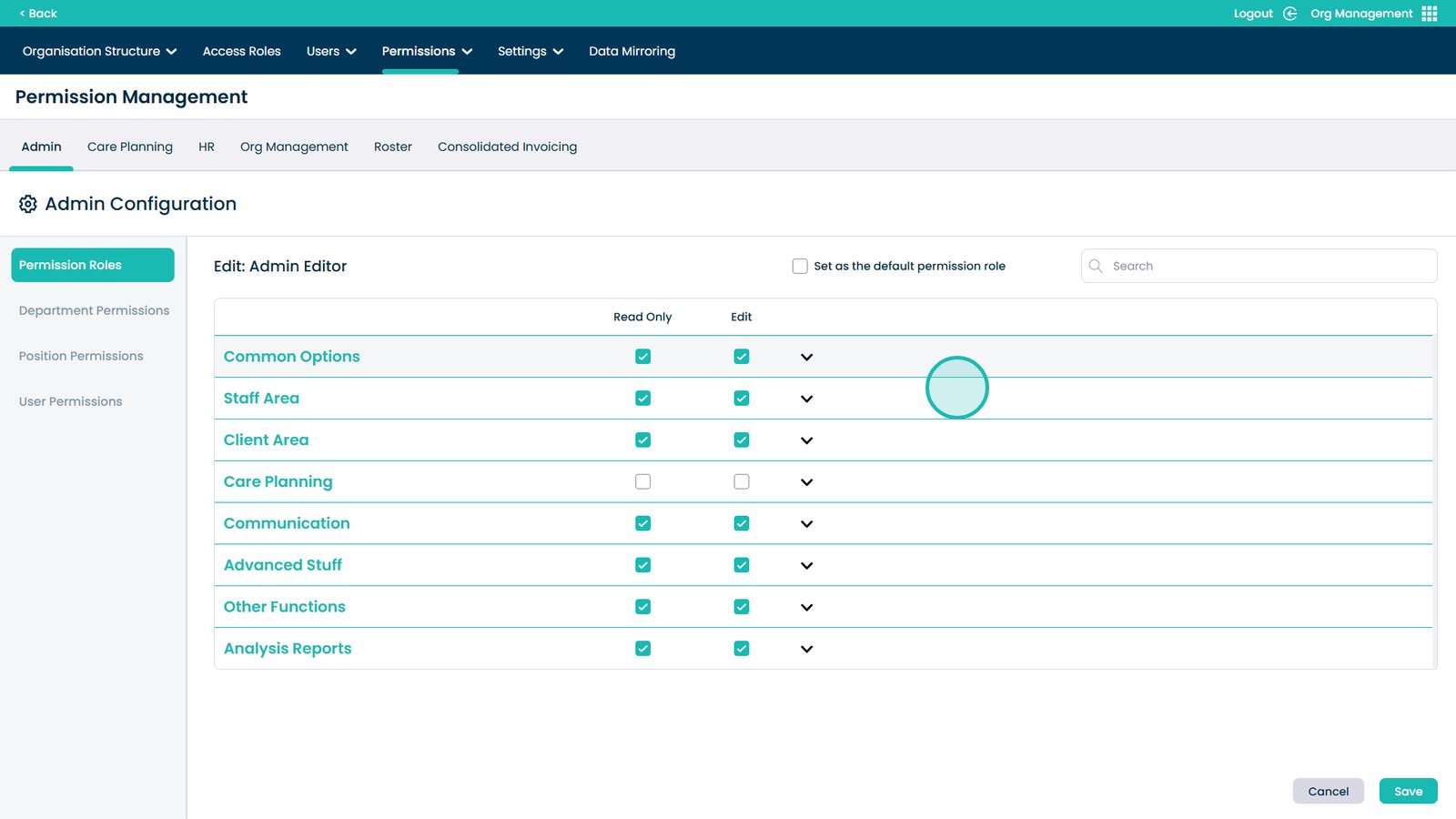
Use dropdowns to fine-tune permissions
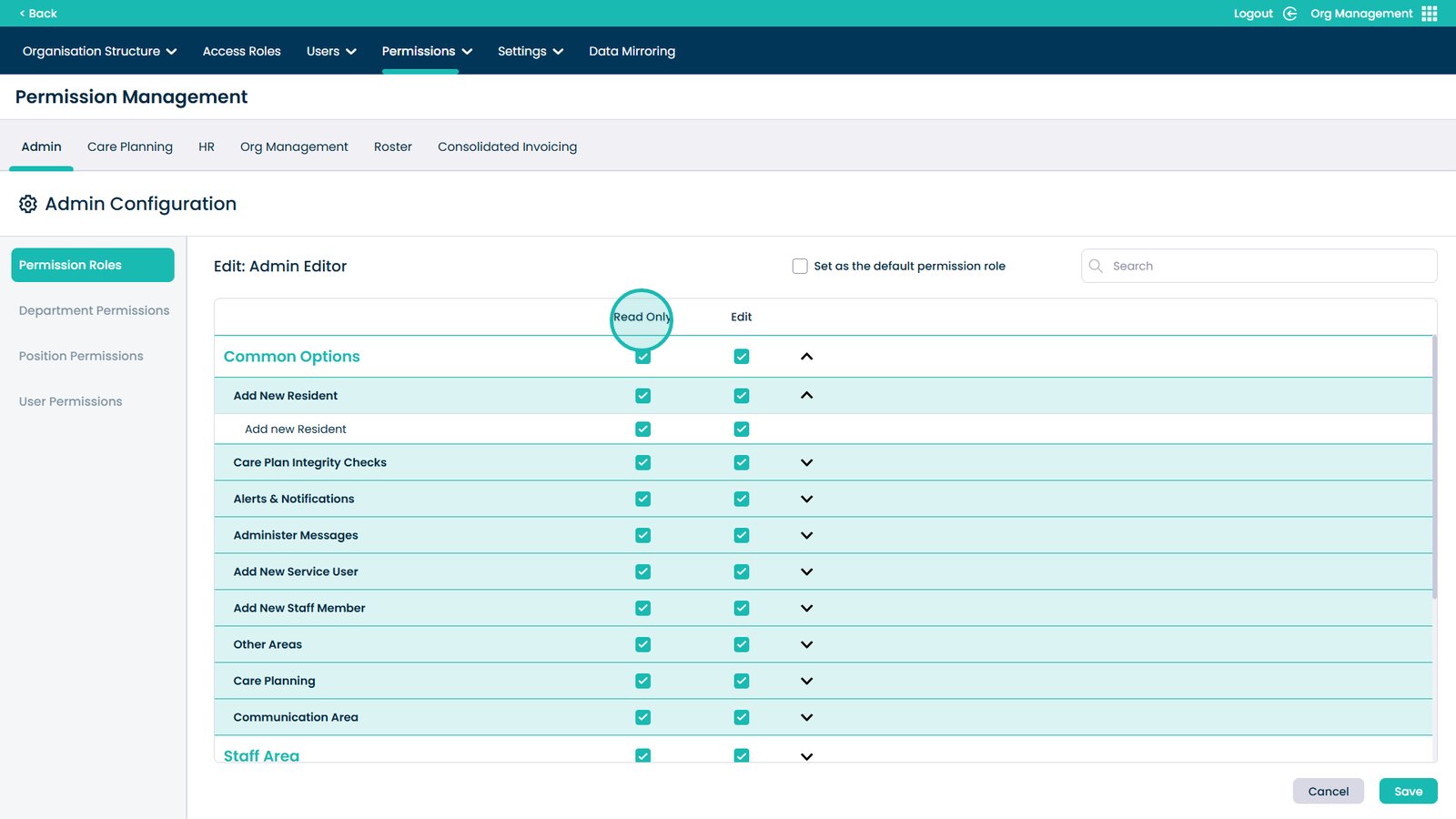
Read Only allows view-only access
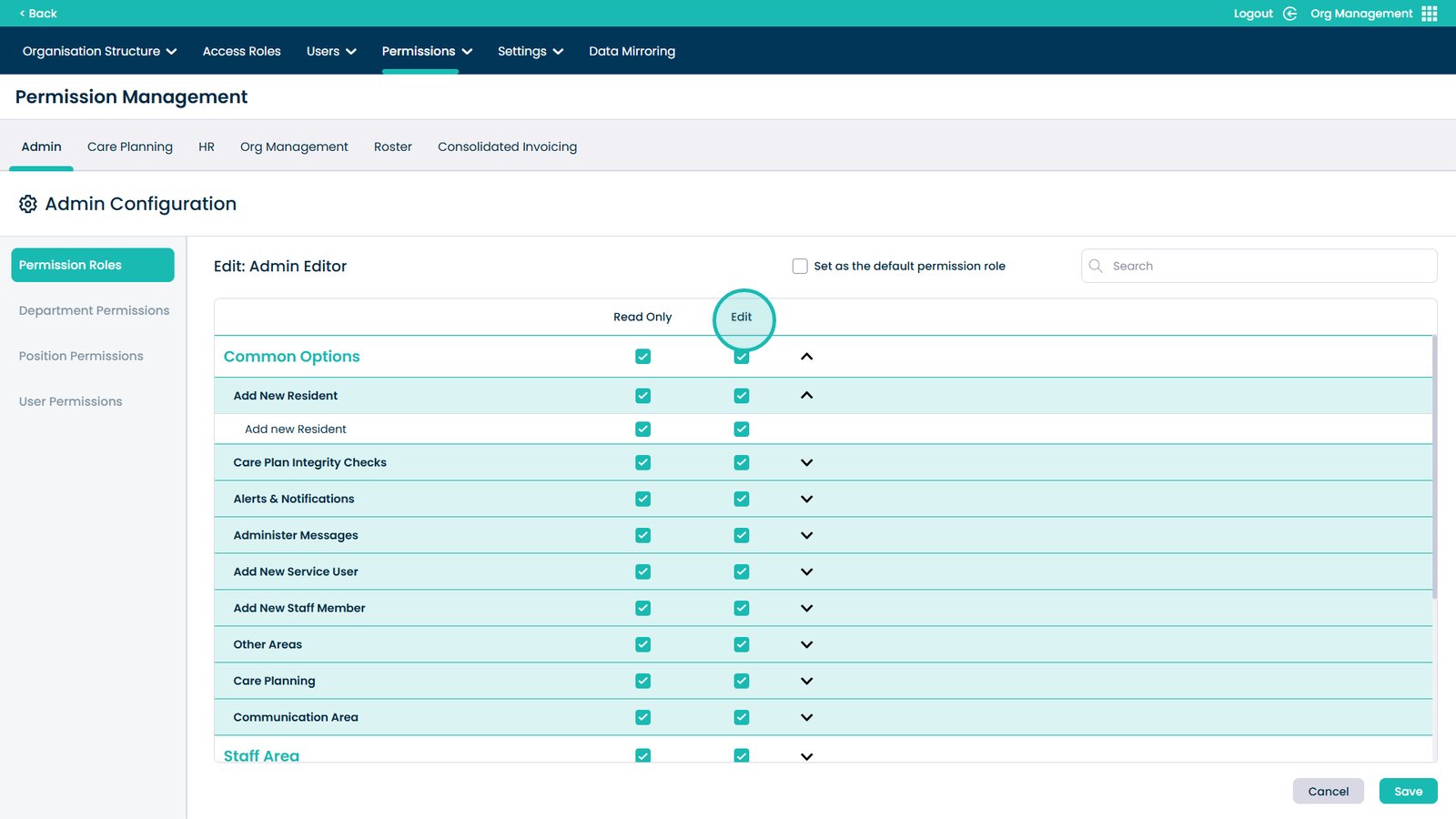
Edit allows full access
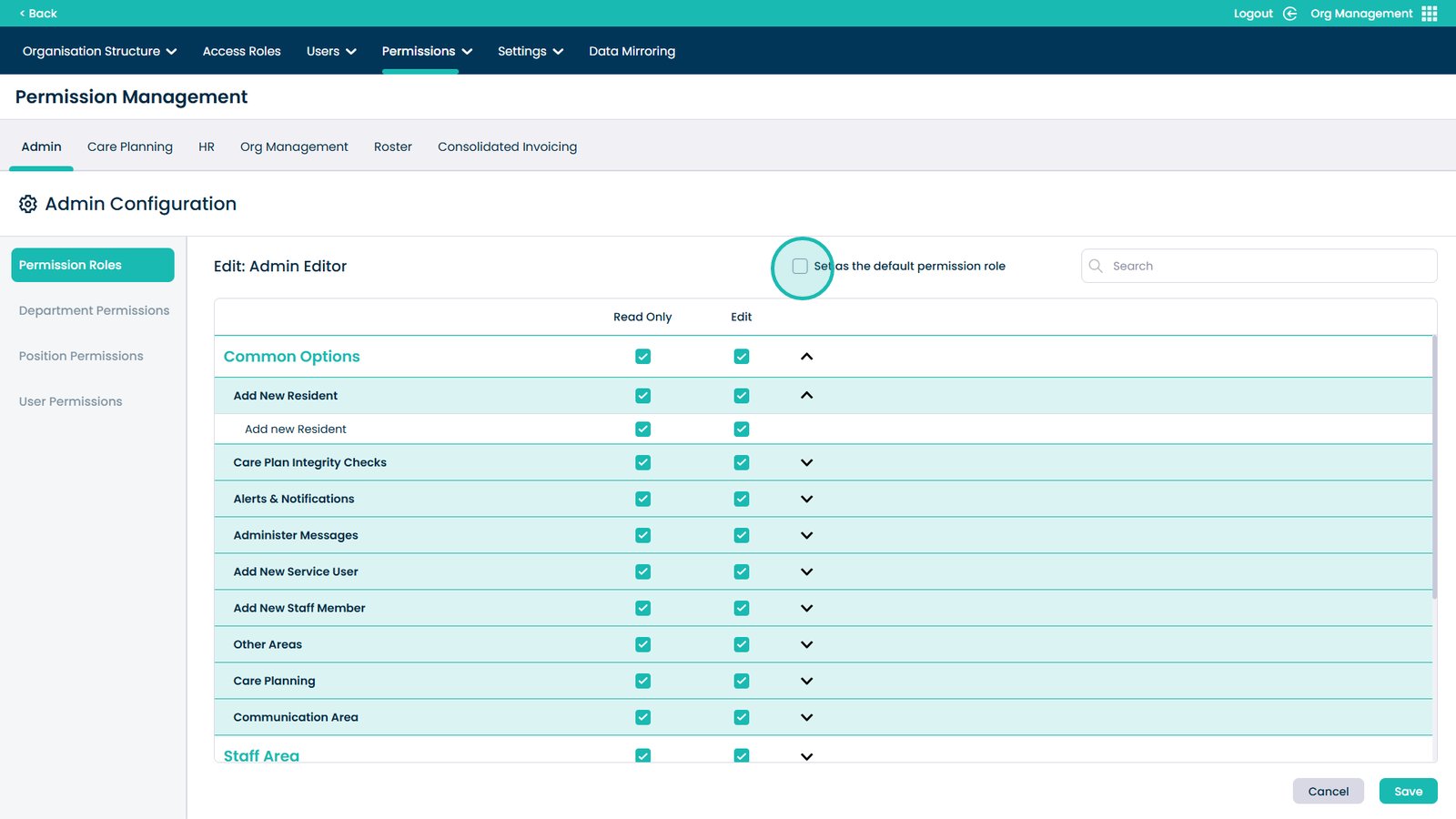
Set this role as the default for new users
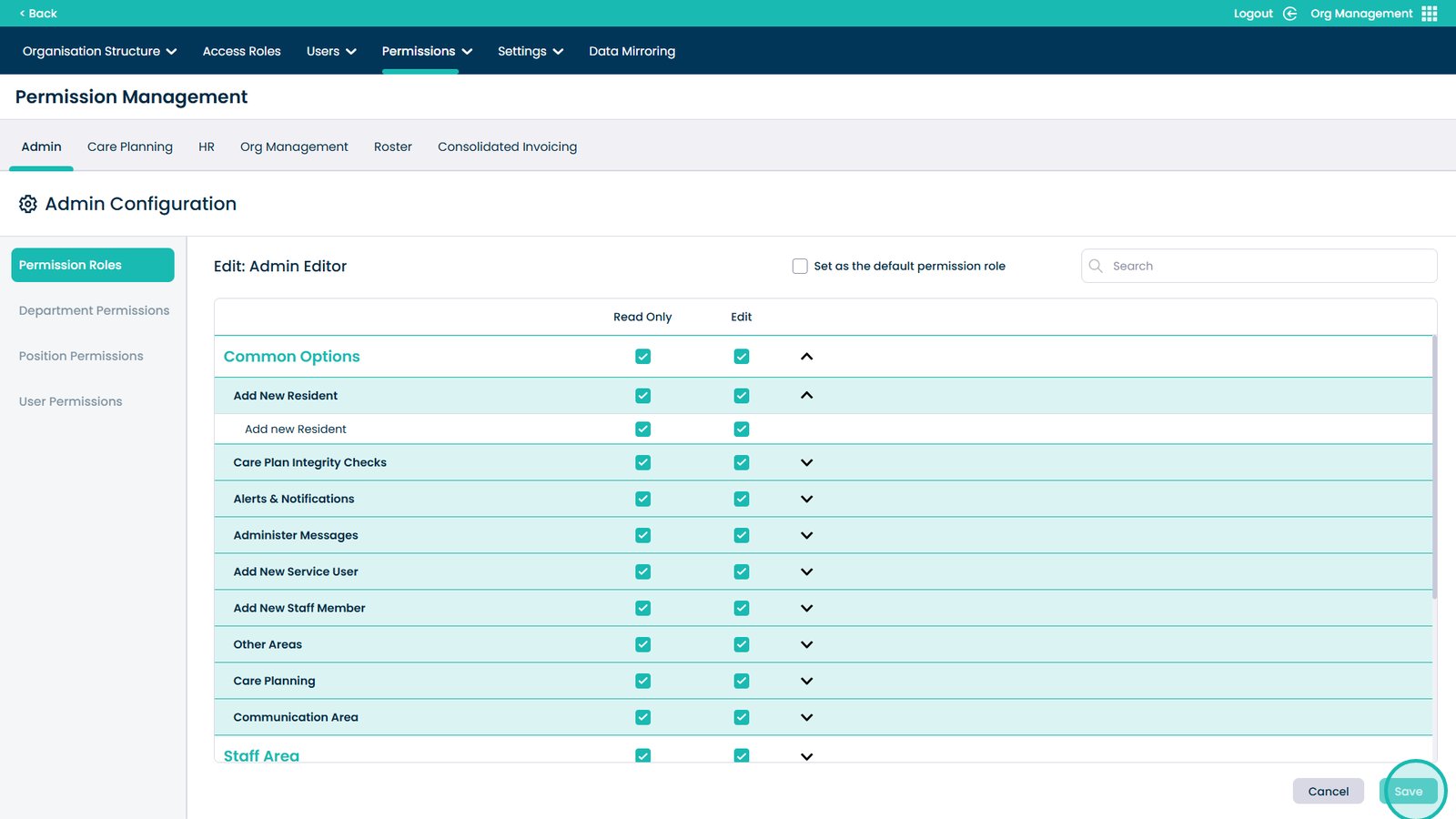
Save permission changes
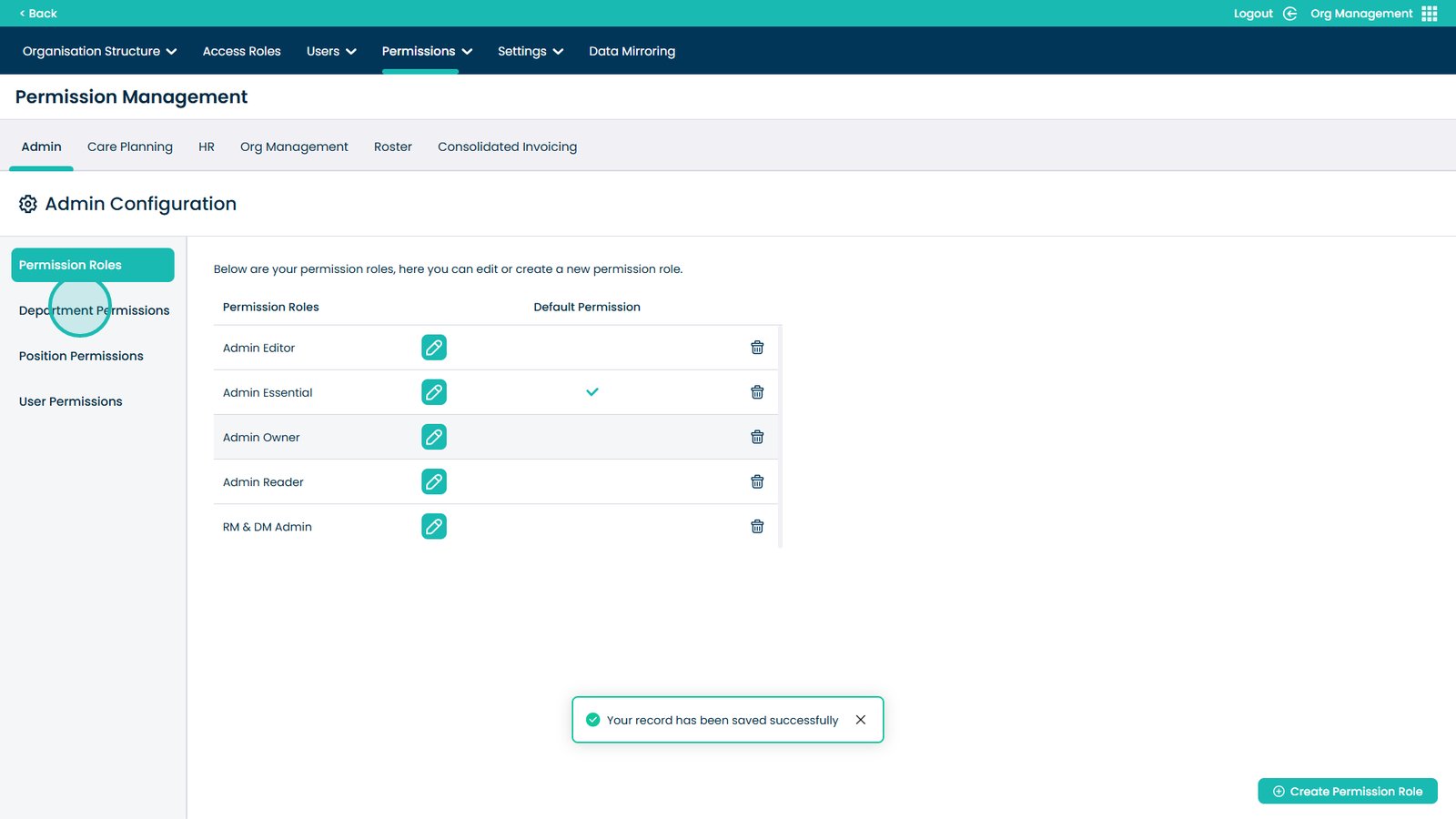
Manage department permissions
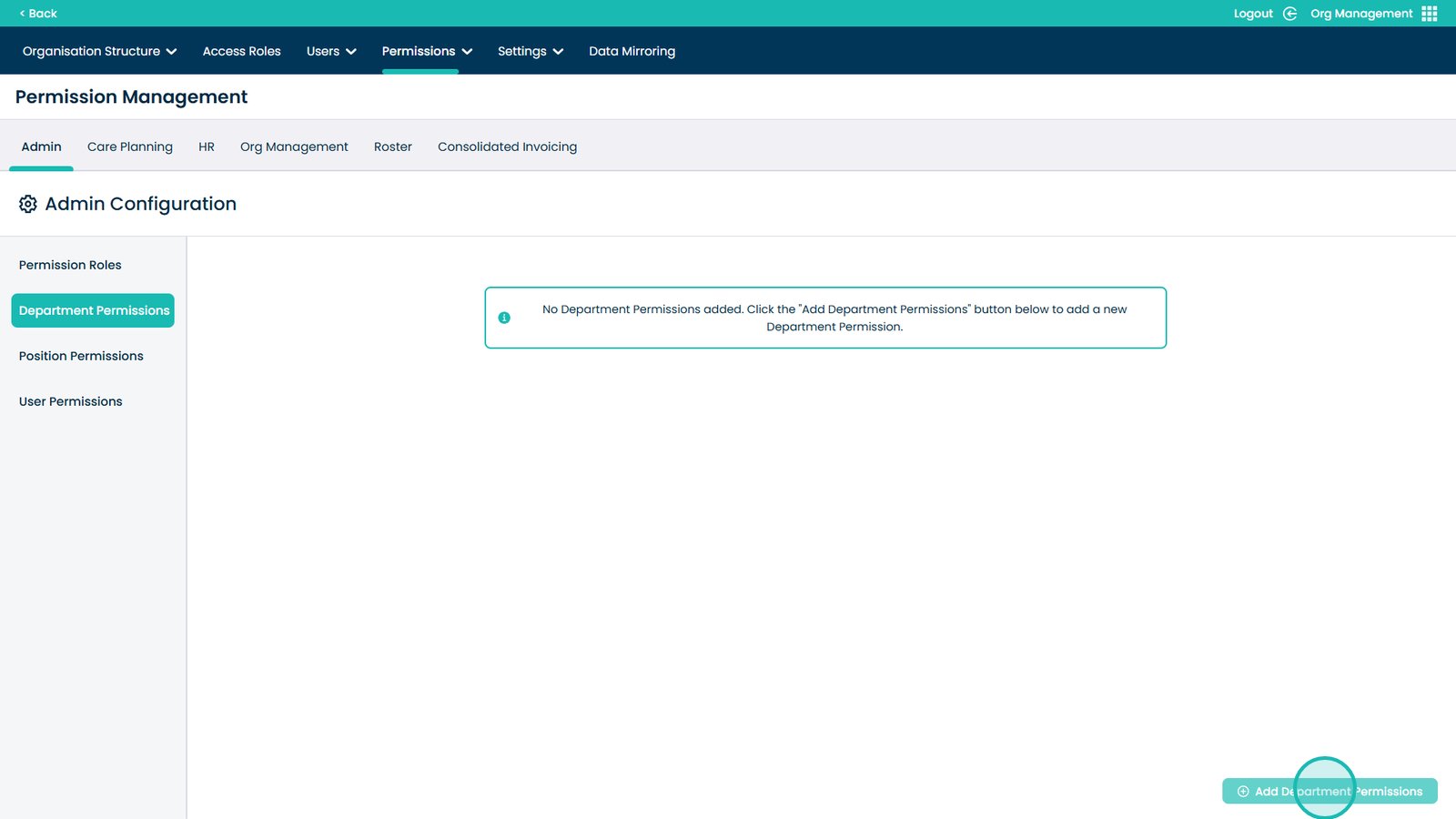
Add department permissions
Select the department and site
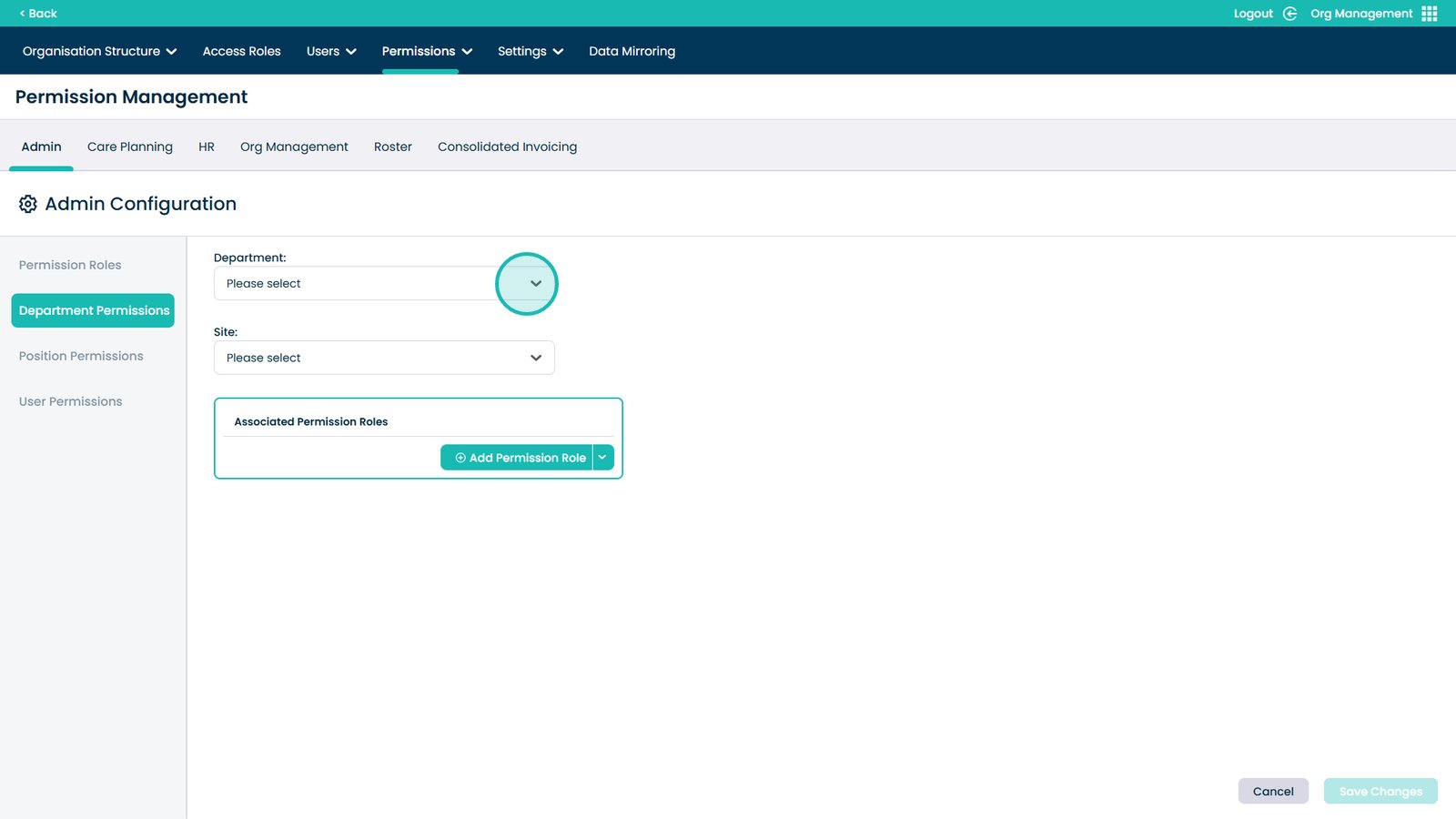
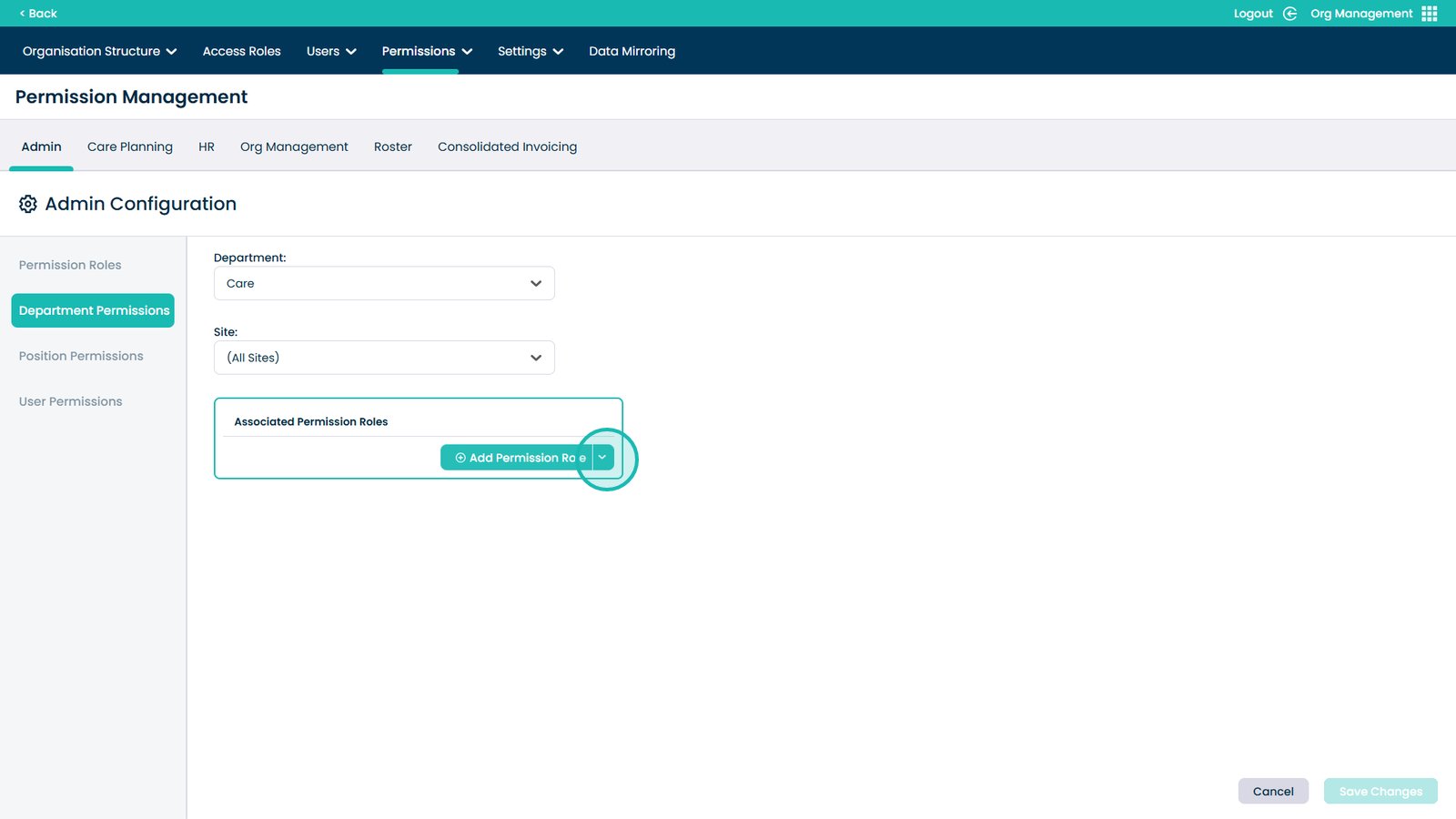
Assign a permission role to the department
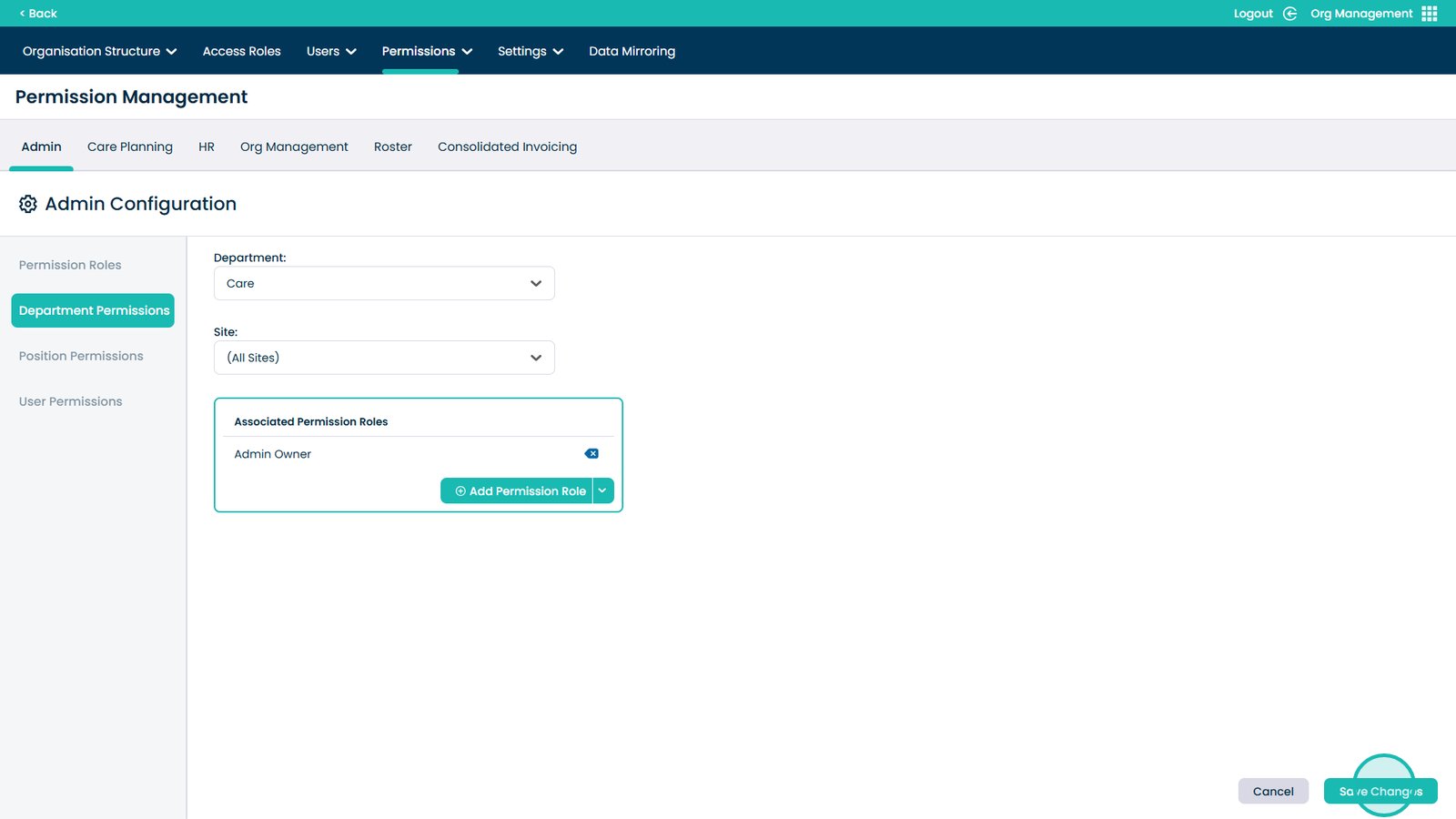
Save department permissions
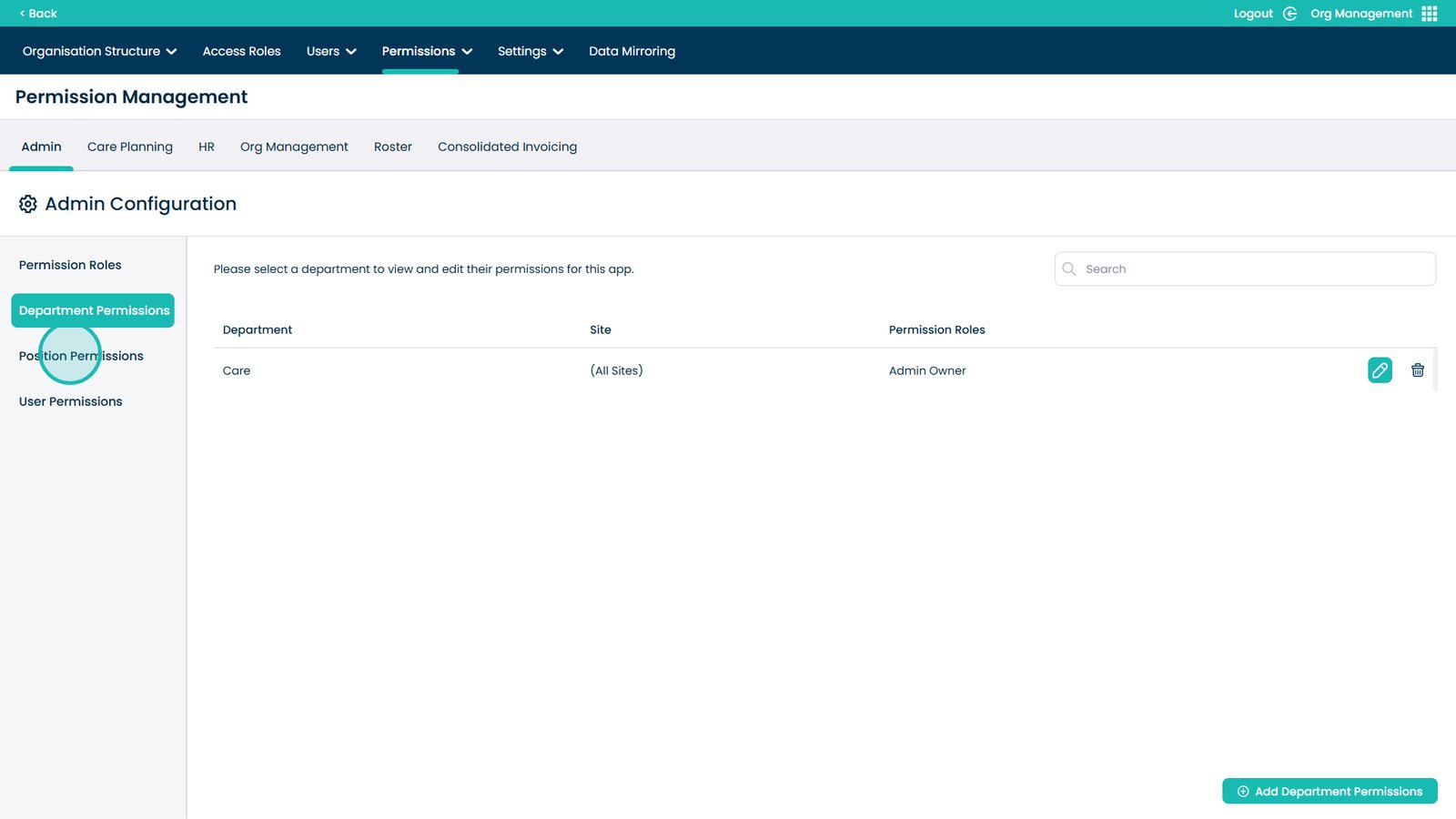
Manage position permissions
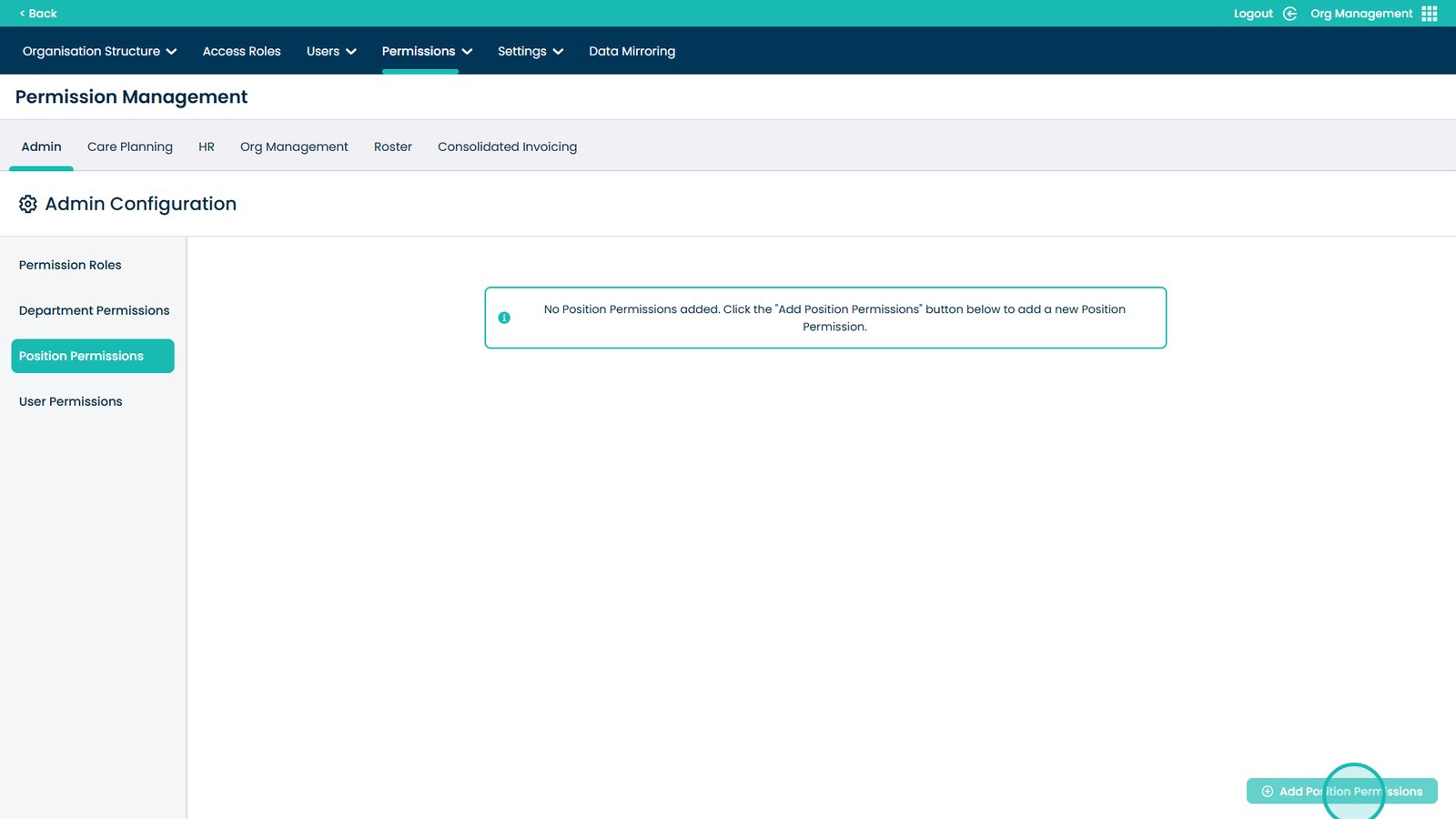
Add position permissions
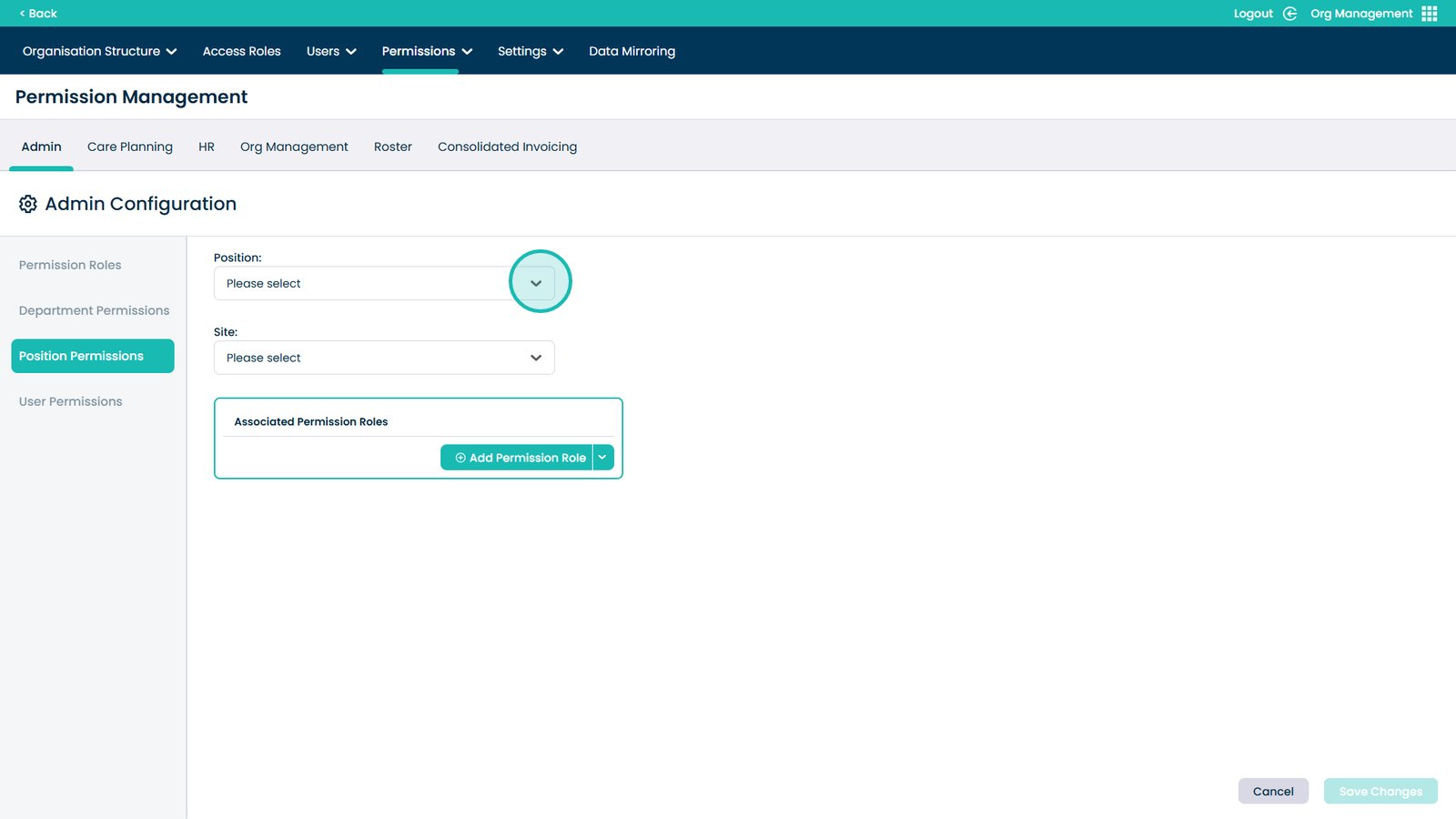
Select the position and site
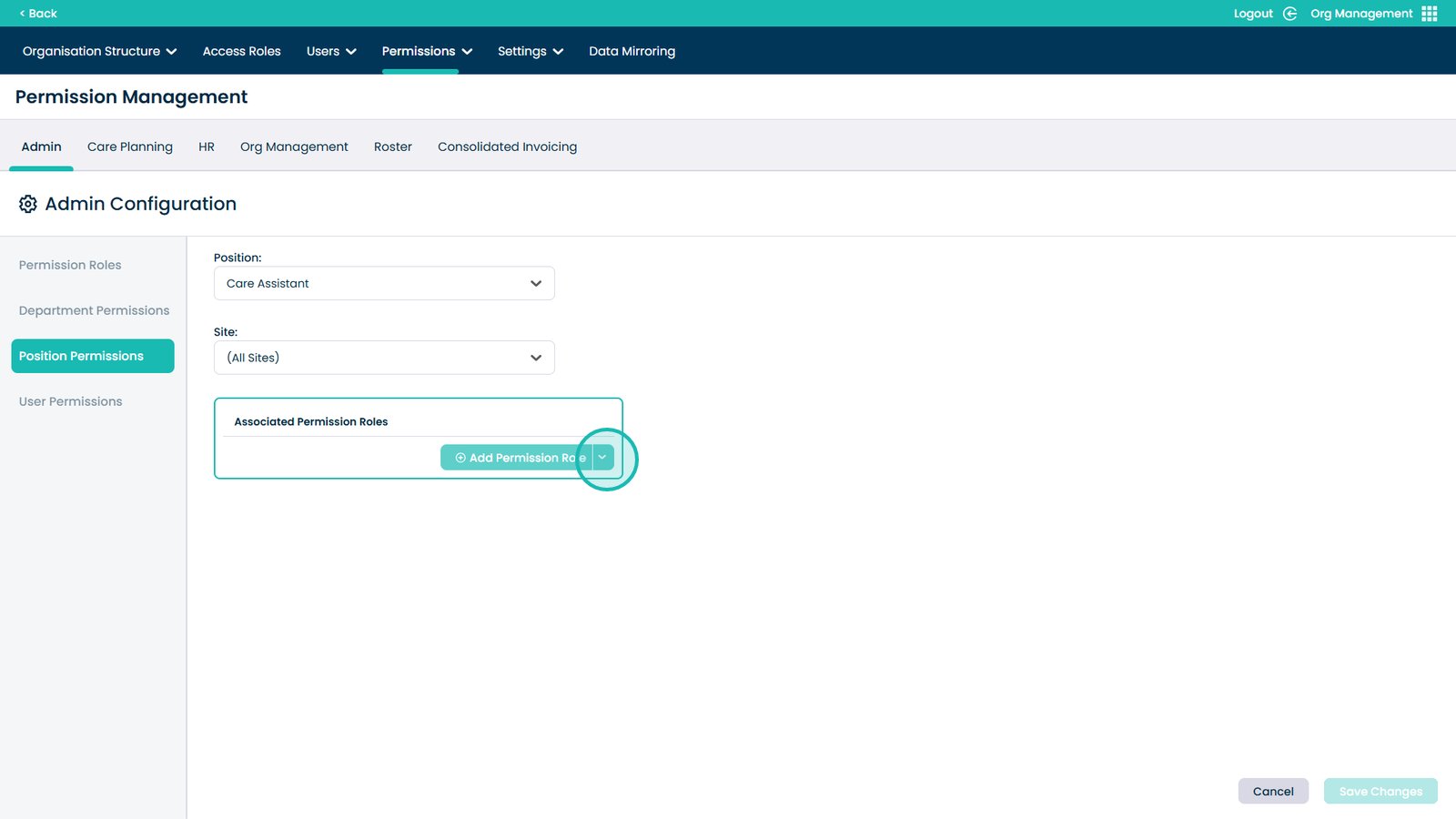
Assign a permission role to the position
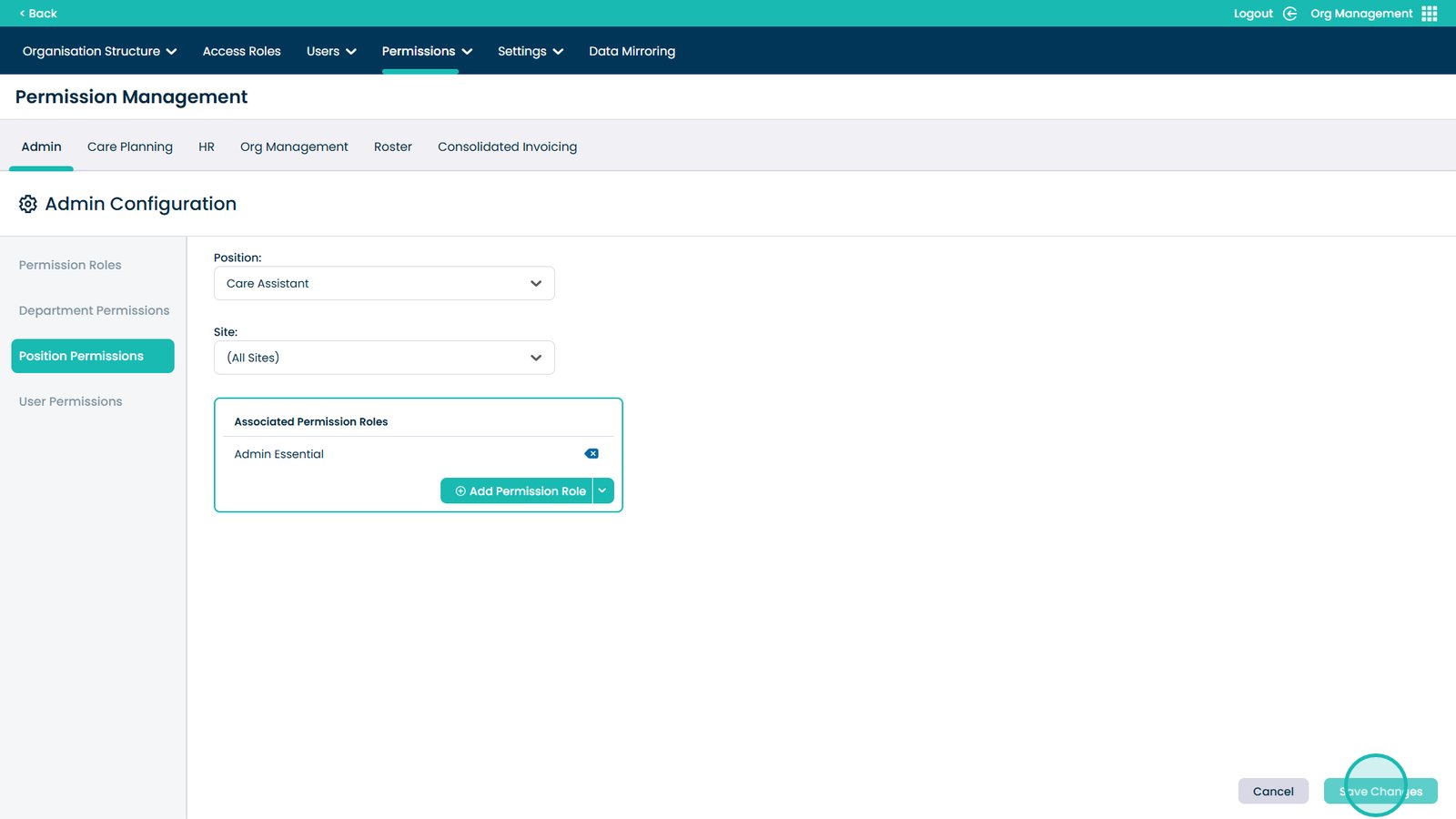
Save position permissions
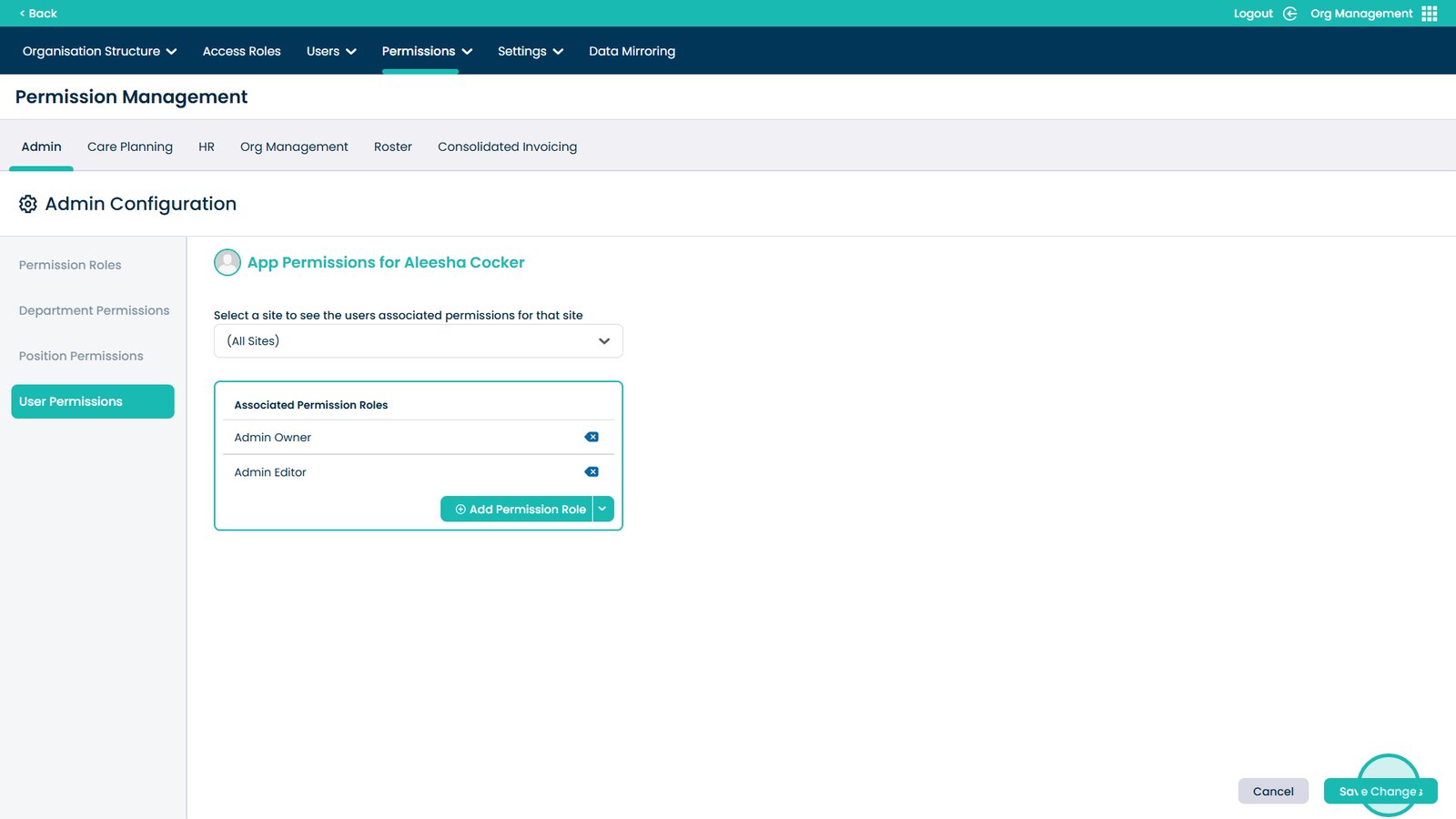
Manage user-specific permissions
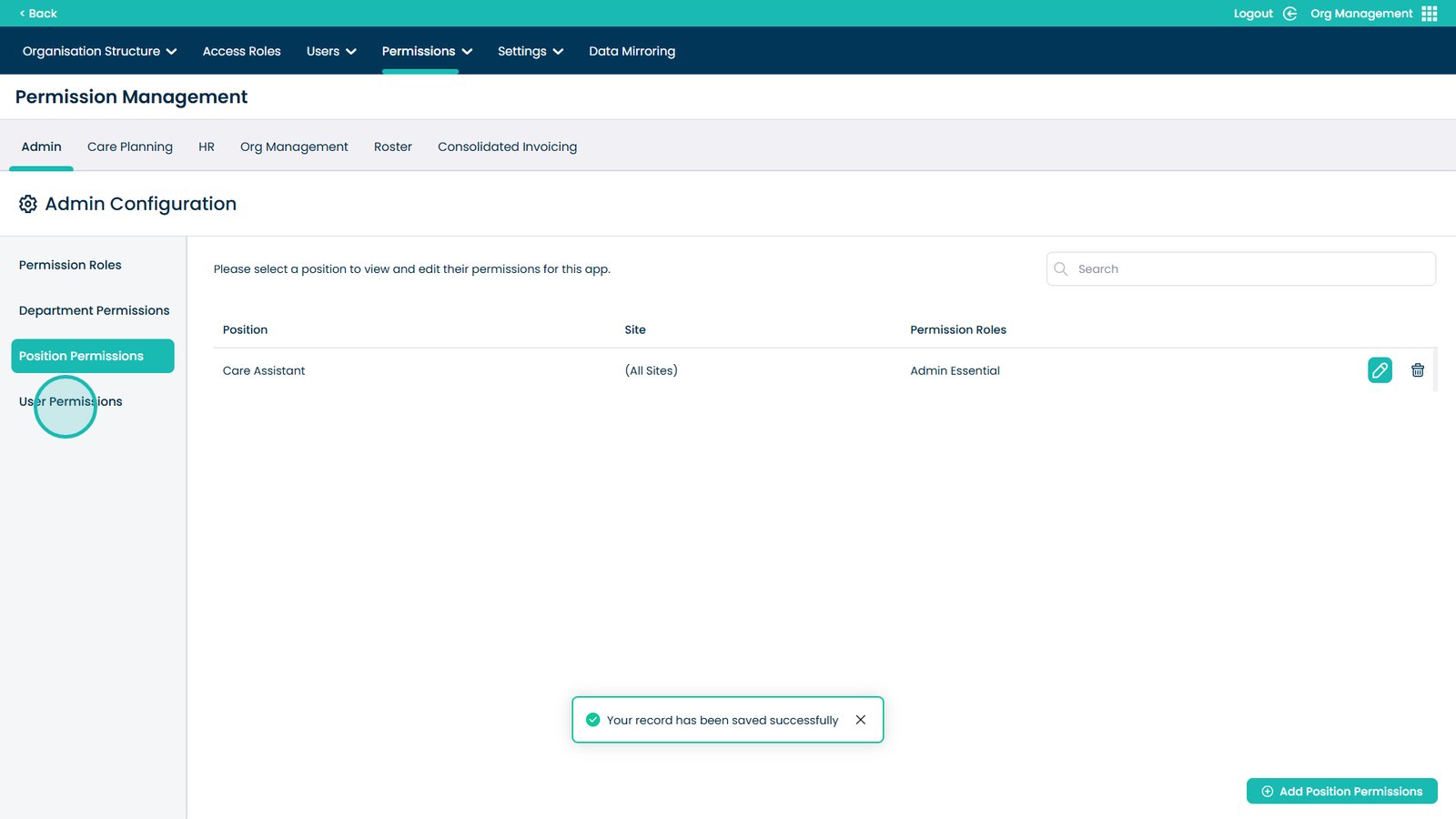
Edit permissions for an individual user
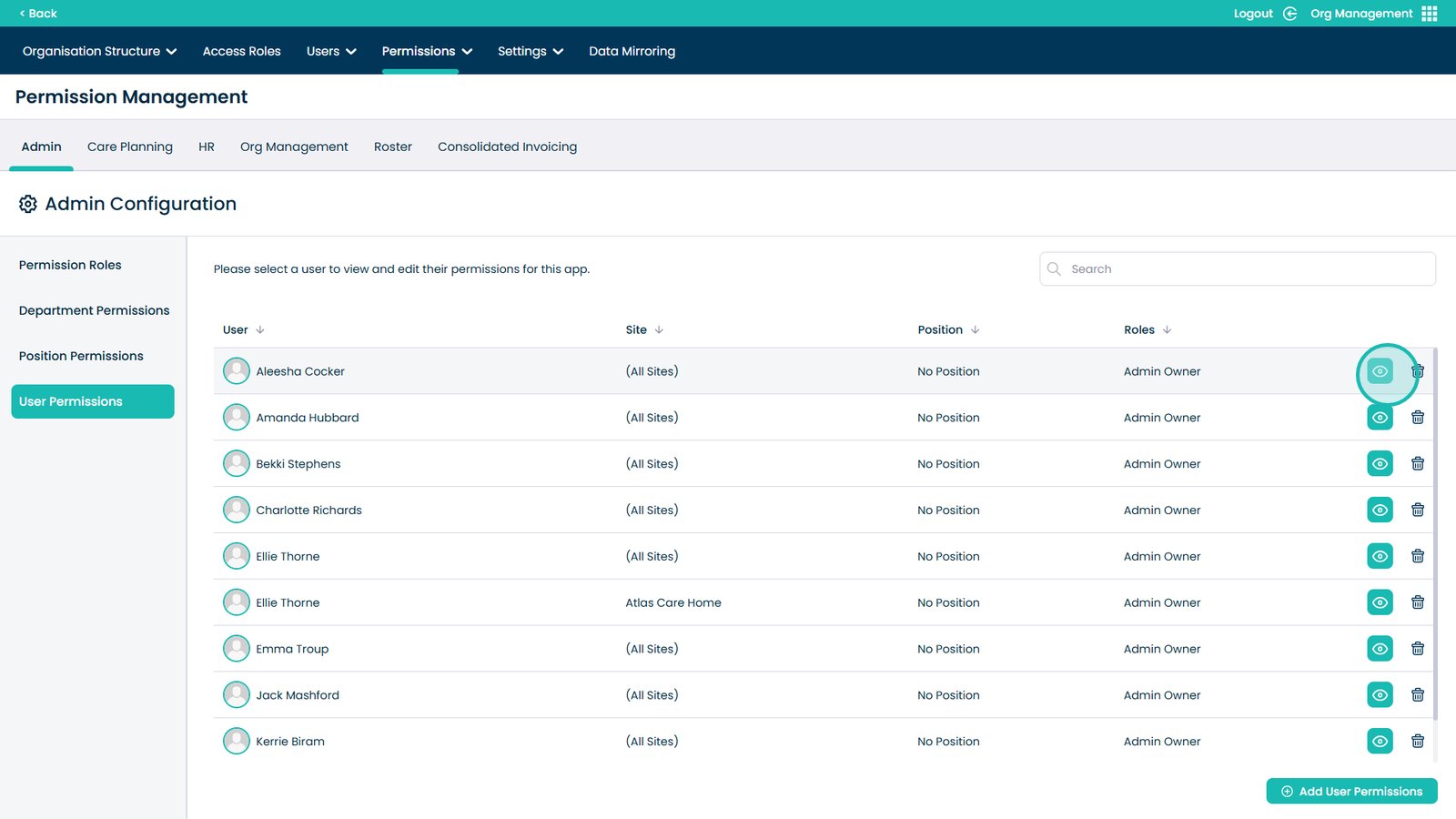
Assign a permission role to a specific user
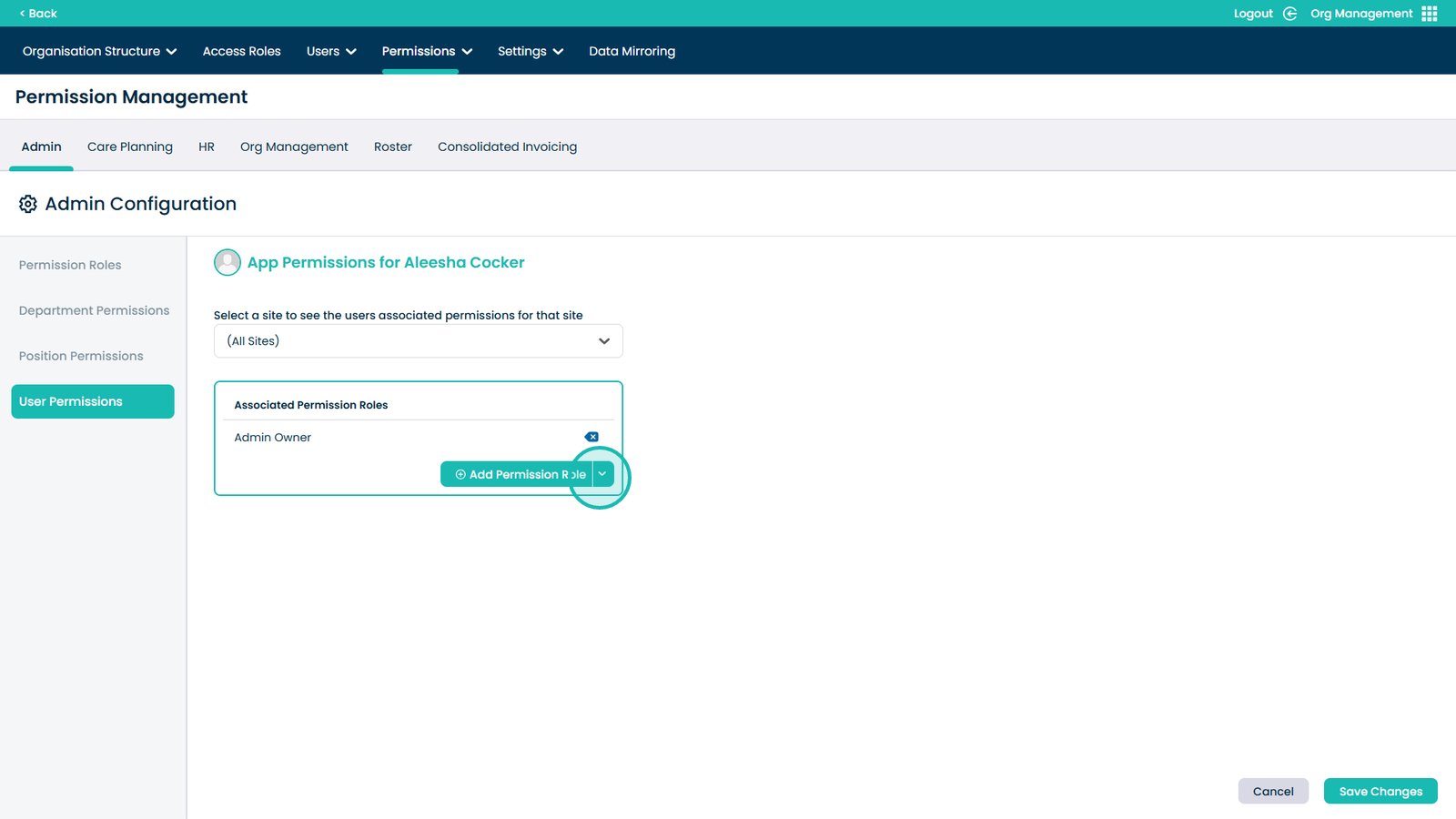
Save user permissions