Cloud Onboarding:Bulk Load Staff Members
This guide will walk you through the steps of bulk loading staff members into Care Control.
You’ll begin by downloading the staff upload template from the system and completing it with your staff details.
Once the file is ready, you can upload it, review any errors, and process valid records to create staff quickly and efficiently.
Interactive Guide
Text based guide
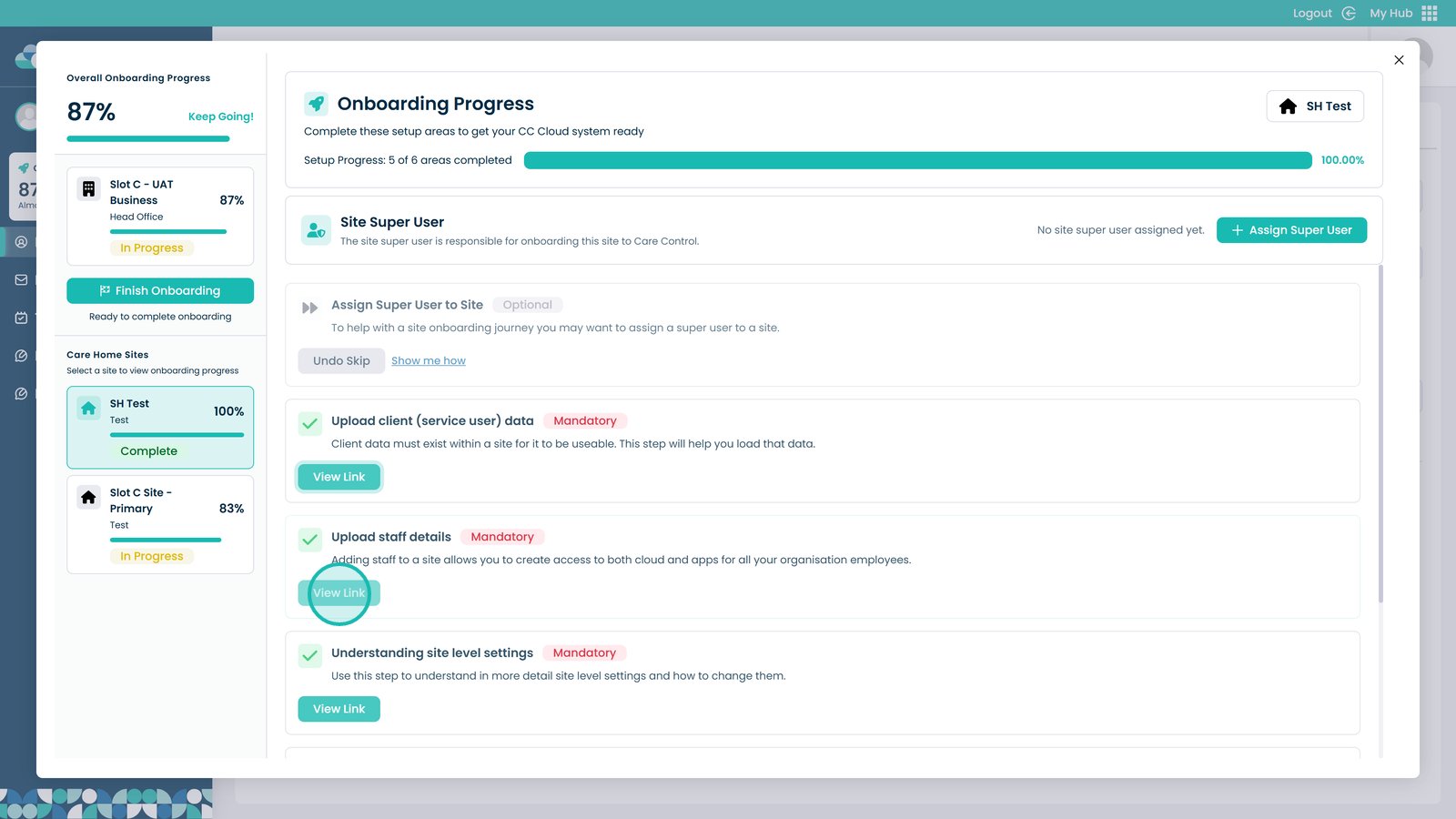
Select View Link under Upload Staff Details

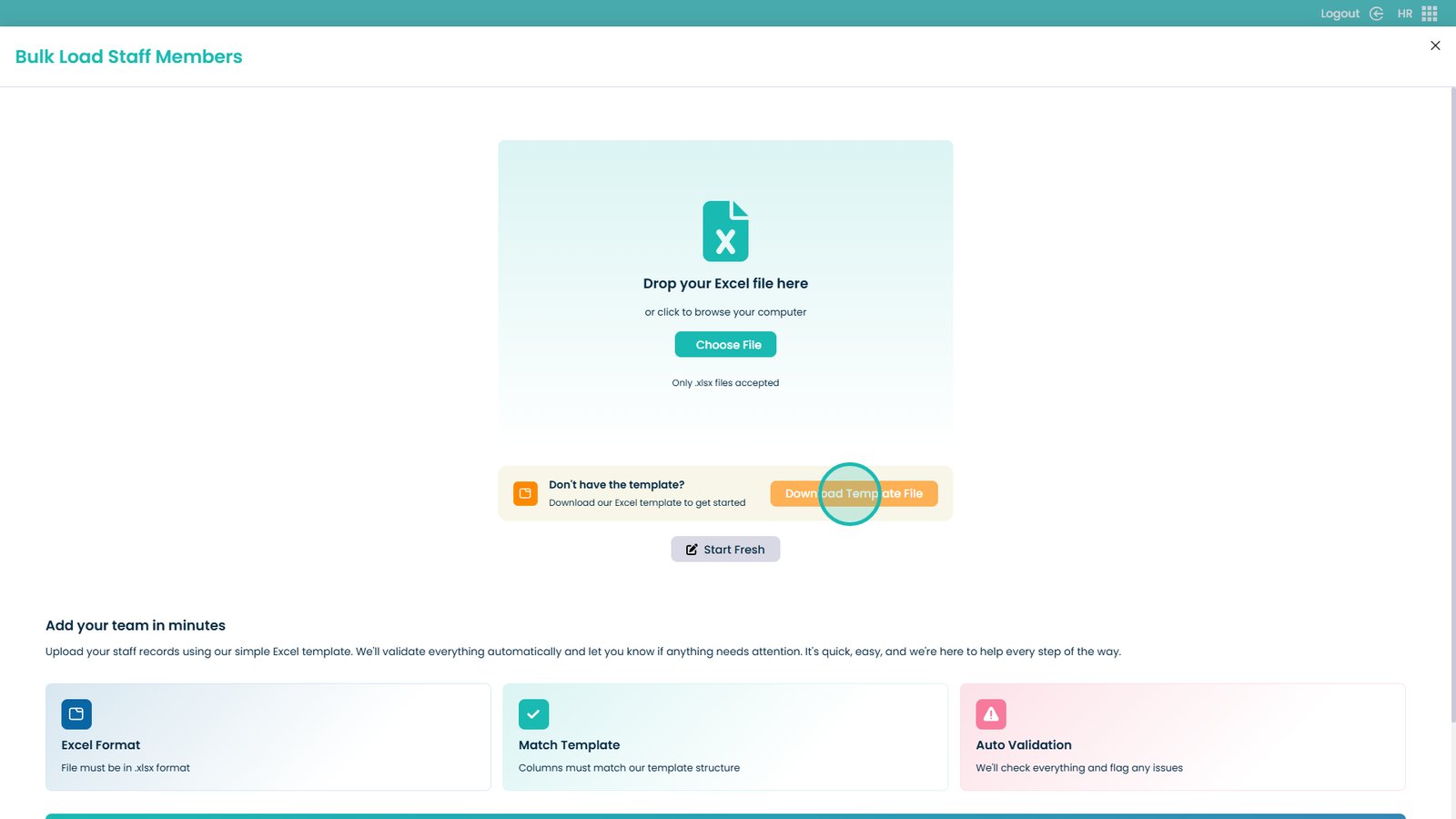
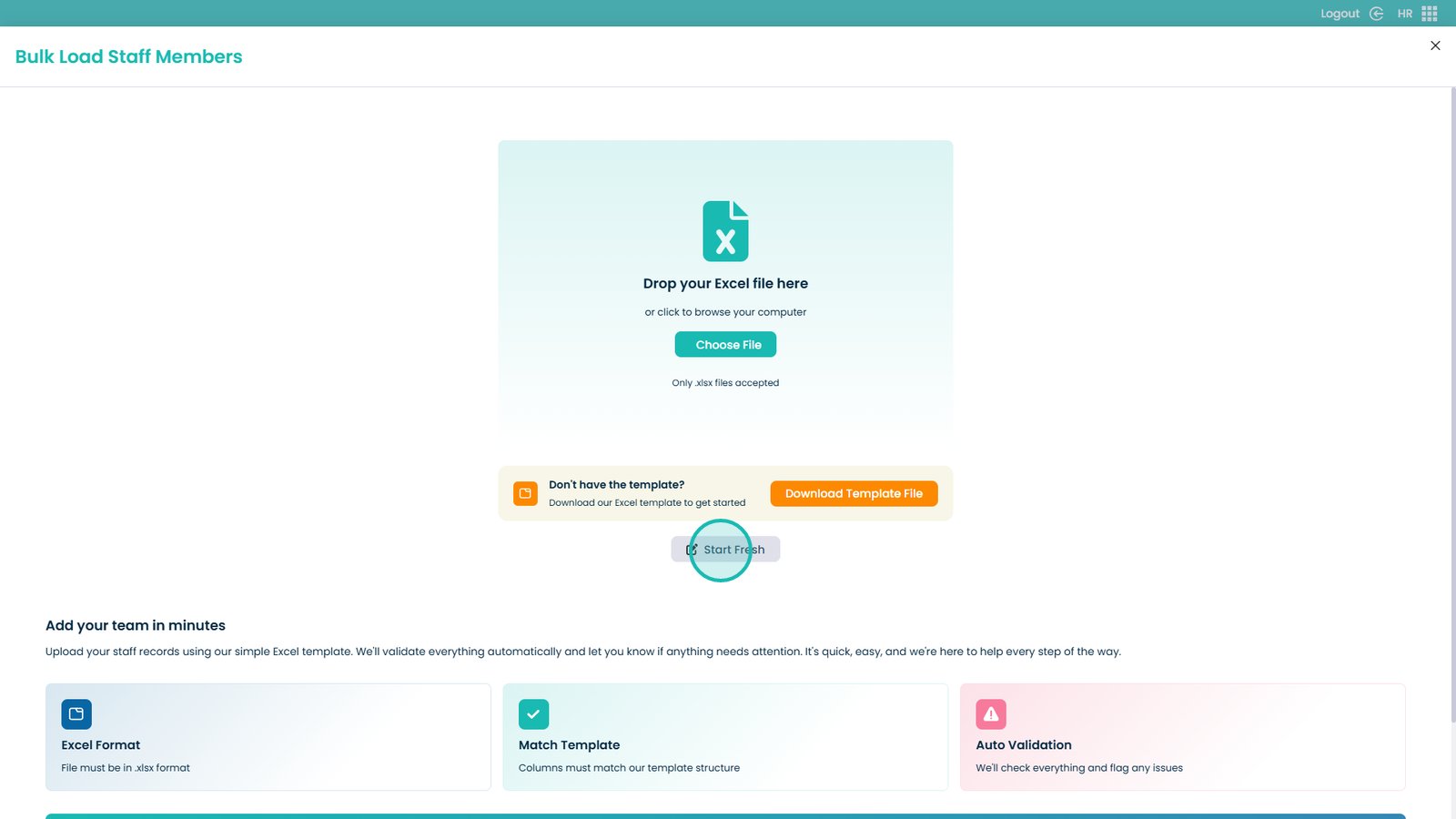
Click to download the template file

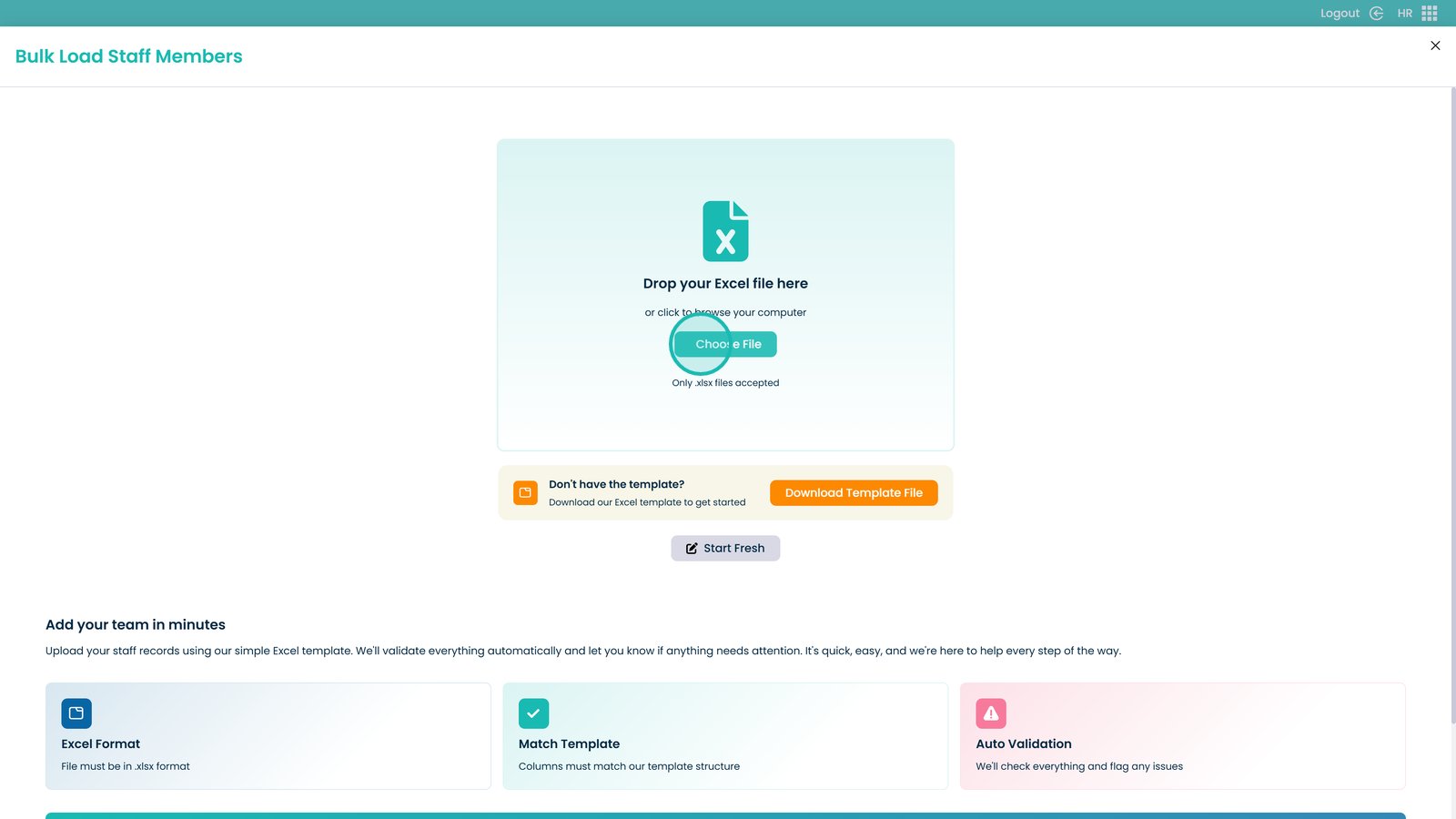
Once you have modified the file, choose it and upload

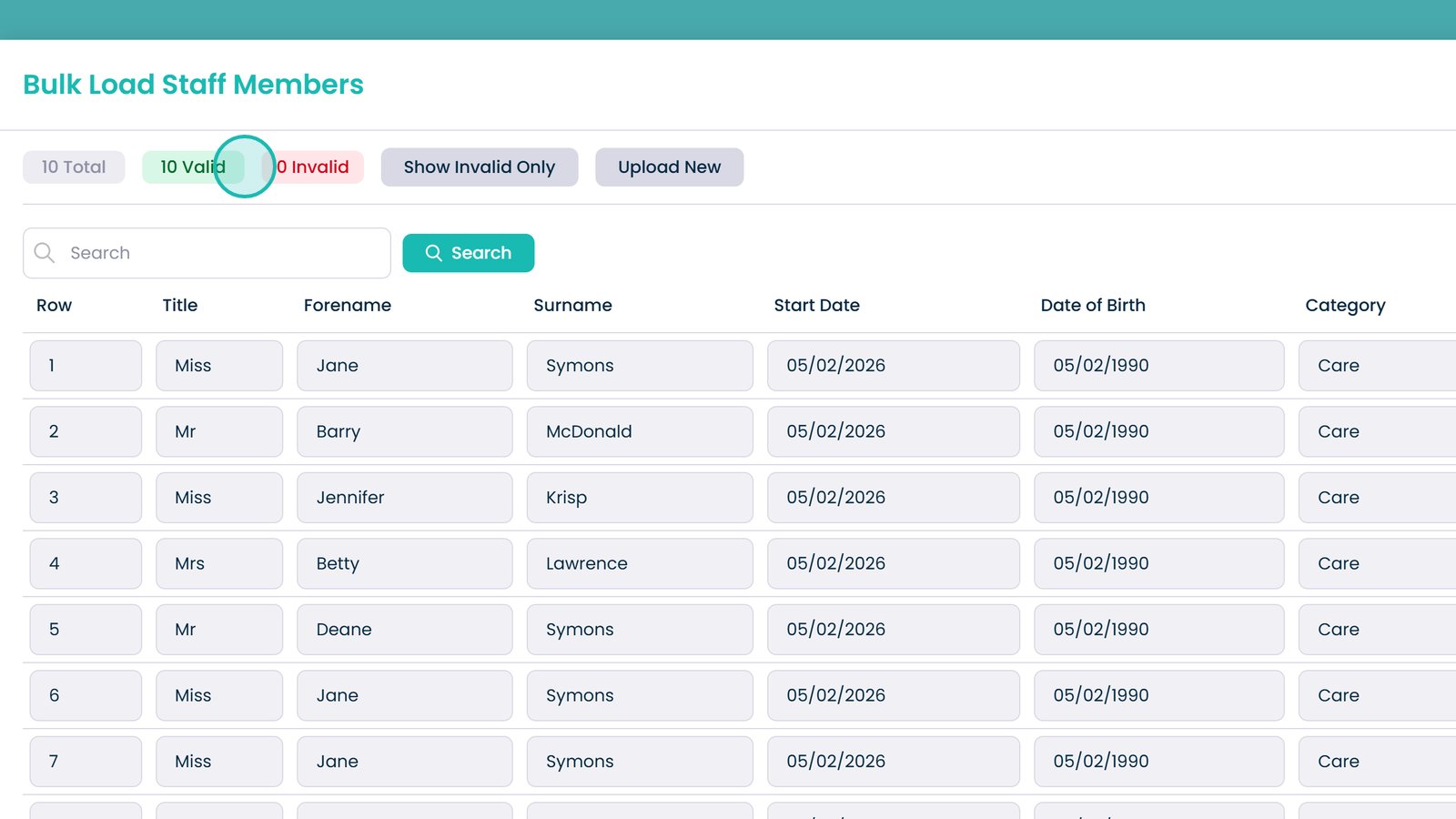
Review and fix any invalid cells

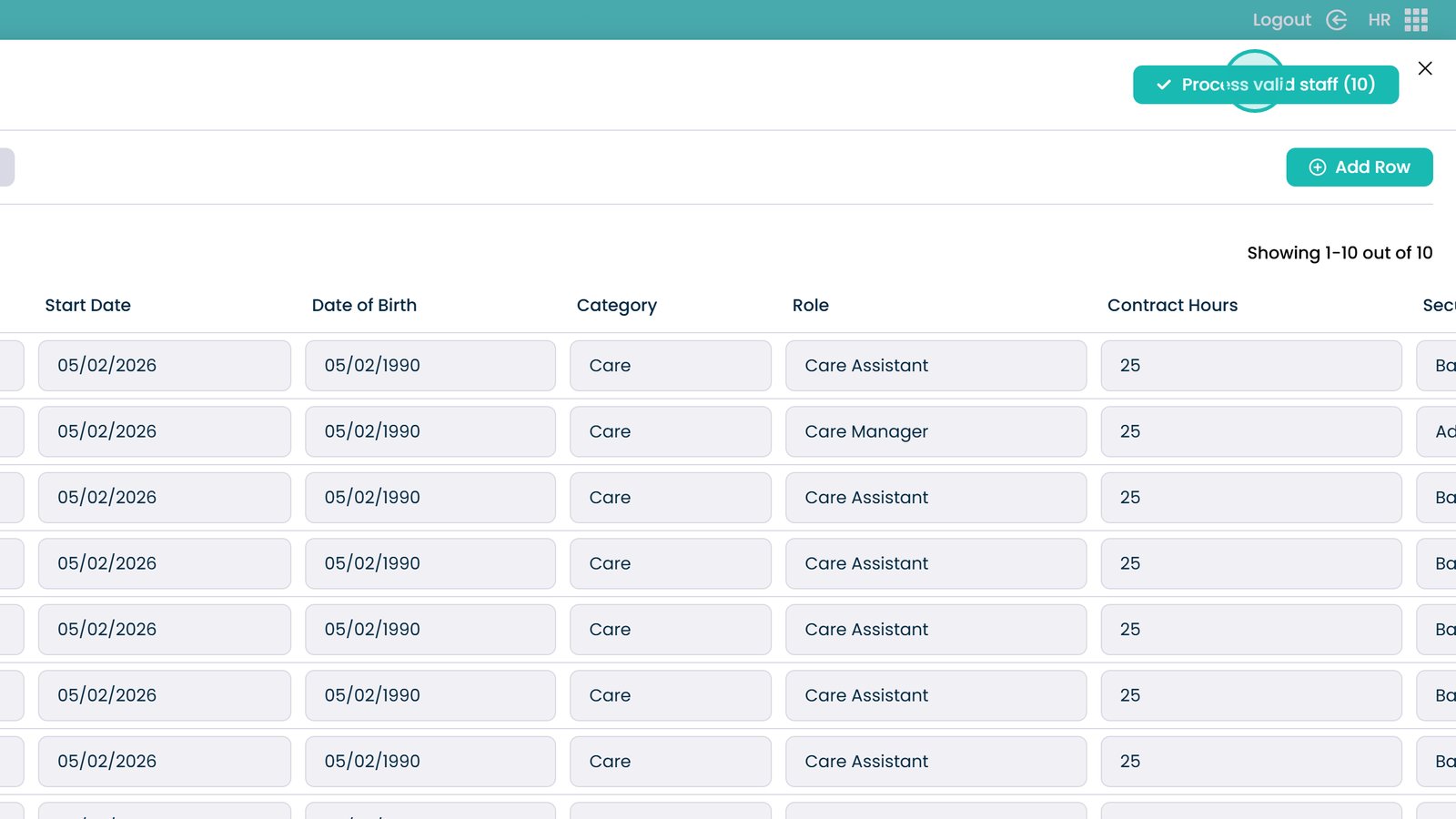
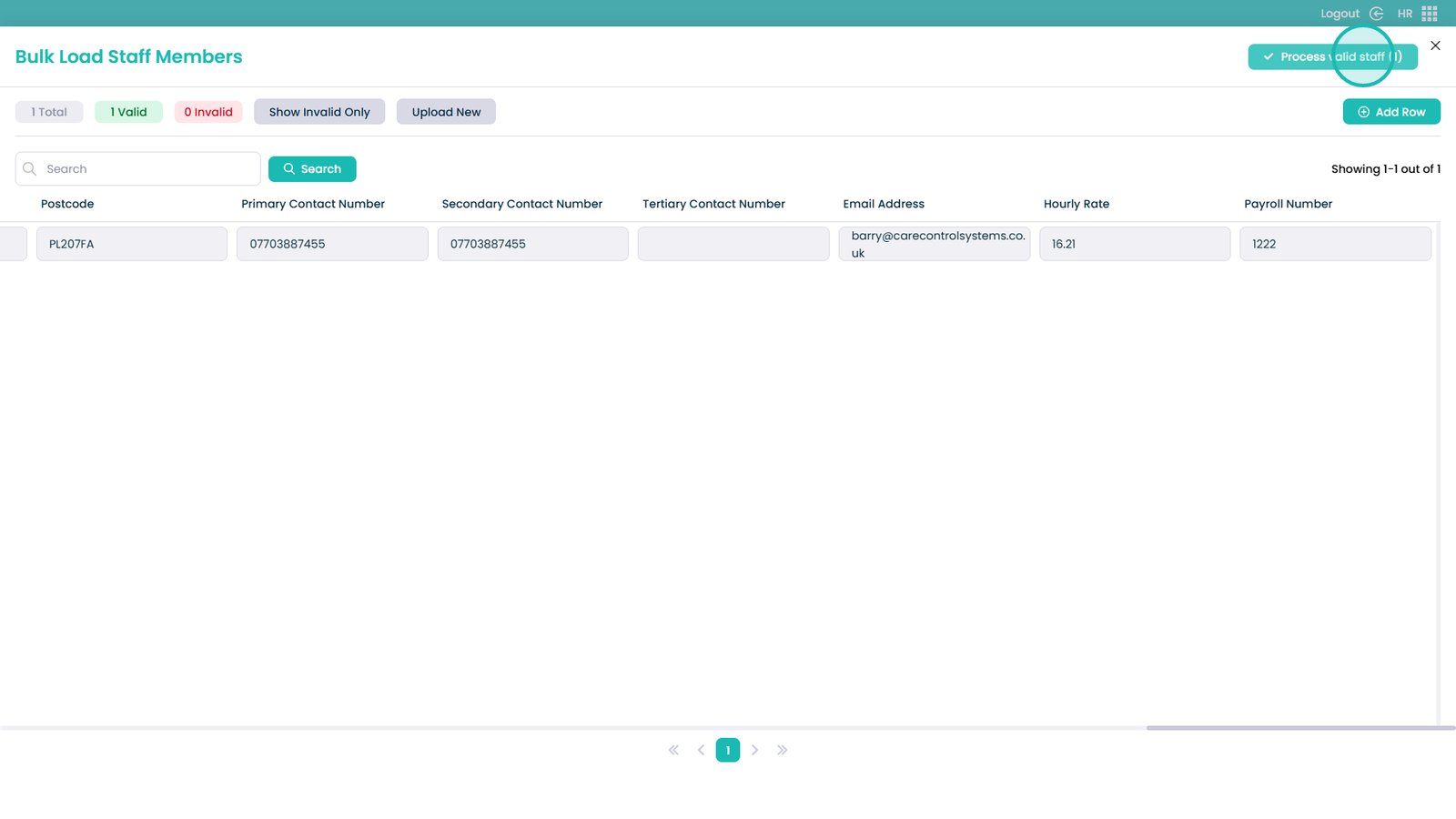
Process valid staff and upload them into the system

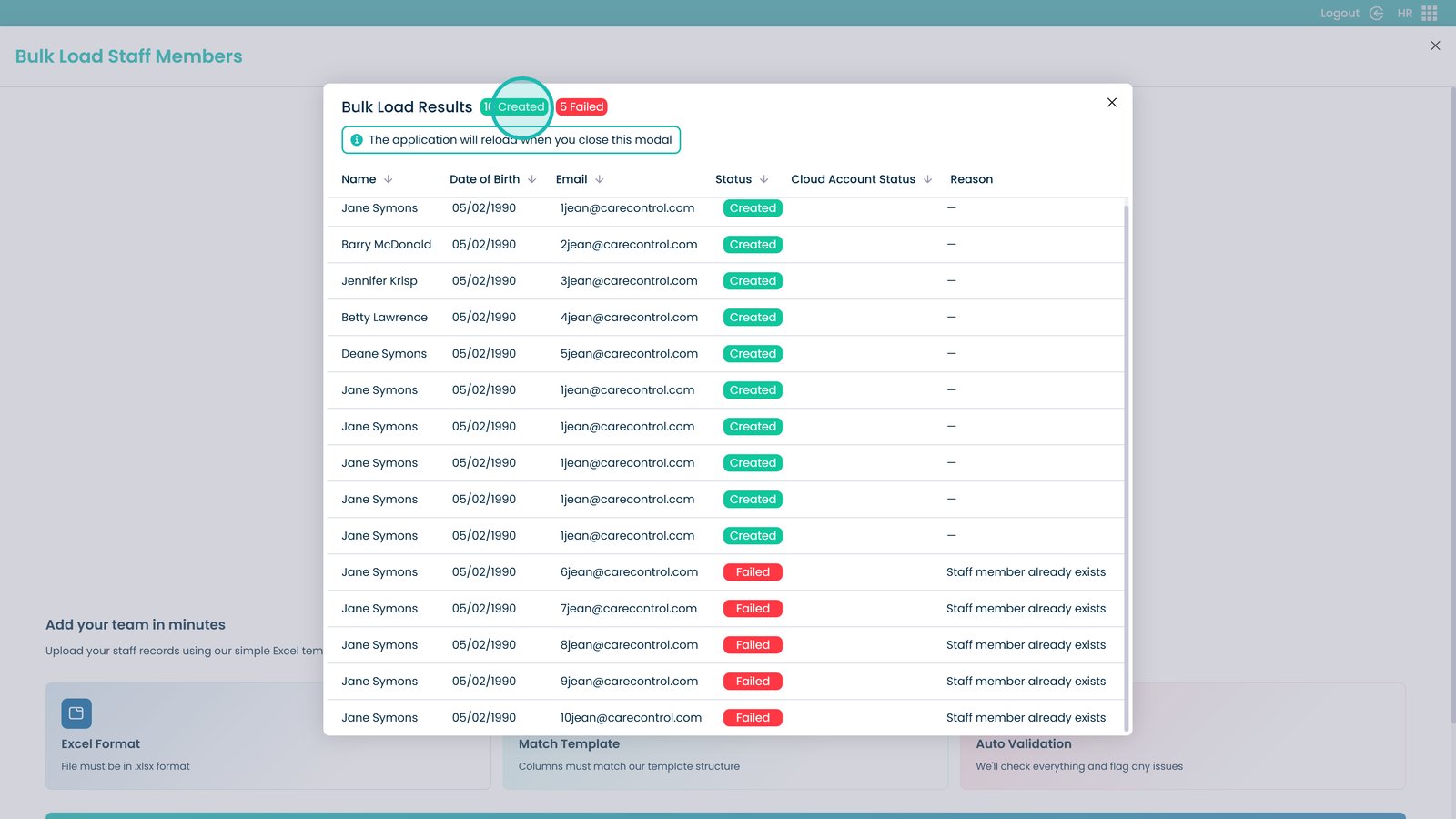
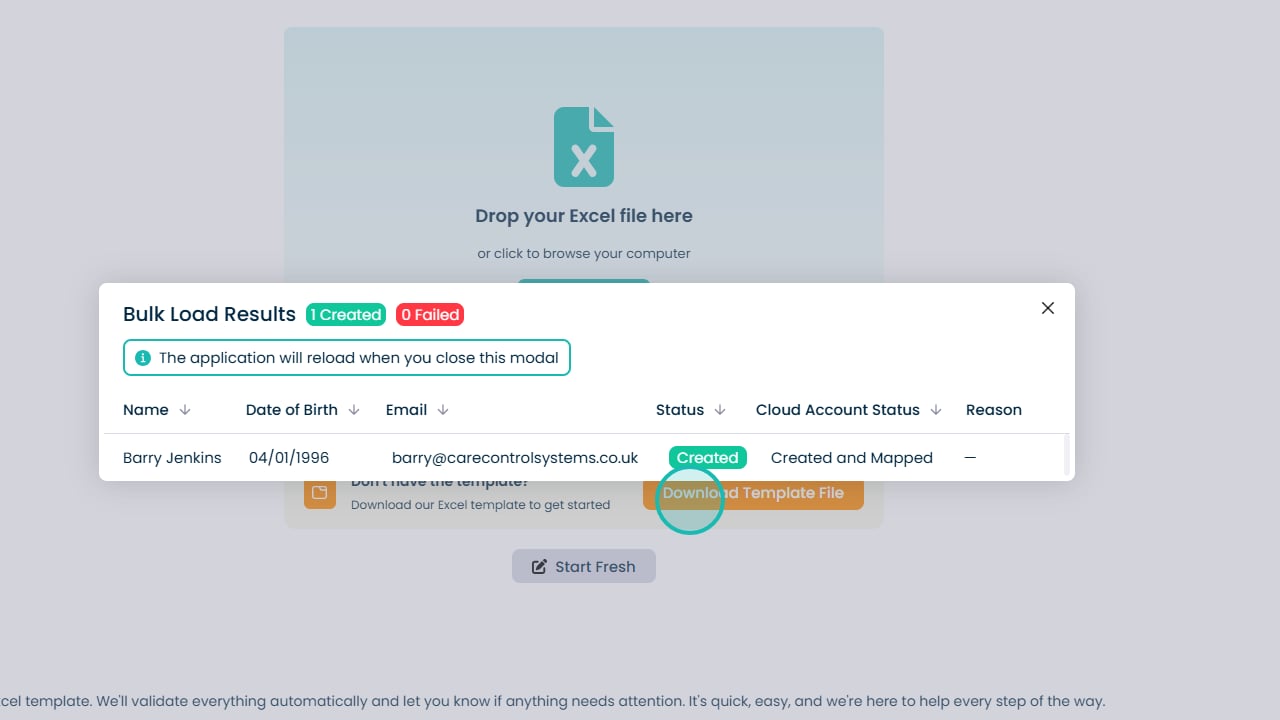
View newly created and failed staff records

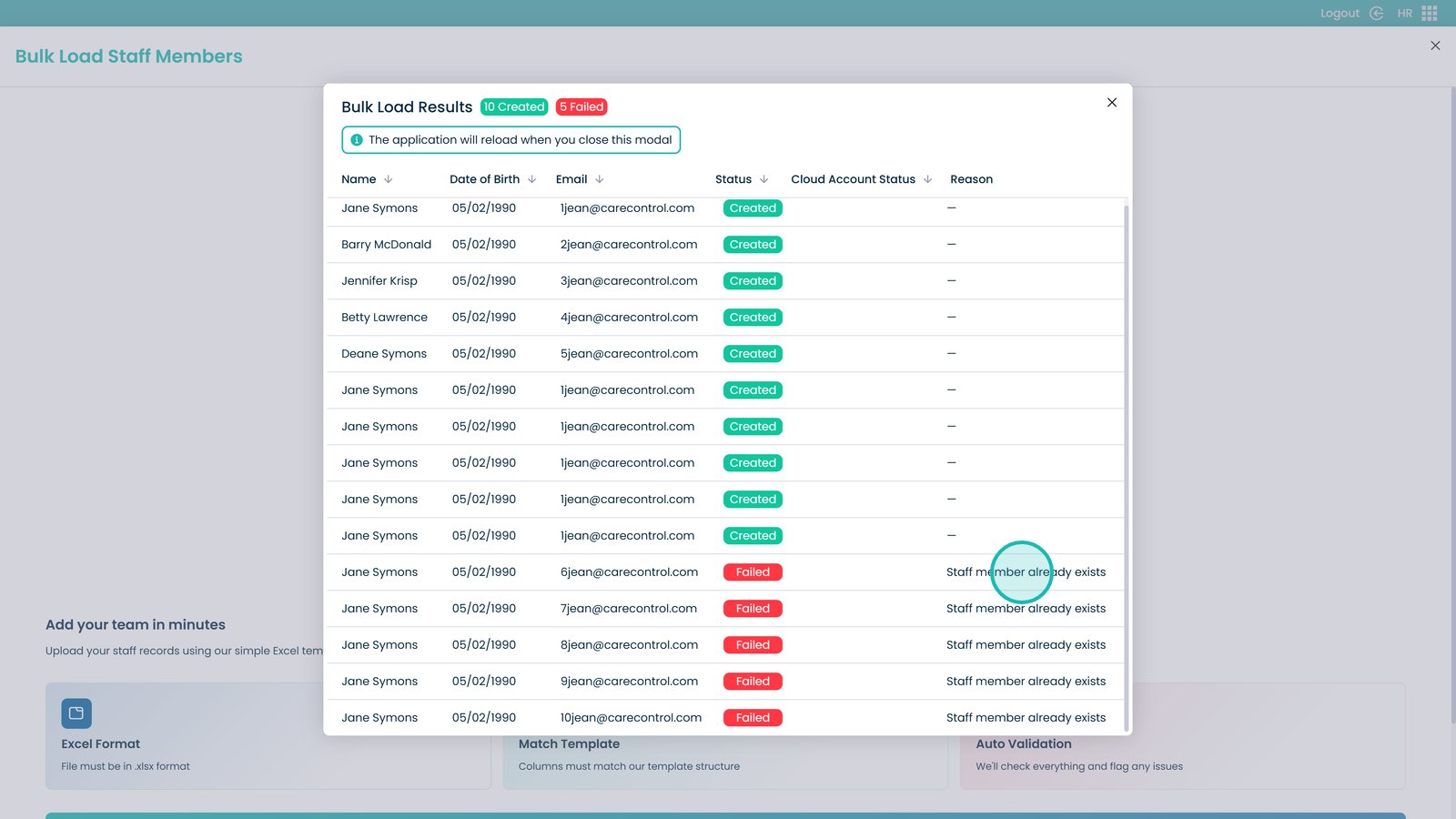
View failure reasons on the right-hand side

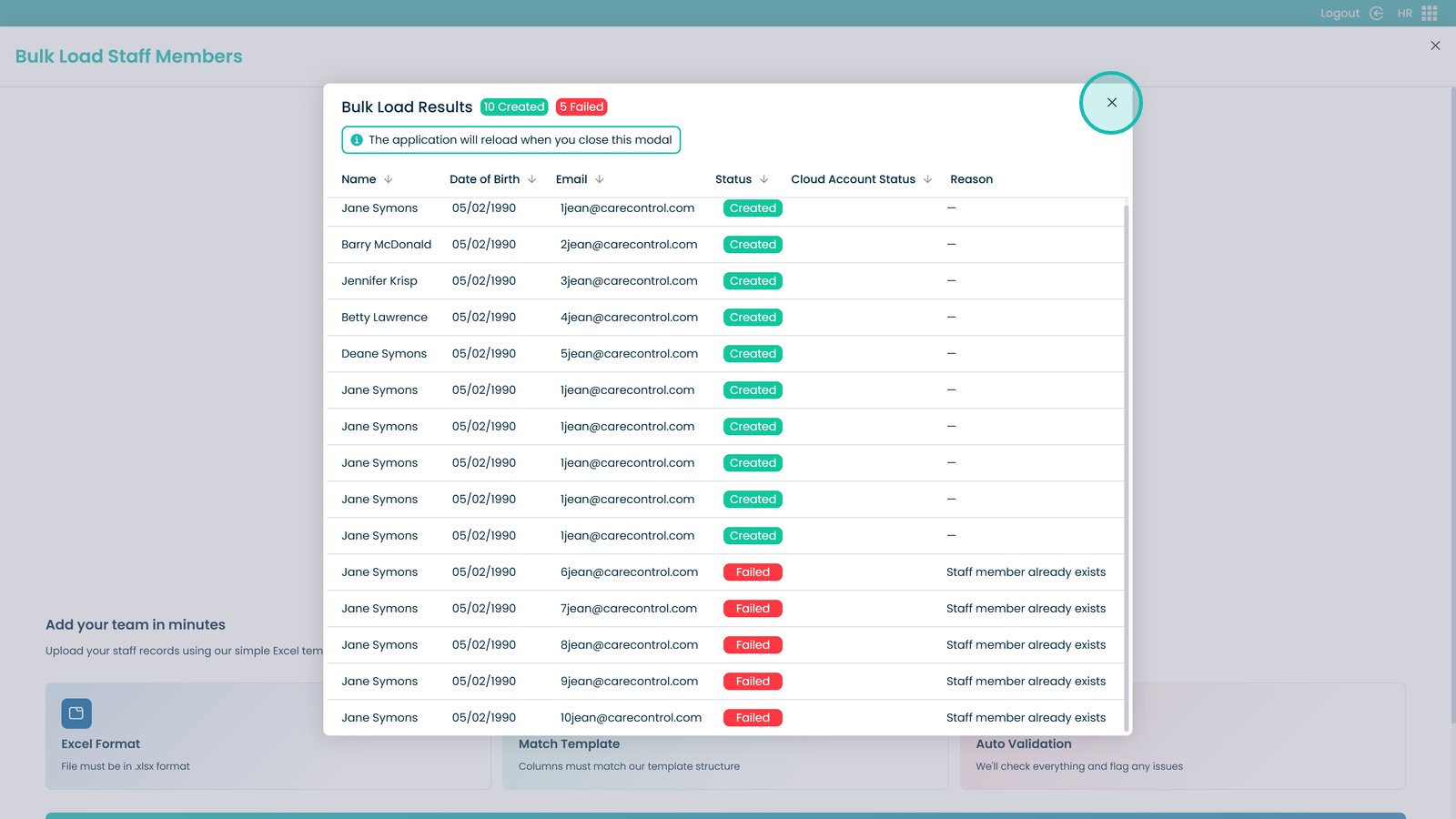
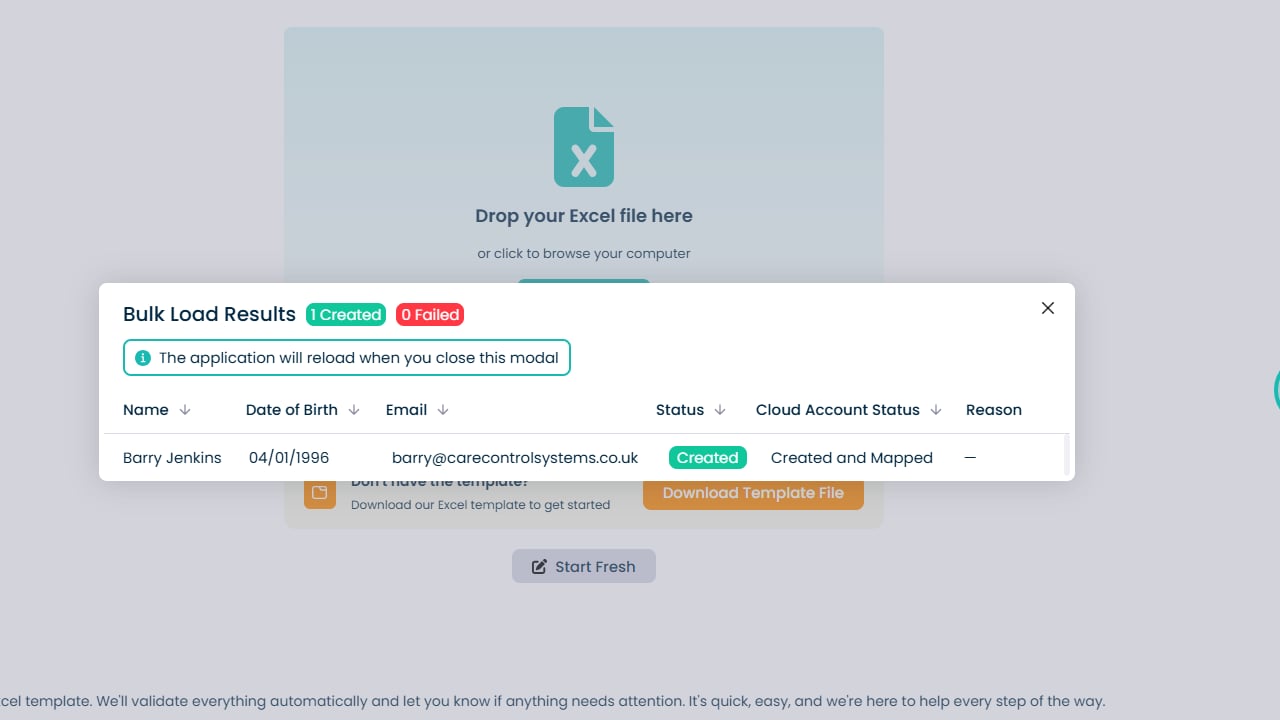
Close the dialogue box using the X button

Manually upload staff by clicking Start Fresh

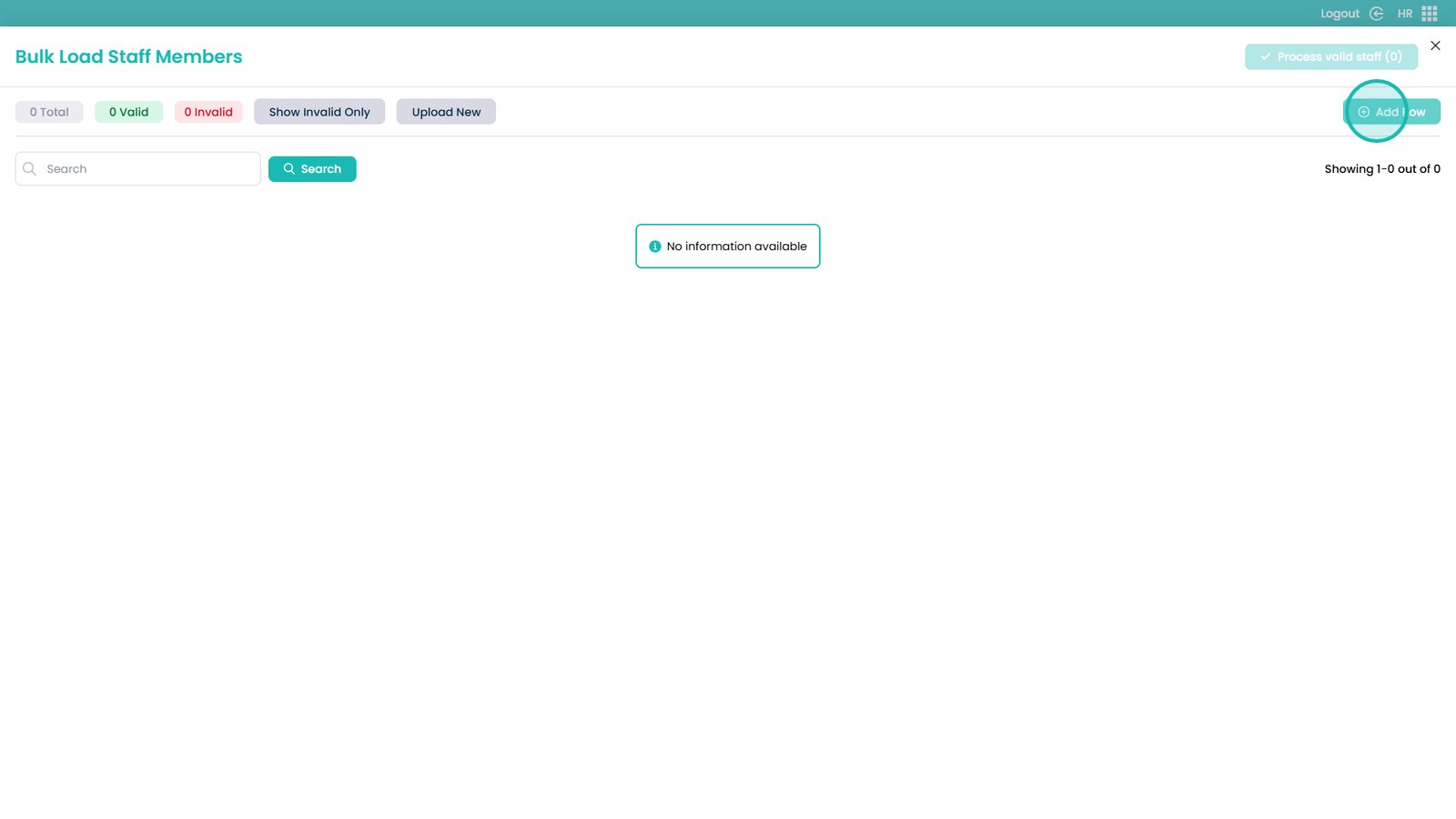
Add a new staff member using Add Row

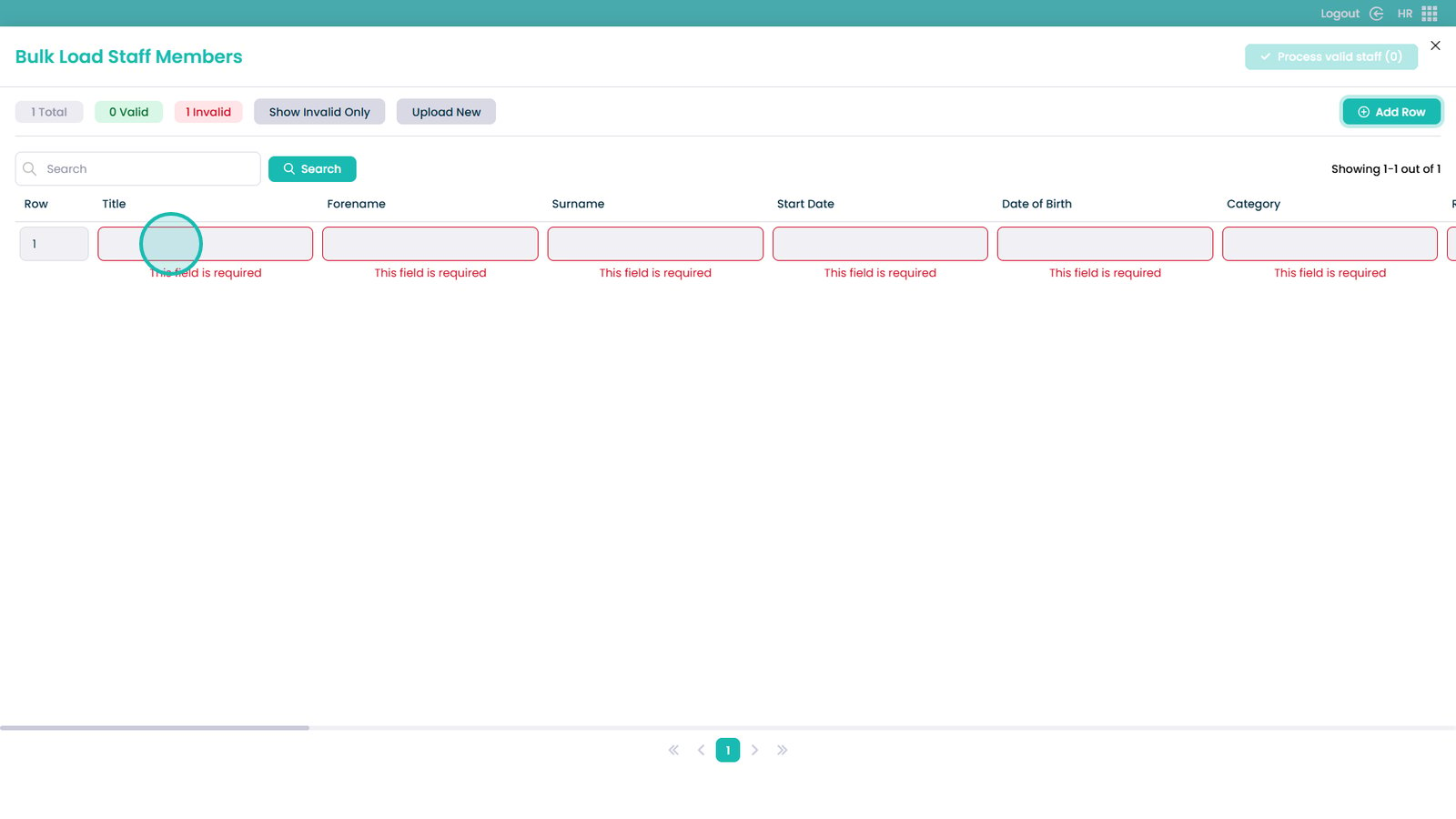
Click any cell to start editing the staff member

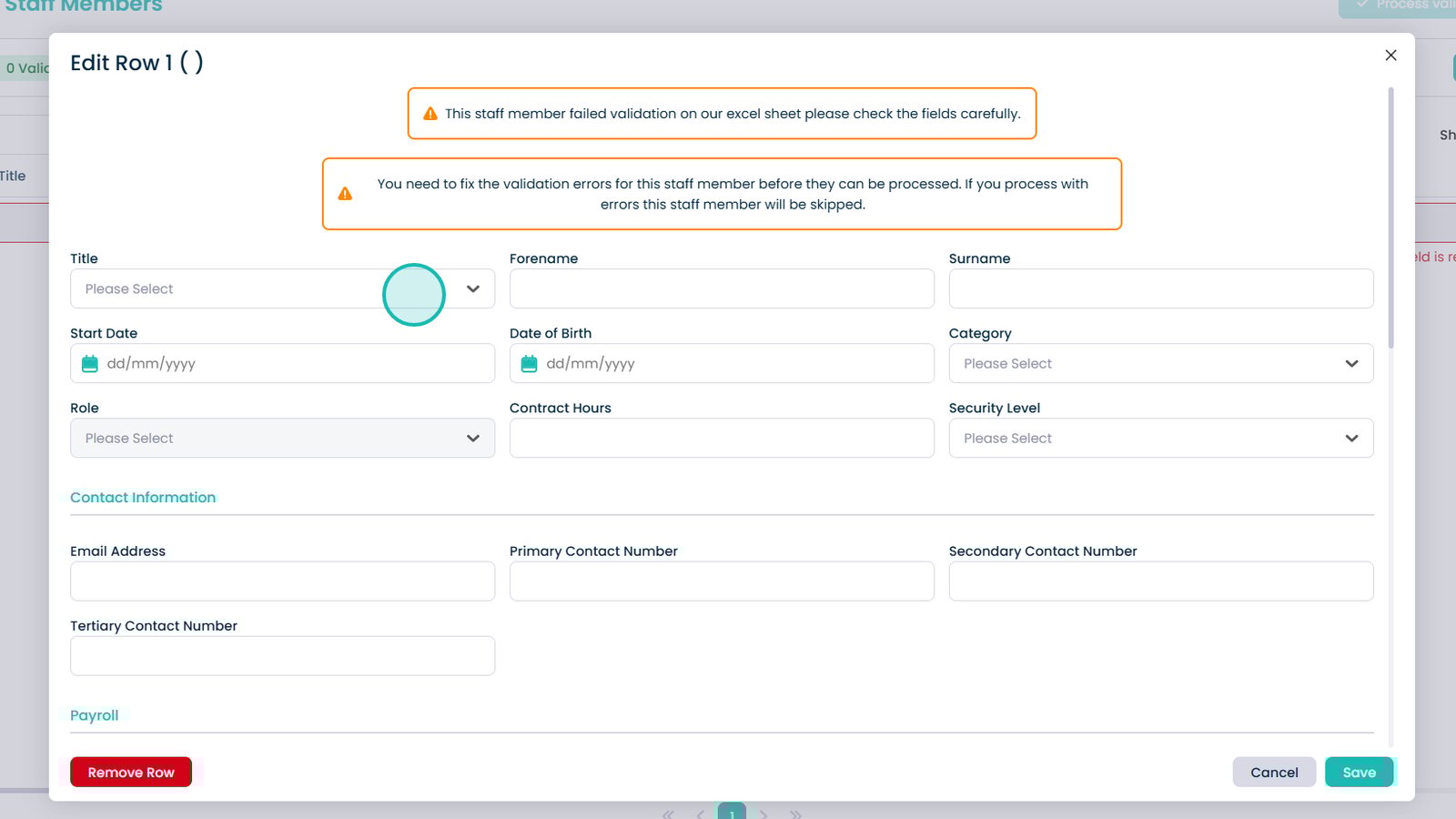
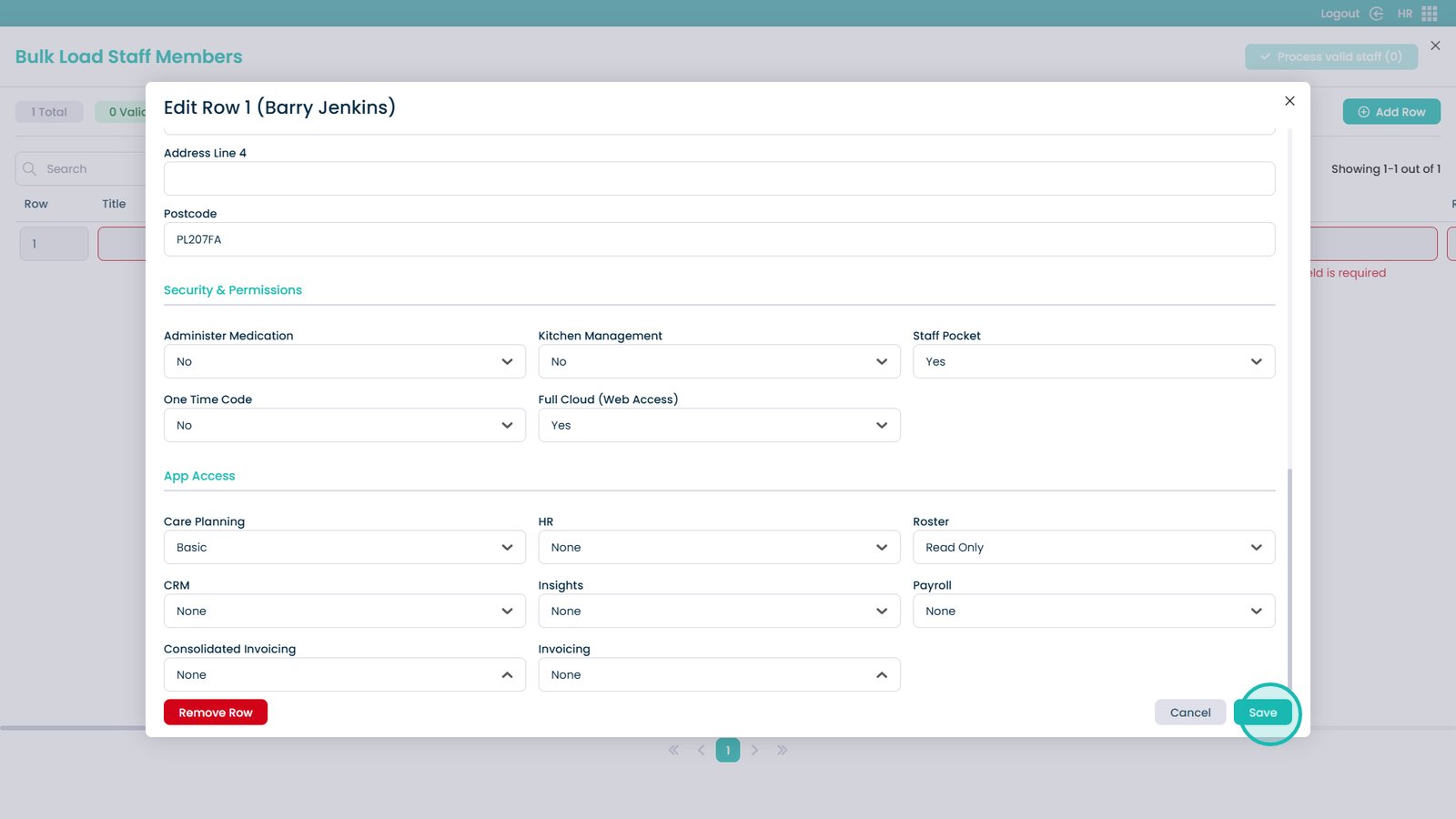
Complete all required fields in the form

Save the staff member once finished

Add more staff or process valid selections

Review staff creation status

Close the window to finish