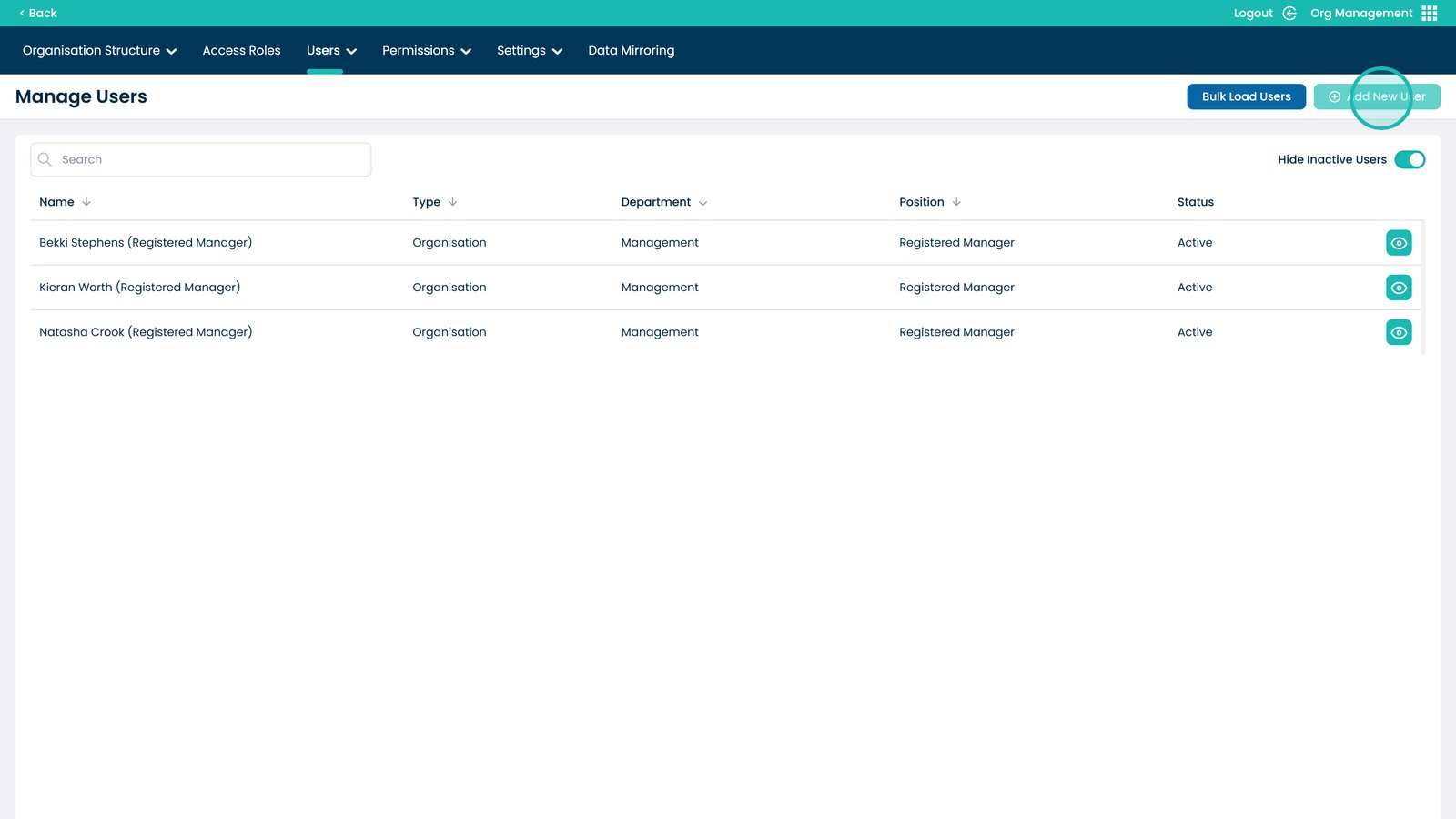
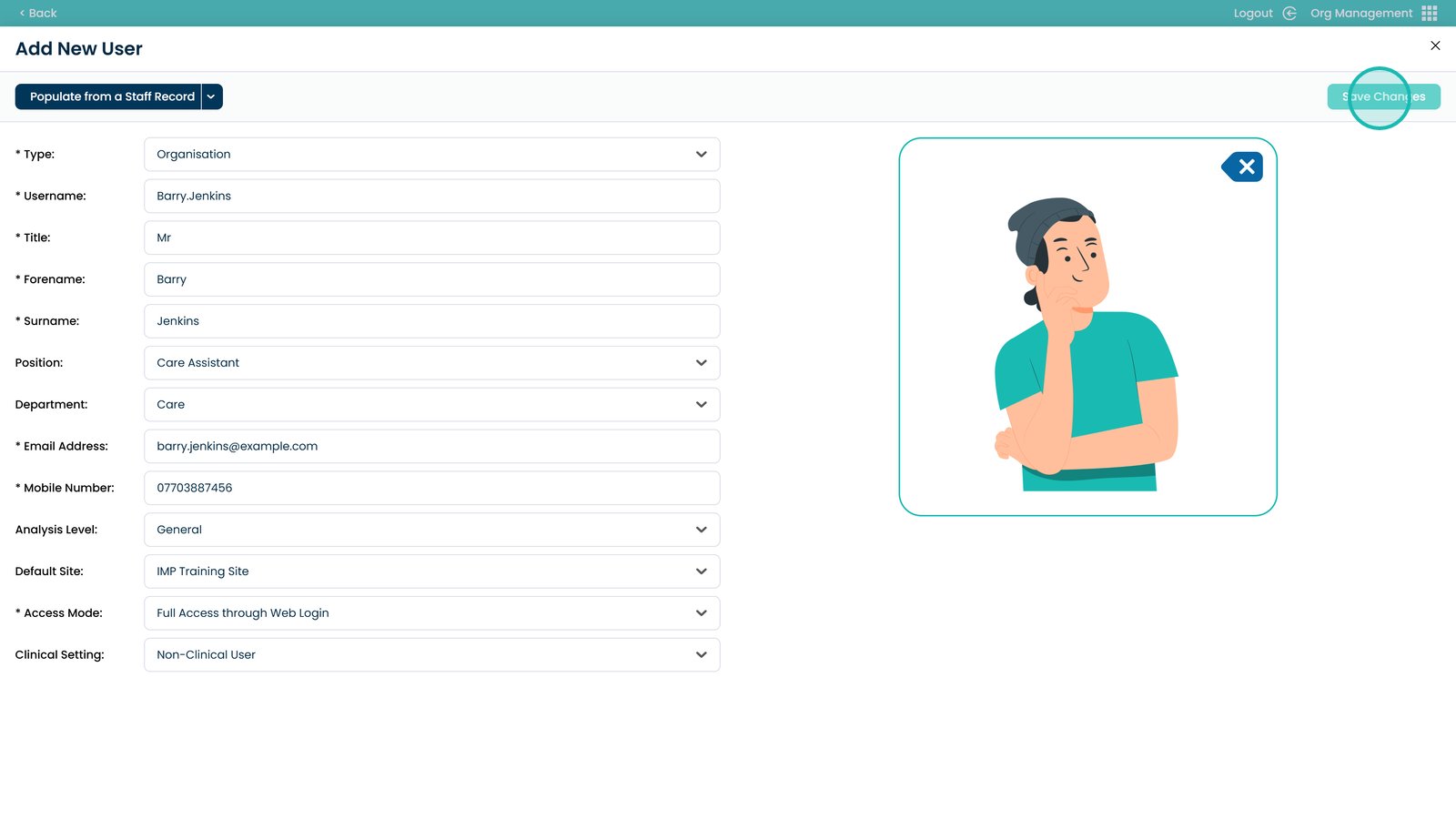
Select Add New User
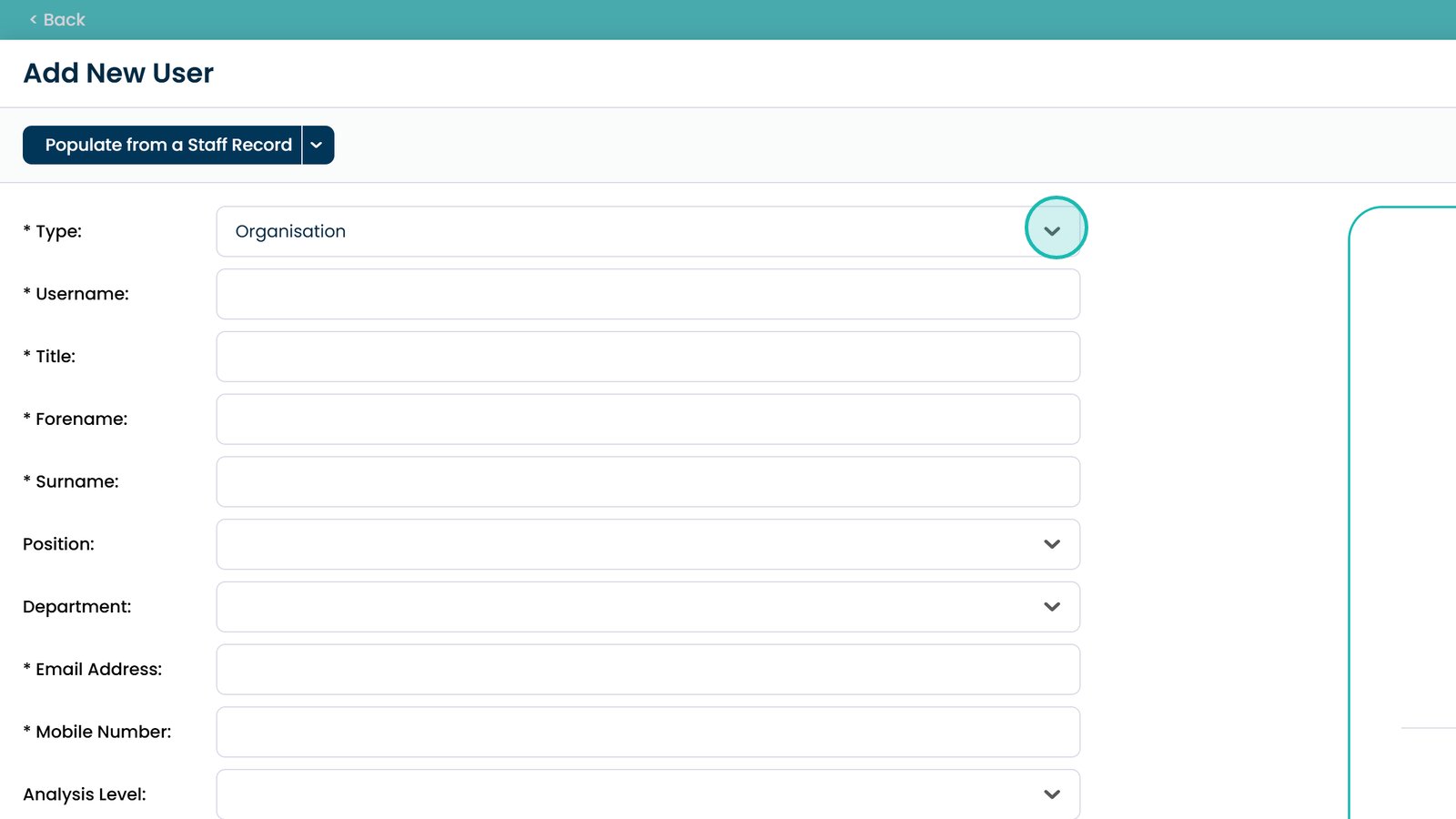
Choose the user type from the dropdown
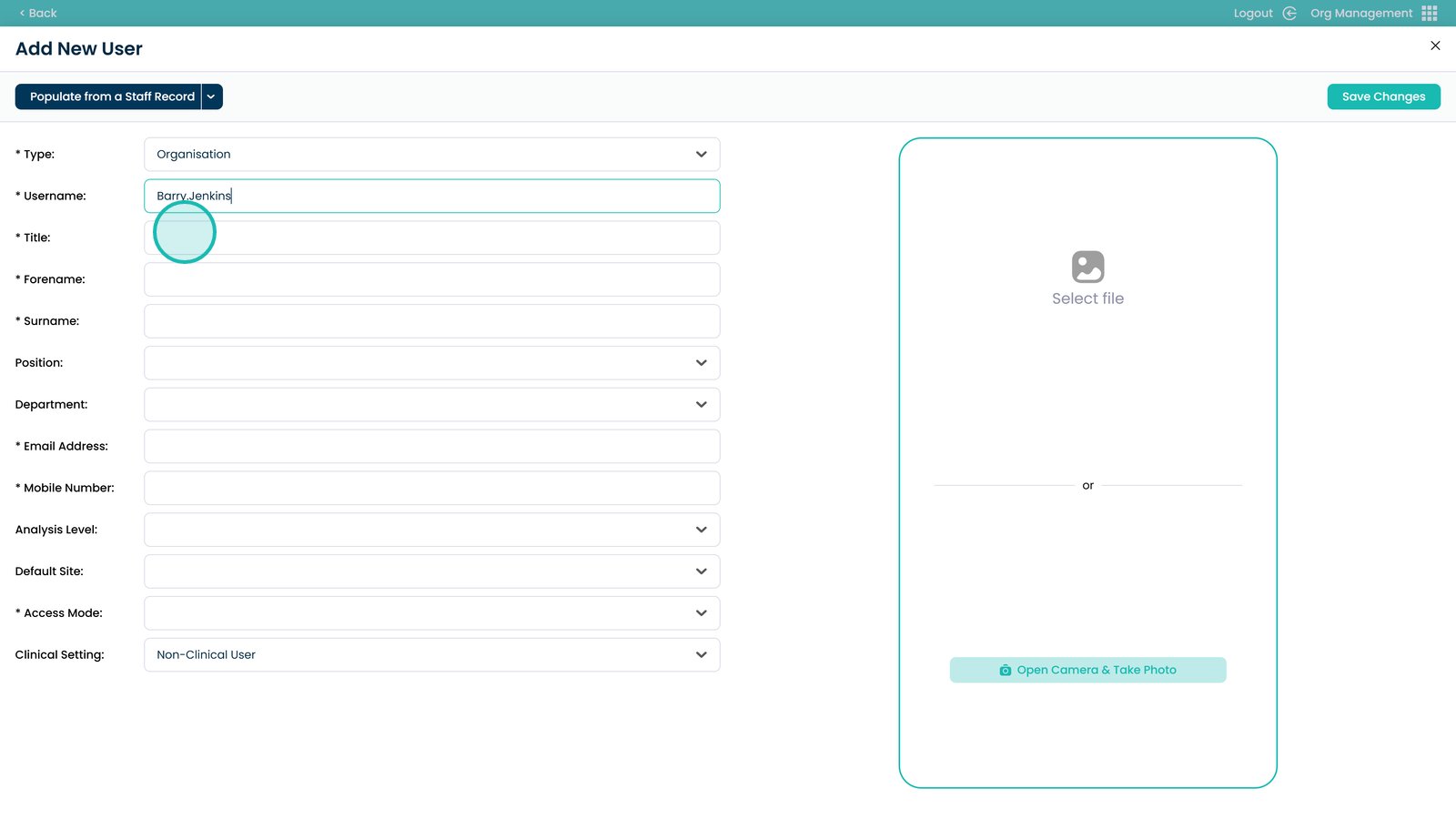
Enter a username
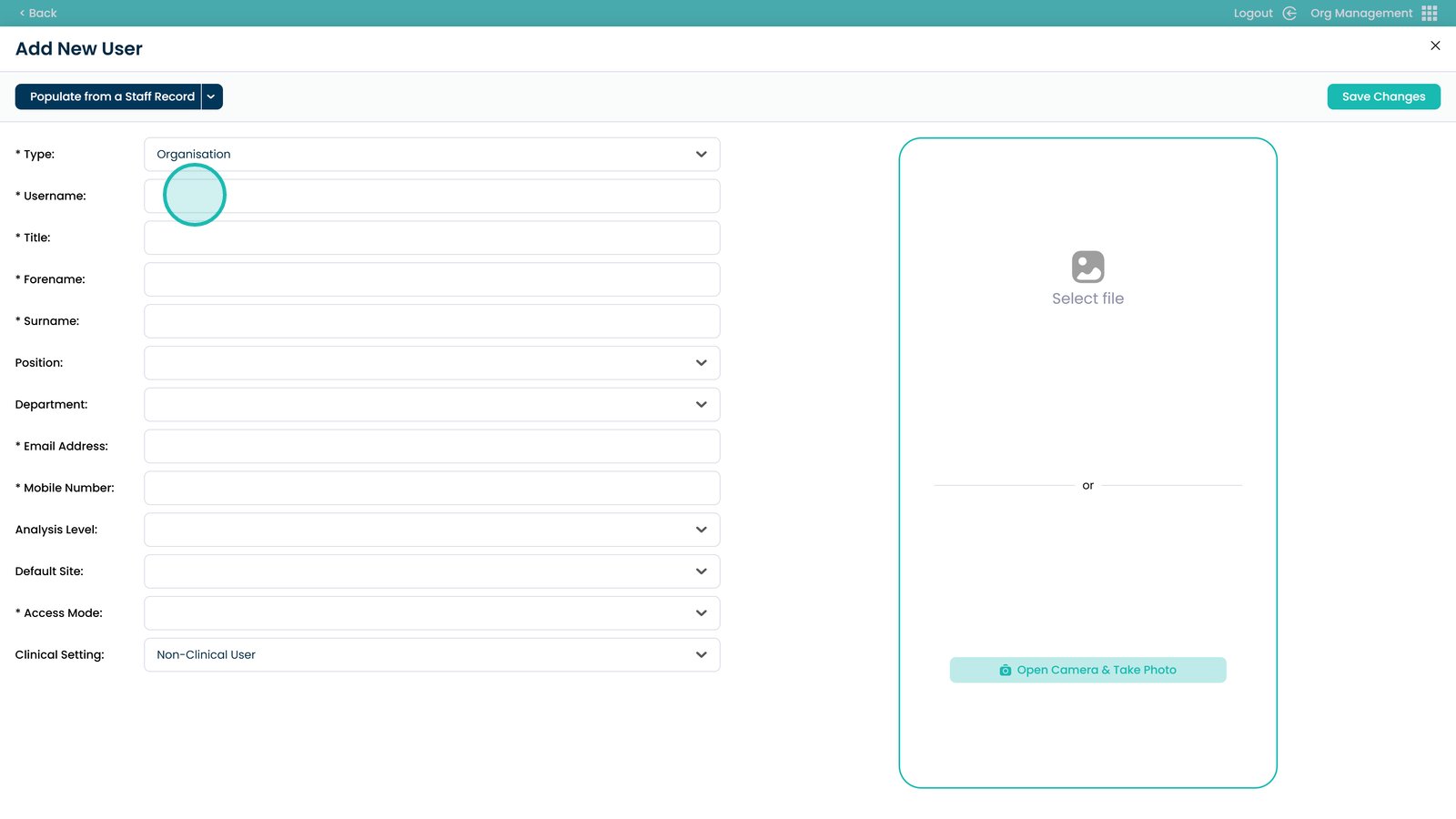
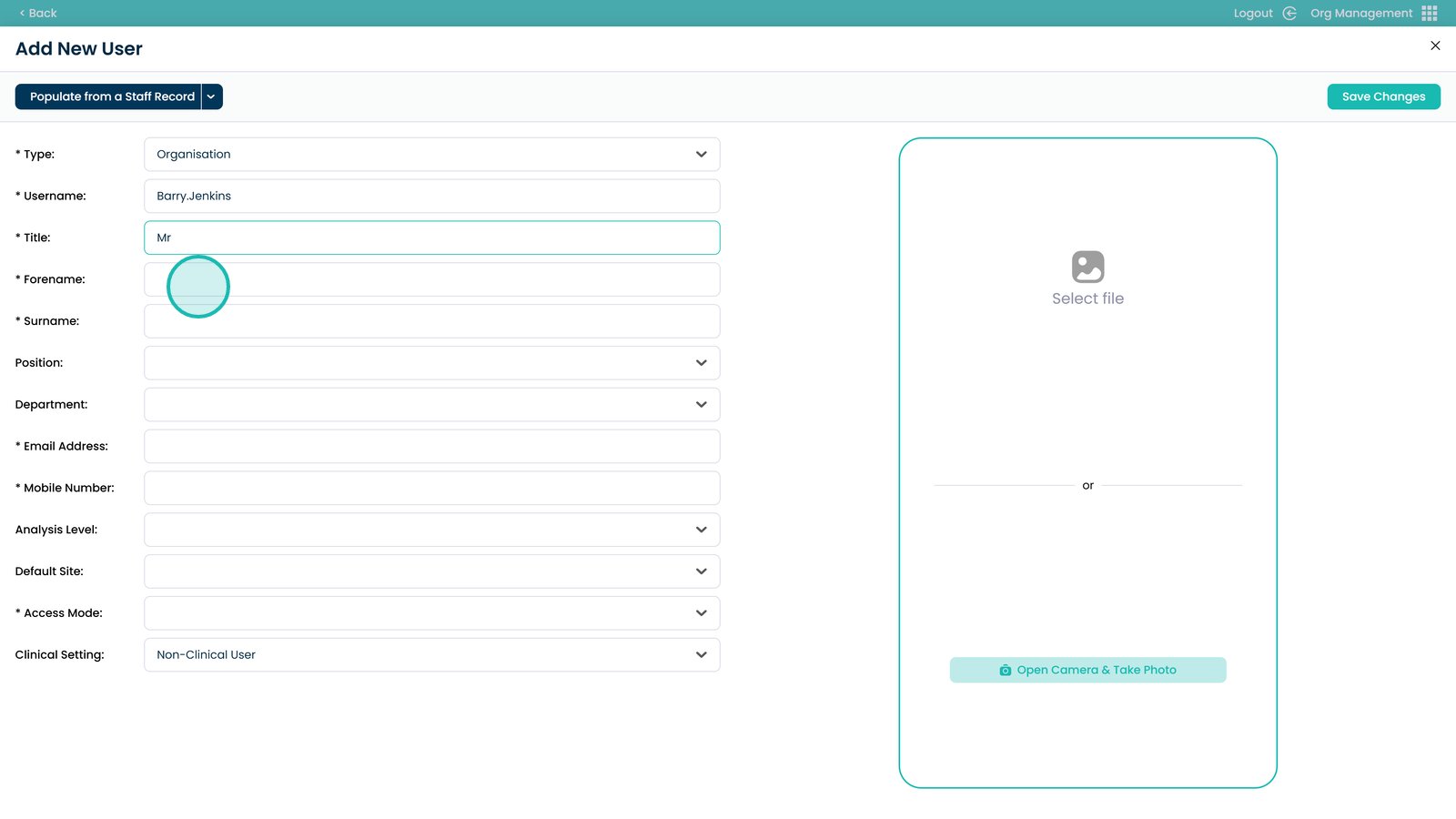
Add a title
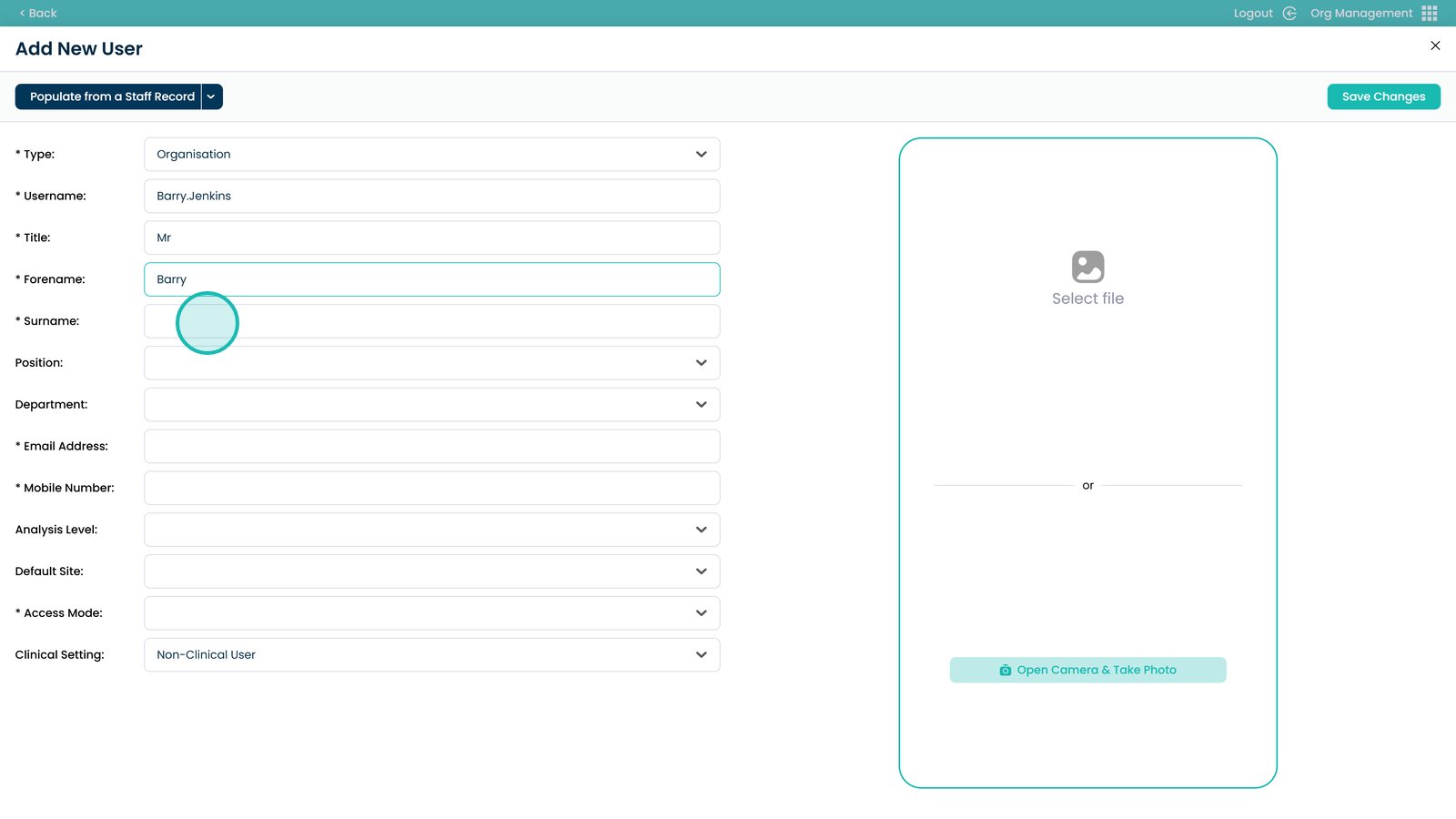
Enter the forename
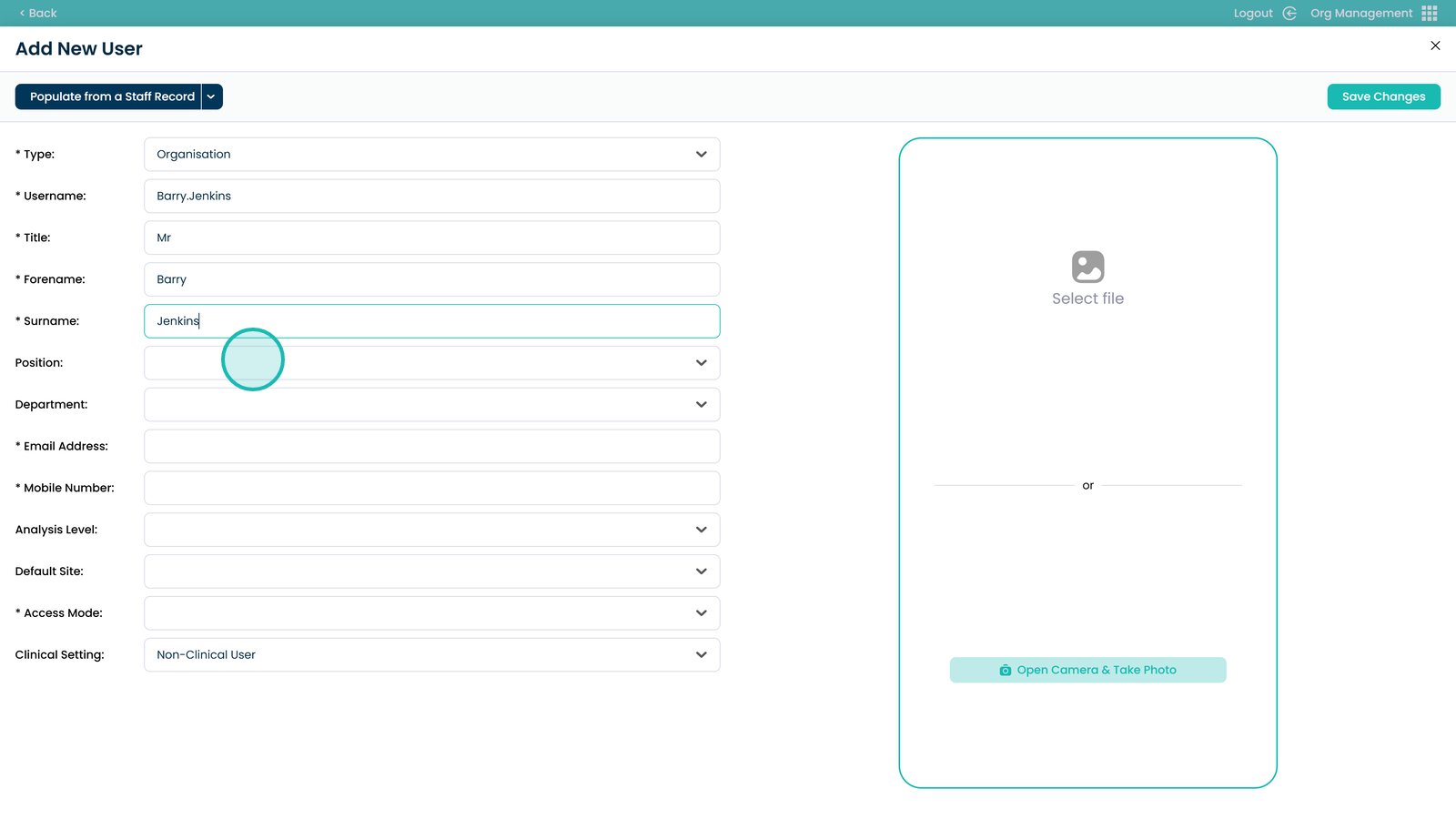
Enter the surname
Select a position
Select a department
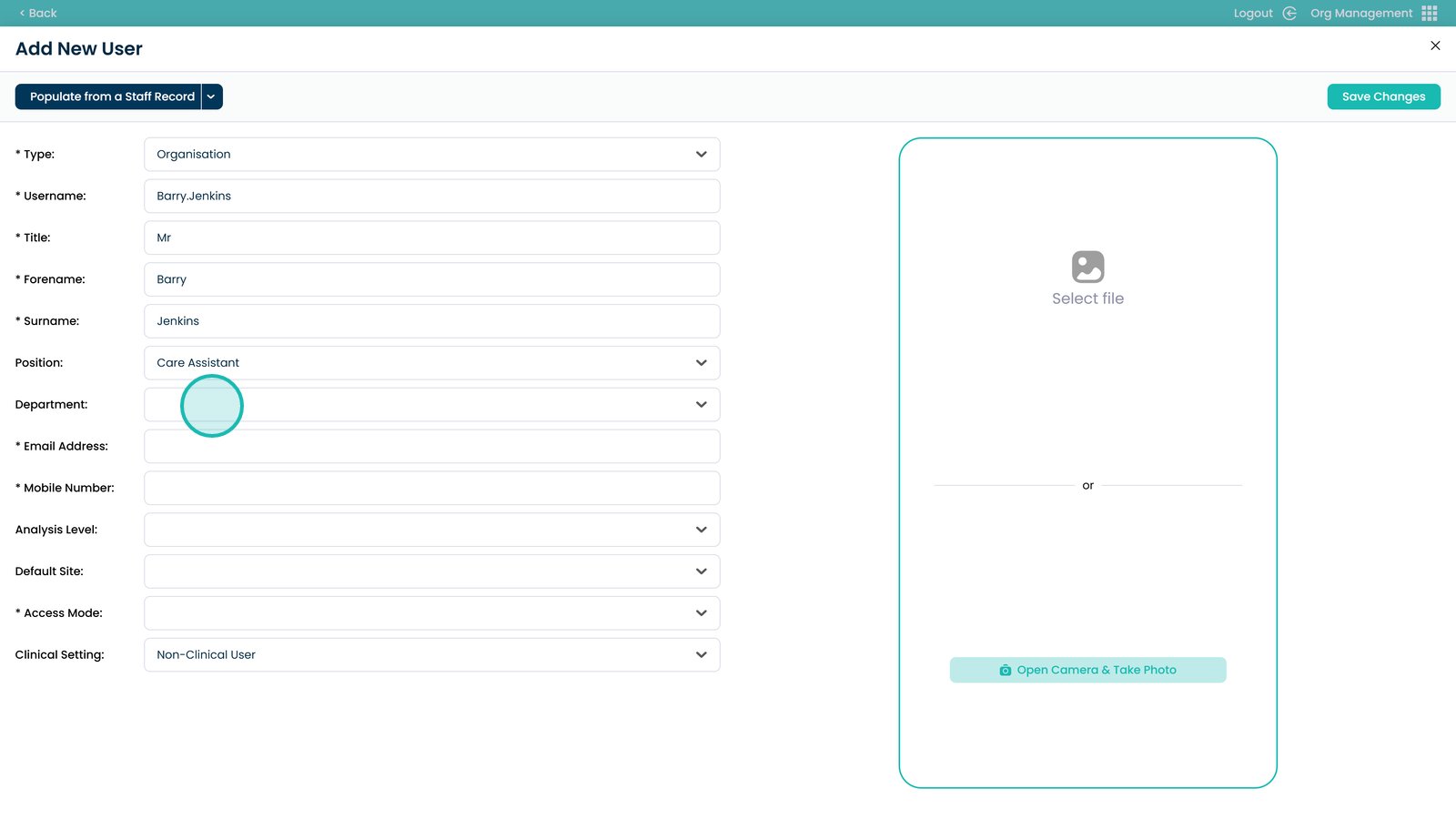
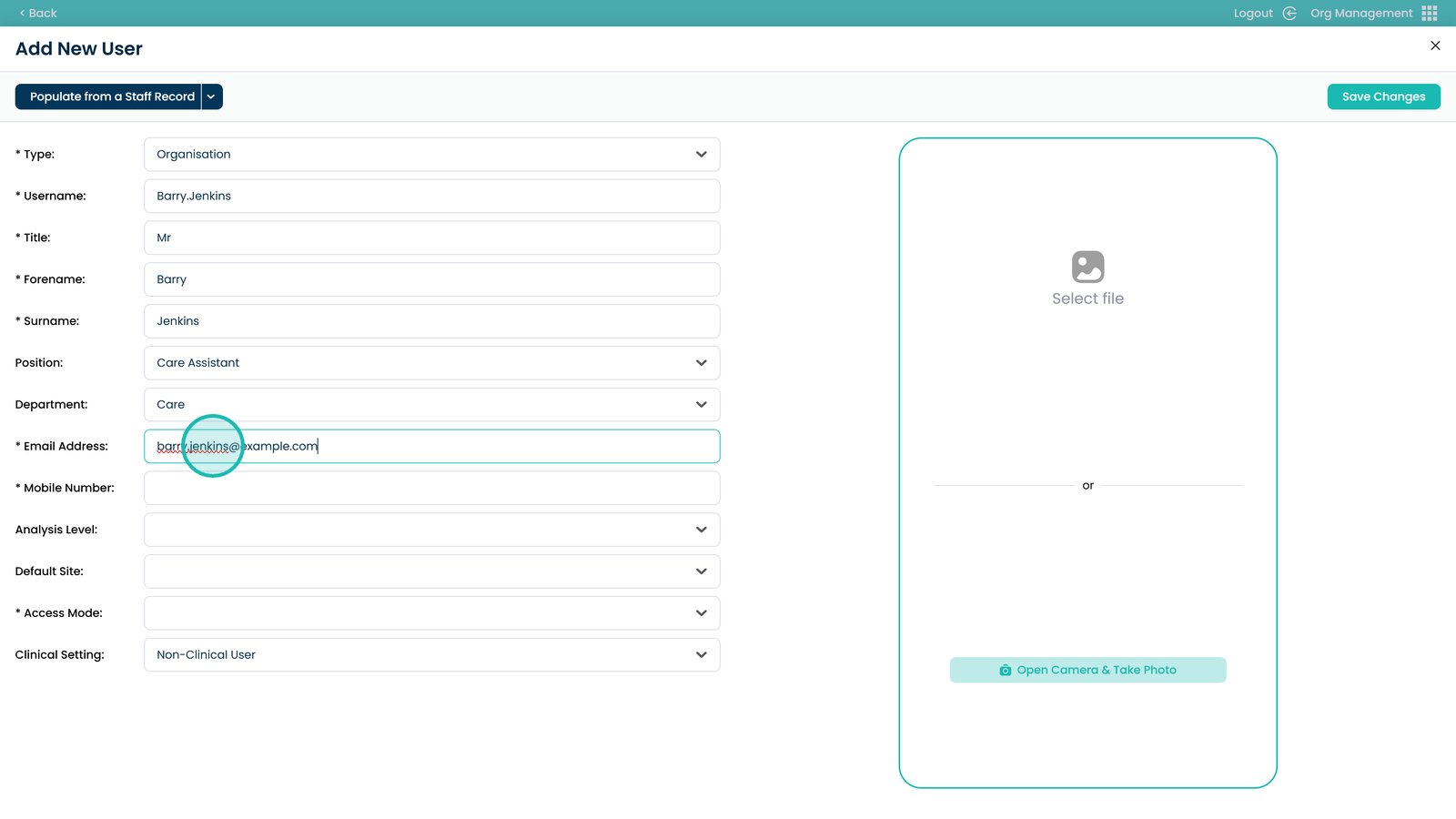
Enter an email address
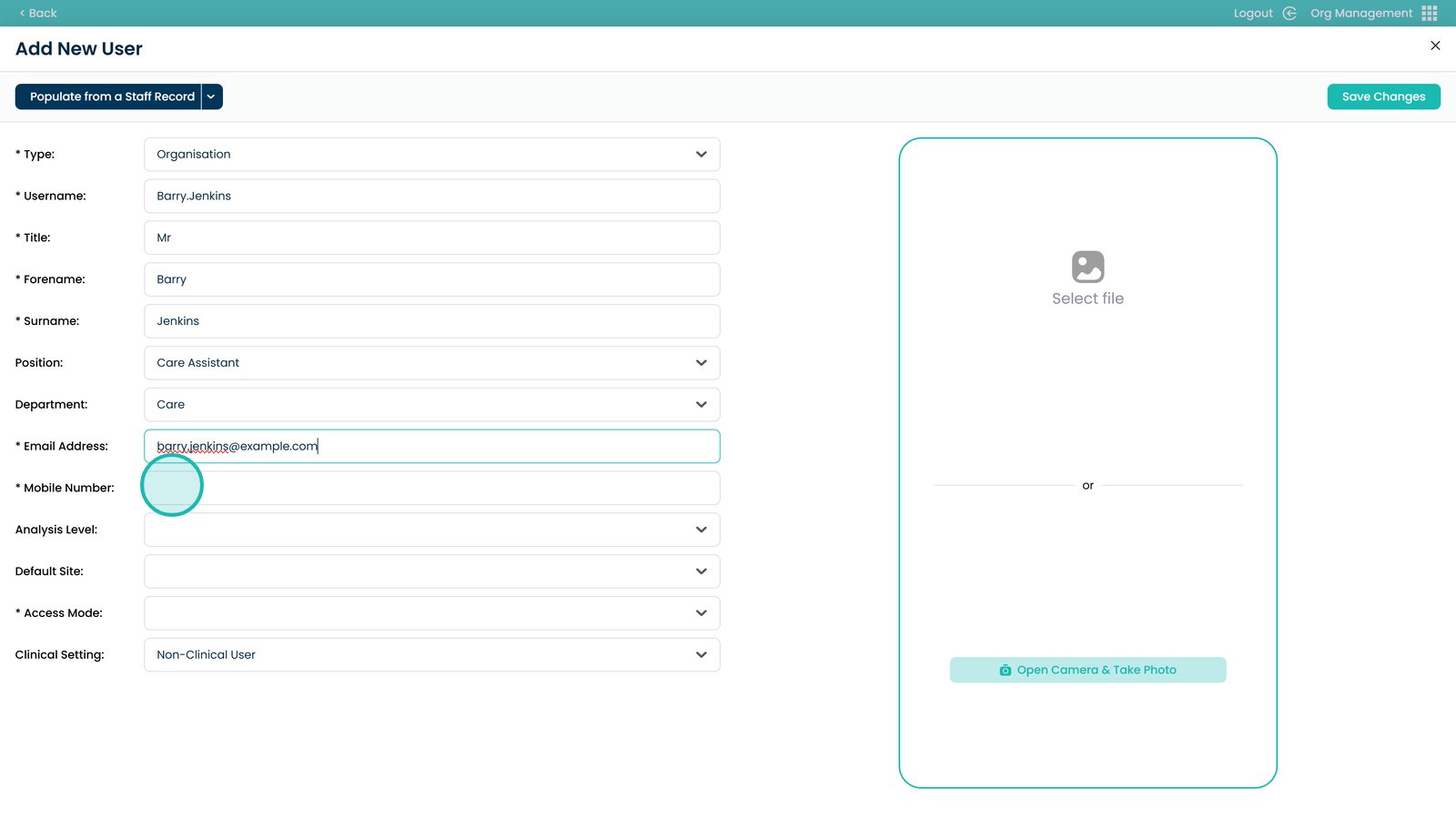
Enter a mobile number
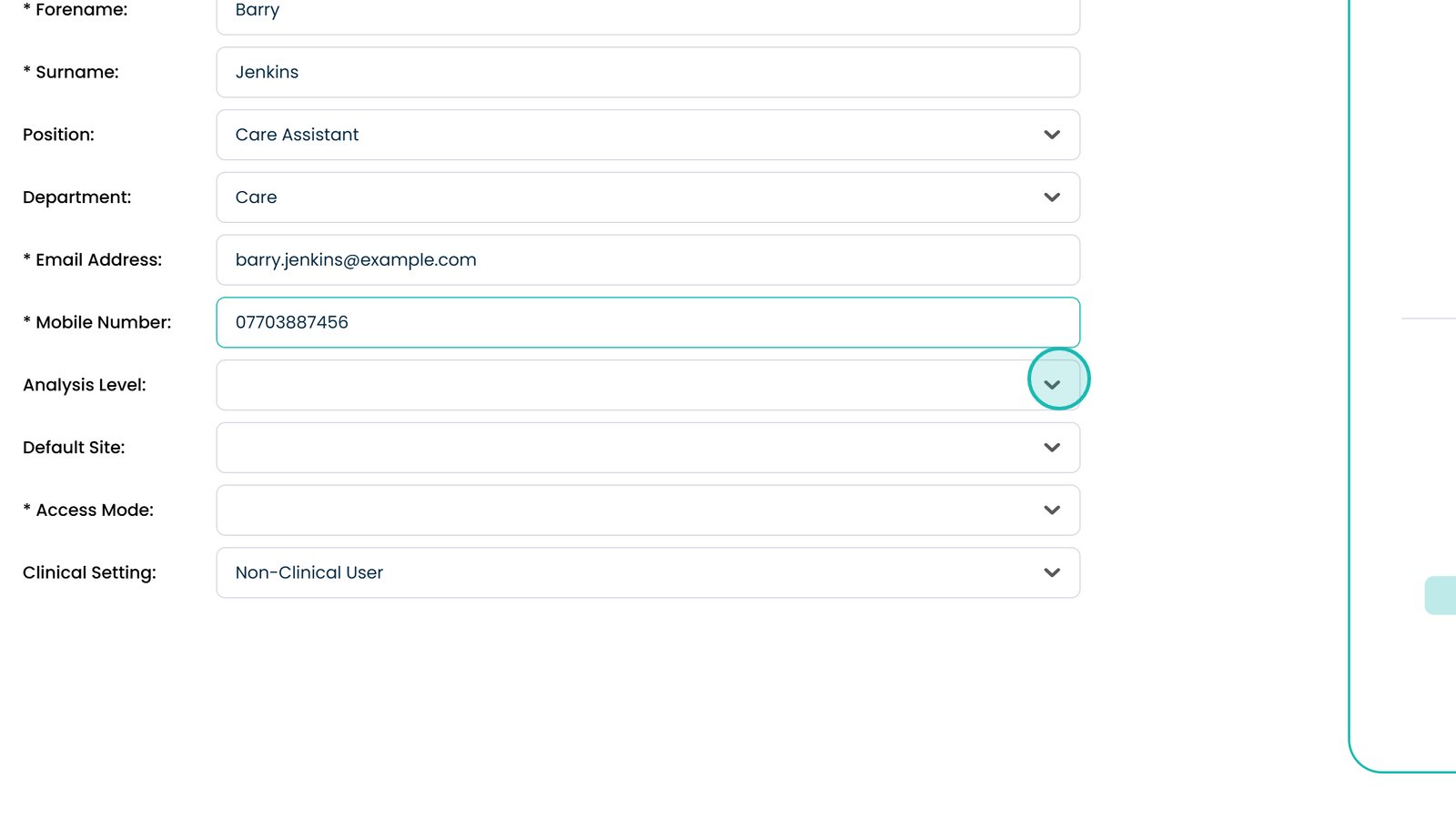
Choose the level of Analysis access
Select the default site
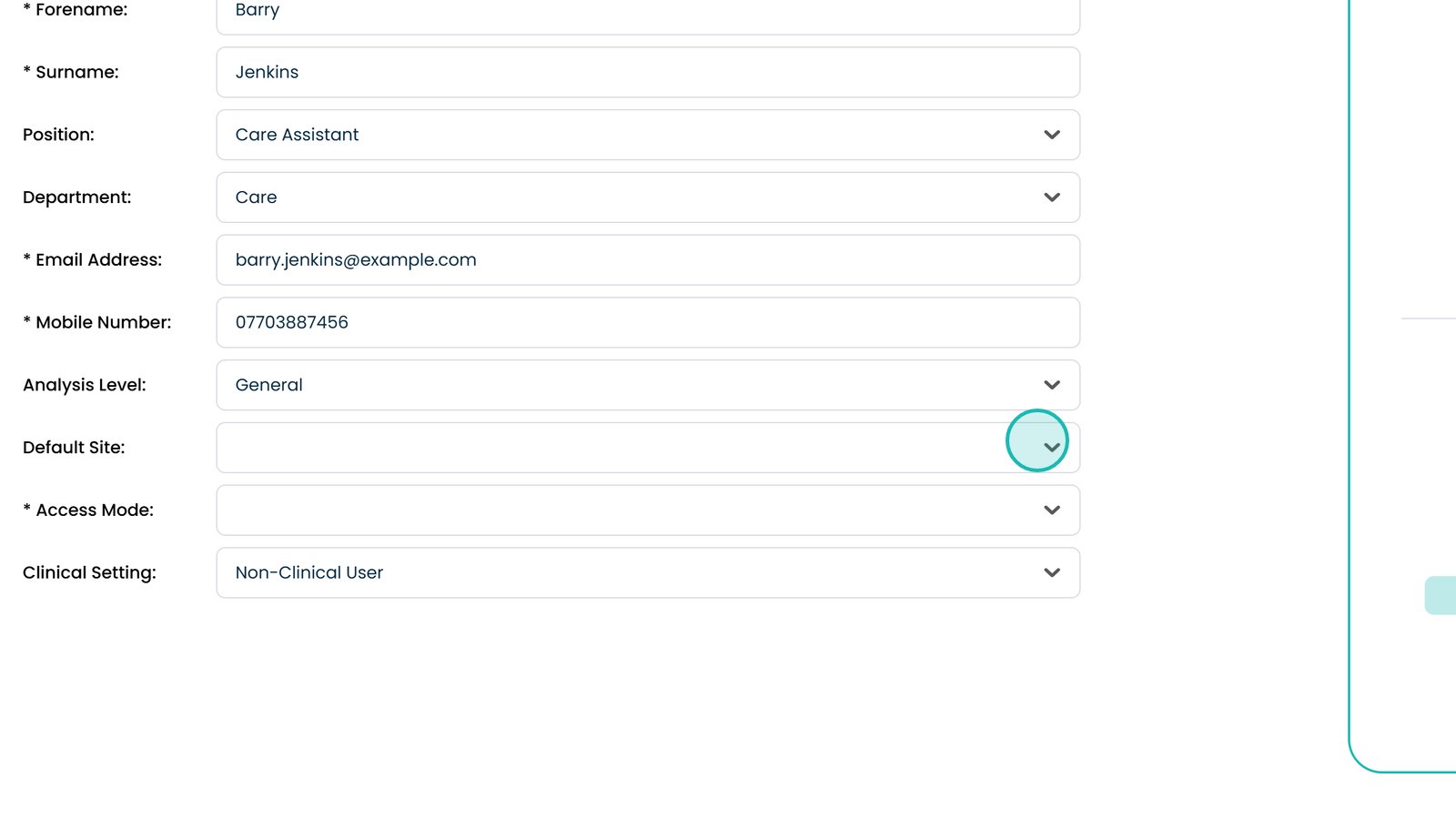
Choose how they will access the system
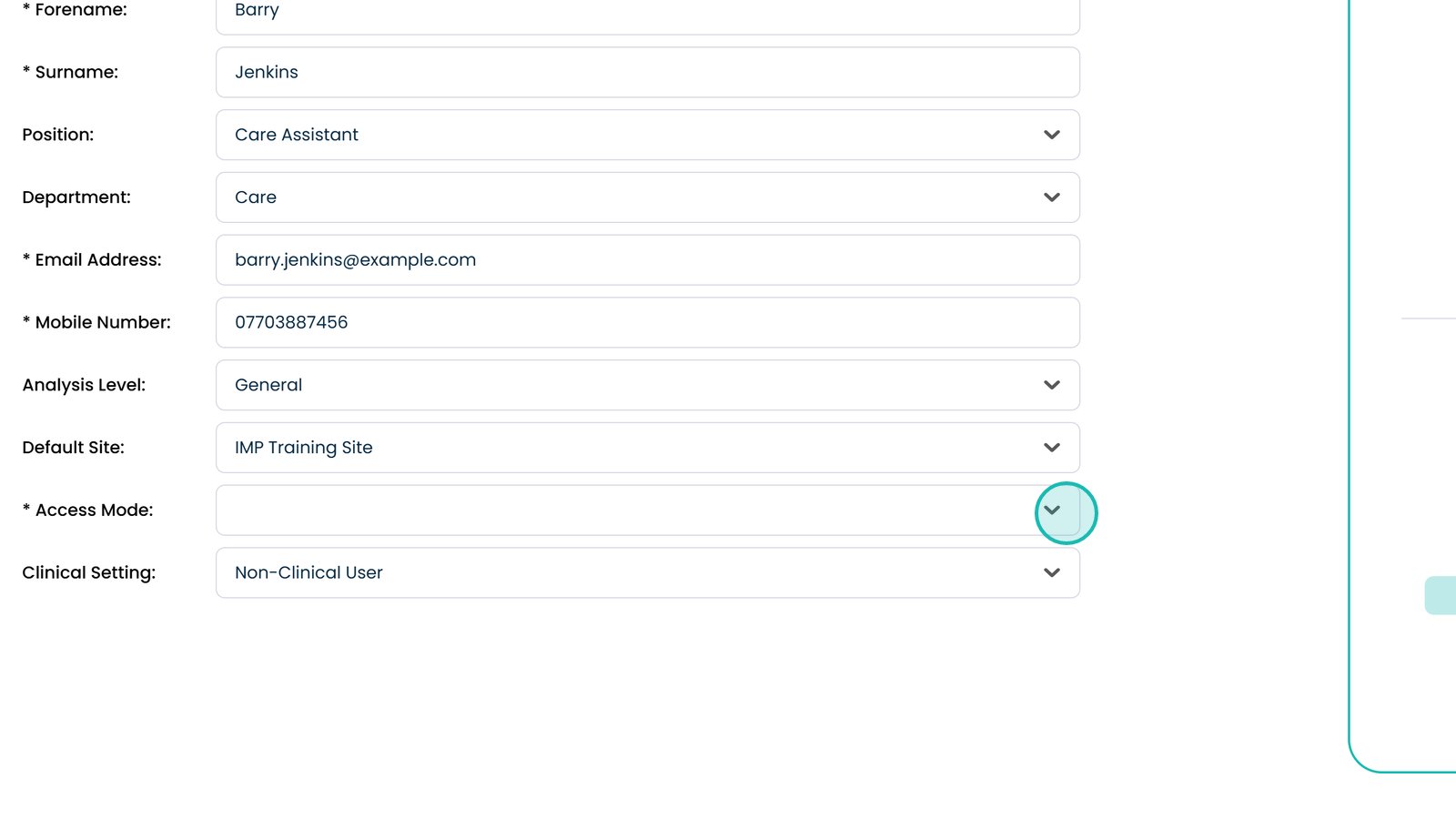
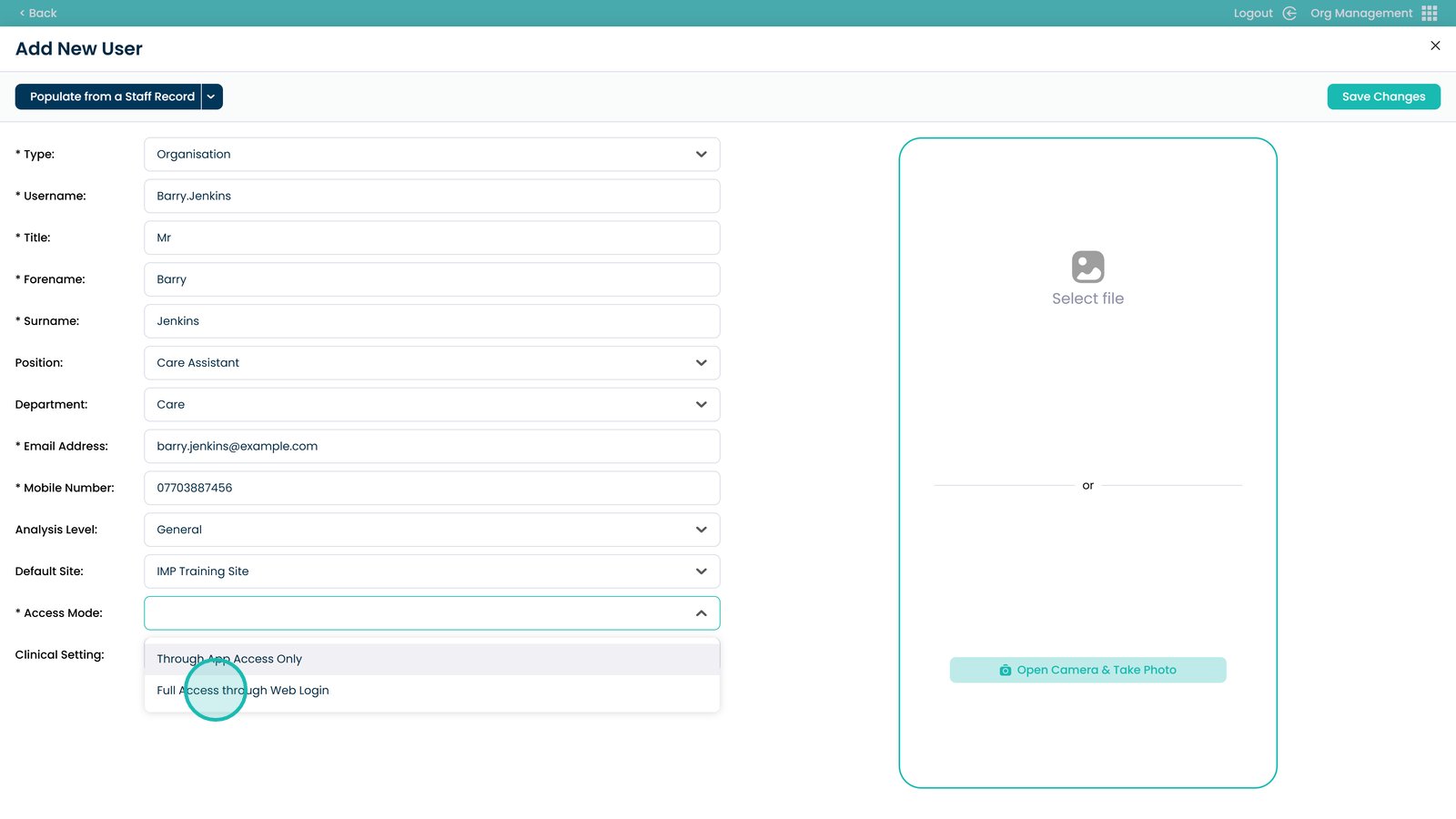
Choose App Access or Full Access Through Web Login
Choose whether they will have confidential clinical access
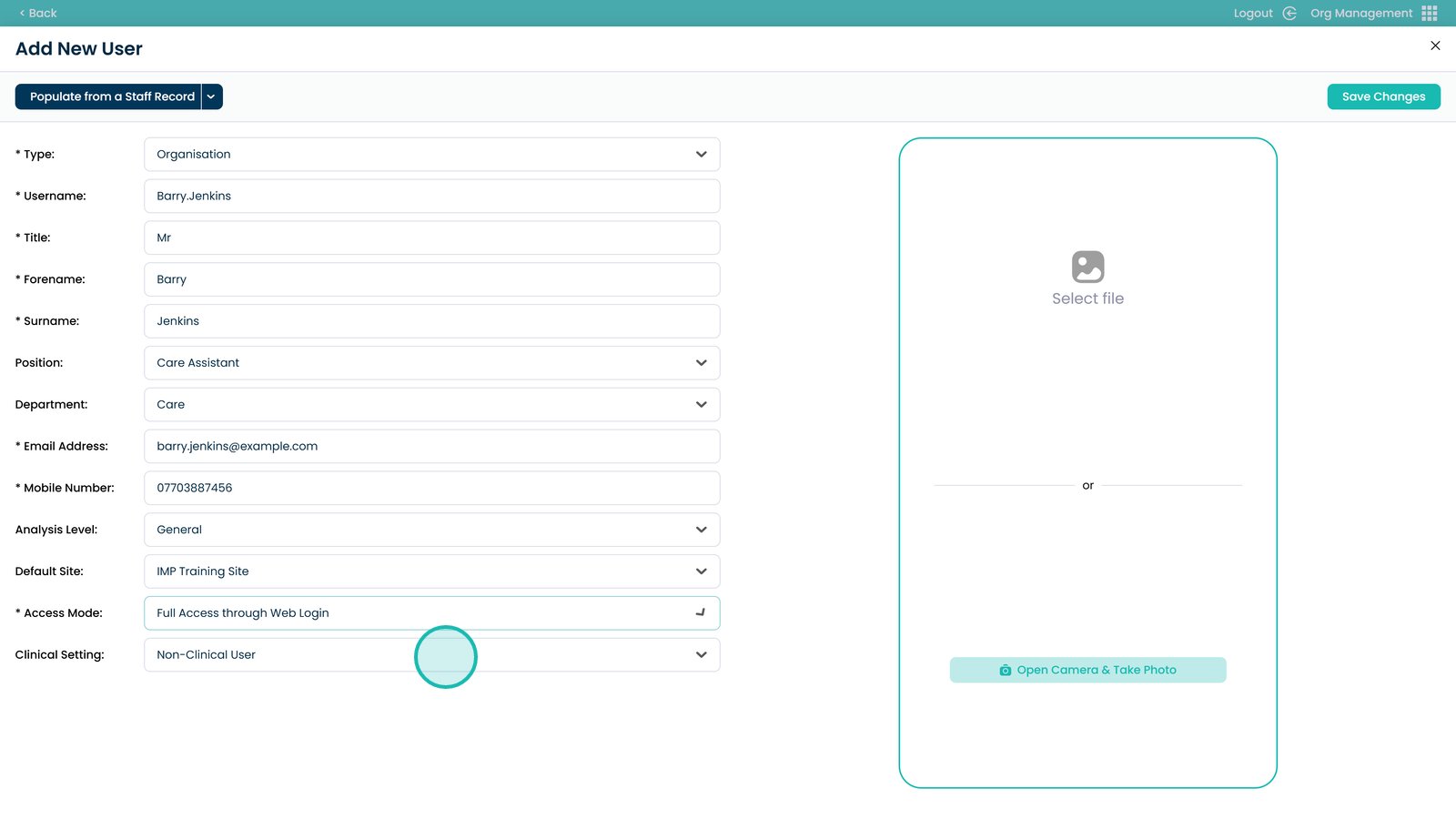
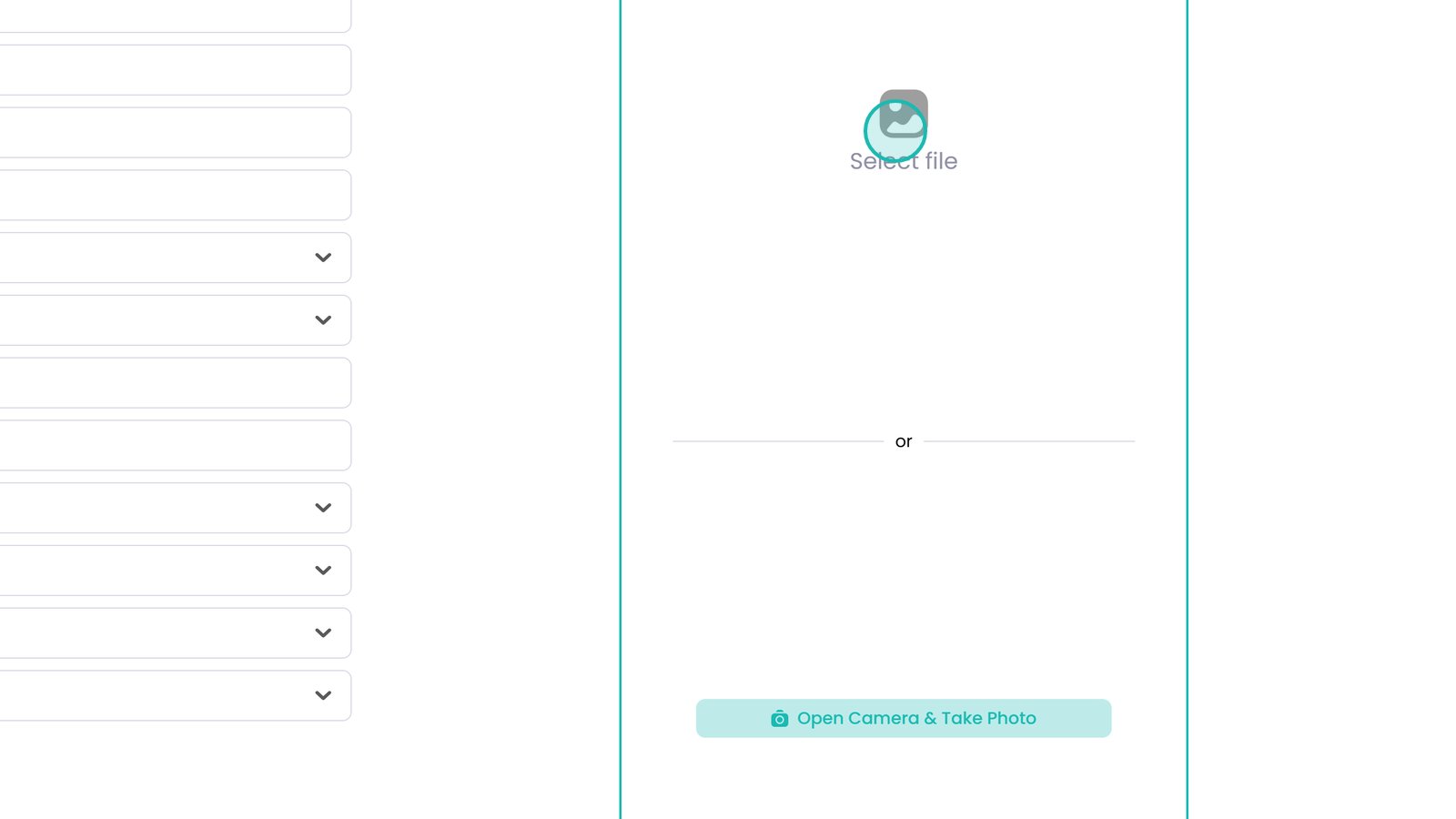
Add a user image (upload or take a photo)
Save changes to create the user
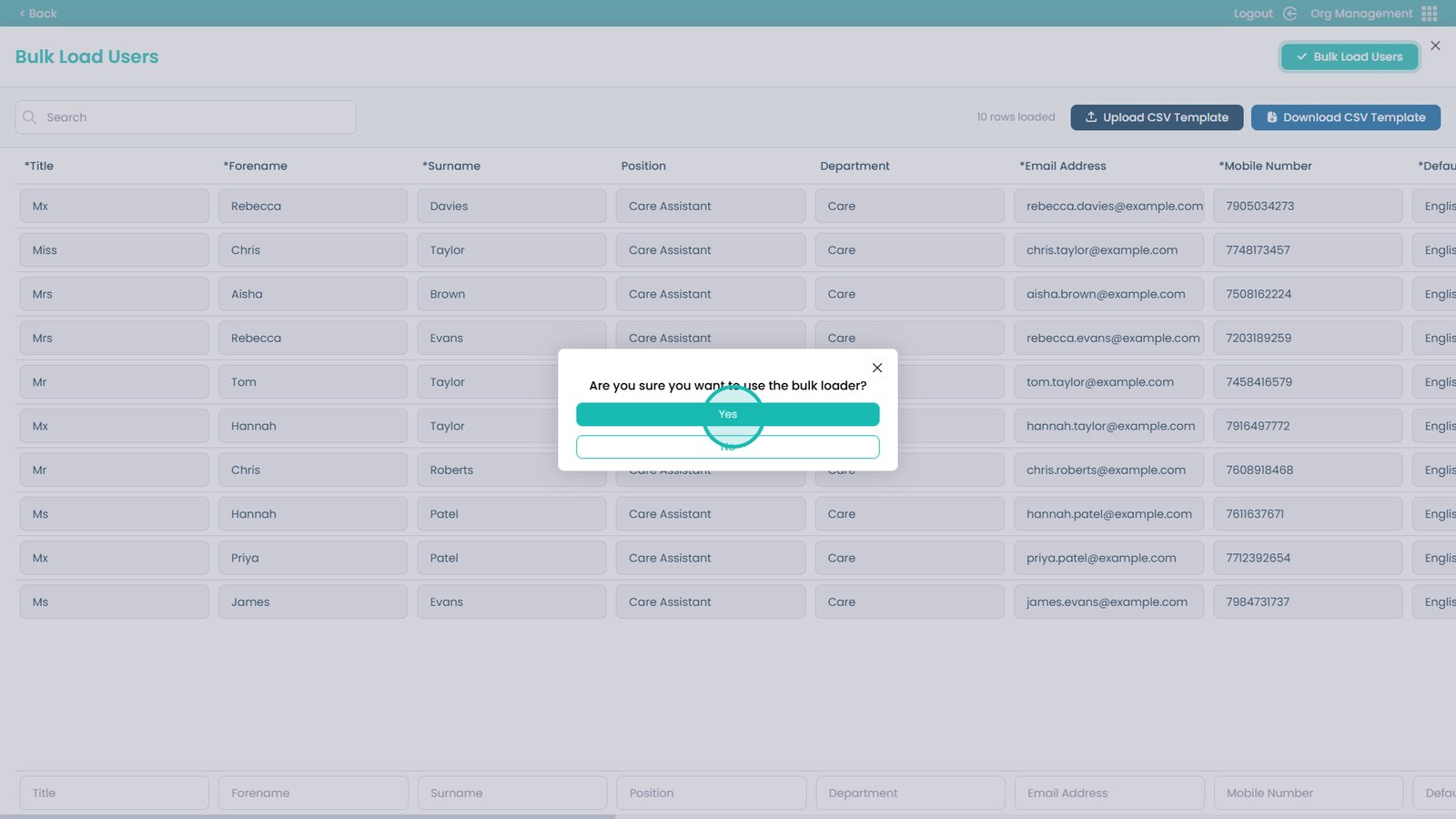
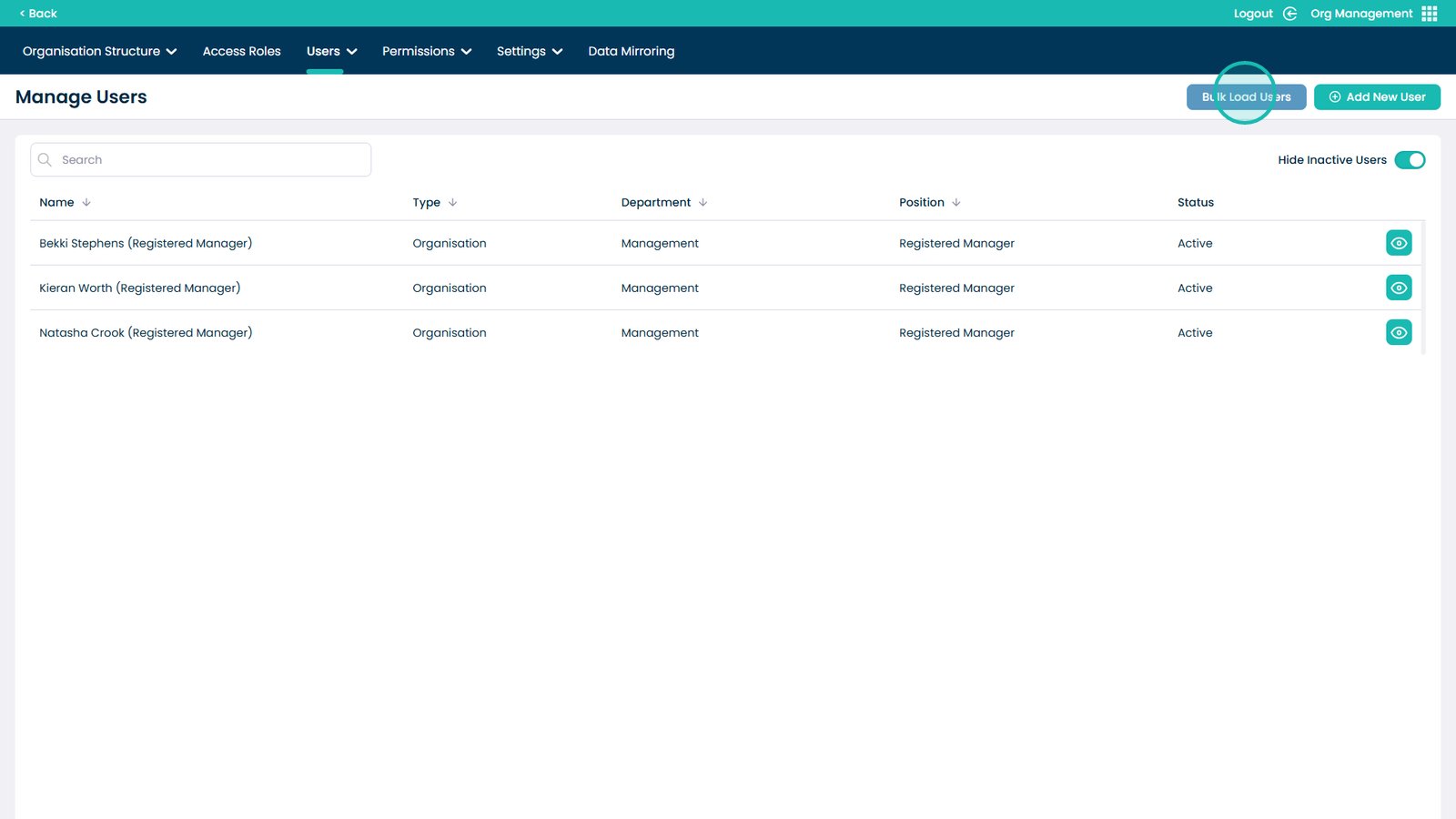
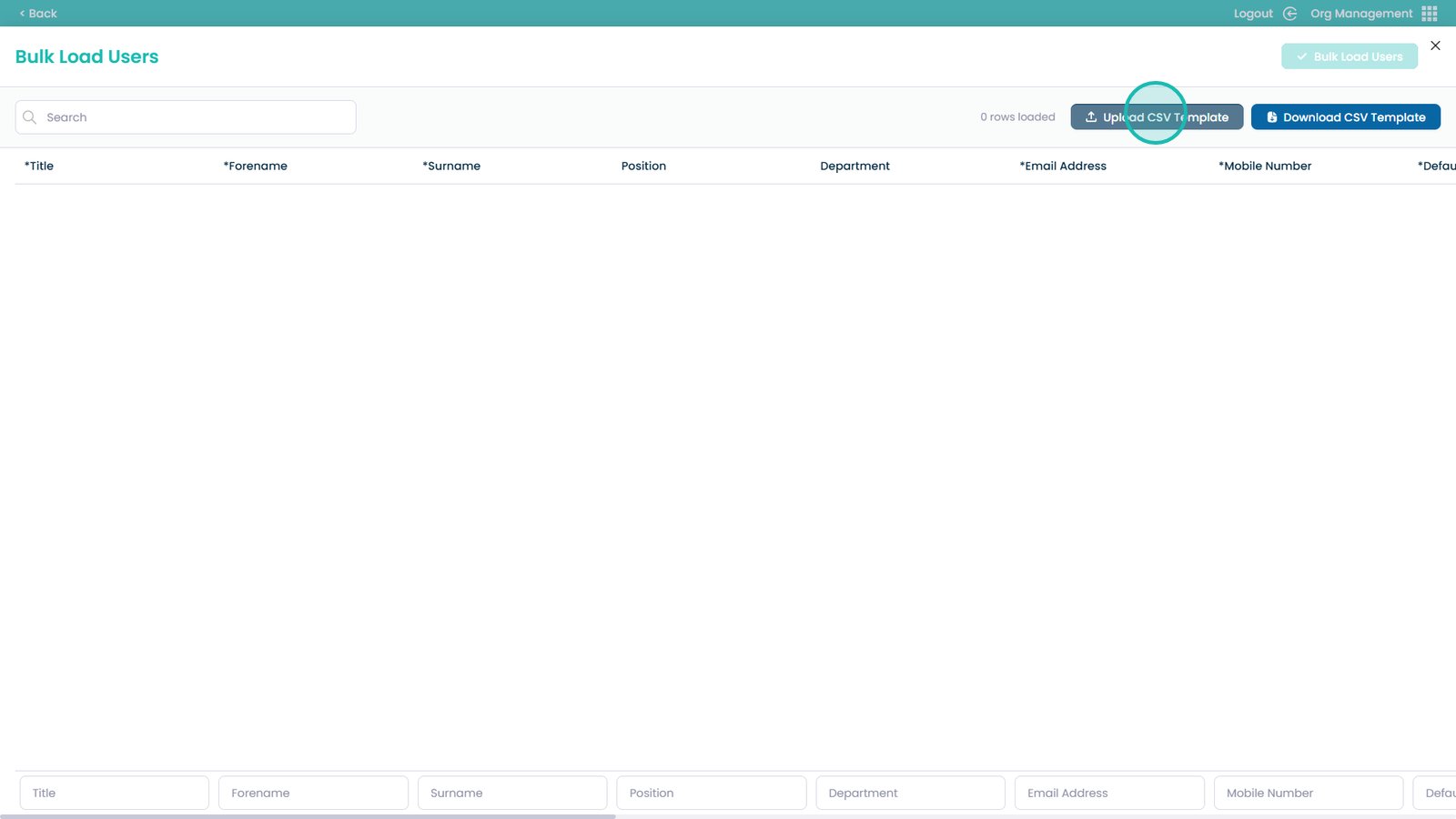
Select Bulk Load Users
Download the CSV template to use the correct format
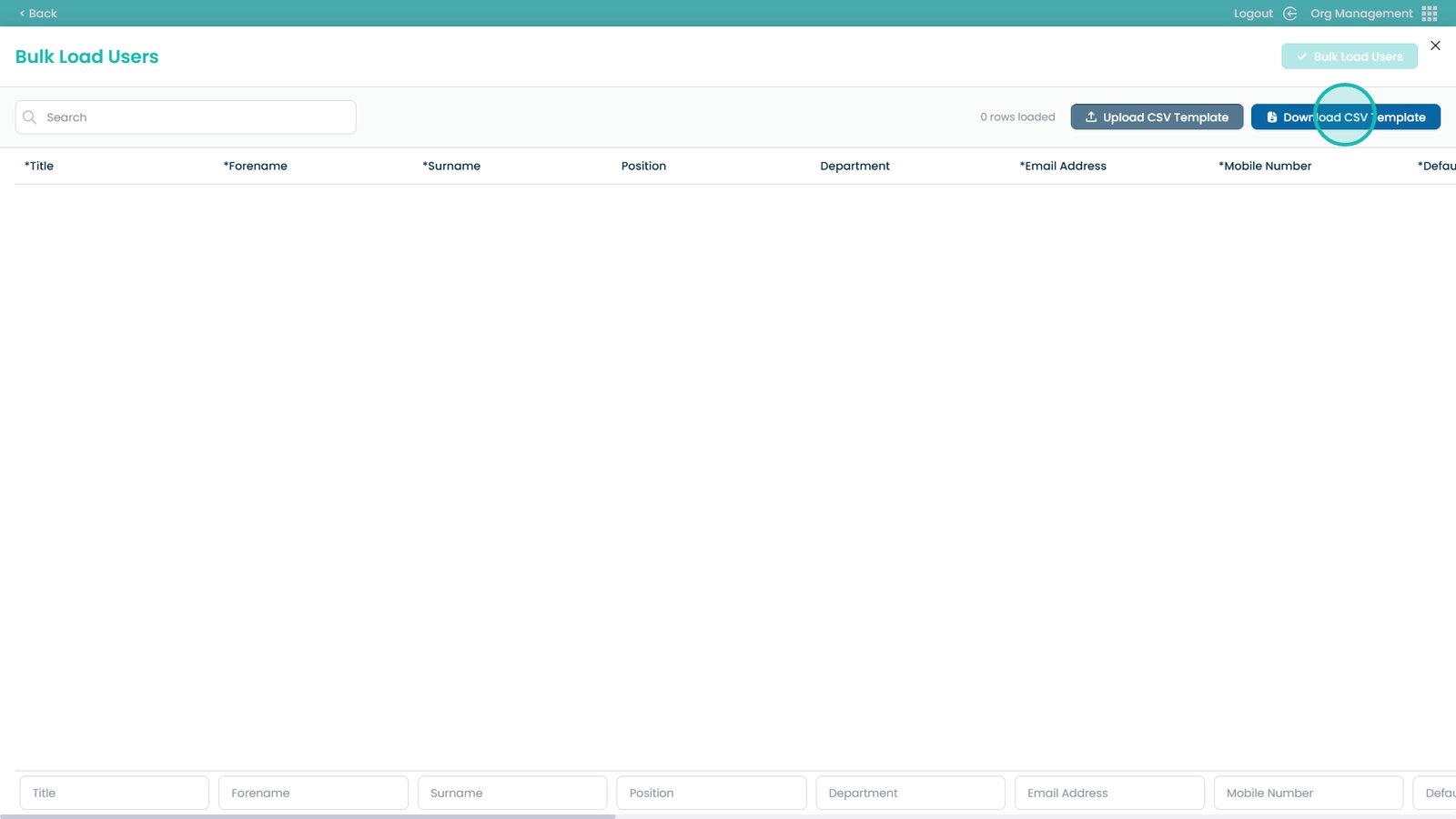
Upload the completed CSV using the upload button
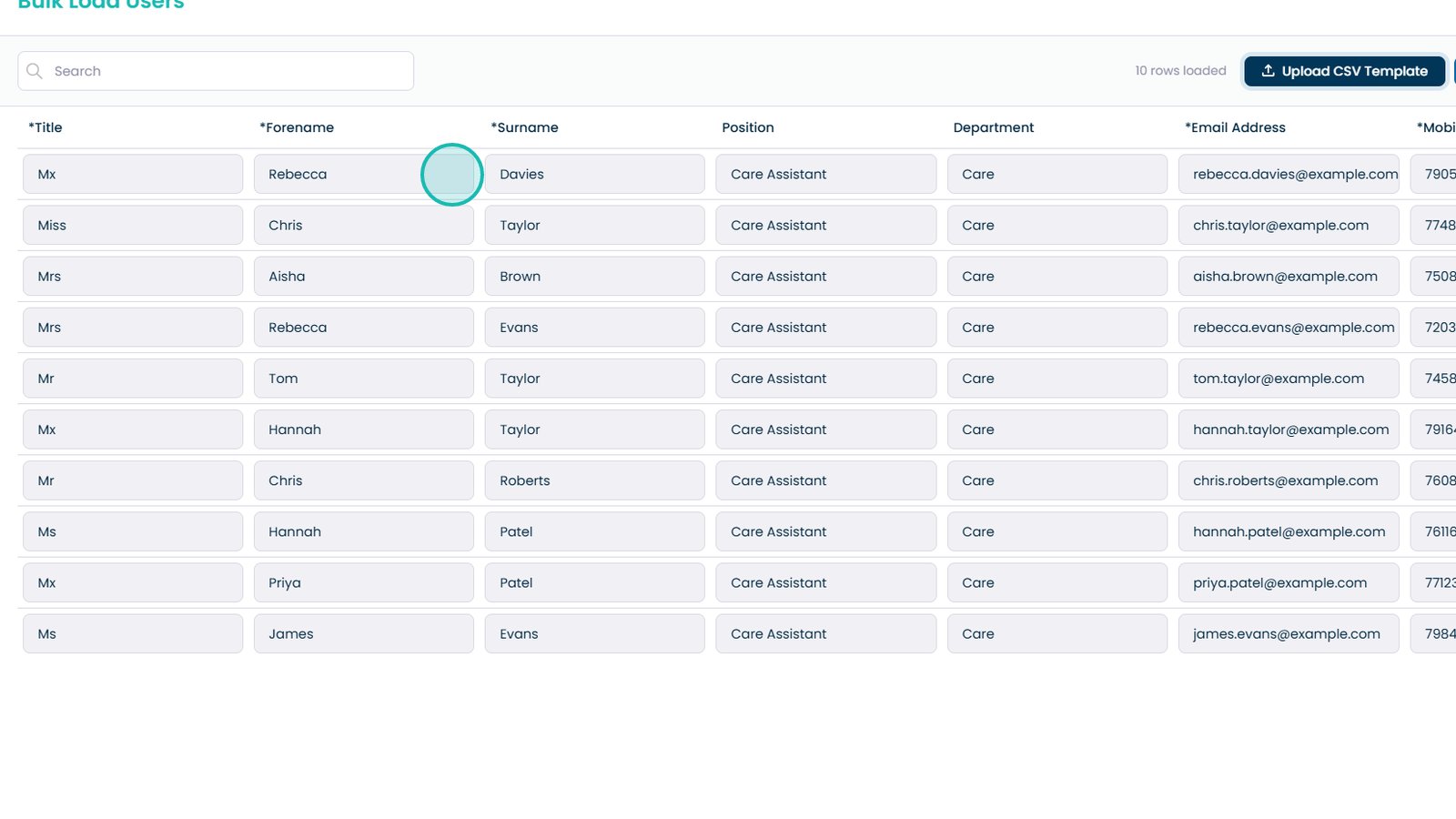
Review uploaded users and correct any errors
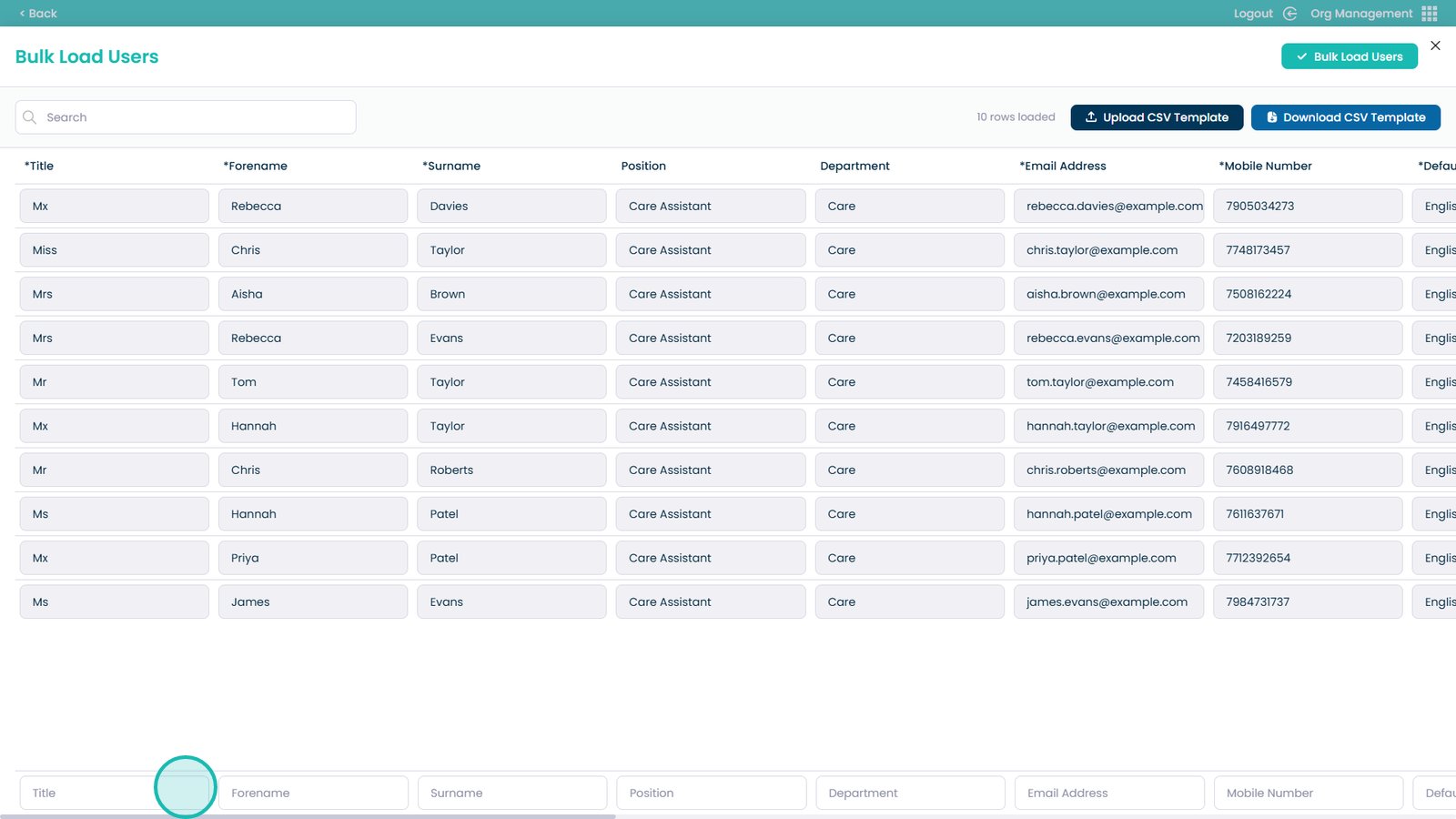
Add additional users manually using the form
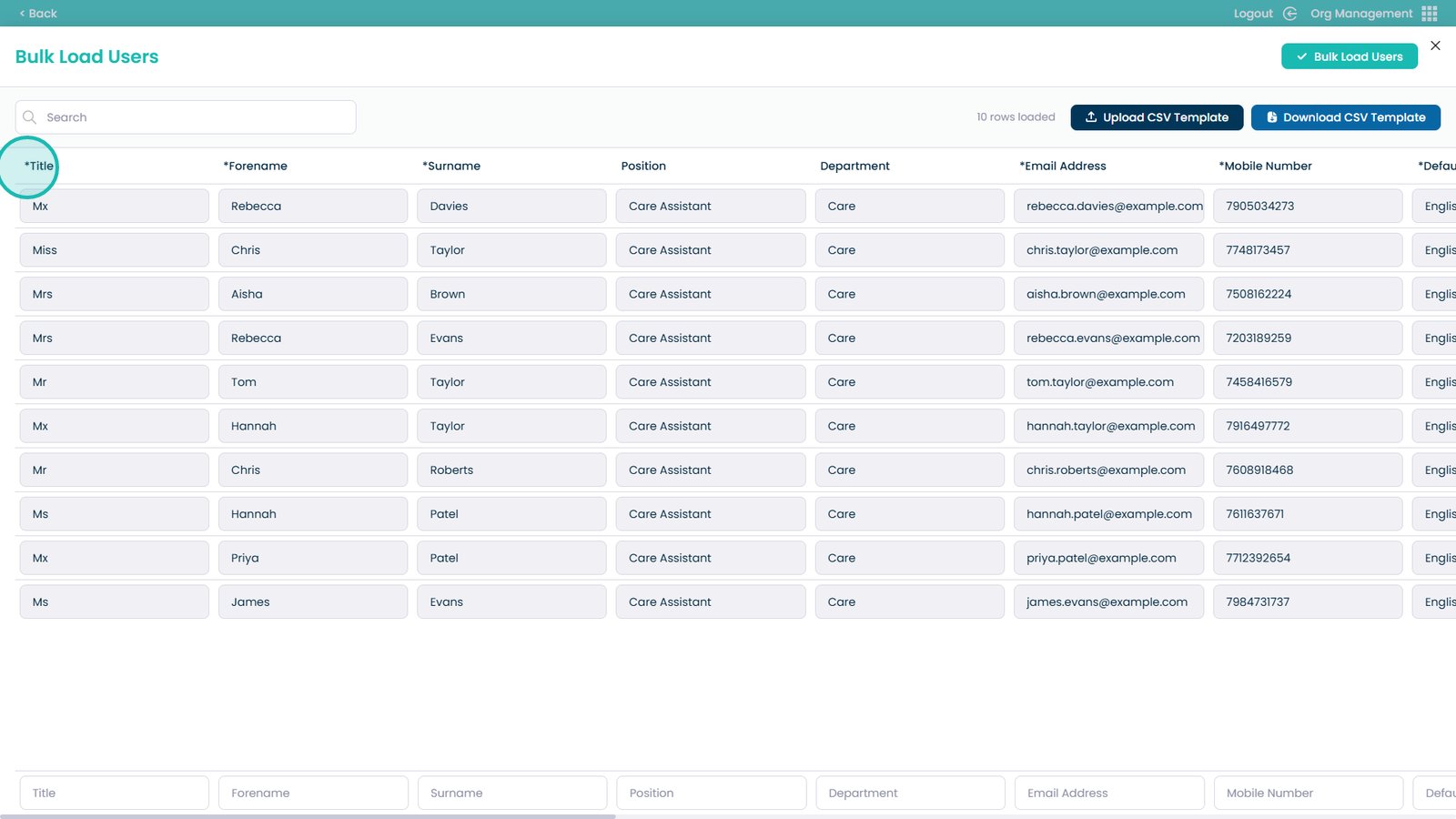
Fields marked with an asterisk are required
Start the bulk load once everything is correct
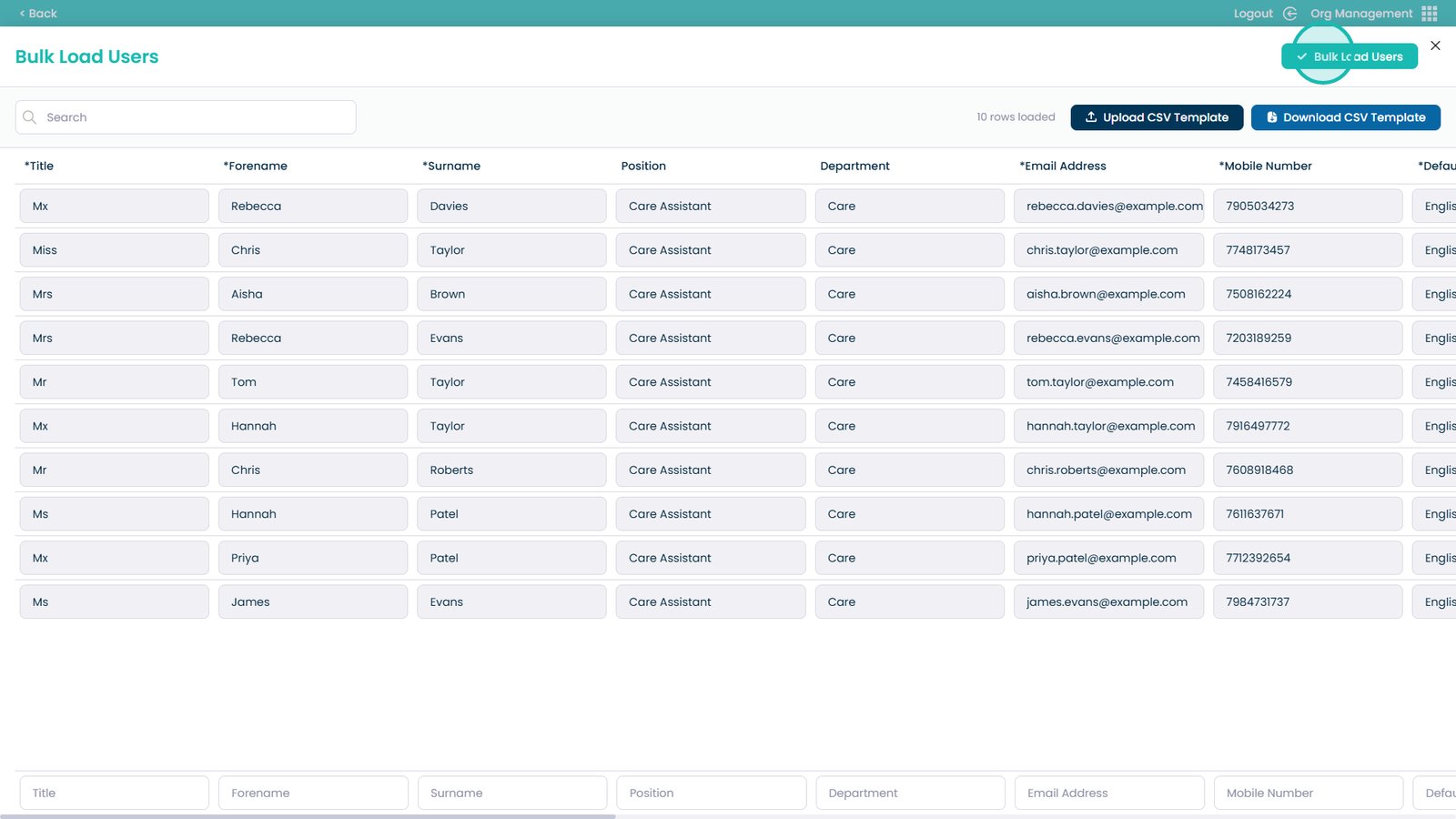
Confirm to complete the upload