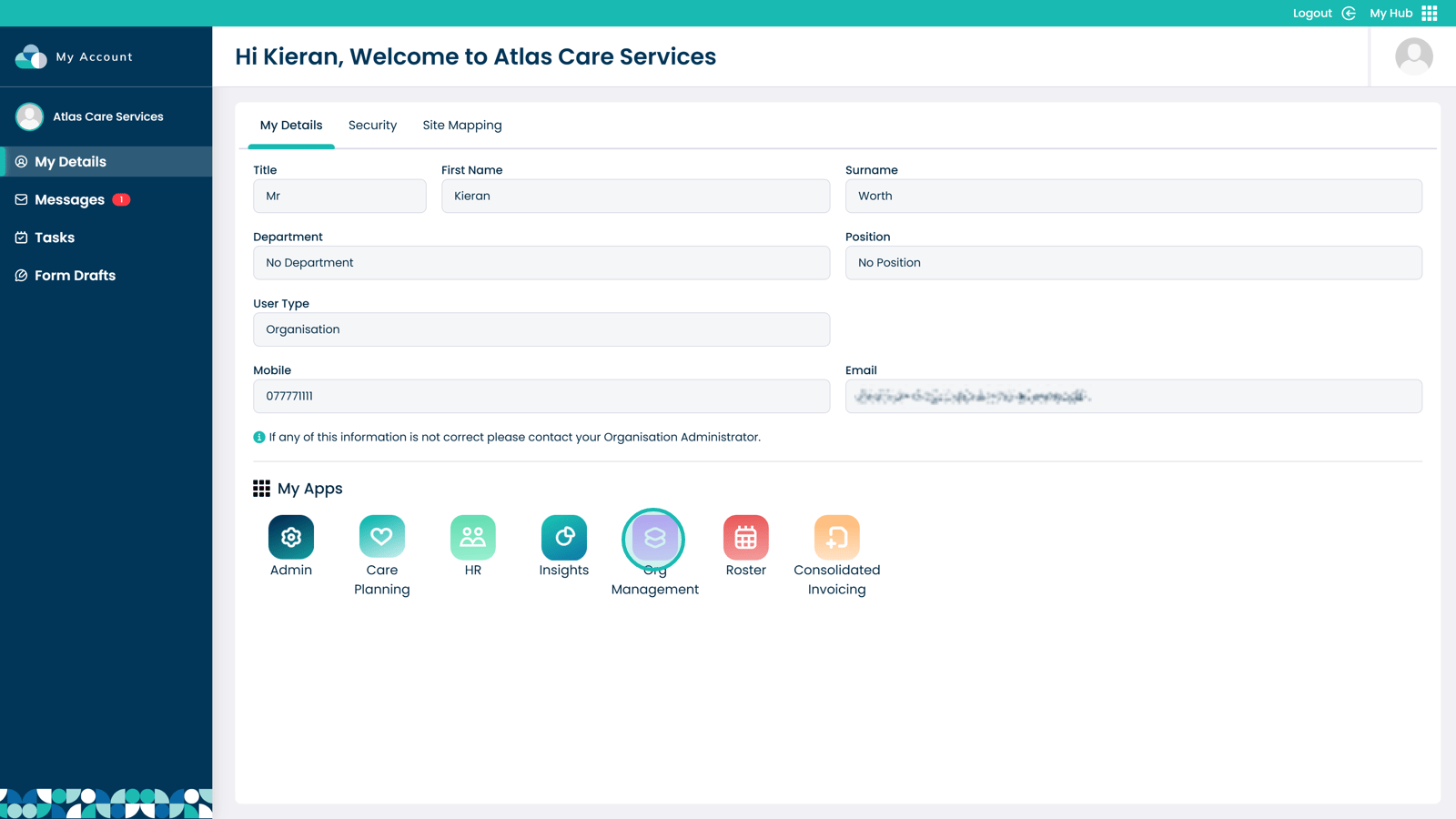
Click to enter the Org Management Application
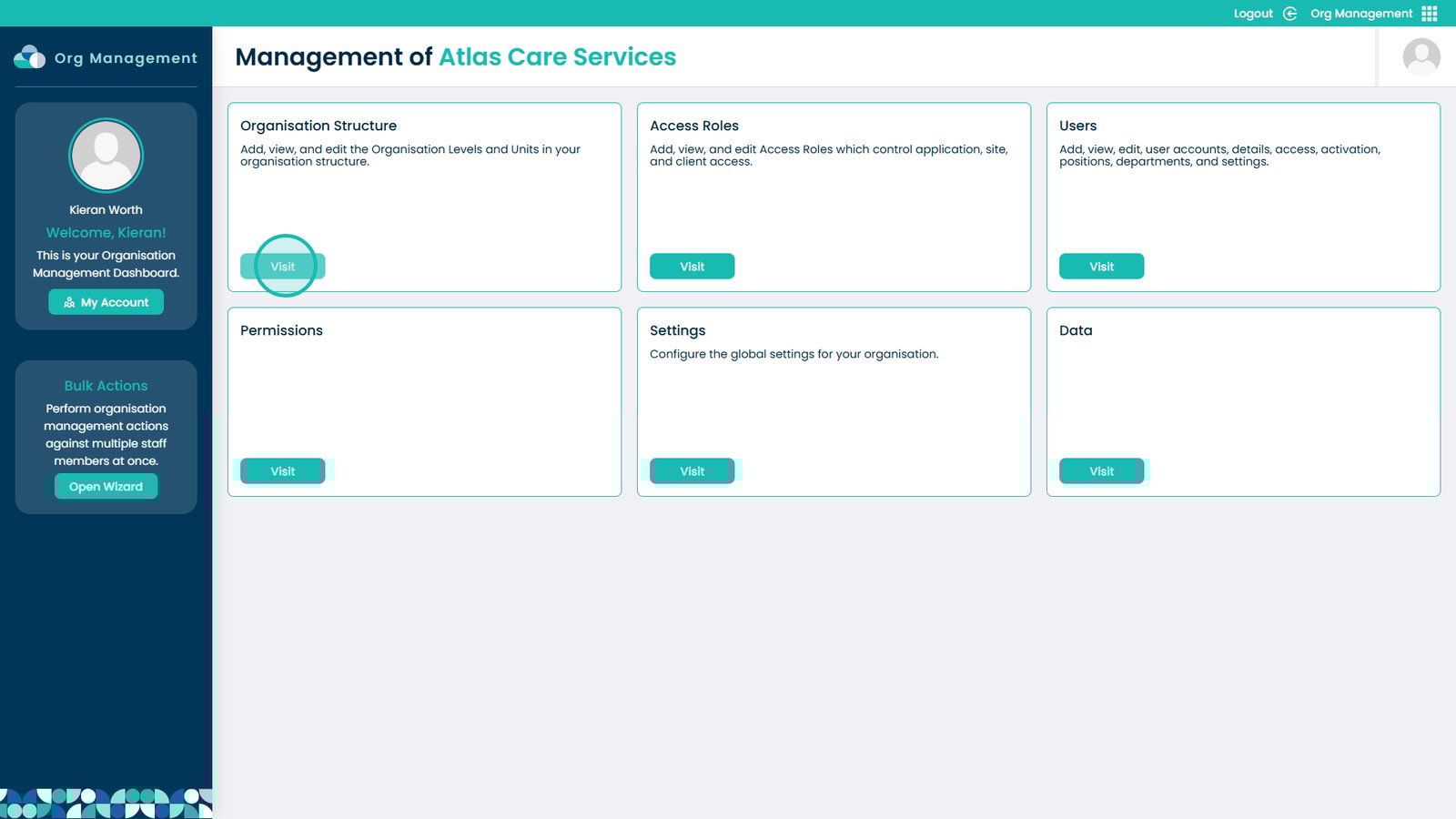
Click Visit under the Organisation Structure box
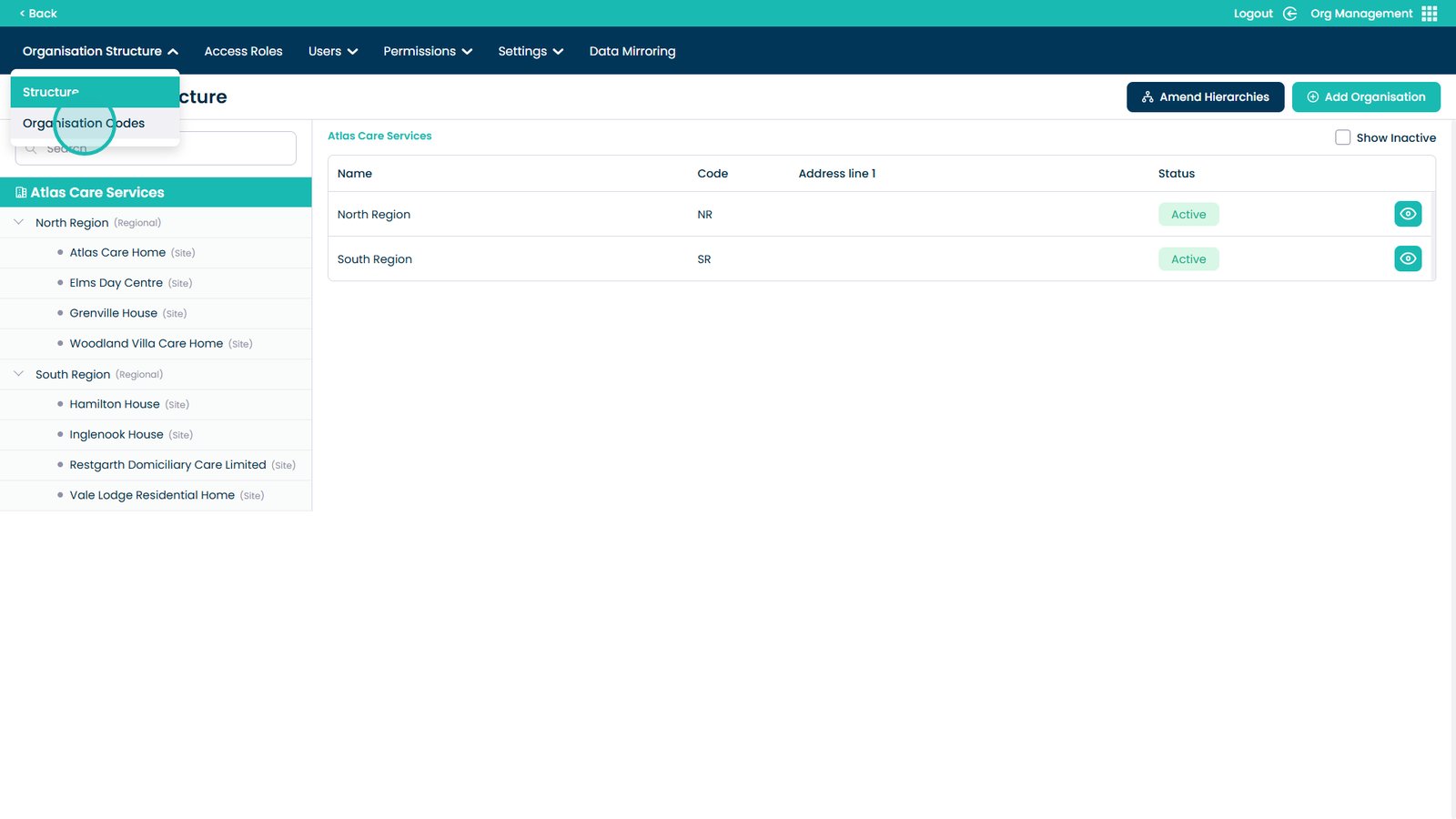
Open the Organisation Structure dropdown menu
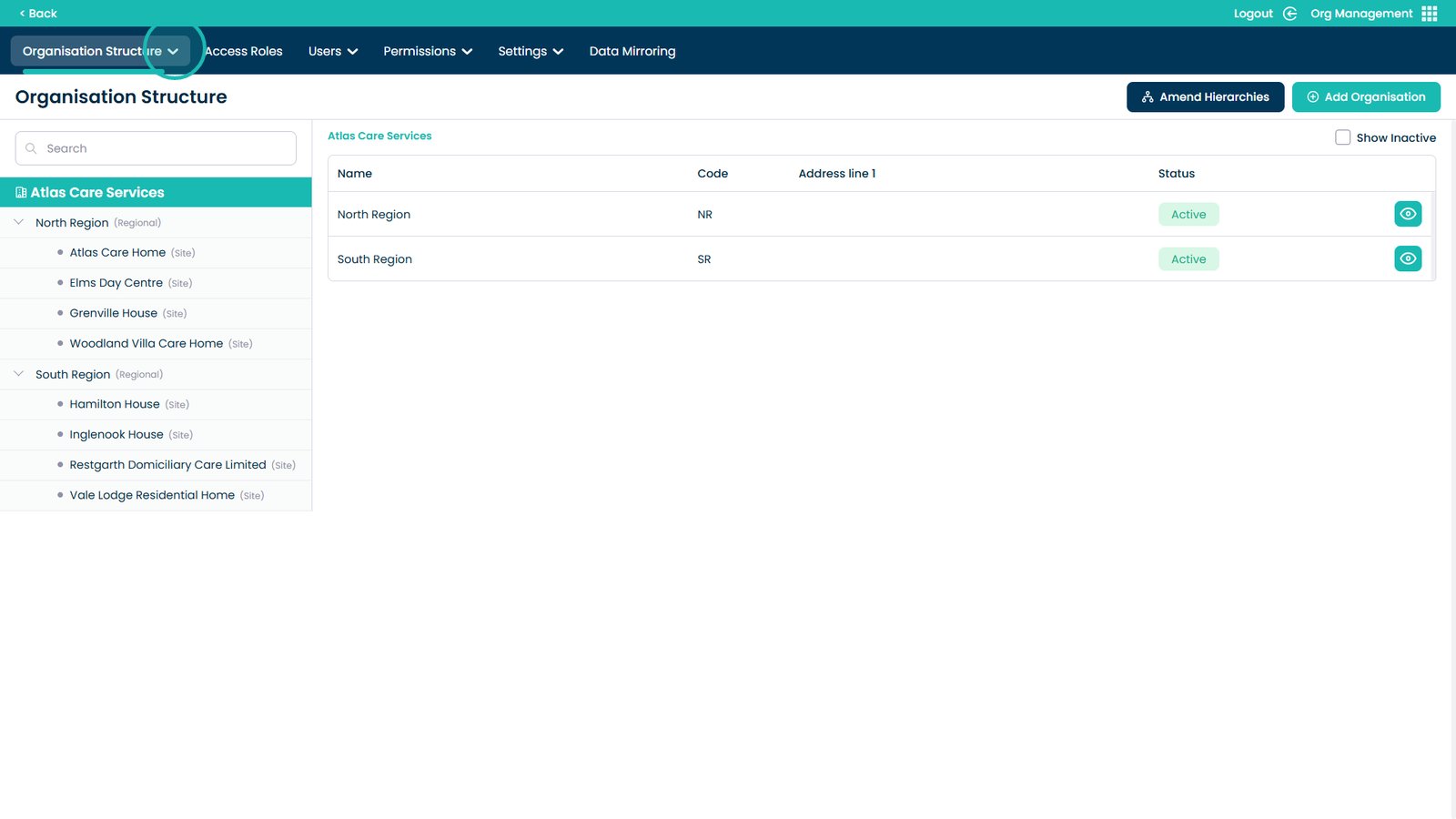
Select Organisation Codes
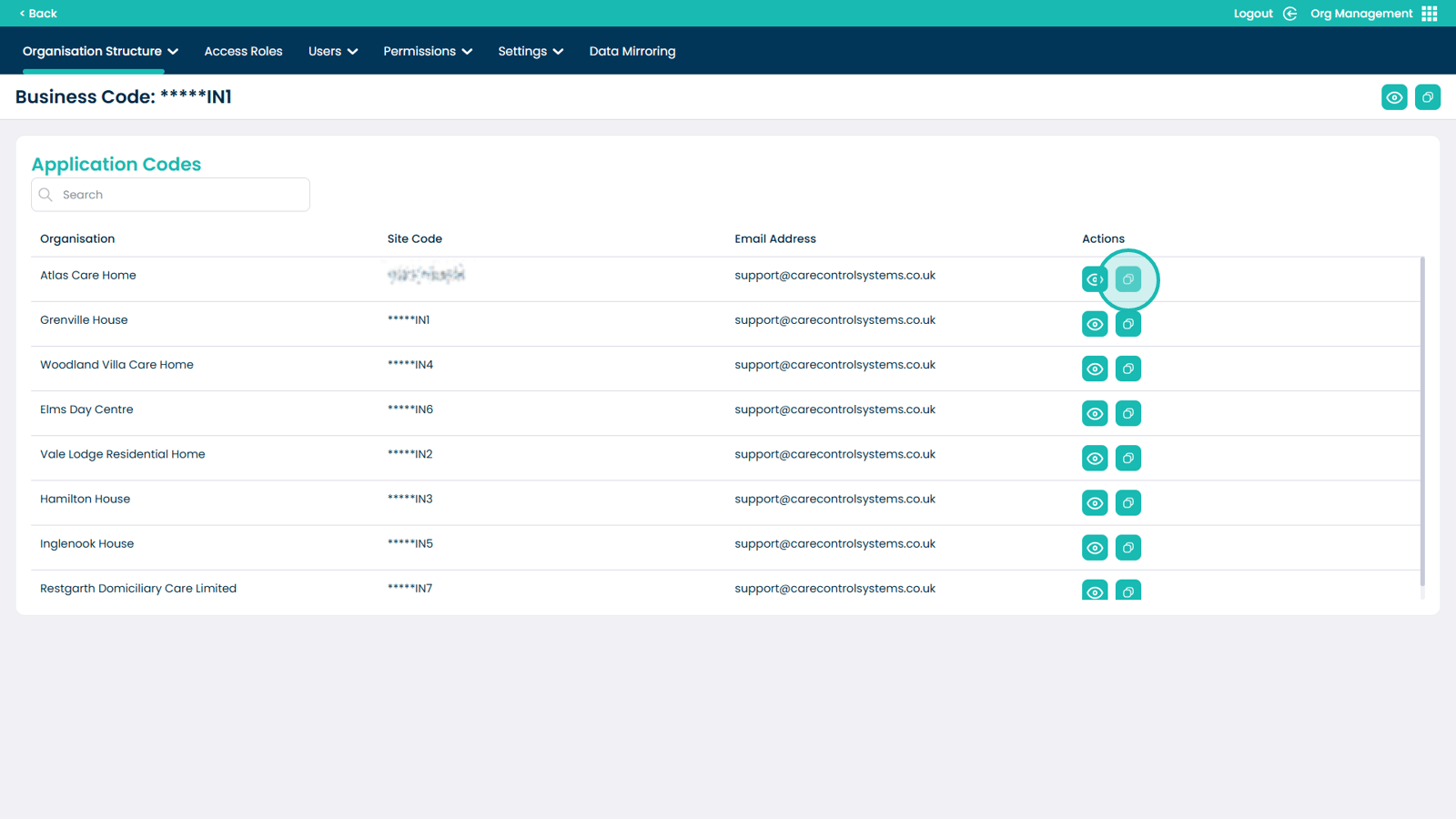
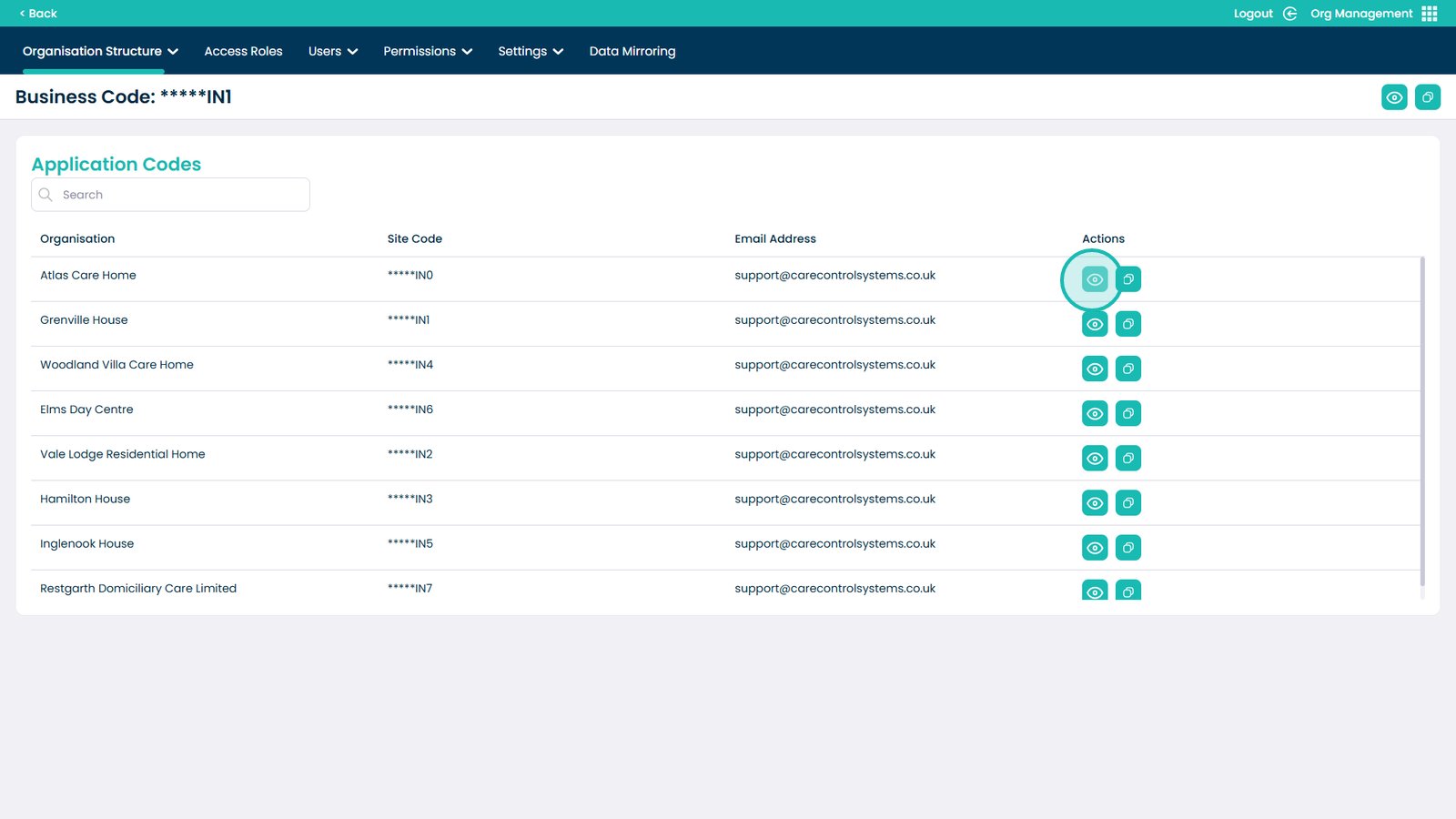
Click the eye icon next to the site
Your Site Code is now visible
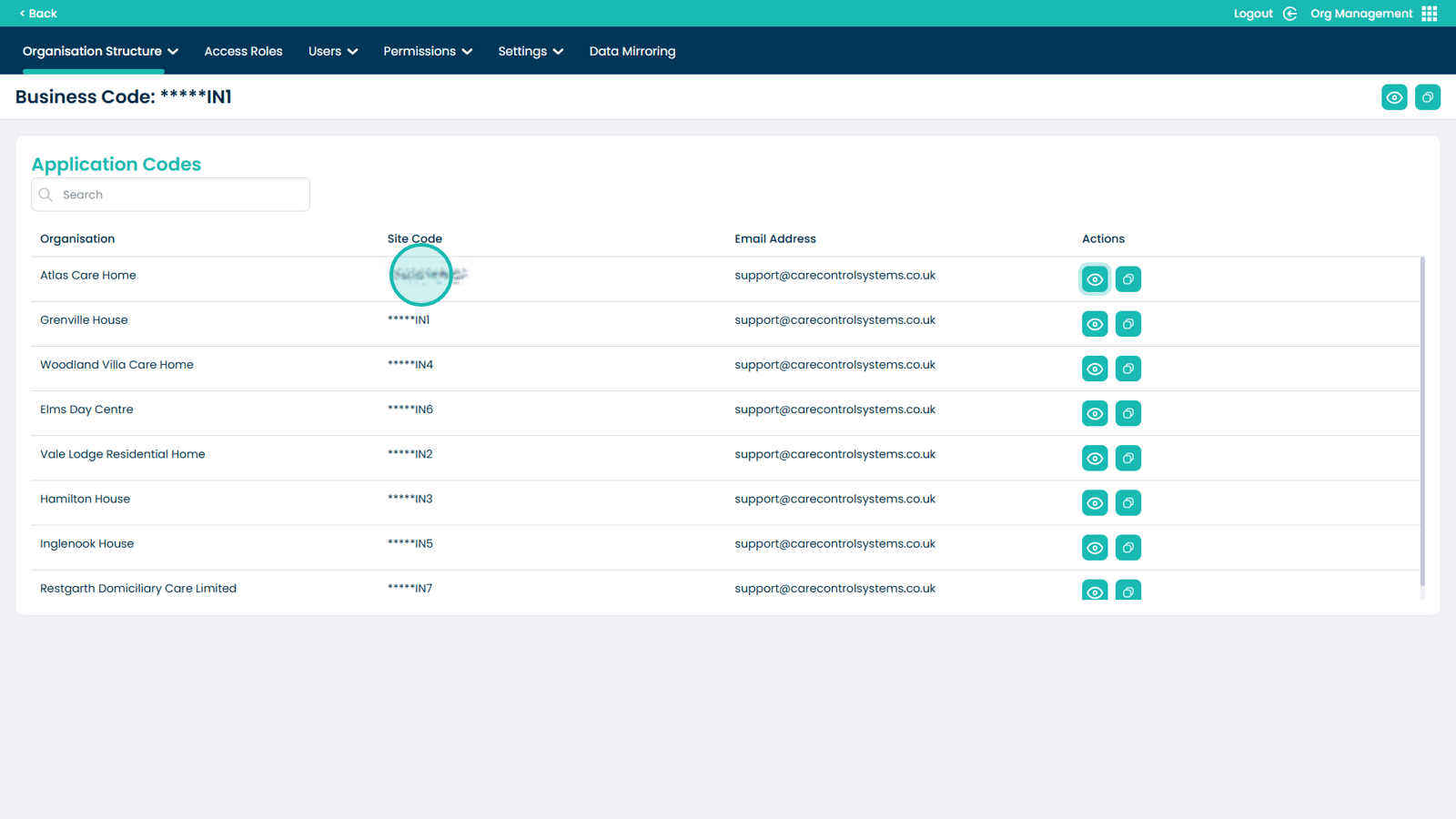
Use the copy icon to copy the Site Code