🚀 UPCOMING WEBINAR: See Payroll in Care Control Cloud in action on Thursday 18th June and discover how to manage payroll more efficiently from one connected system. Click here to find out more!

View Categories

Copy shift in Cloud Roster

Copying shifts in Roster Cloud is simple and easy, making creating entire rotas fast.

Step 1:

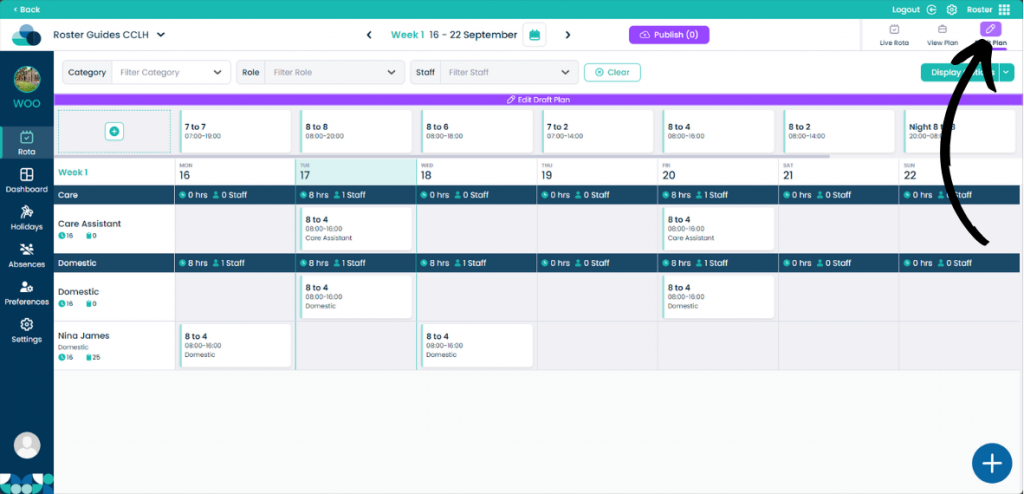
When on your rota screen, select Draft Plan and then Edit Draft Plan.

Step 2:

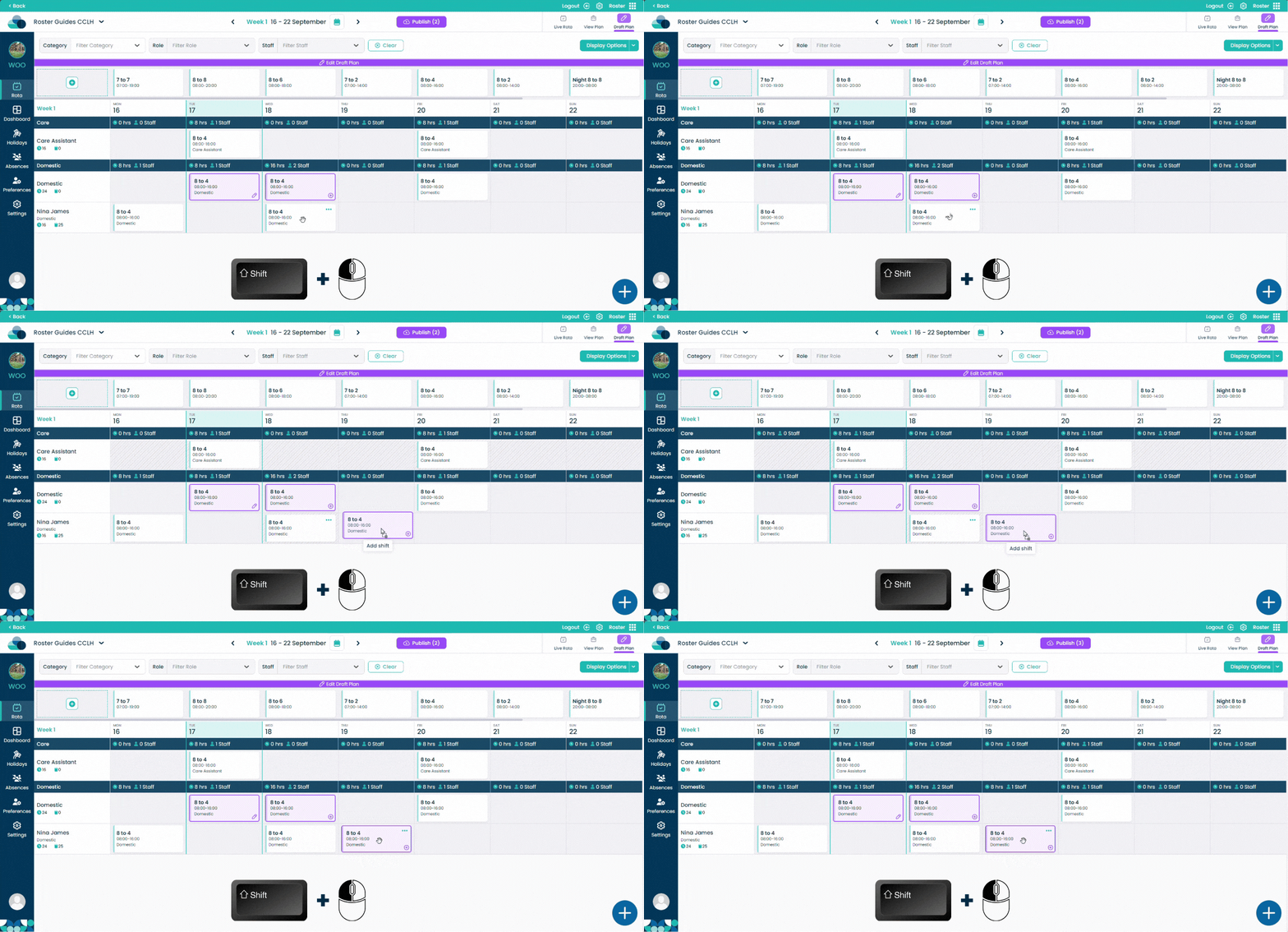
On the rota display, hold Shift on your keyboard and Left click on the mouse at the same time over a shift. Now drag the shift into a new cell. When the shift is over the cell let go of the Shift and Left click buttons and the shift will now be copied.