You could win a £250 Amazon gift card! All you need to do is spare us 3 minutes of your time. Click here to find out more!
This guide will cover how to record a Health Issue on Care Control Mobile, including the addition of photos and body maps to the entry.
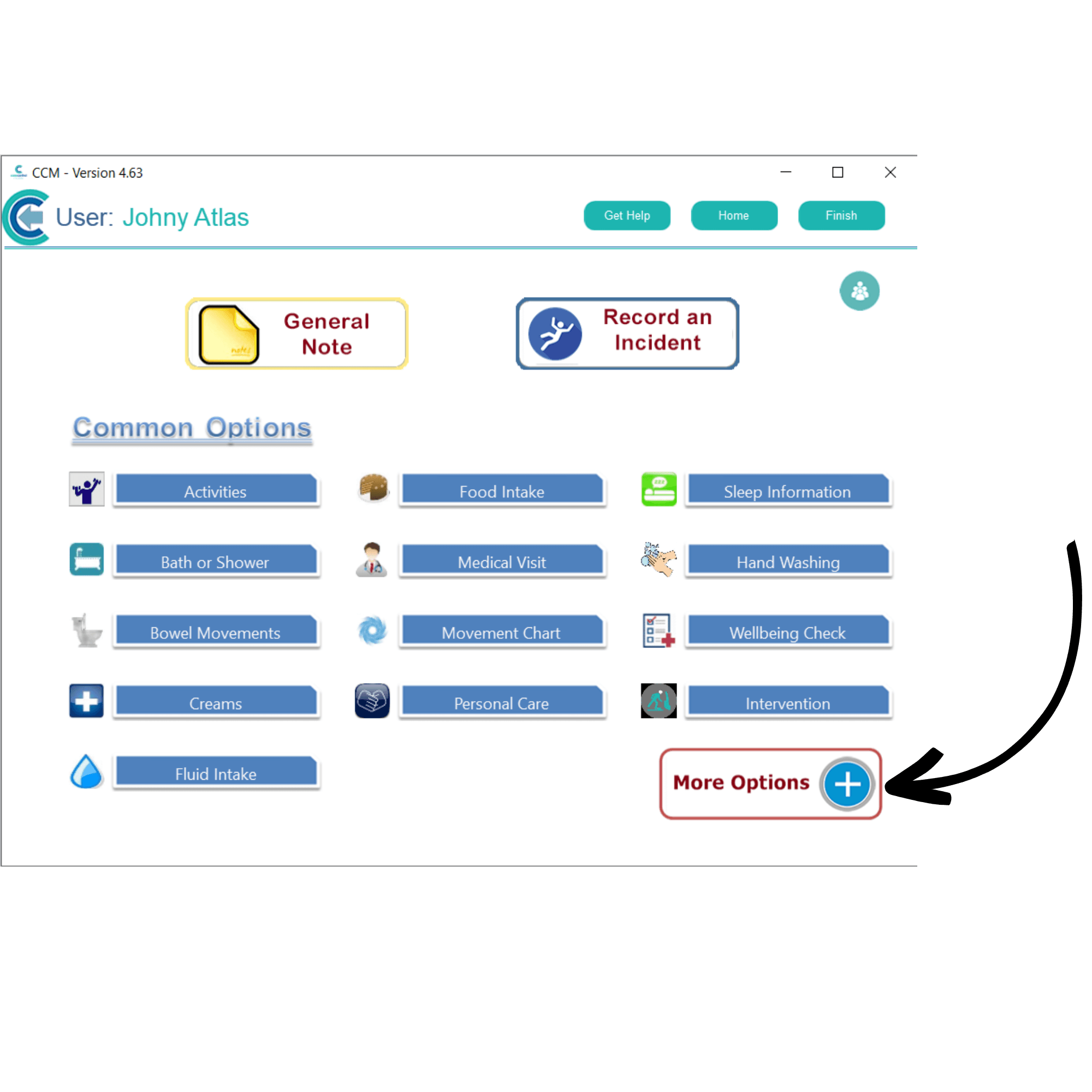
After signing into Care Control Mobile, select Record Care Plan Information.
Here, select More Options.
From this extended list, select Health Issue.
Next, select a service user and press Continue.
A blank health issue form will open. Begin by entering the start date of the issue, as well as a short description.
Next, select a review frequency from the drop-down list. This is how often the health issue will appear to be reviewed on the home status.
You can enter further information about the health issue in the Description of Issue text box, as well as an Initial Treatment Plan.
To add a marker on the body map, simply tap on the map.
To add photos to the health issue, tap on the camera icon to take or upload an image.
After entering the required information, you can process the health issue by pressing Save Changes.
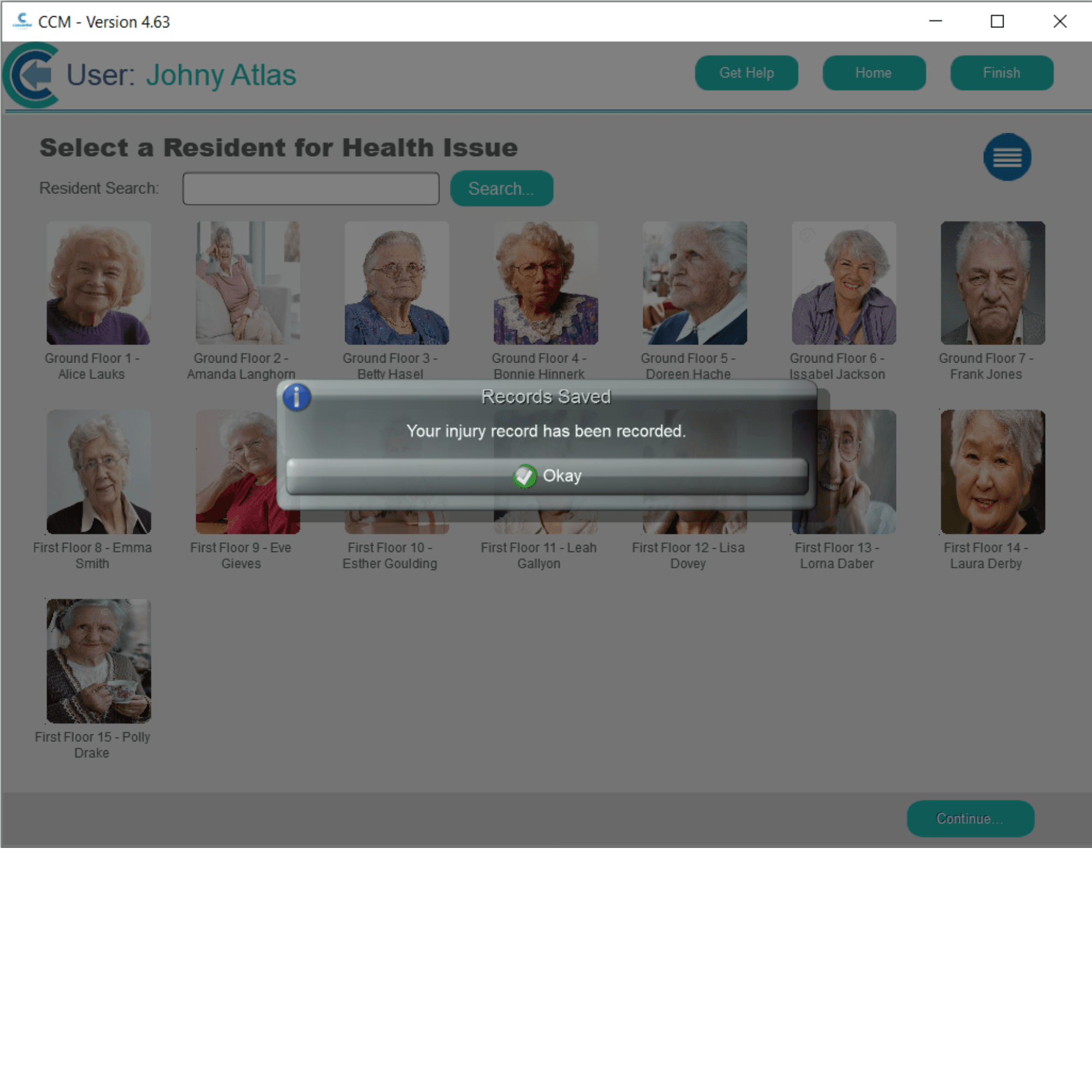
A confirmation message will be displayed after saving.