Bank Holiday Closure Notice: We will be closed on the 3rd April for the Easter bank holiday, so our customer service team will not be available on this day. If you need to get in touch, you can still use our customer contact form and we will get back to you as soon as possible. Even better, Margo will still be available on our phone lines to help with your queries whenever you need support. We hope you have a lovely Easter weekend 🐣
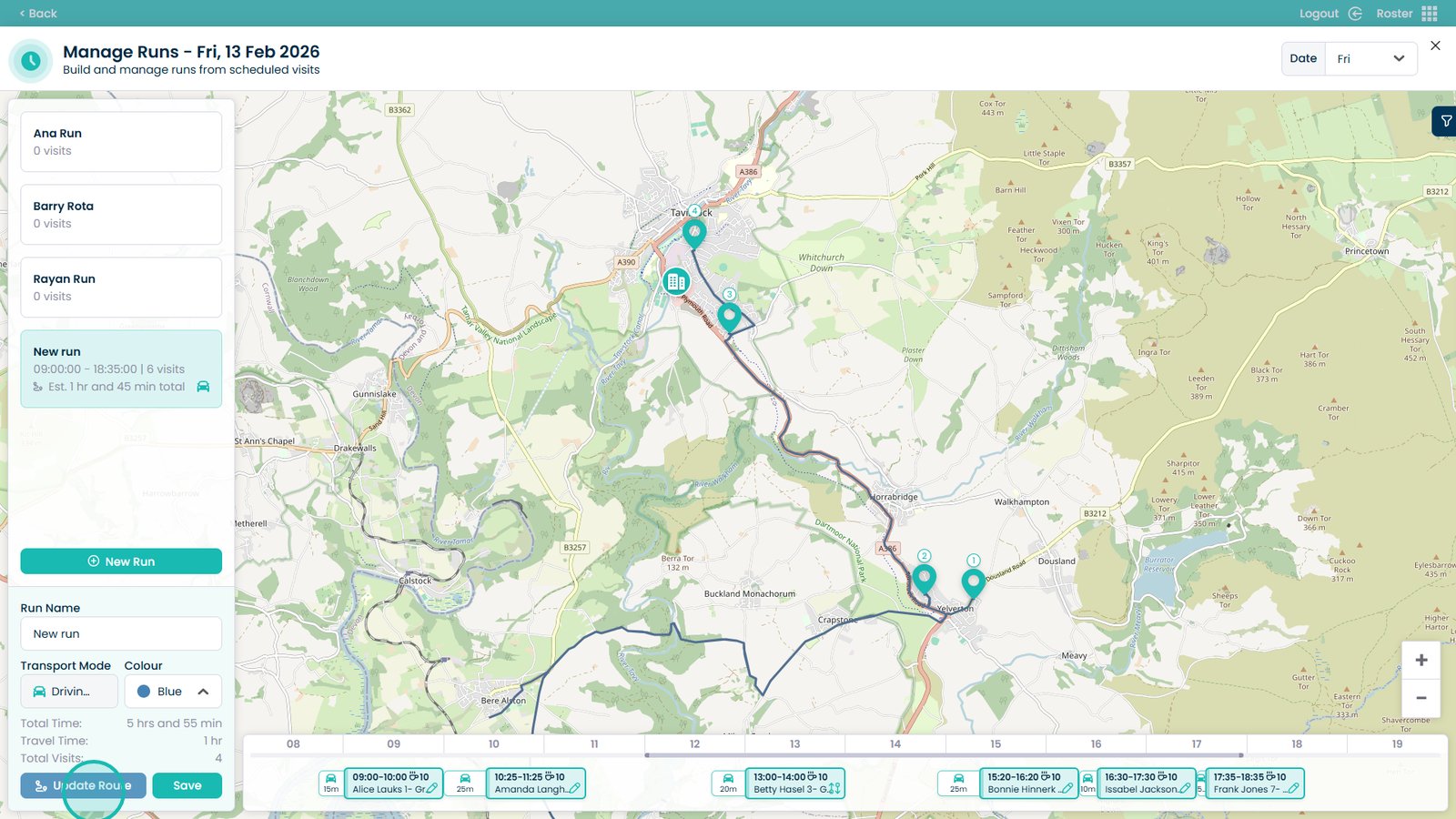
This guide explains how to break up a Run within the Cloud Roster system. Breaking up a run separates grouped visits back into individual entries, giving you greater flexibility when making changes to the schedule.
This is particularly useful if visits need to be reassigned, redistributed between staff members, or reorganised into new runs. By separating the visits, you can quickly adapt to availability changes, staffing adjustments, or route optimisations while keeping your rota accurate and up to date.
Interactive Guide
Text based guide
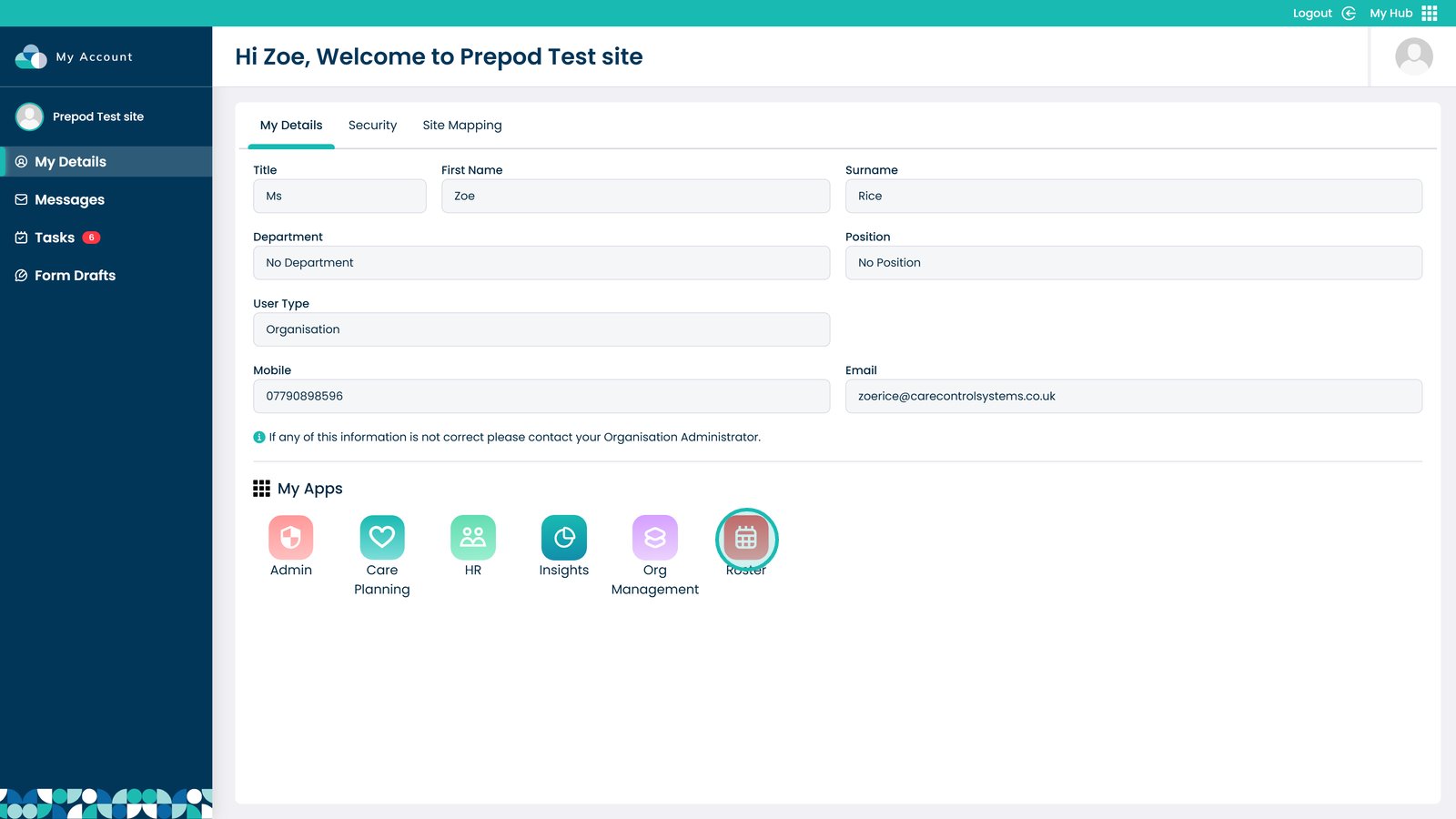
Enter the Roster app
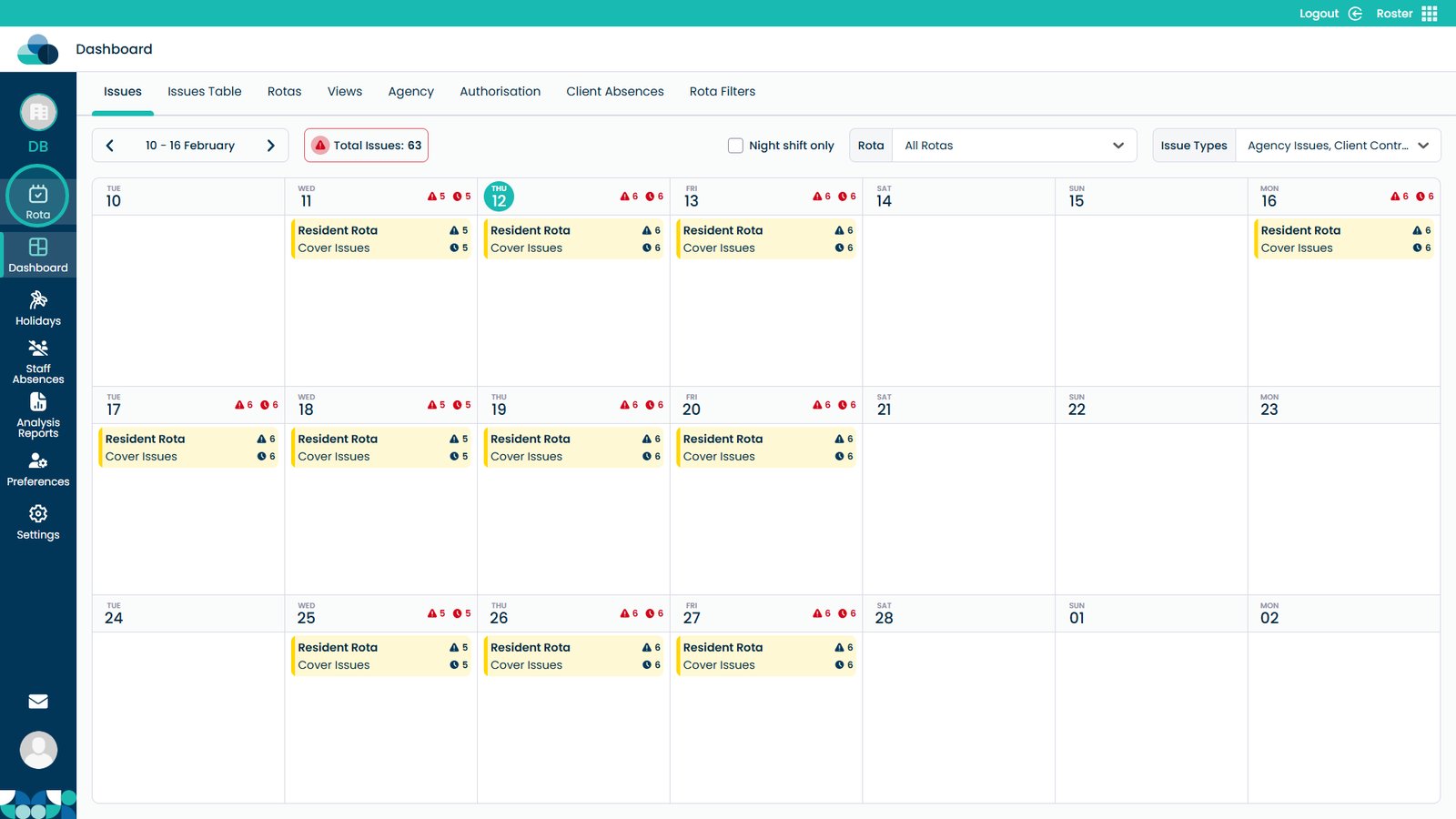
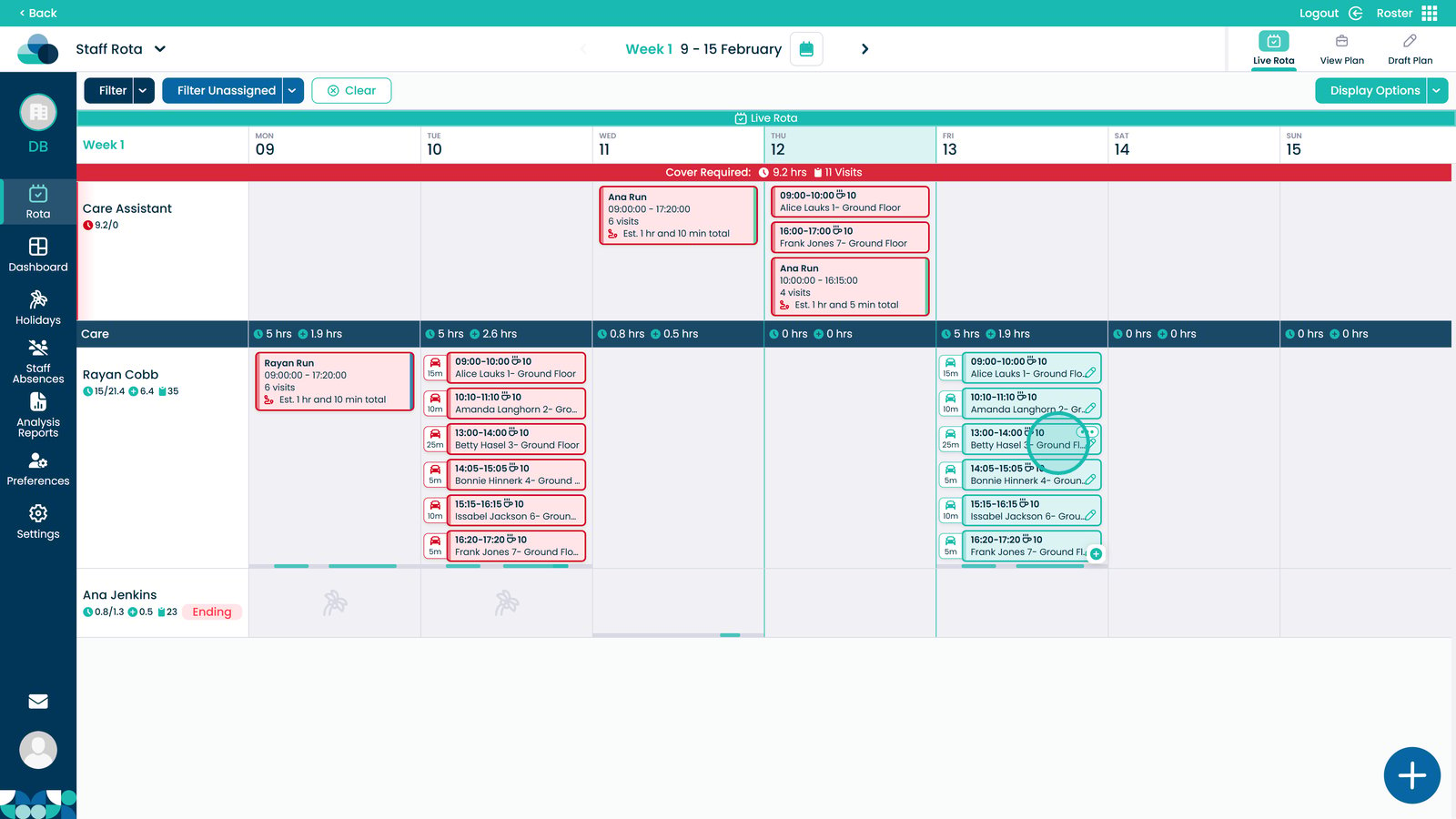
Open the Rota screen
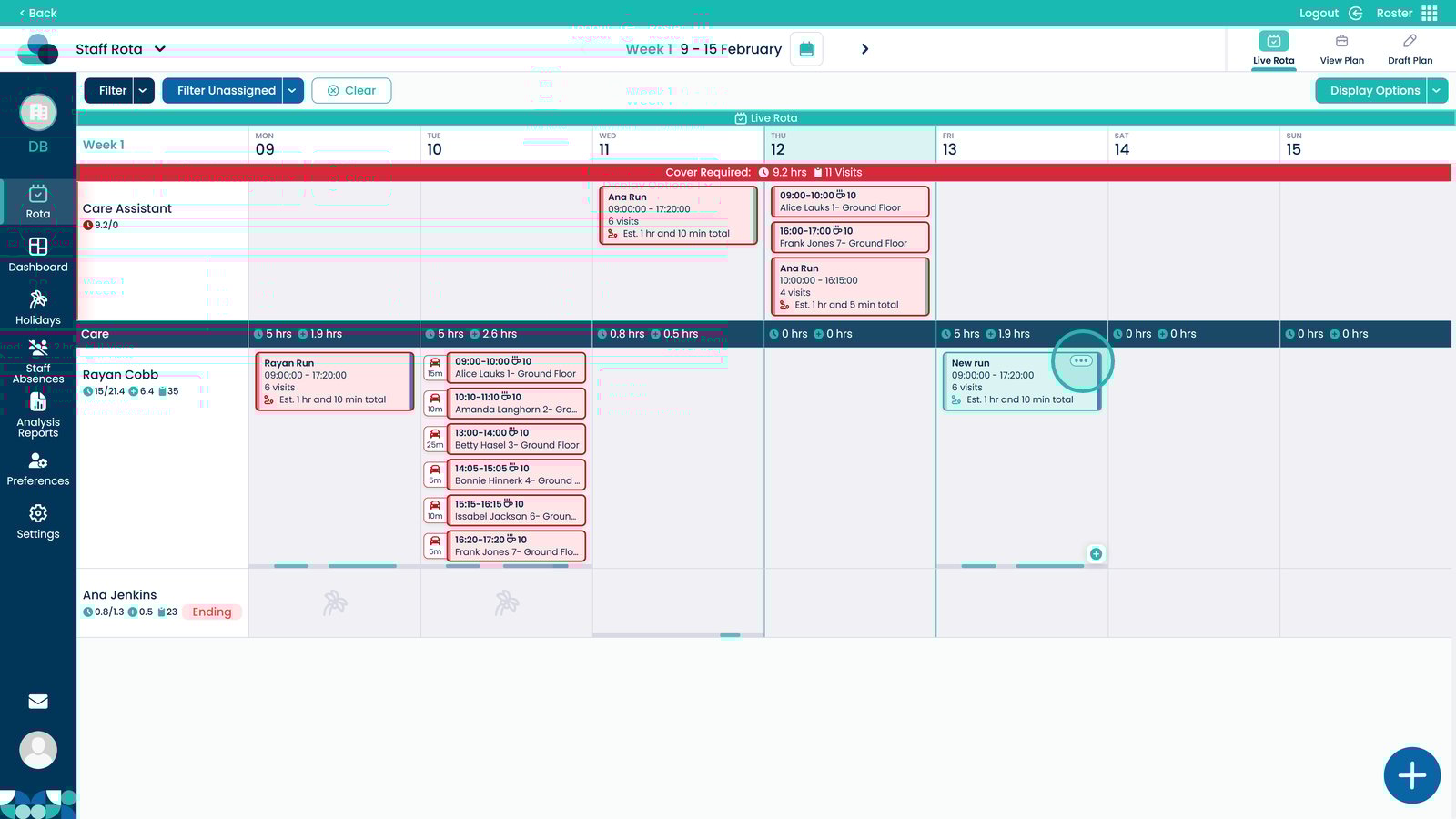
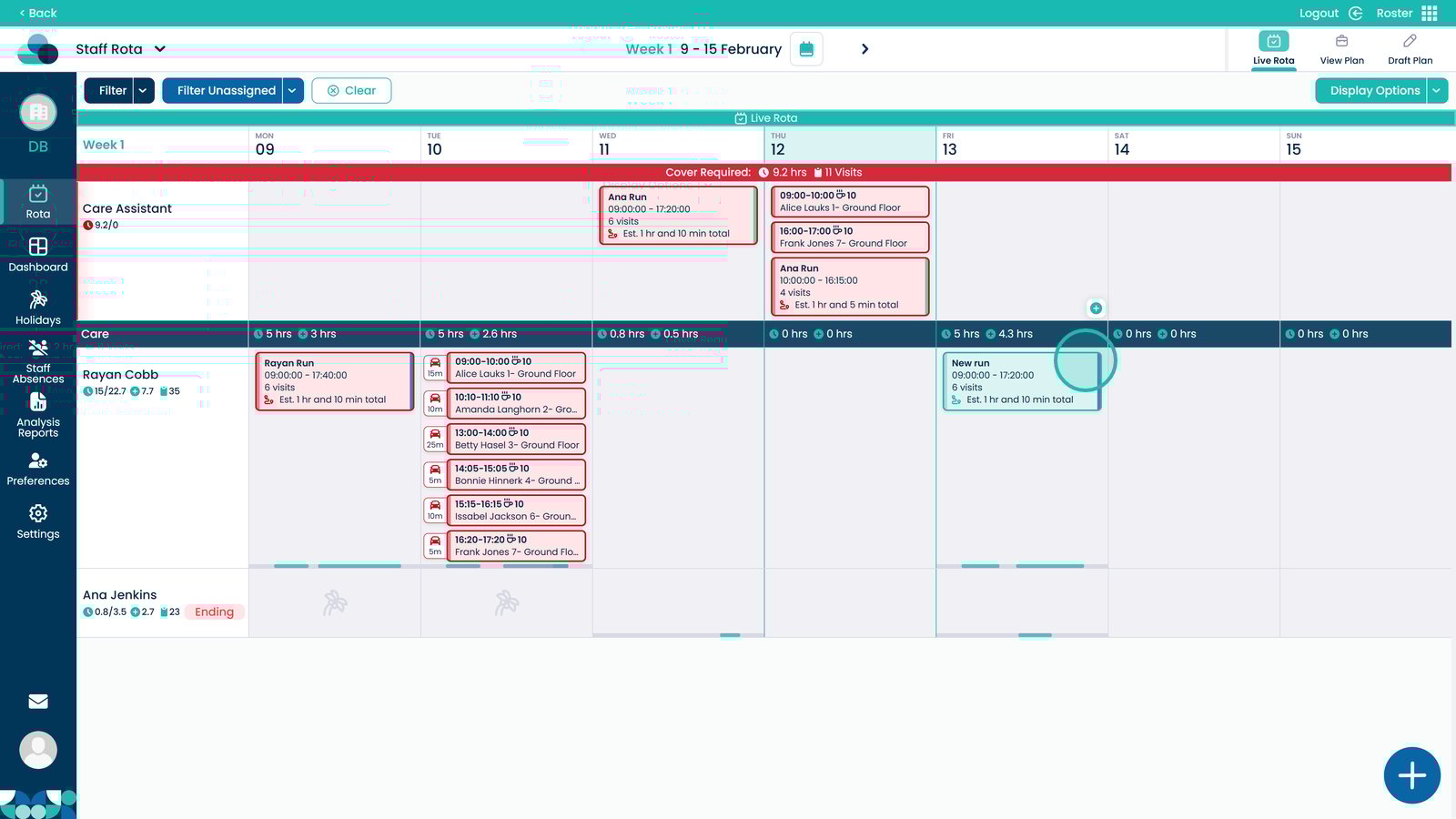
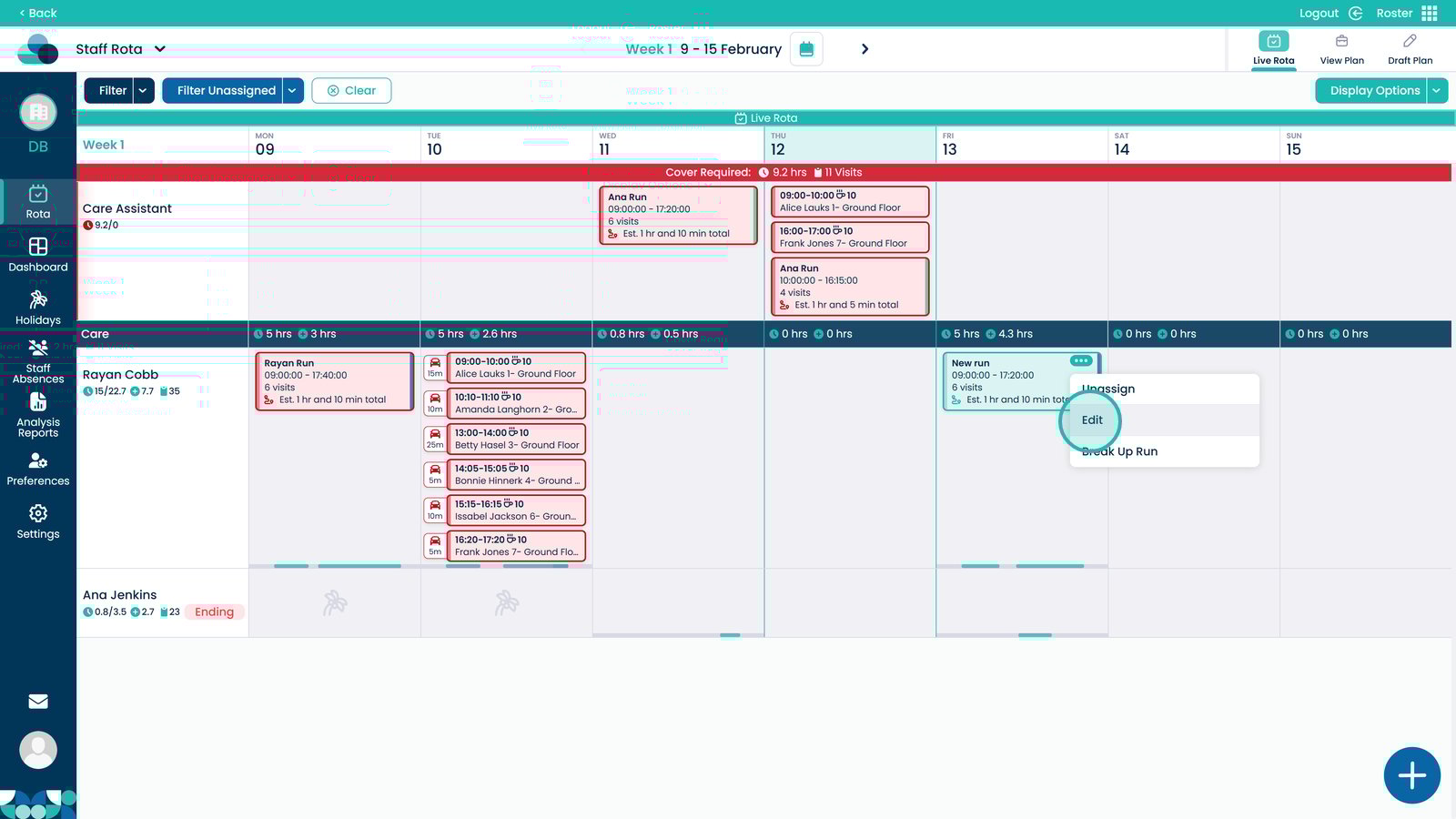
Select the three dots in the top right of the run cell
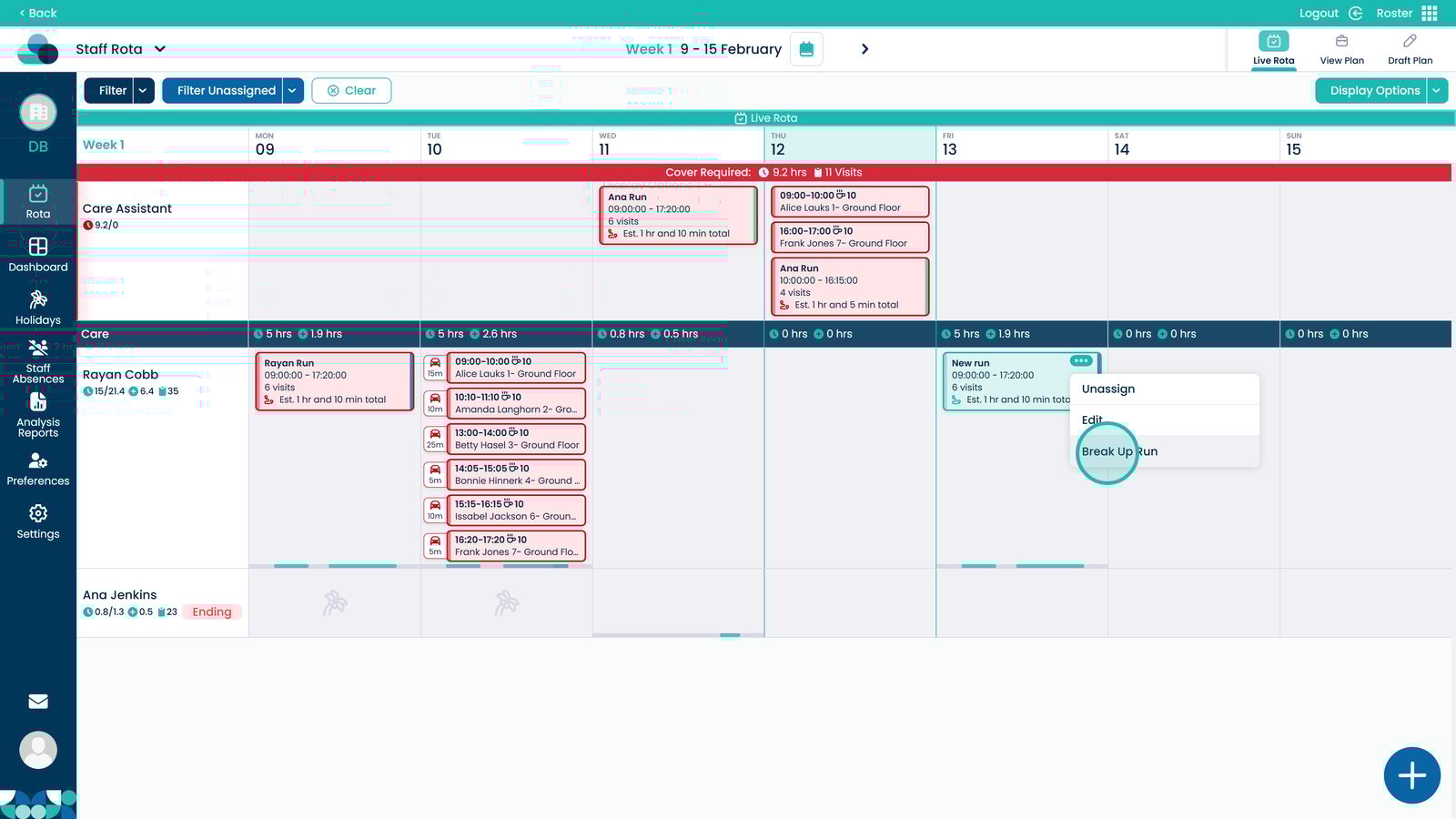
Select Break Up Run
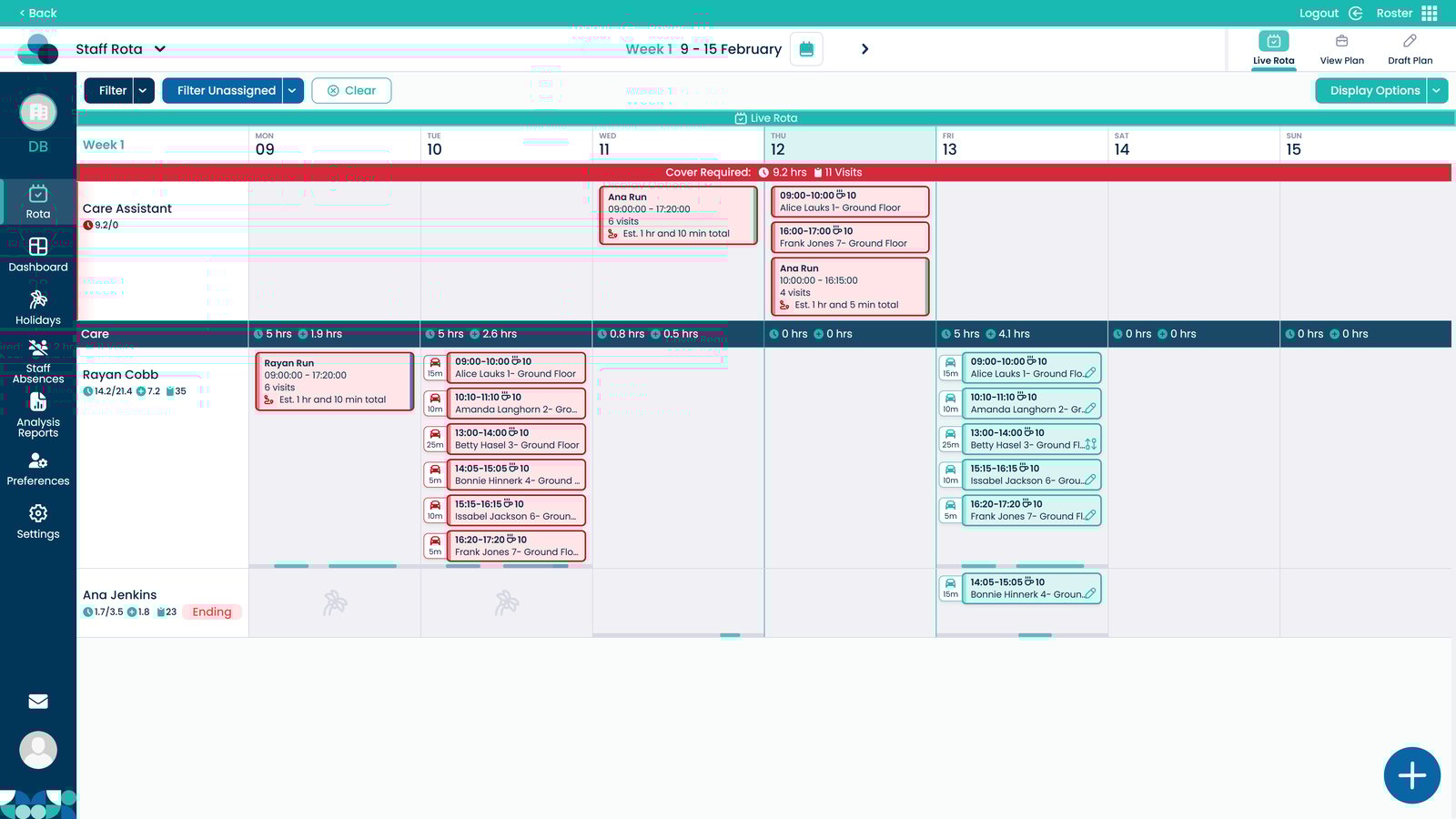
The visits will now be separated so they can be reassigned or added to new runs
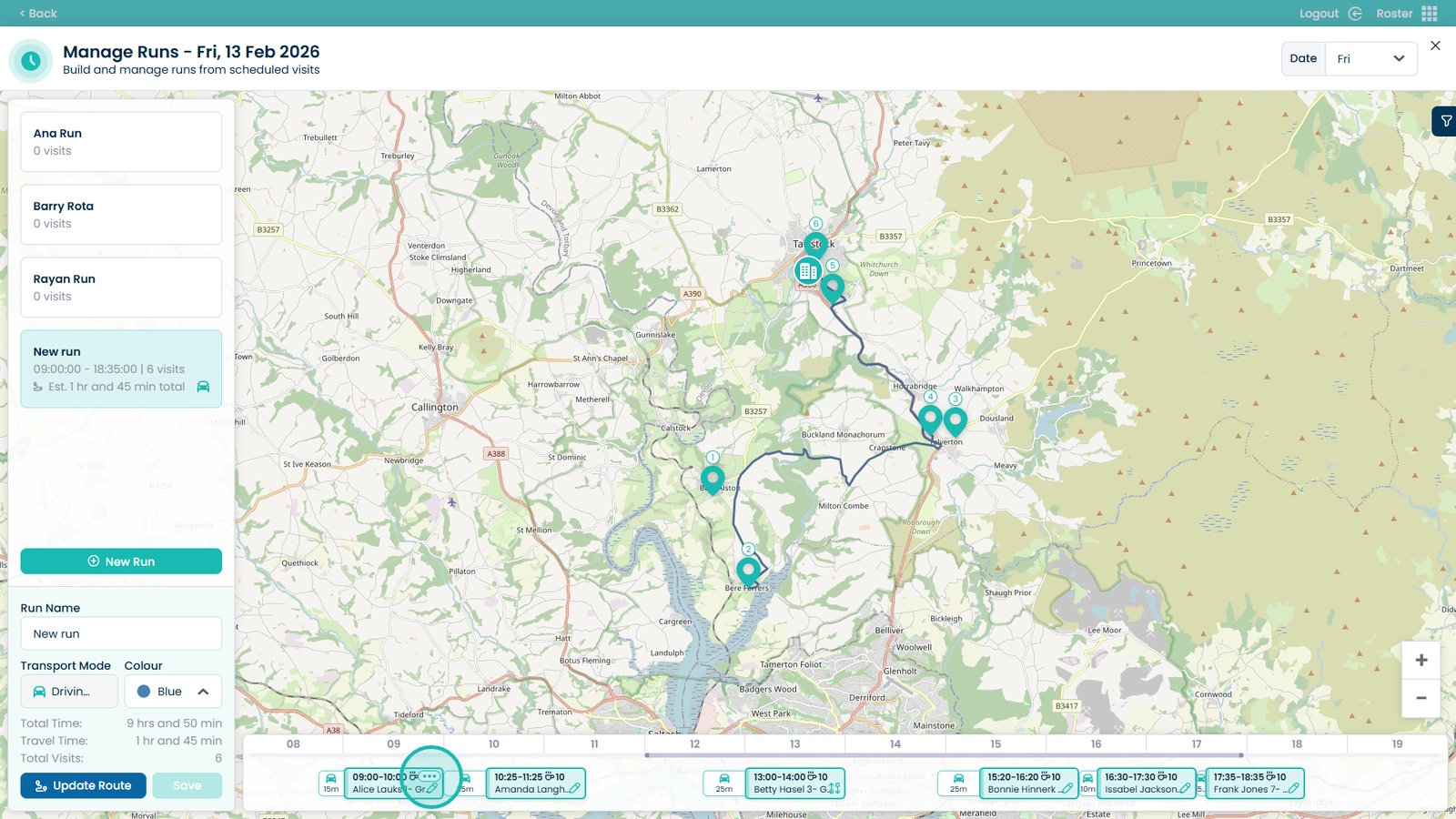
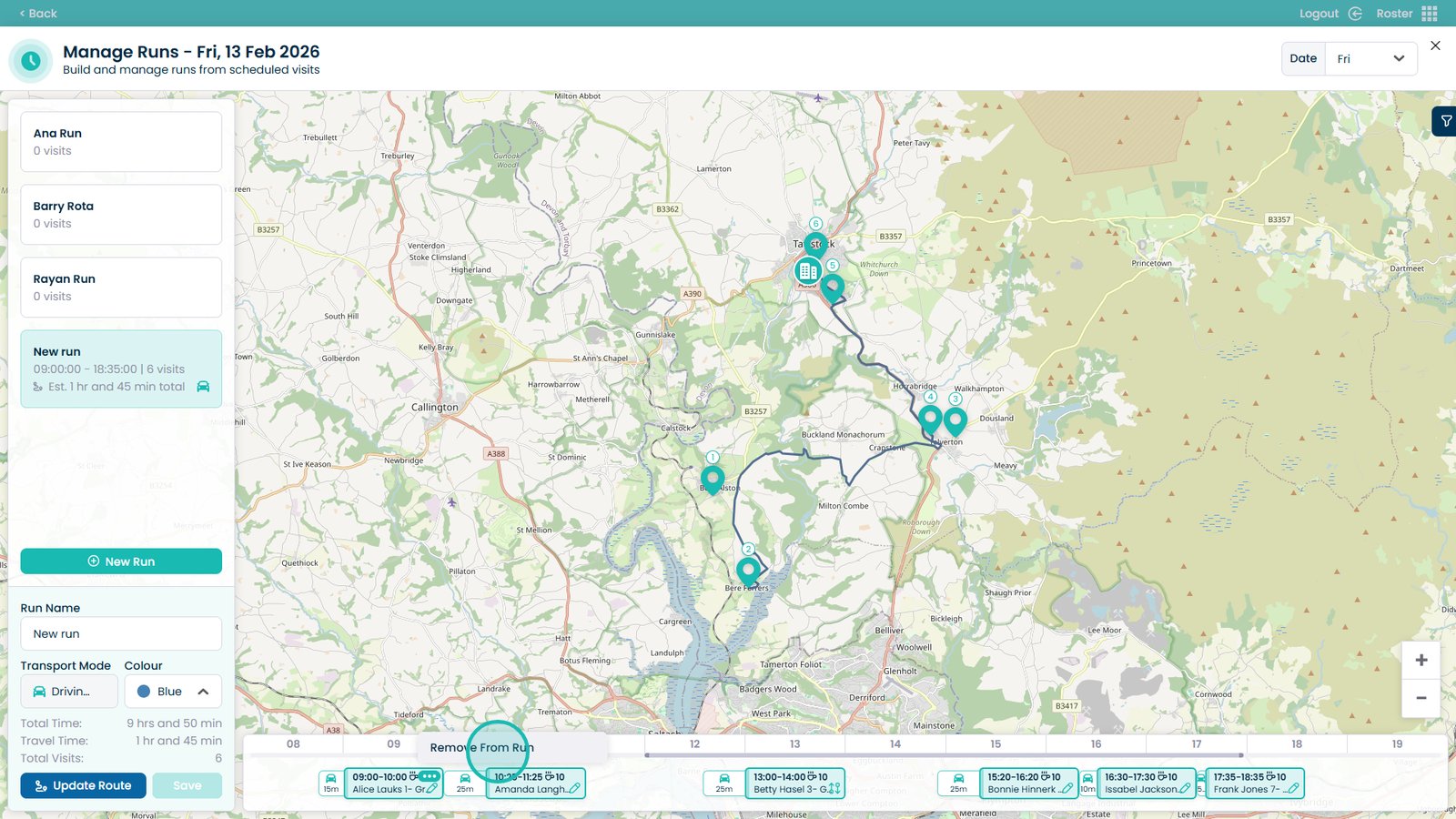
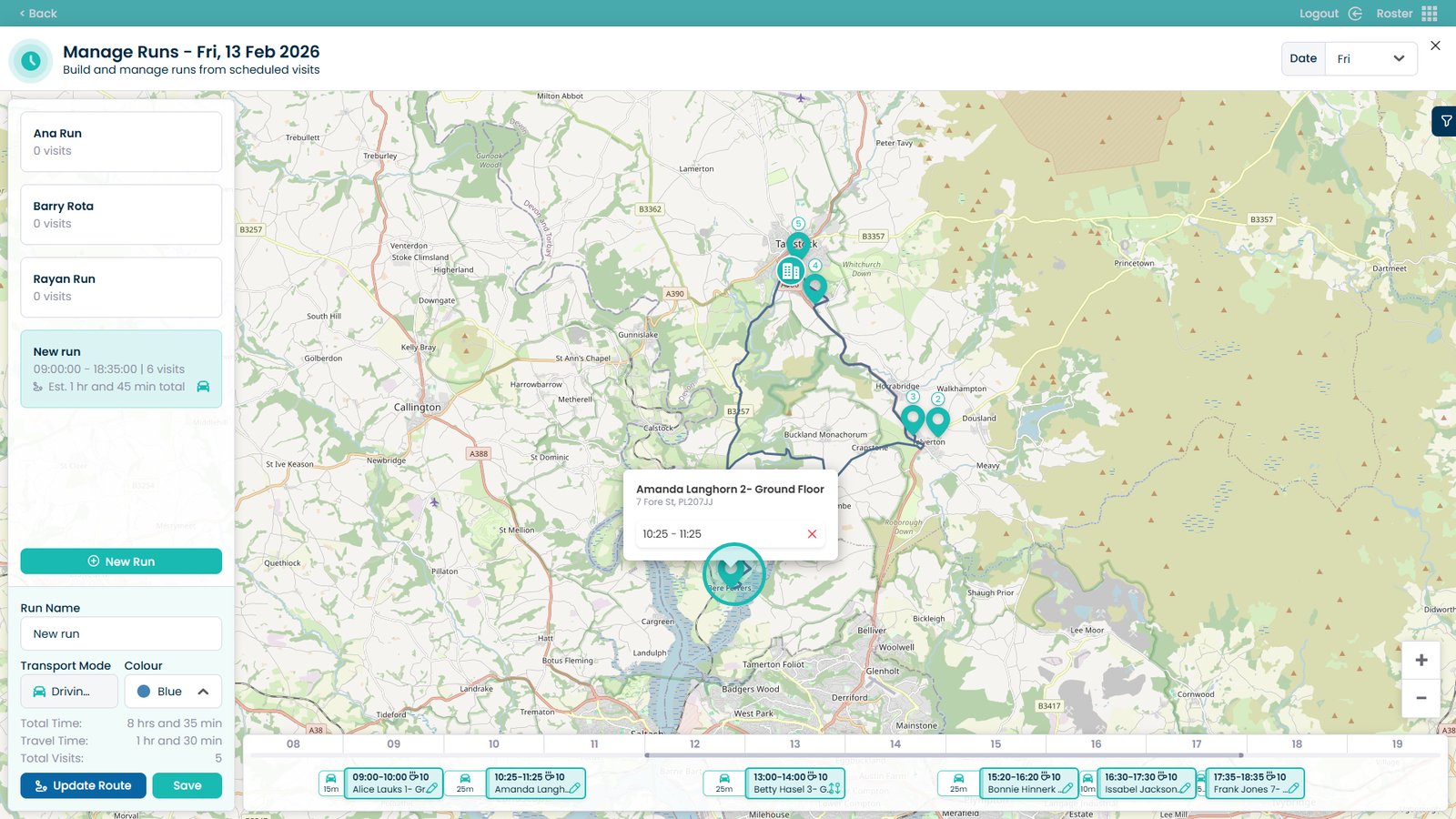
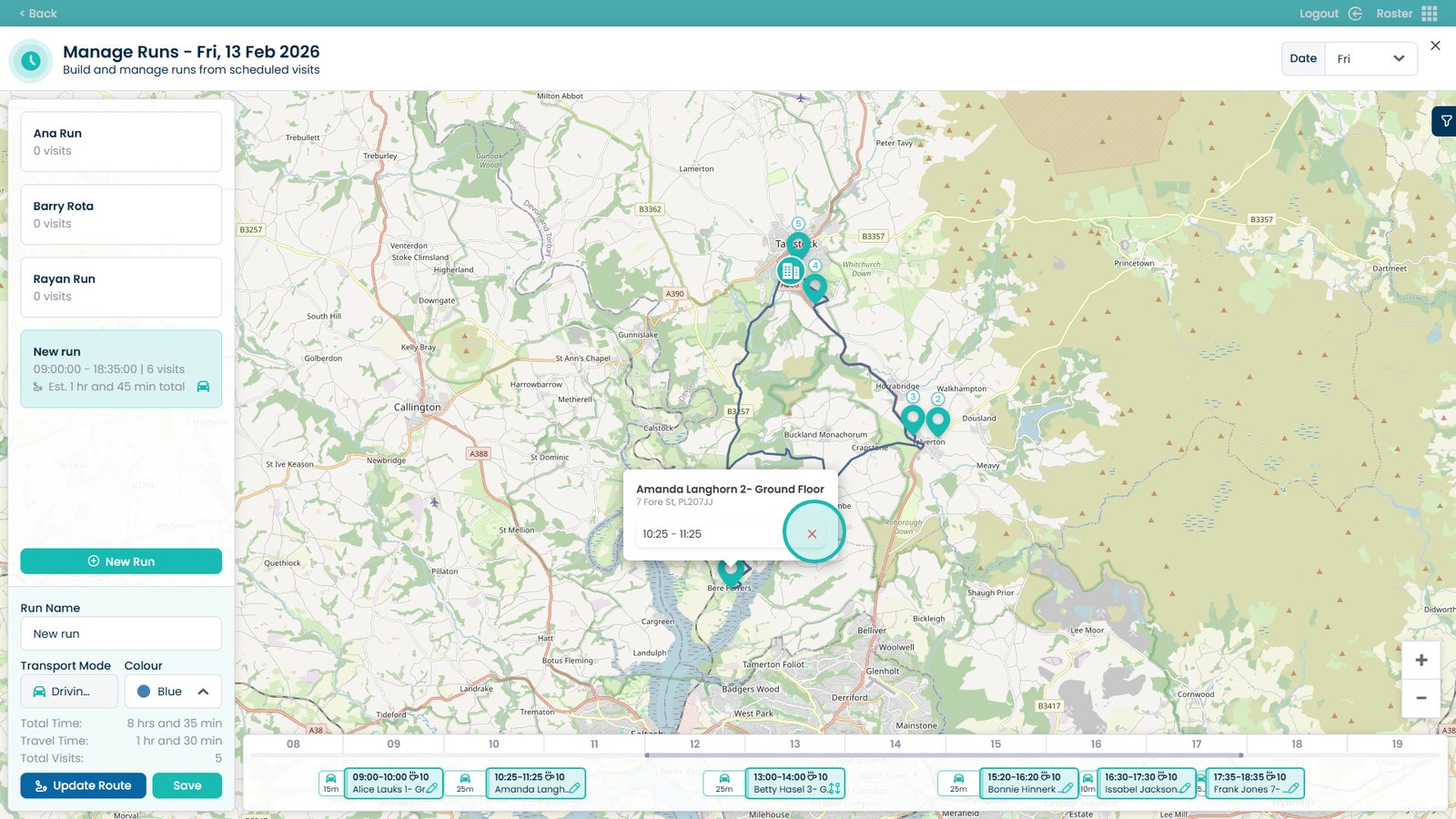
To break up a run more specifically, click the three dots on the run