Bank Holiday Closure Notice: We will be closed on the 3rd April for the Easter bank holiday, so our customer service team will not be available on this day. If you need to get in touch, you can still use our customer contact form and we will get back to you as soon as possible. Even better, Margo will still be available on our phone lines to help with your queries whenever you need support. We hope you have a lovely Easter weekend 🐣
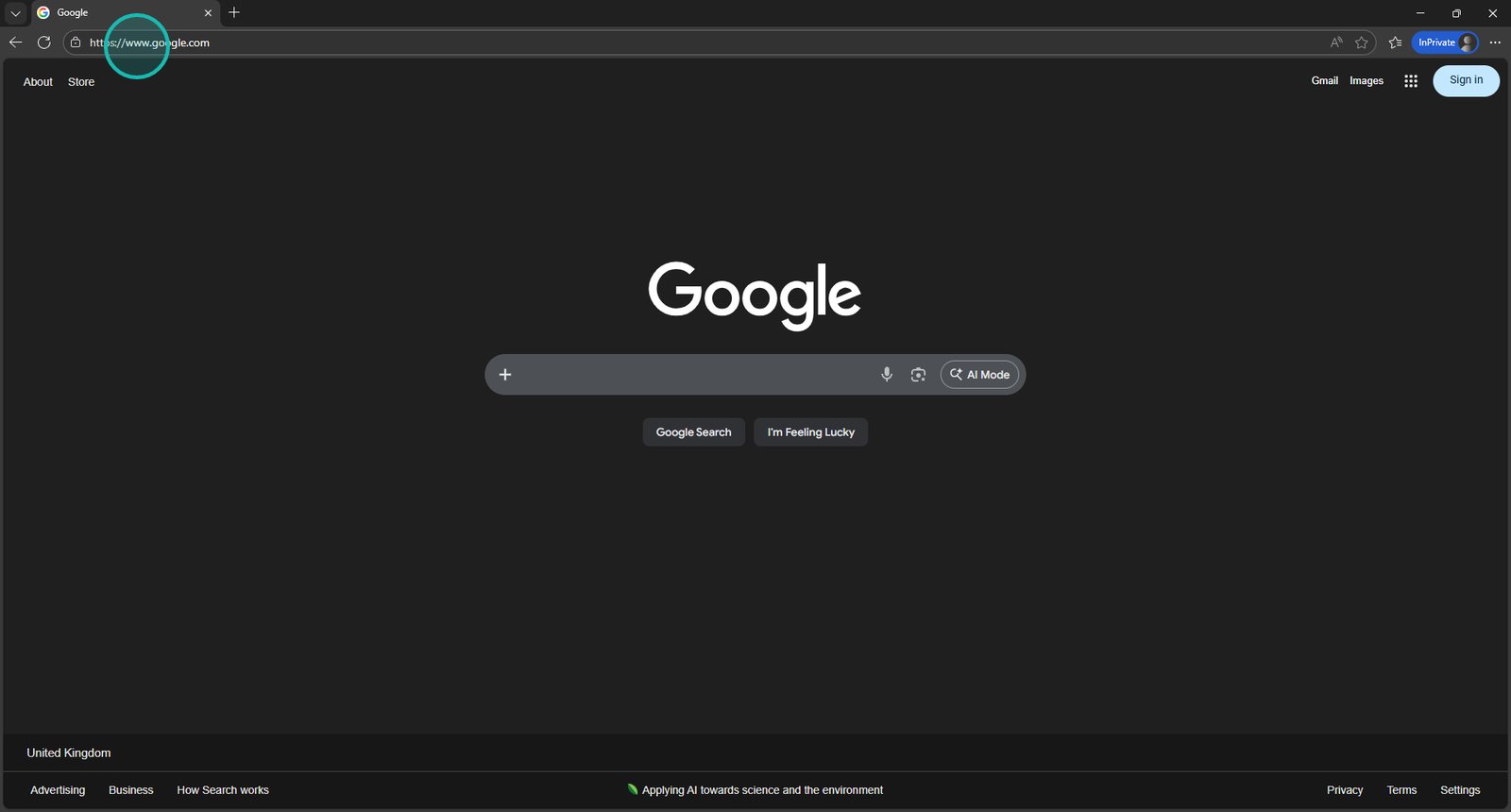
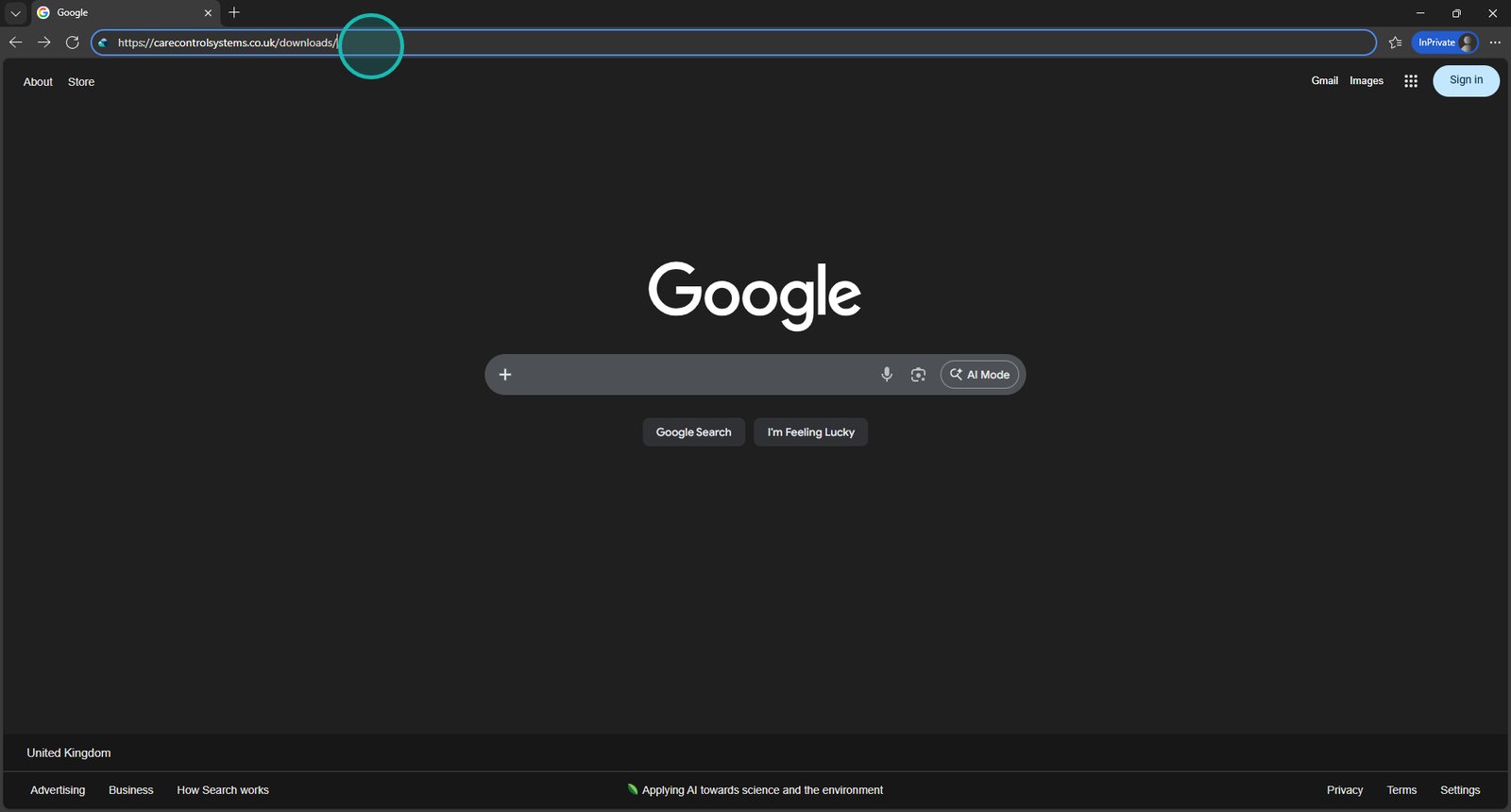
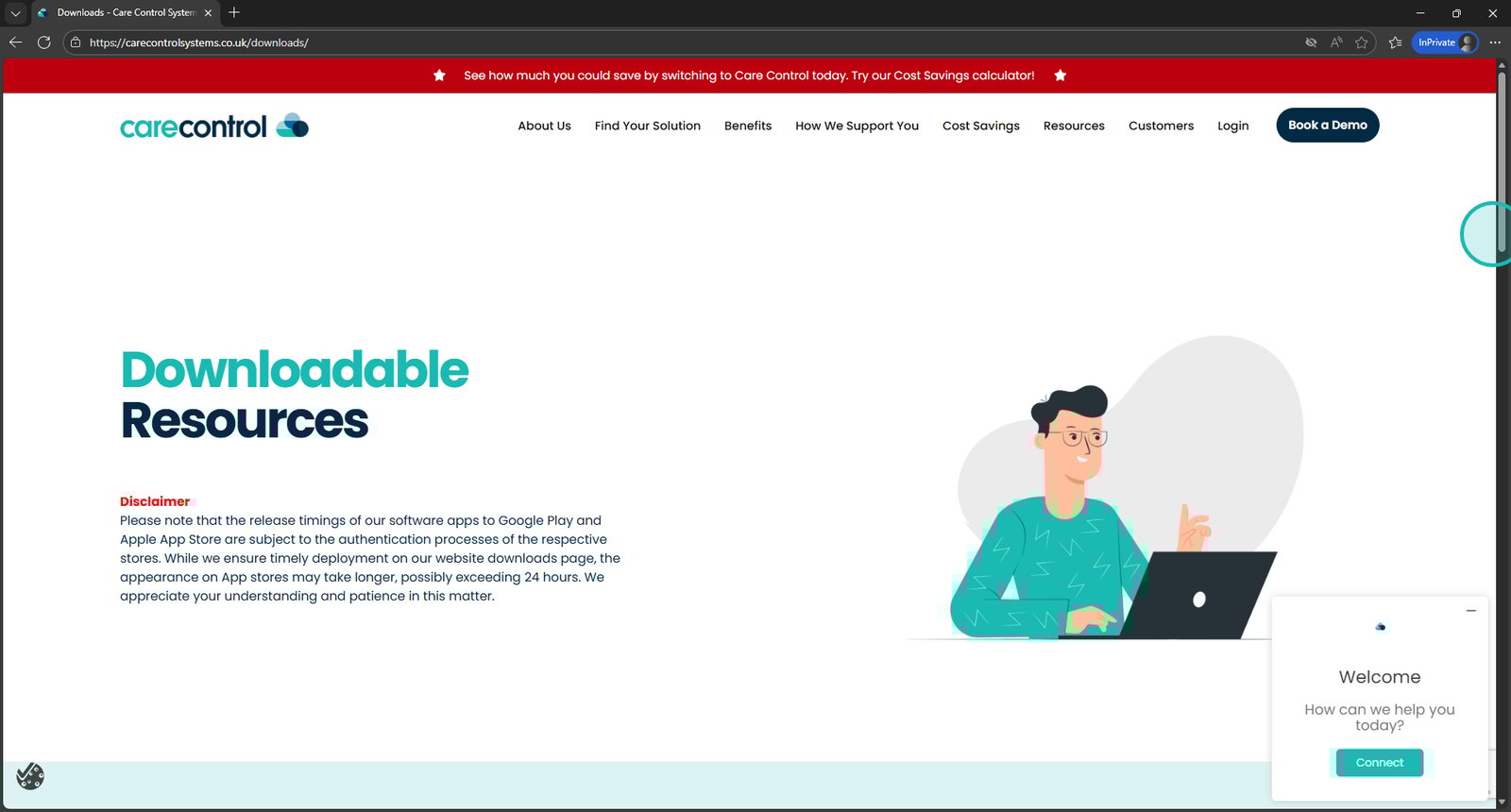
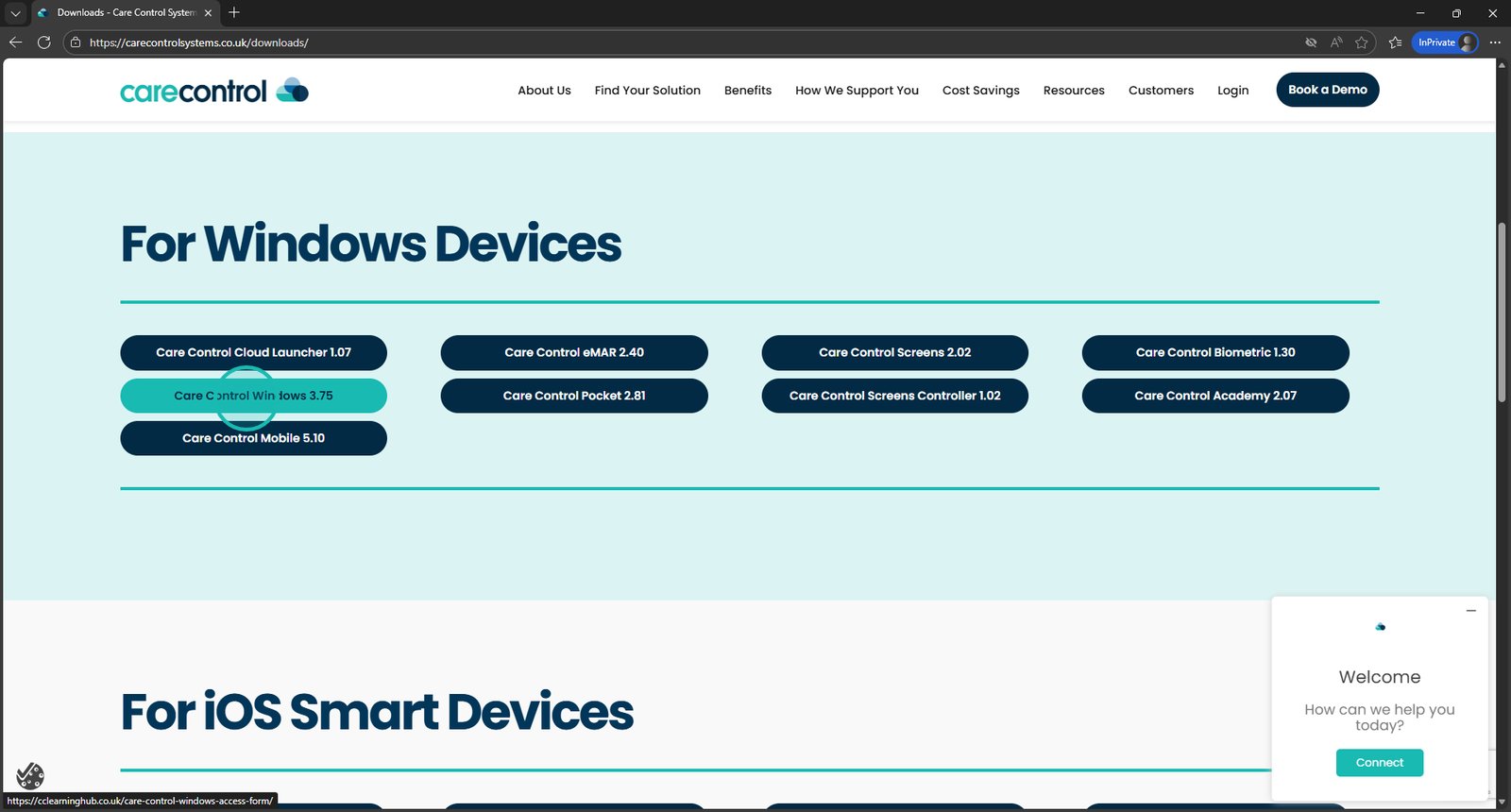
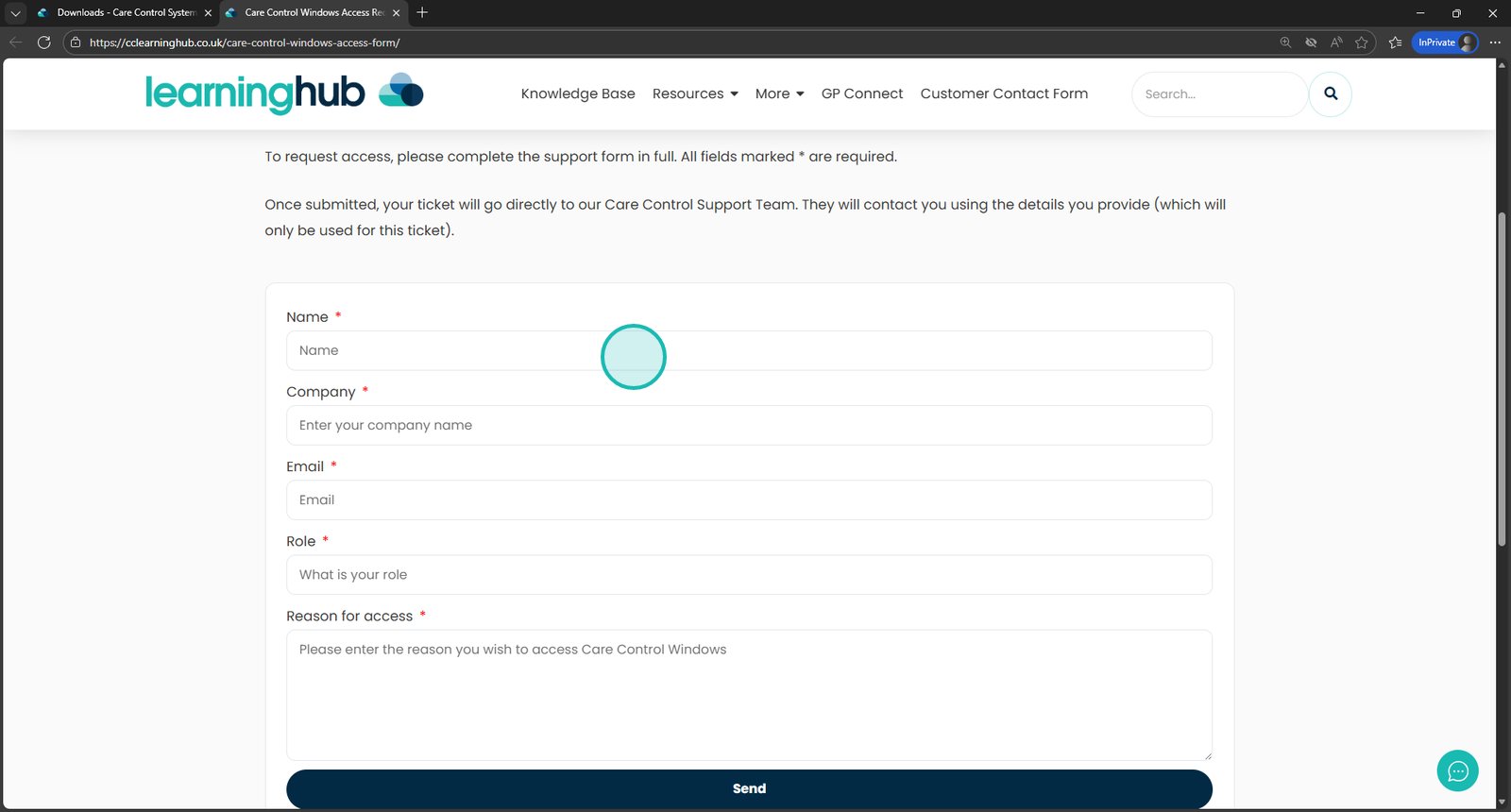
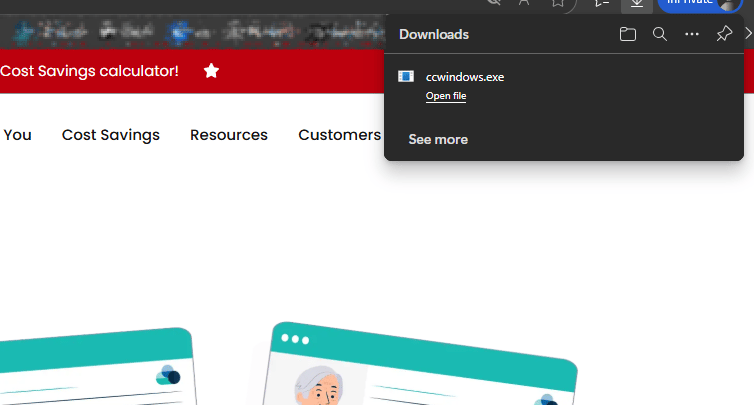
This guide shows you how to download and open Care Control on a Windows device. It’s designed to help you get set up quickly if you’re accessing Care Control using the Windows application.
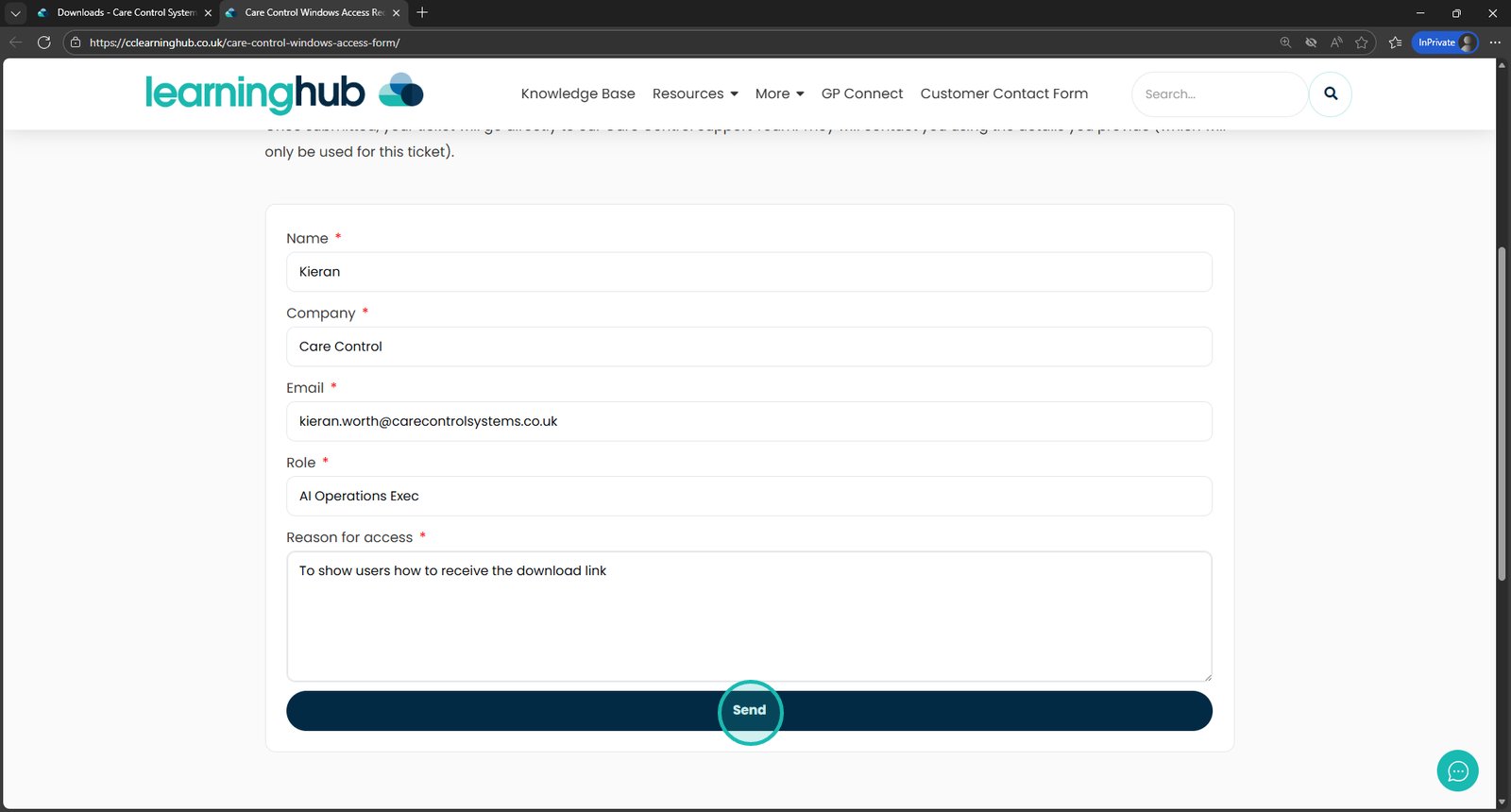
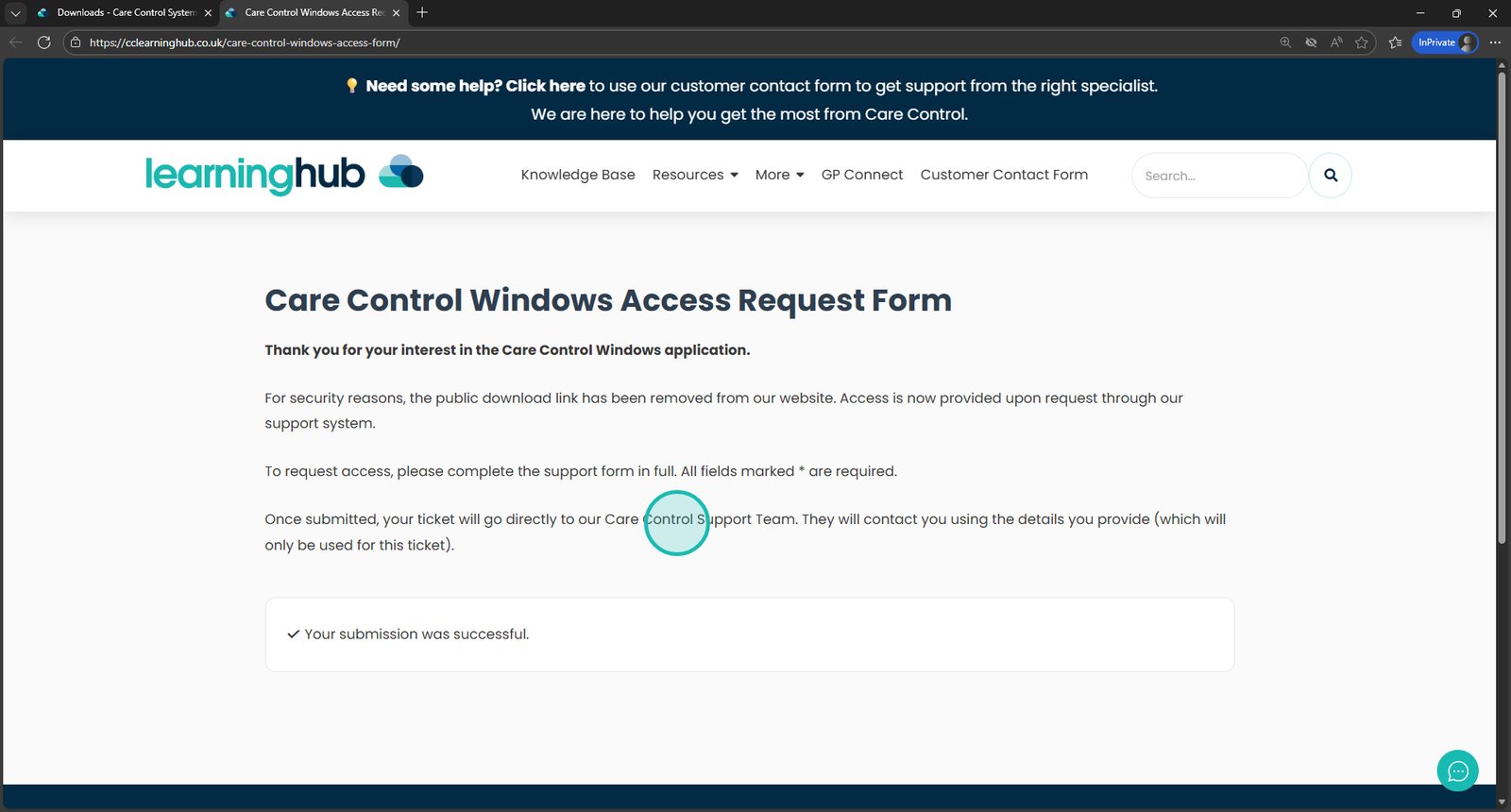
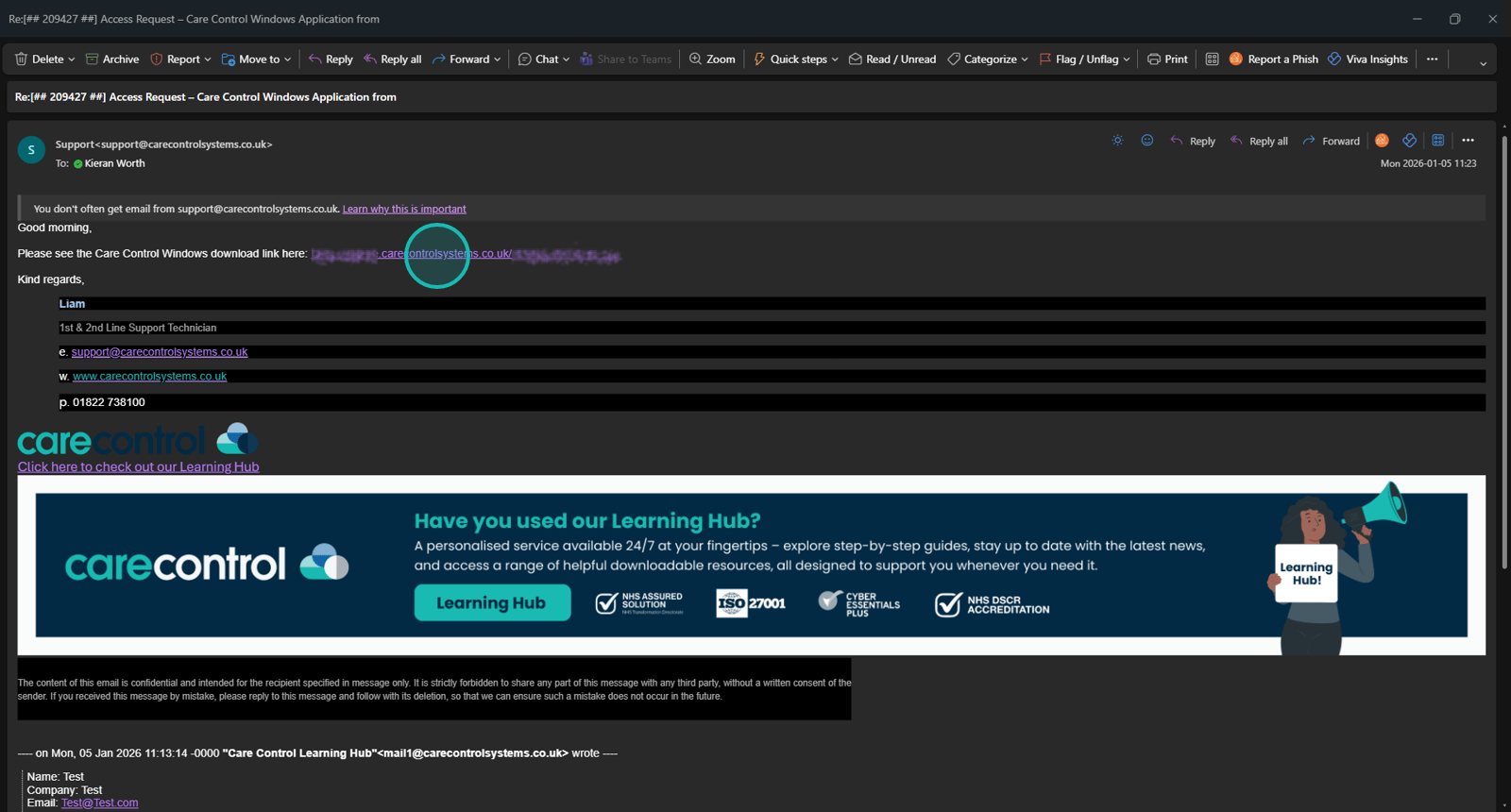
You’ll be guided through visiting the Care Control downloads page, submitting a request for the Windows version, and opening the application once your download link has been sent to you. The steps also explain what to expect after submitting the form, so you know where the download link will arrive and what to do next.
Follow the steps in order to make sure Care Control is downloaded and ready to use on your Windows device.