How to Duplicate a Run in Cloud
This guide explains how to duplicate a Run within the Cloud Roster system. Duplicating a run allows you to quickly copy an existing set of visits to another day without having to rebuild the schedule manually.
This is particularly useful for recurring rotas or when multiple days follow a similar structure. The system will check that the required visits exist on the selected day and highlight any issues before confirming the duplication, helping you maintain accuracy while saving time.
Interactive Guide
Text based guide
Enter the Roster app
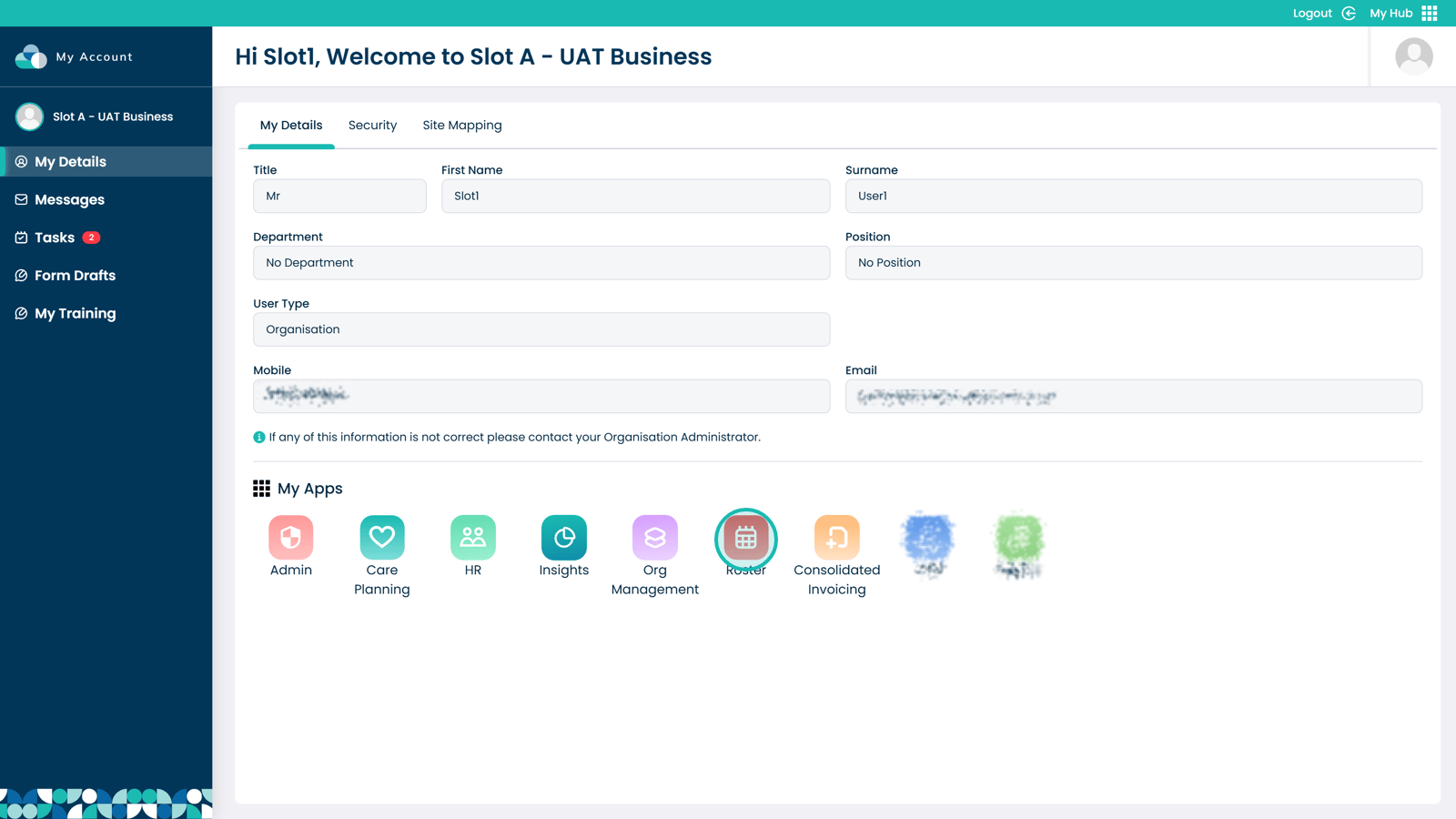
Click Rota to open the rota view
Click the three dots on the run
Select Duplicate Run
Open the day selection drop-down menu
Select the day(s) you want to duplicate the run to
Please note: the selected day must contain the same visits in order for the run to duplicate successfully.
Click Duplicate to confirm
Review any warnings displayed
If any issues are detected, a notification box will appear. Click Accept & Continue to allow the system to automatically correct them.