View Categories

How to Enable and Use Legacy View on Gateway

Learn how to enable Legacy View in Care Control Gateway, allowing you to navigate between familiar Care Control areas using a tab-based layout similar to Care Control Windows.

Takes 3 minutes
For: Everyone
Updated: 21st Oct 2026

Introduction

Legacy View provides a familiar way to navigate Care Control Cloud, particularly for staff who are used to the layout of Care Control Windows.

When enabled, Legacy View allows you to switch between different areas of Care Control using tabs, making it easier to move between sections without returning to the main navigation each time.

An administrator must first enable the Show Legacy View Option setting within Care Control Gateway. Once enabled, staff can access Legacy View while signed in and return to it when needed.

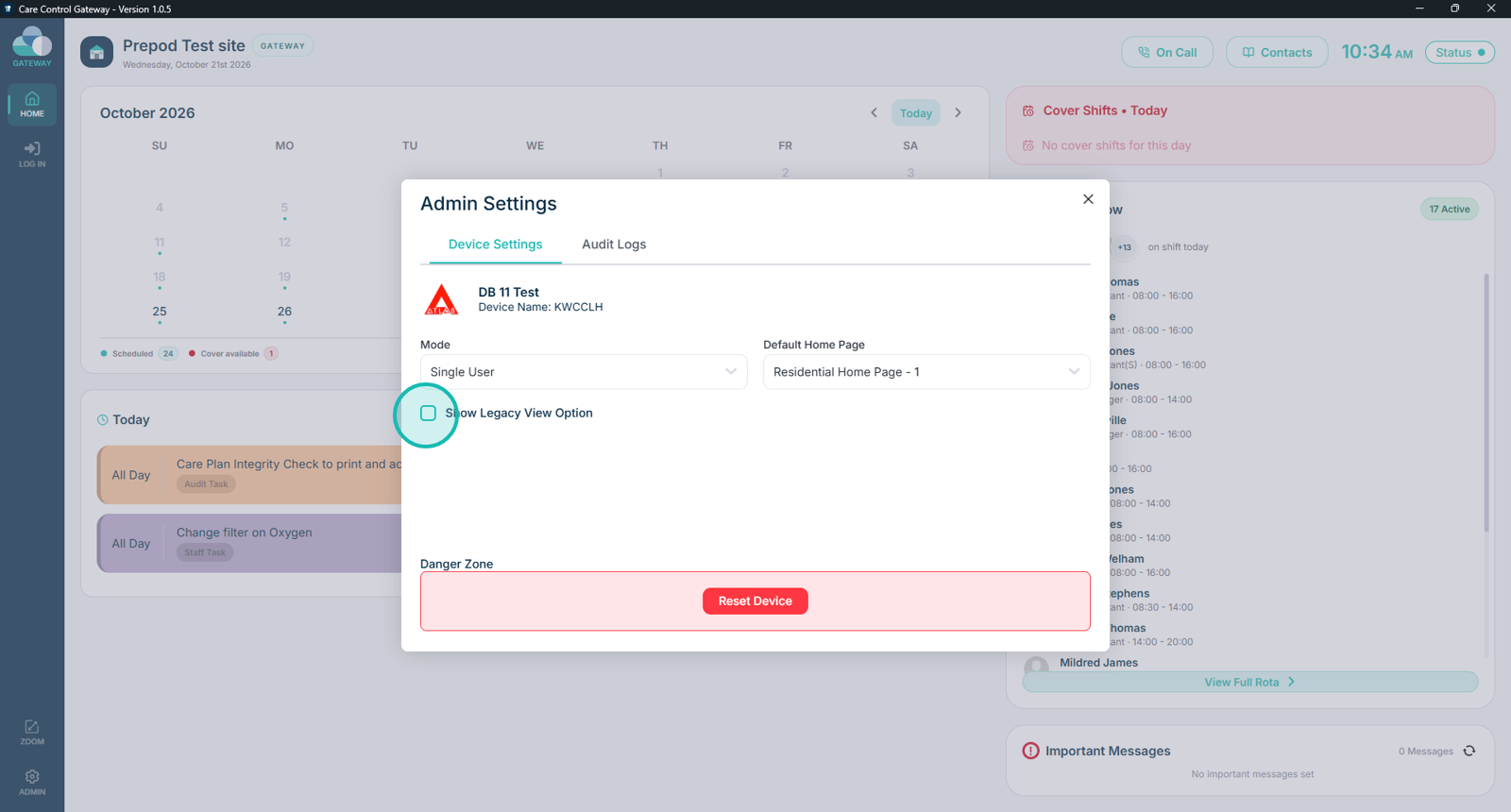
Important: Care Control Gateway must be running in Single-User Mode for Legacy View to be enabled and used. Legacy View is not available in Kiosk Mode.

In this guide you'll learn how to:

  • Access the Gateway Admin settings
  • Enable the Legacy View option
  • Open Legacy View
  • Navigate between different areas of Care Control
  • Return to Legacy View from another area

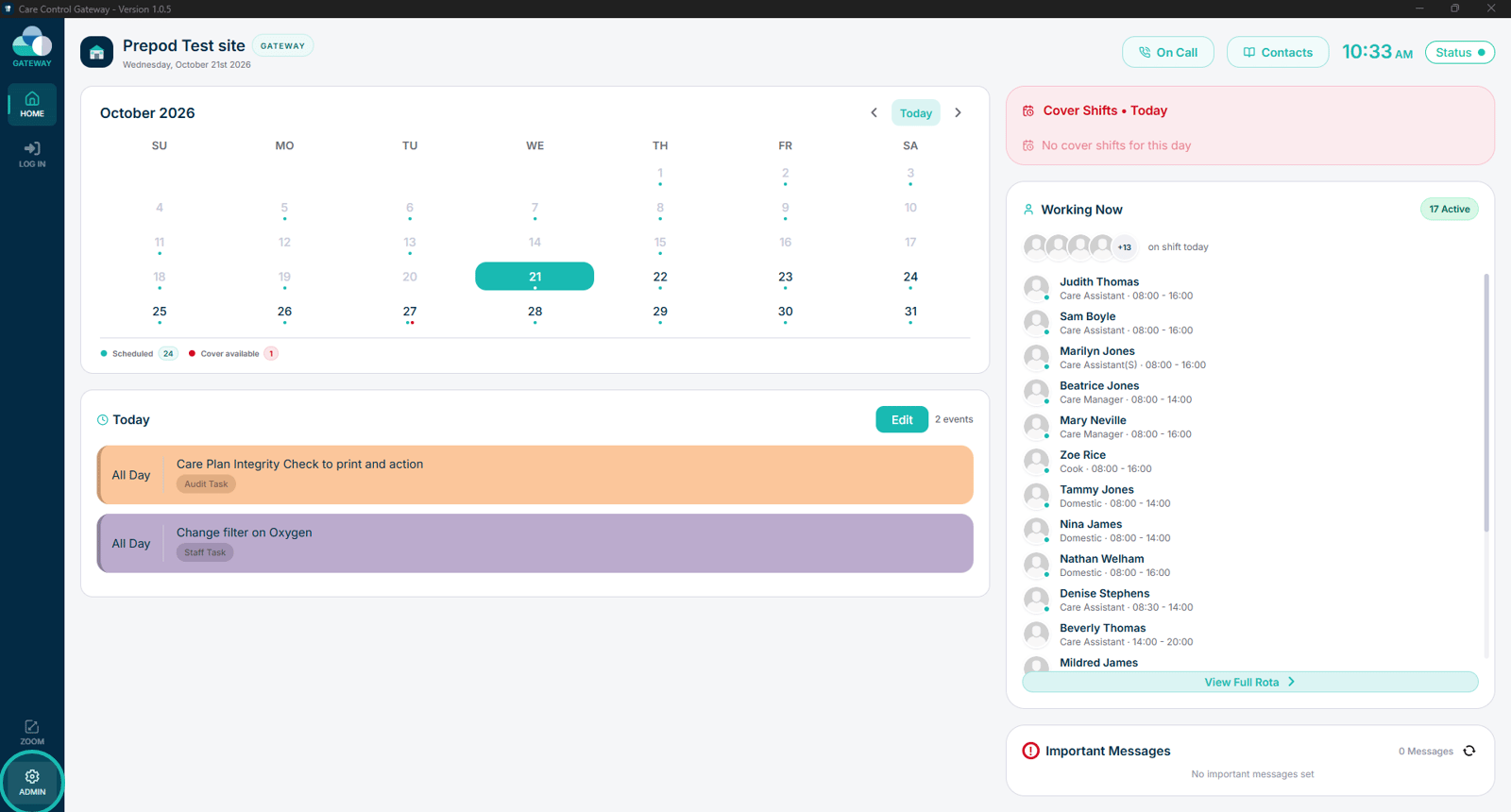
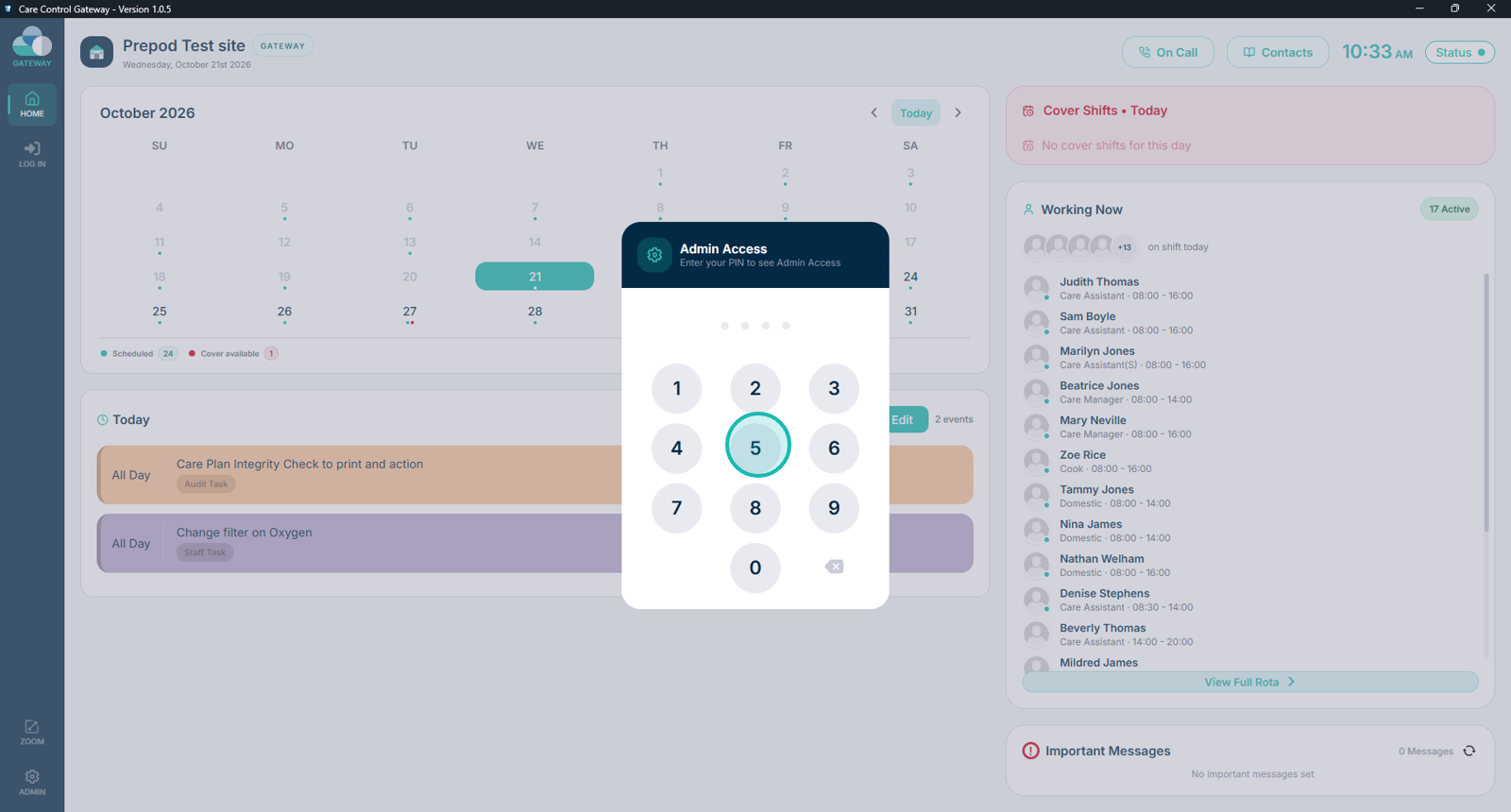
Open the Admin section in Care Control Gateway.

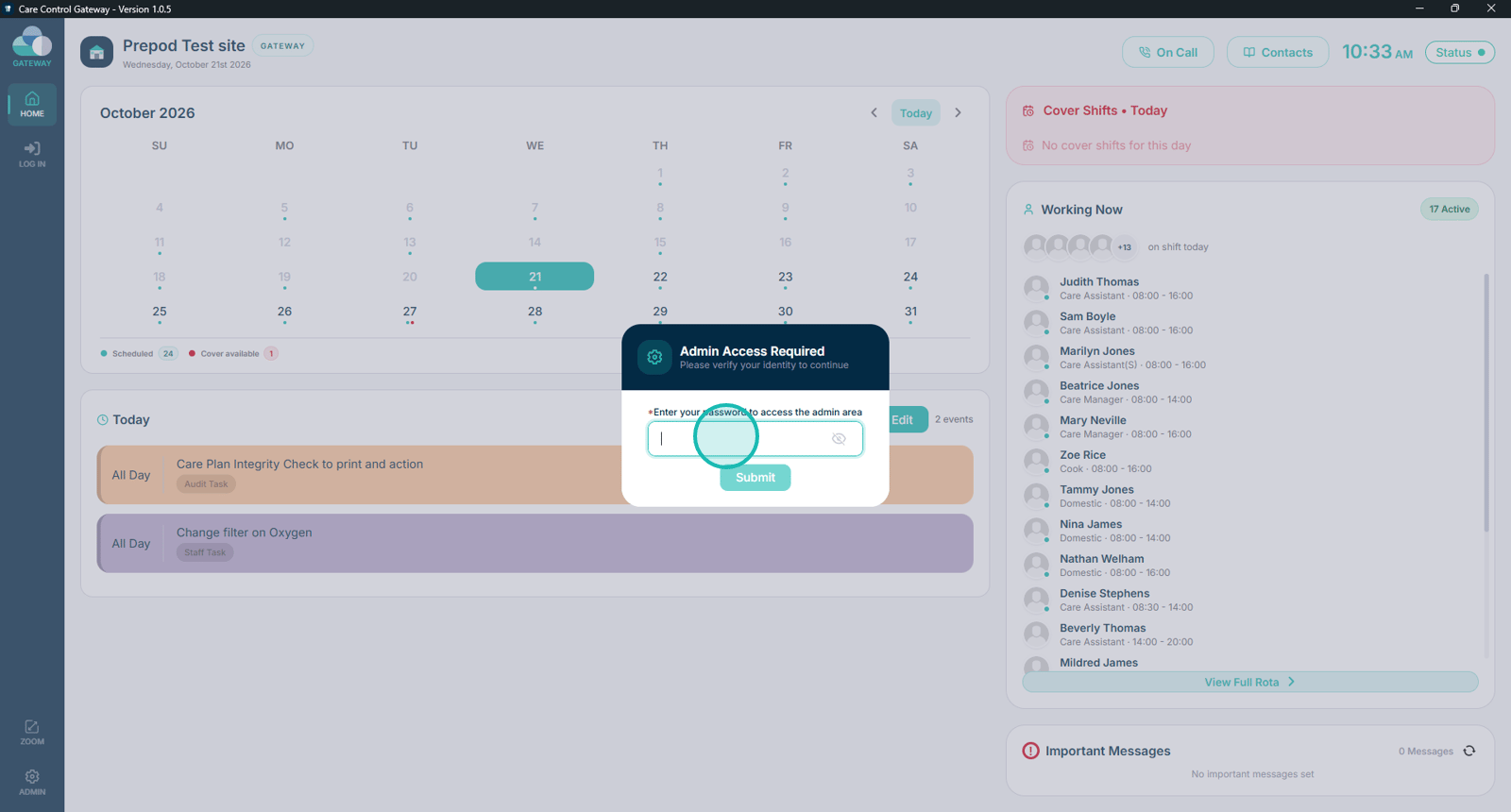
Enter your administrator PIN.

Enter your administrator password.

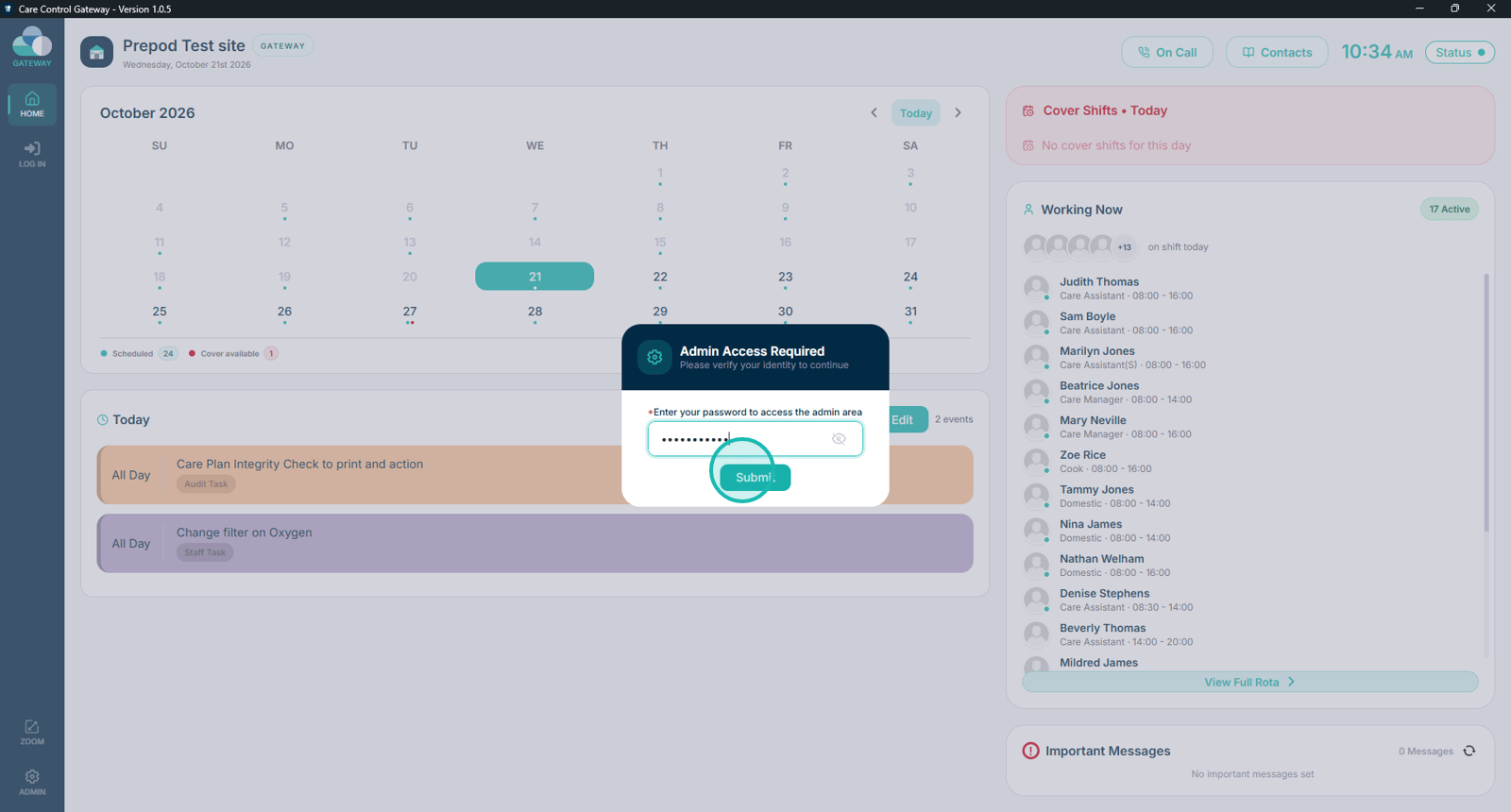
Submit your administrator credentials to access the settings.

Tick the Show Legacy View Option checkbox to enable Legacy View.

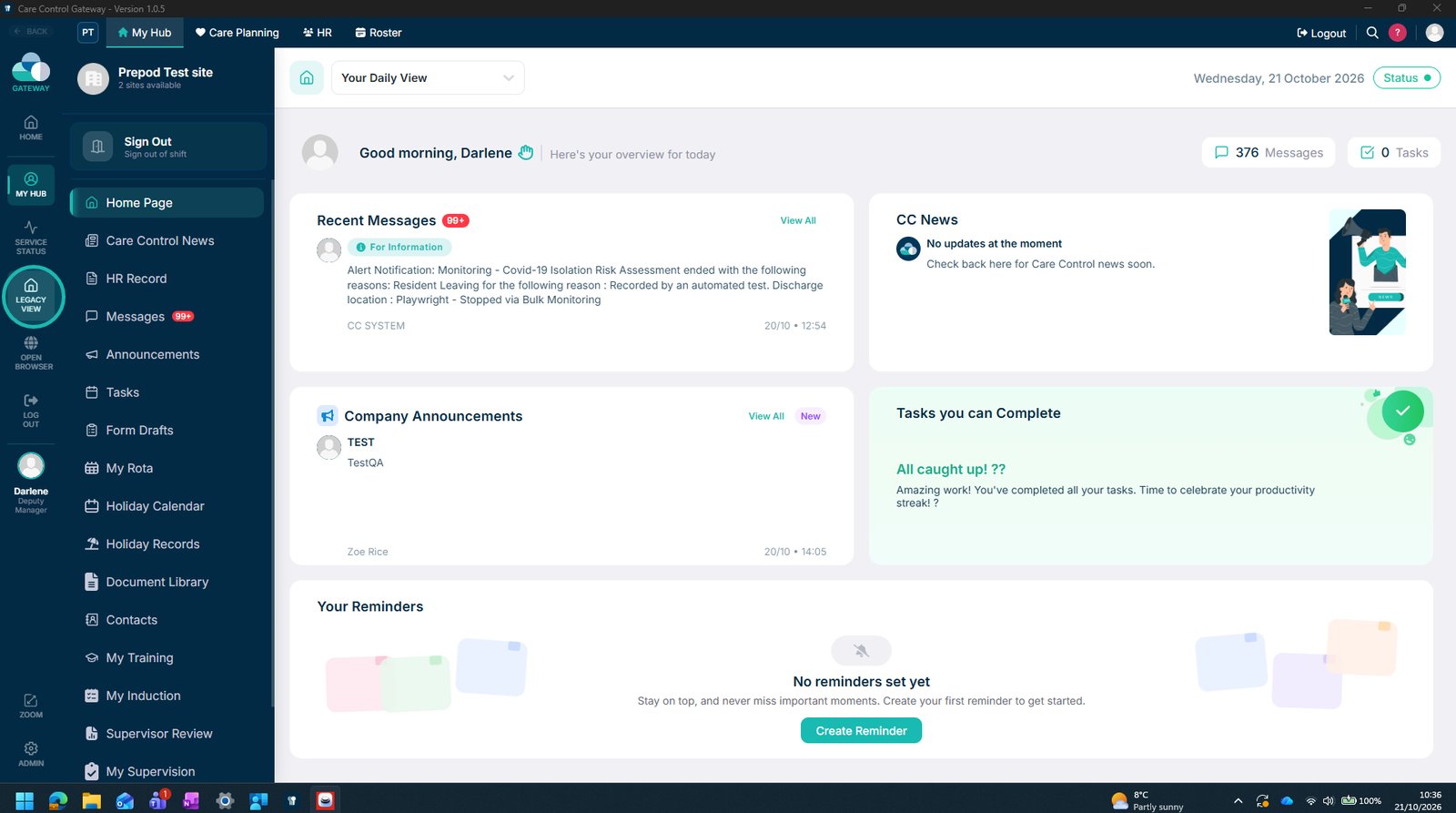
Once signed in, select Legacy View to open the familiar navigation layout.

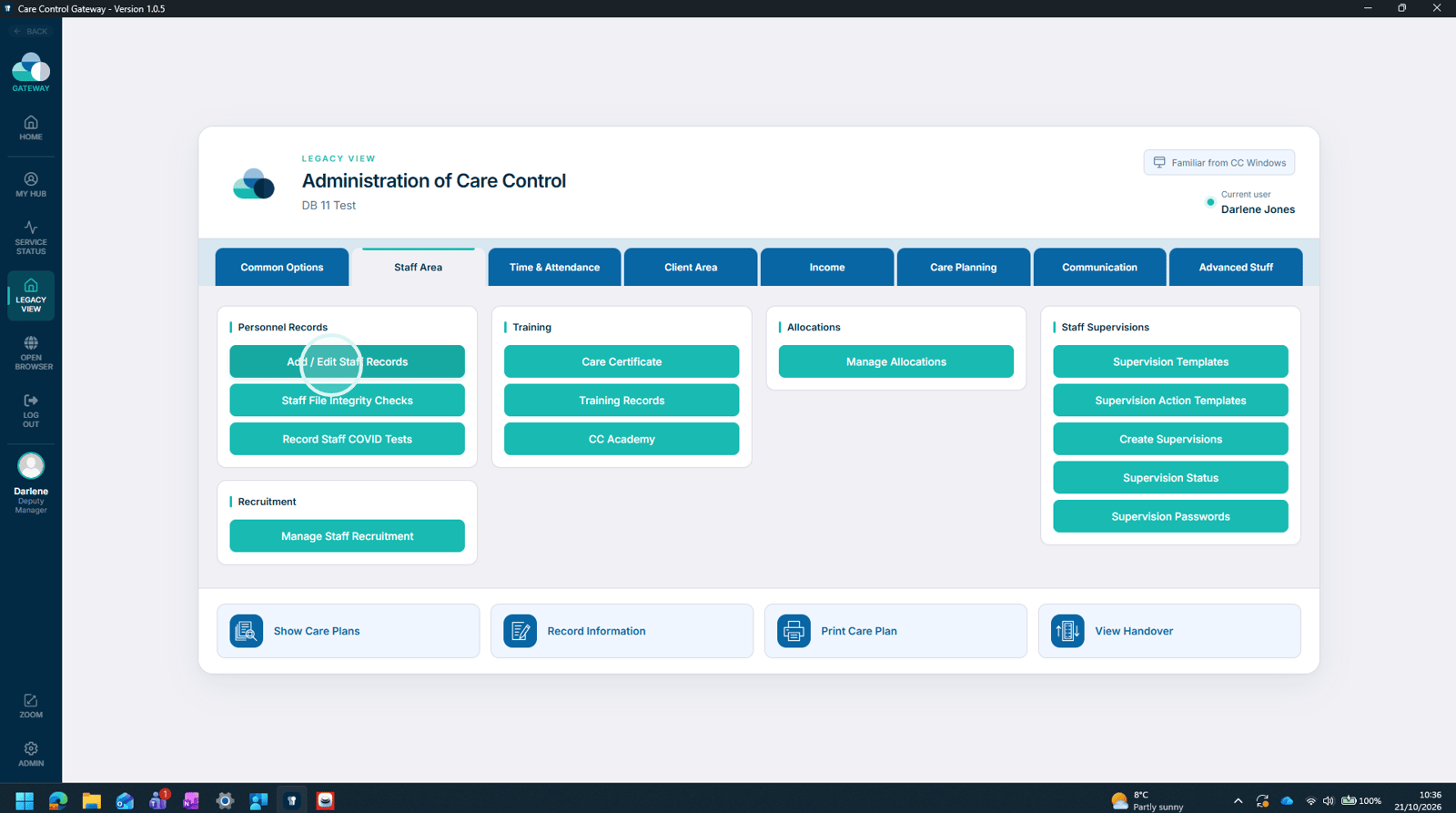
Use the tabs at the top to navigate between different areas, similar to Care Control Windows.
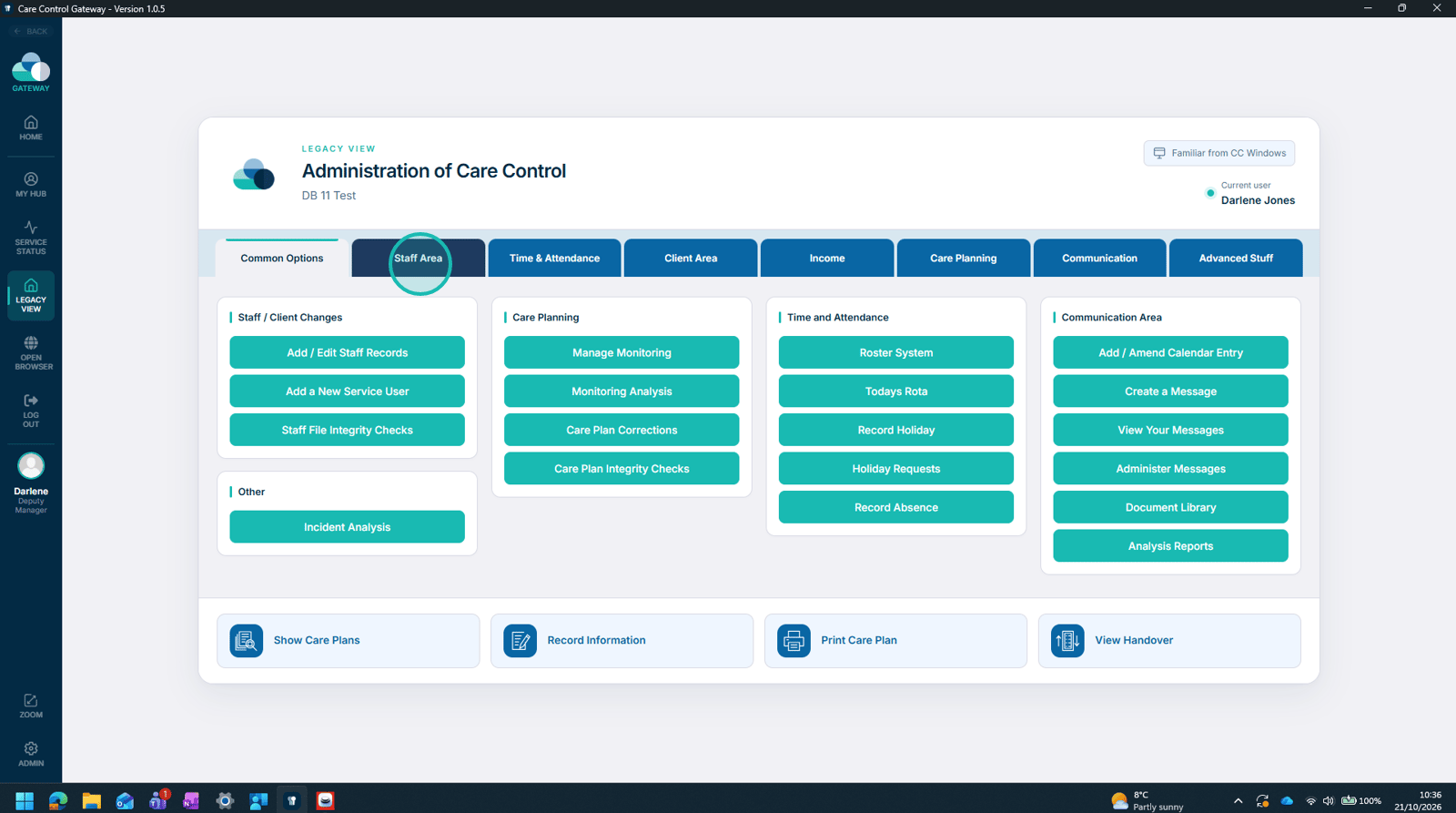
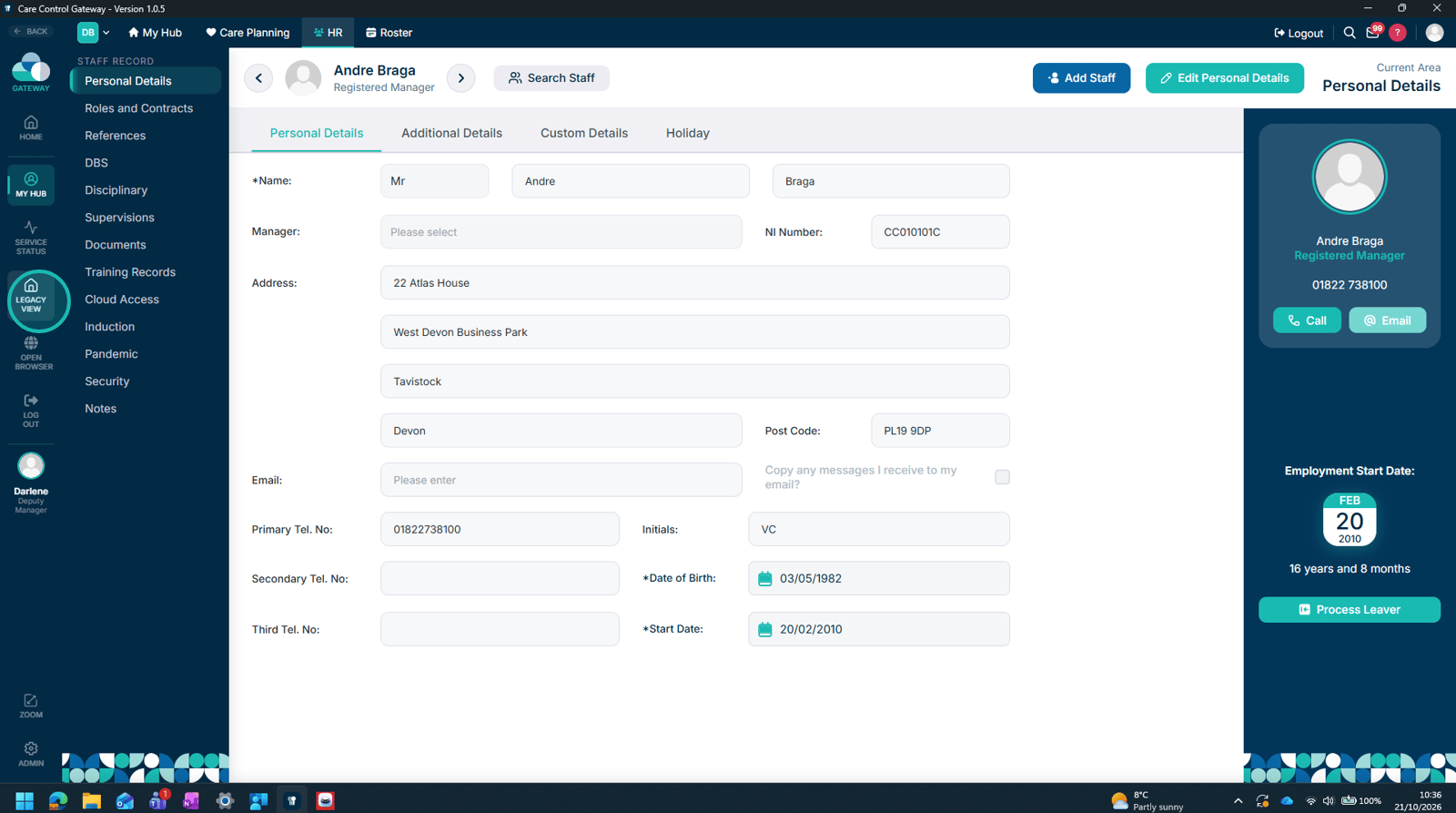
Select an area to open it within Care Control Cloud.

Select Legacy View at any time to return to the tab-based navigation.

Top tip

Legacy View is useful for staff who are familiar with navigating between different areas of Care Control Windows. Once enabled by an administrator, staff can switch between Legacy View and the standard Cloud interface when required.

Was this guide helpful?

Need more help?

Can't find what you're looking for? Our support team is here to help.

Contact Support

Or call us on

On this page