View Categories

How to Navigate Care Control Gateway

Learn how to navigate the Care Control Gateway home screen. This guide introduces the main dashboard features, including your schedule, available cover, daily tasks, staff on shift, important messages, on-call contacts, organisation contacts, and the Care Control system status page.
Takes 2 minutes
For: Everyone
Updated: 5th Aug 2026

Introduction

The Care Control Gateway home screen provides an overview of your day and quick access to key information. From a single dashboard, you can view your upcoming shifts, claim available cover, check outstanding tasks, see who is currently working, read important messages, and access useful contacts.

In this guide, you'll learn how to:

  • Navigate the main dashboard.
  • View your scheduled shifts and available cover.
  • Claim an available shift.
  • Review today's tasks and staff currently on shift.
  • Access important messages.
  • View on-call manager details and organisation contacts.
  • Open the Care Control Status page to check for maintenance or service updates.

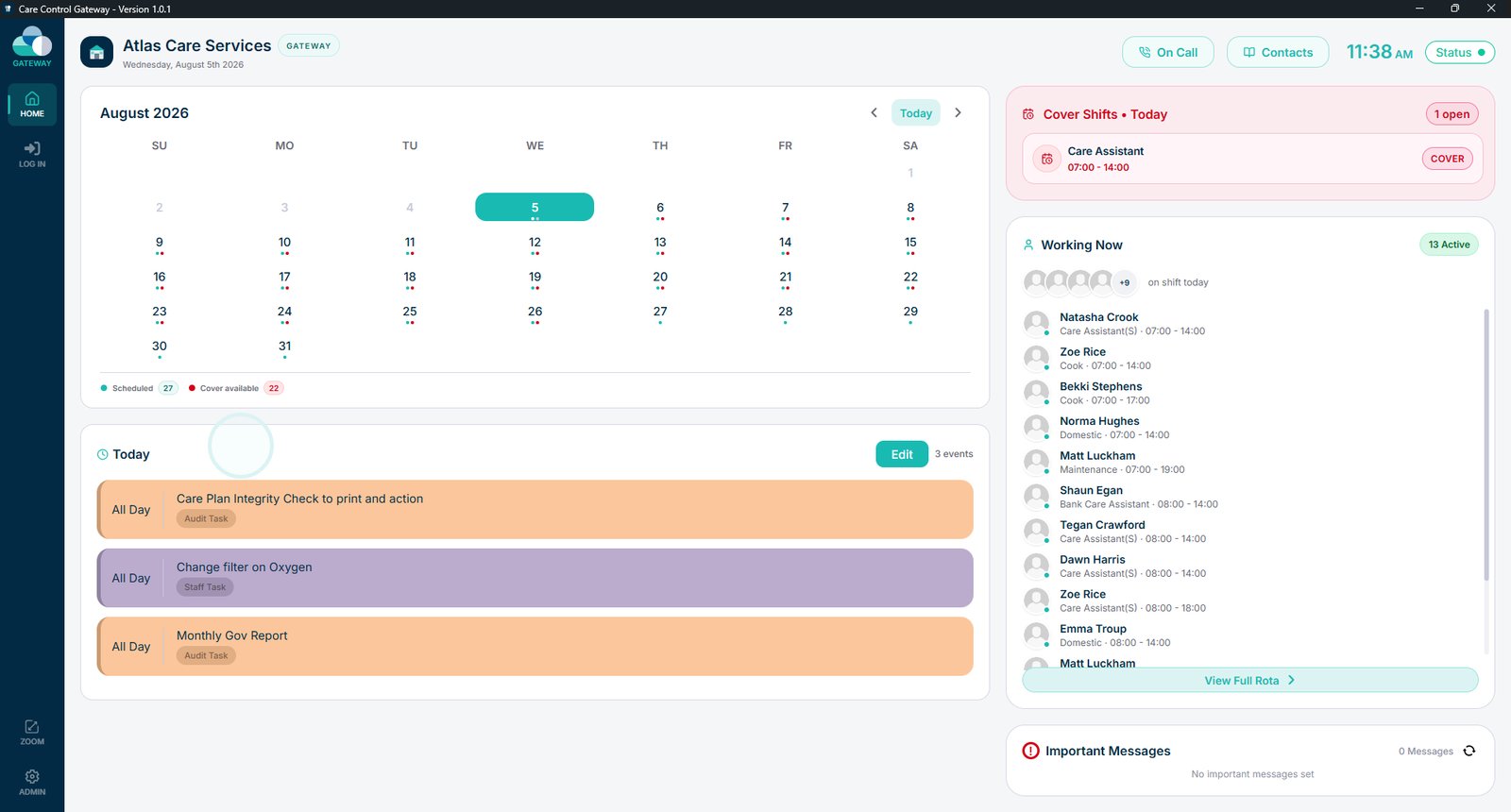
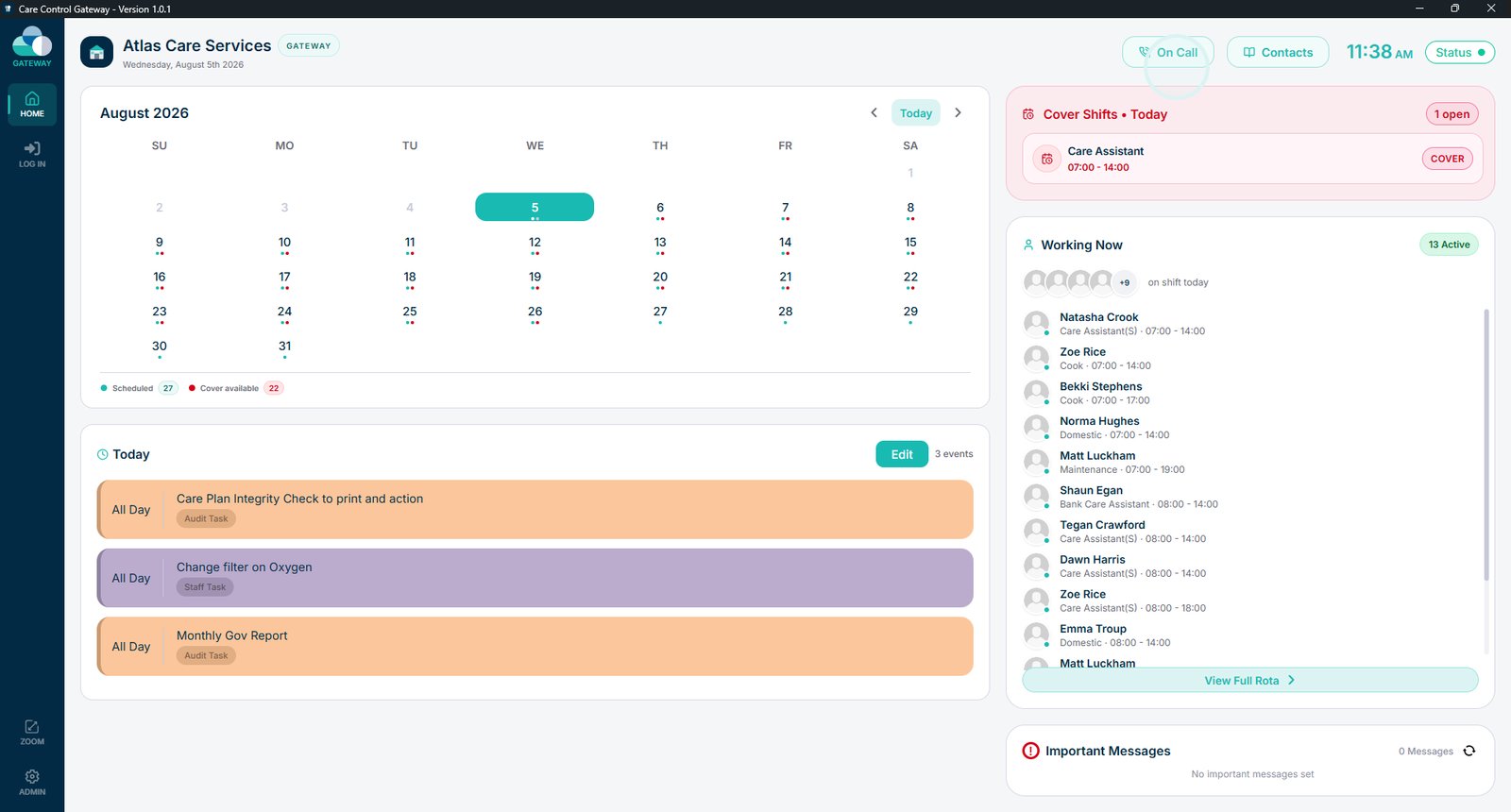
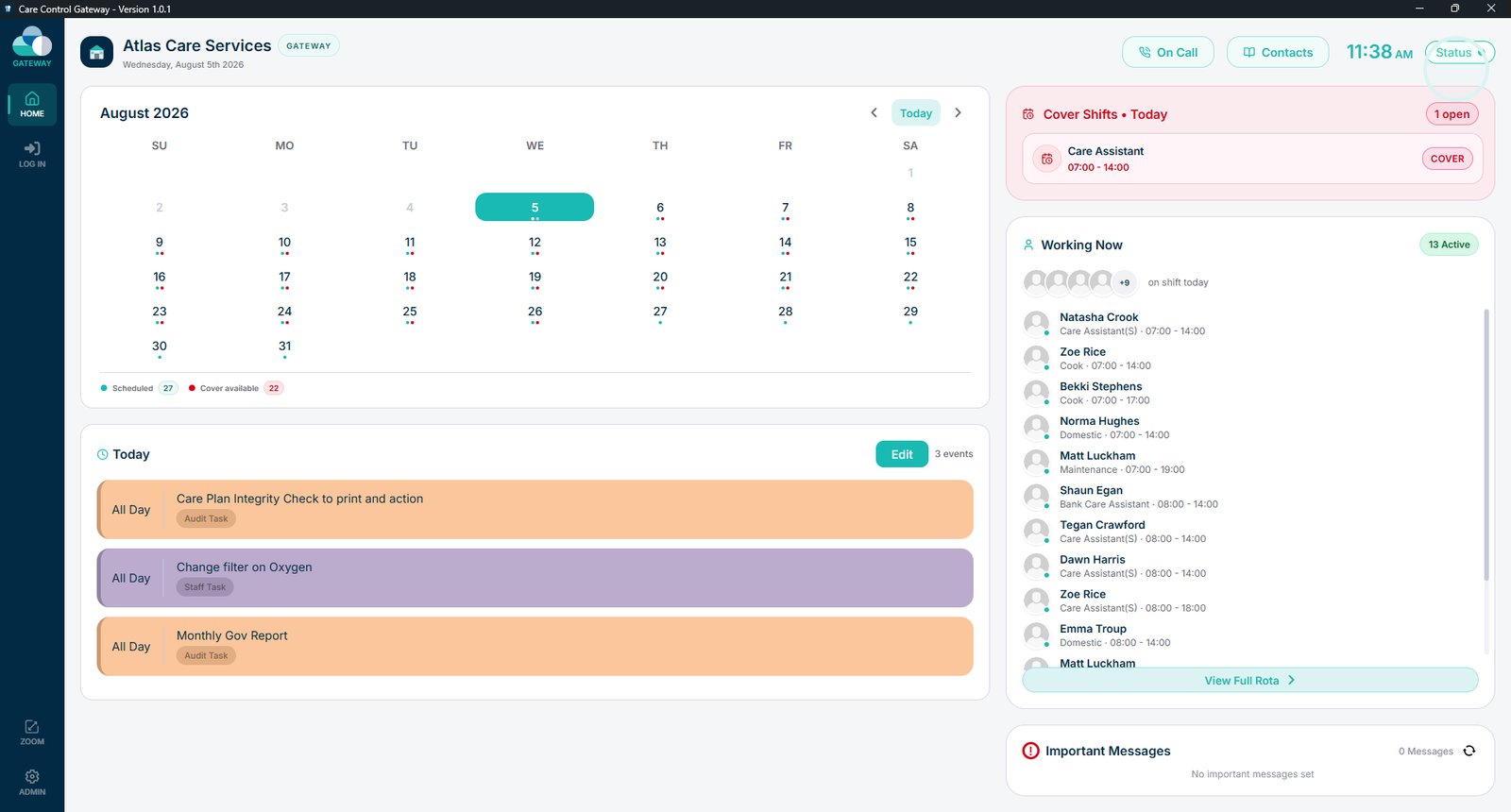
This is the Care Control Gateway home screen. From here you can access your schedule, available cover, daily tasks, messages, contacts and other useful information.

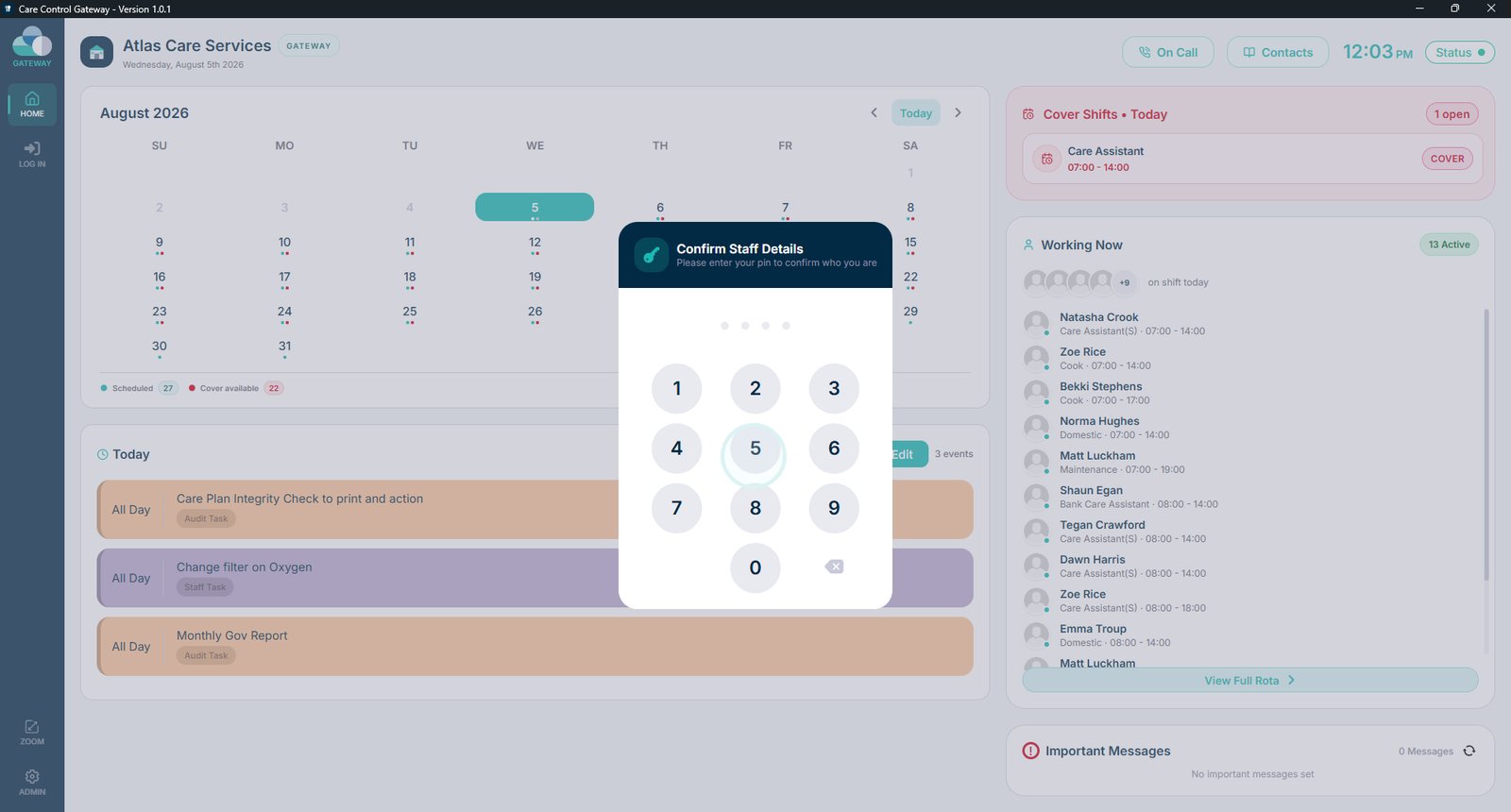
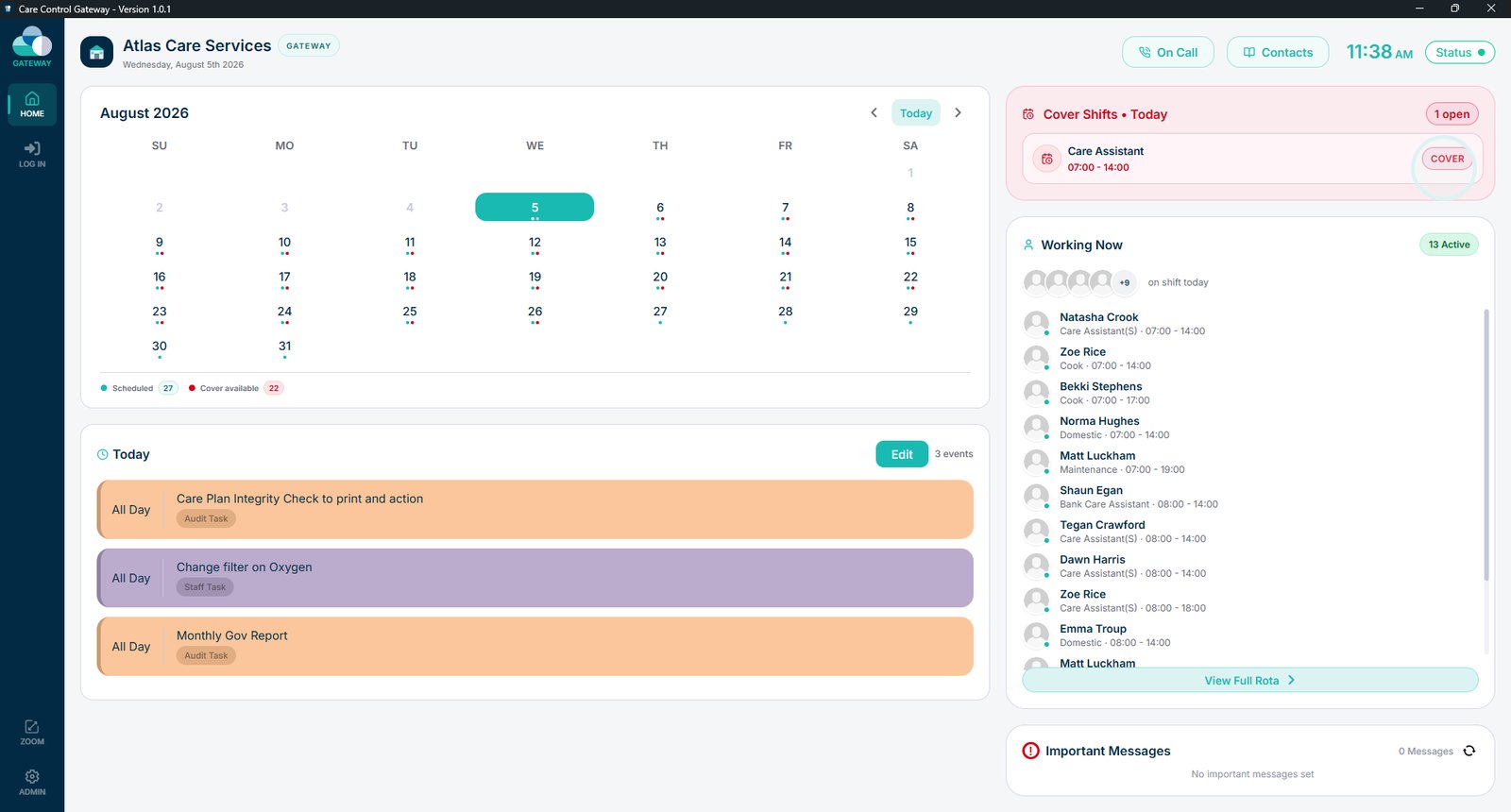
Select Cover to claim an available shift.

Enter your PIN to assign the shift to yourself.

View today's tasks.

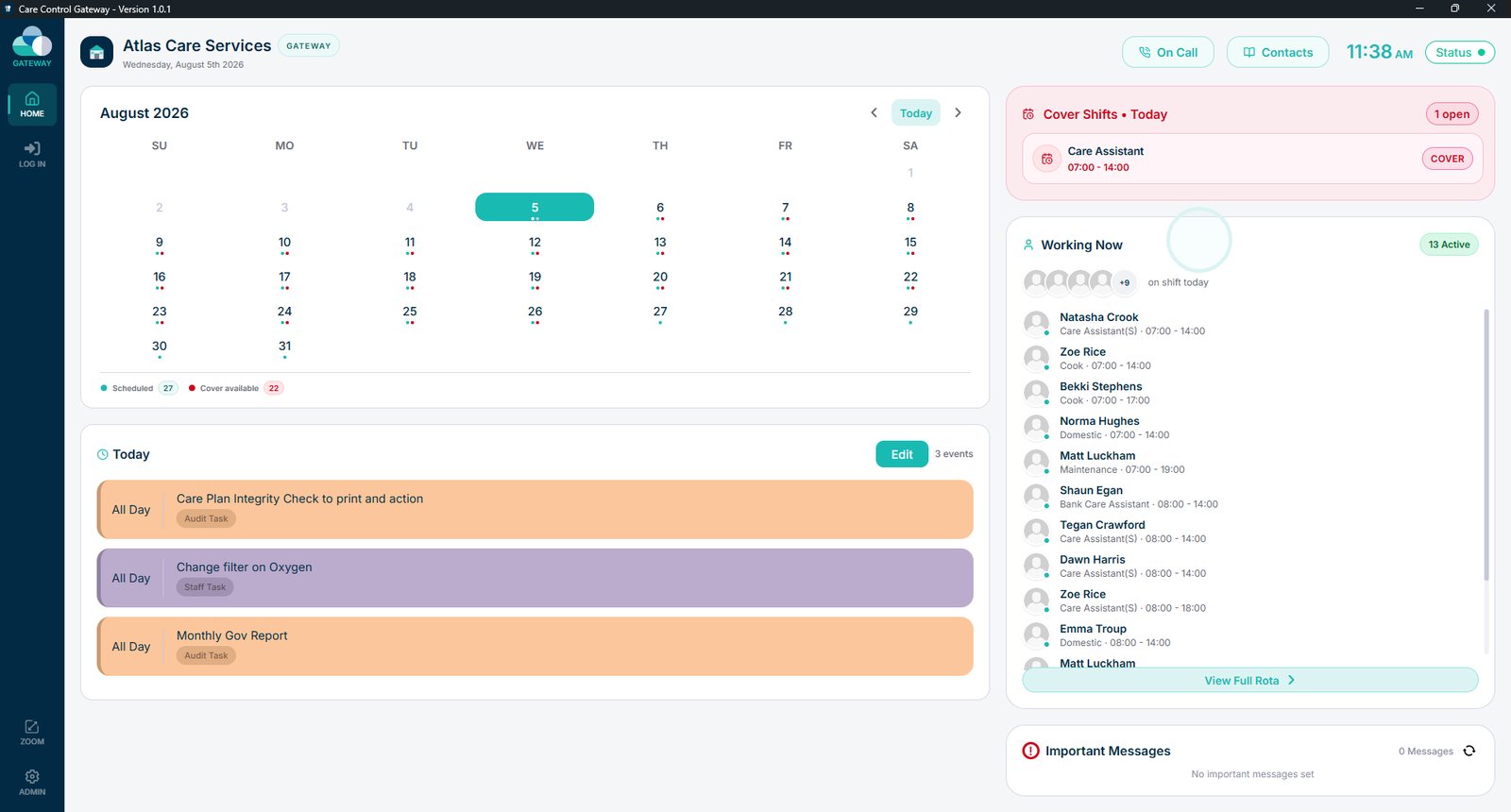
See which staff members are currently on shift.

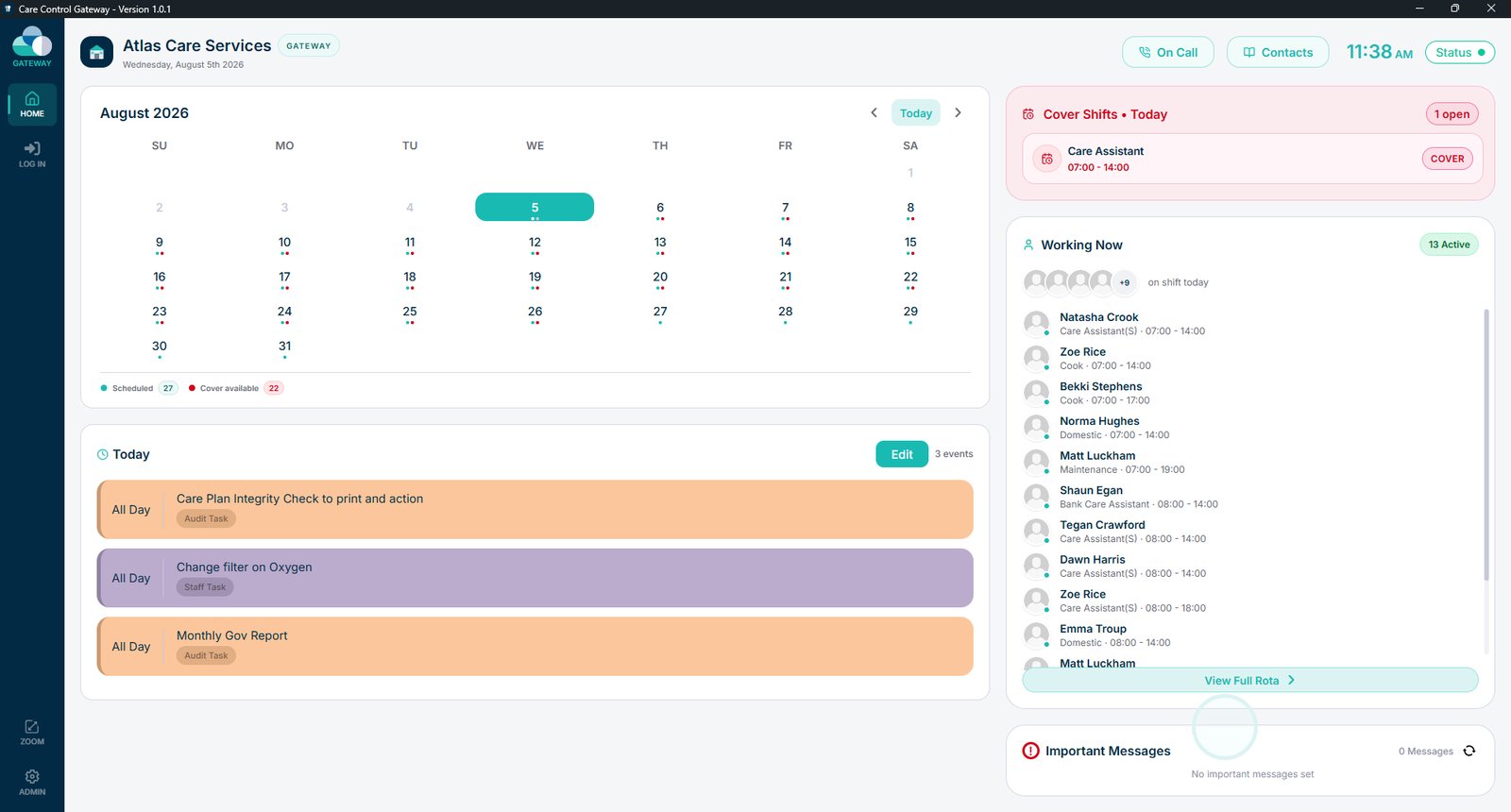
View any important messages that have been shared.

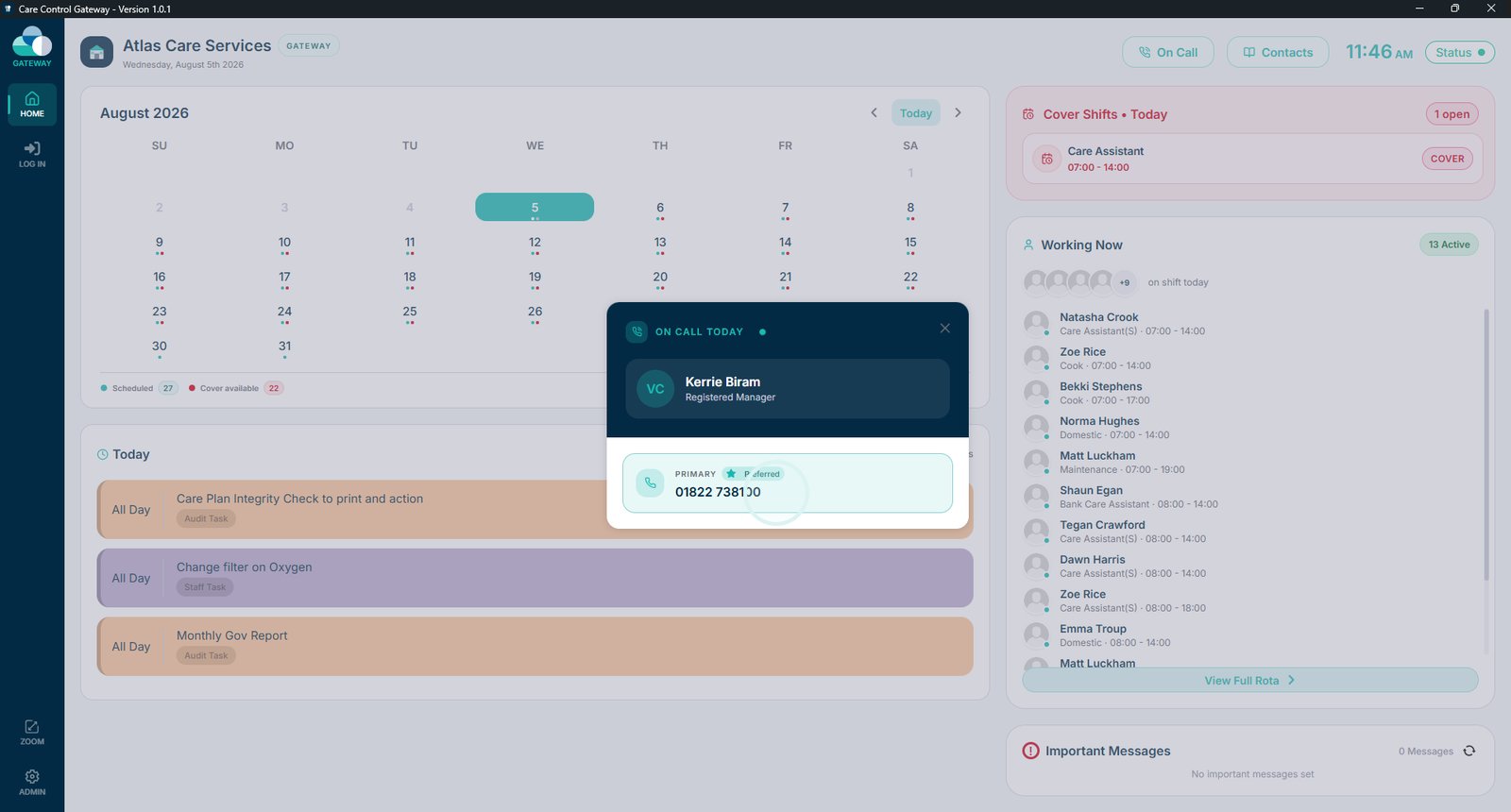
Select On Call to view the current on-call manager.

View the primary on-call contact and their contact details.

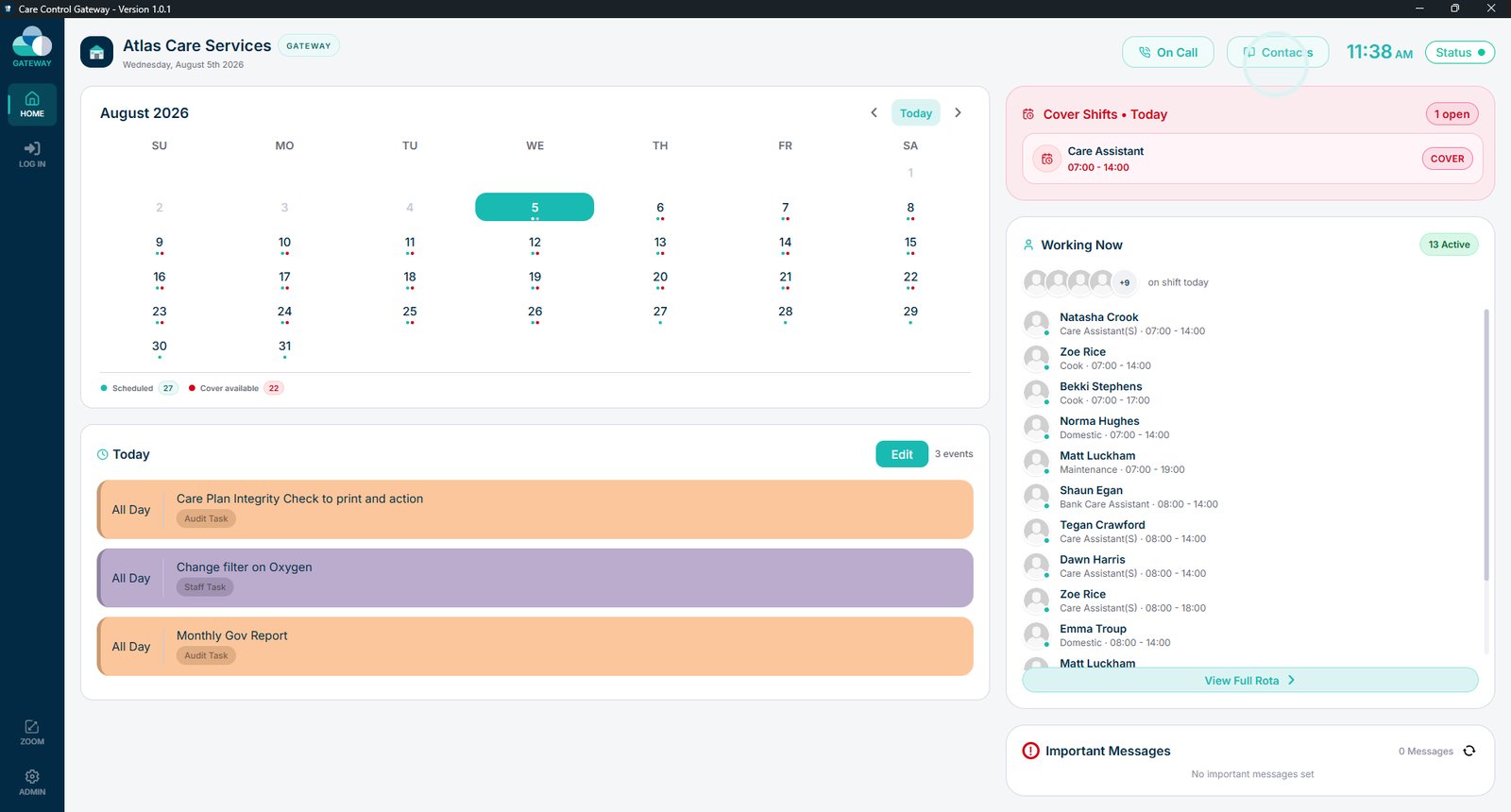
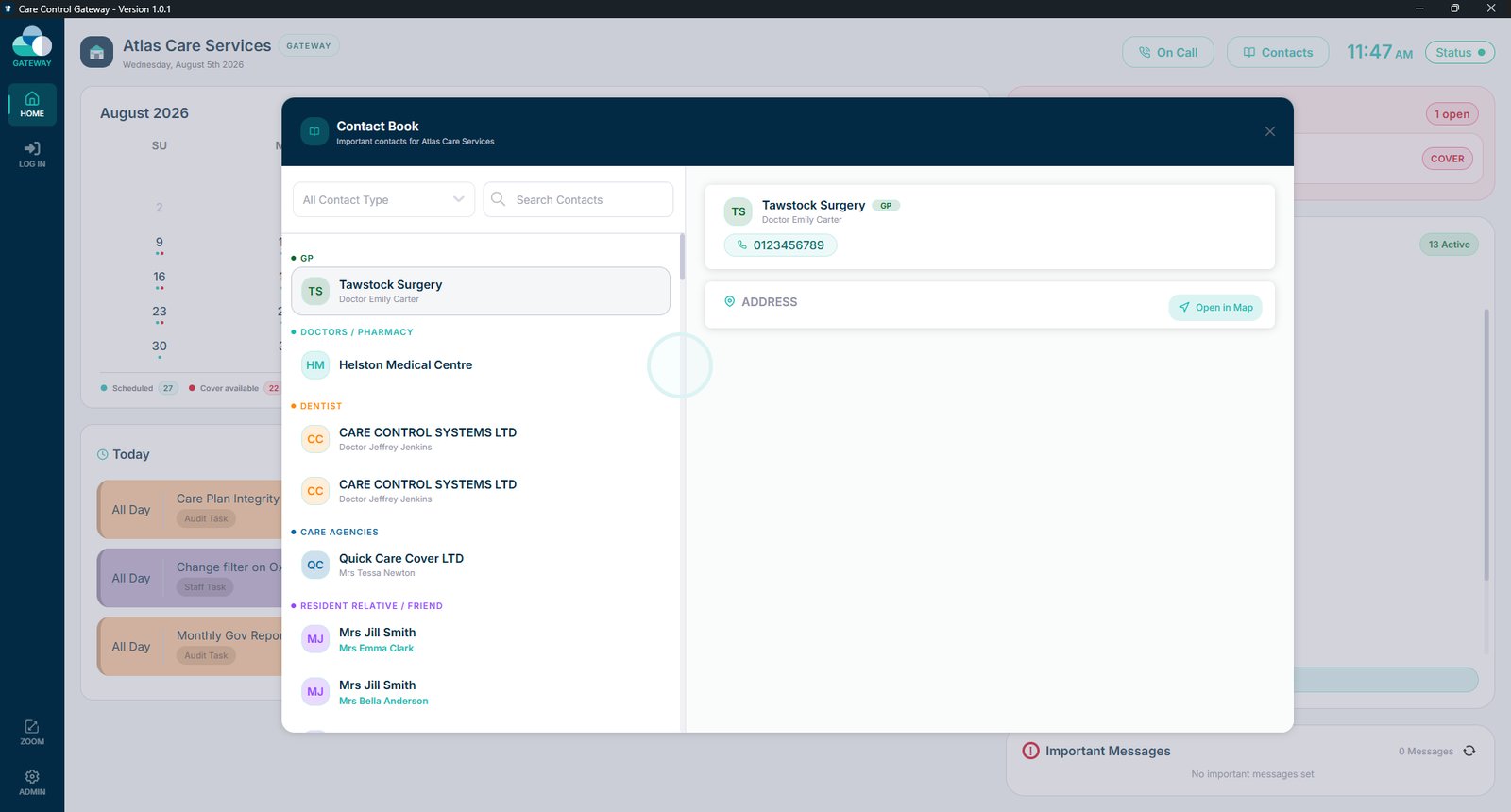
Select Contacts to view all available contacts.

Browse the full list of contacts and their details.

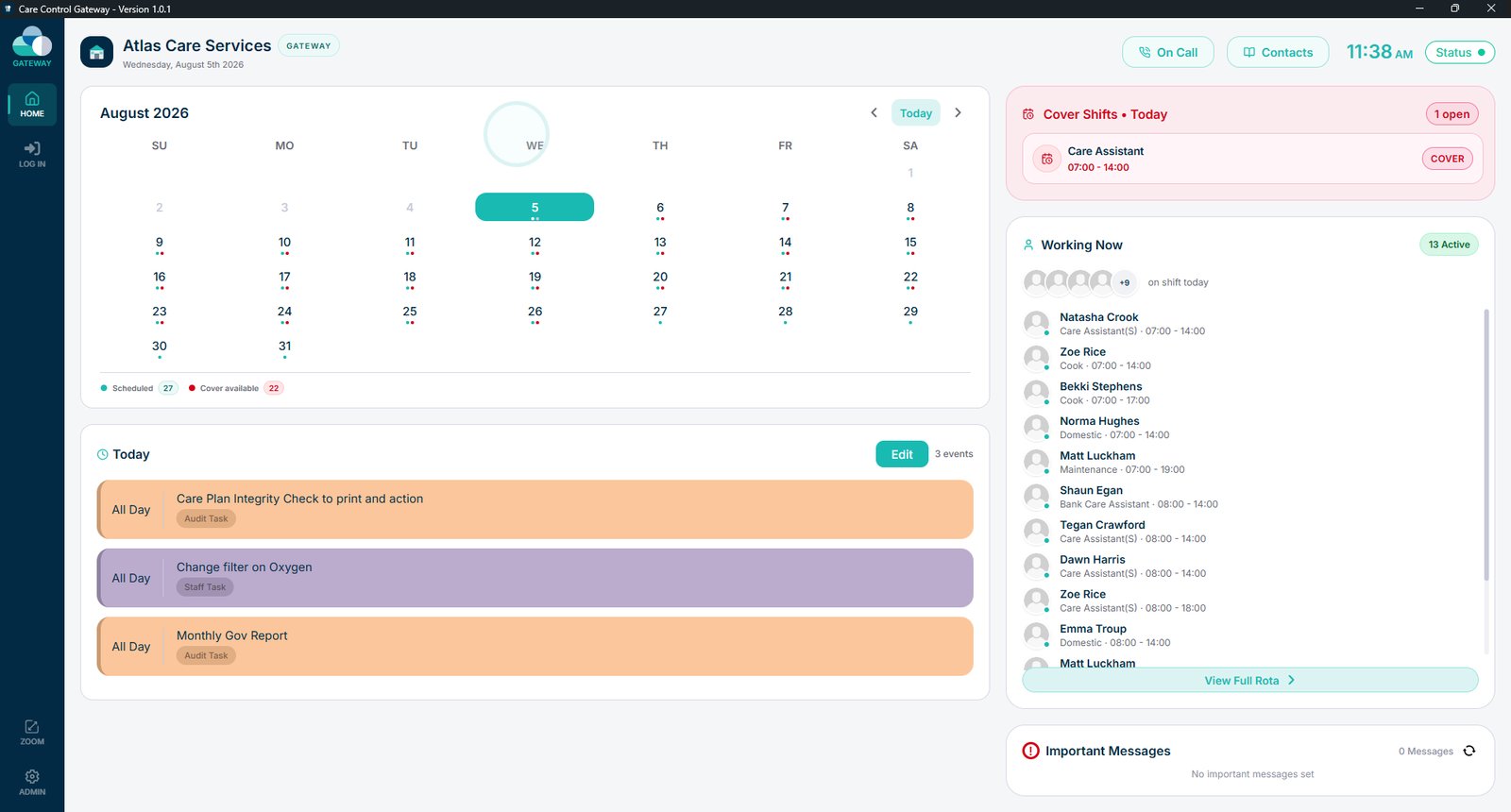
Select Status to open the Care Control Status page and view any planned maintenance or known service issues.

Top tip

The home screen gives you a quick snapshot of everything you need before starting your shift, so it's worth checking each time you sign in.

Was this guide helpful?

Need more help?

Can't find what you're looking for? Our support team is here to help.

Contact Support

Or call us on

On this page