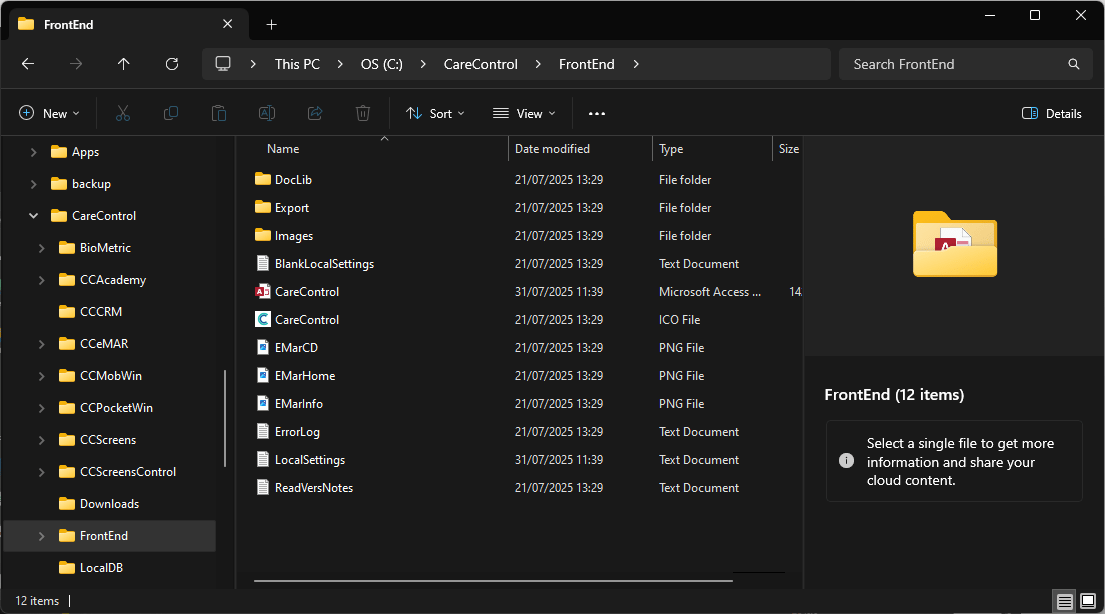
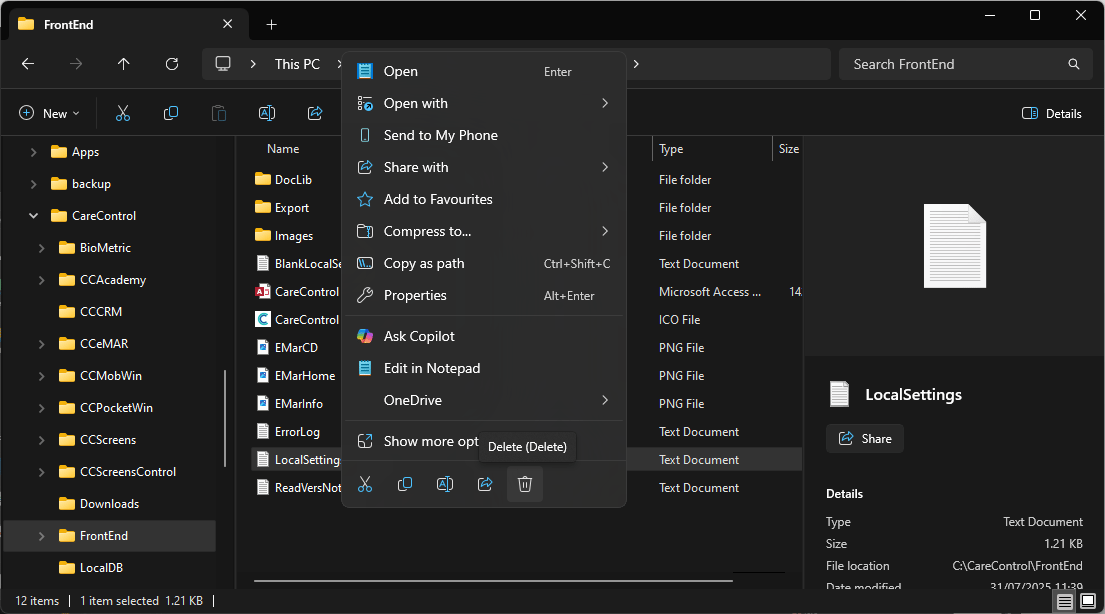
To register Care Control Windows, you must first ensure that the application is completely closed before beginning the process. This prevents any conflicts during registration and ensures the system can update correctly. Once the necessary registration steps have been completed, you can restart Care Control Windows. On launch, the software will automatically prompt you to enter your registration details.
Depending on your setup, the system will request a Site Code, Business Code, or a One Time Code. These codes link your installation to your organisation and confirm your access rights. Once the correct code has been entered and verified, the application will finalise the registration and open as normal, ready for use.
Interactive Guide
Text based guide
Open the Windows taskbar
Enter File Explorer
Click the navigation bar and paste C:\CareControl\Frontend then press Enter on your keyboard