This guide explains how to view and amend Check-In and Check-Out details within the Cloud Roster system. It allows authorised users to review visit attendance records and make adjustments where necessary.
You can update recorded times, provide a reason for the amendment, and review the exact Check-In and Check-Out locations using the integrated map view. This ensures accurate record-keeping, supports compliance and auditing requirements, and helps maintain a clear and reliable history of visit activity.
Interactive Guide
Text based guide
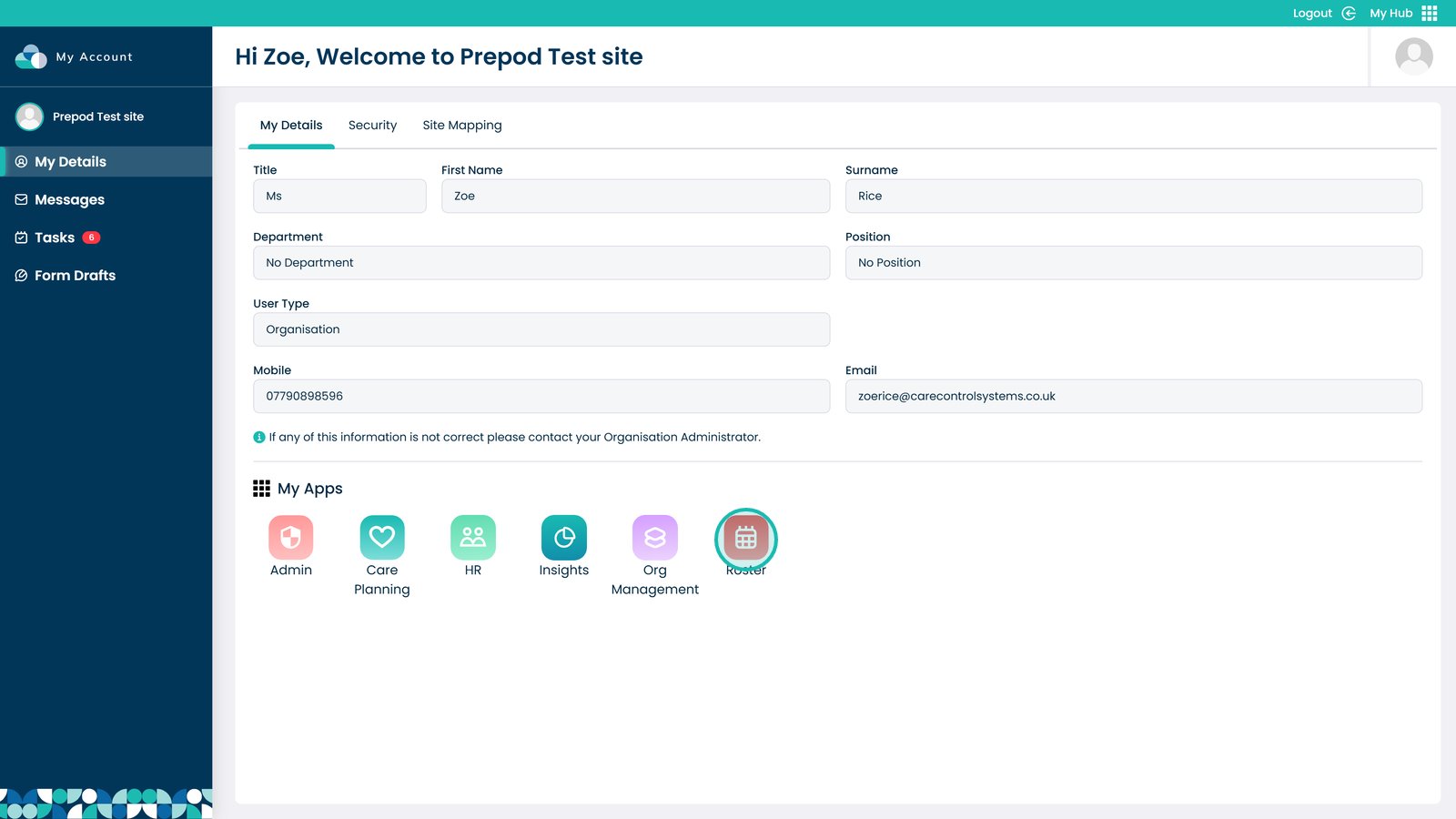
Enter the Roster app
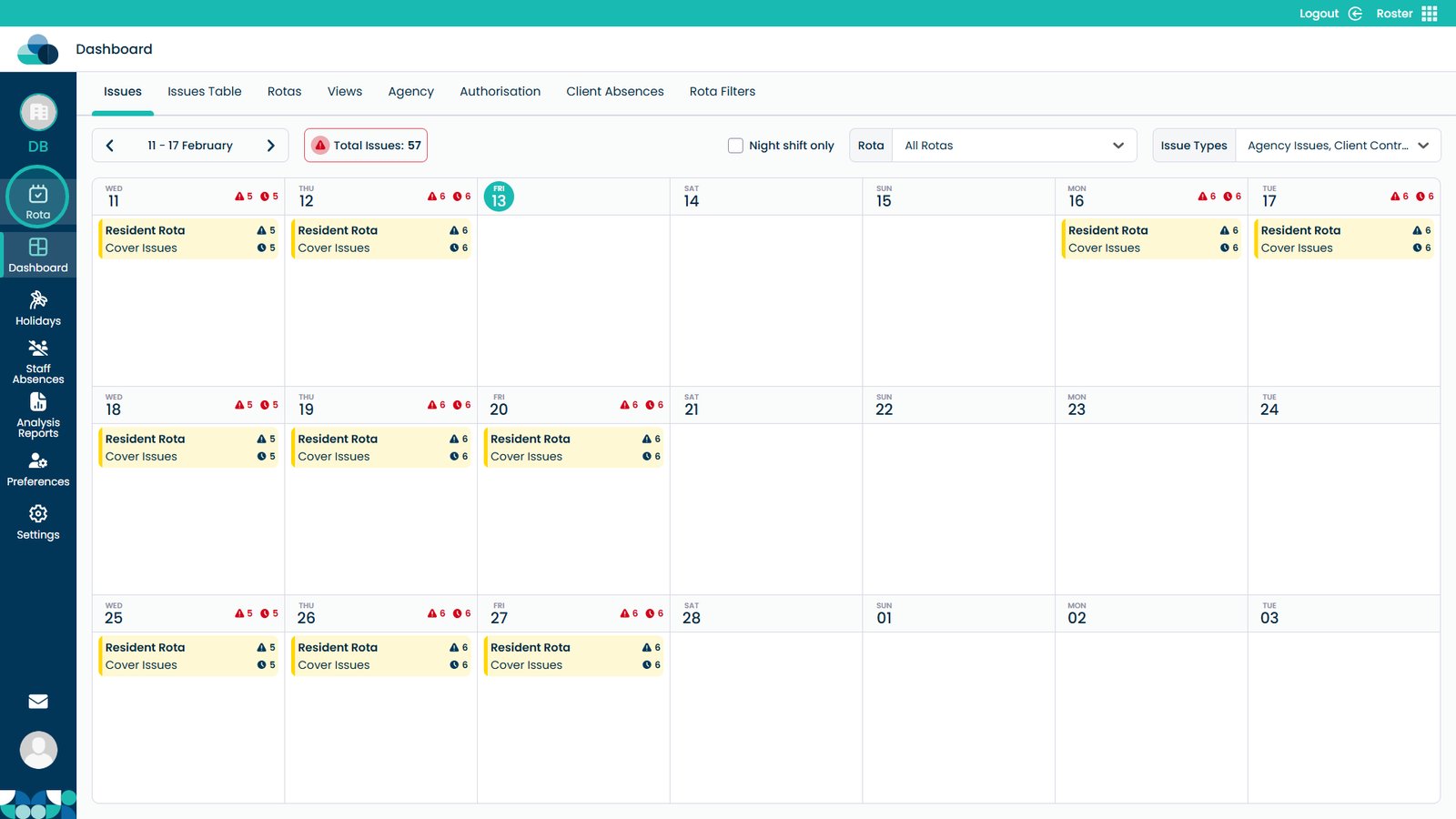
Click Rota to open the rota page
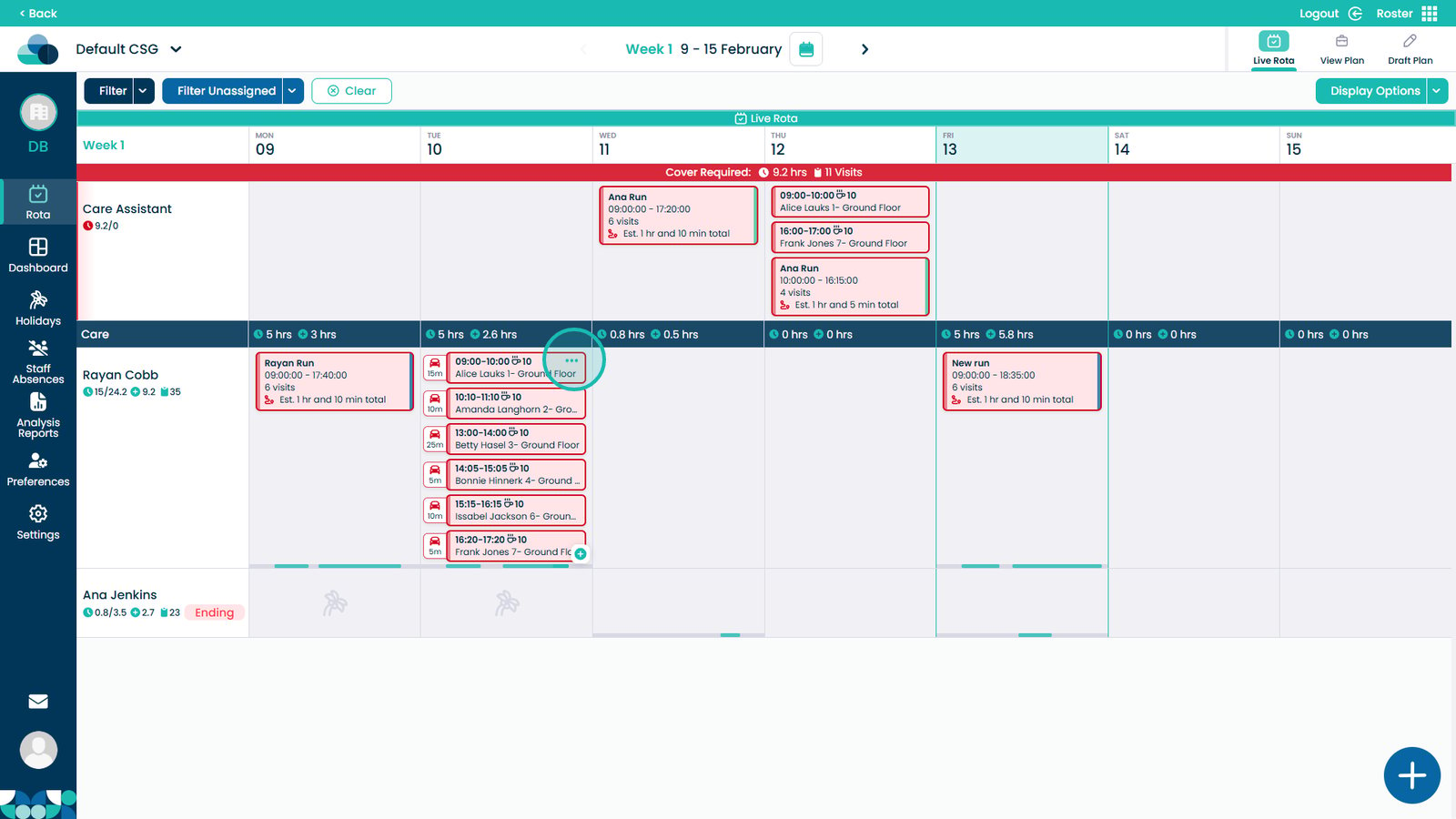
Click the three dots on the visit
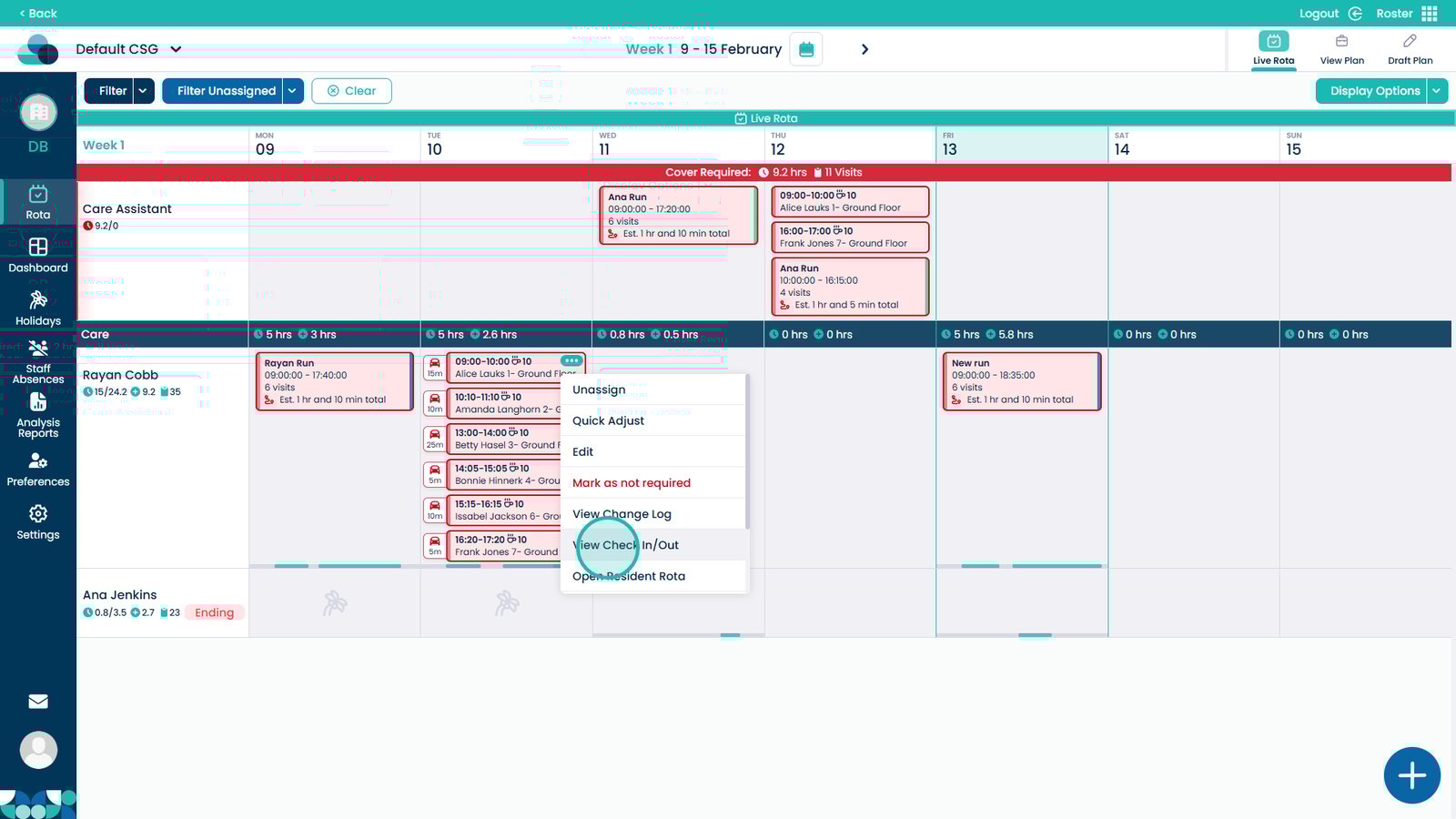
Select View Check In/Out
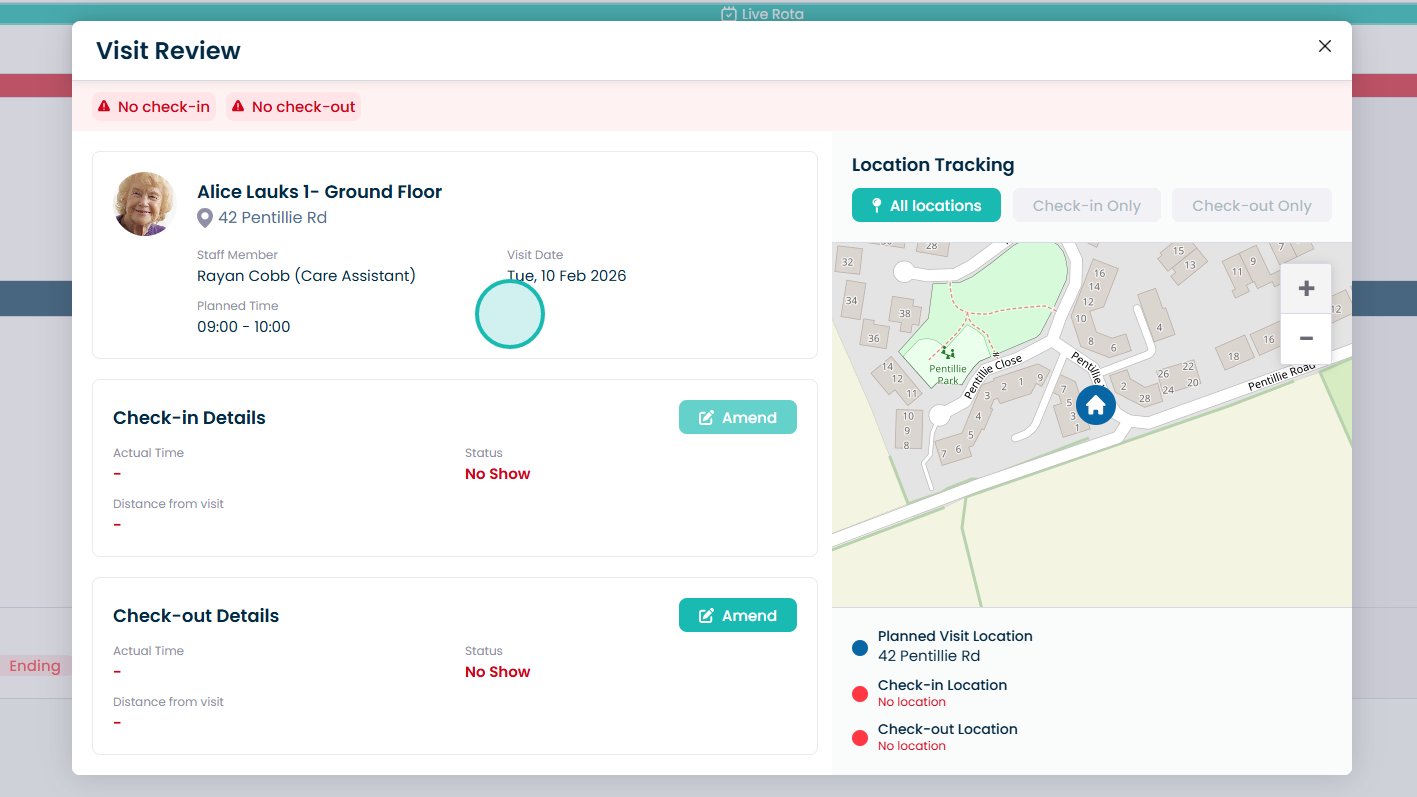
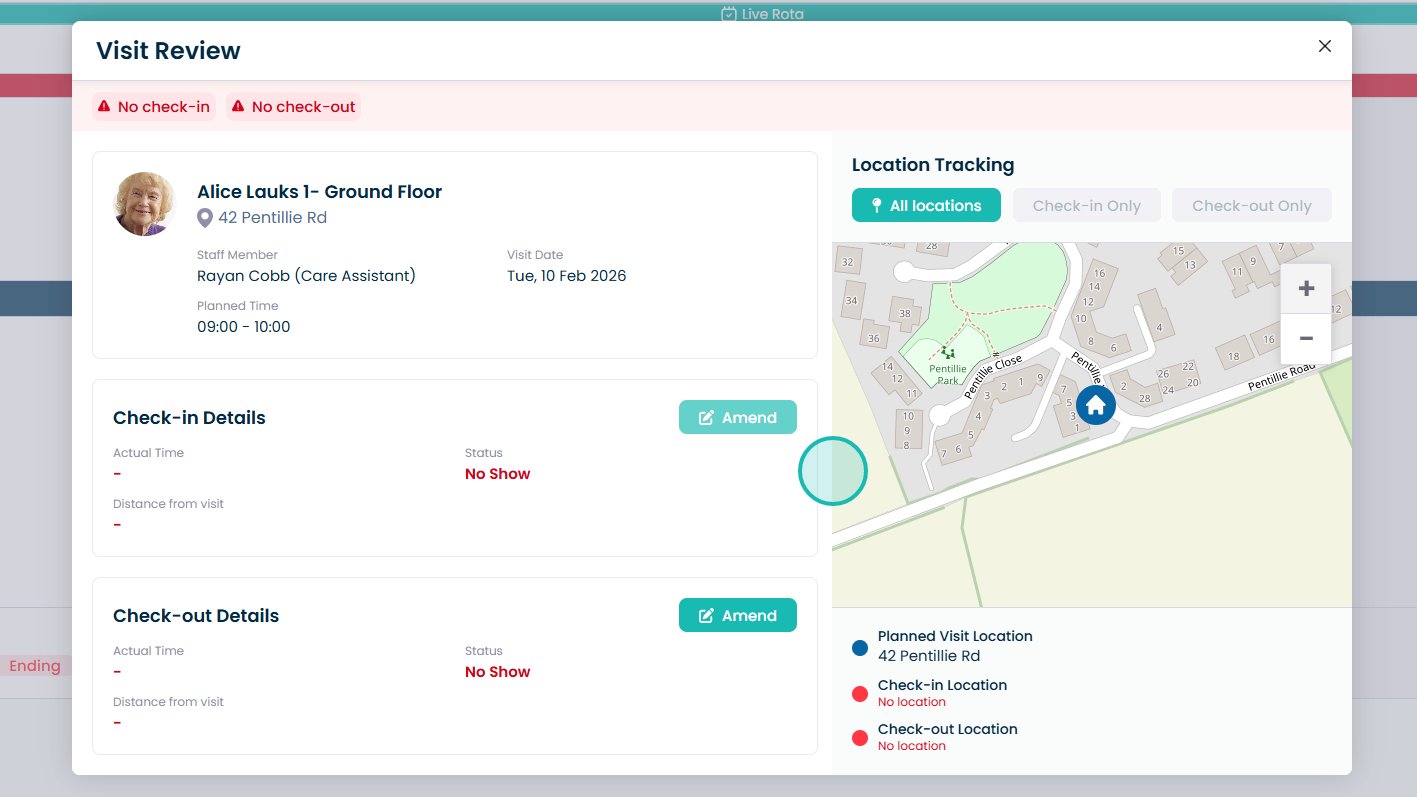
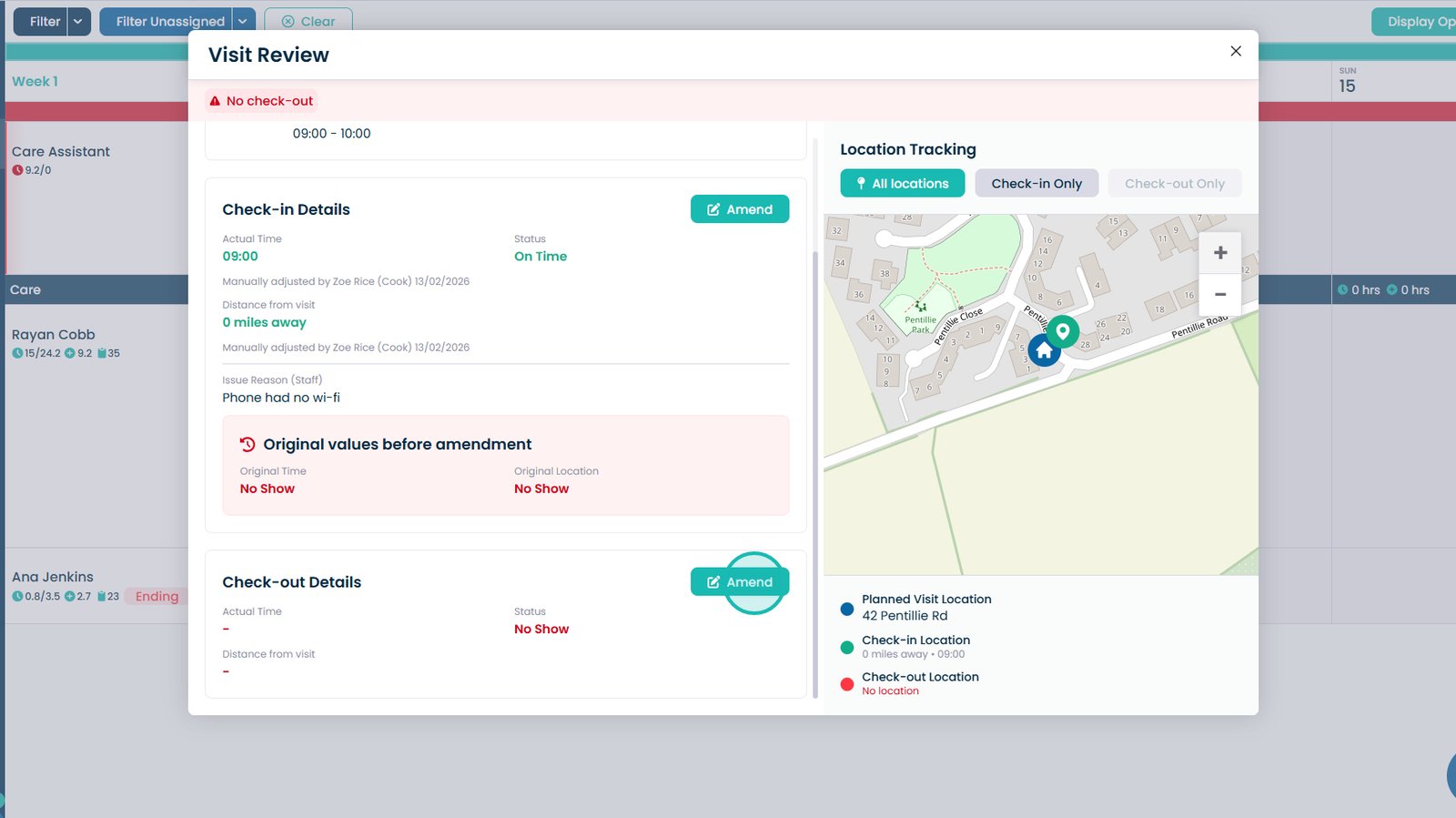
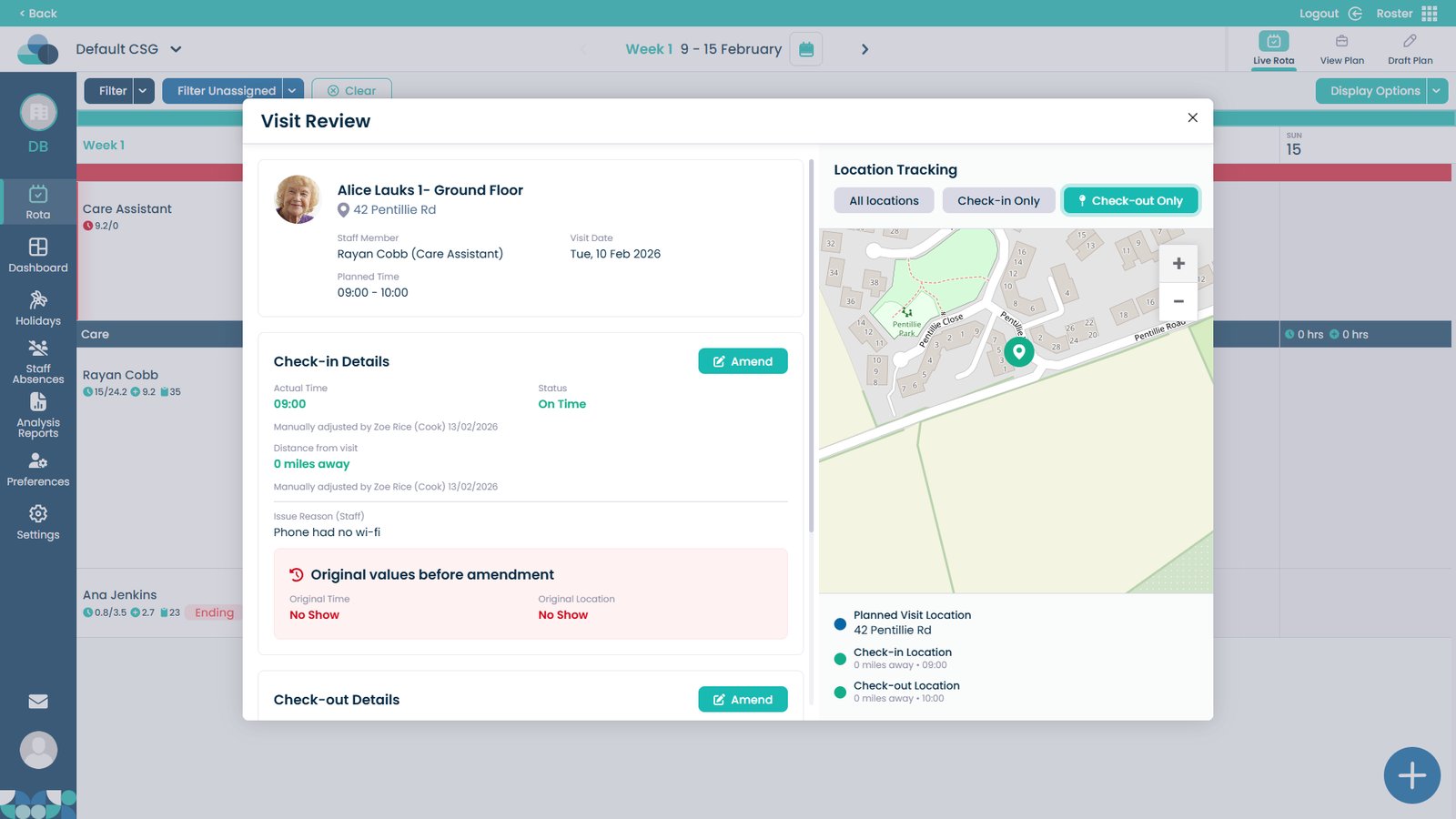
Review the visit details
Click Amend in the Check-in Details section
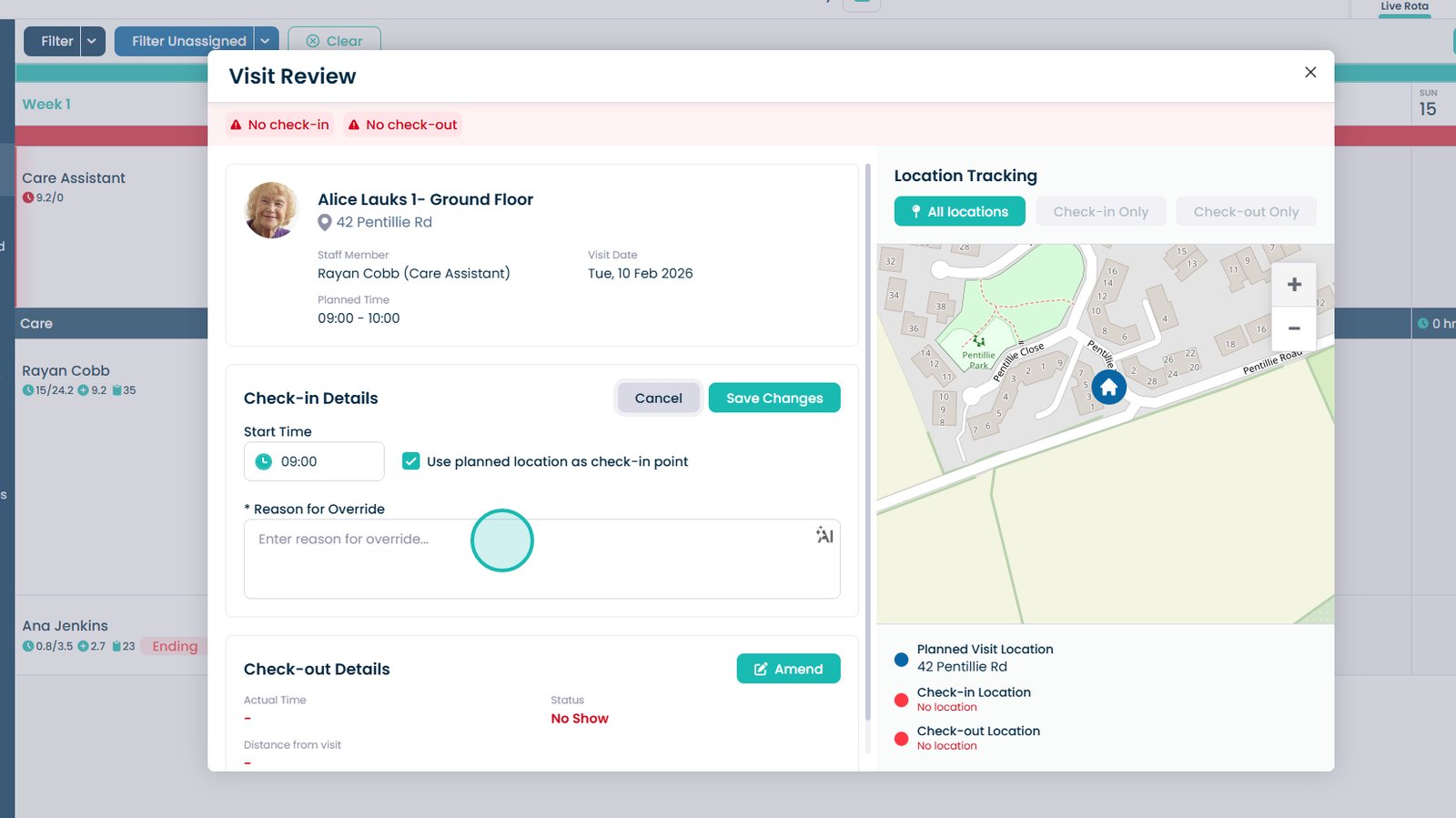
Modify the start time and enter a reason for the override
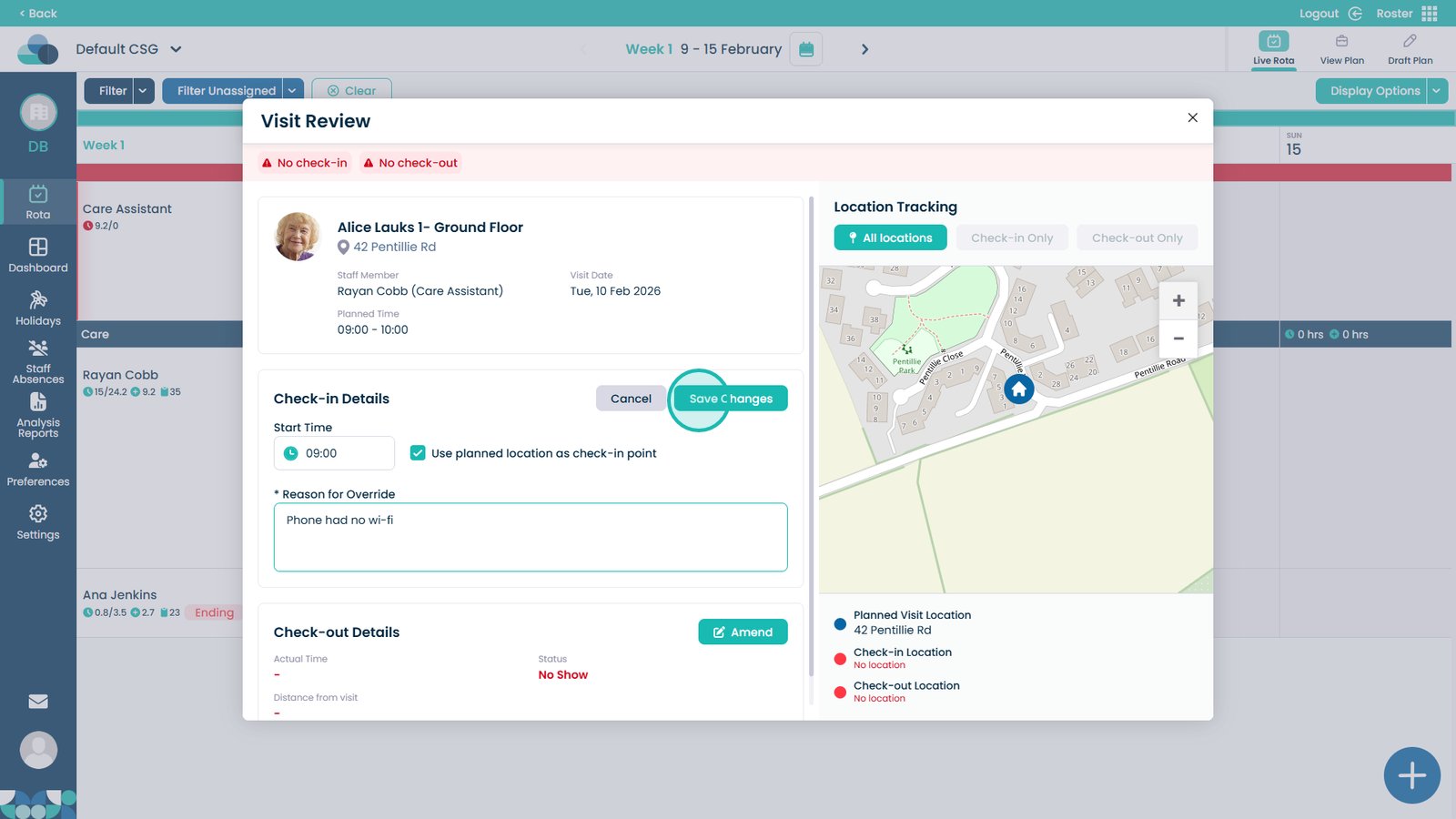
Click Save Changes once finished modifying the check-in
Repeat the process for the Check-out details by clicking Amend
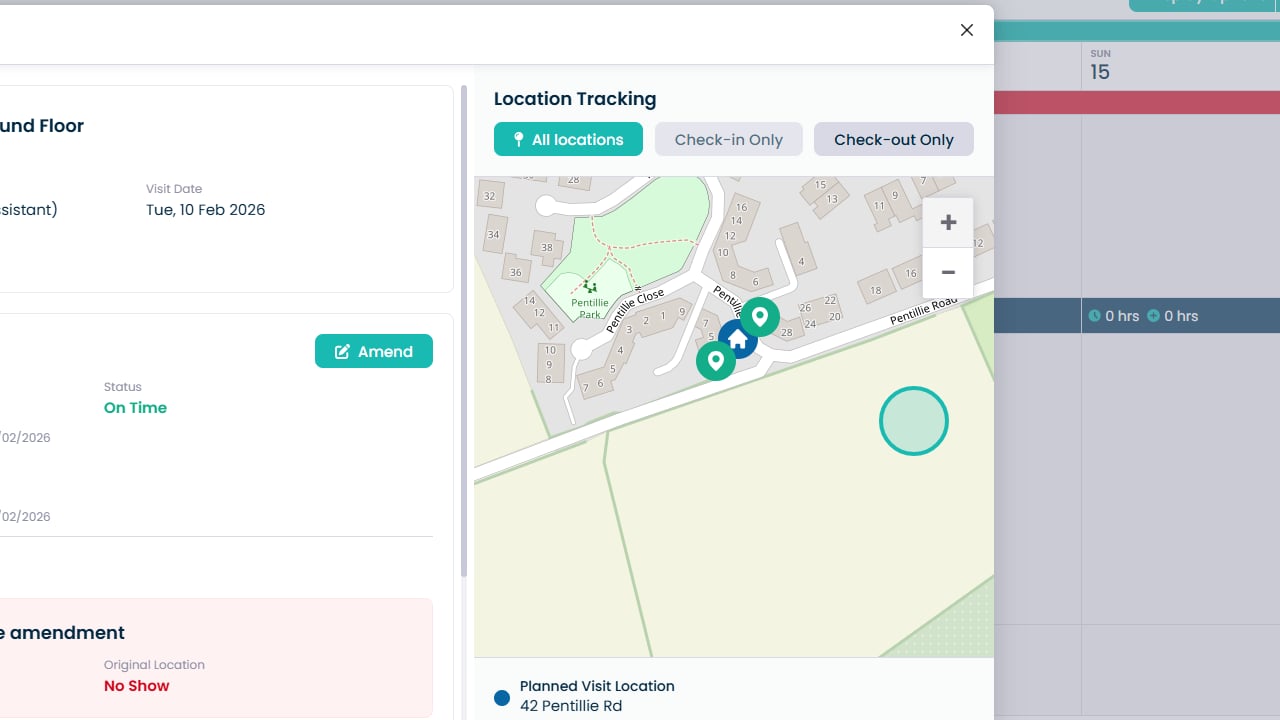
Use the map to view the exact Check-in and Check-out locations