You could win a £250 Amazon gift card! All you need to do is spare us 3 minutes of your time. Click here to find out more!
This guide will cover how to install Care Control Windows via Microsoft InTune
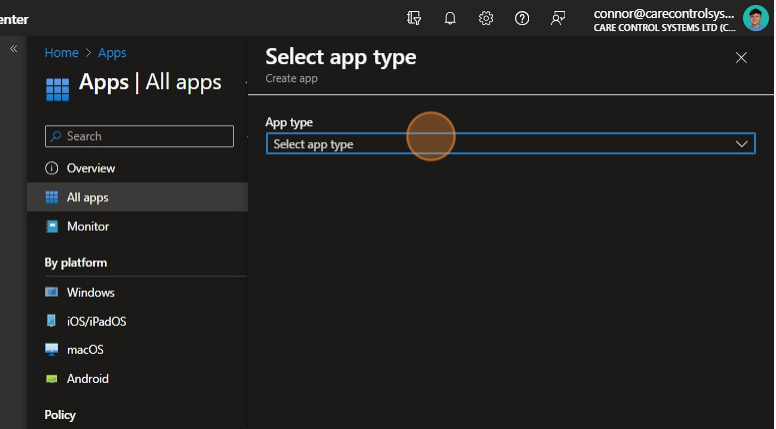
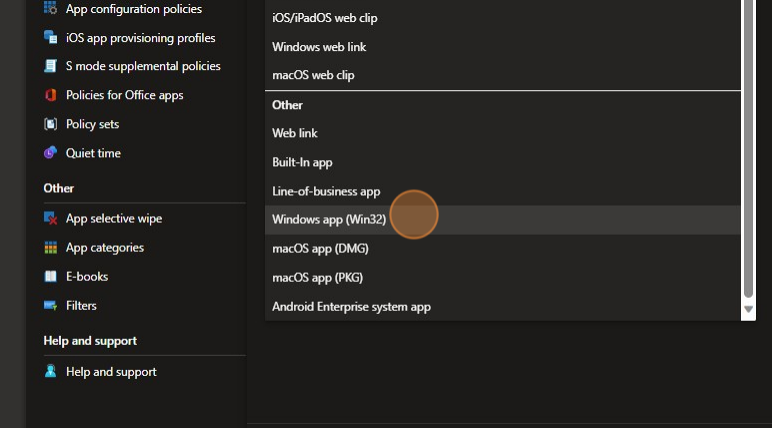
Click “Select app type“.
Click Here.
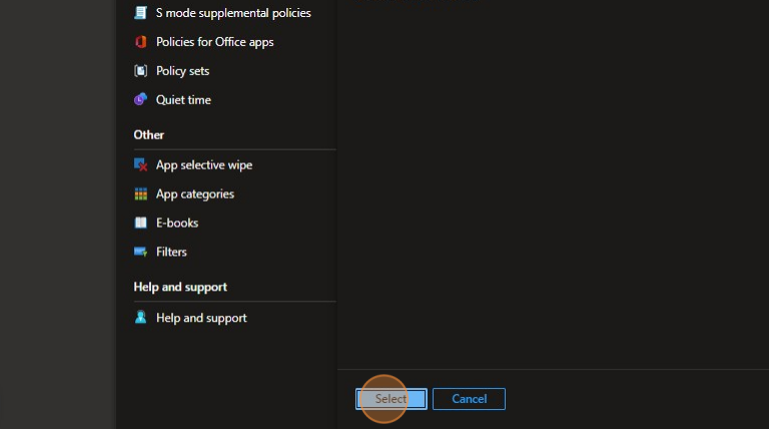
Click “Select“
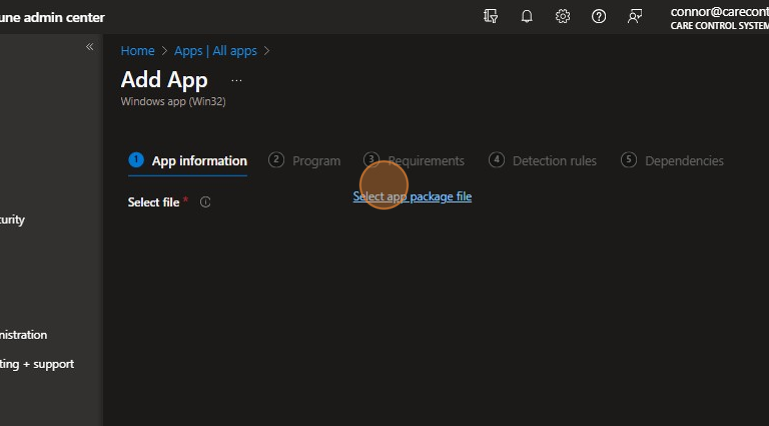
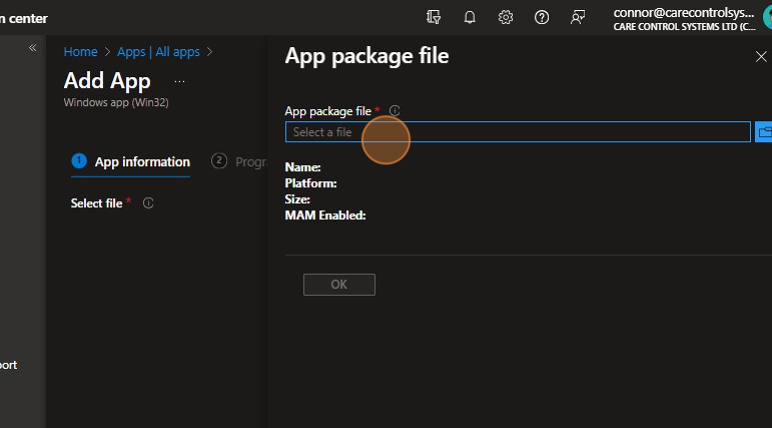
Click “Select app package file“
Click the “Select a file” field.
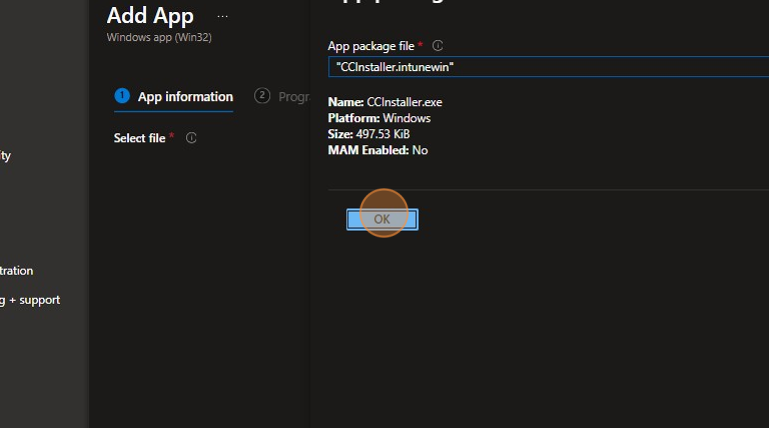
Click “OK“
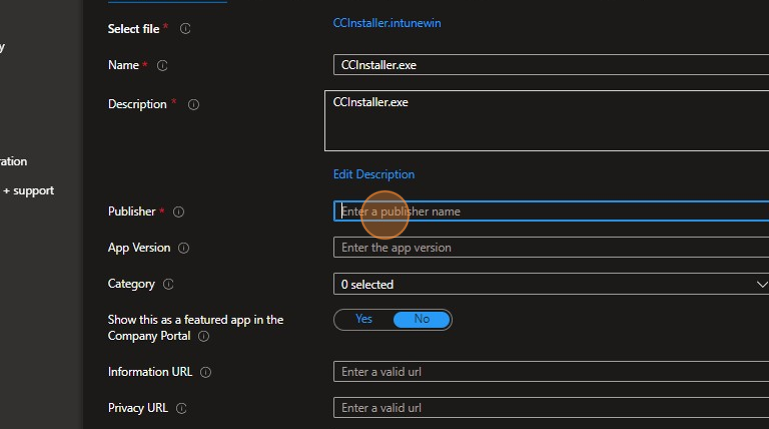
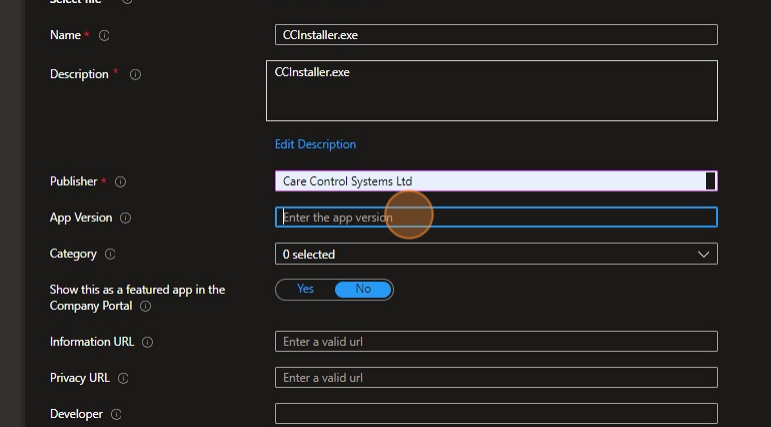
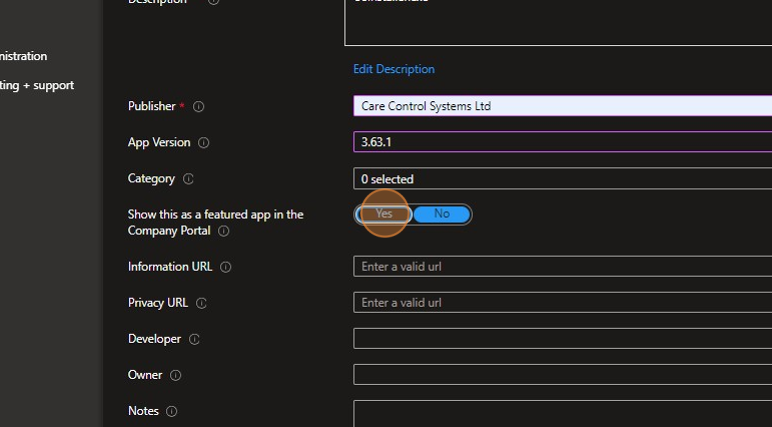
Type in the Name of the app and then enter the publisher.
Click the “App Version” field and enter this detail.
Click “Yes“.
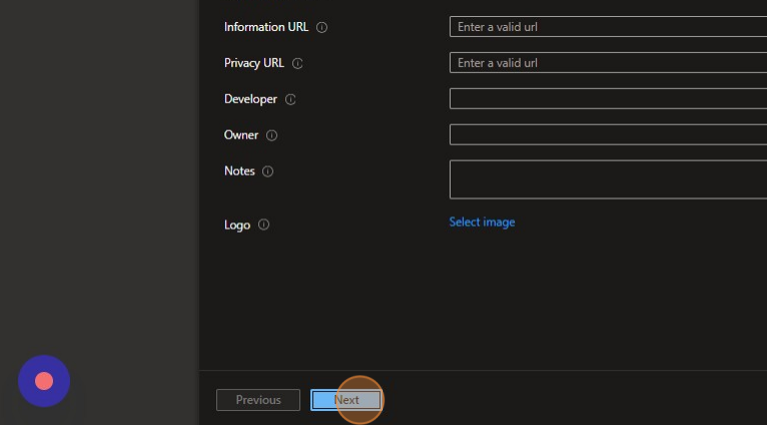
Click here.
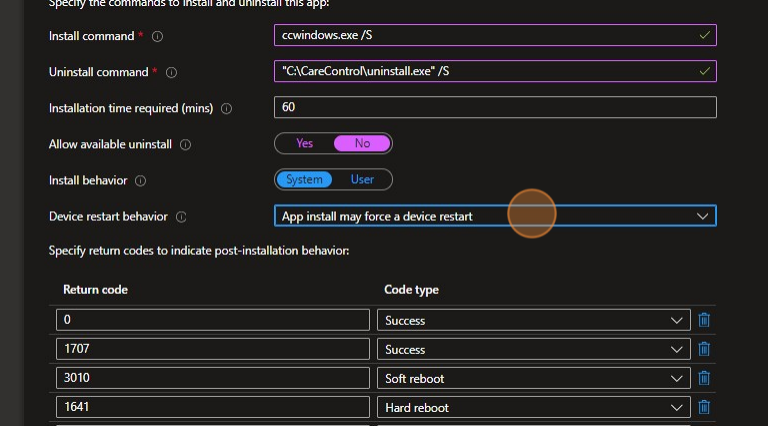
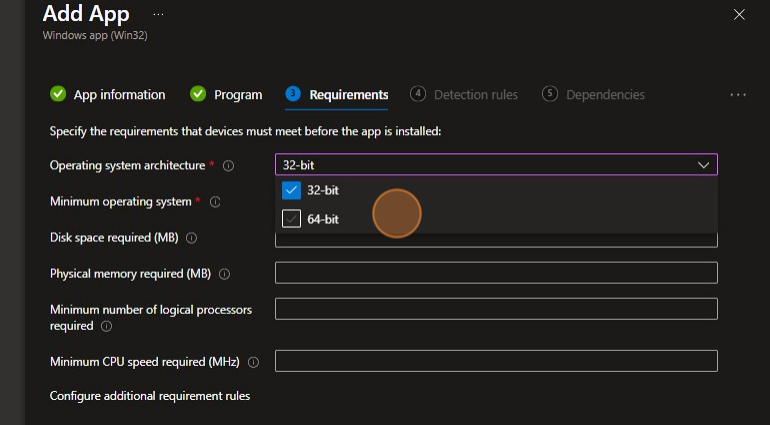
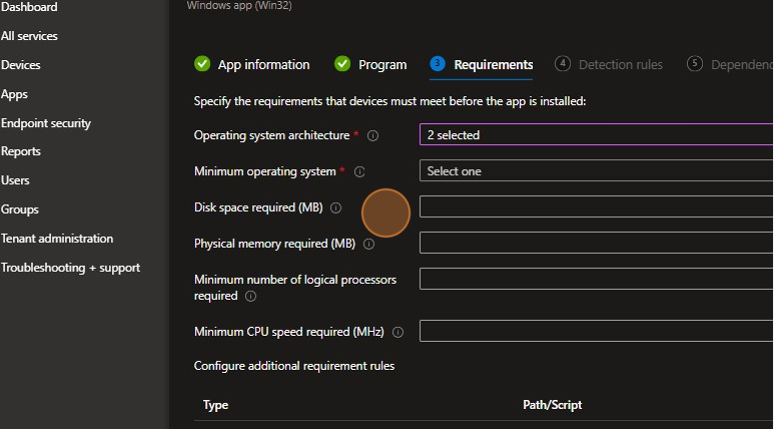
Enter the below commands and behaviours, device restart behaviour is up to you.
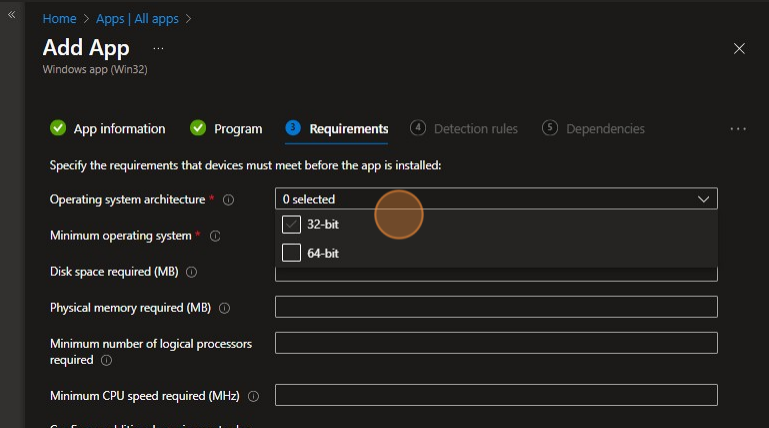
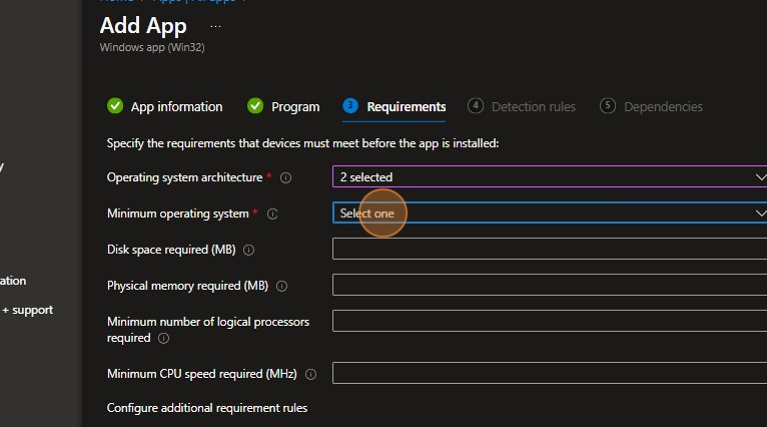
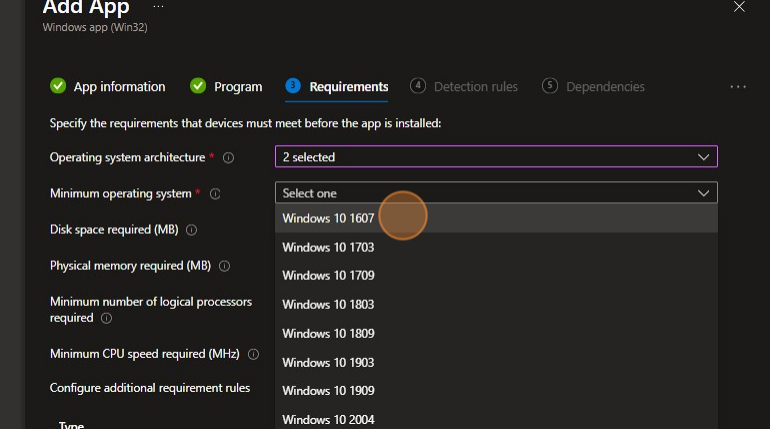
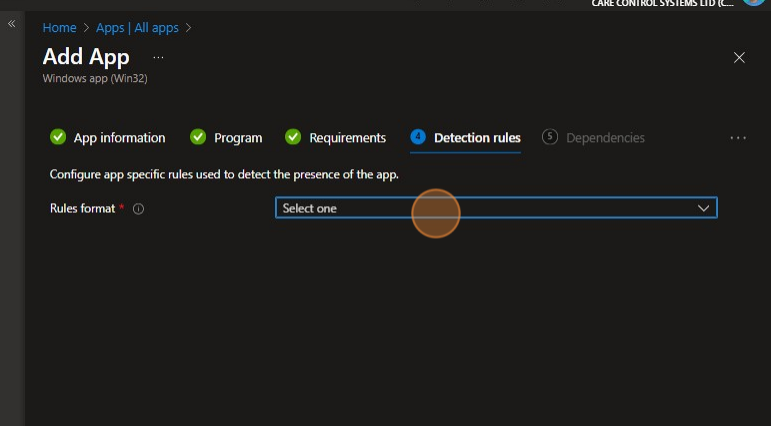
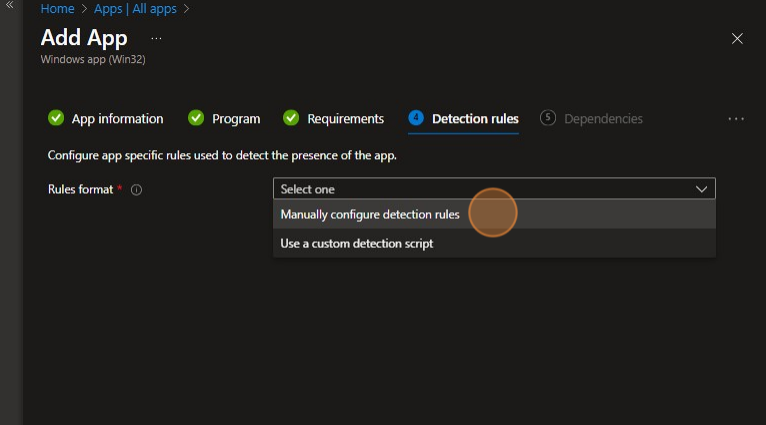
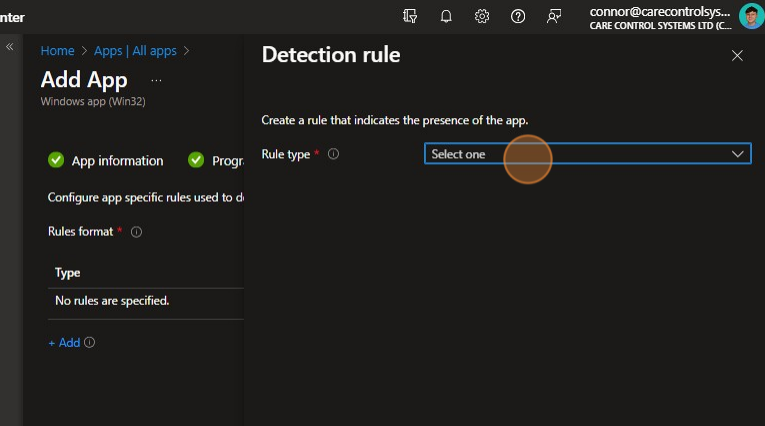
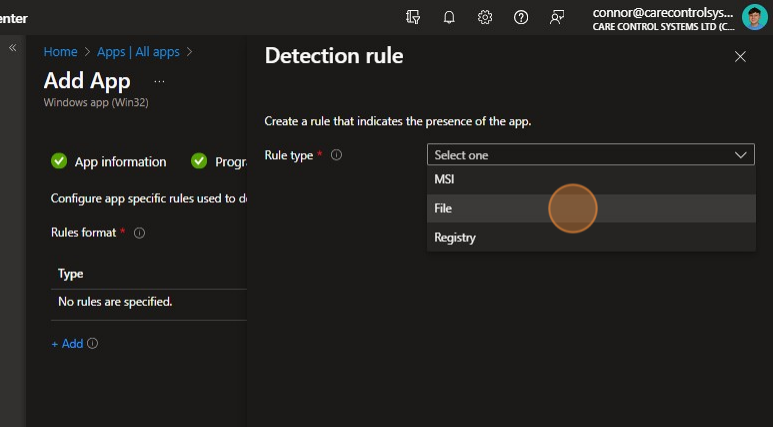
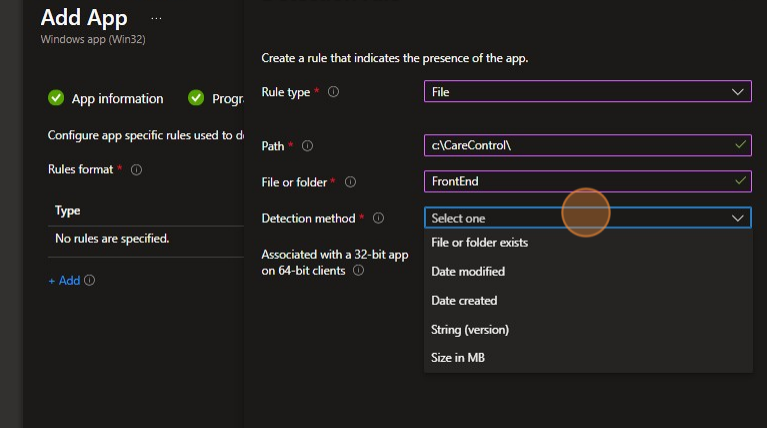
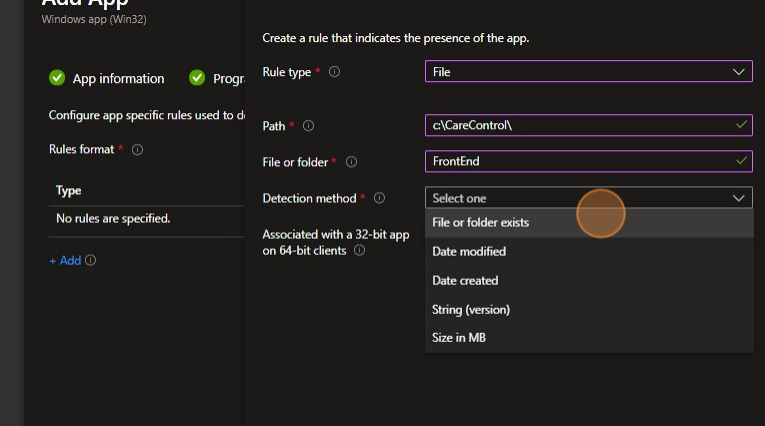
Click “Select one“.
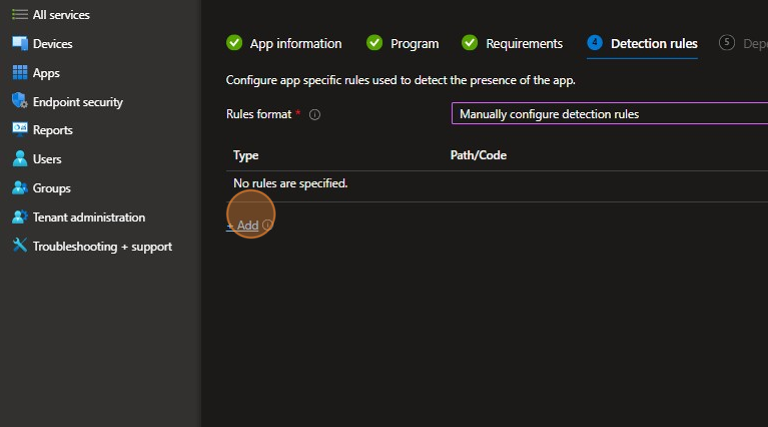
Click “+ Add“.
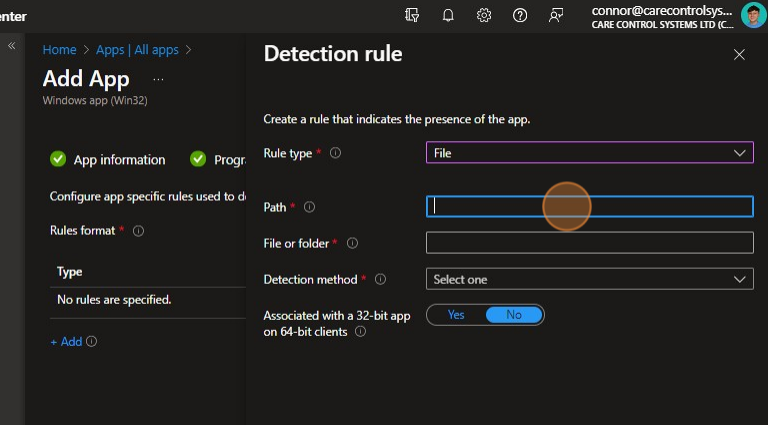
Click the “Path” field.
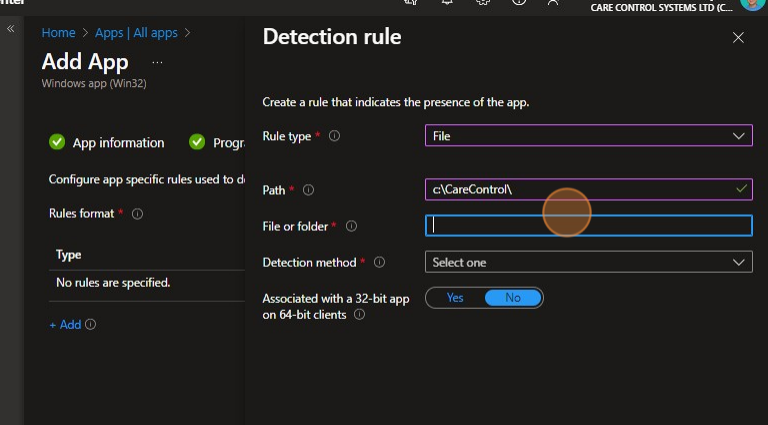
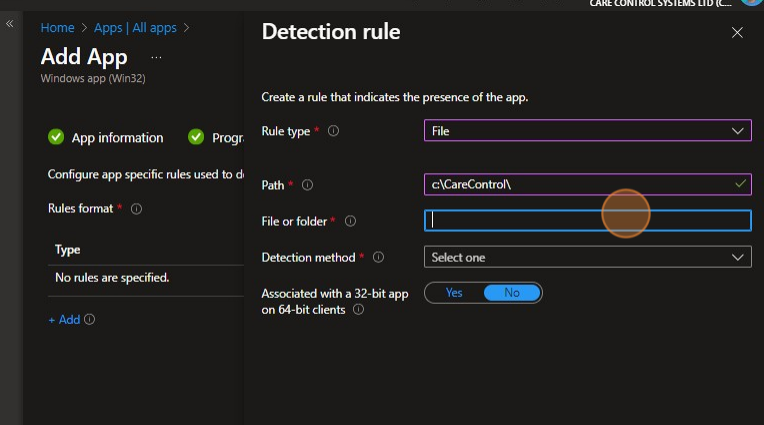
Click the “File or folder” field.
Click “OK“.
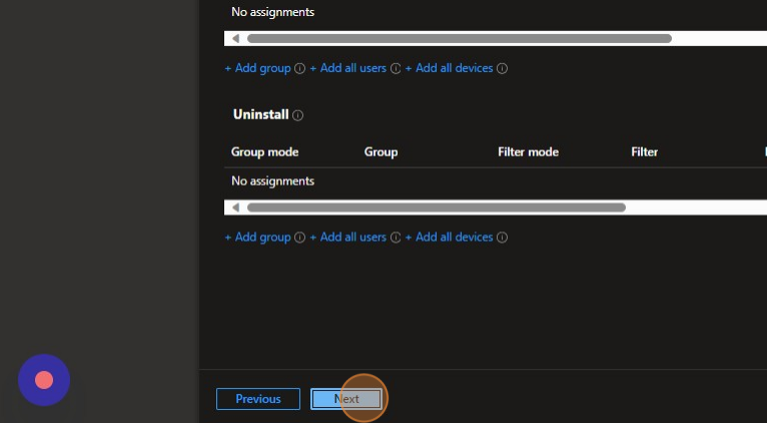
Select the groups that require the software and press next and then confirm theapp download.