
Installing Care Control Windows
This guide will cover how to download and install Care Control Windows on a Windows laptop or computer.

1
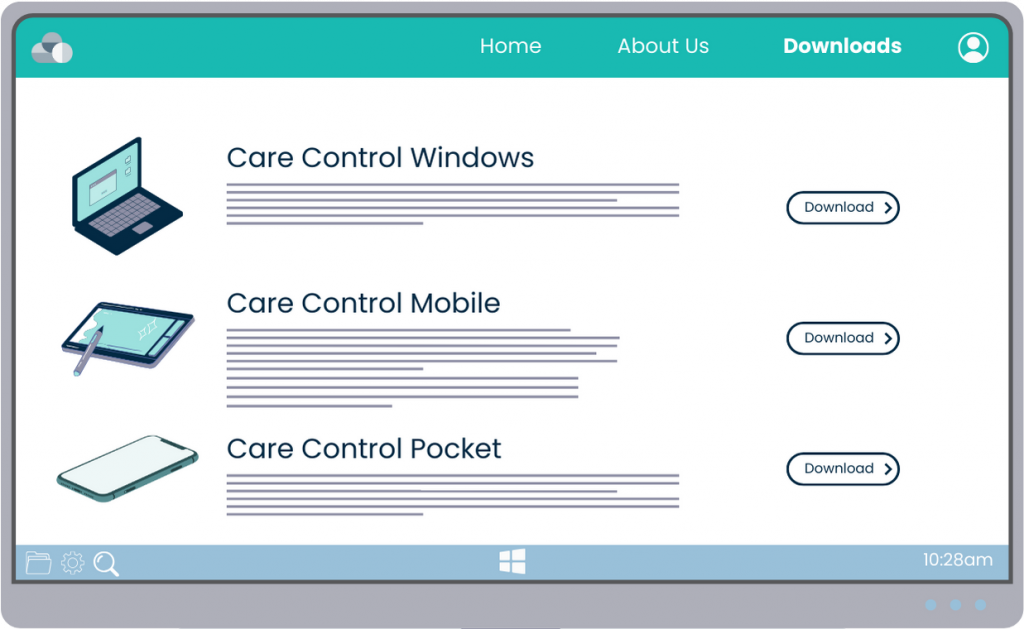
Using a web browser, navigate to www.carecontrolsystems.co.uk/downloads
2
Here, select Care Control Windows from the download options under For Windows Devices.


3
The download will begin, after competing, press Open File to run the installer. If a pop-up like the one shown does not appear, head to the downloads folder in your file explorer, and open the installer from there.
The installer will open. Click the progressive options titled ‘Next’, ‘Ok’ and eventually ‘Close’ when the installer has completed.
4
After installing, a shortcut on your desktop will be created. Open this by double clicking.


5
Care Control Windows will begin downloading some components for the application to run
6
After completion, you can enter a device name and your site code and press Continue to finish the process.
