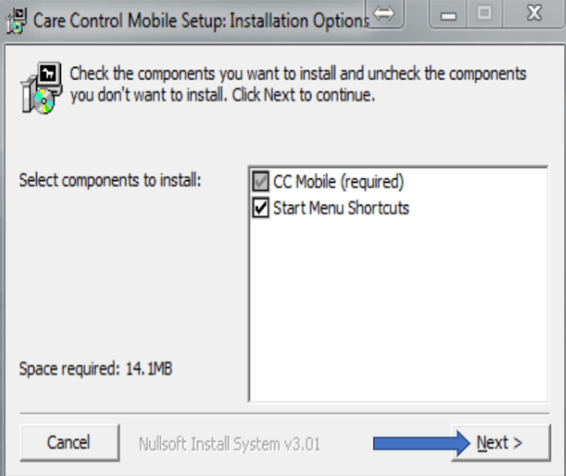
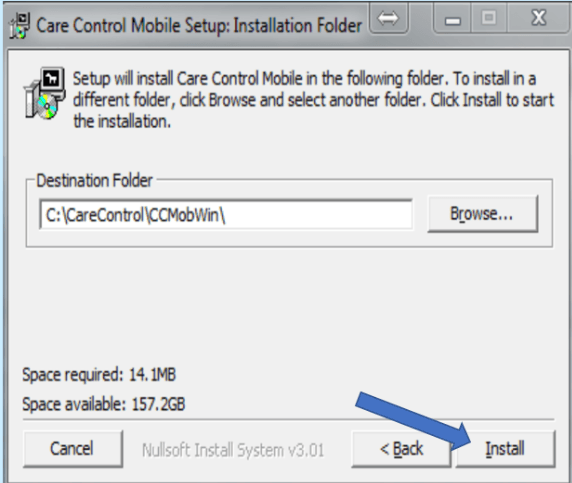
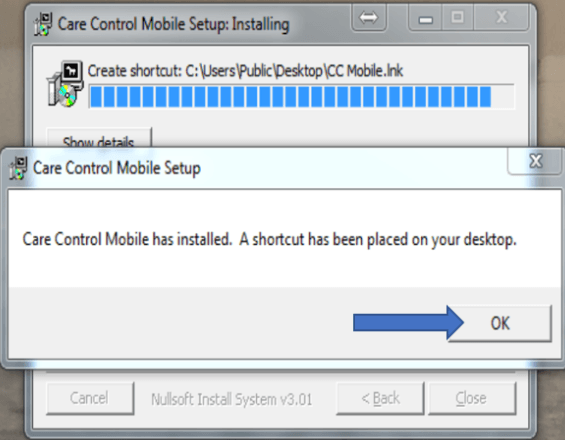
This guide will cover how to install Care Control Mobile on a Windows laptop or computer. This guide can also be followed for installing CC eMAR, Pocket or other CC applications on Windows. You can do so from our downloads page – www.carecontrolsystems.co.uk/downloads
1
To install Care Control Mobile on a Windows PC you will need to open the link below – You can either click on it, or copy and paste it into your internet browser:
This will start a download, usually in the bottom left of your screen. If given the option, select Run, but depending on your PC you may have to select Save instead.
Once the download is complete, click on carecontrolmobile to open the installation wizard:
2
At this stage, you may need to enter an administration password to confirm you have permission to download carecontrolmobile onto your PC. If you do not know the password you will need to contact the person who set up your PC.