You could win a £250 Amazon gift card! All you need to do is spare us 3 minutes of your time. Click here to find out more!
This guide will cover how to add Invoice Lines on Care Control Windows. These are used when creating invoices to itemise the final amount.
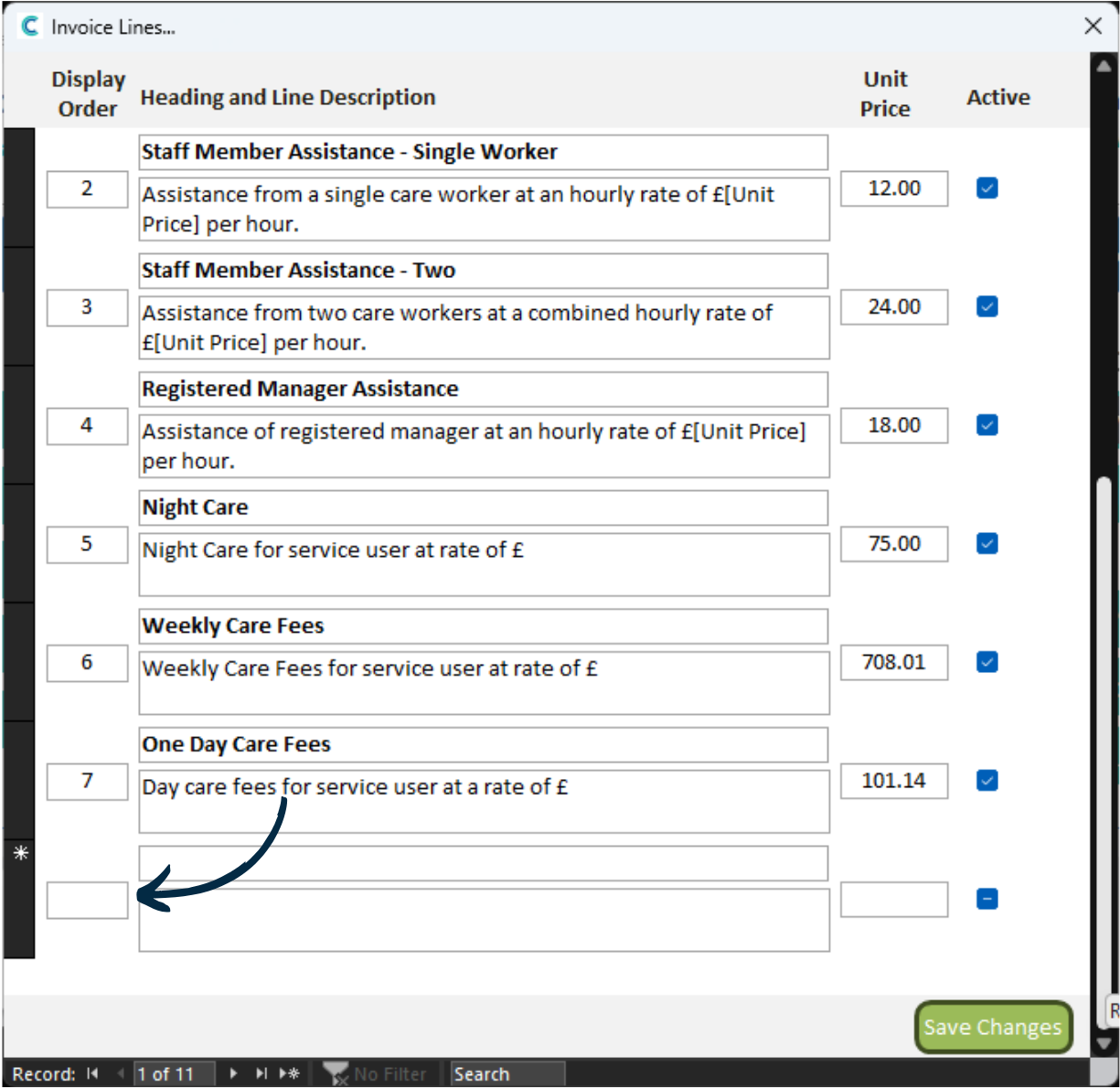
In the Administration of Care Control, navigate to the Invoice Lines tool, which can be found under the Income tab.
A new window will open. You existing lines will be displayed.
To create a new one, scroll to the bottom of the list.
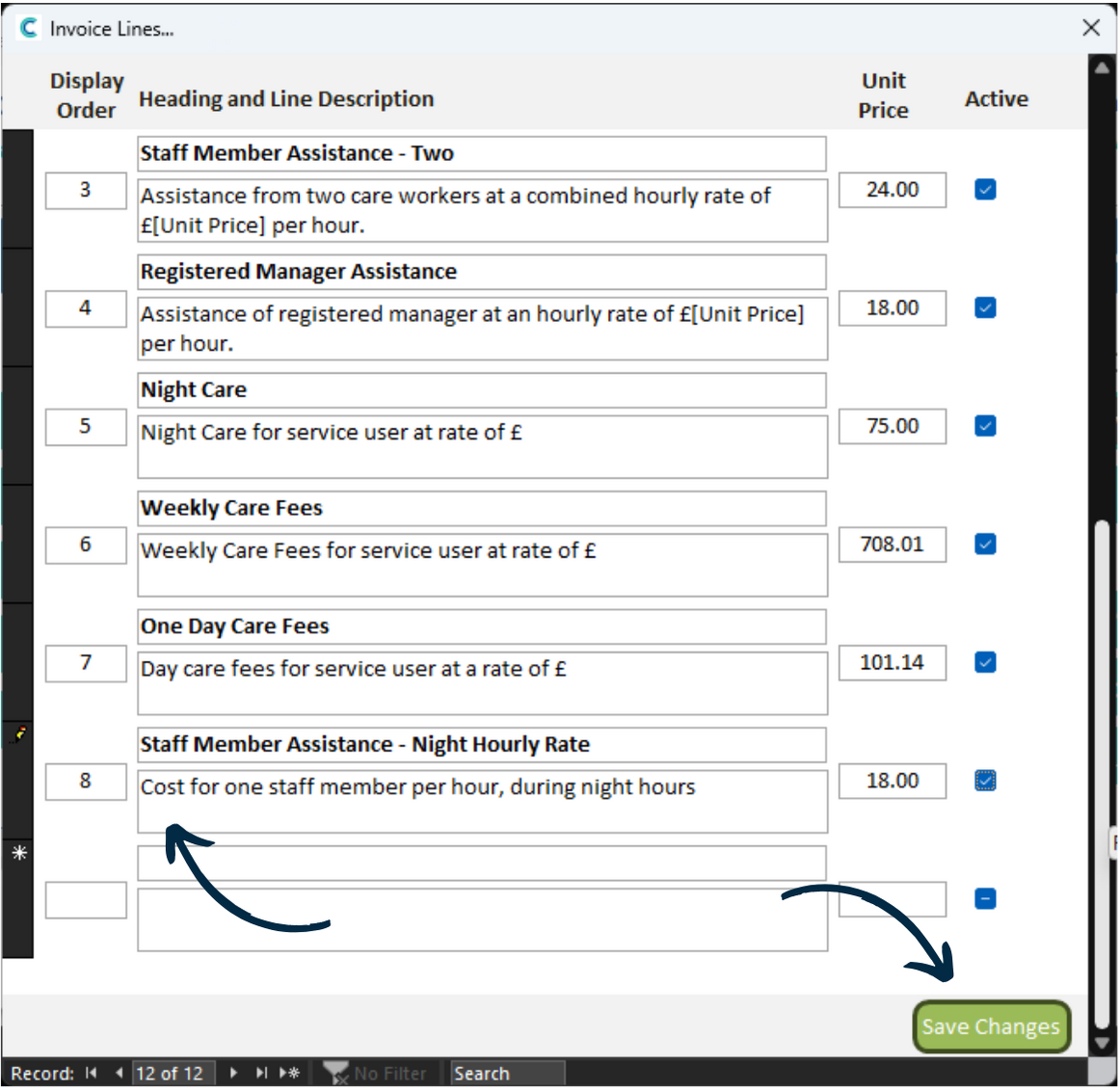
Enter your information in the blank row. This includes a Heading, Description and Unit Price. You will also need to tick the Active box.
In this example, we are adding an invoice line relating to a staff member working night hours.
After completing the row, press Save Changes.
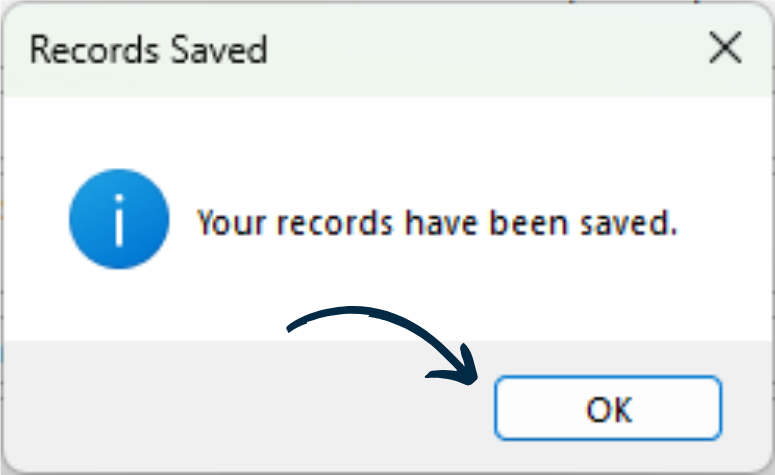
You will receive confirmation of the save, press OK.