This guide will cover how to link a visitor to a service user in your organisation on Care Control V-Book. This will result in care notes being created on the service users care plan when visits are completed.
1
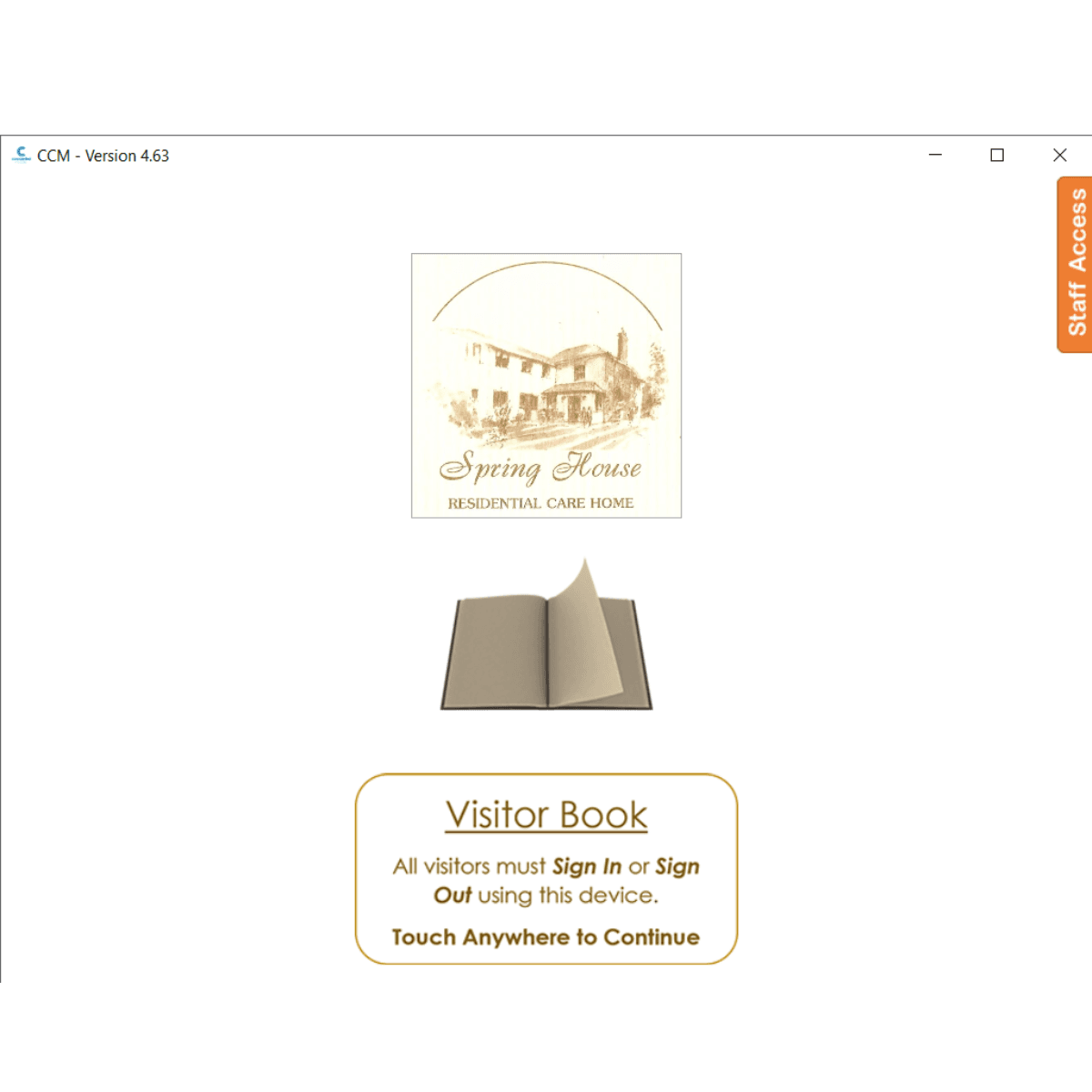
Tap the screen to interact with the V-Book
2
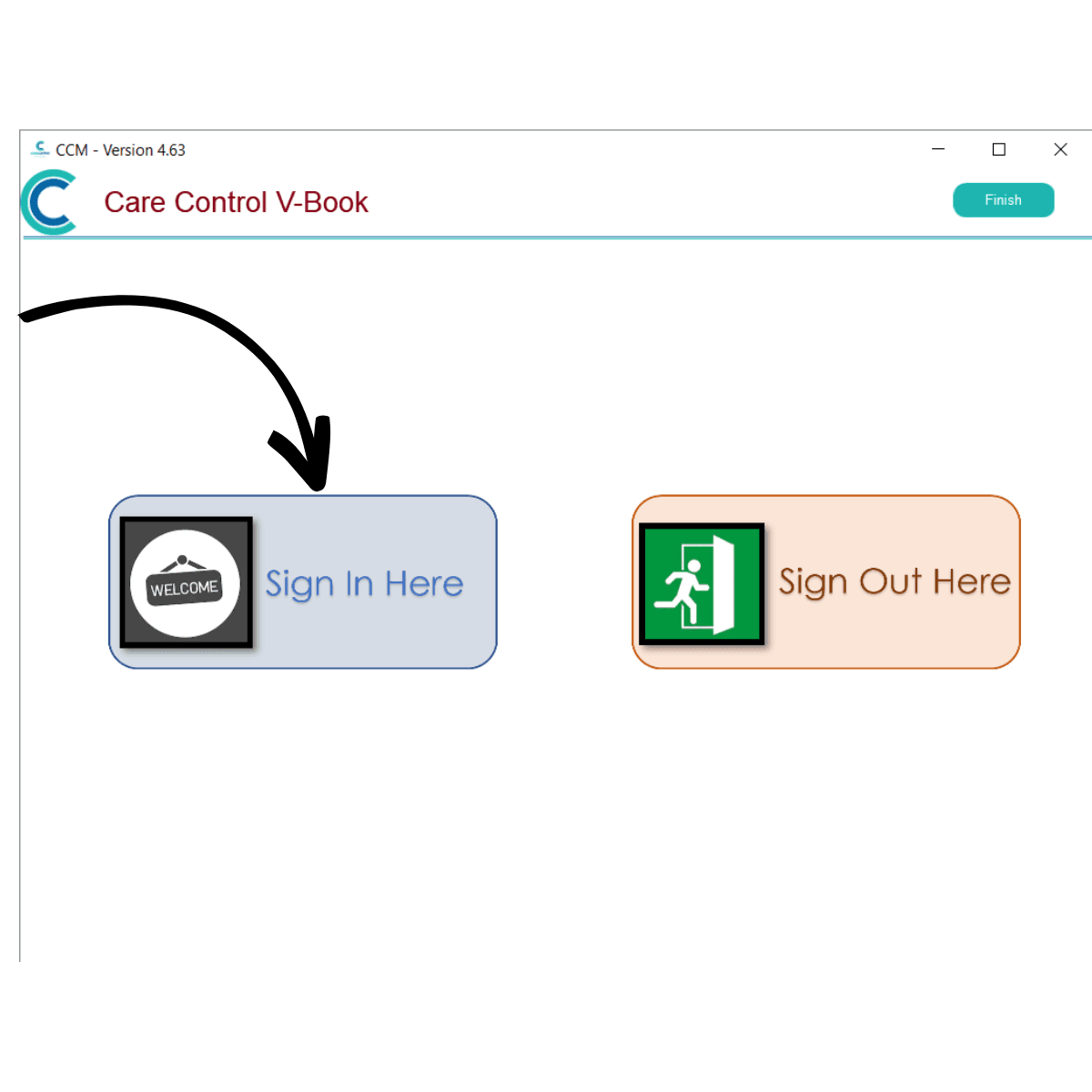
Select Sign In Here.
3
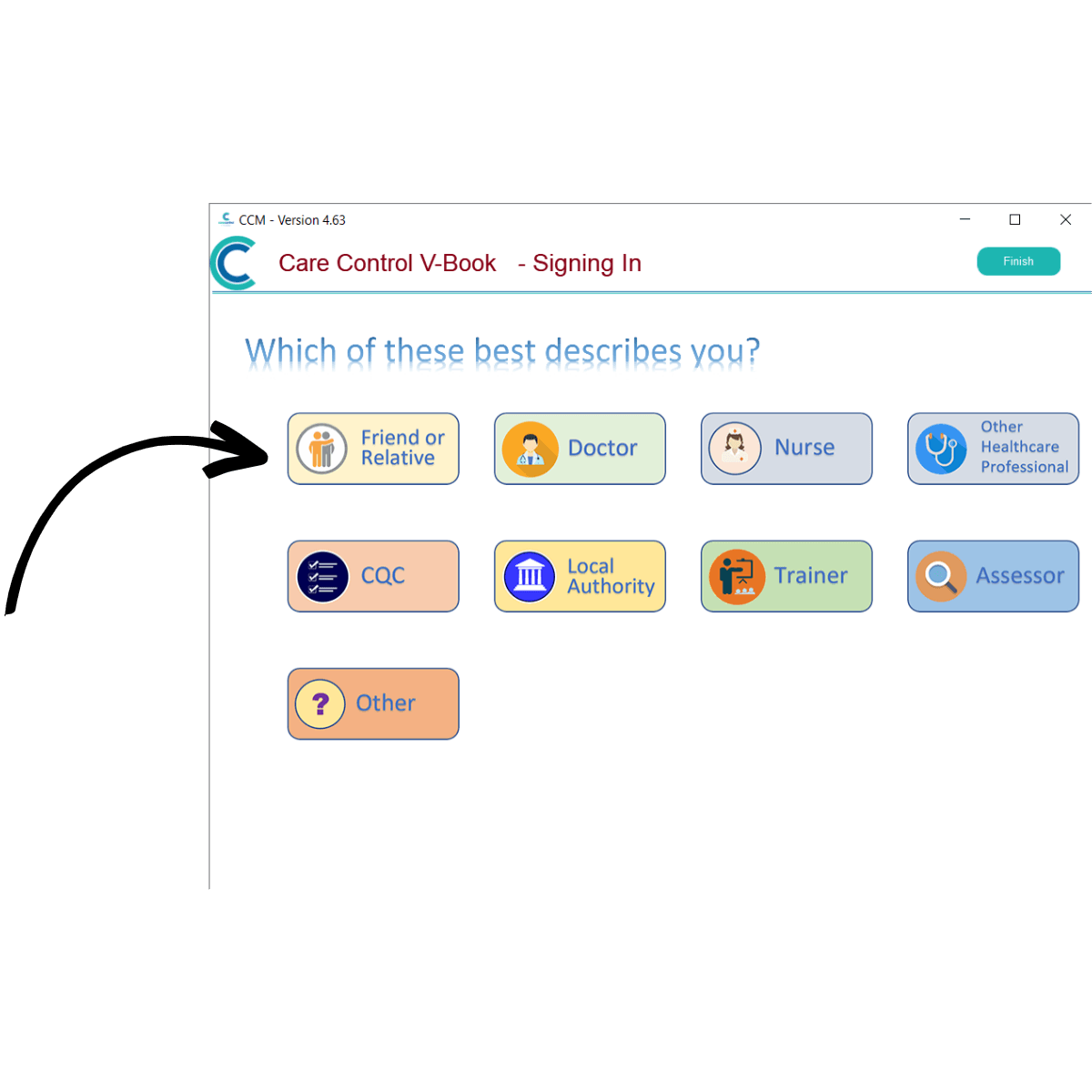
Choose the relevant visit type. In this case we will choose Friend or Relative.
4
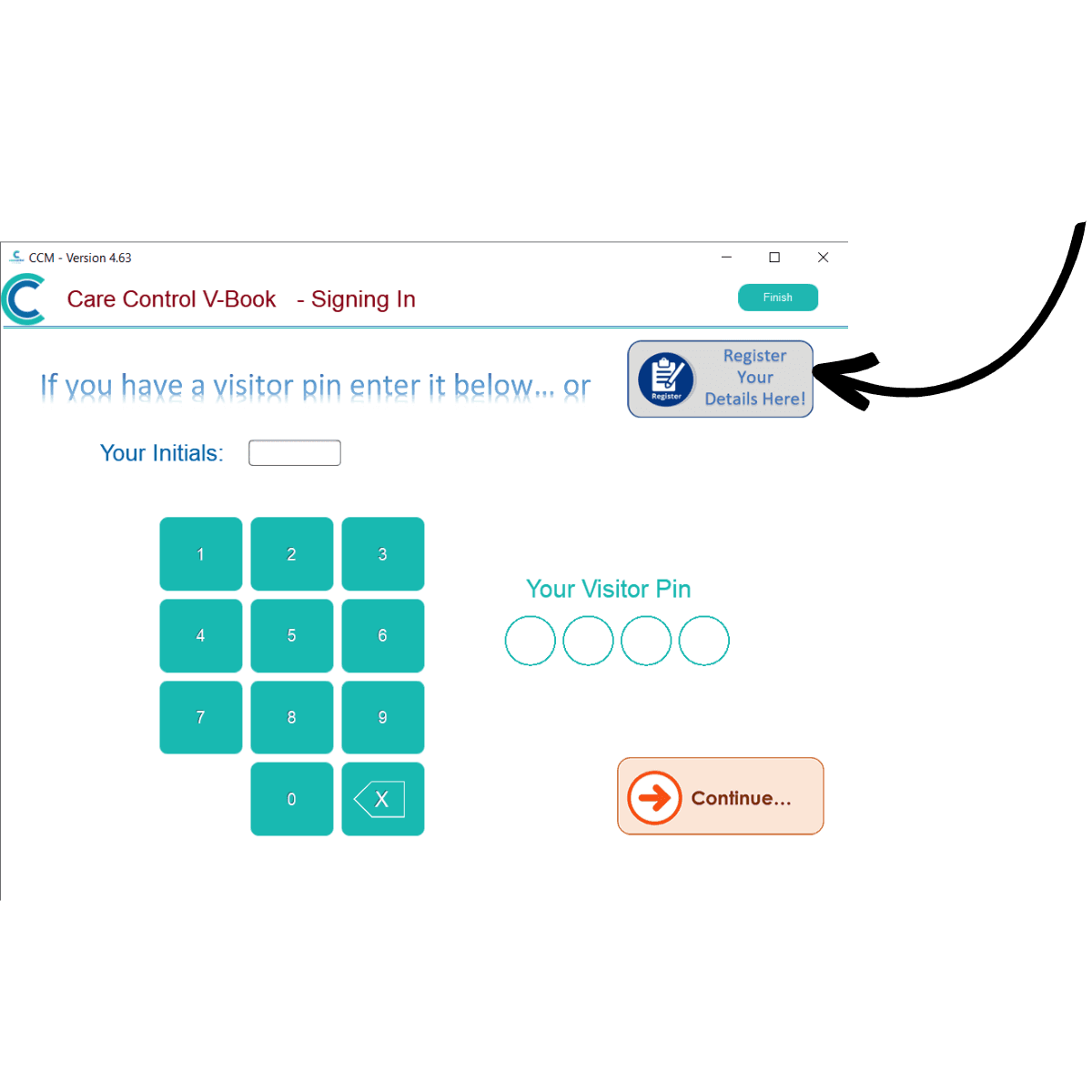
Select Register Your Details Here.
5
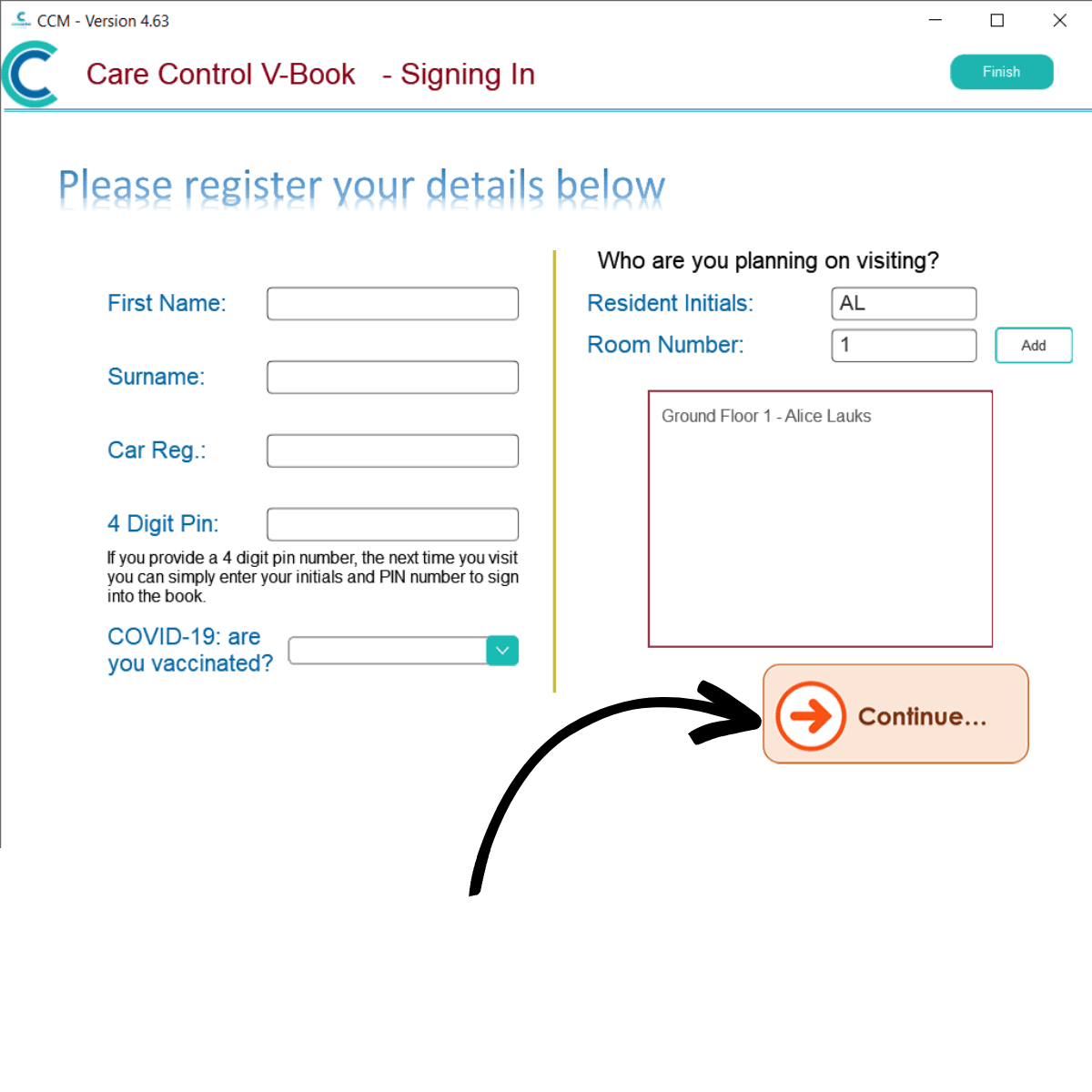
On the right-hand side of the screen, there is an option to link the visit to a service user. Enter the initials and room number of the service user and press Add.
A search result will appear in the box with matching service users. Simply tap on the name to link this visit to the user.
After filling out the remainder of the form, press Continue to sign in.