|
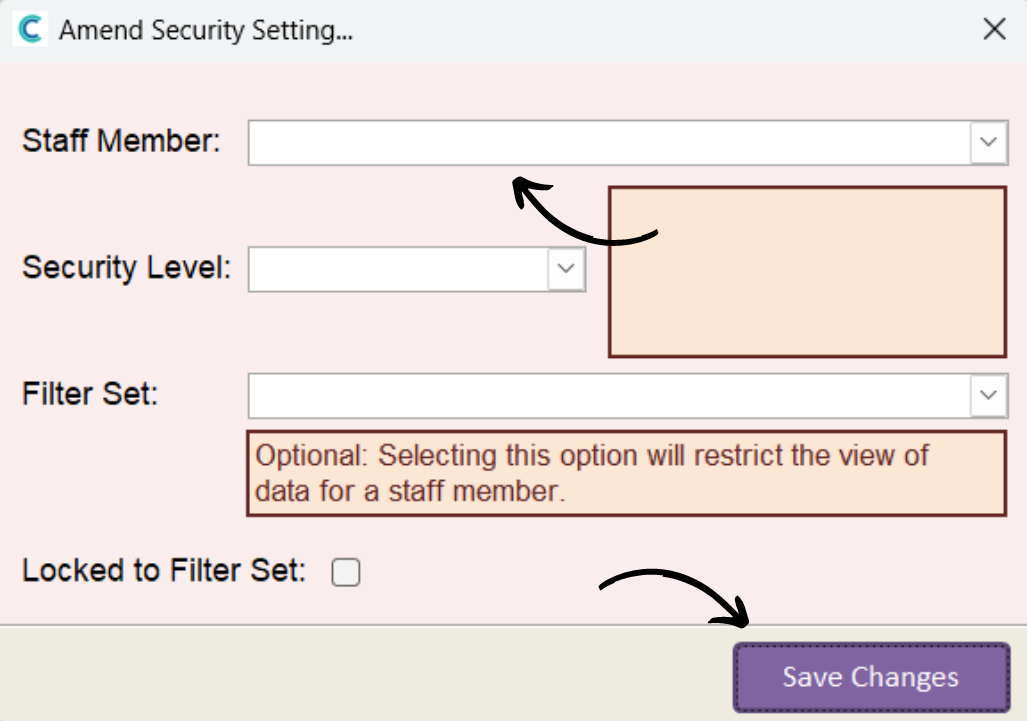
Security Level
|
Areas Allowed to Access
|
|
Full Access
|
Access to all areas including settings, security and filter sets.
|
|
Full Administrator
|
Change all data set, you just can’t change any settings.
|
|
Template Administrator
|
Change all template data, including processes templates. Also Rota Admin!
|
|
Rota Administrator
|
You can’t amend or edit Templates, but you can do everything with Rotas.
|
|
Rotas Only
|
Access to the Rota to add, amend or remove shifts. Some bulk operations are switched off.
|
|
Simple
|
Easy access on CC Mobile and Windows to adjust shifts if needed. Great for senior team members.
|