This guide will cover how to add pay rate alterations for weekdays via Care Control Windows. This might be useful if you pay staff a higher rate on certain days, i.e. Sundays.
1
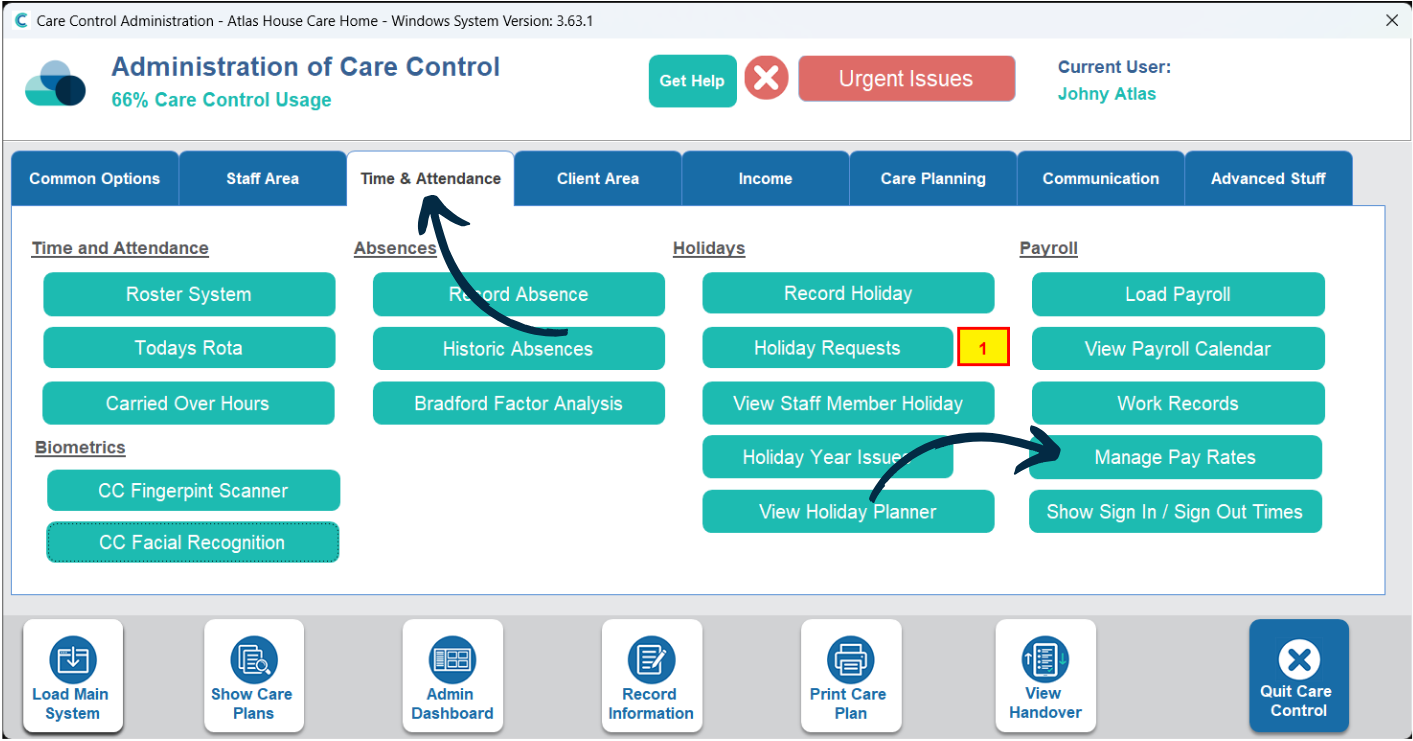
In the Administration of Care Control Windows, navigate to the Manage Pay Rates tool, which can be found under the Time & Attendance tab.
2
Here, select Pay Alterations by Weekday from the options along the bottom of the window.
3
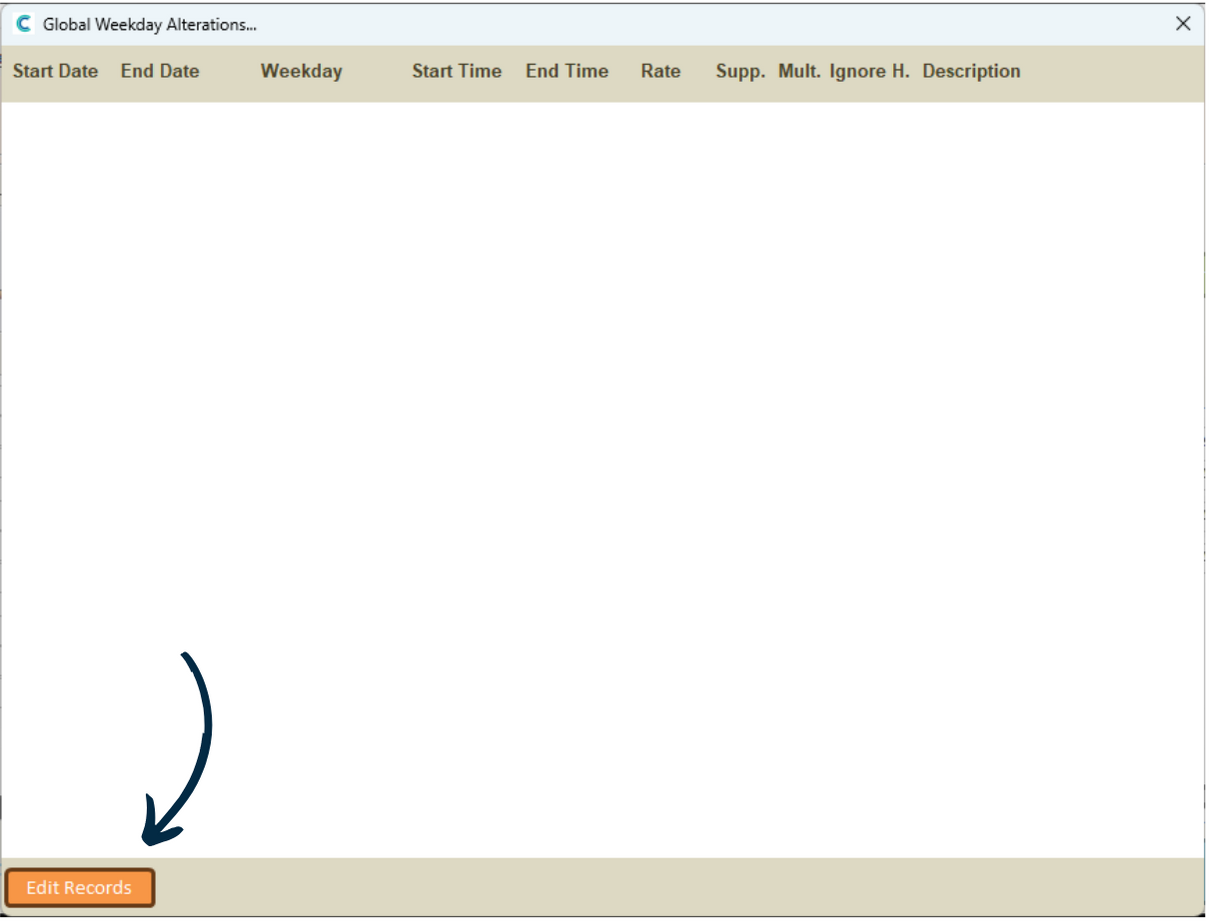
A new window will open. Here, a list of existing weekday pay alterations will be displayed.
Press Edit Records.
4
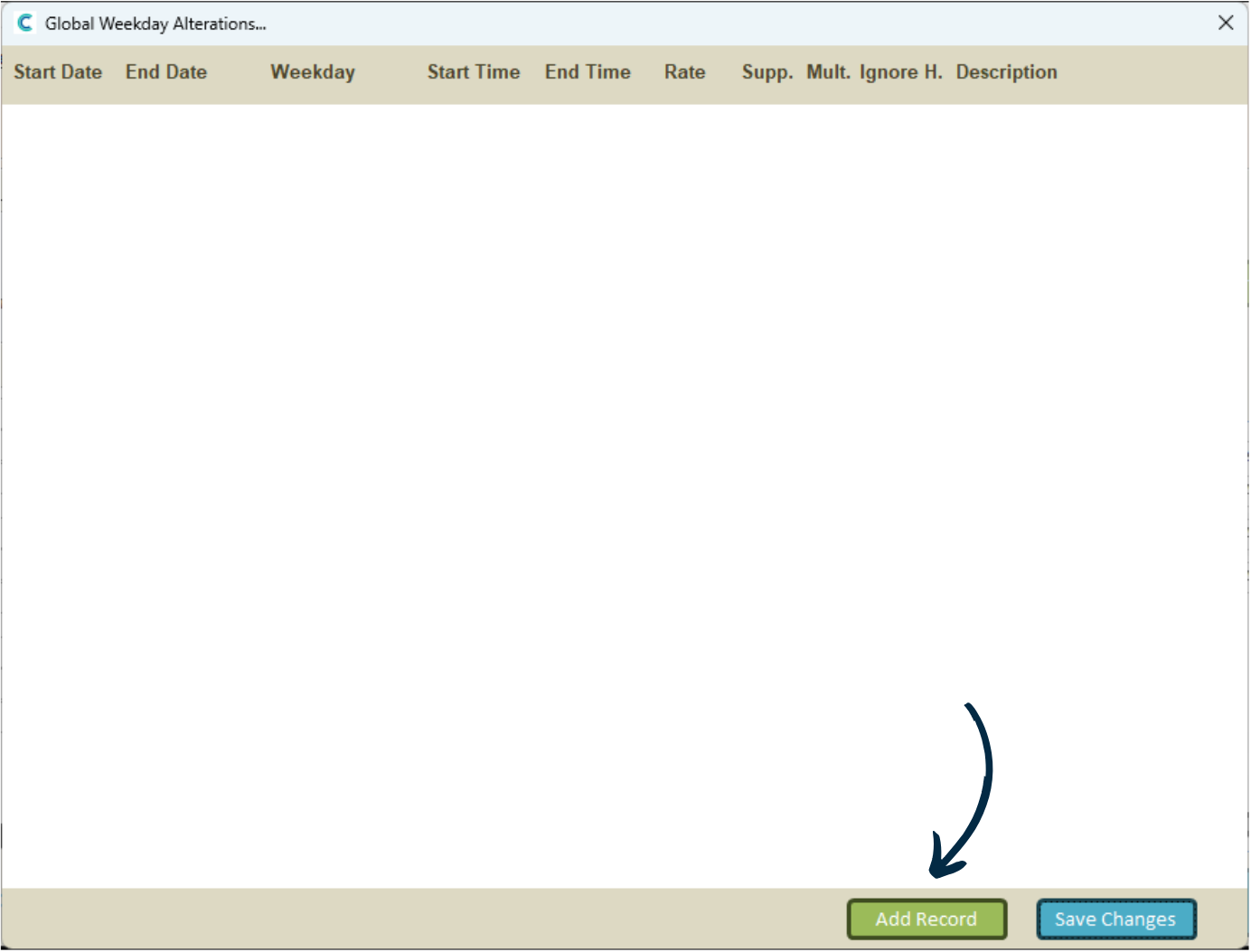
To add a new one, press Add Record.
5
Enter the start date for this new pay alteration. This is the date from which the pay alteration will be active. Then, press OK.
6
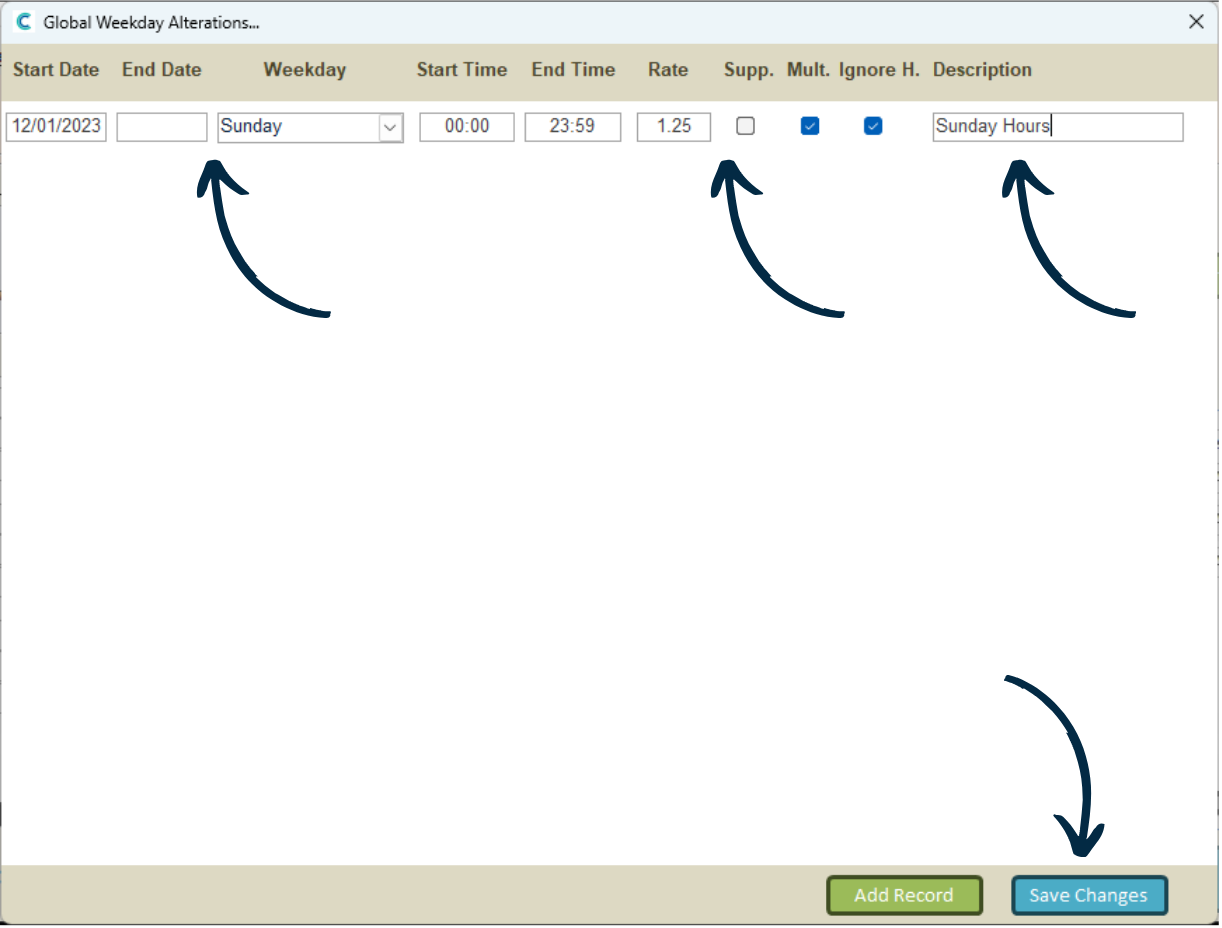
A new row will be added to the window. You can set an end date if this pay alteration is temporary, alternatively, leave it empty if there is no end date.
Next, select the weekday on which this pay alteration will be active, for example, on Sundays. You can also set a specific start / end time within this day. The default is all day.
Finally, enter a Rate and choose whether its a Supplement or Multiplier to a staff members normal rate. You can also choose for this pay alteration to be ignored for staff holidays on this day.