This guide will cover how to access and update the Personal Allowance for a service user on Care Control Windows. This tool allows for tracking of a service users spending with their own money.
1
In the Administration of Care Control Windows, navigate to the Personal Allowance tool, which can be found under the Client Area tab.
2
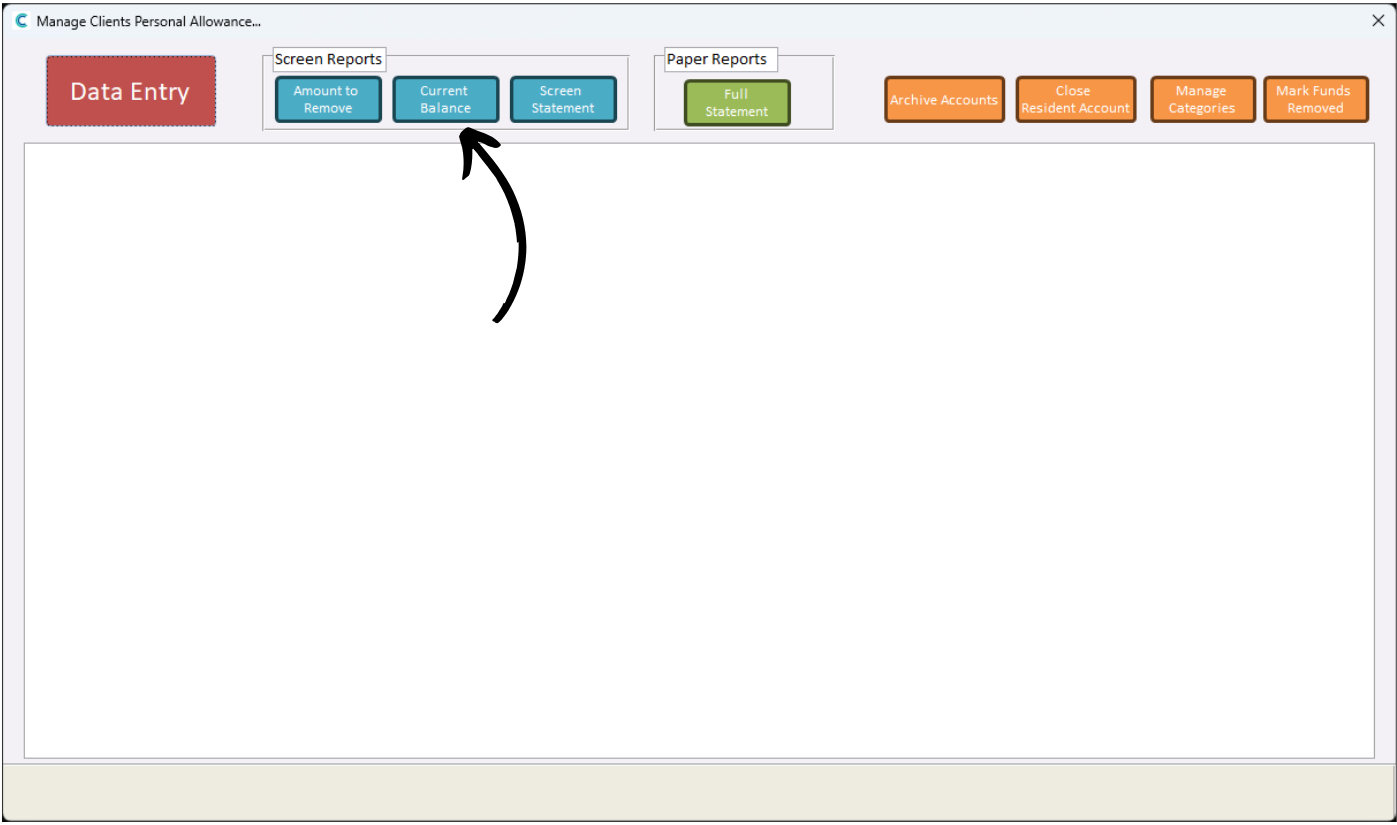
A new window will open. Here, a variety of options are available along the top of screen. We can begin by viewing the Personal Allowance balance for each of our service users – press Current Balance.
3
A list of our service users and their balances will be displayed.
4
We can view a detailed breakdown of deductions by pressing Screen Statement.
5
A list of individual transactions will be displayed. Rows with the same number indicate a singular transaction with multiple items.
The value column shows how much is deducted and the balance column shows the balance before deductions are made.
6
When Personal Allowance deductions are made, the current balance is updated on Care Control. However, since the physical money cannot be moved around by us, the deductions must be made outside of Care Control – whether that’s in a banking app, or cash storage.
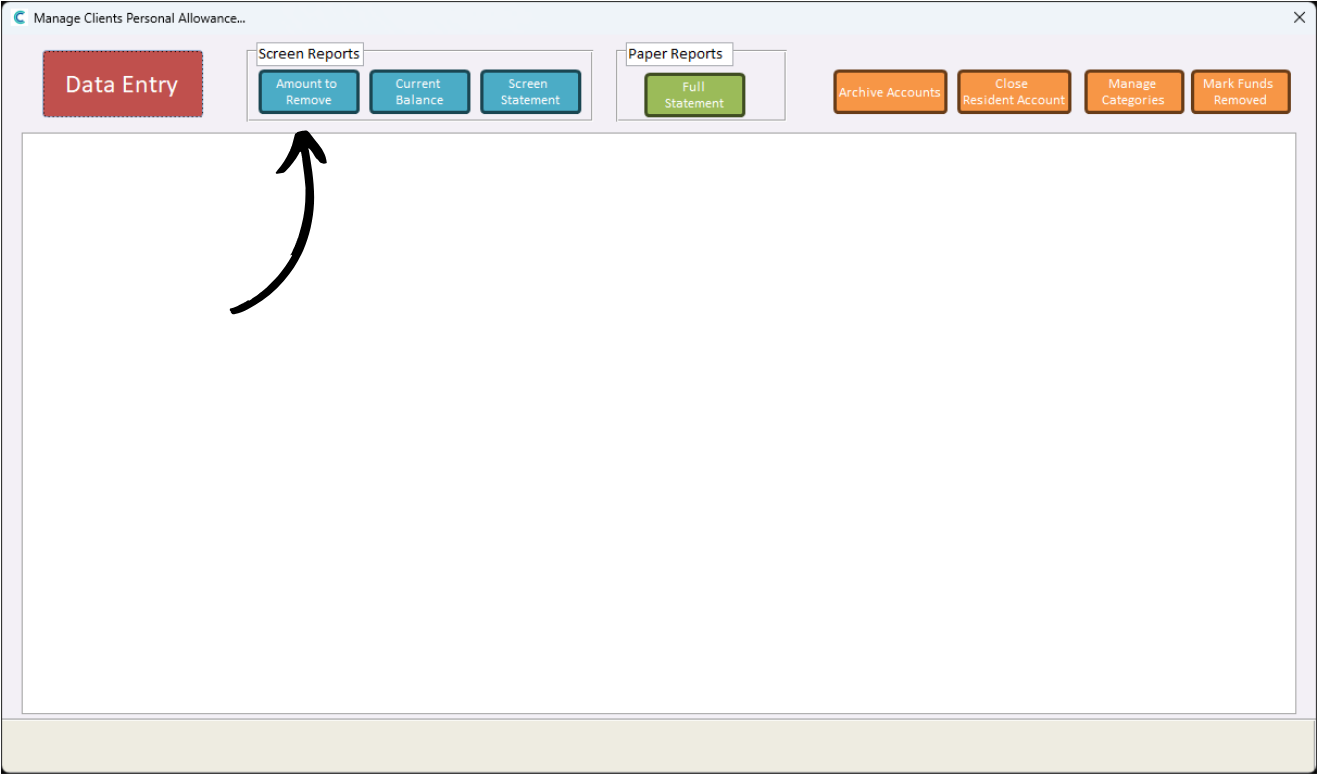
Press Amounts to Remove to view what needs to be amended outside of Care Control.
7
As we can see, there are some outstanding balances to be updated. After making these changes from the service users money pots outside of Care Control, press Mark Funds Removed in the top right corner of the window.
8
You can remove Personal Allowance records before a certain date.
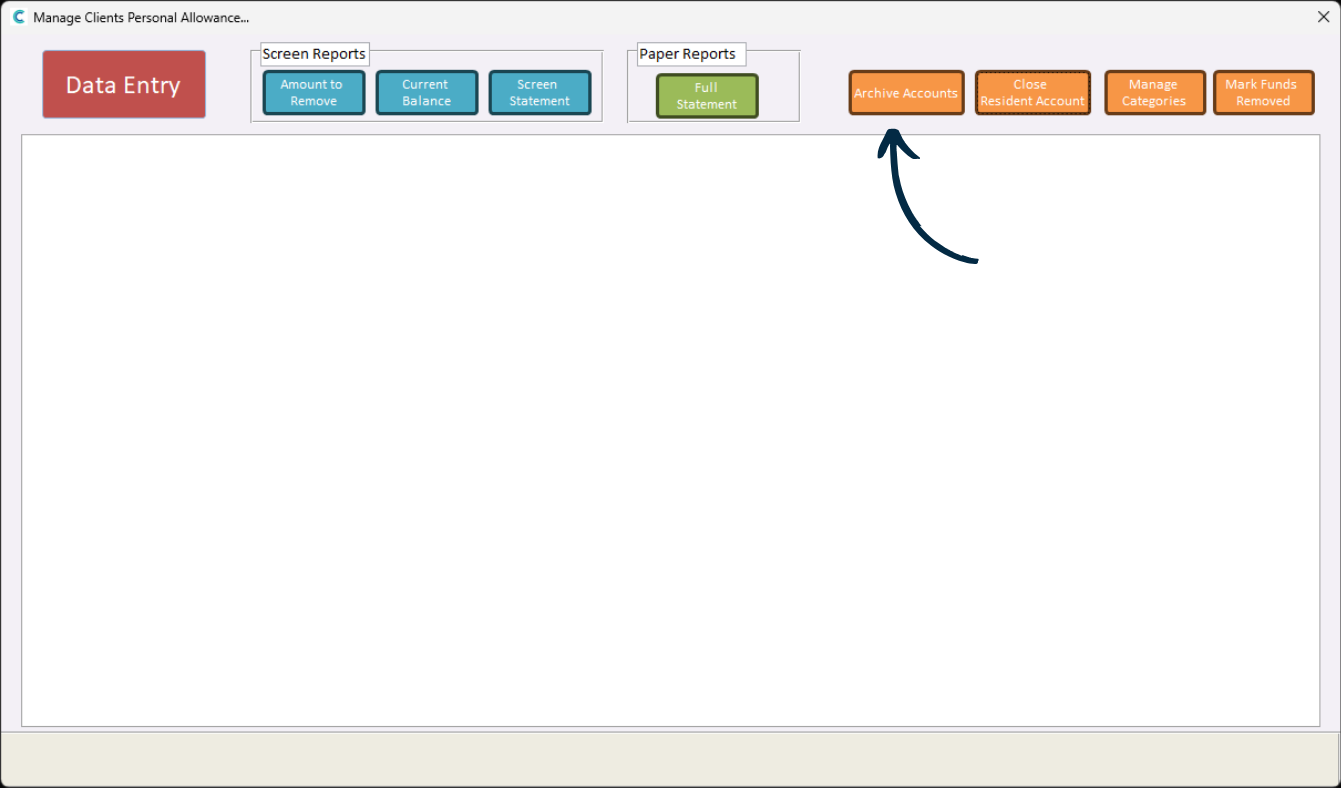
Press Archive Accounts from the options at the top of the window.
9
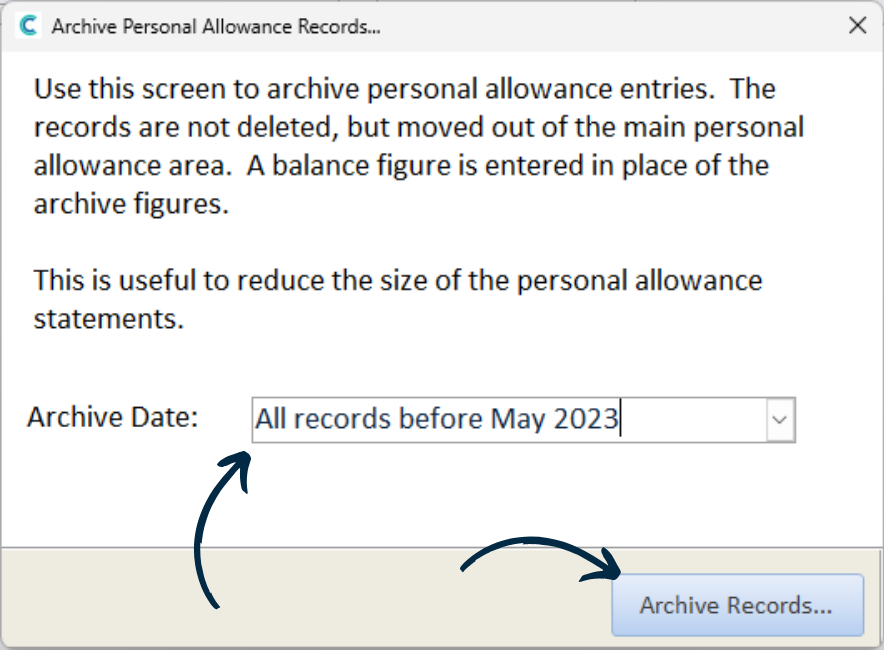
A new window will open. Select an Archive Date and press Archive Records.
The records are not deleted, just archived and cleared from the main Personal Allowance area.
10
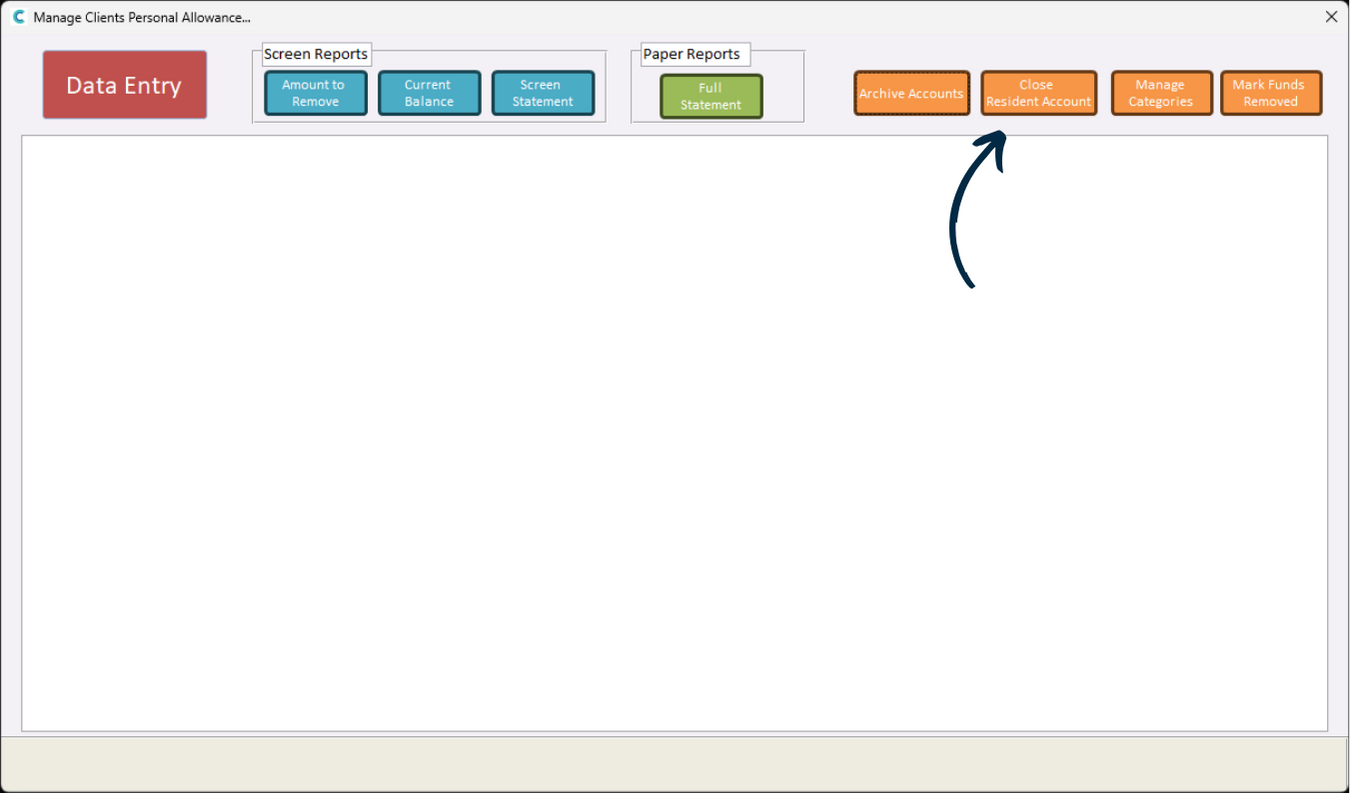
You can also close service user accounts. This can be handy if a service user leaves your care or if their account is no longer required.
Press Close Resident Account from the options at the top.
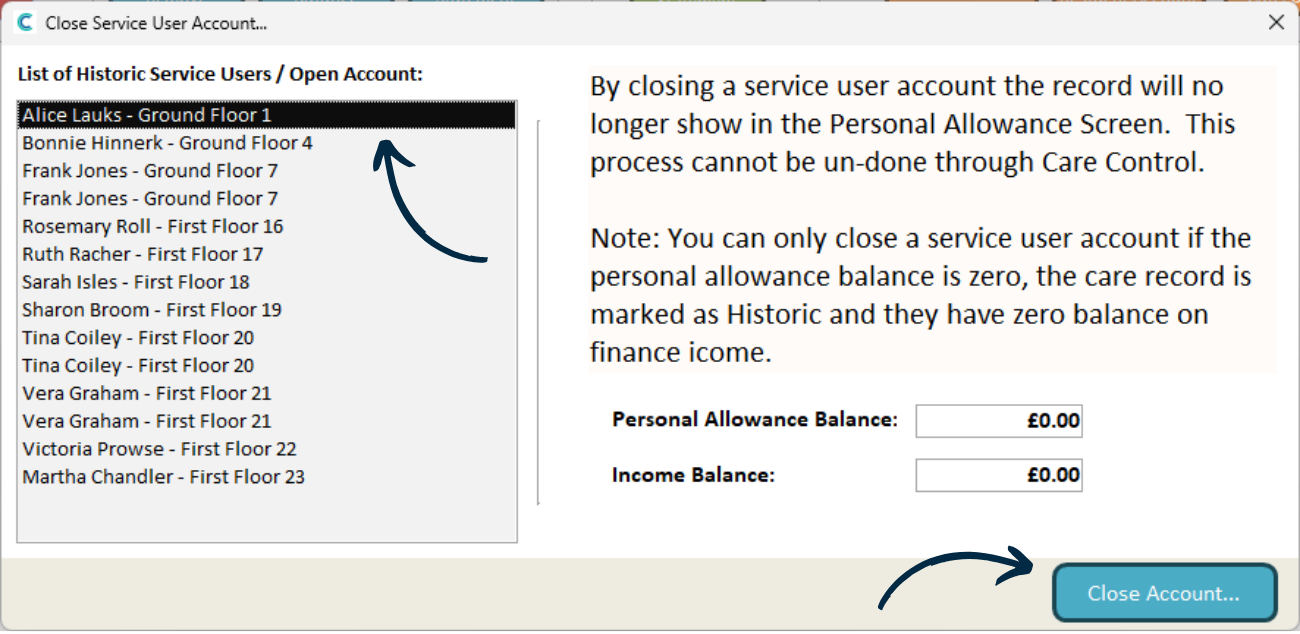
11
A new window will open. Here, select a Service User from the left hand list. Their balances will be displayed – Both the Personal Allowance Balance and Income Balancemust be zero before the account can be closed. The service user must also no longer be active.