Bank Holiday Closure Notice: We will be closed on the 3rd April for the Easter bank holiday, so our customer service team will not be available on this day. If you need to get in touch, you can still use our customer contact form and we will get back to you as soon as possible. Even better, Margo will still be available on our phone lines to help with your queries whenever you need support. We hope you have a lovely Easter weekend 🐣
View Categories
Registering Pocket with a One-Time- Code
This guide will cover how staff members can set up their personal devices with a One-Time Code on the Care Control Pocket App. This guide assumes that One-Time Codes have already been set up, and that staff have access to their personal code. If this is not the case, please refer to the relevant guide (How to set up One-Time Codes).
1
To begin, you will need to have Care Control Pocket installed on your device. This can be downloaded from the Appstore/Playstore. After opening, you will have 3 options for registration, select Existing Registration and press Continue.
2
Next, enter your One-Time Code into the box and press Continue. Note: This code begins with ONE.
You should be able to copy and paste this from the email.
3
Finally, enter a unique Device Name into the box. This can be anything, for example, ‘John’s Phone’.Then, press Continue.
4
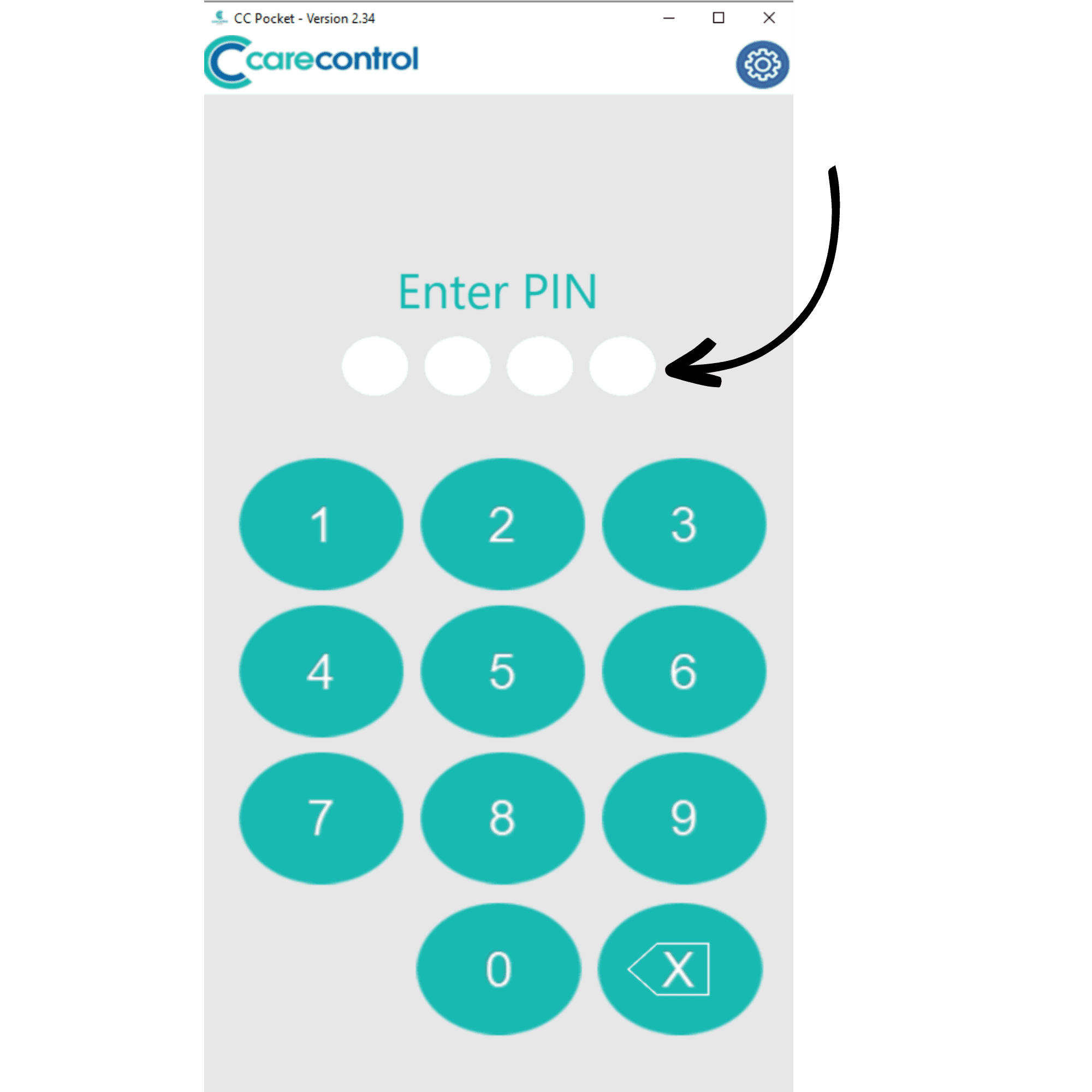
You will be presented with the PIN screen. Here you can enter your personal PIN provided to you when your staff profile was created on Care Control. This is the same PIN used to sign into the other Care Control software.
5
After signing in you will be able to begin recording on Care Control Pocket.