Offline Mode is a feature on Care Control Pocket to allow care recording when Wi-Fi or mobile data is unavailable. Before using on Pocket, it needs to be configured in Care Control Windows.
1
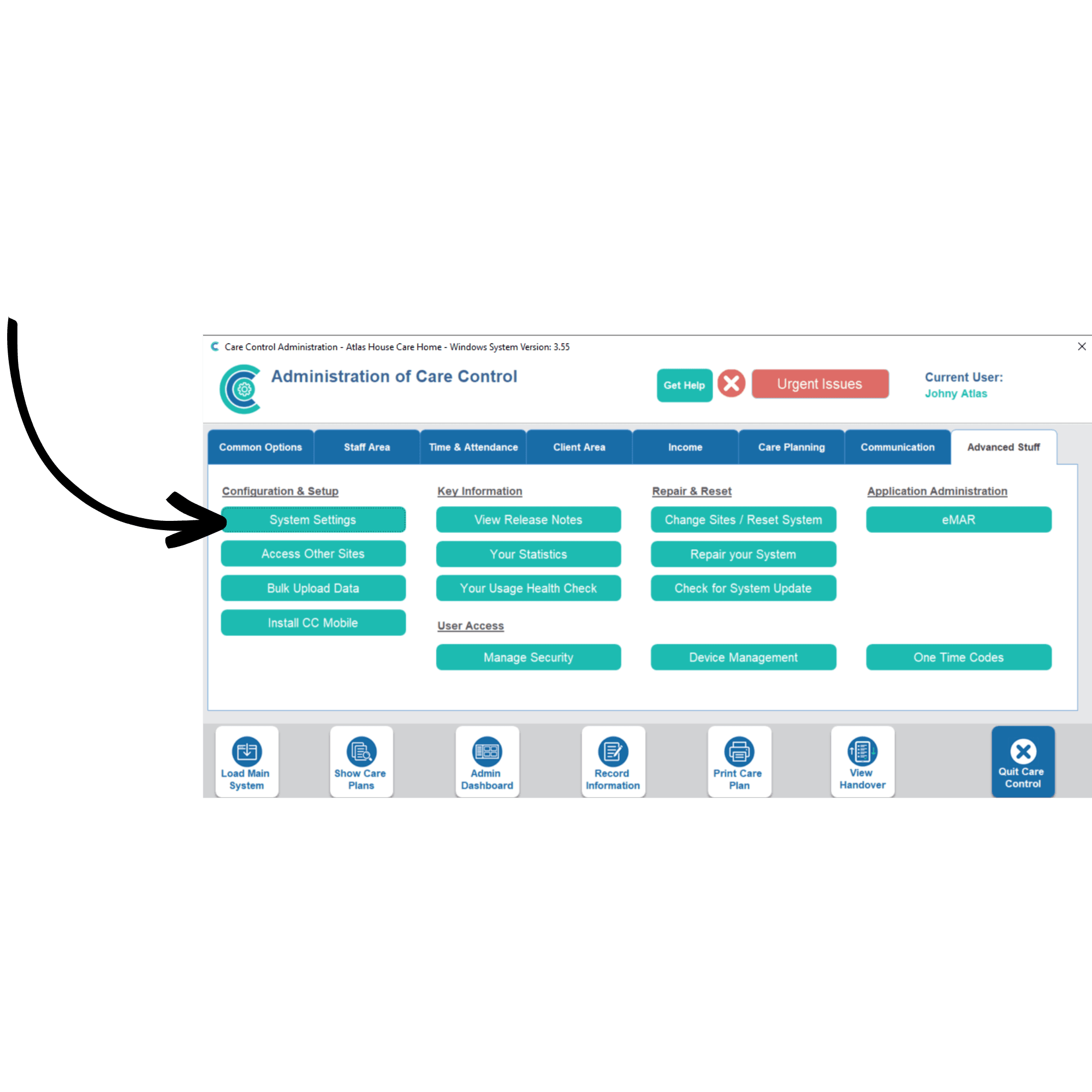
In the Administration of Care Control Windows, navigate to the Advanced Stuff tab. Here select System Settings.
2
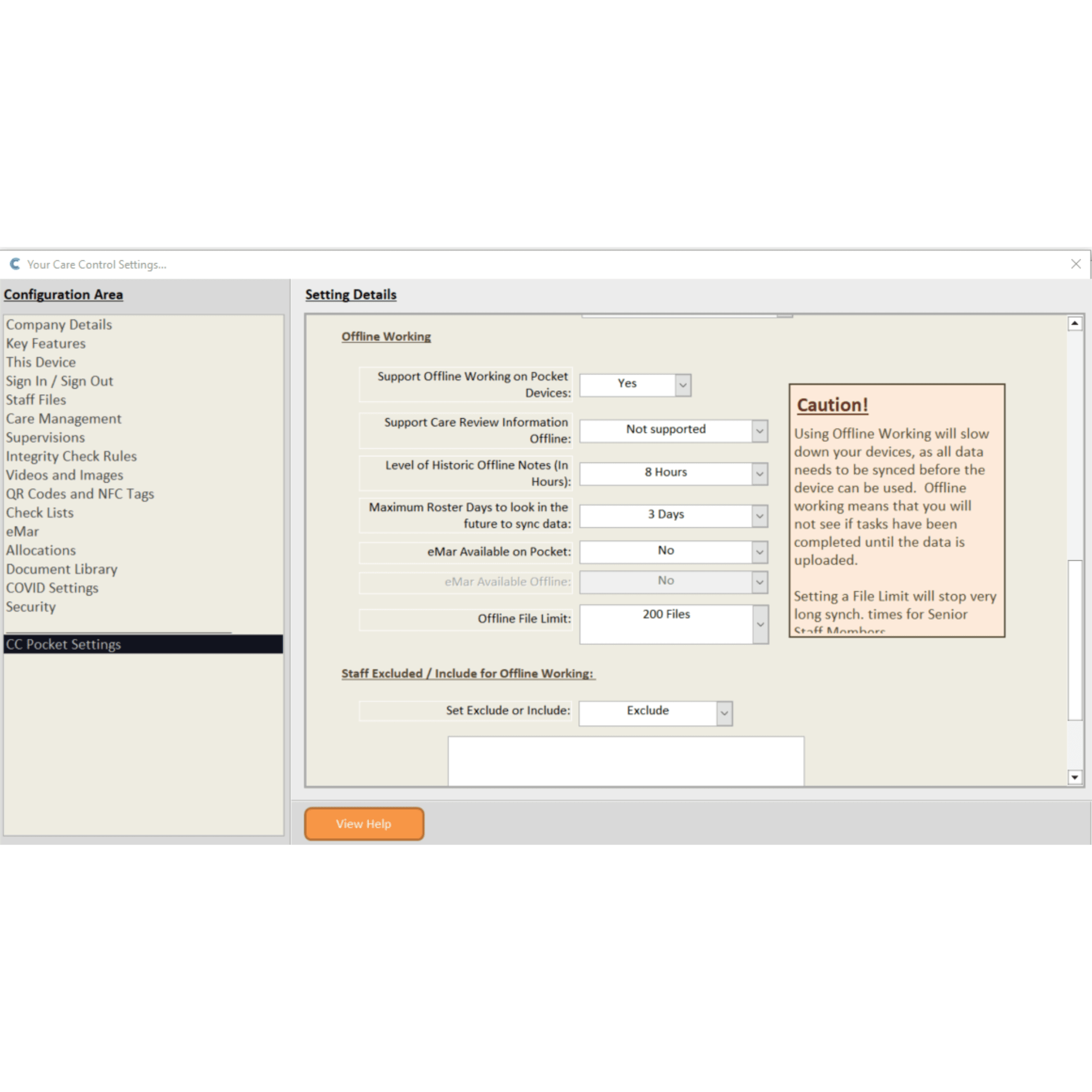
This will open a new window displaying the core settings of Care Control. From the menu on the left-hand side, select CC Pocket Settings. This will show all the settings for Care Control Pocket.
3
Scroll down to the section titled Offline Working. This is where Offline Mode can be configured, and explanations of each setting will be described below:
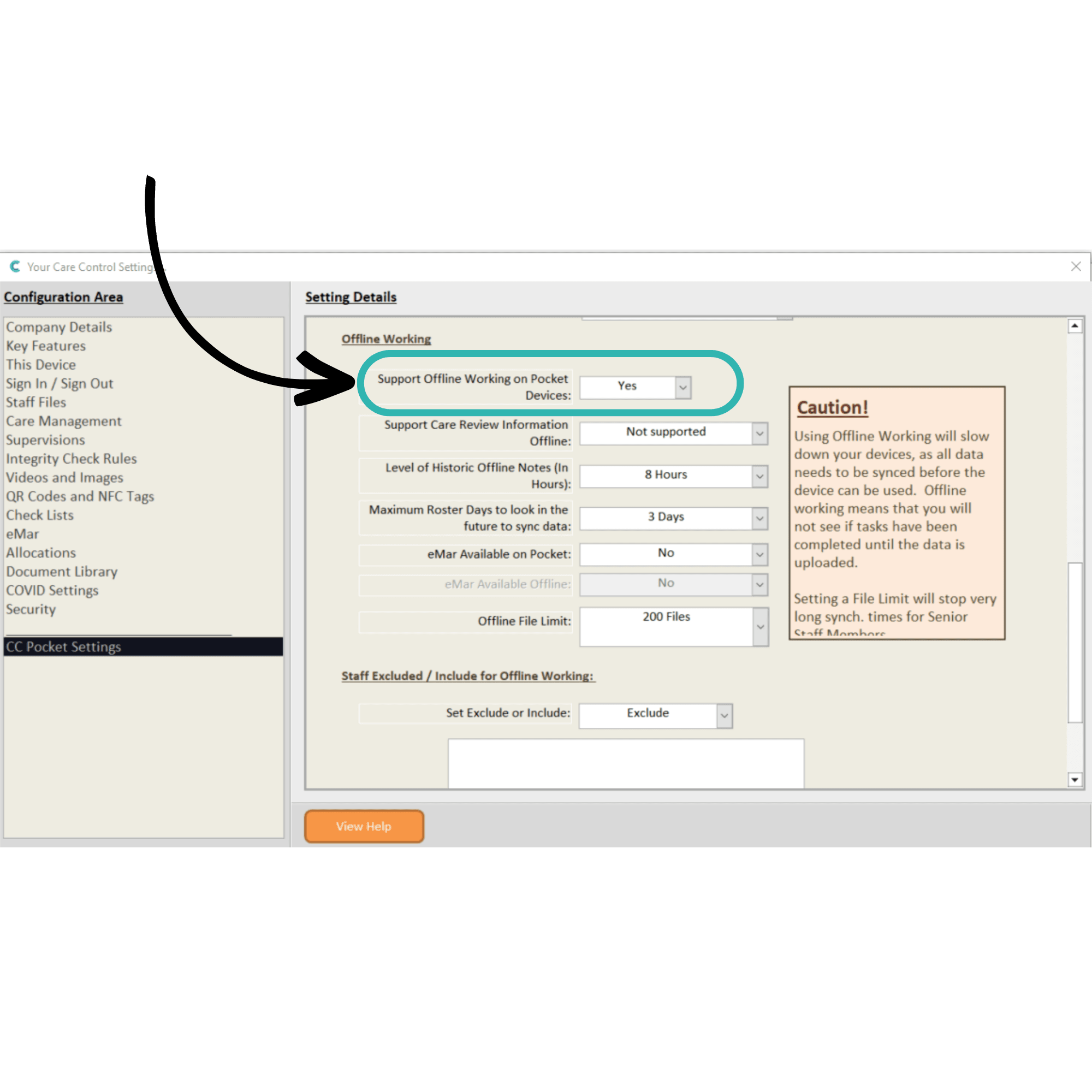
Support Offline Working on Pocket Devices:
Yes – offline mode is activated
No – offline mode is deactivated
4
Support Care Review Information Offline:
Not Supported – no Care Review information will be available in Offline Mode
Just Overview Data – some Care Review information will be available in Offline Mode
All Data – all Care Review Data information will be available in Offline Mode
5
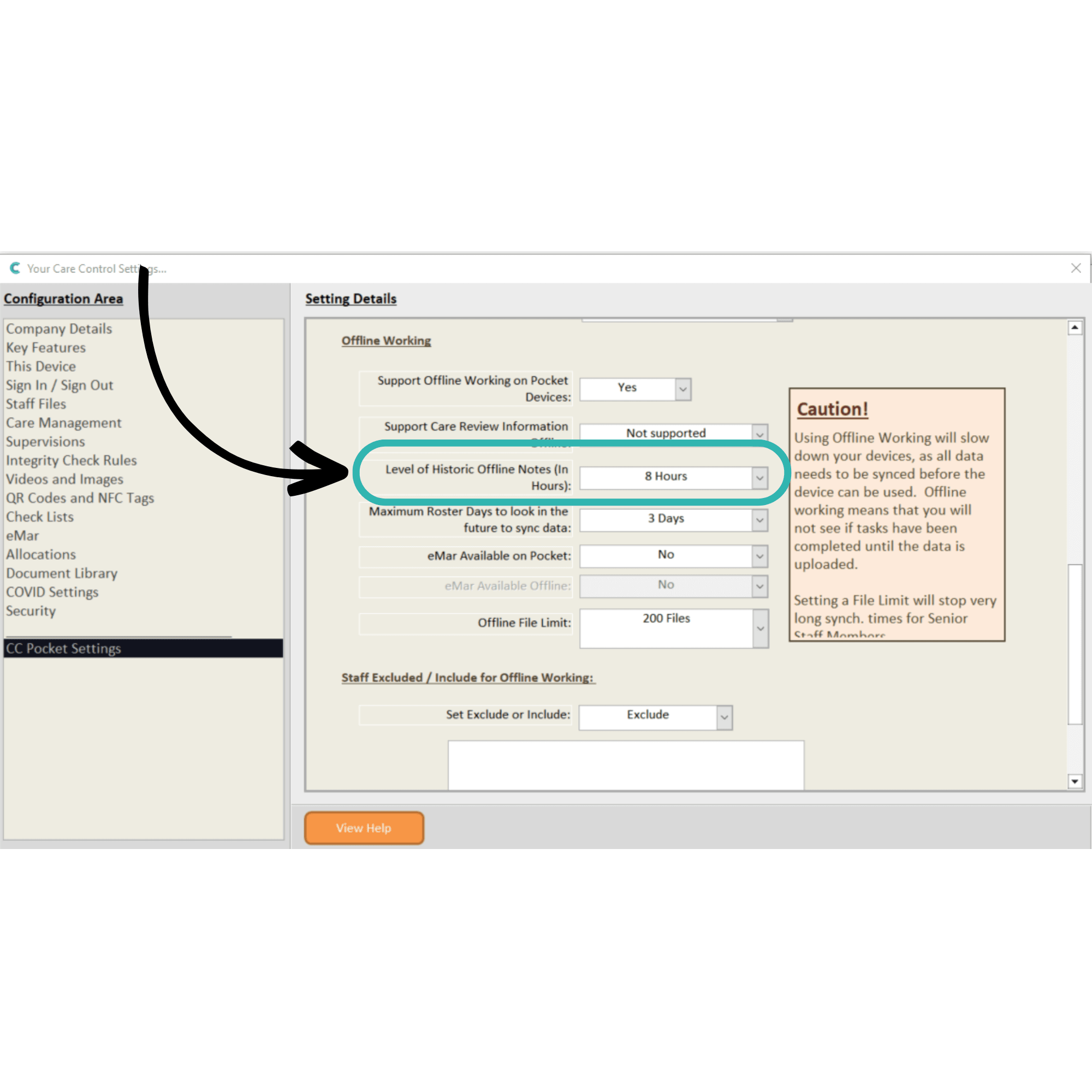
Level of Historic Offline Notes (In Hours):
No Notes – notes recorded prior to going offline will not be available
1-24 Hours – notes recorded in the last X hours will be available when offline
6
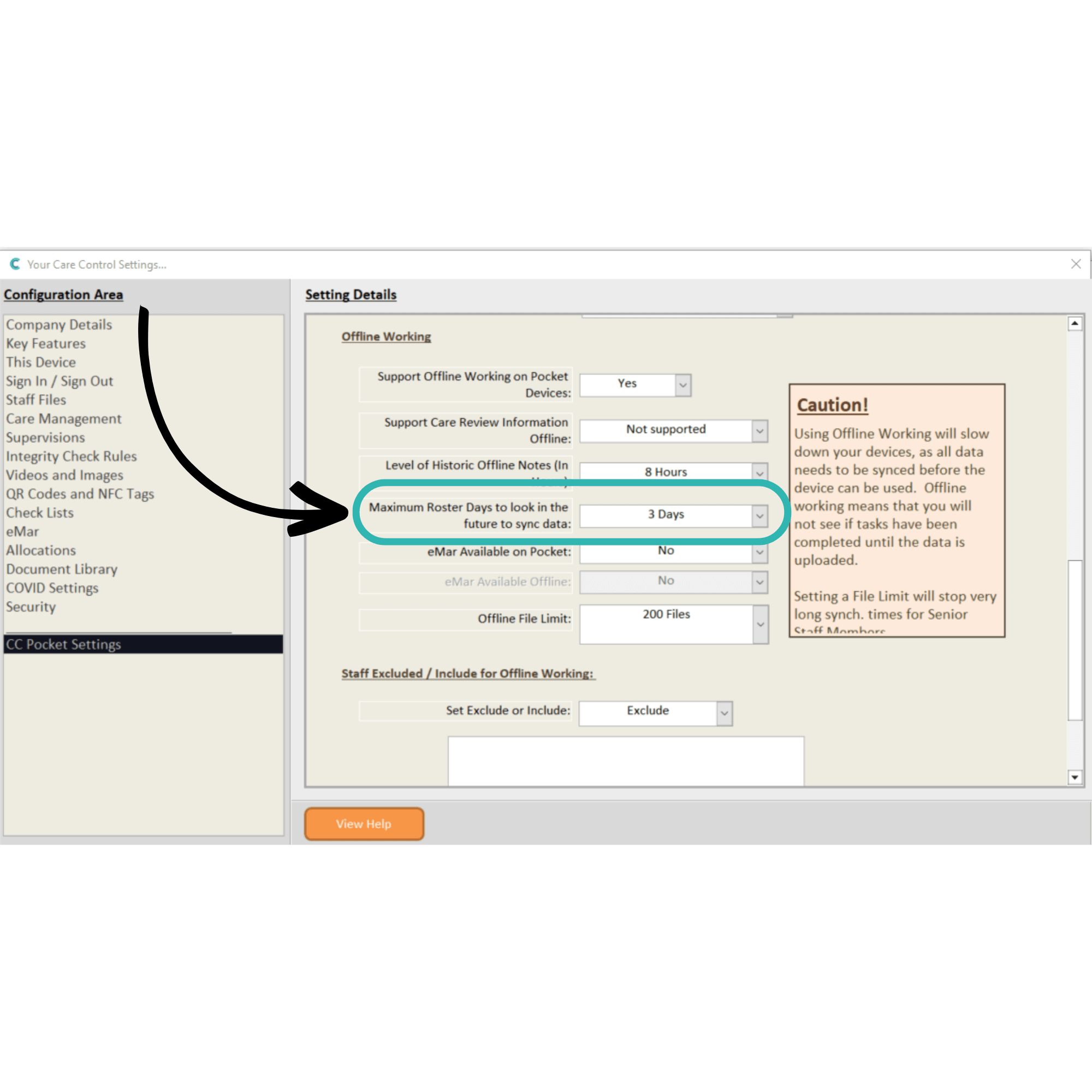
Maximum Roster days to look in the future:
1-14 days – how many days, into the future, of rota information available when offline
7
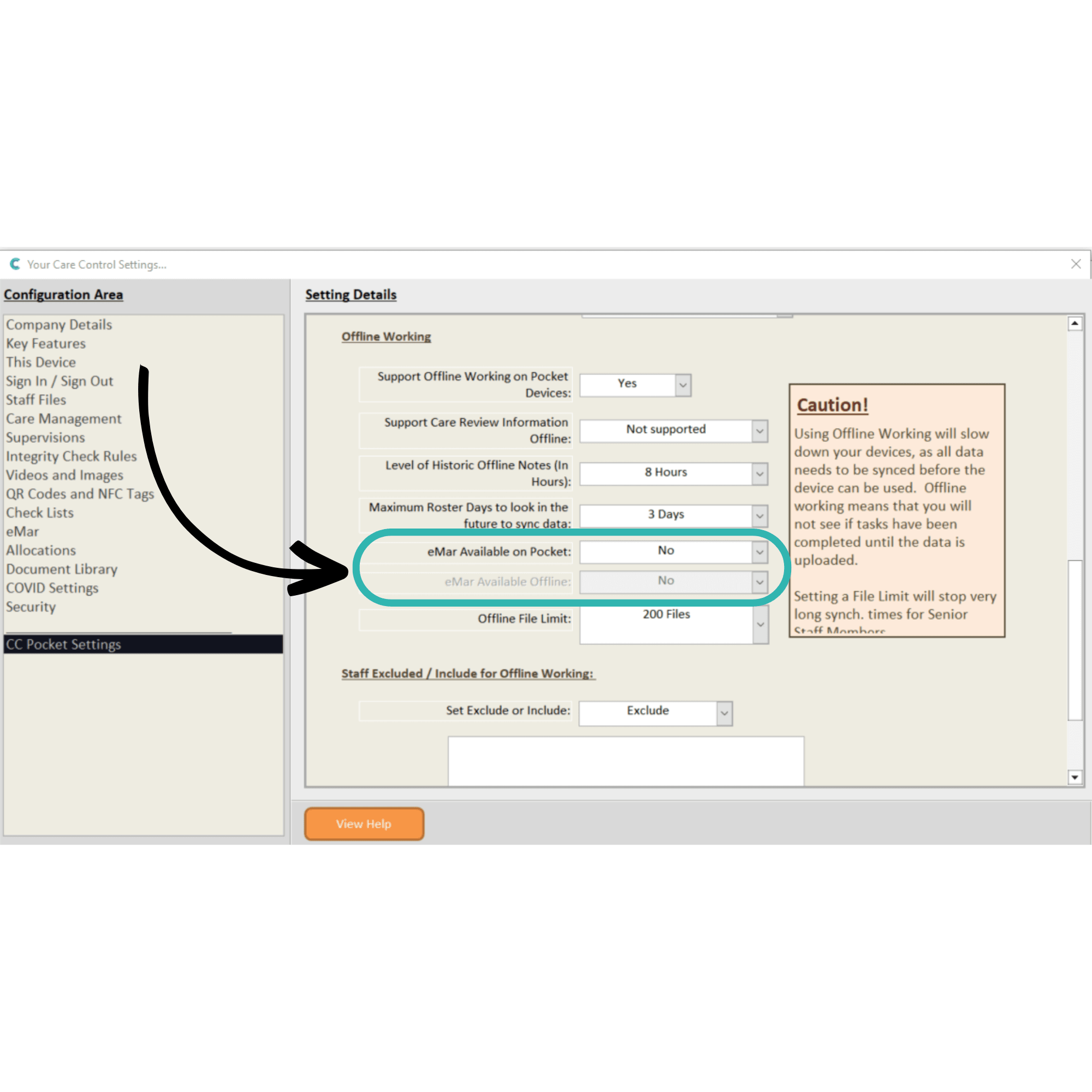
eMAR Available on Pocket:
Yes / No – whether eMAR is available on Pocket
eMAR Available Offline:
Yes / No – available if above is set to Yes; whether eMAR is available offline
8
Offline File Limit:
50-Unlimited – the maximum number of files synced when going offline
9
Staff Excluded / Included for Offline Working:
Exclude / Include – sets whether the staff in the list below are excluded or included for offline working.
This setting allows customisation of which staff members can use Offline Mode. Staff can be added or removed from the list using the dedicated Remove and Add Staff Member buttons.
Don’t forget to Save Changes after configuring any settings. Offline Mode will not be ready to use on Care Control Pocket.