This guide will cover how visitors can sign in and out of Care Control’s V-Book. This allows for the removal of a paper-based visitors book and the inclusion of visitor surveys and service user linking.
1
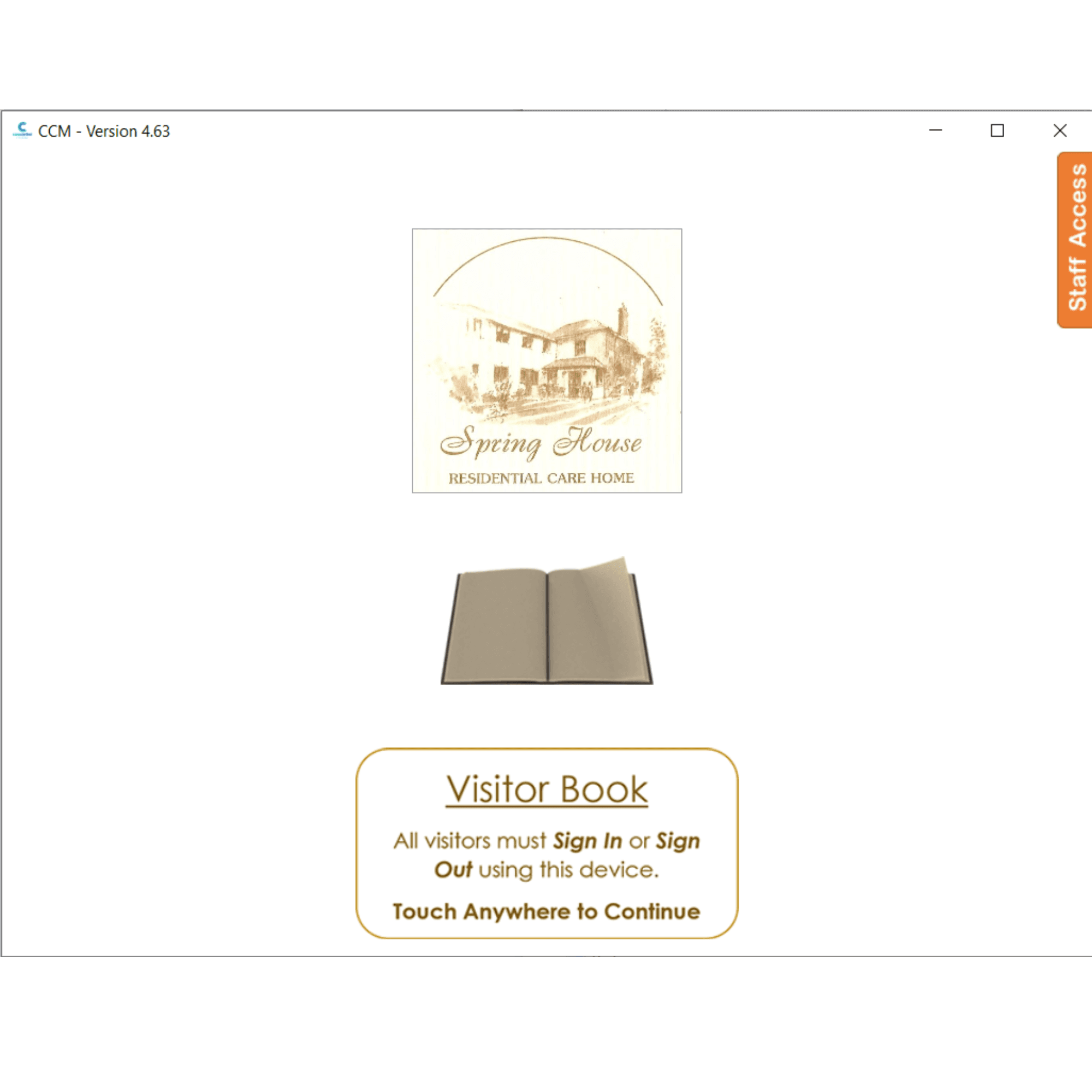
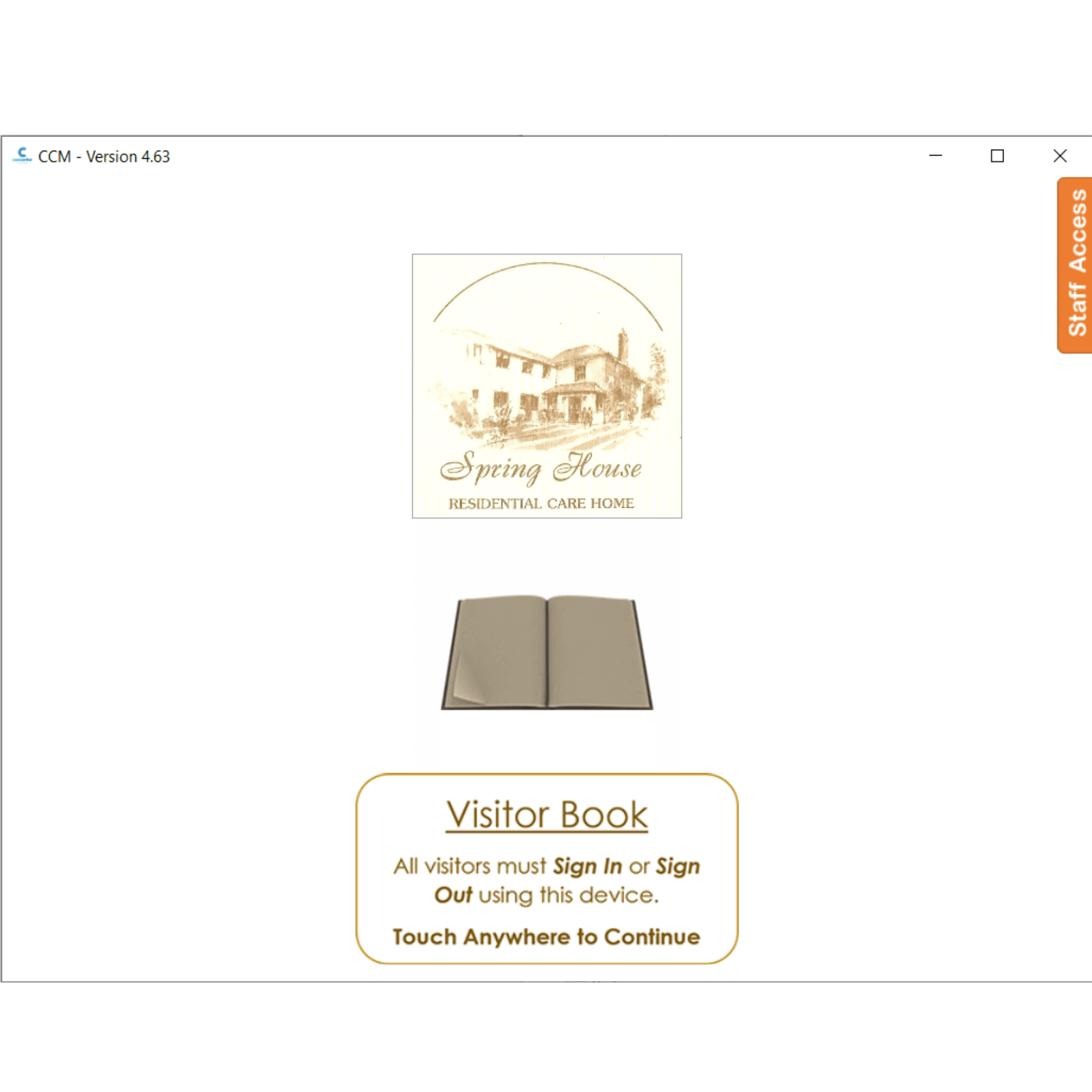
Tap the screen to interact with the V-Book
2
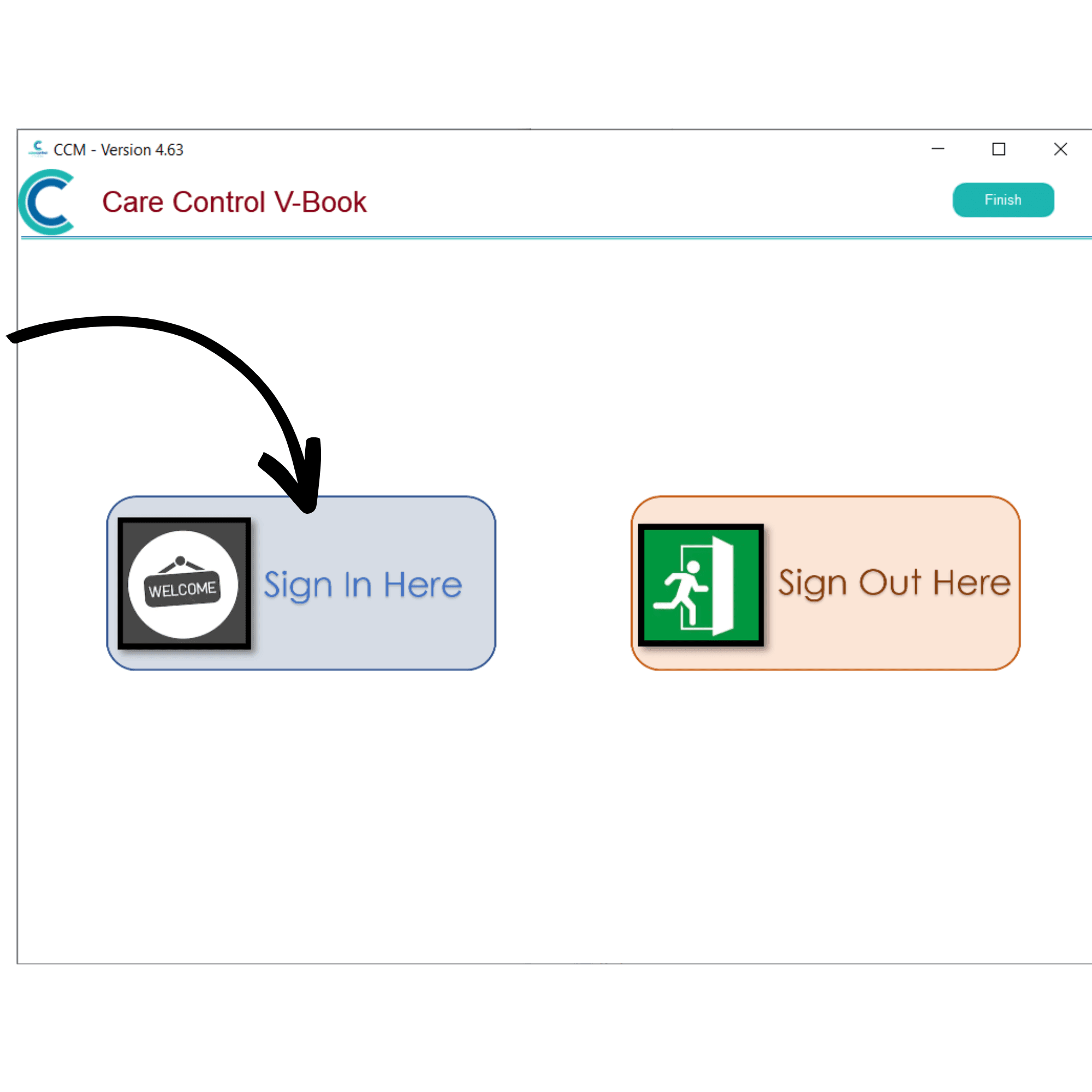
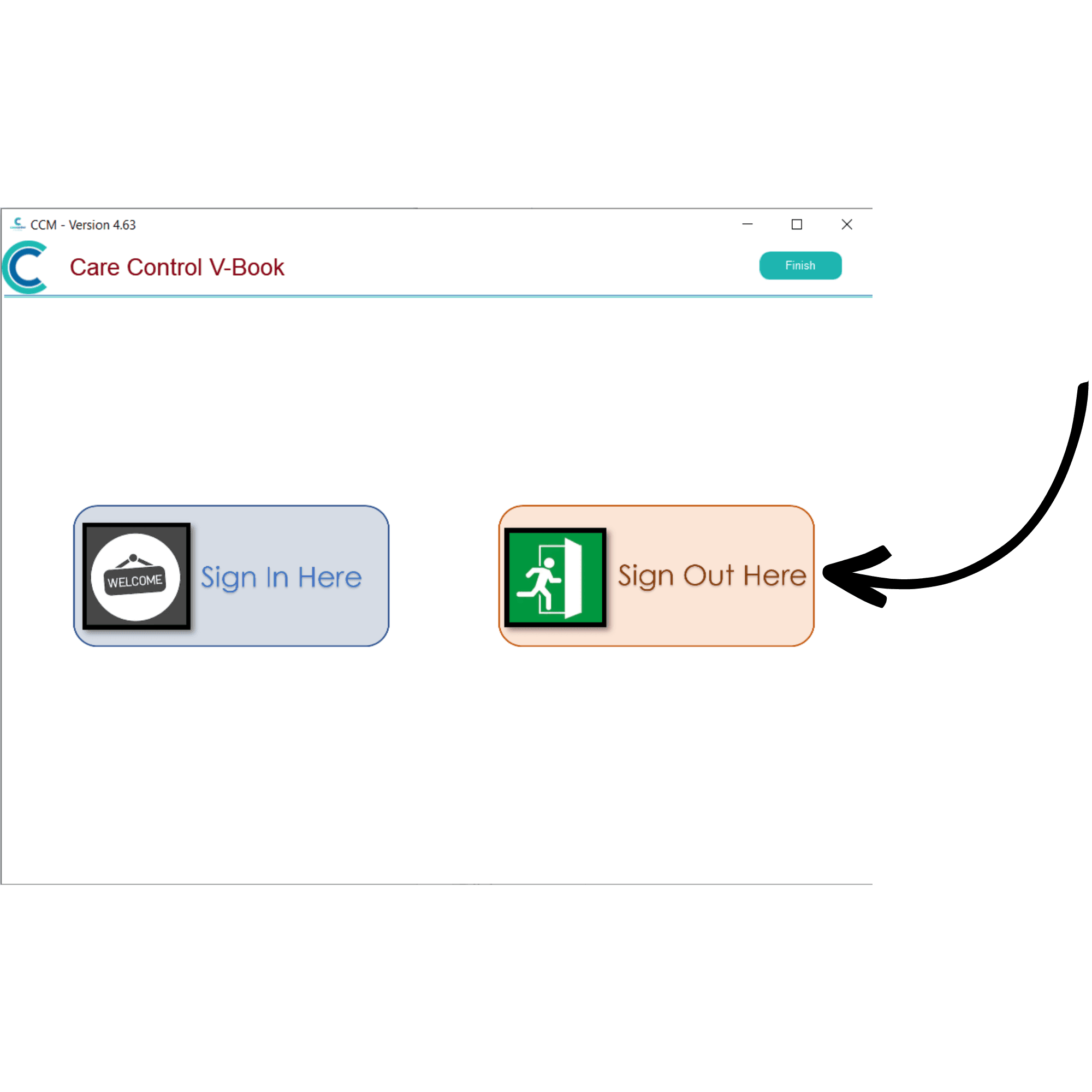
First, we will sign in. Press Sign In Here.
3
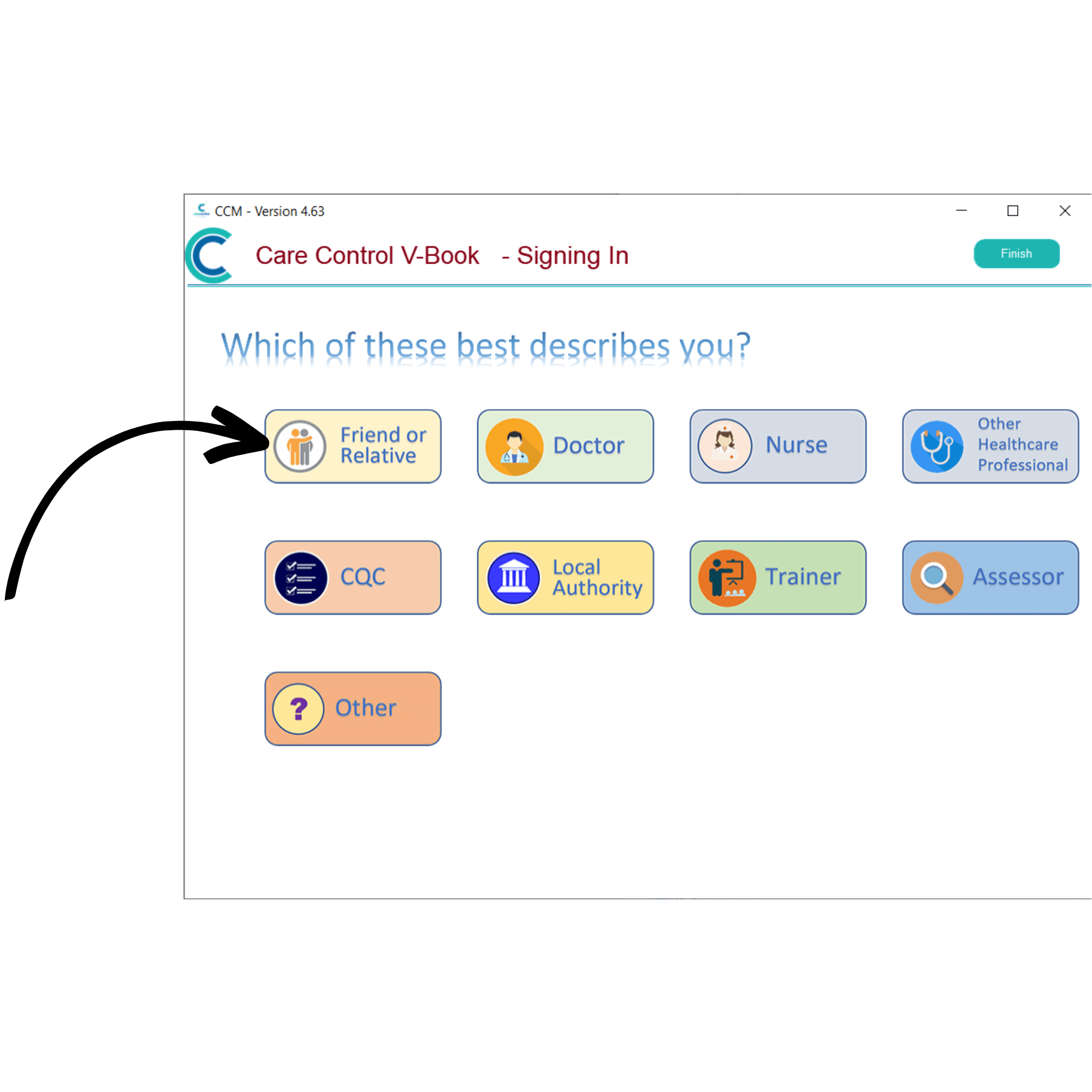
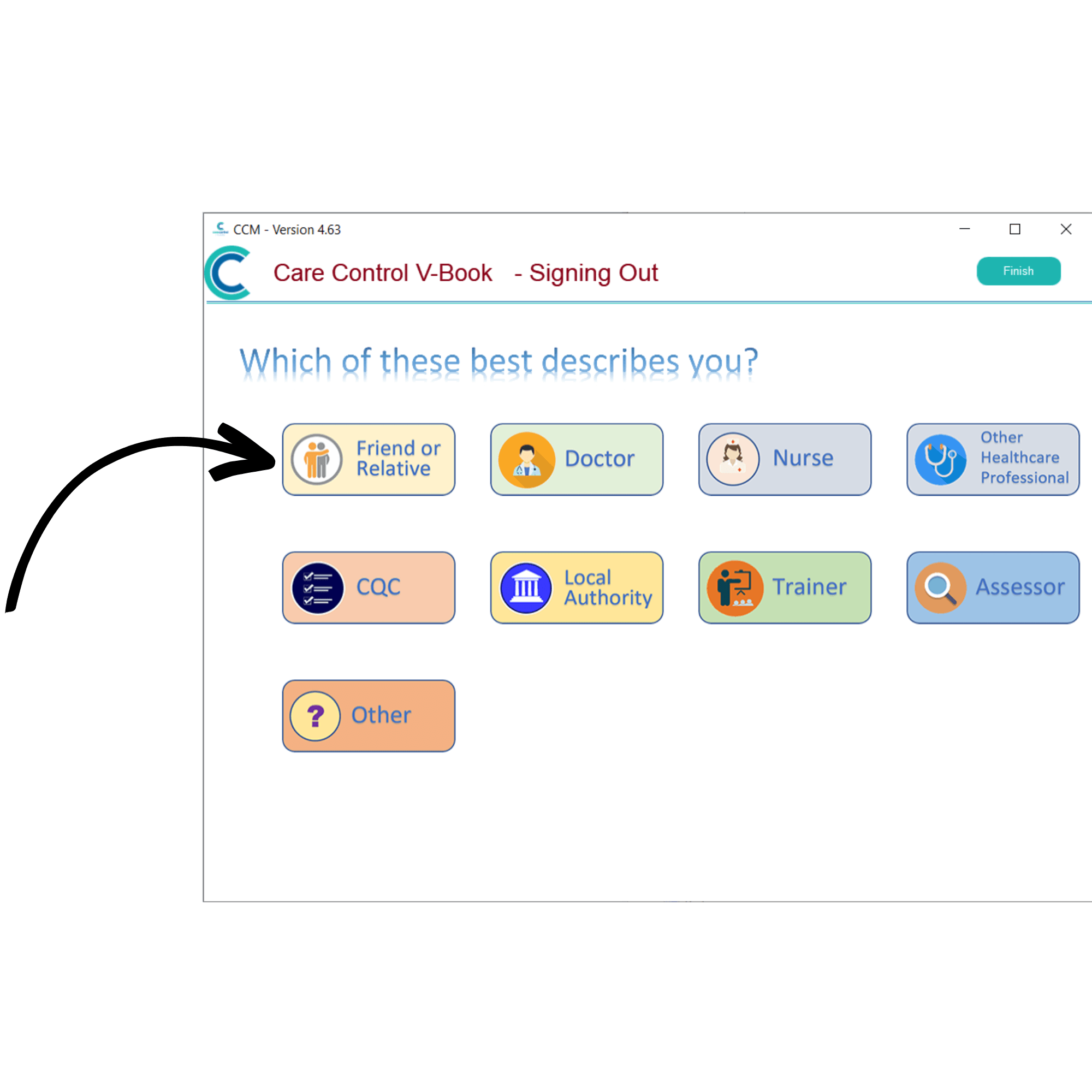
A list of visit types will be displayed, select the most appropriate option. In this example, we will select Friend or Relative.
4
If you have previously signed in using the V-Book, you can enter your existing Initials and PIN then press Continue. If not, press Register Your Details Here.
5
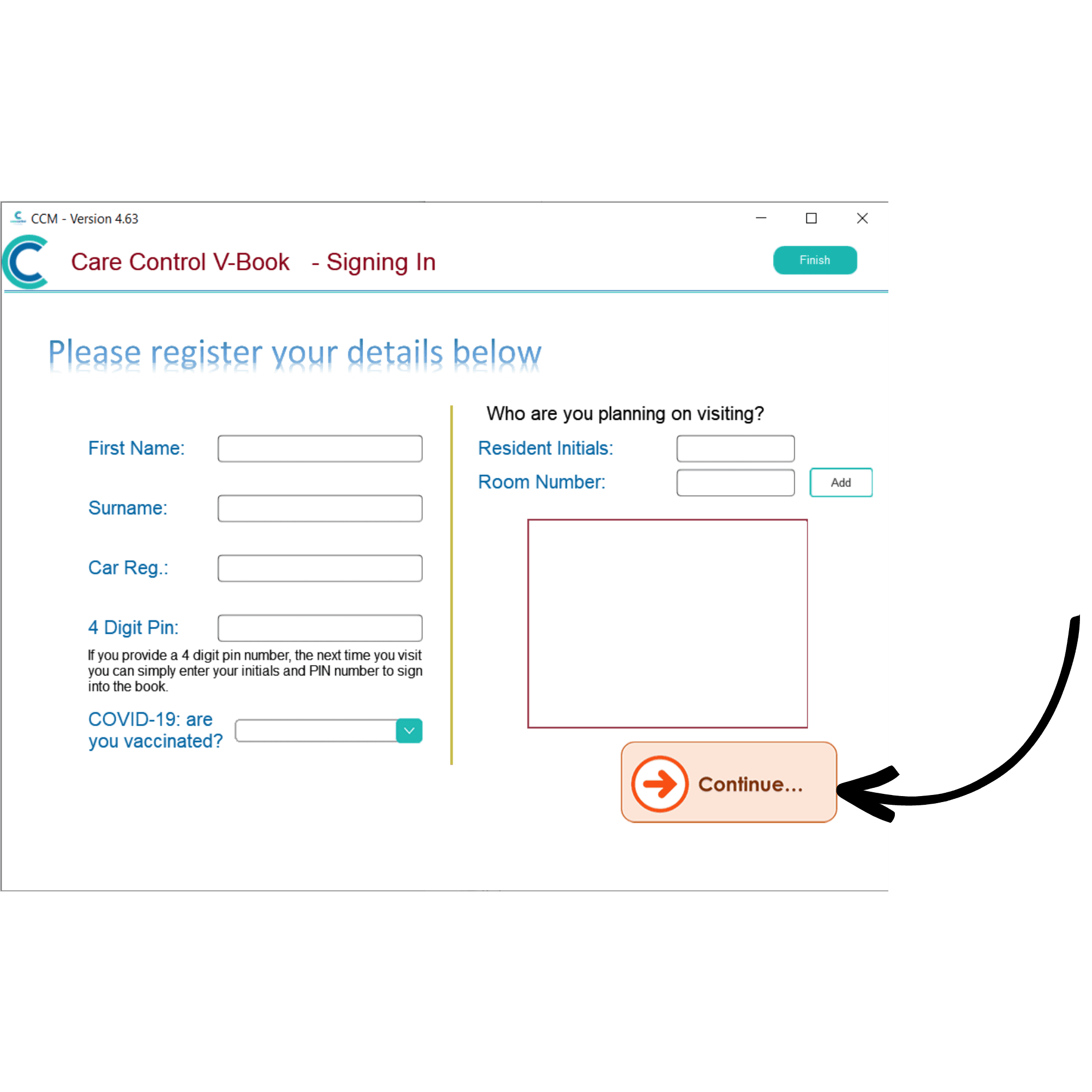
A blank visitor form will be displayed. Here, enter your name, car registration, a 4-digit PIN as well as your vaccination status and the initials and room number of the service user you are visiting.
After doing so, press Continue.
6
You have successfully signed in.
7
To begin signing out of V-Book, press Sign Out Here.
8
Select the visit type chosen when you signed in. In this example, we will select Friend or Relative.
9
Select your name from the list of signed in visitors.