This guide will cover how to view and complete supervisions on Care Control Pocket.
1
After signing into Care Control Pocket, open the menu by pressing the three lines in the top right hand corner of the screen.
2
Select Staff Menu.
3
Here, select Other Options.
4
Now, select Supervisions.
5
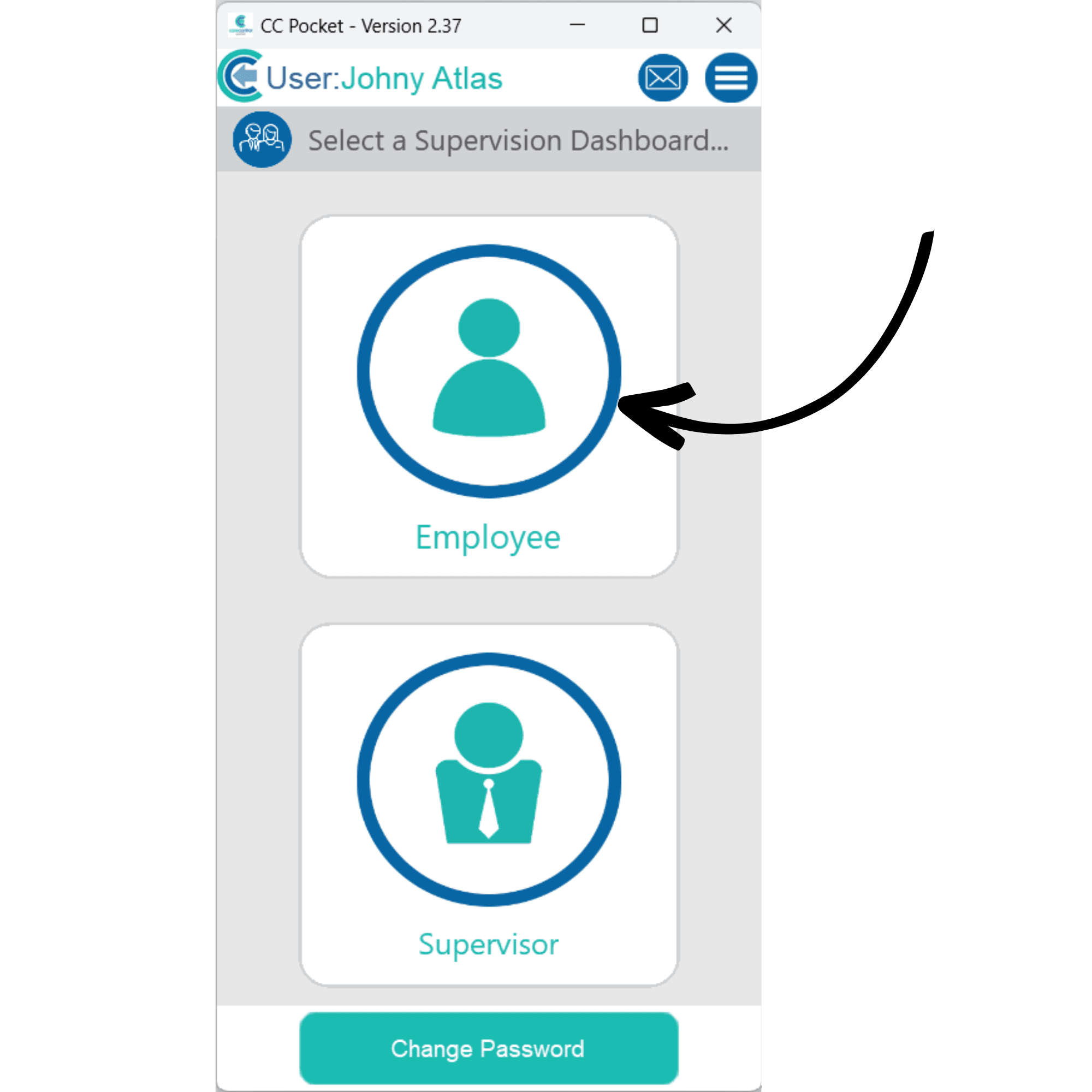
The supervision options will be displayed. If you wish to complete a supervision as a staff member, select Employee.
6
An overview of your active supervisions will be shown. Press View to open one.
7
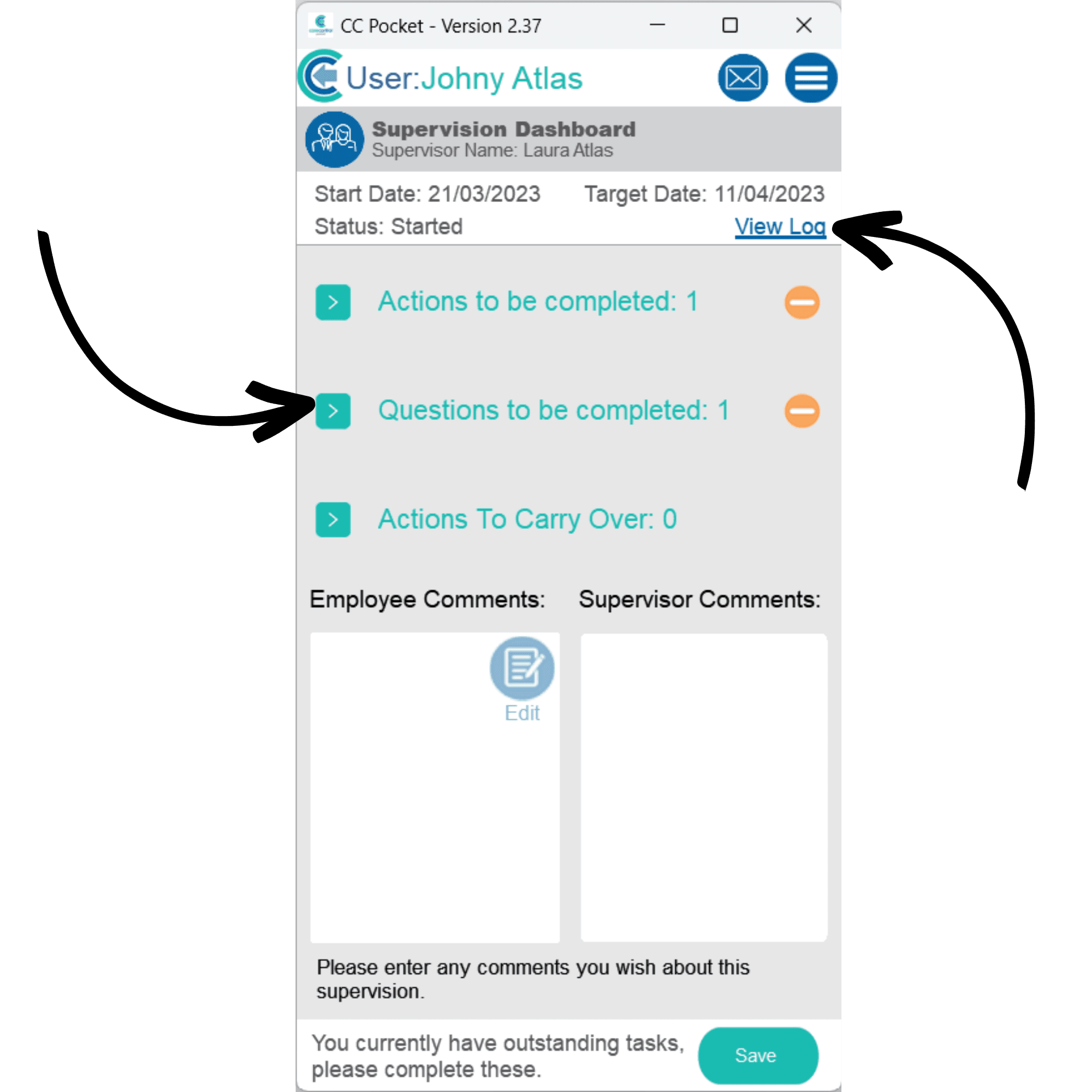
Here, you can view your actions & questions to be completed. You can also add comments and view the change log by pressing view log. To complete an action, open the drop down list by pressing the blue arrow, then, tap an action. Here, you can view your actions & questions to be completed. You can also add comments and view the change log by pressing view log. To complete an action, open the drop down list by pressing the blue arrow, then, tap an action.
8
The action form will open. You can view the details and also open guidance on how to complete the area.
Select a status from the drop-down list, and enter the details of your progress by clicking the blue edit button. Finally, press Update after completing.
9
The same process can be followed for supervisor questions. After opening one from the list, you can enter an answer as well as raise an action.
Press Nextto move on to the next question or return to the overview screen.
10
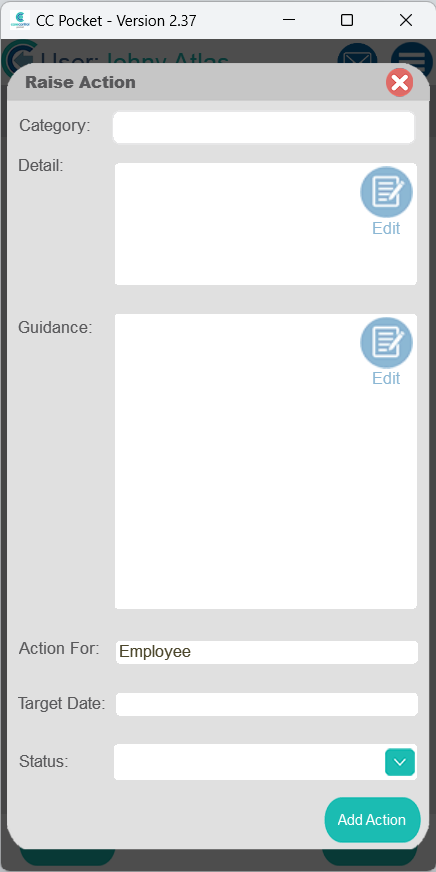
This form will display if you choose to raise an action from a question.
11
Since we are logged in with an admin account, we can also view supervisions that we are assigned to complete. Press Supervisor.
12
A list of supervisions you are assigned to will be displayed. You can also view historic ones by pressing the dedicated button.
To begin a supervision, simply tap on it.
13
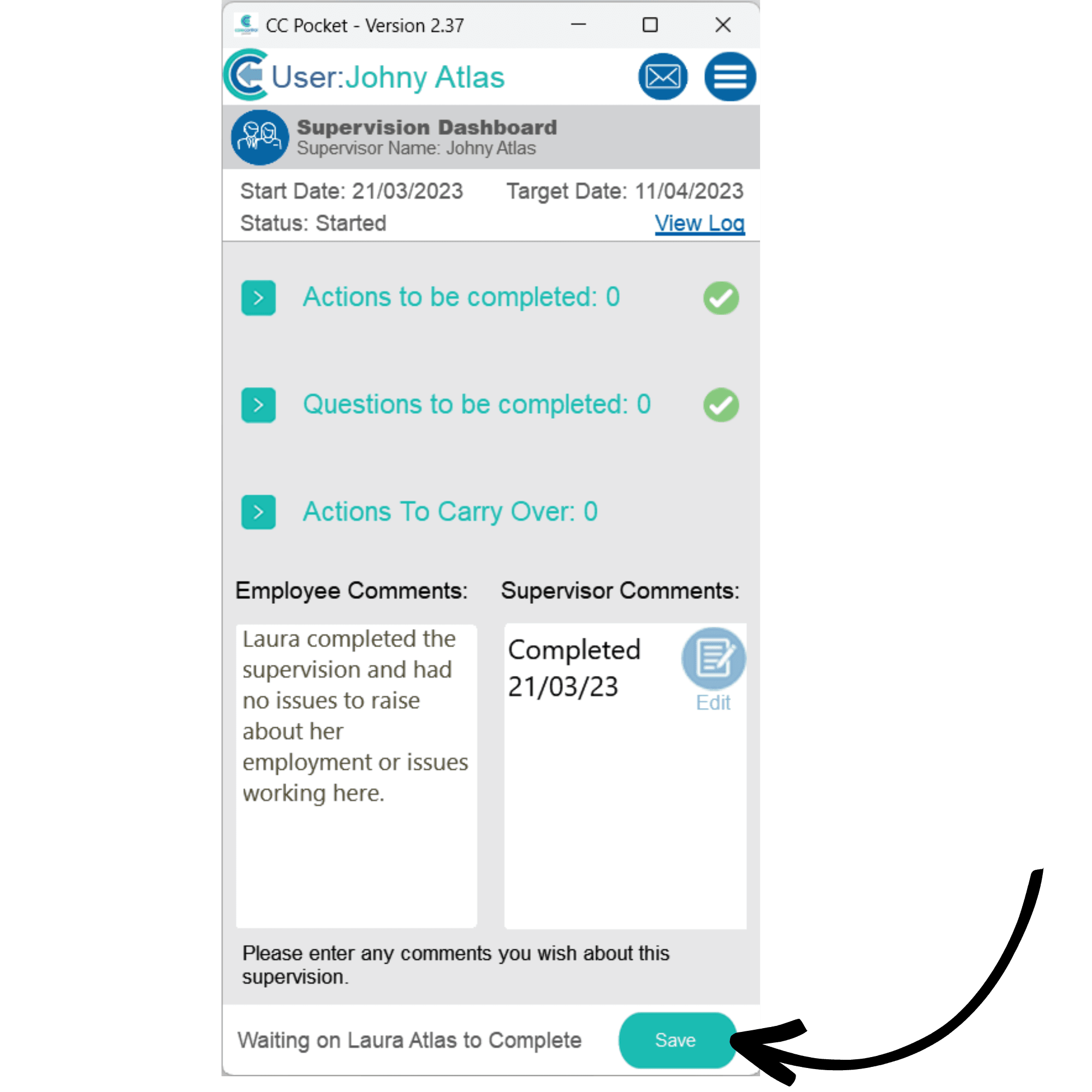
An overview of the supervision will open. In the same way as before, you can view the changelog, complete actions and questions as well as add comments to the supervision.
Press Saveafter making any changes or completing the supervision.