Admin Turning on Target Fluid Intake
This guide will cover enabling the fluid TDEE calculator within fast facts.
Please follow the interactive guide below, a written guide is also available at the bottom of the page.

Written guide
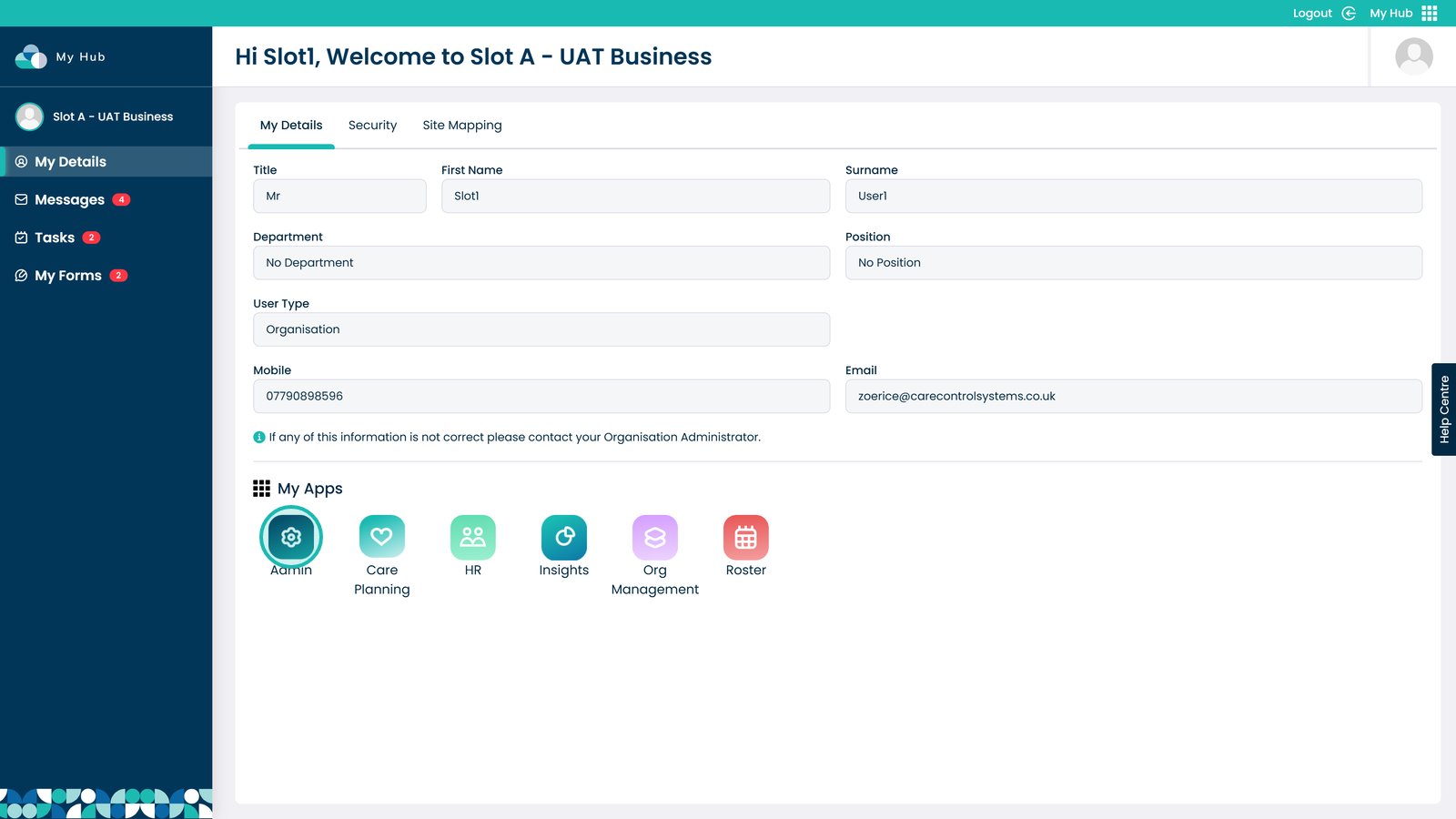
1. Enter the Admin app

Â
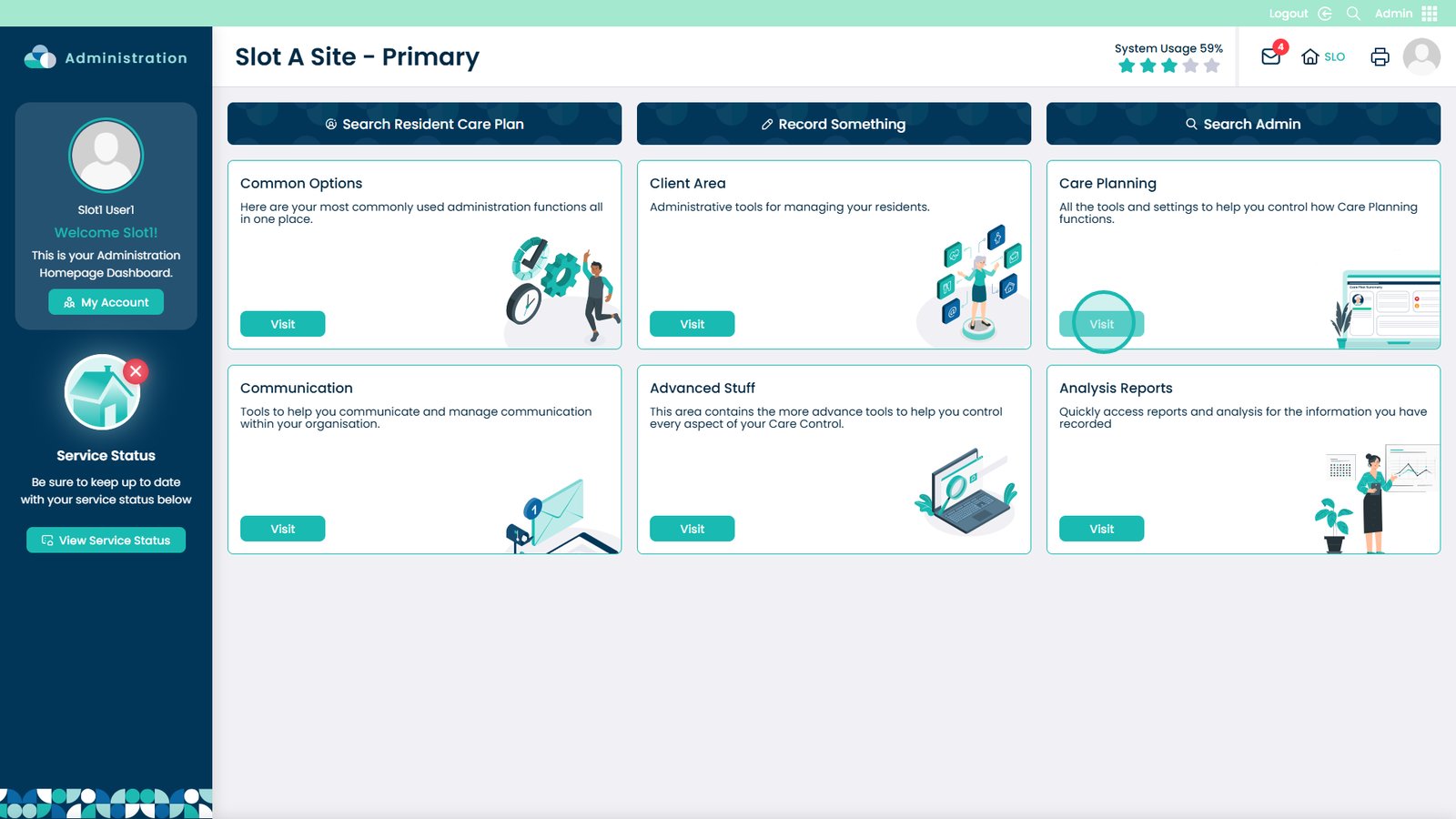
2. Visit the Care Planning area

Â
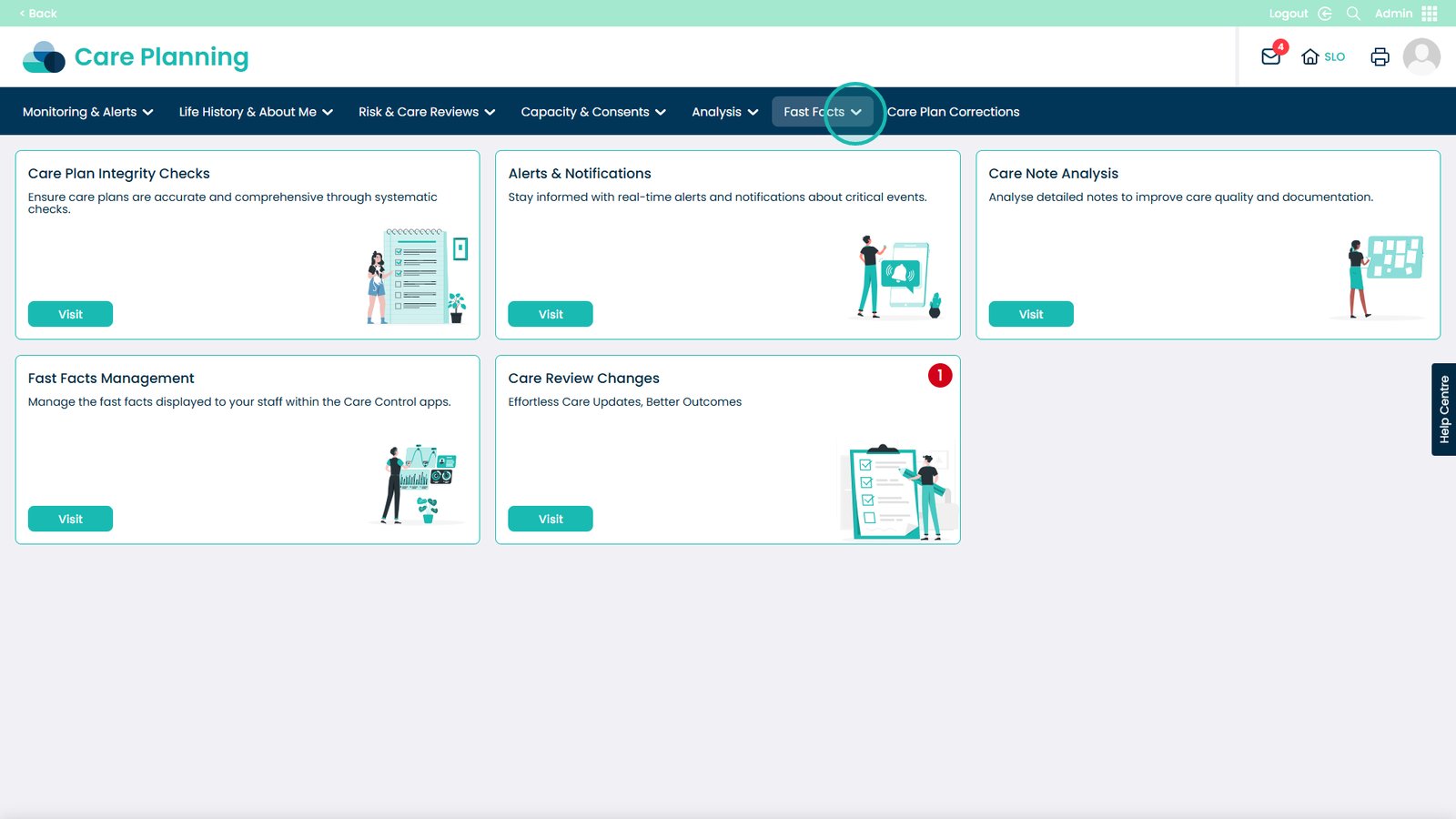
3. Open the Fast Facts drop-down

Â
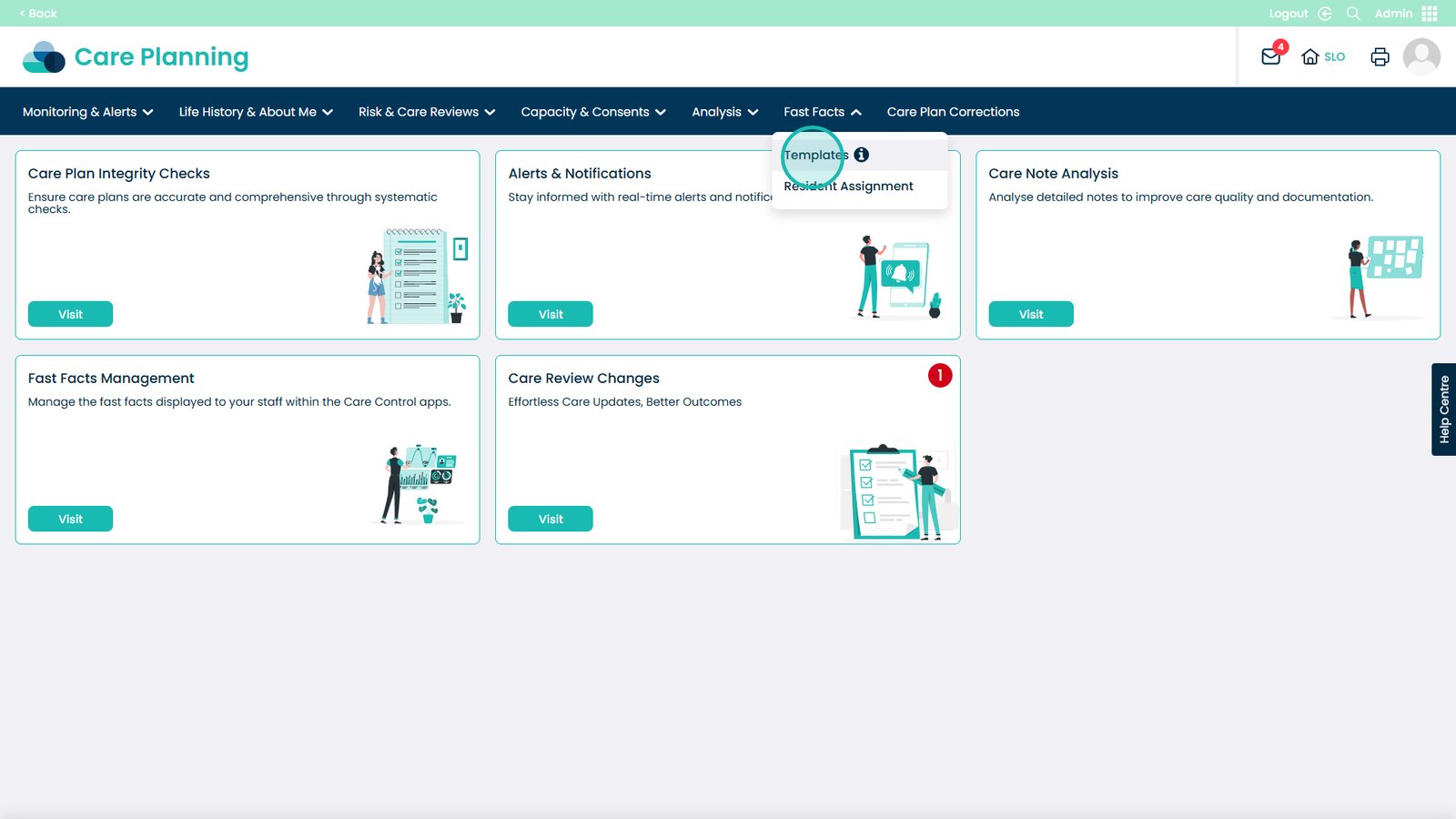
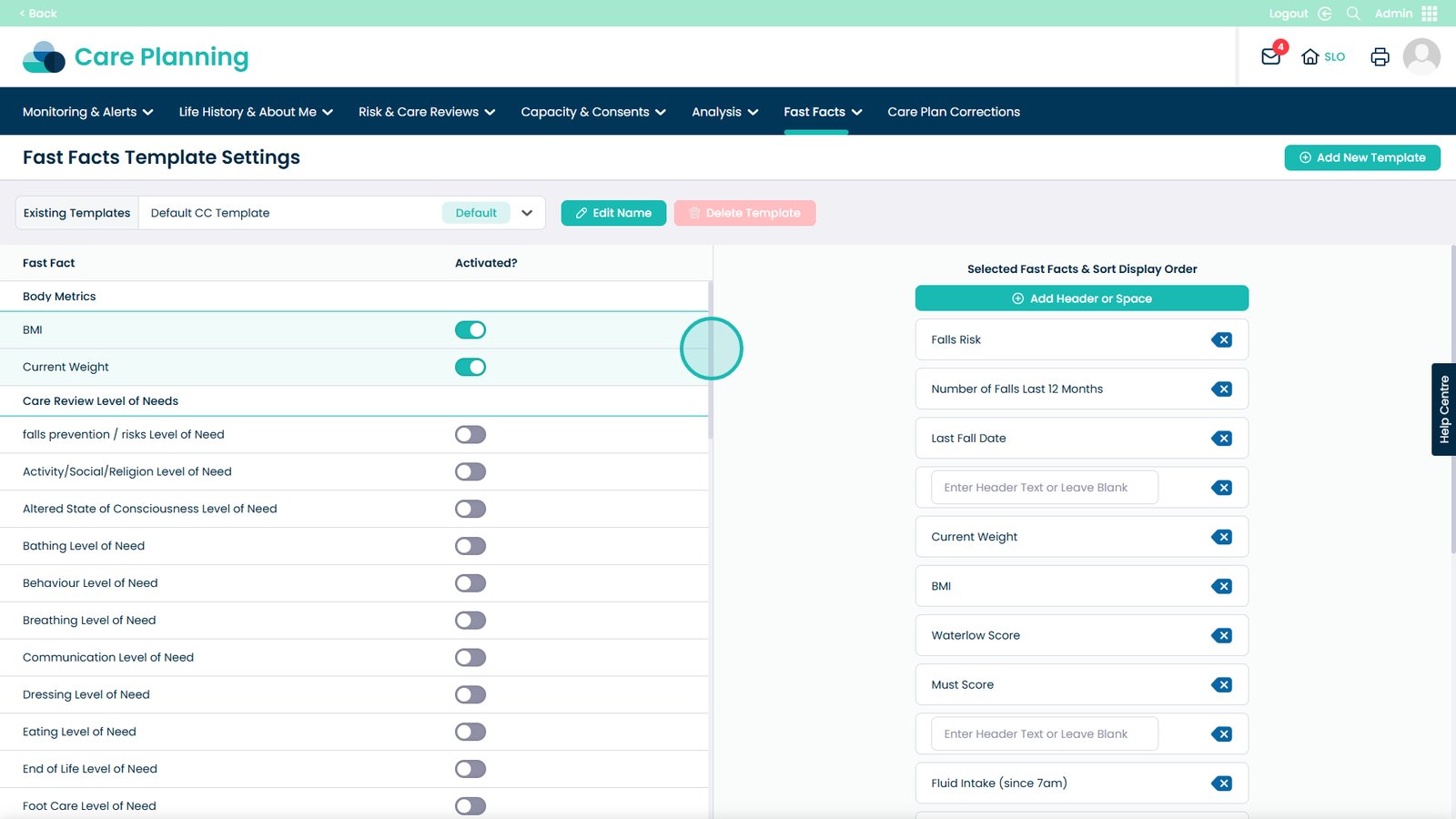
4. Enter the Templates section

Â
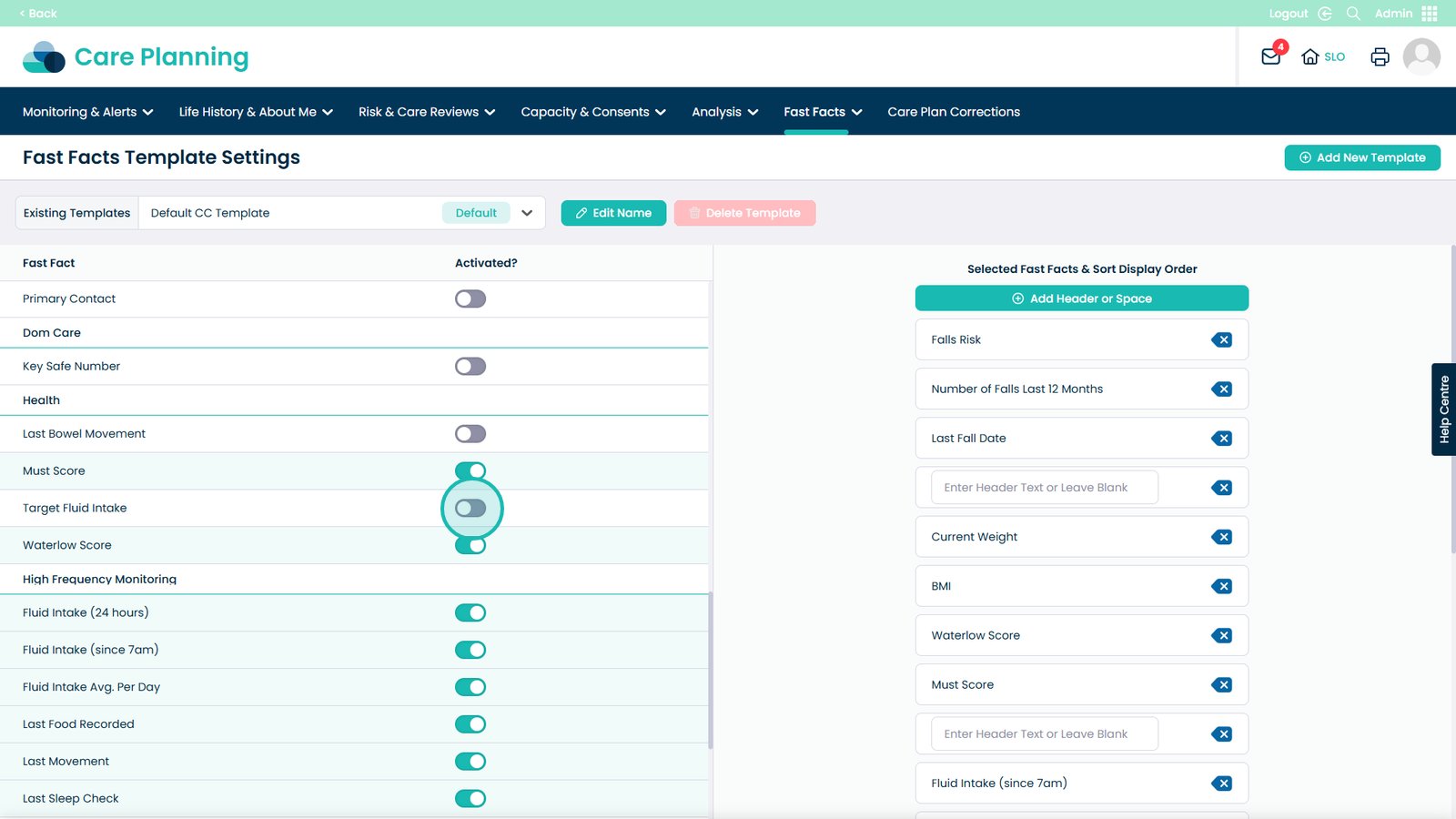
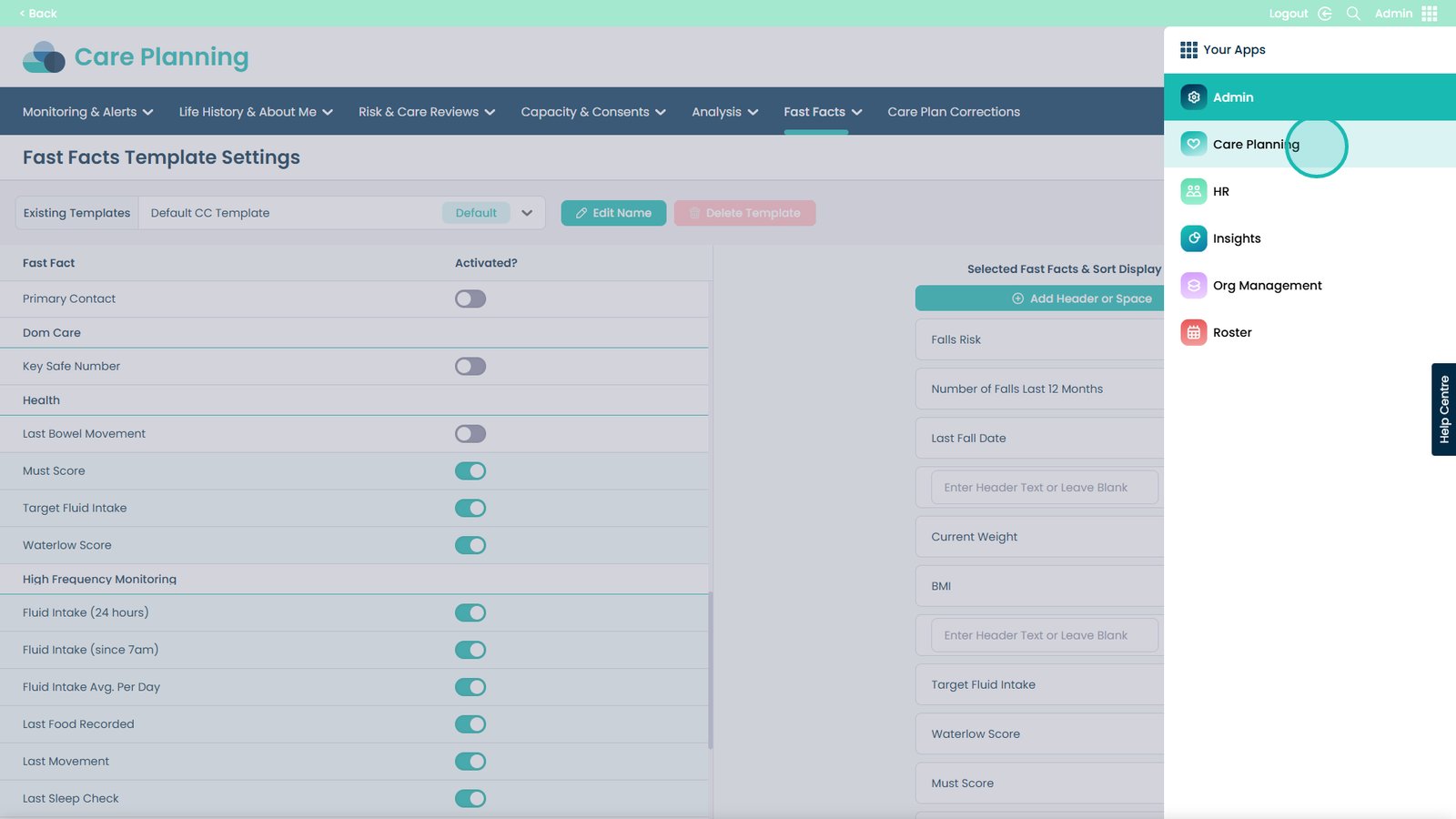
5. Scroll down until you see the Health header

Â
6. Toggle the Target Fluid Intake box

Â
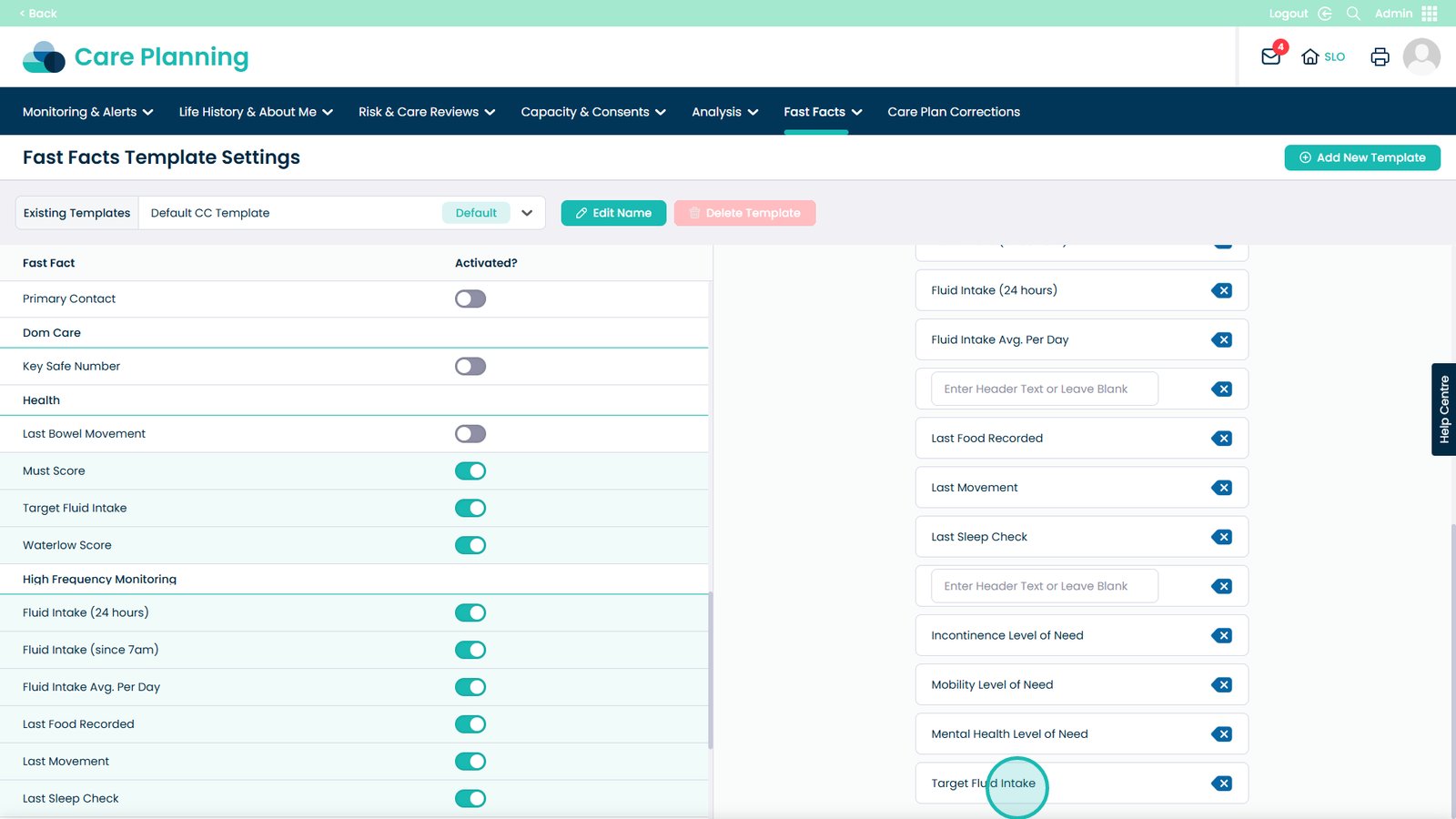
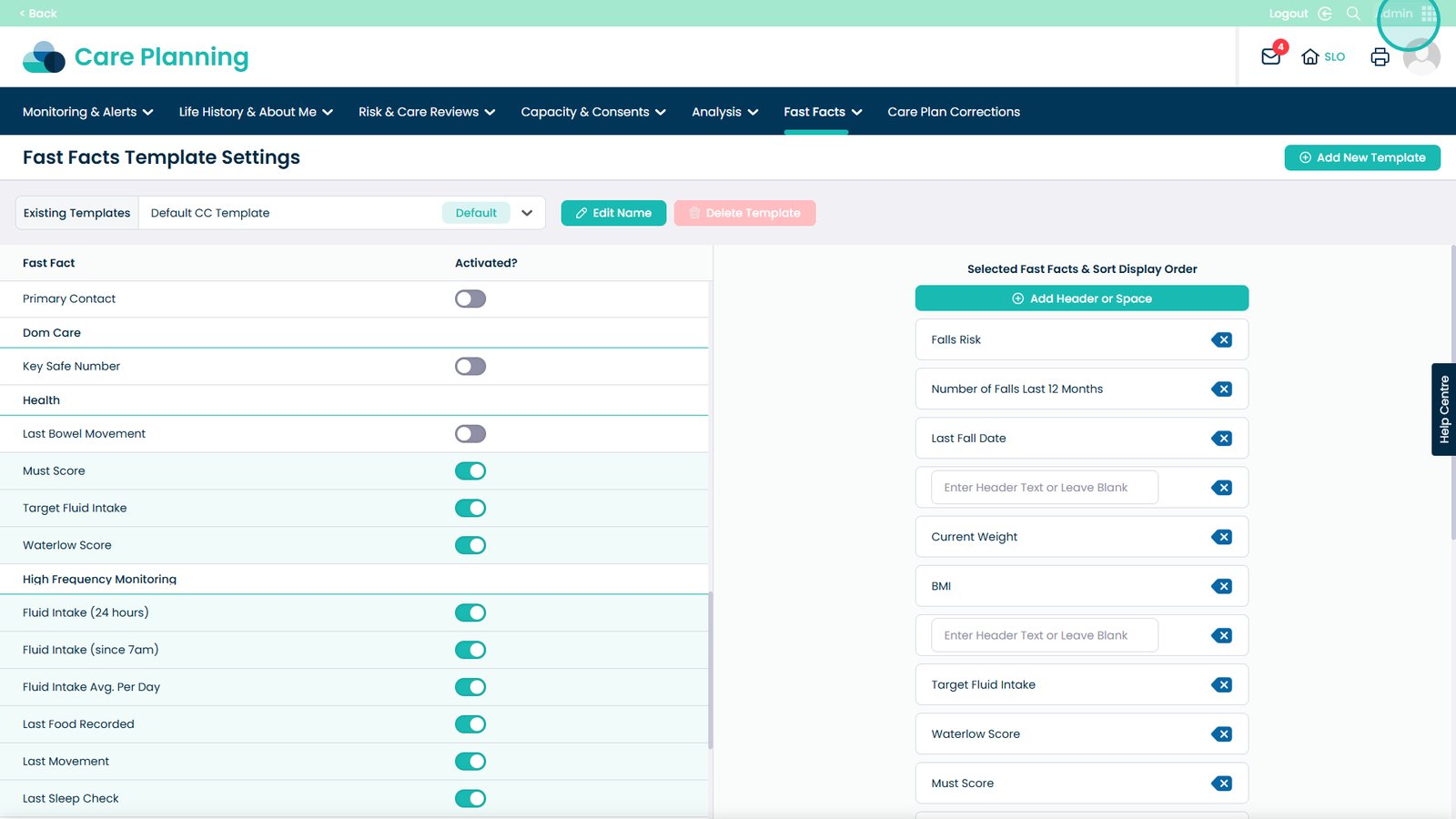
7. Hold left click and drag the section to where you want it


8. Open the application tray

Â
9. Head to Care Planning

Â
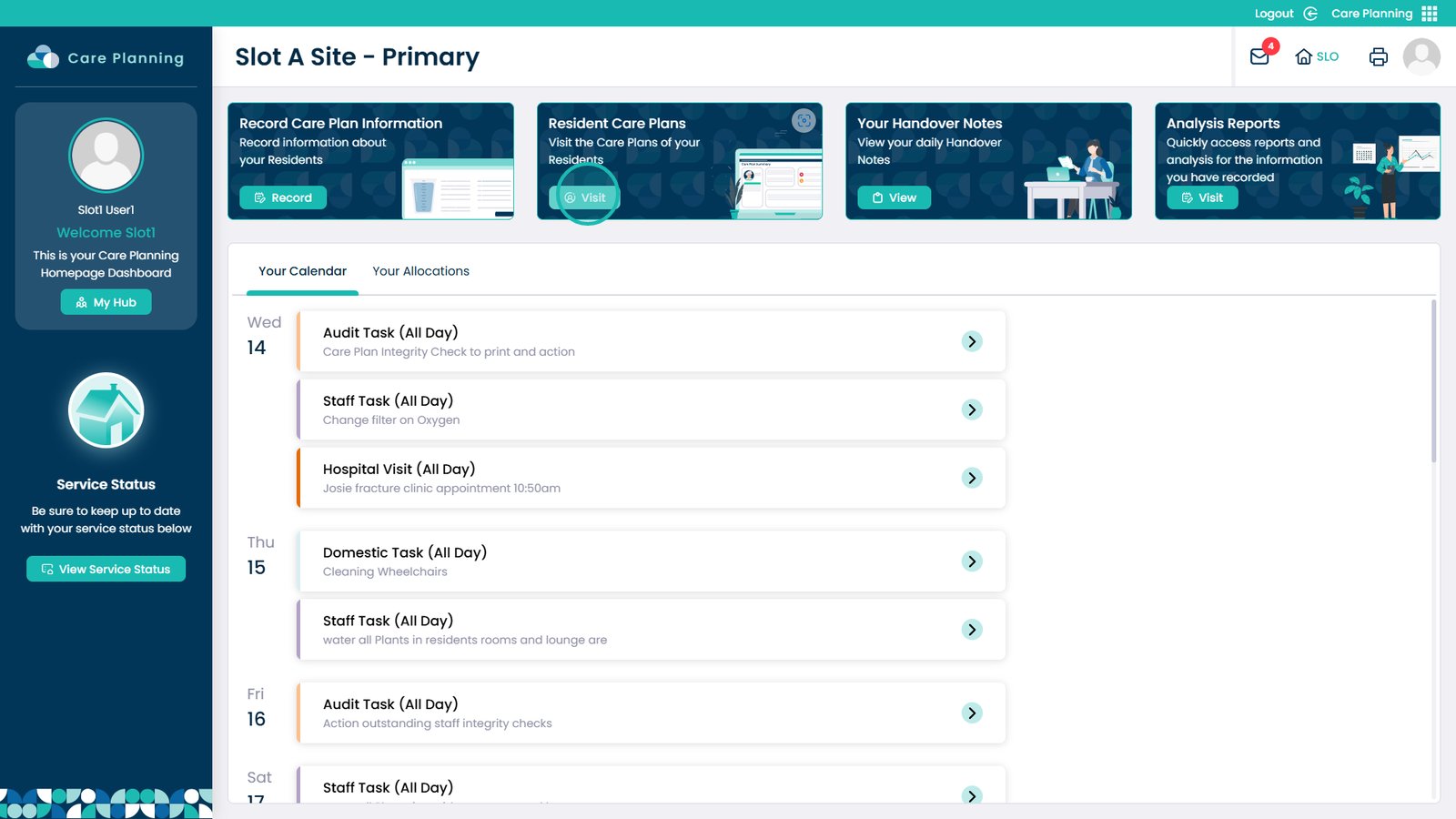
10. Visit the Resident Care Plans

Â
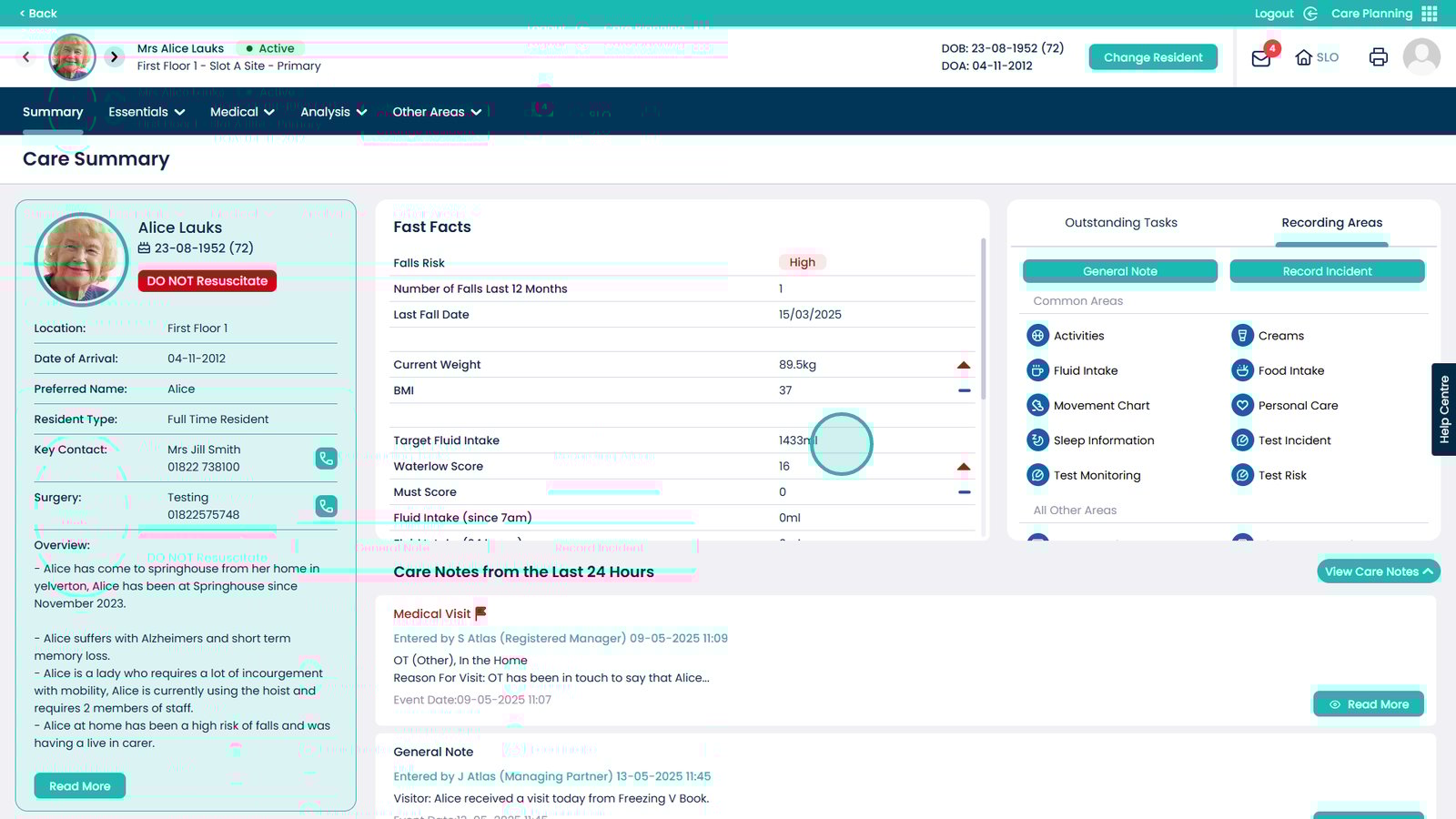
11. You can now see the Target Fluid Intake section