You could win a £250 Amazon gift card! All you need to do is spare us 3 minutes of your time. Click here to find out more!
This guide will cover how to update Care Control applications installed on a Windows PC or Laptop. This includes CC Mobile, Pocket and eMAR.
Using your web browser, navigate to www.carecontrolsystems.co.uk/downloads
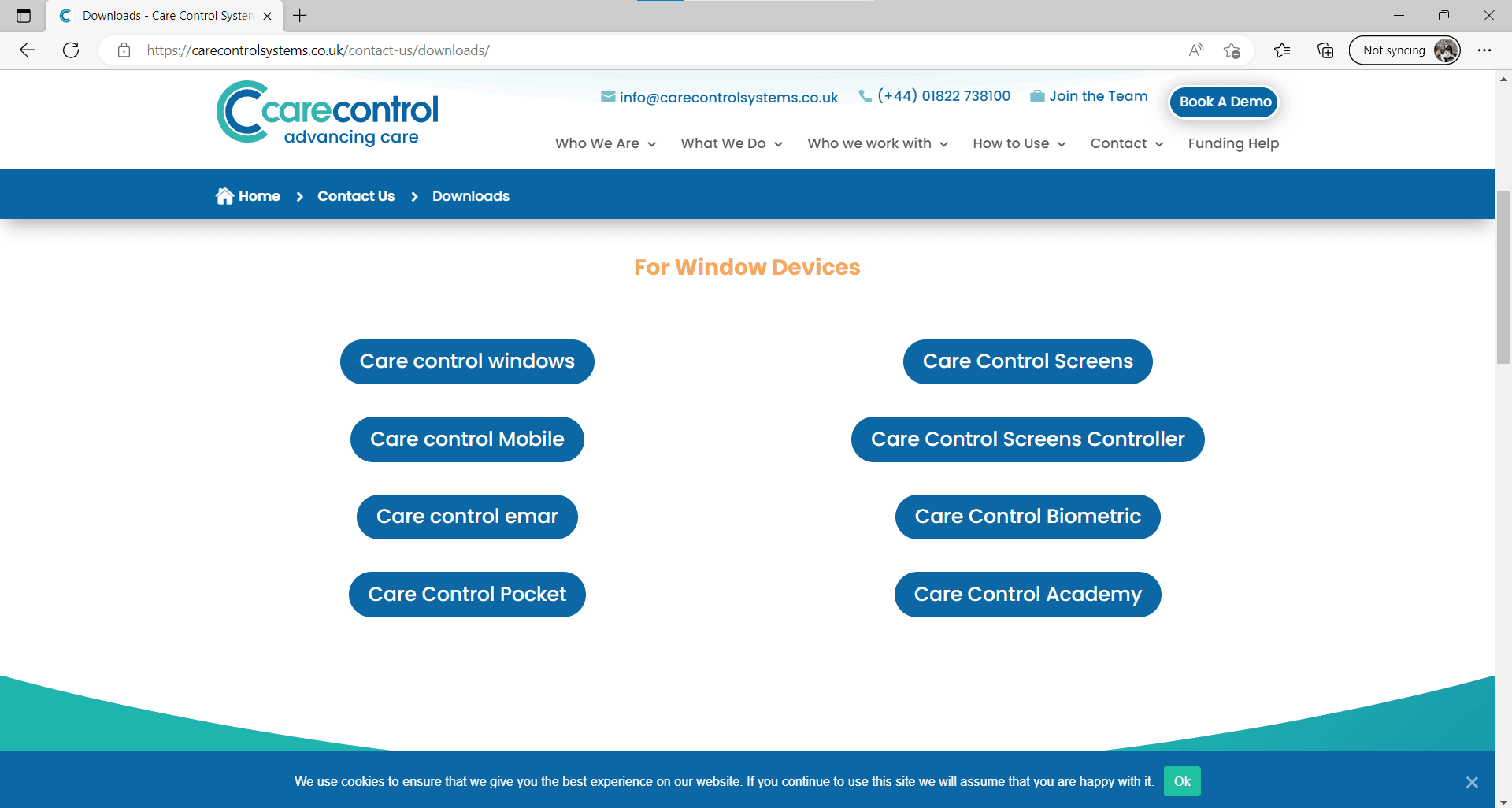
Here, scroll down to the For Windows Devices section and select the application you wish to update.
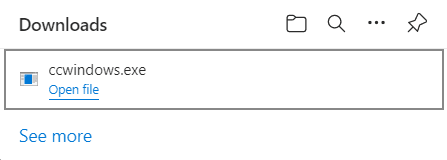
A download will begin for the application chosen. Run the installer after it has downloaded and follow the steps within the installation wizard.
After completing, the application will have updated to the latest version and you can re-open it on your computer.