This guide will cover how to use QR Codes to record information on Care Control Pocket. N.B: This requires QR Codes to be set up first on Care Control Windows or Cloud, please refer to the dedicated guide.
1
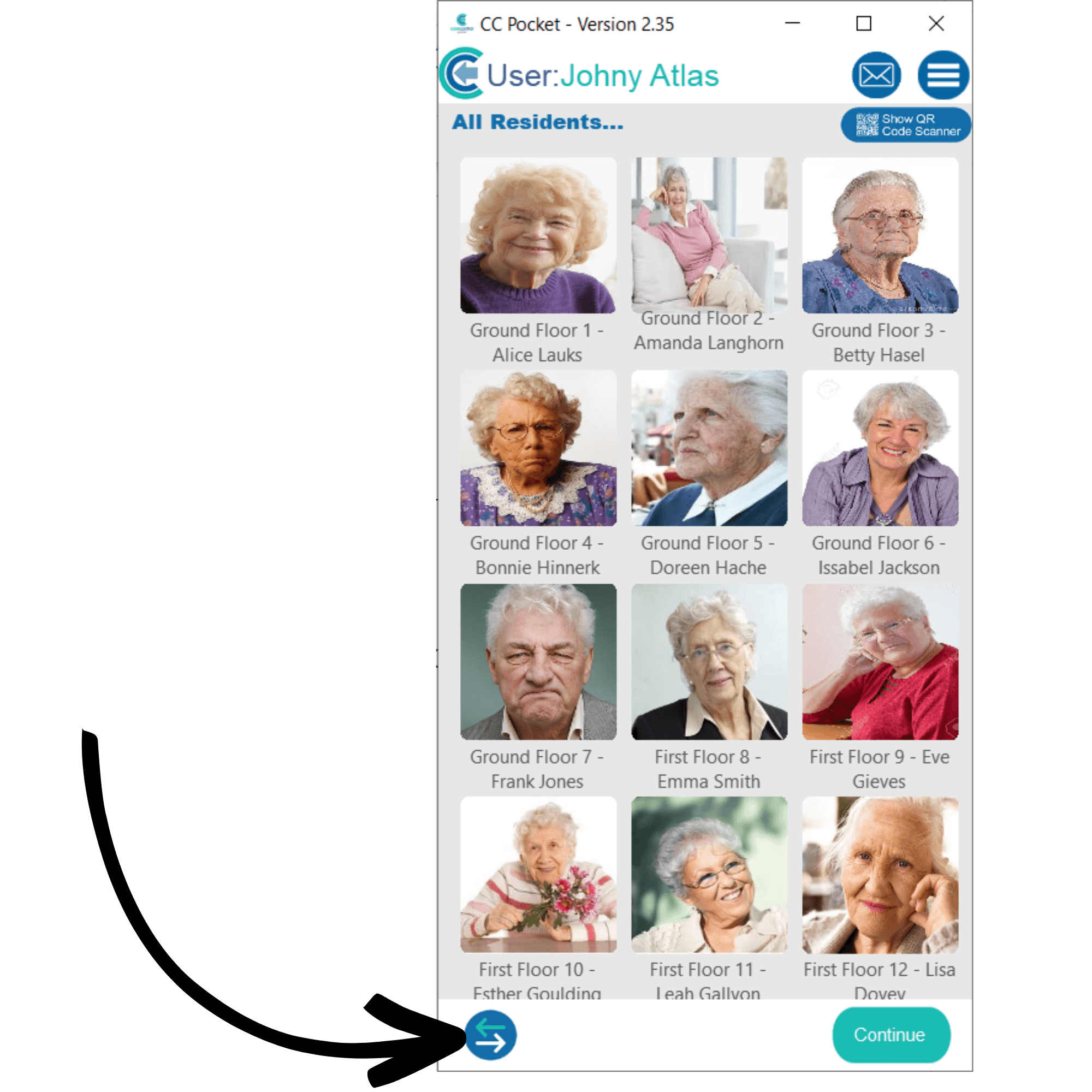
After signing into Care Control Pocket, press the 2 arrows in the bottom left corner of the screen.
2
The recording option menu will open. Here, select a monitoring type that is set up for QR Code recording. In this example we will open Sleep Information.
3
A list of your service users will be displayed. When QR Code recording is set up you will not be able to select the service user just by tapping on their icon, instead you must scan a QR Code. To do so, press Show QR Code Scanner at the top of the screen.
4
The camera will open and prompt you to scan the QR Code for the service user. After doing so, the service user will be selected from the list, and you will be able to press Continue to proceed with the monitoring area.