This guide will cover how to view all the visitors who are signed in using the CC V-Book. This can prove useful in cases of emergency, or check if visitors are correctly signing out.
1
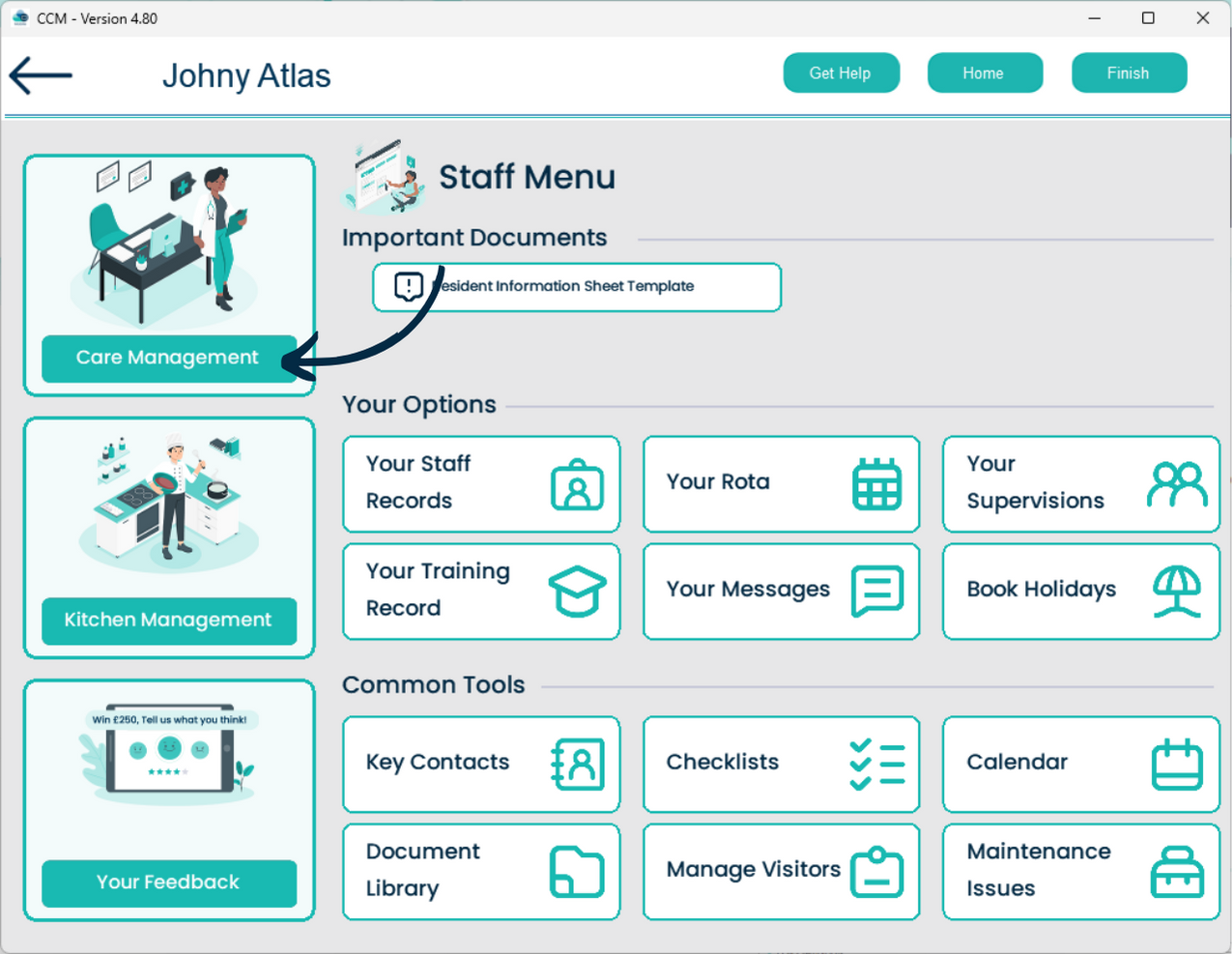
After signing into Care Control Mobile, select Your Staff Menu.
2
Here, select Care Management.
3
Finally, select V-Book Details.
4
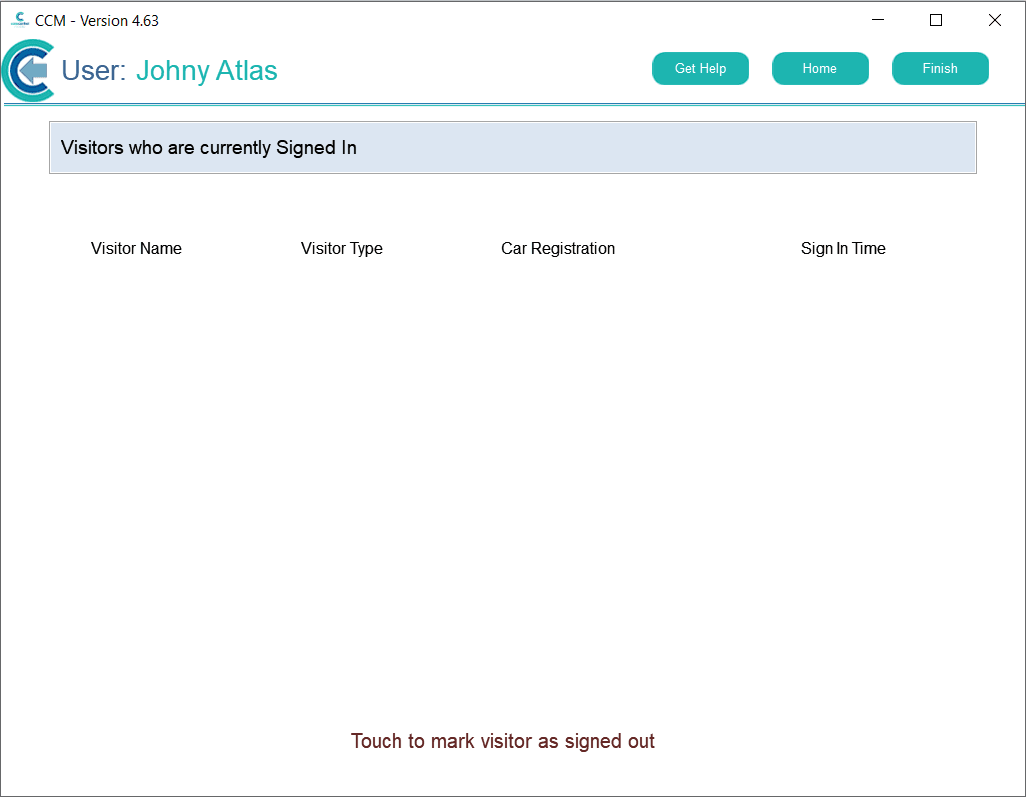
A list of visitors who are currently signed in will be displayed. If the visitor has forgotten to sign out, simply tap on their name.