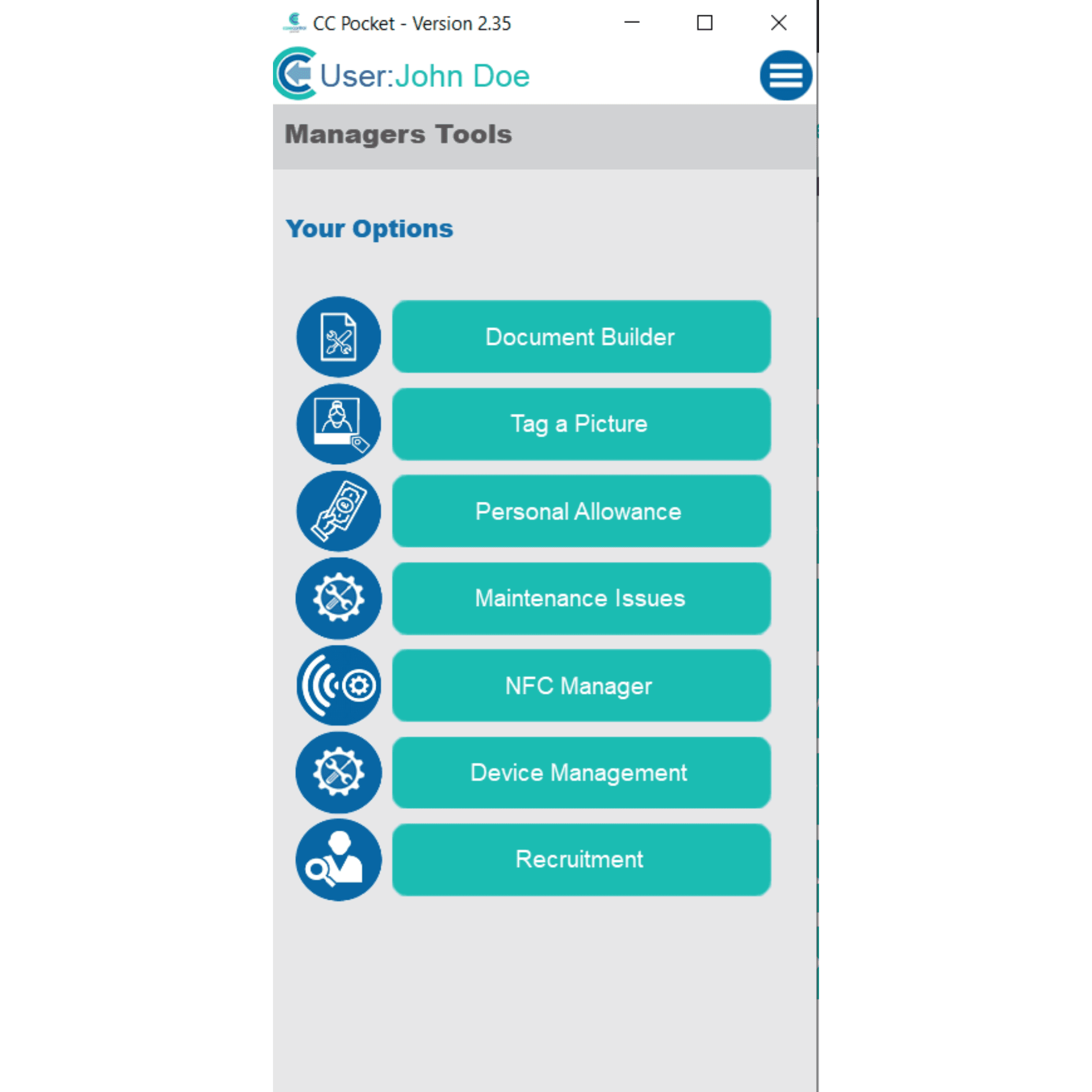
Care Control Pocket contains a Managers Menu, available to staff with admin access, which contains some administrative features normally only available on CC Windows.
1
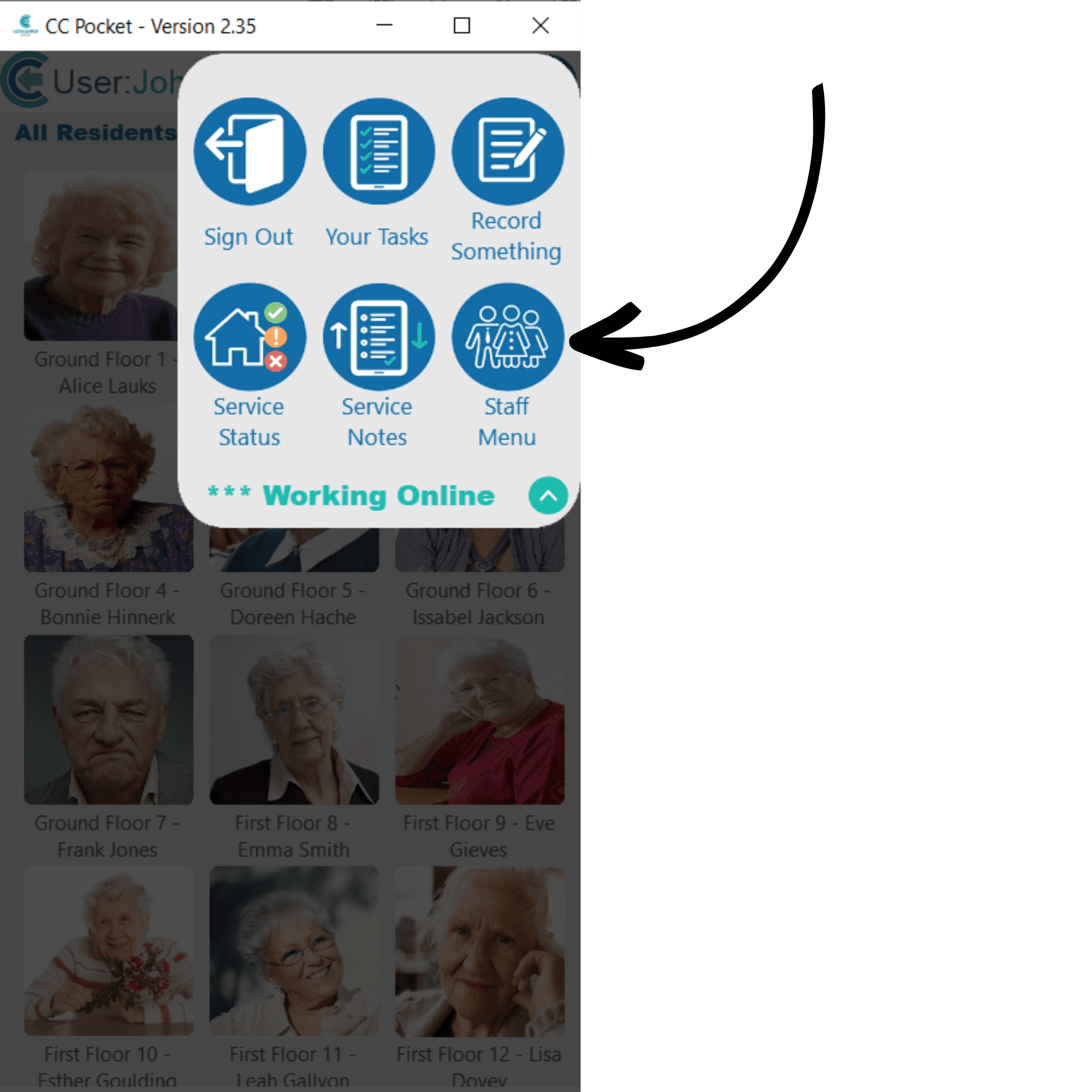
After signing into Care Control Pocket, open the menu in the top right corner of the screen by tapping on the icon. This will show 6 menu options. Select Staff Menu.
2
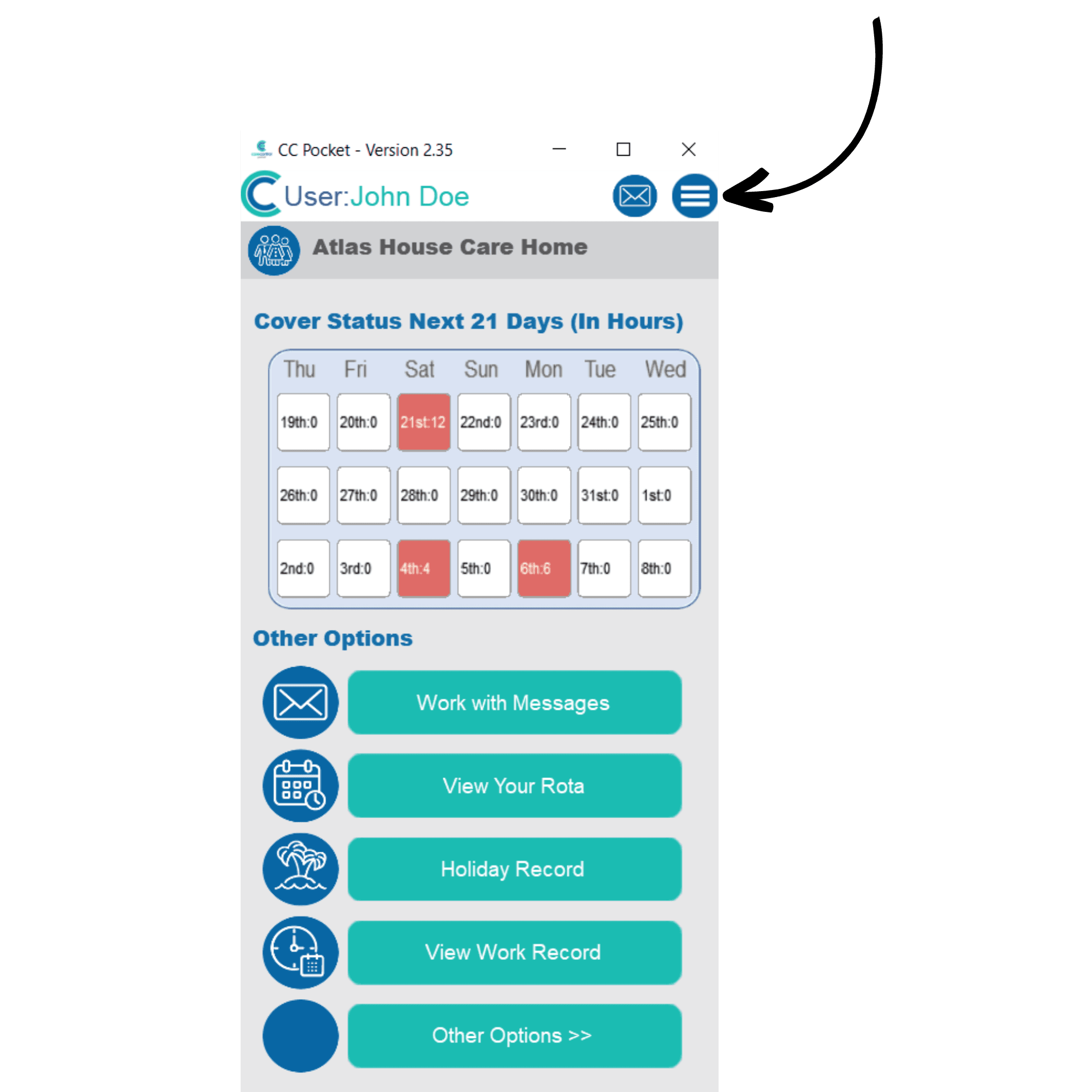
The staff menu will open. Here, open the menu again in the top right corner of the screen.
3
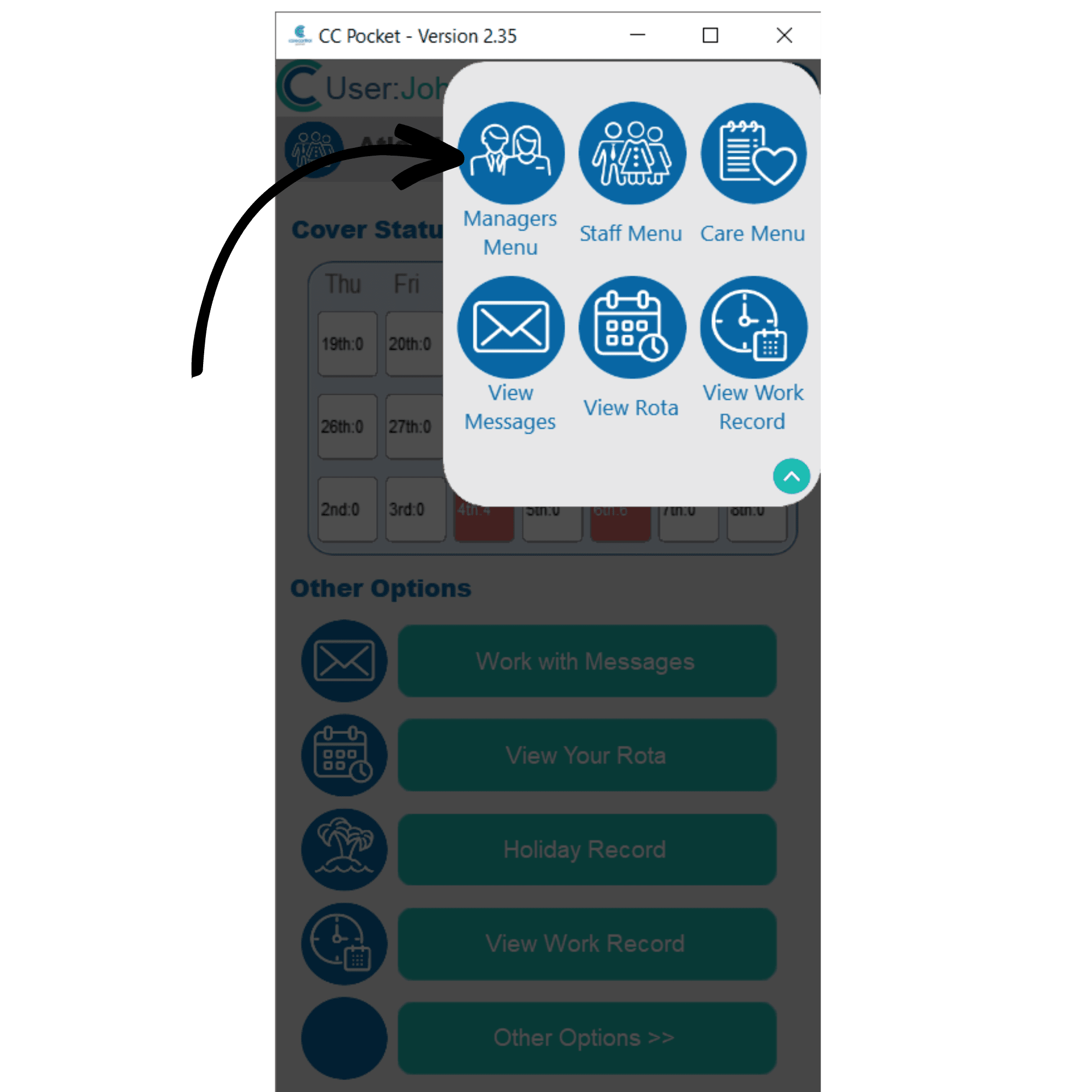
The Managers Menu should now be an option. Select the icon to continue.
4
The Managers Menu will open. Here you can:
View staff records
View service user records
View staff rota
View the home status
View handover notes
View messages
You can access further tools by selecting Other Areas at the bottom of the list