On Sunday 8th February, our GP Connect service will undergo scheduled maintenance. While we cannot confirm the exact time, this work may result in up to 60 minutes of downtime. We apologise for any inconvenience this may cause and thank you for your understanding.

View Categories

Introduction to Care Recording

This guide will introduce Care Recording on the all new Care Control Cloud system. The recording options are based on the CC Windows monitoring areas you know and love, in a redesigned, easy to use format.

1

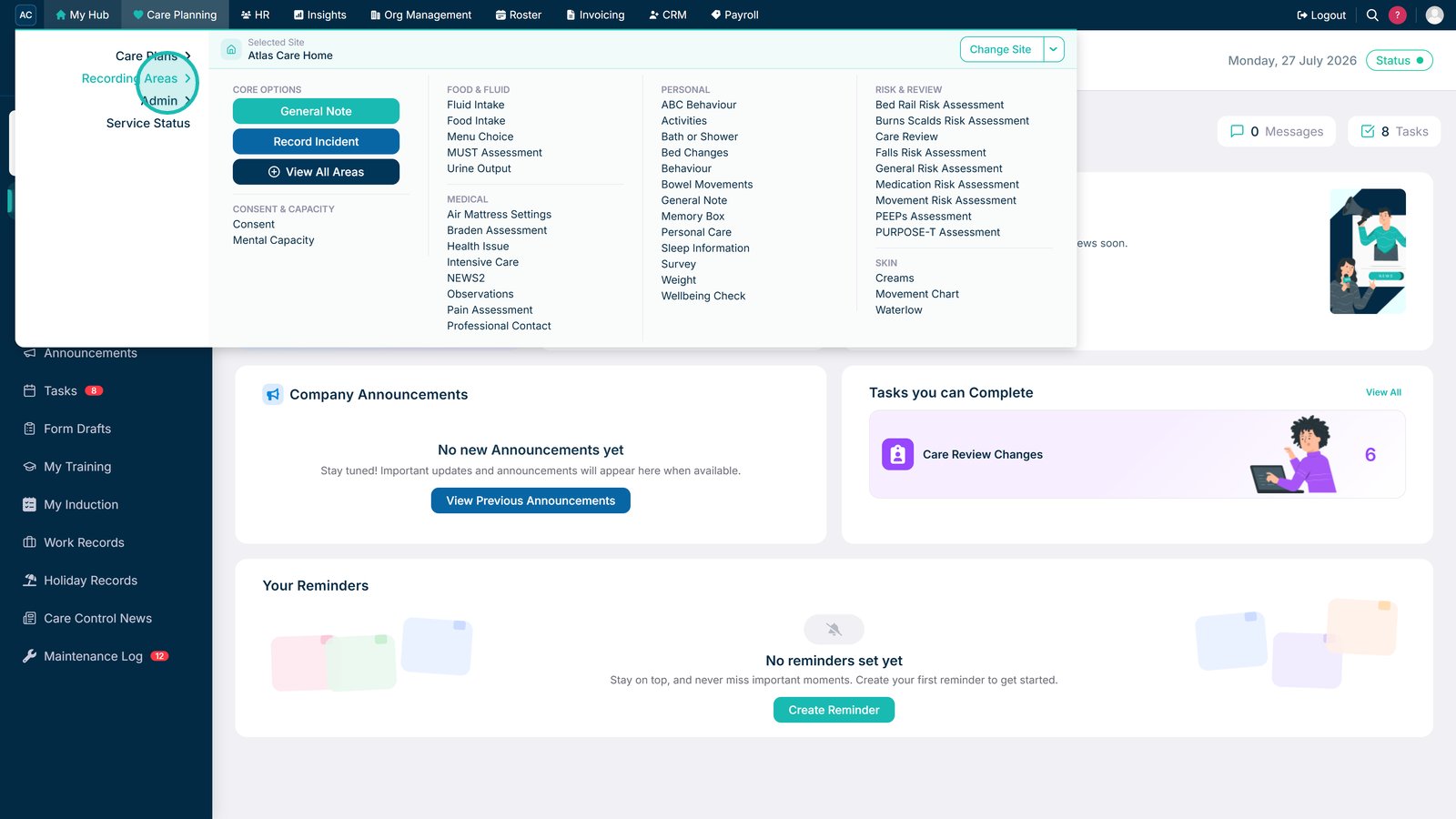
In Care Control Cloud, navigate to the Care Planning app via the application menu.

2

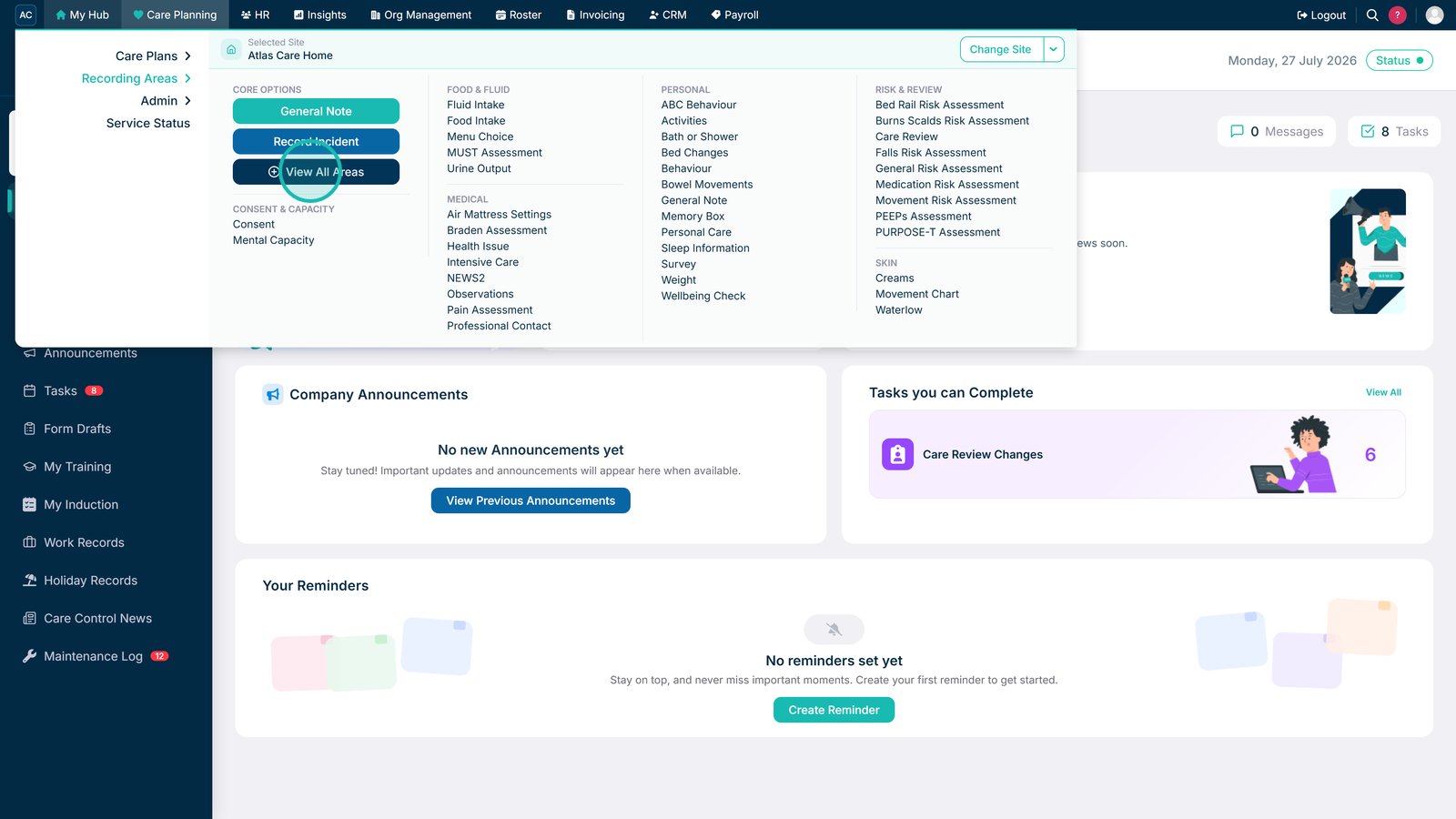
Your Care Planning dashboard will be displayed. Here, select Record Care Plan Information.

3

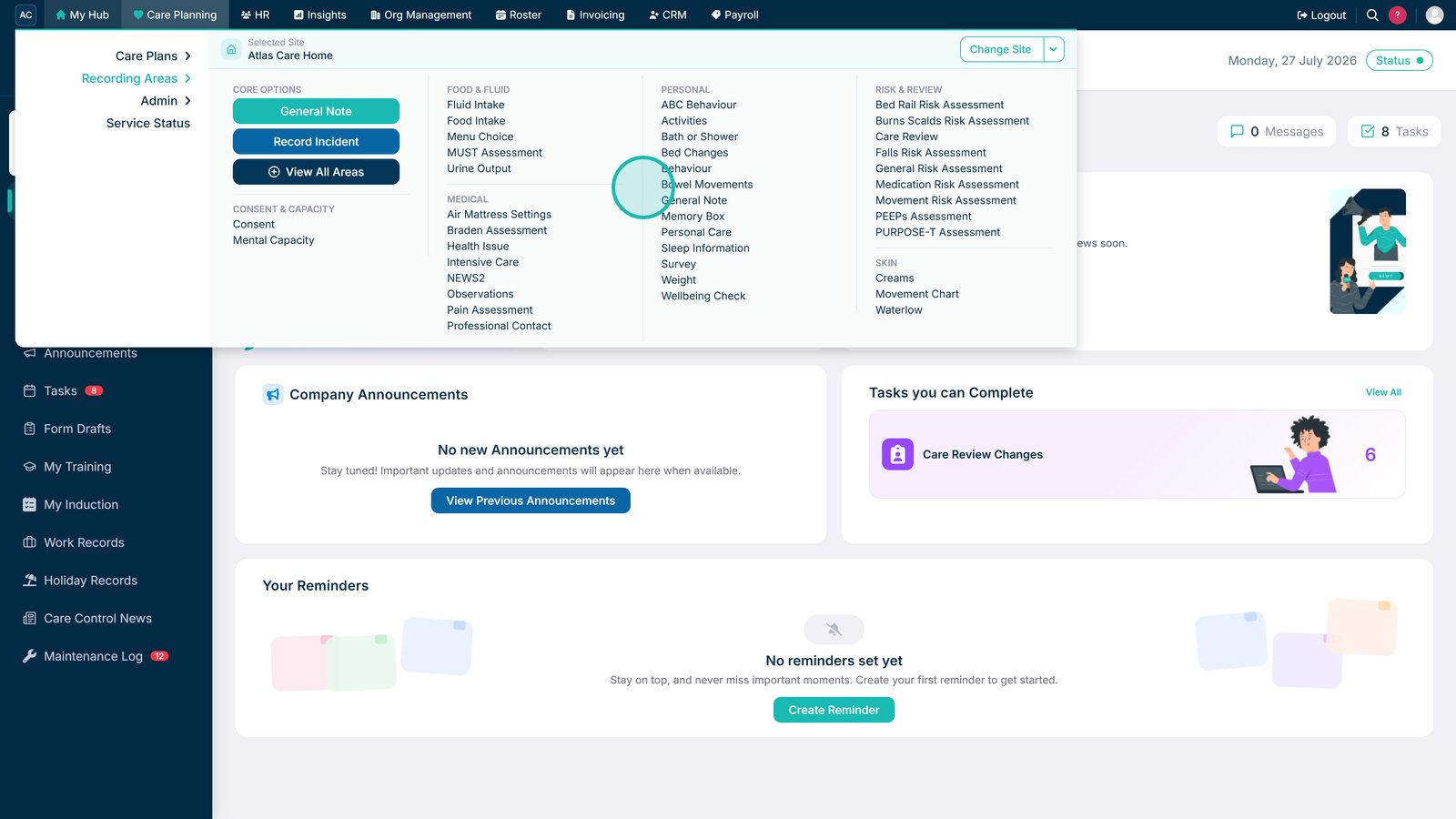
A list of common recording options will open. This includes monitoring areas such as Personal Care.

You can view further recording areas by pressing More Options.

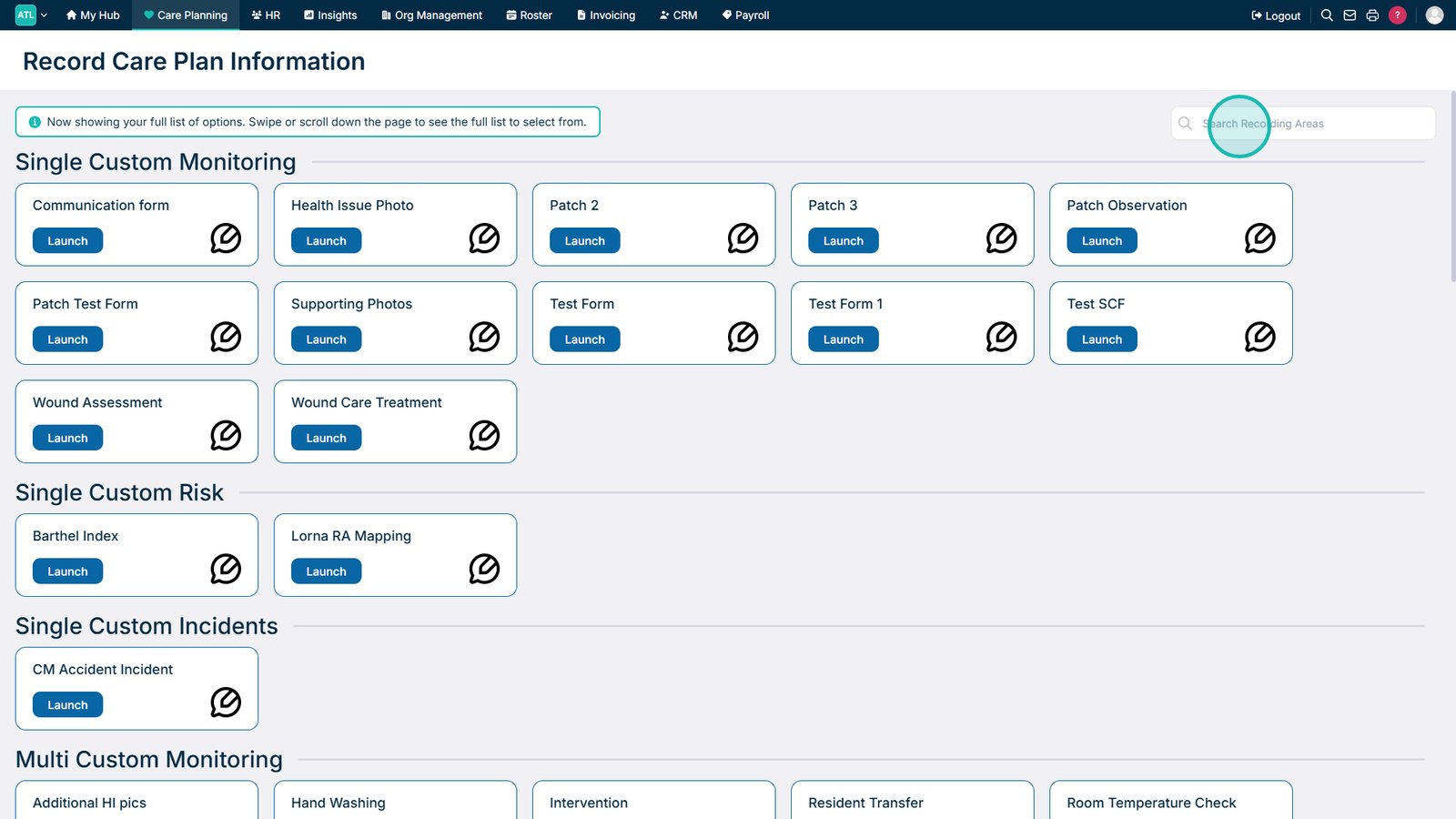
4

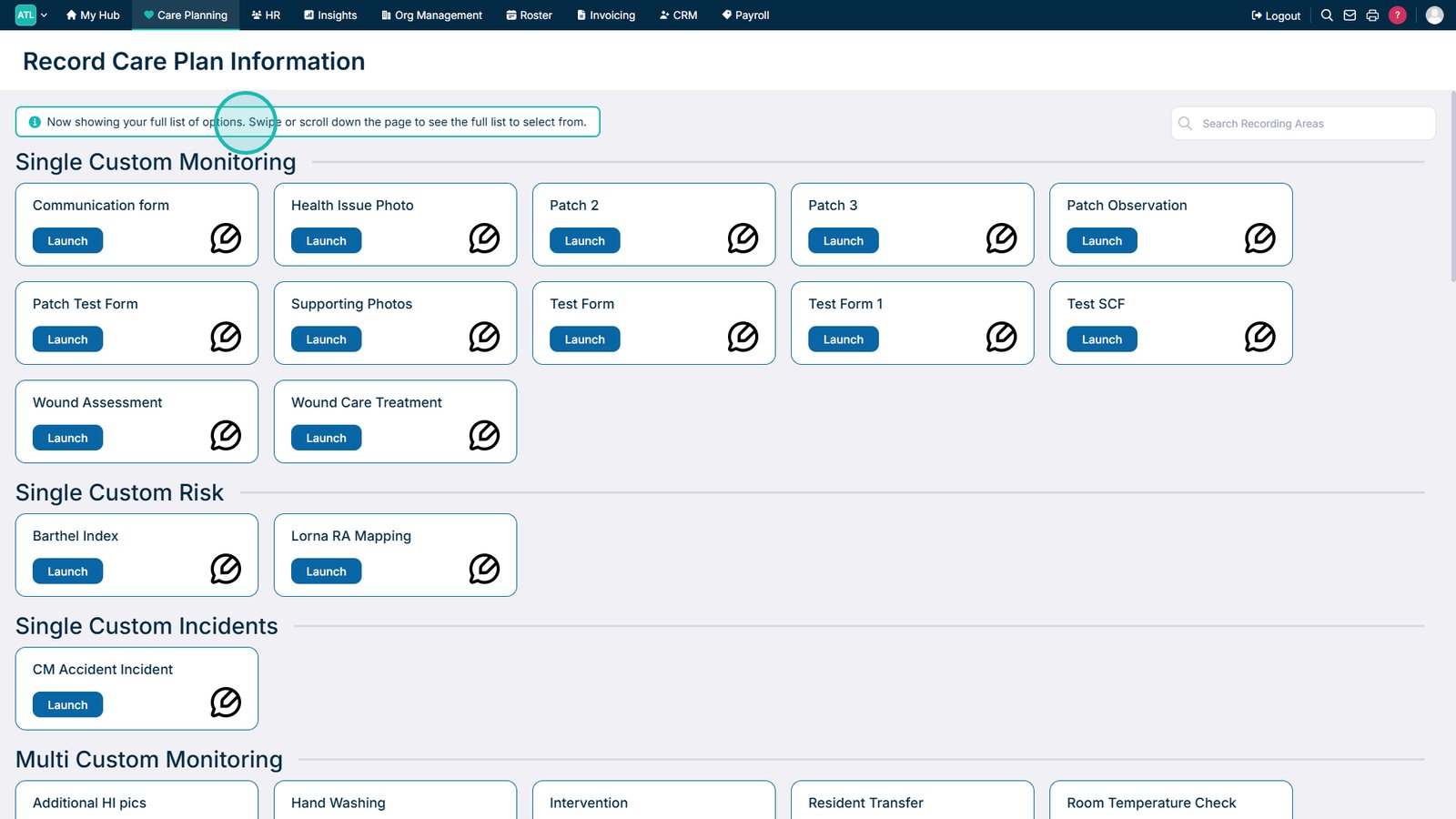
A full list of recording options will open. This includes monitoring areas such as Sleep Information.