🚀 UPCOMING WEBINAR: See Payroll in Care Control Cloud in action on Thursday 18th June and discover how to manage payroll more efficiently from one connected system. Click here to find out more!

View Categories

How to Record a Bowel Movement

This guide will walk you through recording and managing resident bowel movement records within Care Control Cloud.

Takes 2 minutes
For: Care Staff
Updated: 2nd June 2026

Introduction

Bowel Movement records help care teams monitor digestive health, identify potential concerns early, and maintain accurate continence records. Recording bowel movements consistently supports effective care planning and helps staff track changes in a resident's wellbeing.

In this guide you'll learn how to:

  • Select a resident
  • Record a bowel movement
  • Choose a stool type
  • Add notes and red flags
  • Save the record

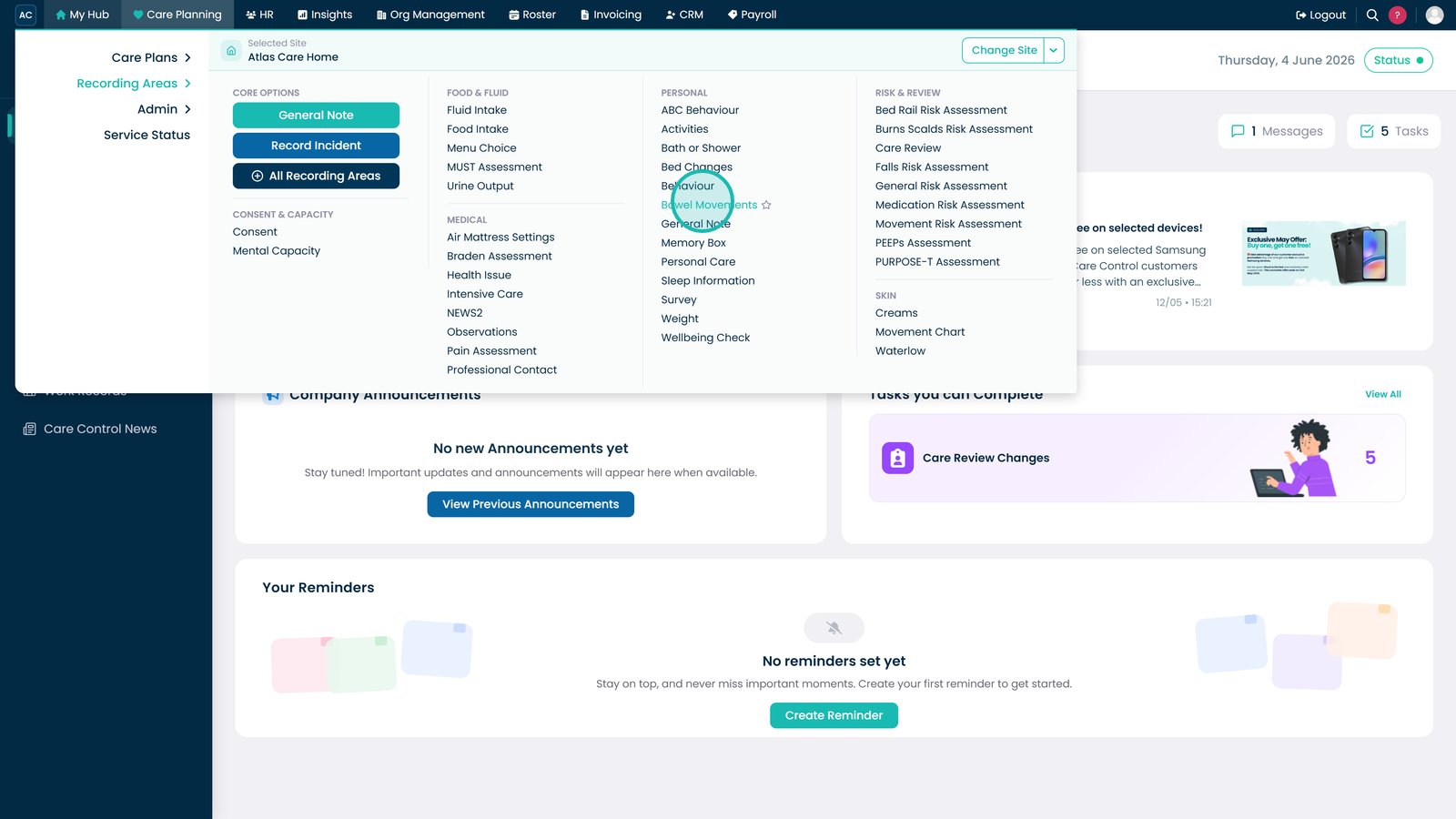
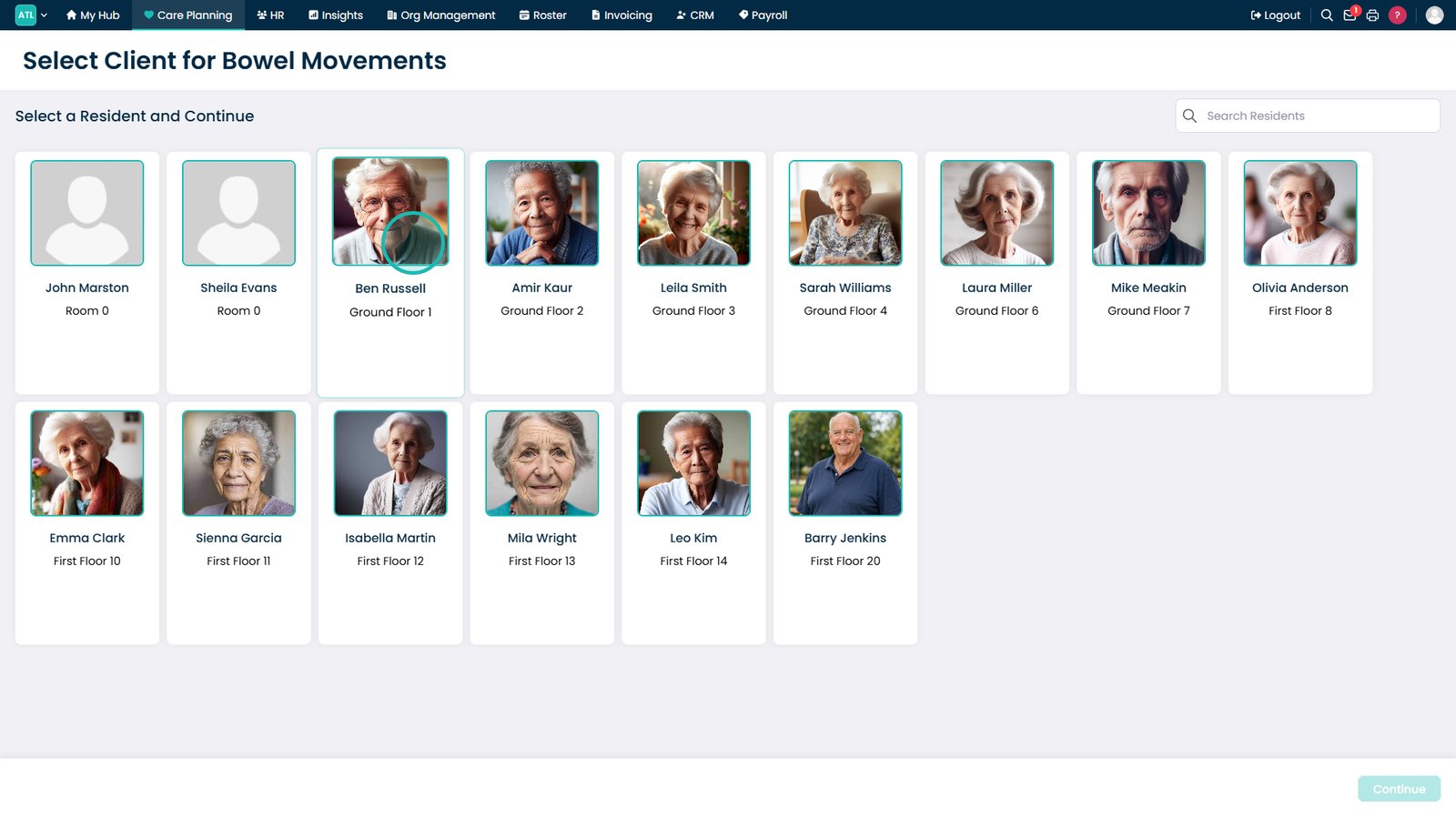
Open Bowel Movements.

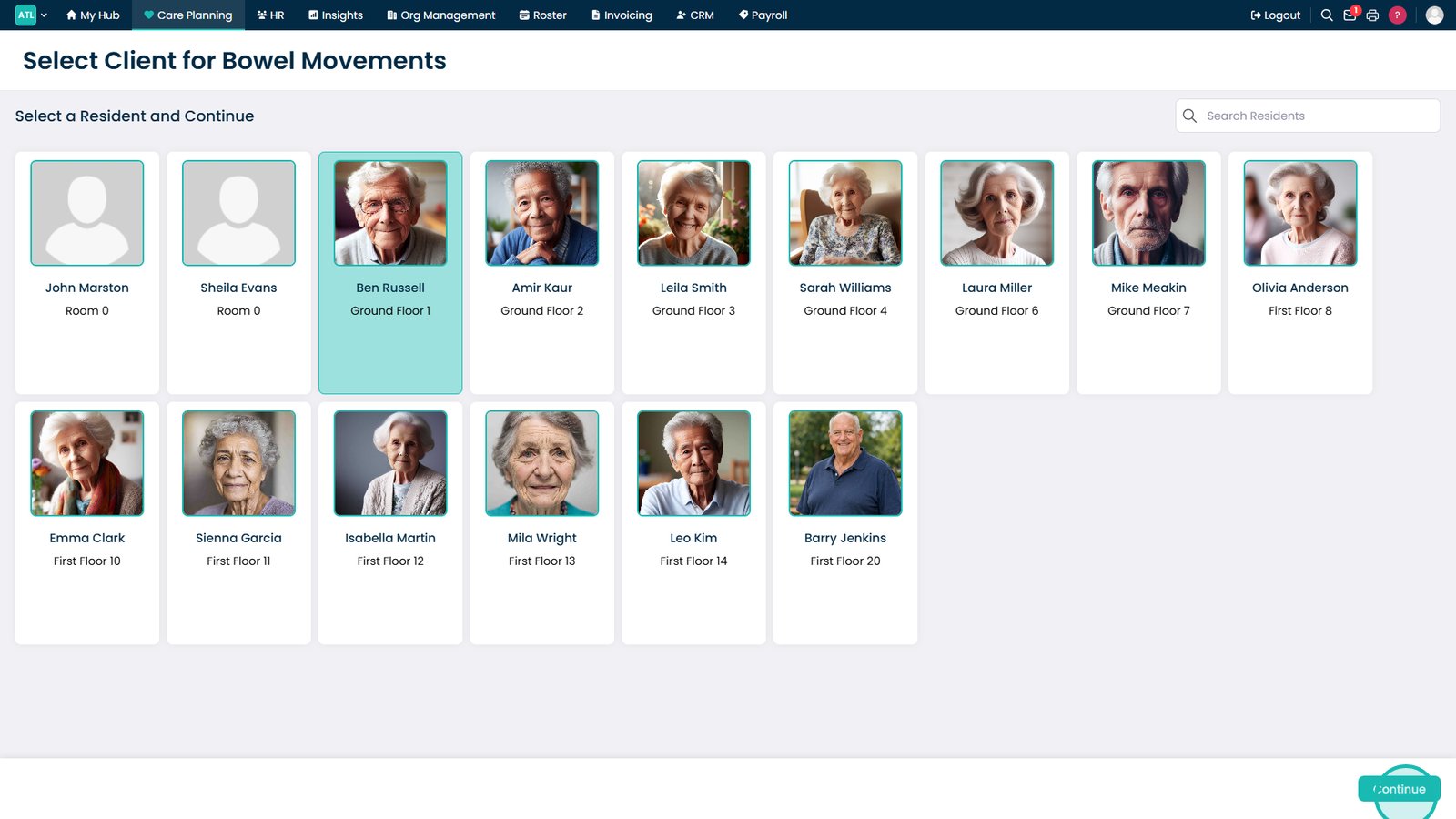
Select the resident.

Select Continue.

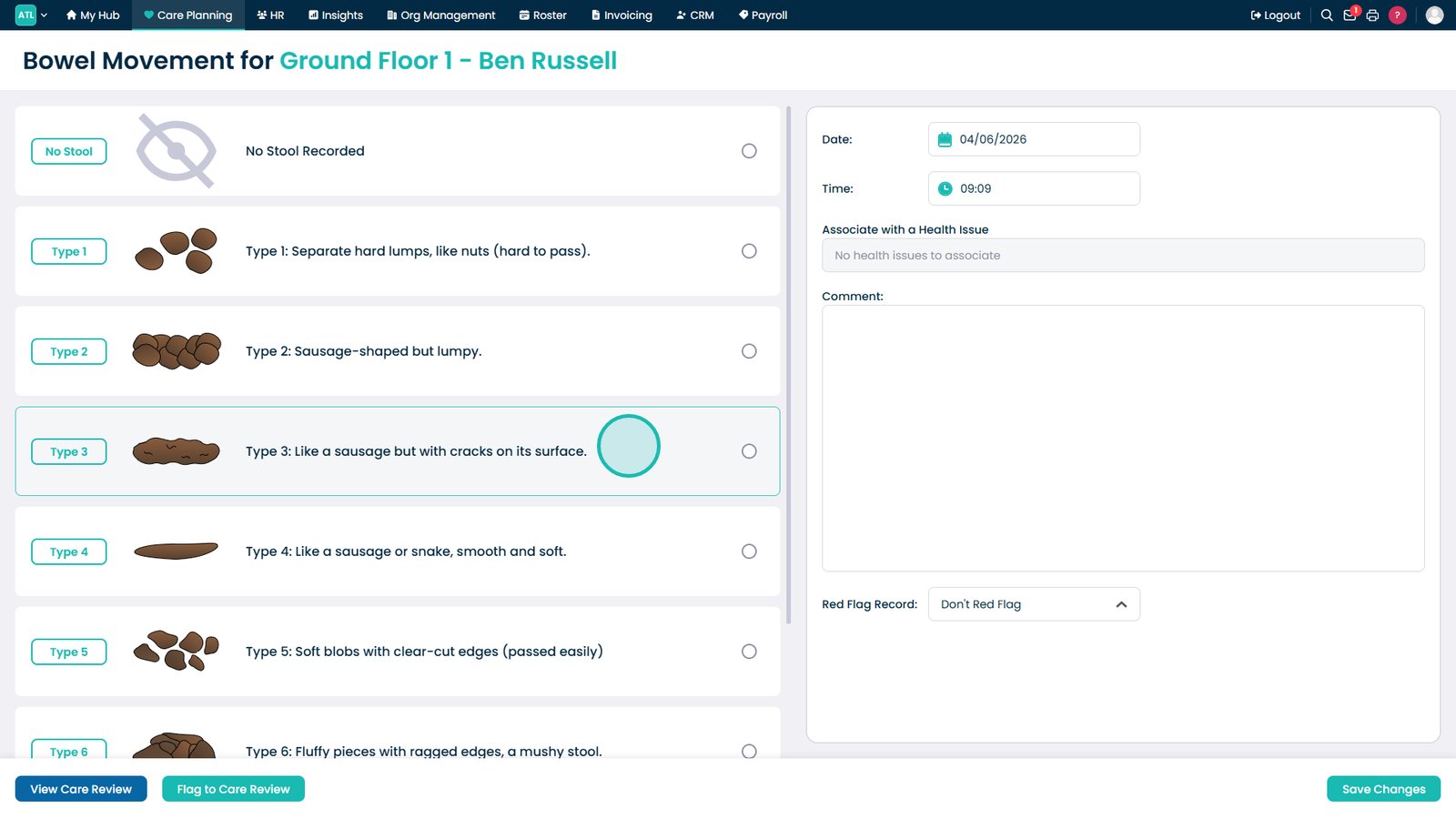
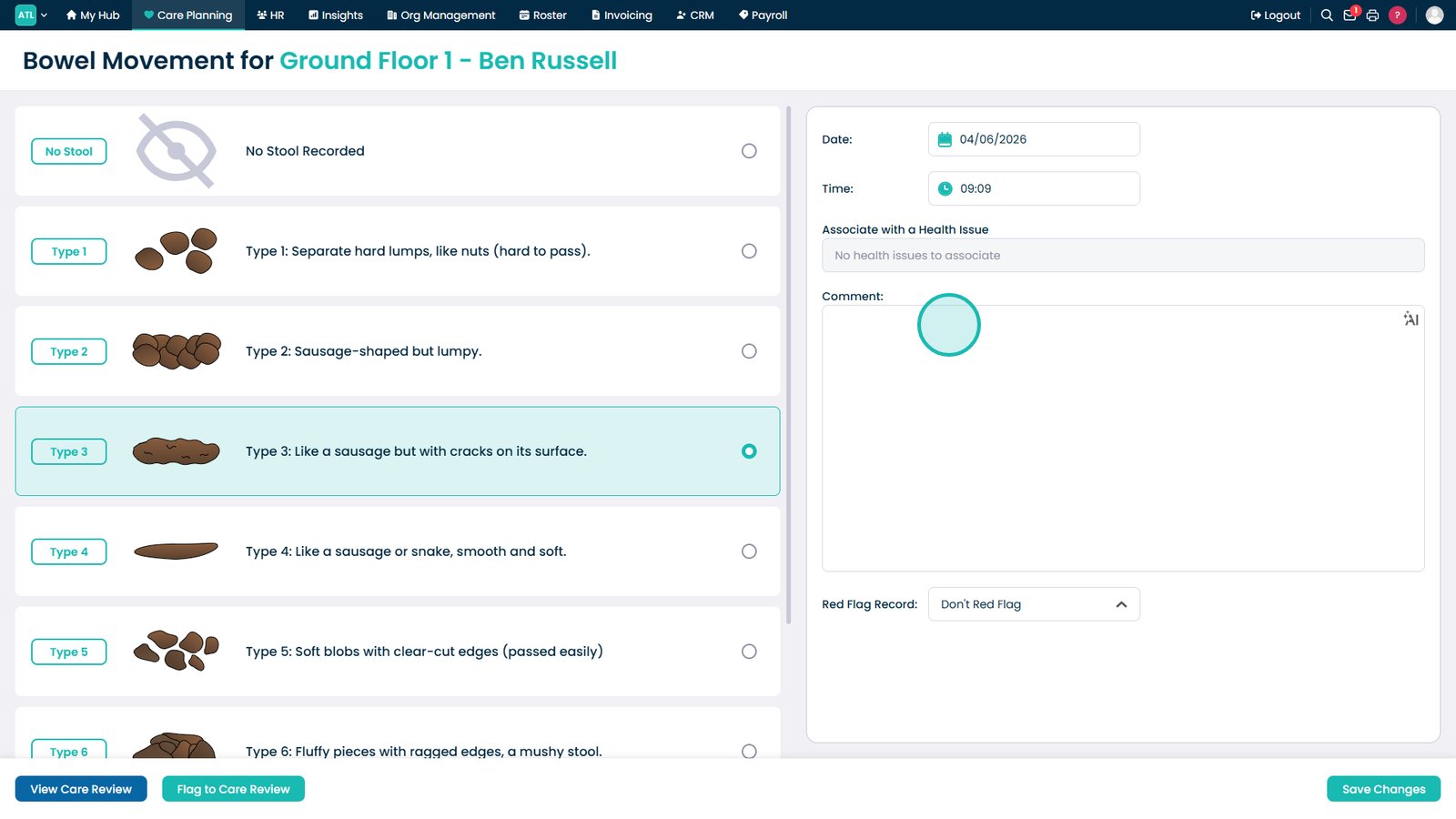
Select the stool type.

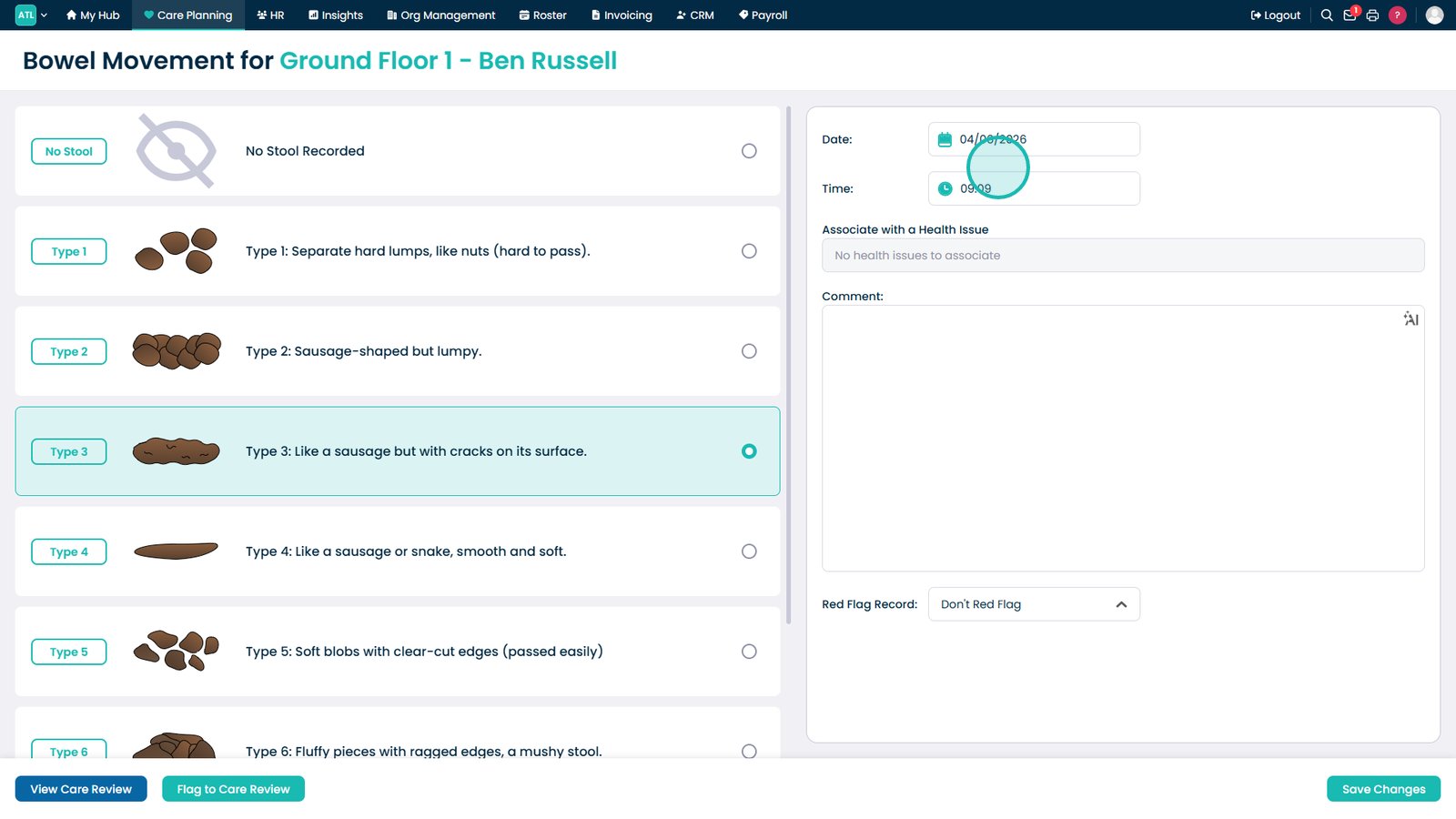
Adjust the date and time if required.

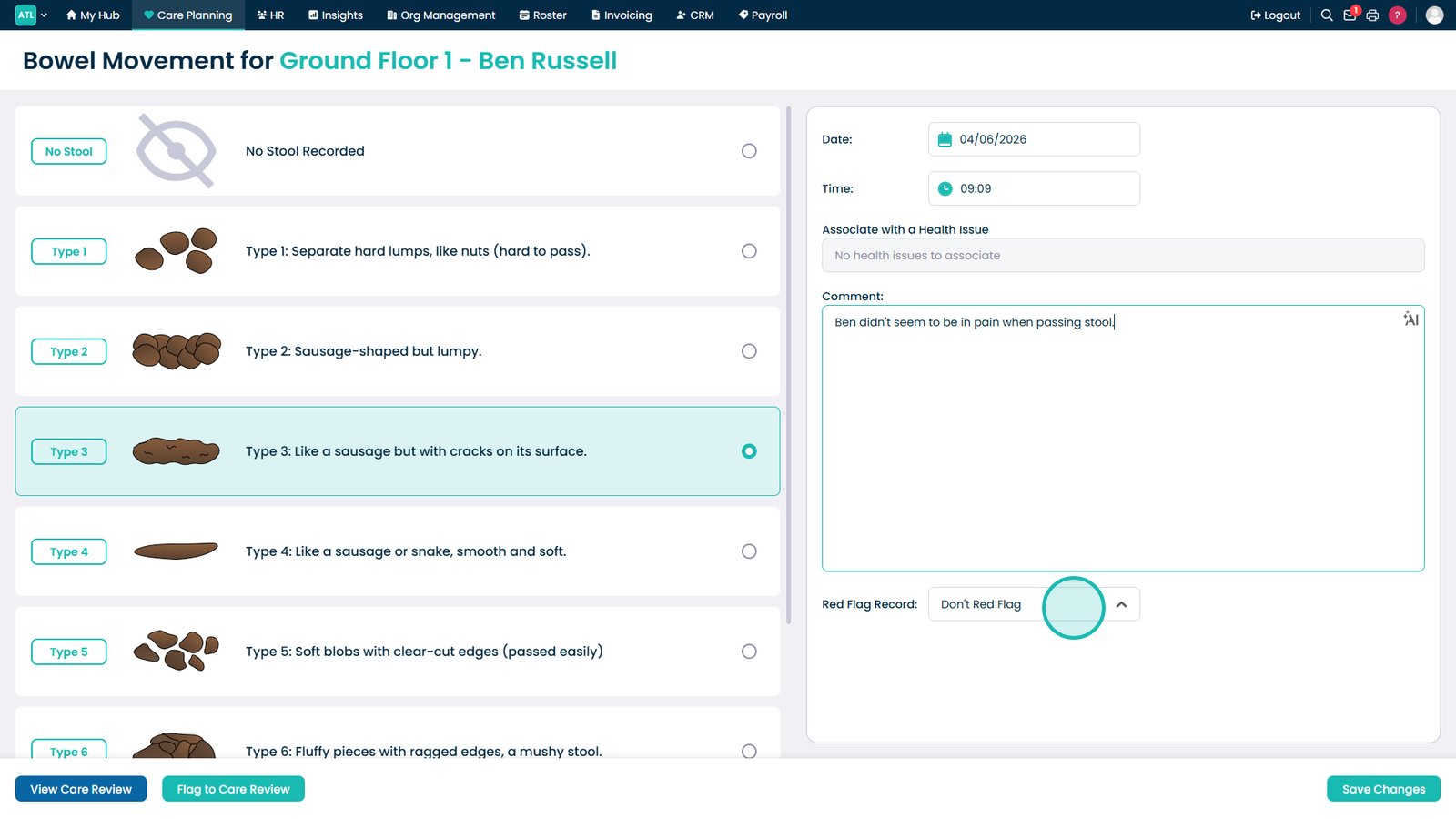
Add any comments.

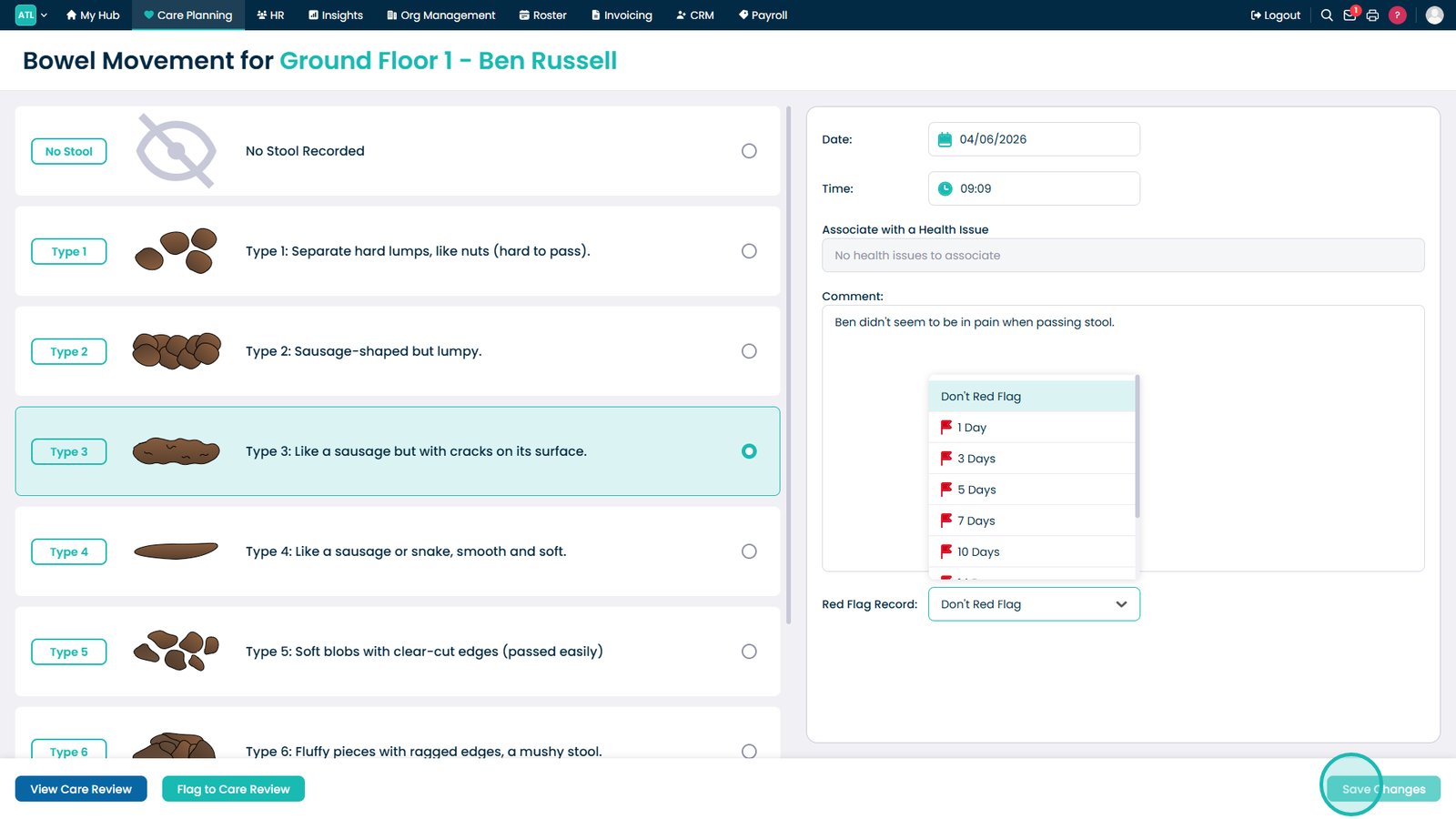
Update the red flag status if required.

Select Save Changes.

Top tip

Bowel movements can be recorded even if no stool is passed, as this in itself can be a signal that something is wrong.

Was this guide helpful?

Need more help?

Can't find what you're looking for? Our support team is here to help.

Contact Support

Or call us on

On this page