🚀 UPCOMING WEBINAR: See Payroll in Care Control Cloud in action on Thursday 18th June and discover how to manage payroll more efficiently from one connected system. Click here to find out more!

View Categories

How to Record a Movement Chart

This guide will walk you through recording resident movements using the Movement Chart within Care Control Cloud.

Takes 2 minutes
For: Care Staff
Updated: 2nd June 2026

Introduction

The Movement Chart helps care staff record resident repositioning and transfers throughout the day. Maintaining accurate movement records supports pressure area care, mobility monitoring, and ensures residents receive appropriate support in line with their care needs.

In this guide you'll learn how to:

  • Select a resident
  • Record movement details
  • Set the correct date and time
  • Capture movement positions
  • Save movement records

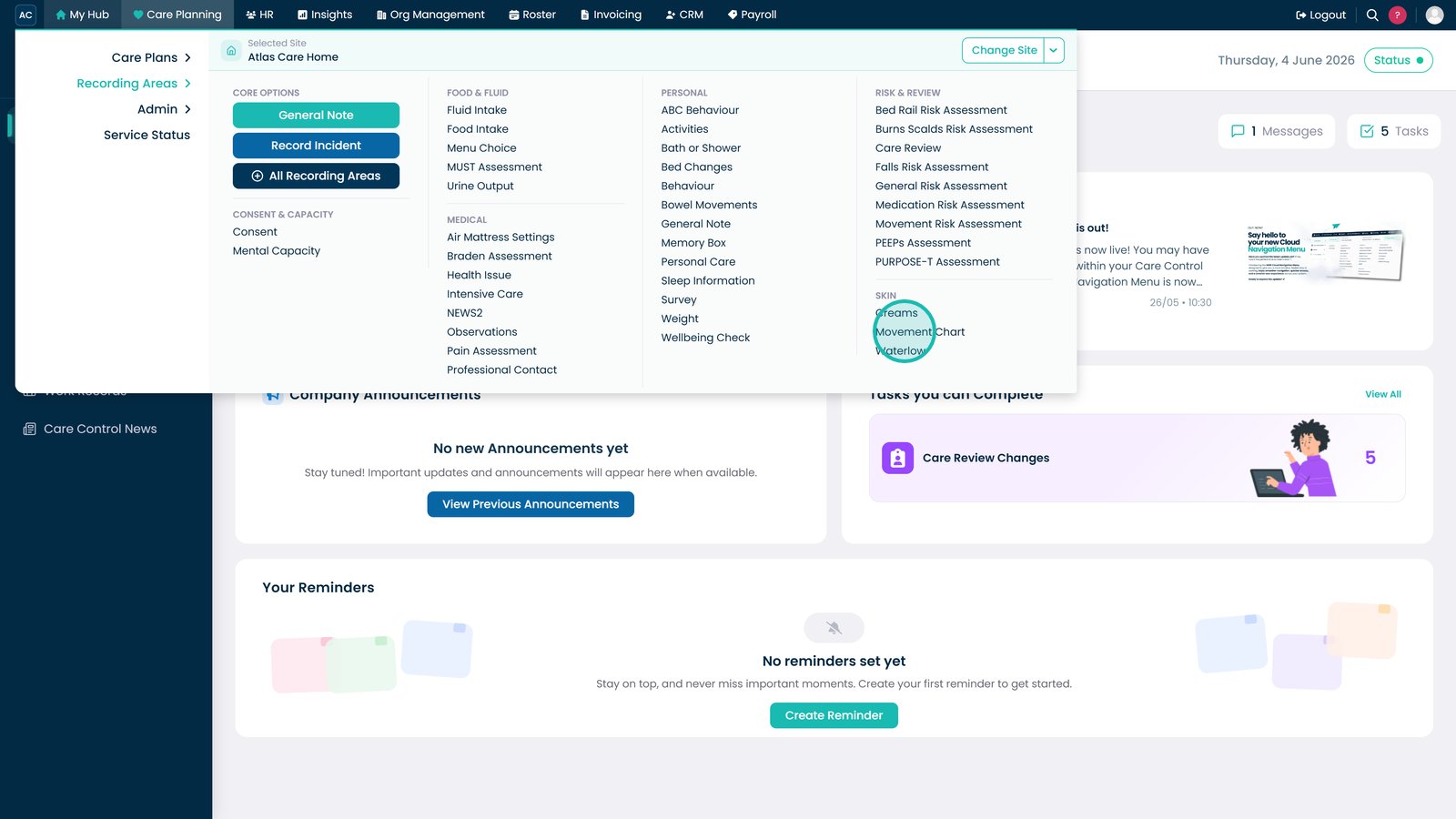
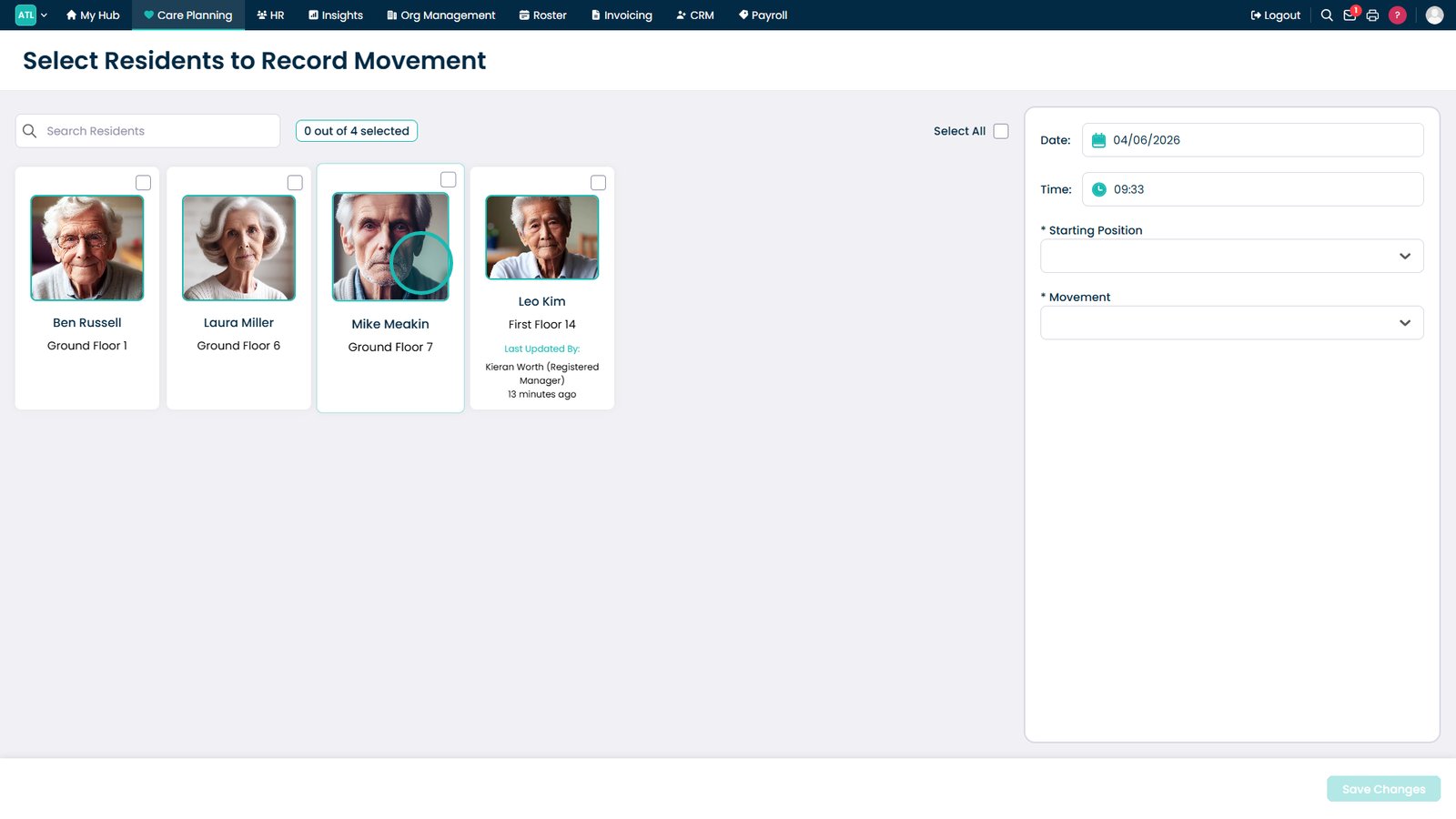
Open the Movement Chart.

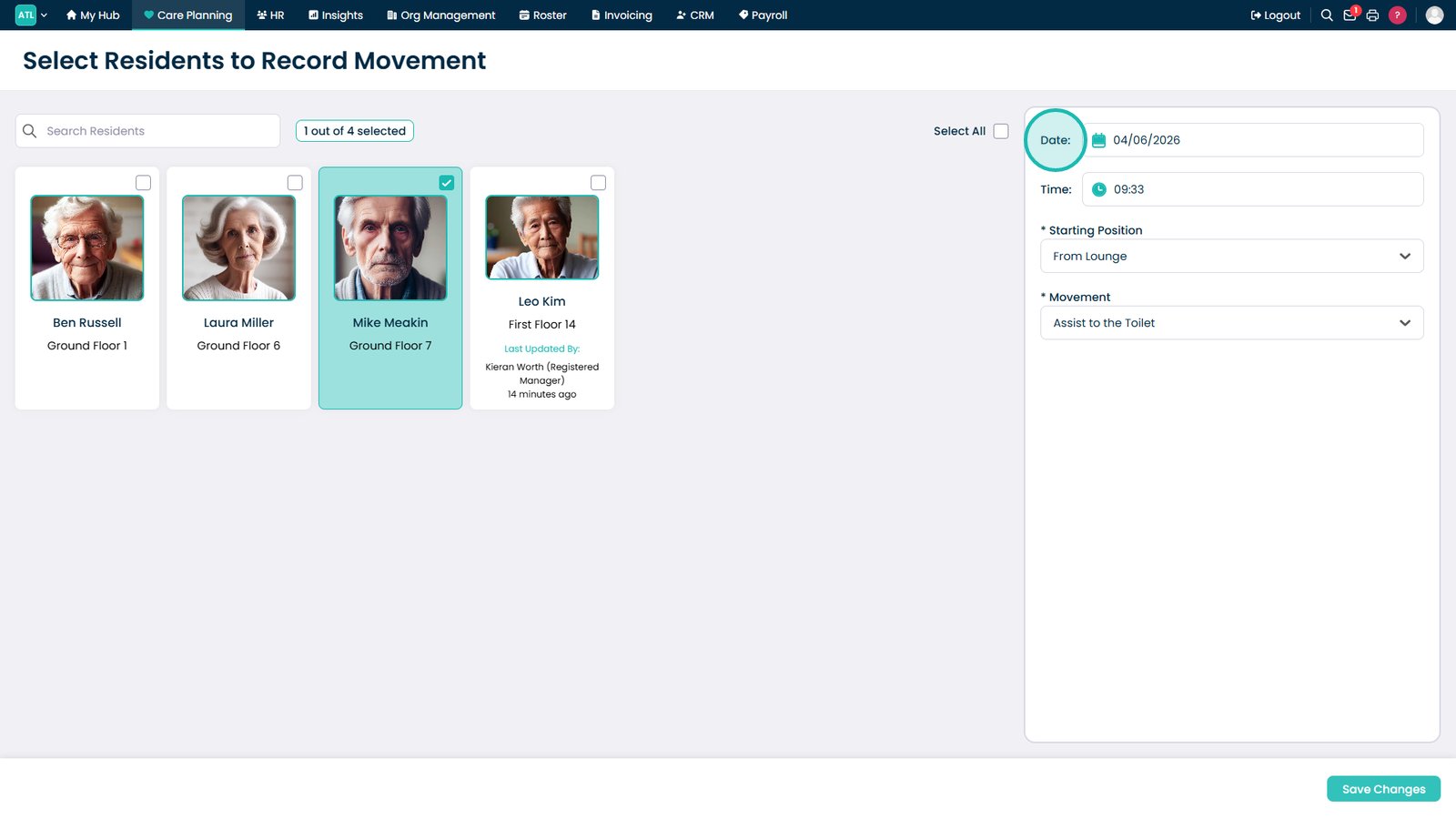
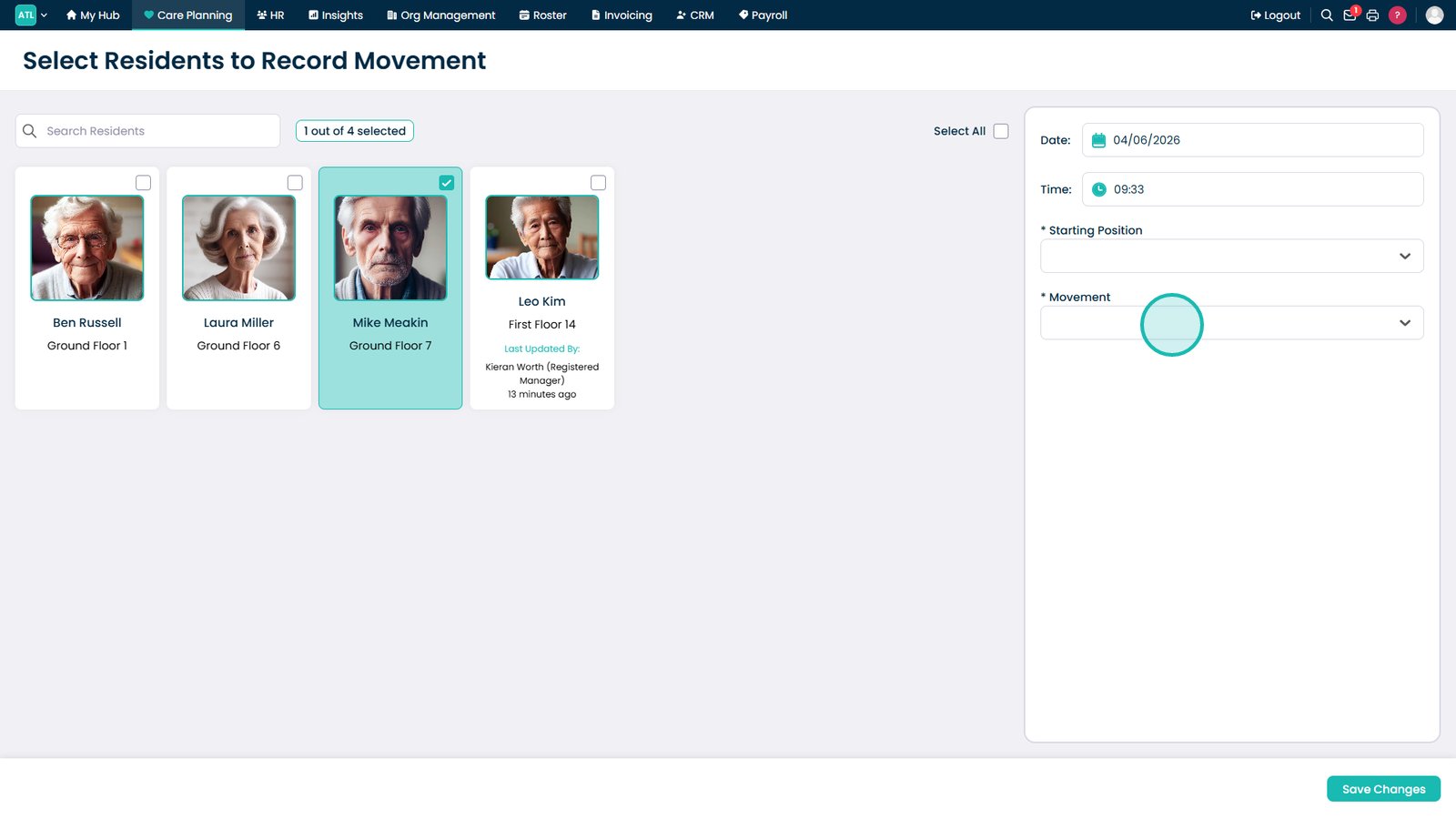
Select the resident.

Set the movement date.

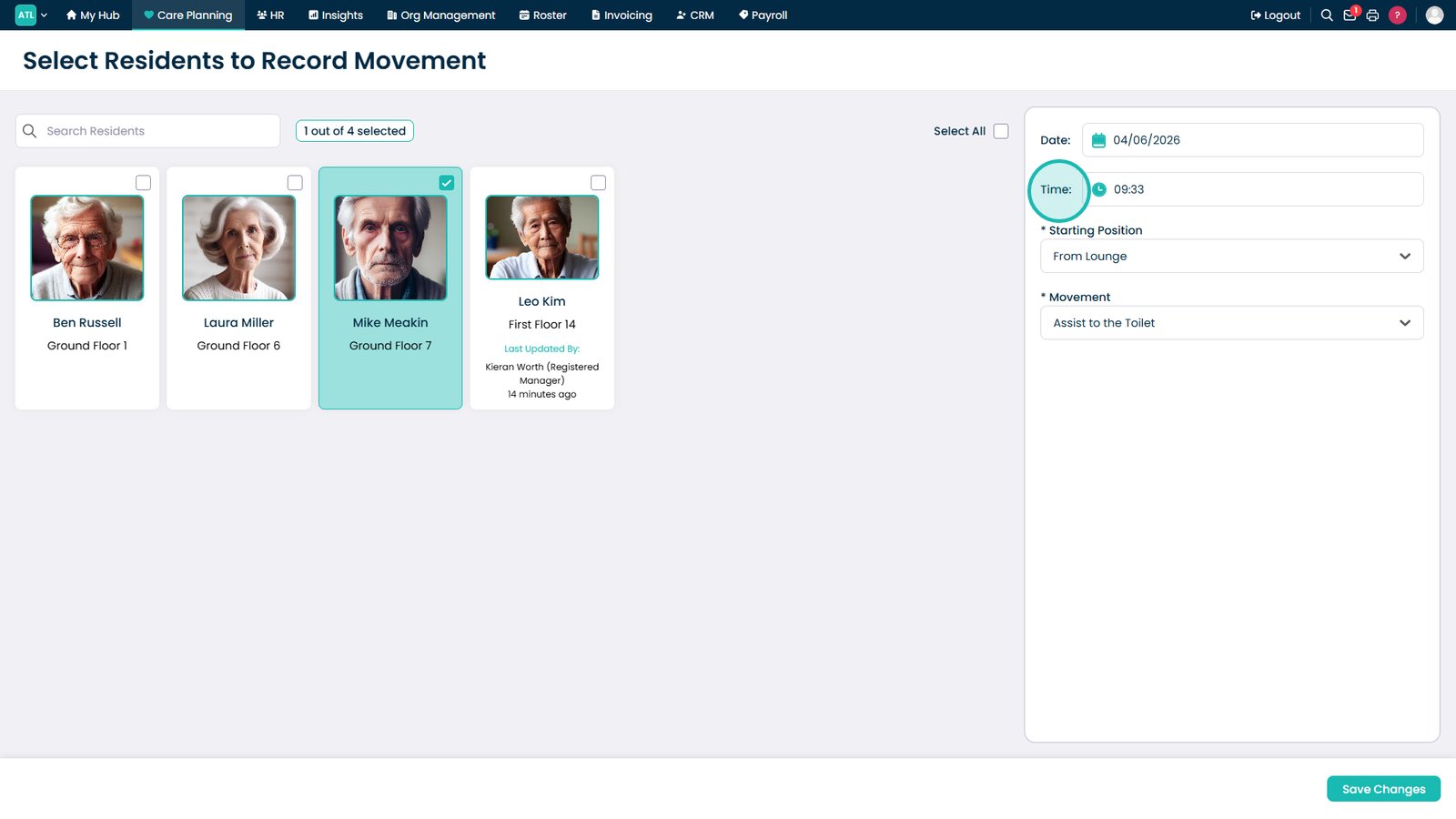
Set the movement time.

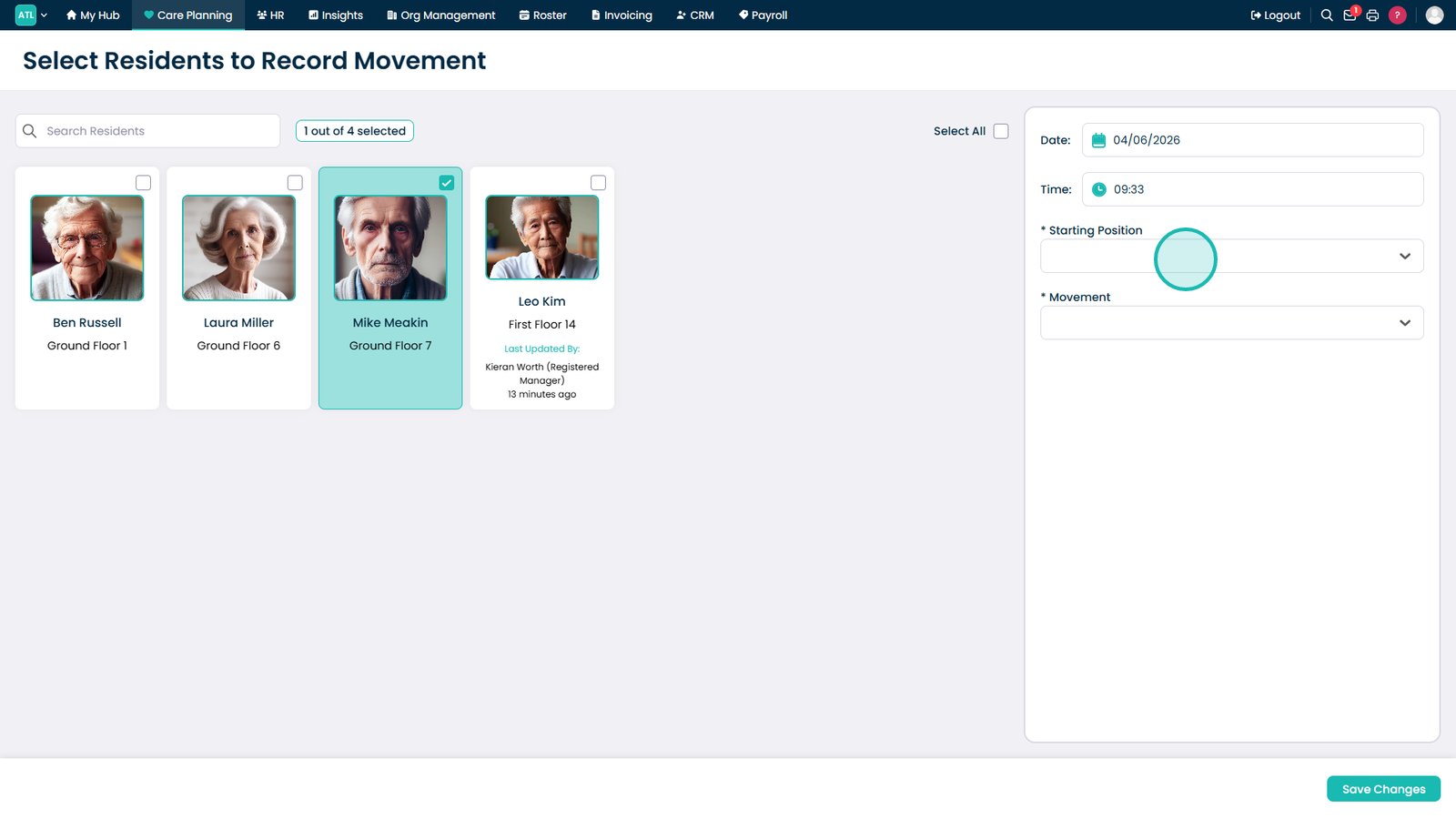
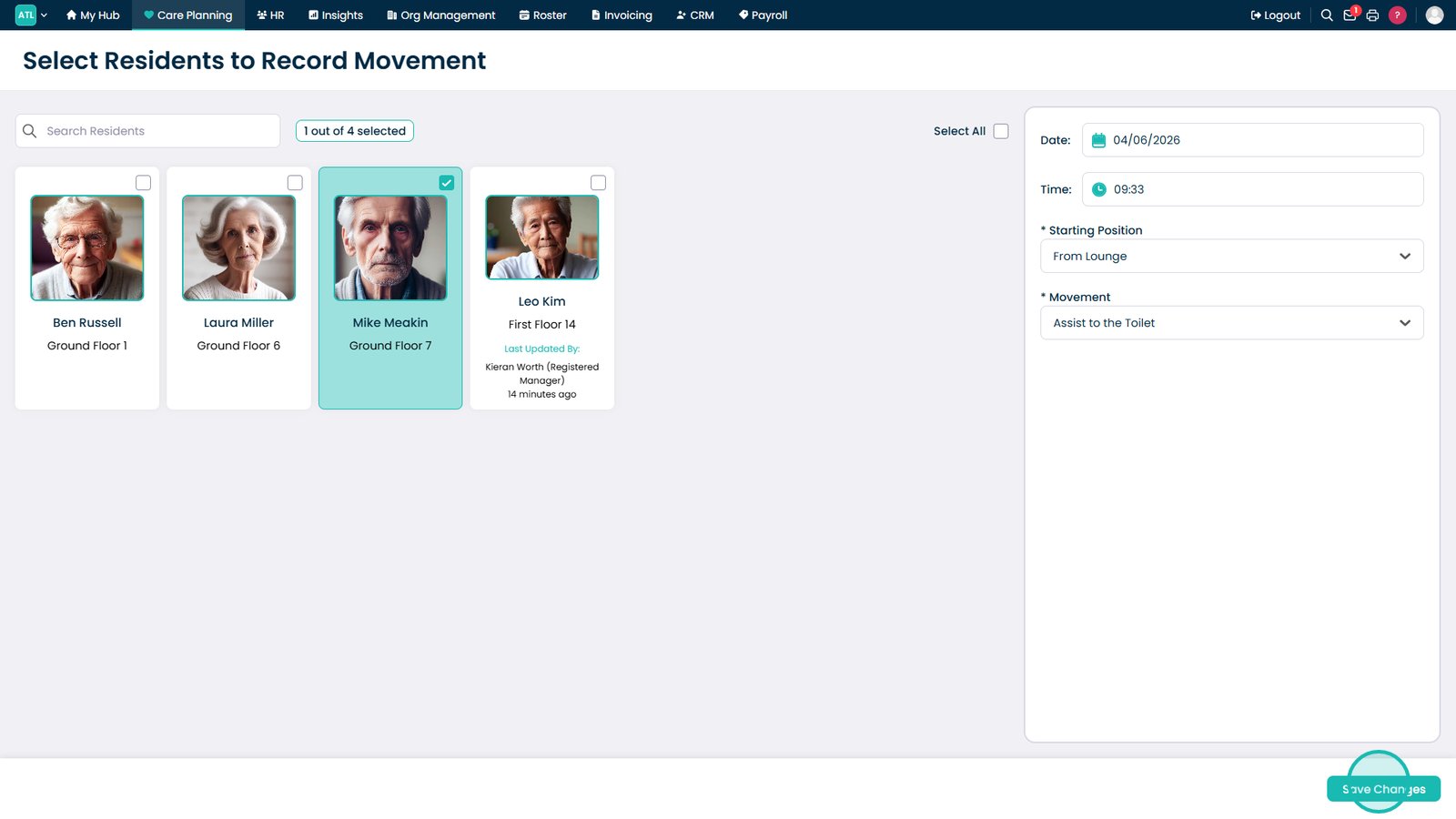
Select the starting position.

Select the new position.

Select Save Changes.

Top tip

Record movements as they happen wherever possible to maintain an accurate record of repositioning and support pressure care monitoring.

Was this guide helpful?

Need more help?

Can't find what you're looking for? Our support team is here to help.

Contact Support

Or call us on

On this page